Mineuniverse
Shaders
Neon Skylines Shader

Neon Skylines Shader

SHADER
ODST VISR Night Vision in Minecraft
by gaddi21
Download Claim this project
64,730 downloads
0 likes
0 followers
Updated Oct 14, 2026
0 hypes
Follow0
Vanilla
Advertisement Remove ads with Premium →

Neon Skylines 2.3

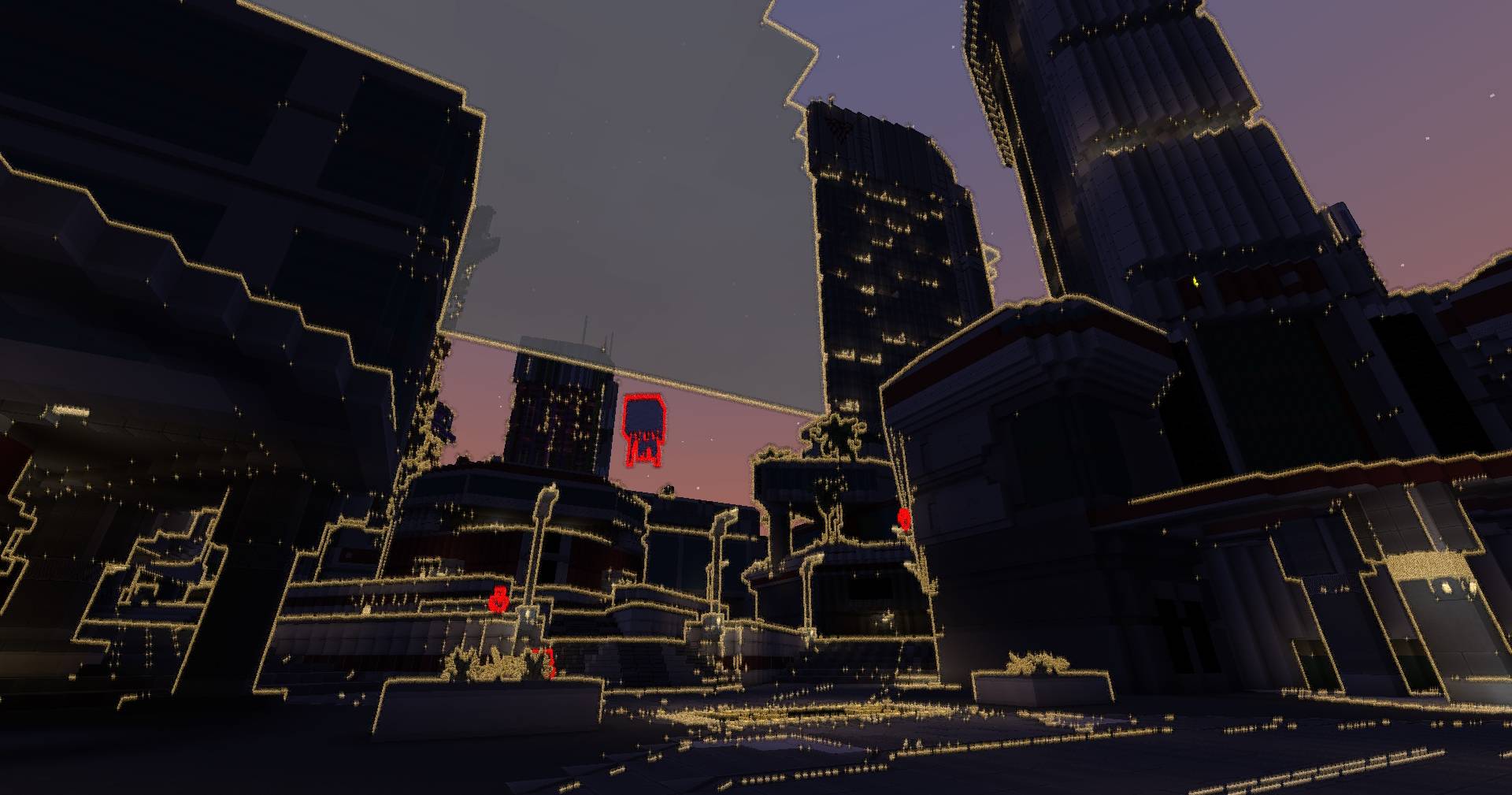
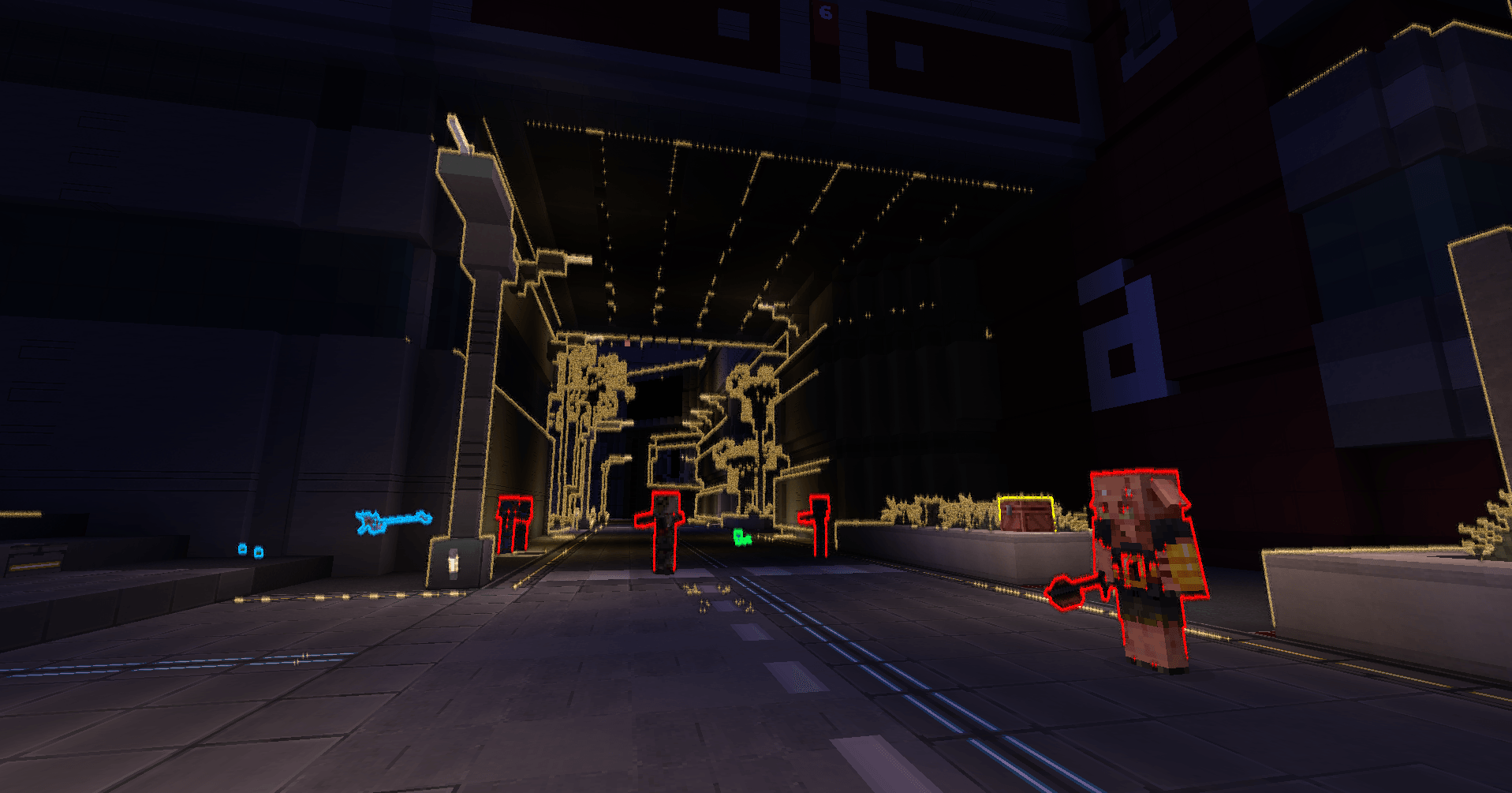
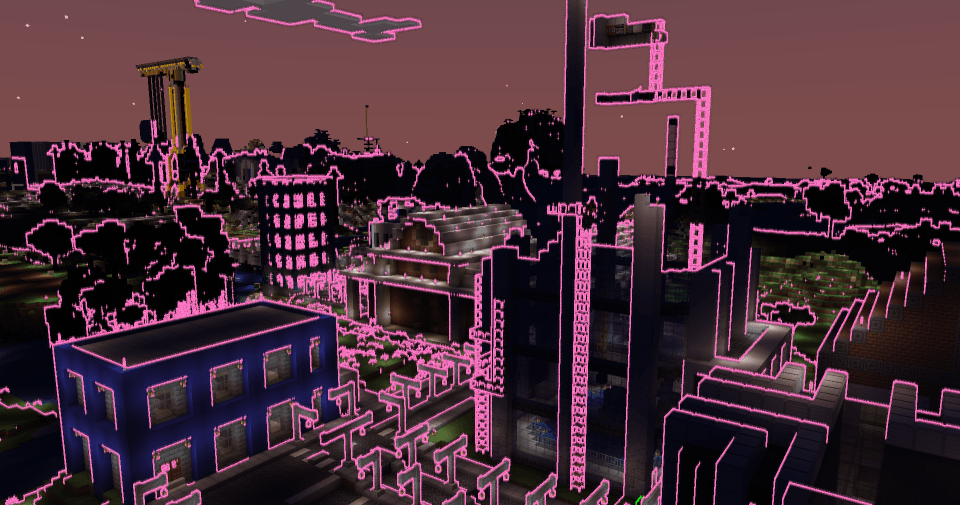
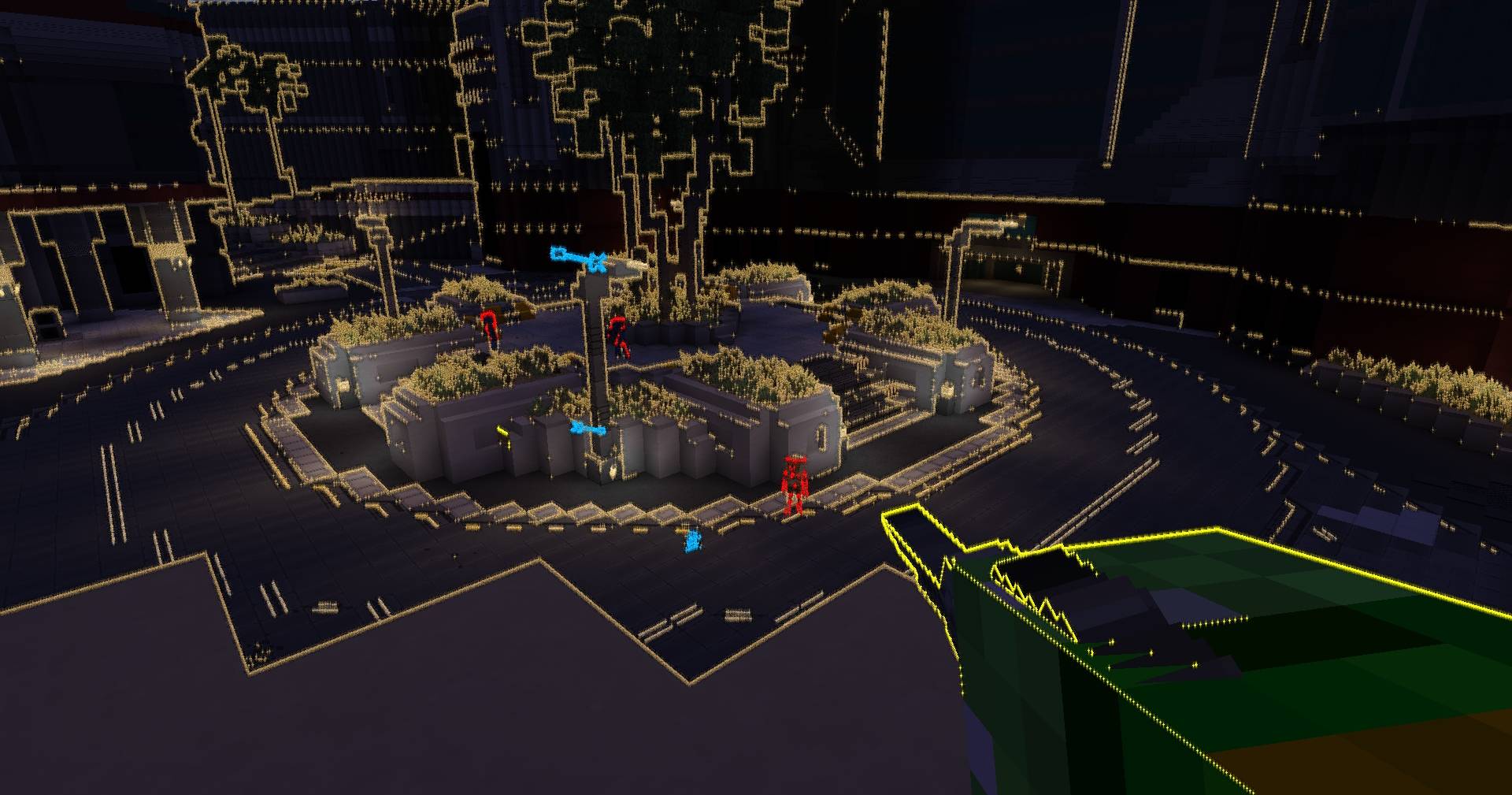
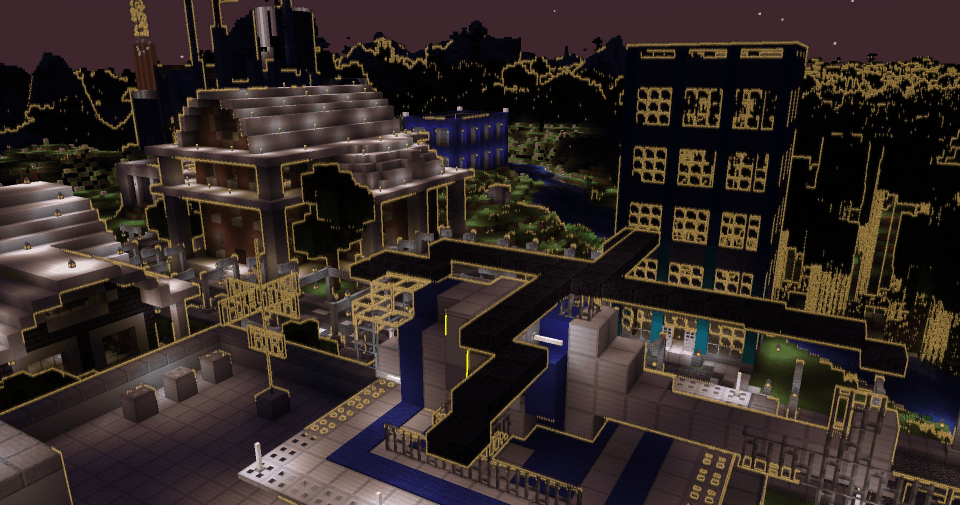
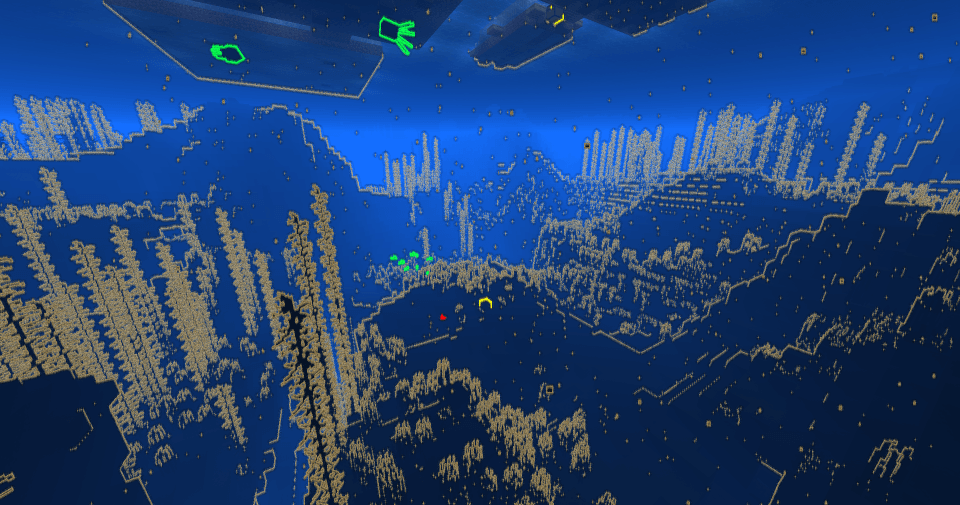
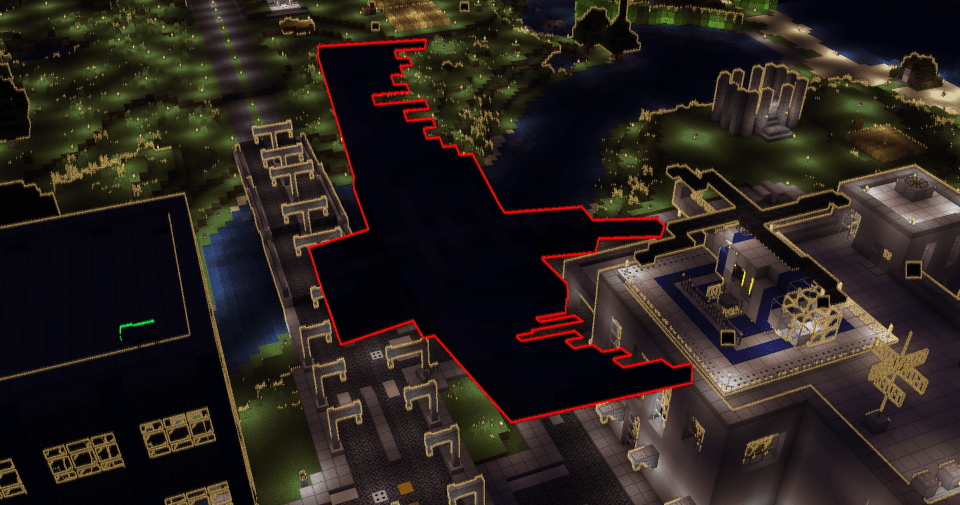
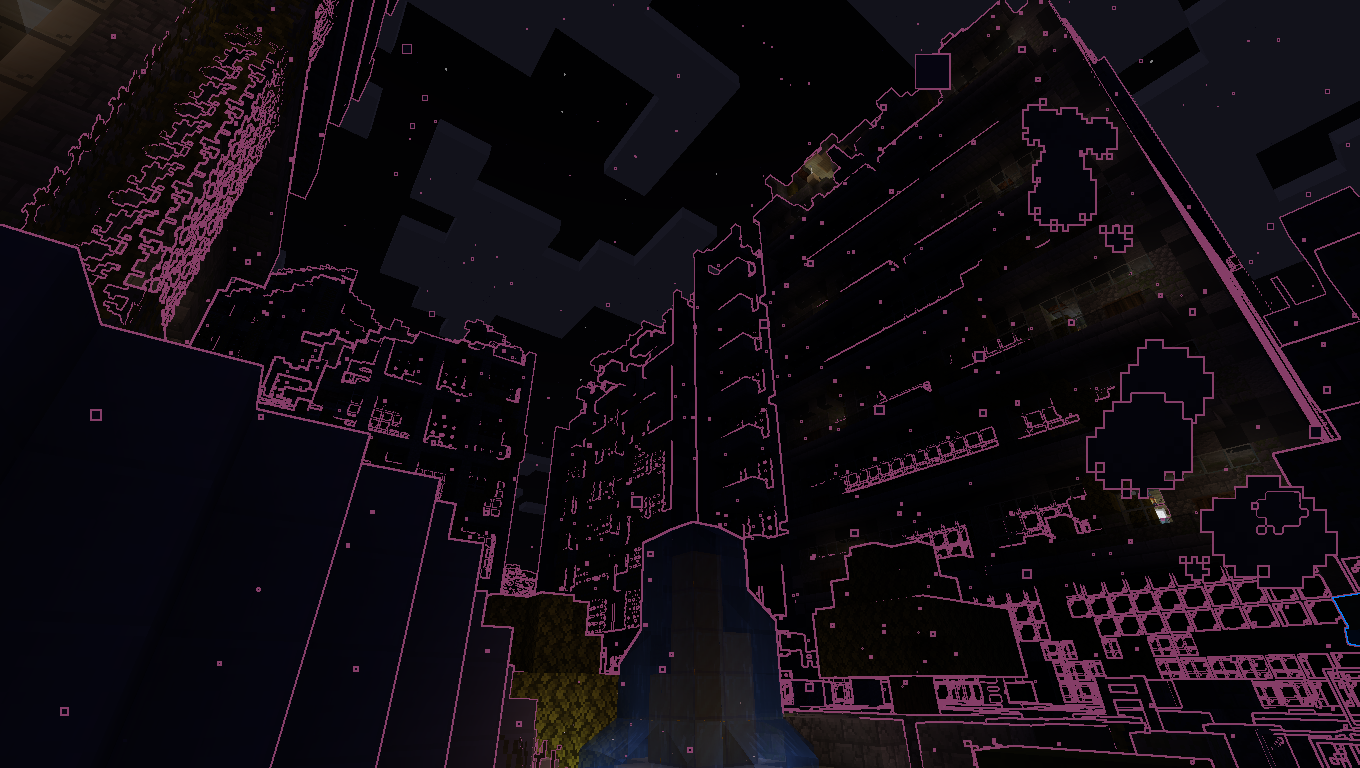
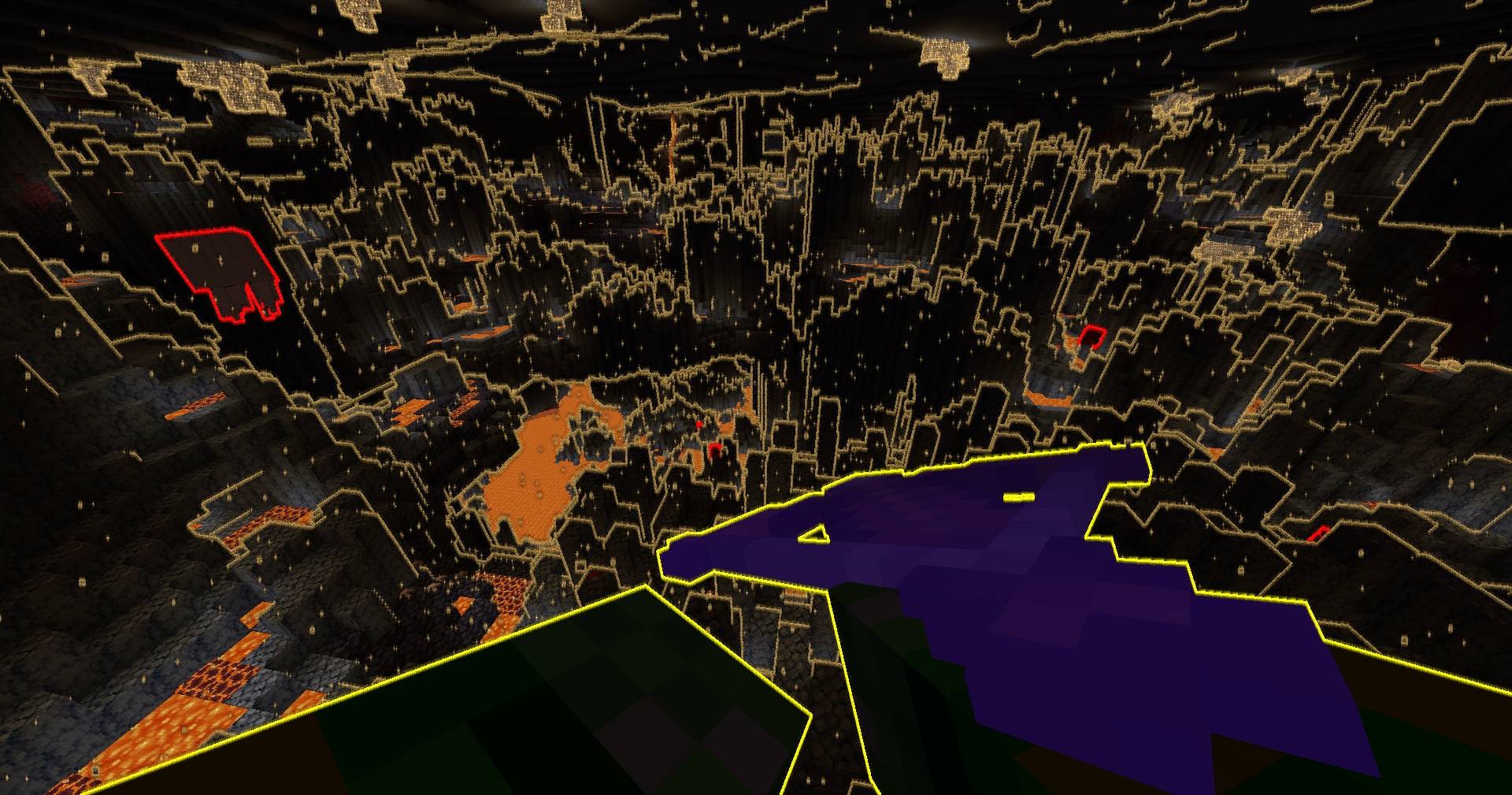
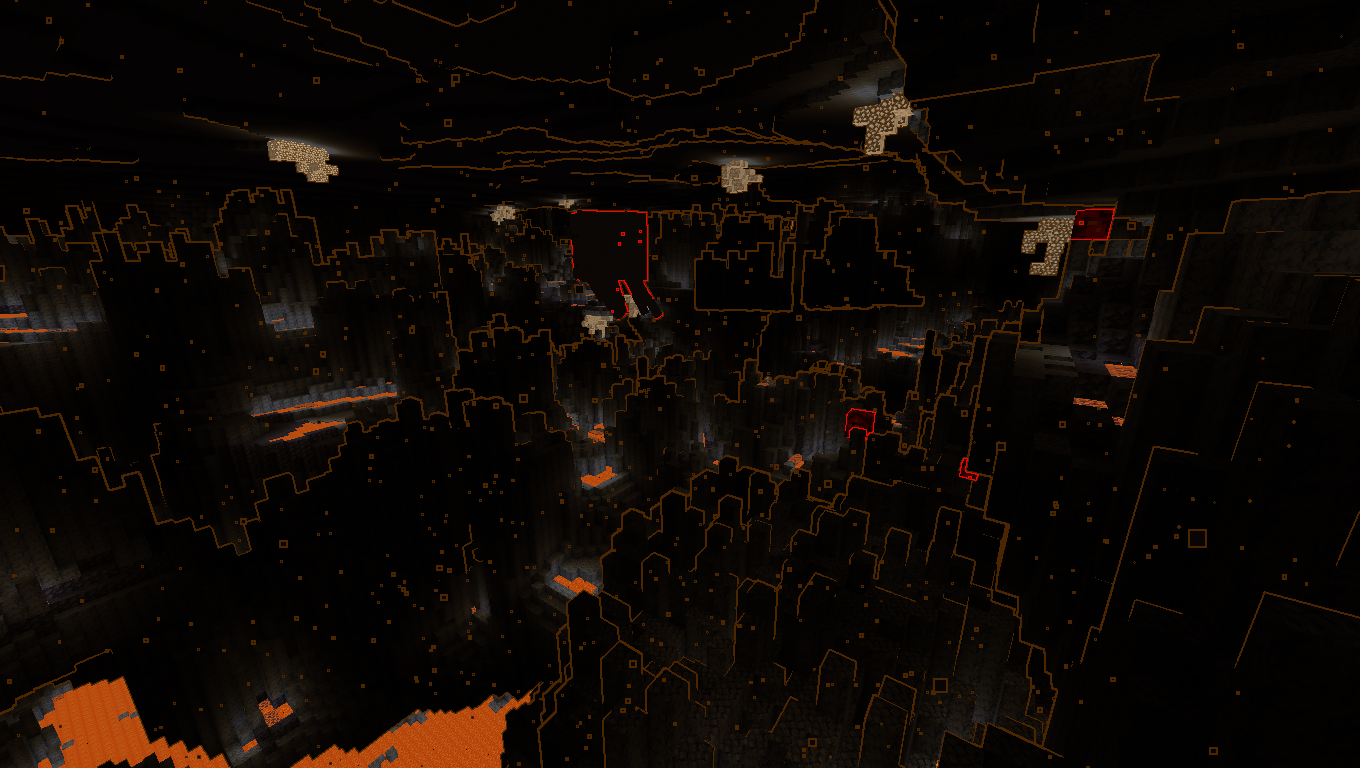
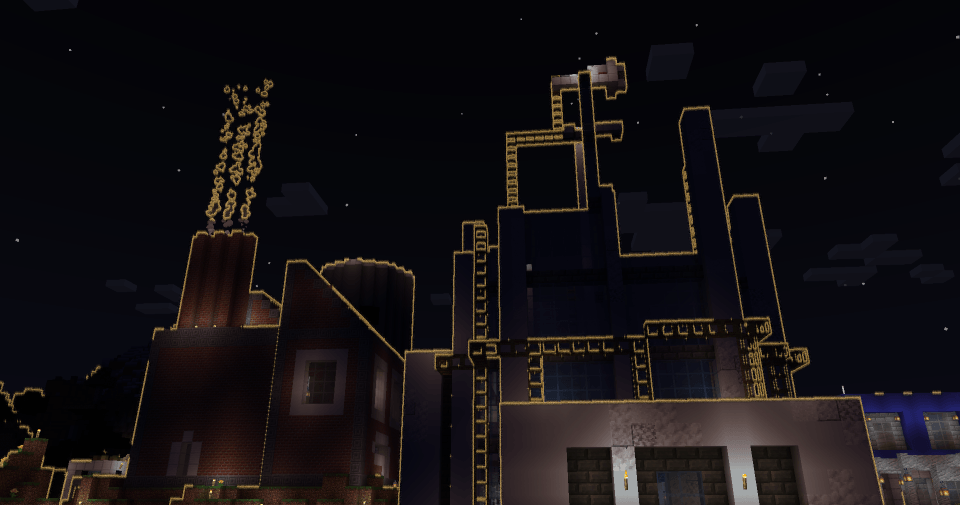
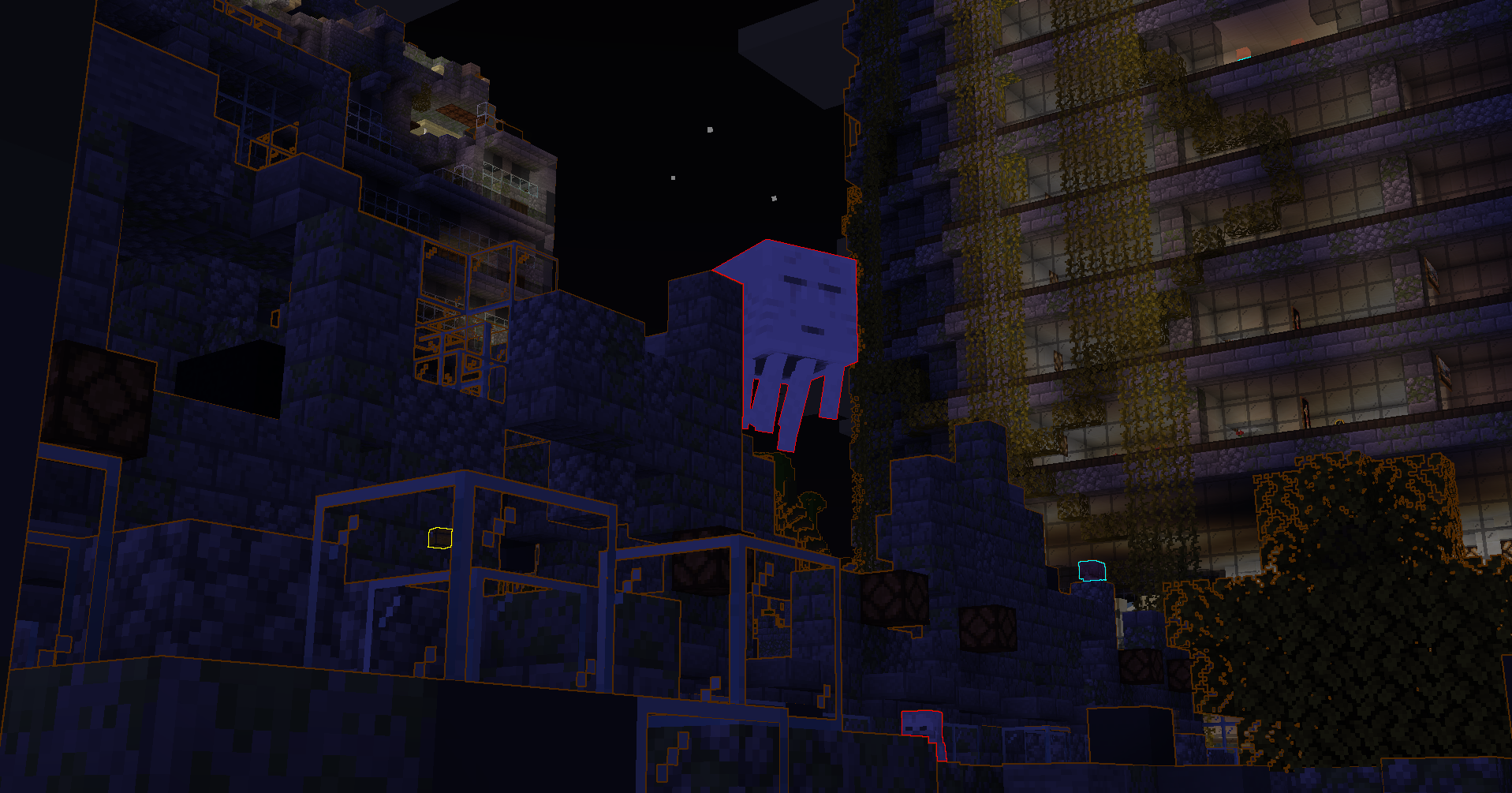
This shader is inspired by the night vision effects from the game HALO ODST, using edge detection to outline the terrain and entities. Now you too can feel like you've just dropped from orbit into a blocky, unfamiliar world. The sensitivity of the edge detector and the outline colors are fully customizable. Try it with low brightness settings!

Entity specific outlines available on 1.20 and above for iris/oculus.

Key Features

  • Vanilla-like foundation
    • Edges drawn over a similar scene to normal minecraft
  • Custom outline colors for different categories
    • Terrain
    • Enemies
    • Friendlies
    • Players
    • Pickups
    • Misc Entities
  • Edge detector settings
    • Light
    • Choose between drawing outlines in the dark, in the light, or both
    • Color difference
    • Depth
    • Normals
  • Two pre-set themes to build off of
    • ODST
    • NEON
  • Supports Distant Horizons.

Performance Reference

With all shader features on, this increased my laptop's 4070 GPU usage from 43% to 56% (+13%).

  • 140 FPS v-sync
  • 12 chunk render distance in single player
  • Iris + sodium

TODO

  • depth fall off setting so edges fade out the further they are
    • seperate per detection type (color, depth, norm)?
    • reverse fall off toggle
  • Better weather edge handling
  • Entity and DH sensitivity multipliers for light and normals
NeonSkylines.2.3
MC 1.17.1, 1.21, 1.18.1, 1.19.3, 1.20.2, 1.19.4, 1.17, 1.20.5, 1.18, 1.20.1, 1.20, 1.20.6, 1.21.1, 1.19.1, 1.20.4, 1.18.2, 1.19.2, 1.20.3, Iris, 1.19, 1.21.10, 1.21.11, 26.1
Release 2026-04-30 Get
NeonSkylines 2.2
MC 1.17.1, 1.19.3, 1.20.2, 1.21, 1.18.1, 1.20.5, 1.17, 1.19.4, 1.18.2, 1.19.2, 1.20.3, 1.20.1, 1.20, 1.20.6, 1.19.1, 1.20.4, 1.21.1, 1.18, Iris, 1.19
Release 2024-10-08 Get
NeonSkylines 2.1
MC 1.21, 1.21.1, Iris
Release 2024-10-07 Get
NeonSkylines 2.0
MC 1.21, 1.21.1, Iris
Release 2024-10-02 Get
Neon Skylines 1.0
MC 1.21, 1.21.1, Iris
Release 2024-08-27 Get
Neon Skylines 1.1
MC 1.21, 1.21.1, Iris
Release 2024-08-27 Get
NeonSylines.0.1.zip
MC 1.21, 1.21.1, Iris
Beta 2024-08-22 Get
NeonSkylines0.2.zip
MC 1.21, 1.21.1, Iris
Beta 2024-08-22 Get

Requirements & install

How to use this shader in Minecraft
Shader loader
Iris
Minecraft
1.20.4 – 26.1
Install folder
.minecraft/shaderpacks

Install with Iris

  1. Install Iris with the Iris installer (irisshaders.dev); it sets up Fabric and Sodium for you.
  2. Download the shader pack .zip (do not extract it).
  3. Put the .zip into .minecraft/shaderpacks.
  4. In game open Options → Video Settings → Shader Packs, select the pack and click Apply.
Browse more: Iris shaders OptiFine shaders Shaders for 26.1 All shaders

More from gaddi21

Advertisement Remove ads with Premium →

You Might Also Like