Badges update automatically and link to the shader page on MineUniverse.

A balanced visual experience blending Vanilla simplicity with a magical fantasy theme.
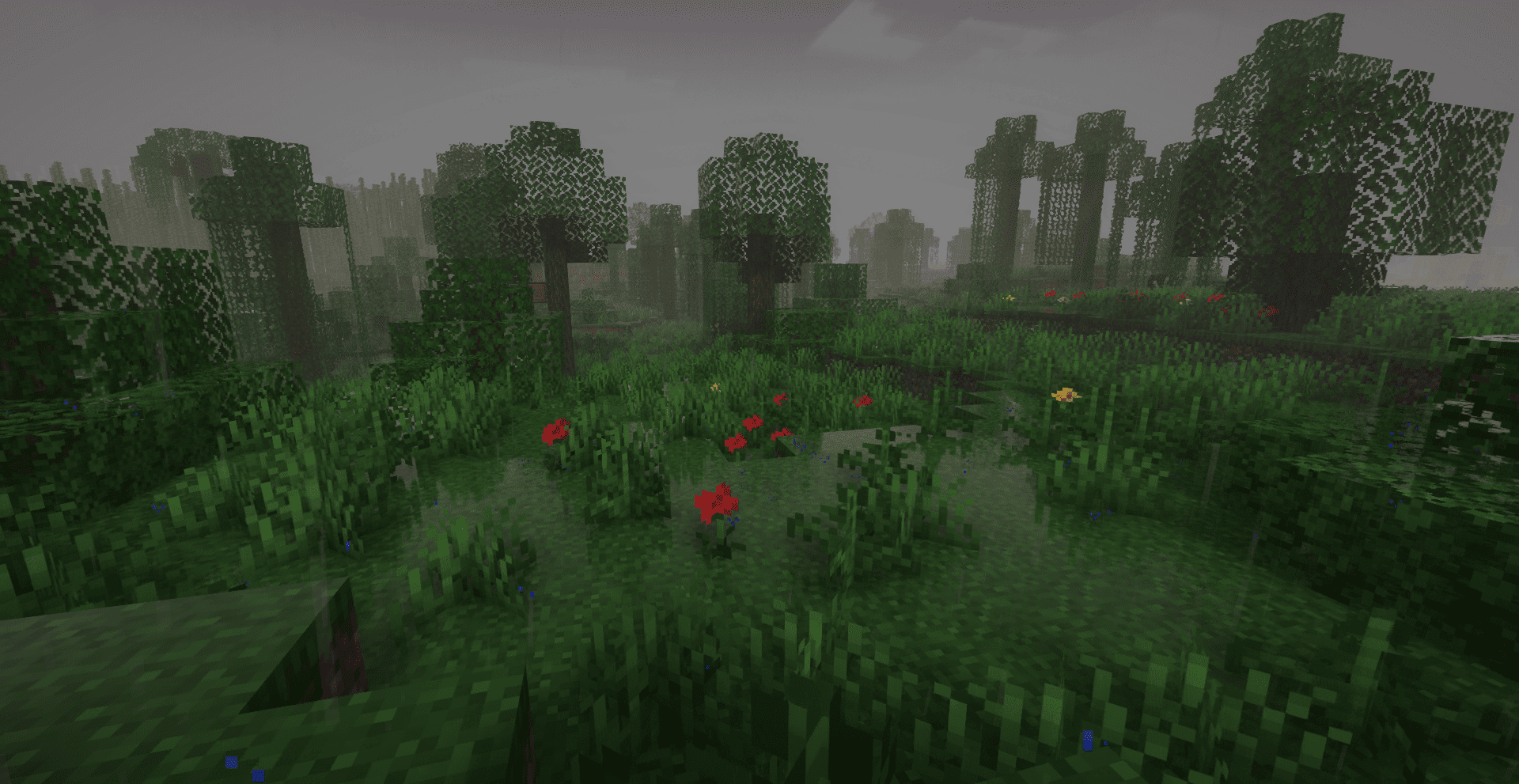
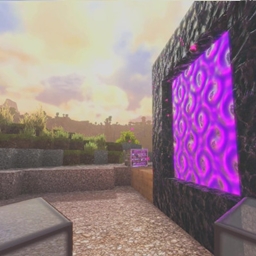
Luna Shader focuses on delivering a well-balanced visual environment that seamlessly mixes realism with imagination. The shader's identity is built on creating a charming "fantasy" atmosphere through a precise reflection system during rainfall, vibrant God Rays, and transforming the night into a stunning cosmic canvas where celestial bodies and planets stand out artistically.

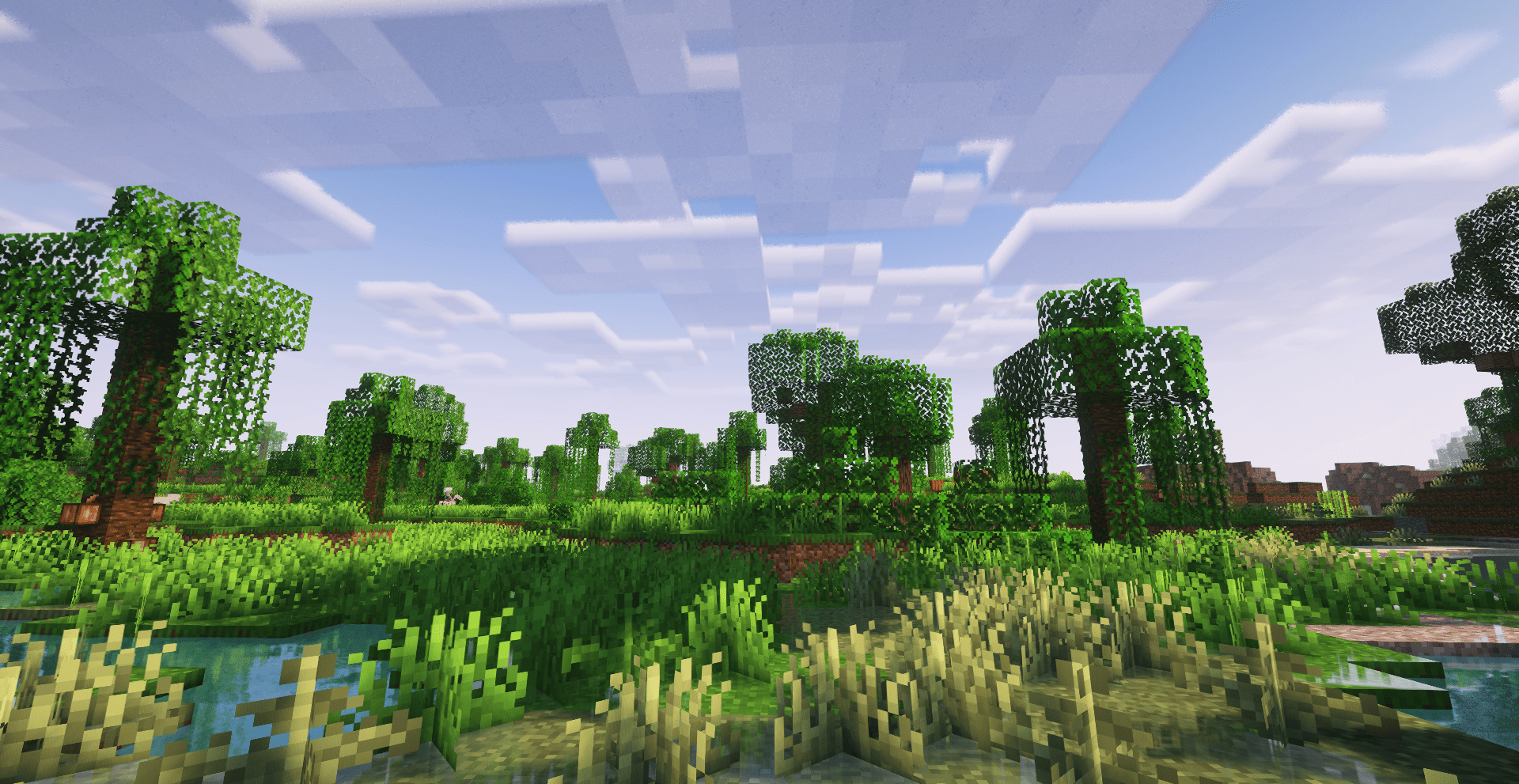
God Rays: A visual effect that adds flowing light shafts through trees and open spaces.
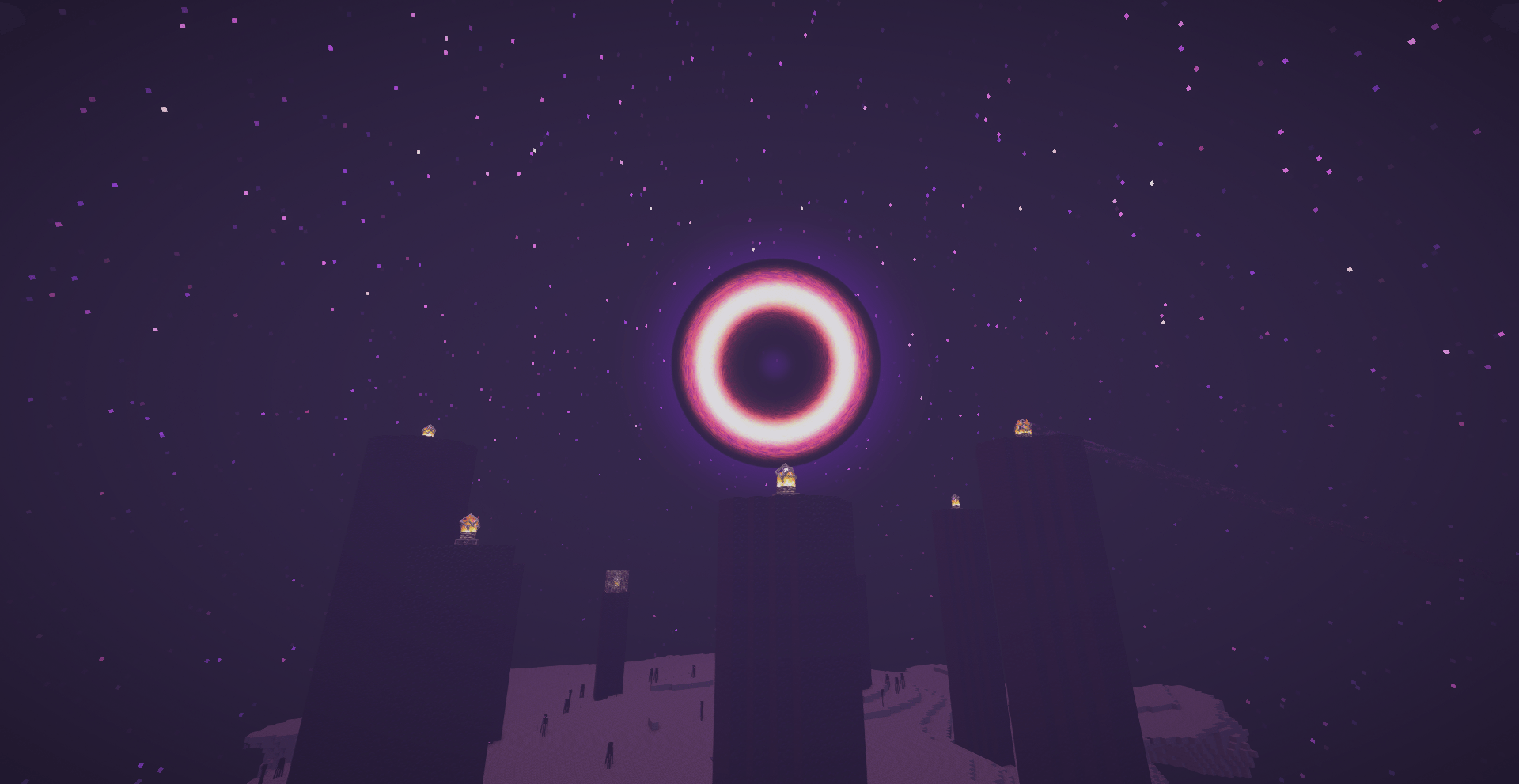
The End Dimension: A dedicated space theme featuring a animated Black Hole at the center as a core visual element.
Night Sky: Added static celestial bodies and planets in the skybox to enhance the nocturnal aesthetic.
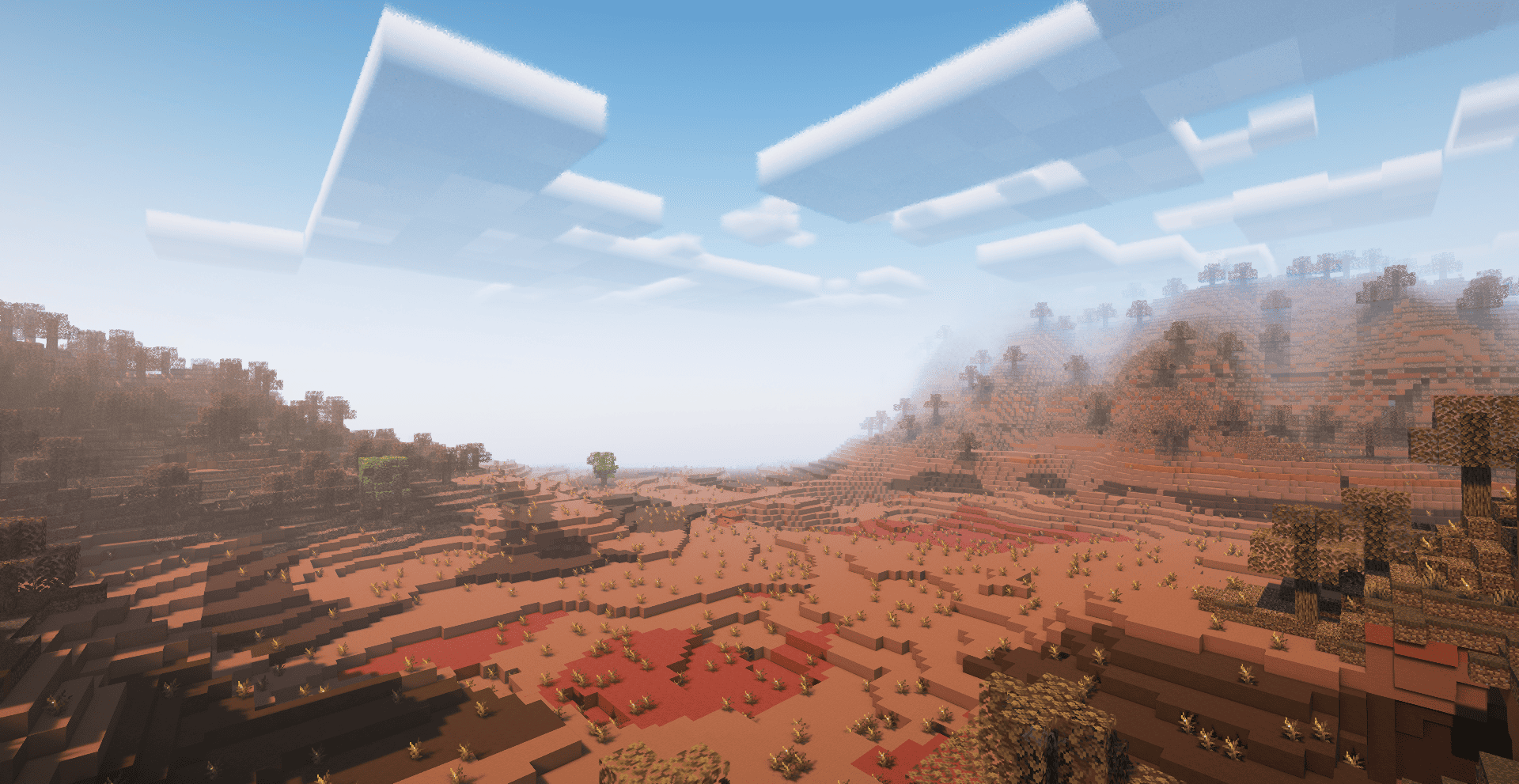
Clouds: Enhanced "Vanilla" style clouds designed to match the game's original feel.
Weather Effects: A wetness system that appears on surfaces along with water reflections during rain.
Lighting Balance: Adjusted light and shadow levels to ensure visual clarity across all times and conditions
This pack is a modified version based on the work of Complementary
Development (EminGT). All original engine code, lighting systems, and
visual frameworks belong to them. Huge thanks for releasing their work
under a license that allows community modifications.
Original Creator: EminGT
Based on: Complementary Shaders
Modified by: Haider_x
License: Complementary License Agreement 1.6