Mineuniverse
Shaders
Lumora

Lumora

SHADER
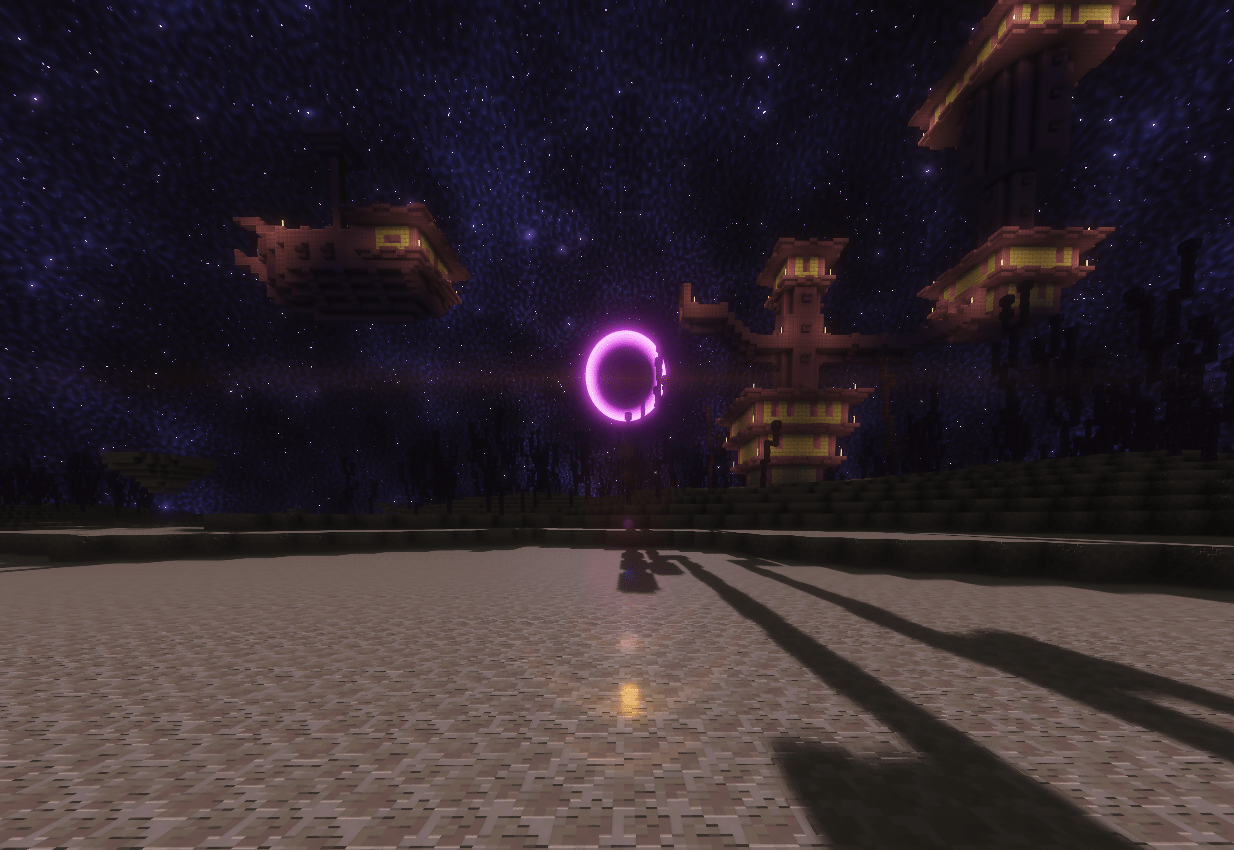
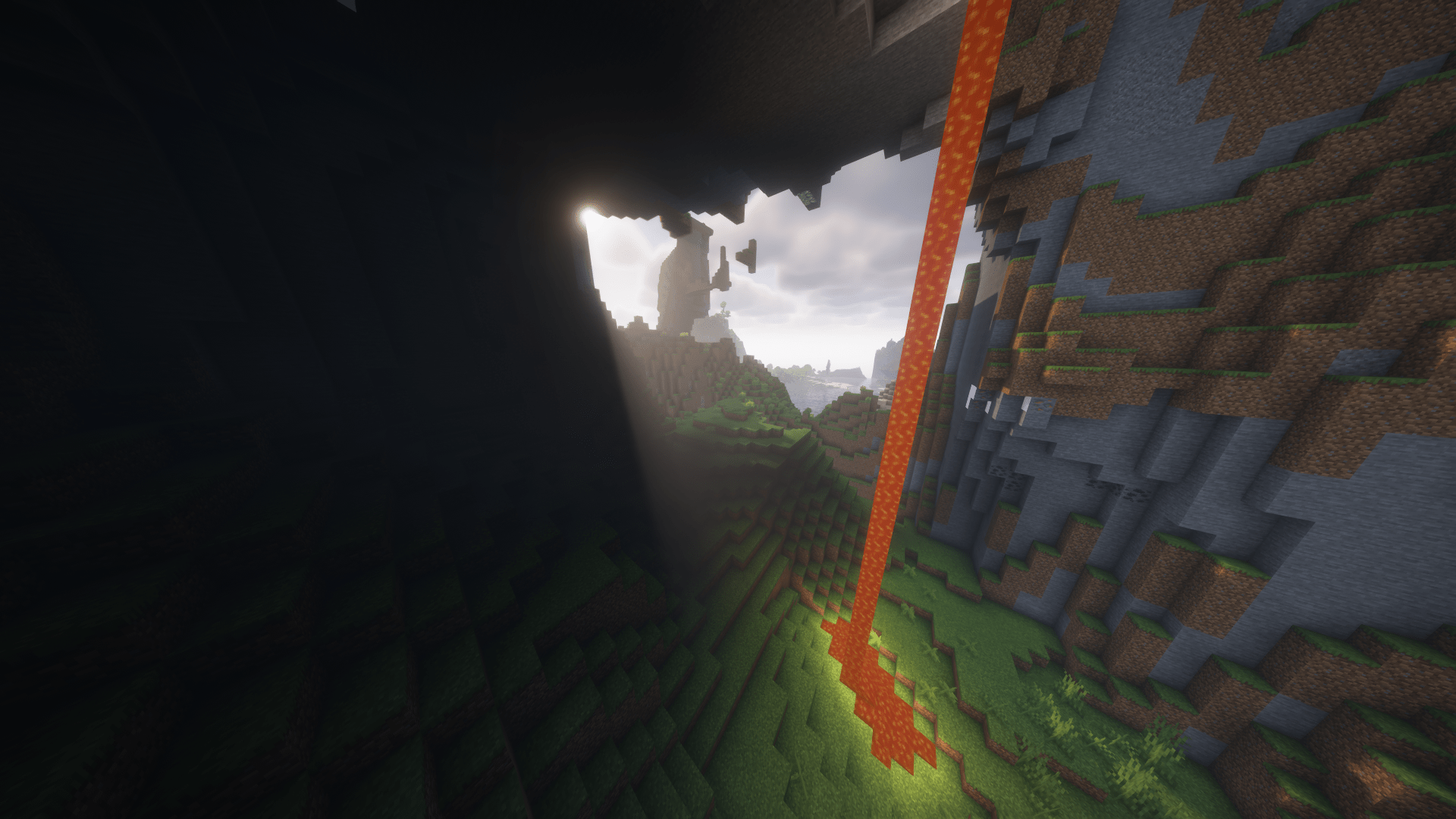
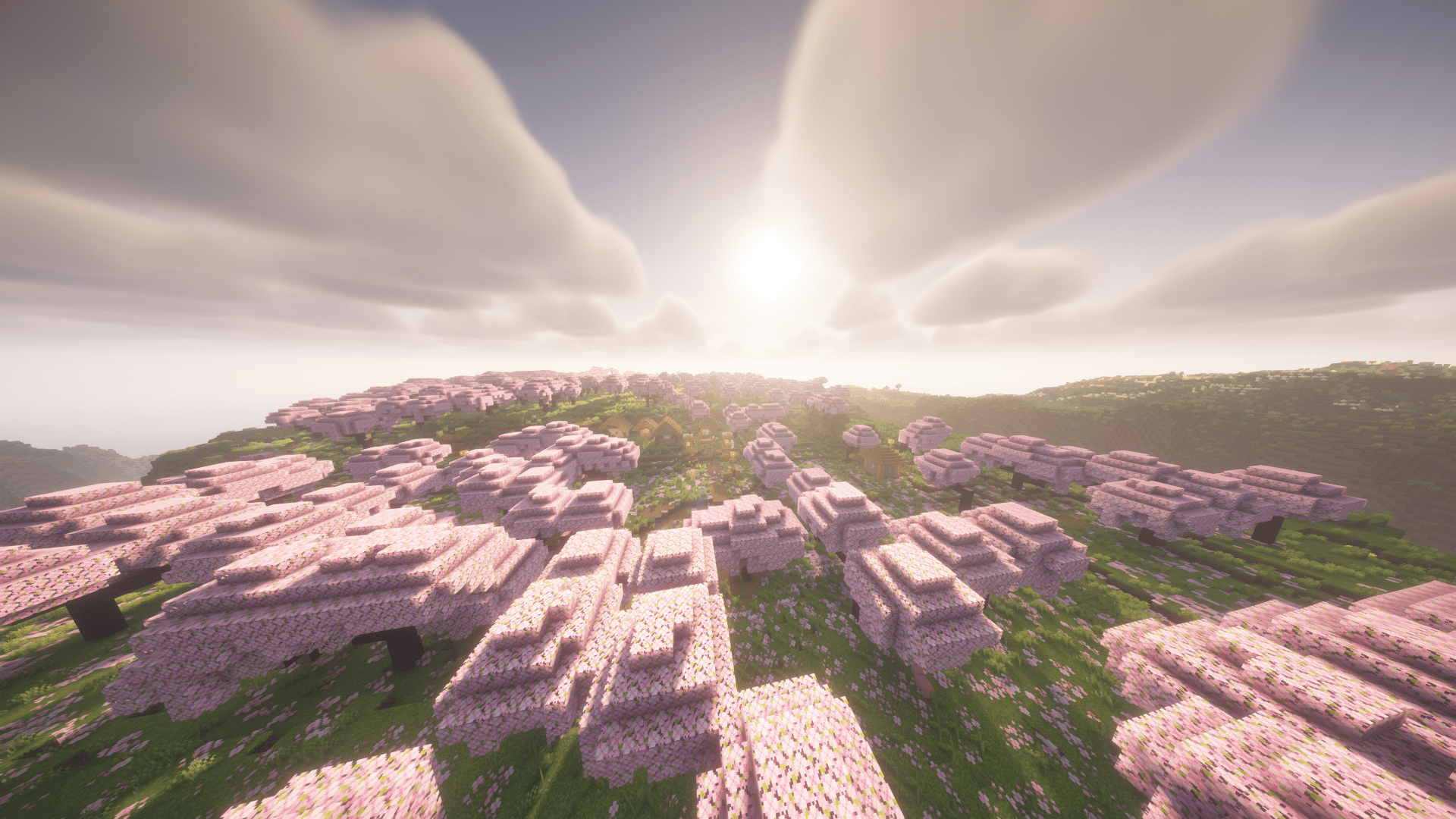
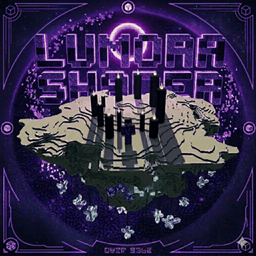
Lumora is a cinematic shader that improves Minecraft with realistic lighting, better clouds, glowing portals, reflective blocks, and a custom End sky.
by Xkjs0X
Download Claim this project
40,362 downloads
0 likes
0 followers
Updated Oct 14, 2026
0 hypes
Follow0
Fantasy Realistic
Advertisement Remove ads with Premium →

Lumora is a cinematic Minecraft shader pack made to improve the game’s atmosphere while keeping the classic Minecraft feeling. It adds realistic lighting, improved clouds, reflective surfaces, glowing portals, detailed block effects, and a custom End sky for a more immersive experience.

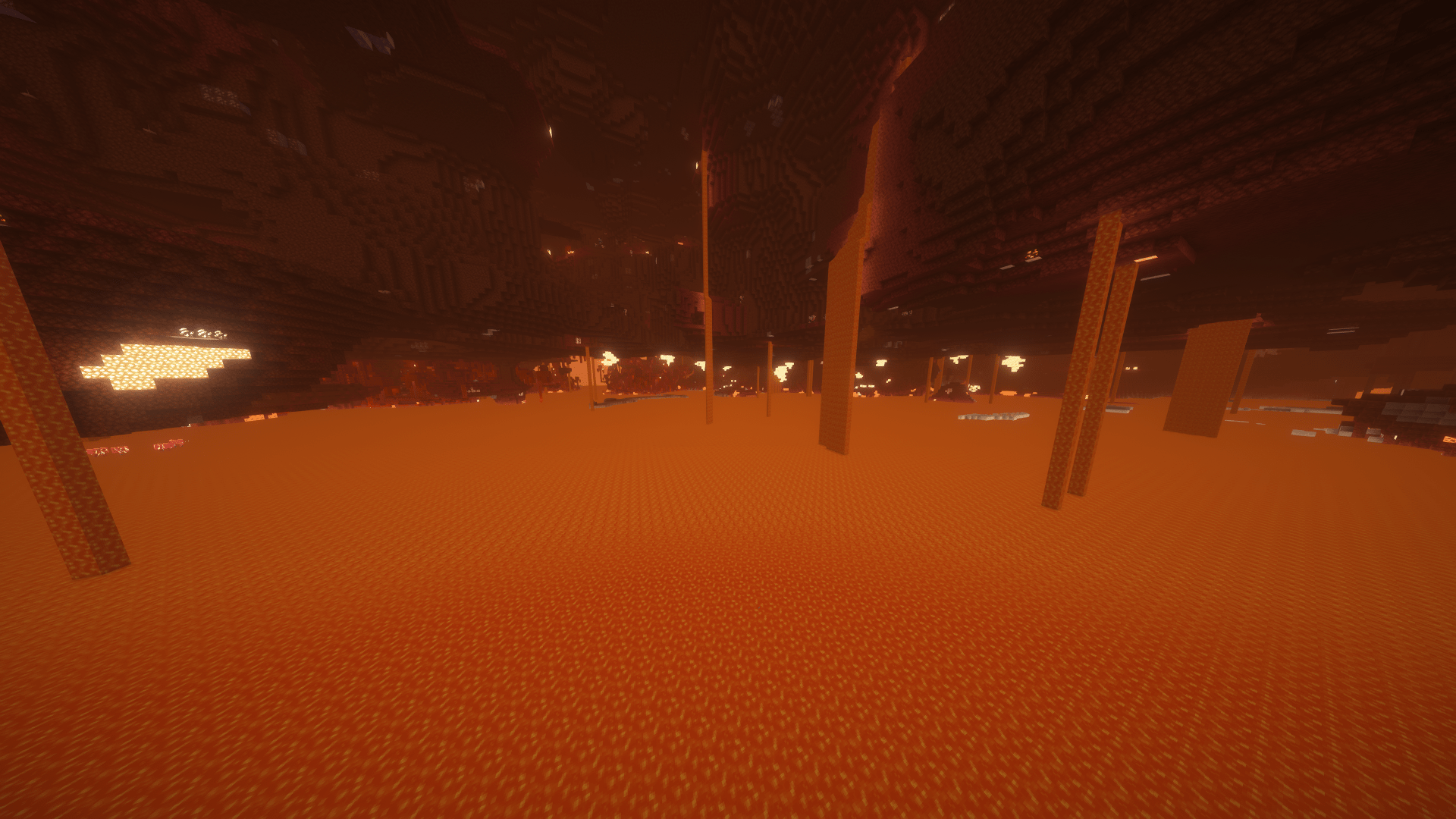
The shader focuses on making worlds feel more alive with smoother visuals, better brightness balance, enhanced water, cleaner skies, and stronger dimension atmosphere. The Nether feels warmer and more intense, while the End has a unique space-like style with a darker and more cinematic look.

Lumora is designed for players who want Minecraft to look more beautiful, modern, and atmospheric without completely changing the original style of the game.

Modrinth

Lumora_V1
MC 1.21.2-Snapshot, 1.21, 1.21.6-snapshot, 1.20.2-Snapshot, 1.20.5-Snapshot, 1.21.1-Snapshot, 1.20.2, 1.21.8, 1.20.5, 1.21.5, 1.21.4, 1.21.5-Snapshot, 1.20.1, 1.20, OptiFine, 1.20.6
Release 2026-05-01 Get

Requirements & install

How to use this shader in Minecraft
Shader loader
OptiFine
Minecraft
1.21 – 1.21.8
Install folder
.minecraft/shaderpacks

Install with OptiFine

  1. Install OptiFine for your Minecraft version (optifine.net) and start it once.
  2. Download the shader pack .zip (do not extract it).
  3. Put the .zip into .minecraft/shaderpacks.
  4. In game open Options → Video Settings → Shaders and select the pack.
Browse more: Iris shaders OptiFine shaders Shaders for 1.21.8 All shaders

More from Xkjs0X

Advertisement Remove ads with Premium →

You Might Also Like