Mineuniverse
Shaders
EchoShift

EchoShift

SHADER
EchoShift is a cinematic Minecraft Java shader that makes the world feel more alive with realistic lighting, clearer skies, softer shadows, moving foliage, reflective ores, improved water, and a custom star-filled End atmosphere.
by Xkjs0X
Download Claim this project
2,870 downloads
0 likes
Updated Oct 14, 2026
0 hypes
Fantasy Realistic
Advertisement Remove ads with Premium →

modrinth

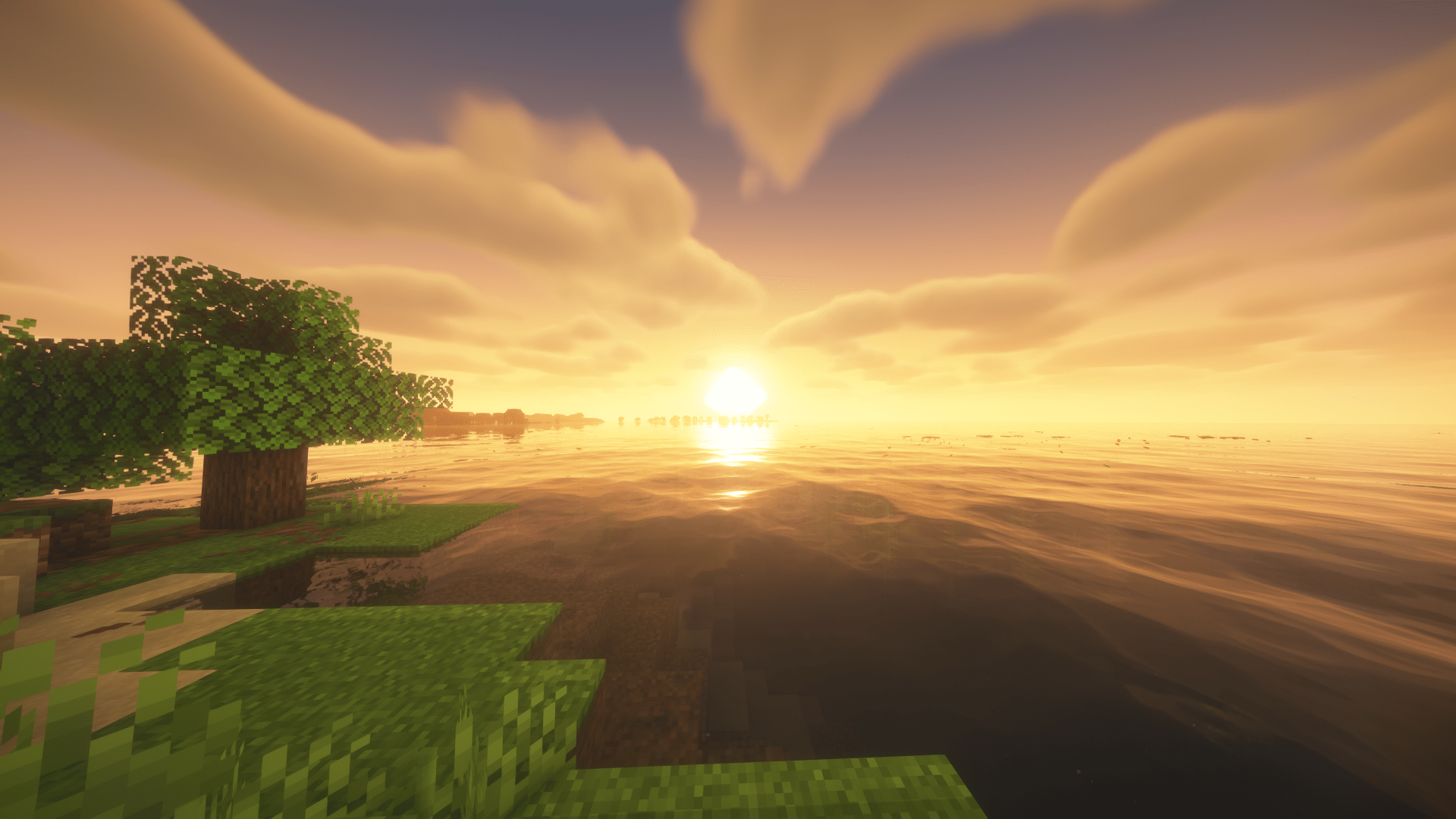
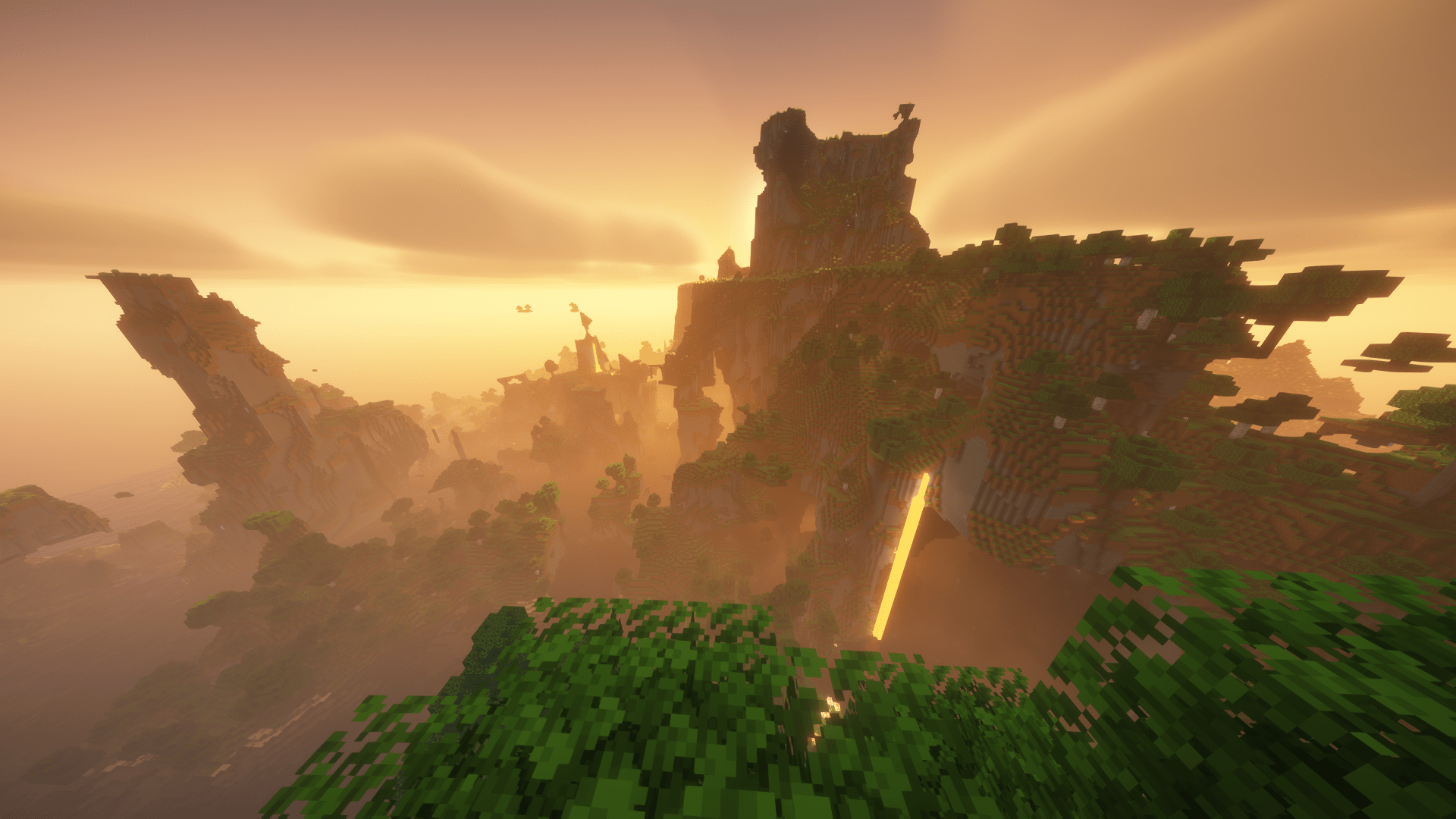
EchoShift is a Minecraft Java shader focused on making the game look more immersive, atmospheric, and detailed while still keeping the Minecraft feel. It improves sunlight, shadows, reflections, glow, foliage movement, clouds, glass, and dimension visuals to create a world that feels richer and more realistic.
 
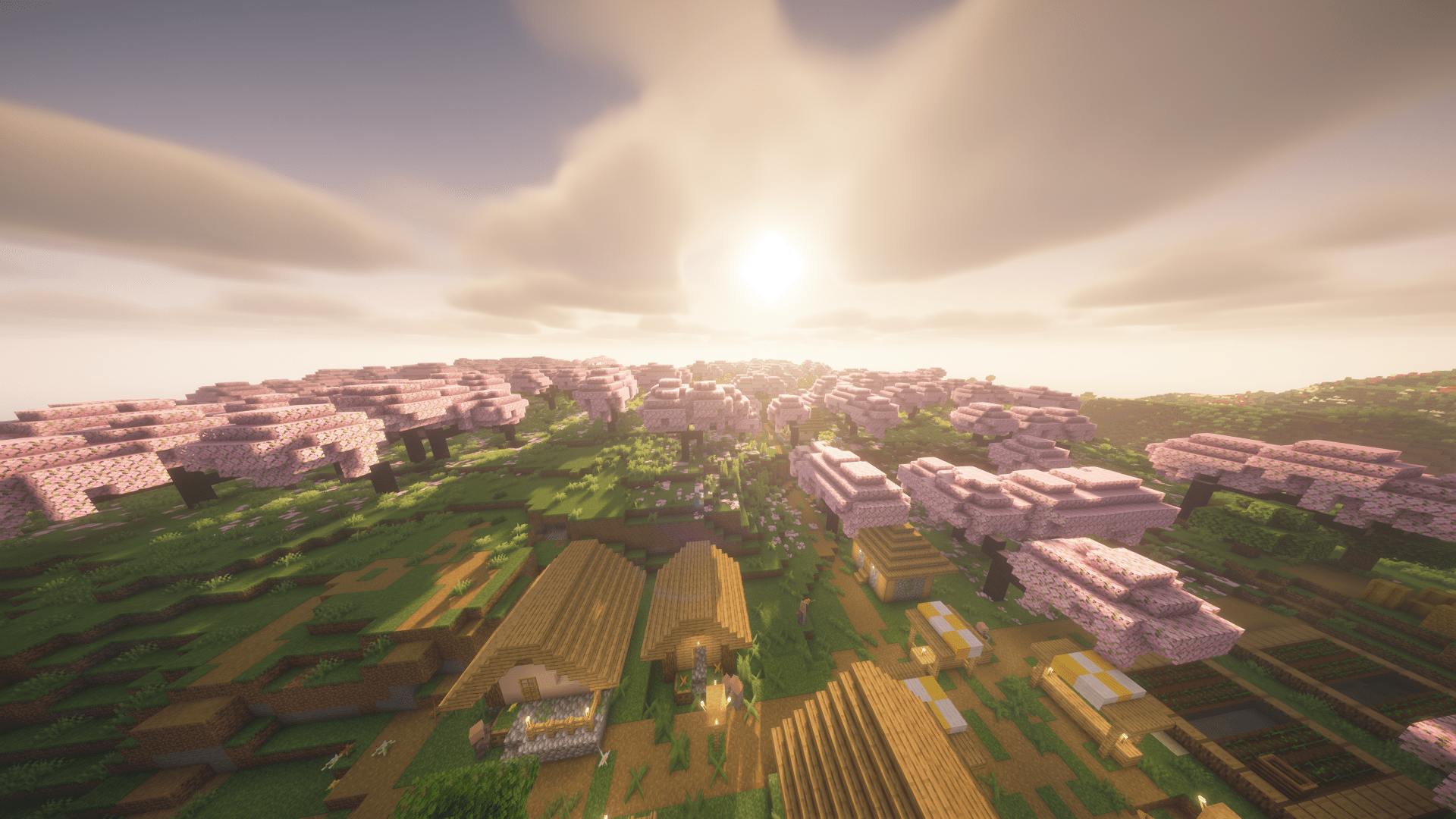
In the Overworld, EchoShift adds cleaner lighting, better sharpness, improved reflections, moving grass and plants, and a more natural sky. Water feels smoother and more realistic, glass looks clearer, and ores and special blocks catch light in a more satisfying way.
 
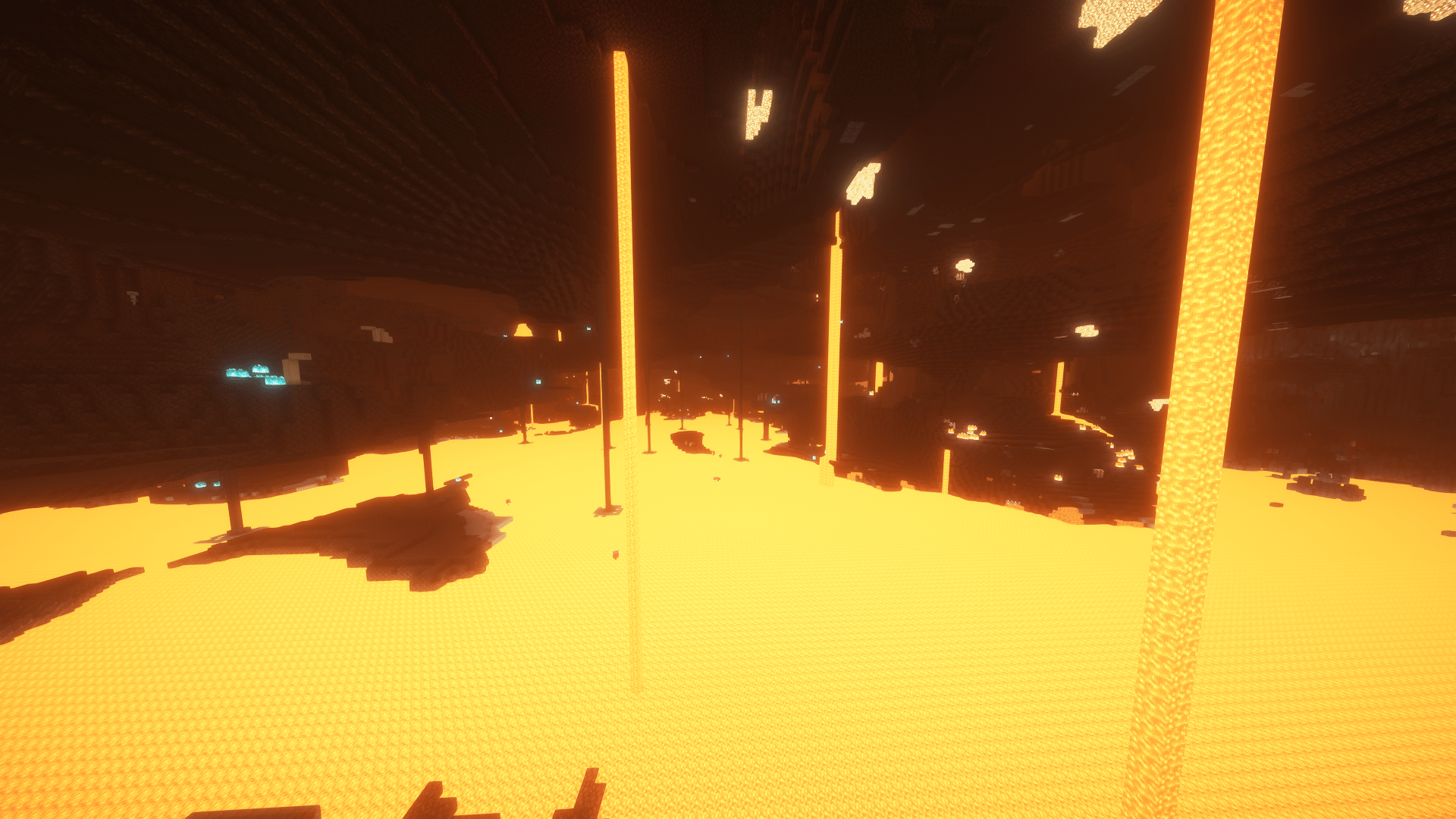
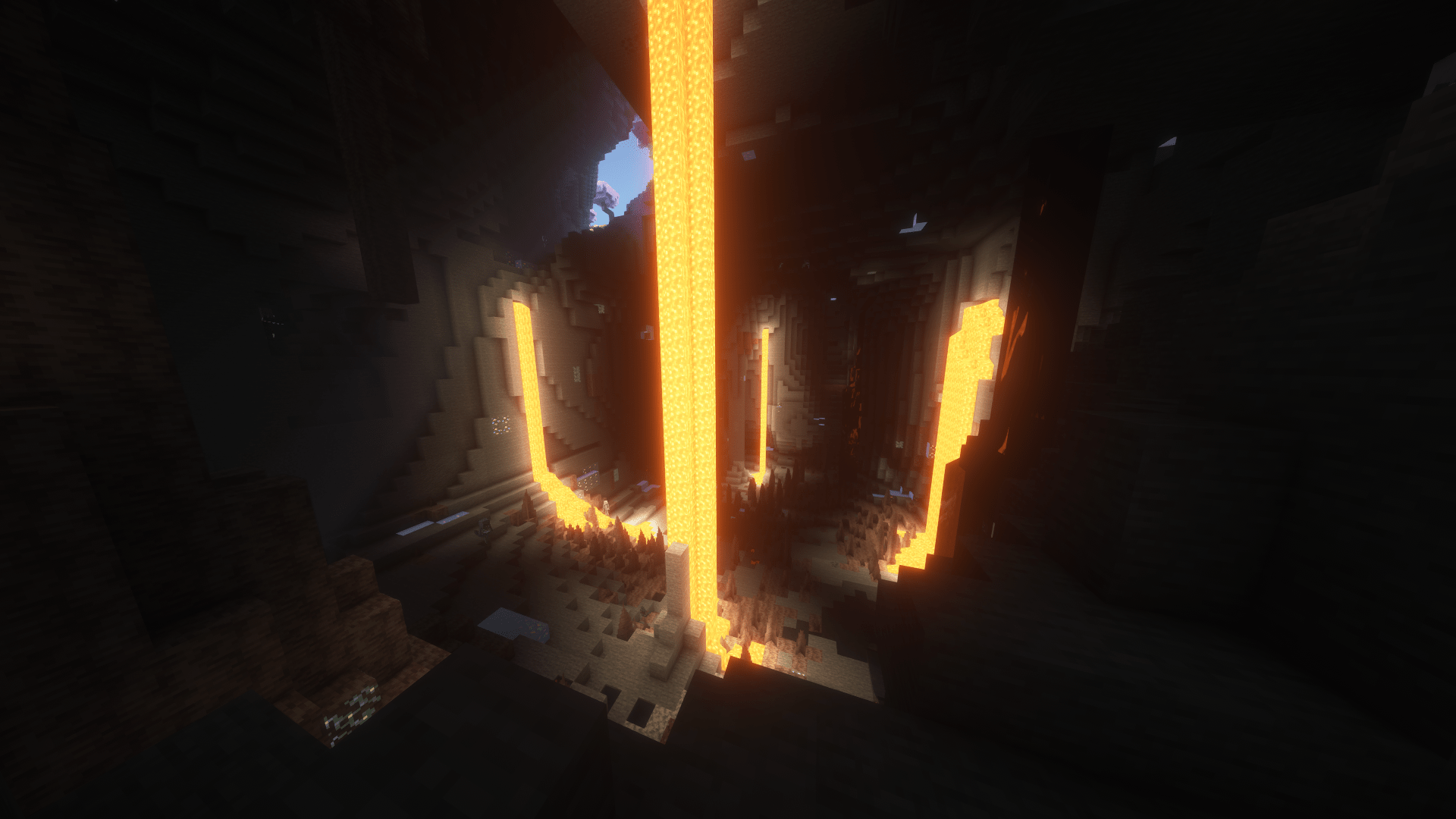
In the Nether, EchoShift gives lava, fire, and glowing materials a stronger visual presence while keeping the dimension darker and more dramatic. Nether structures and blocks look better under the improved lighting, and reflective materials stand out more without becoming too bright.
 
In the End, EchoShift replaces the plain look with a deeper star-filled atmosphere that feels more cinematic and mysterious. The result is a cleaner and more memorable final dimension while still fitting Minecraft’s style.
 
EchoShift is designed for players who want a shader that looks beautiful, feels alive, and makes exploration, building, and screenshots more impressive

EchoShift_v1.0.0
MC 1.21.2-Snapshot, 1.21, 1.21.6-snapshot, 1.21.1-Snapshot, 1.21.8, 1.21.5, 1.21.4, 1.21.5-Snapshot, OptiFine, 1.21.1, 1.21.6, 1.21.3, 1.21.7, 1.21-Snapshot, 1.21.4-Snapshot, Iris
Release 2026-04-05 Get

Requirements & install

How to use this shader in Minecraft
Shader loader
Iris OptiFine
Minecraft
1.21.4-Snapshot – 1.21.8
Install folder
.minecraft/shaderpacks

How to install shaders

  1. Install a shader loader for your Minecraft version: Iris (with Sodium) or OptiFine.
  2. Download the shader pack .zip file (do not extract it).
  3. Put the .zip into the shaderpacks folder (.minecraft/shaderpacks).
  4. In game open Options → Video Settings → Shader Packs, select the pack and apply it.
Browse more: Iris shaders OptiFine shaders Shaders for 1.21.8 All shaders

More from Xkjs0X

Advertisement Remove ads with Premium →

You Might Also Like