Mineuniverse
Shaders
Lumeric bedrock visuals

Lumeric bedrock visuals

SHADER
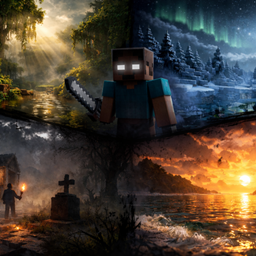
A lightweight cinematic shaders-pack for Minecraft Bedrock Edition that enhances lighting, fog, water, and biome atmosphere to deliver a more immersive and realistic visual experience, Here is full details ๐Ÿ‘‡
by Dark_PixelForge
Download Claim this project
11,767 downloads
0 likes
Updated Oct 14, 2026
0 hypes
Fantasy Realistic Vanilla
Advertisement Remove ads with Premium →

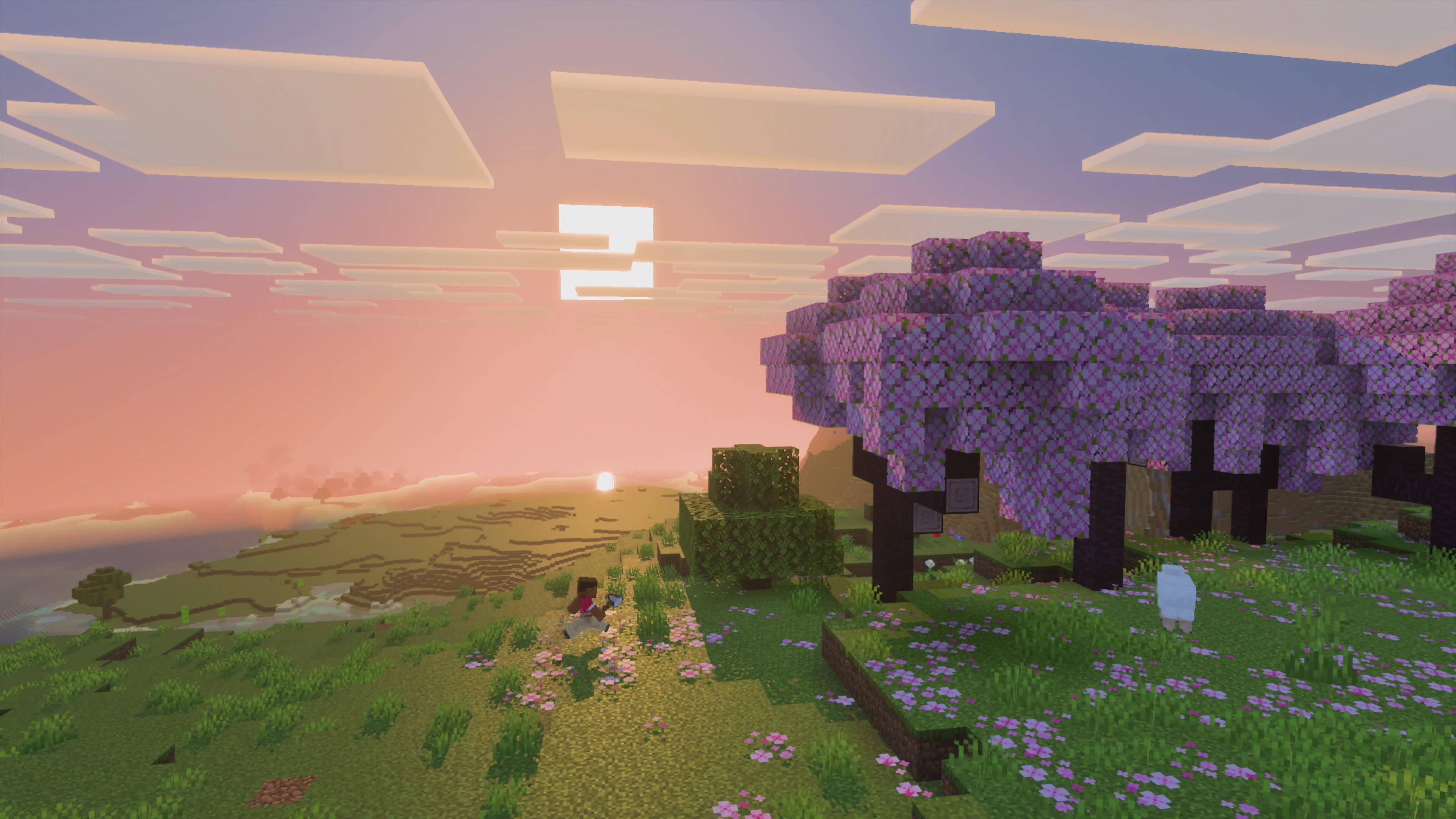
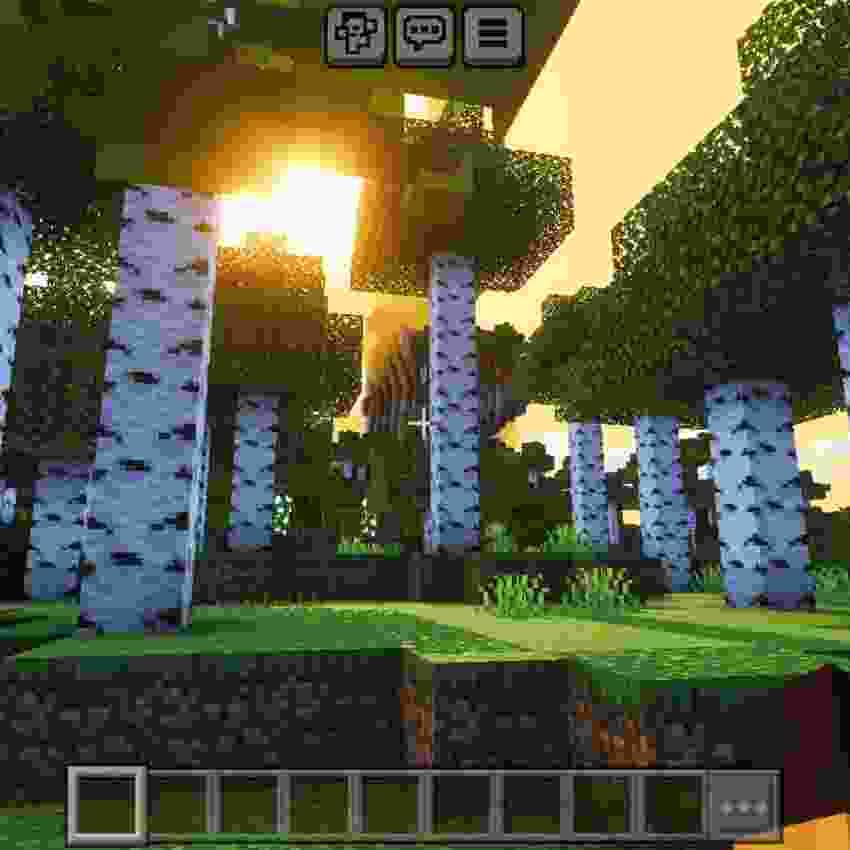
CinematicForge v1 is a lightweight visual enhancement pack designed for Minecraft Bedrock Edition, focused on creating a more immersive and cinematic gameplay experience without affecting performance.

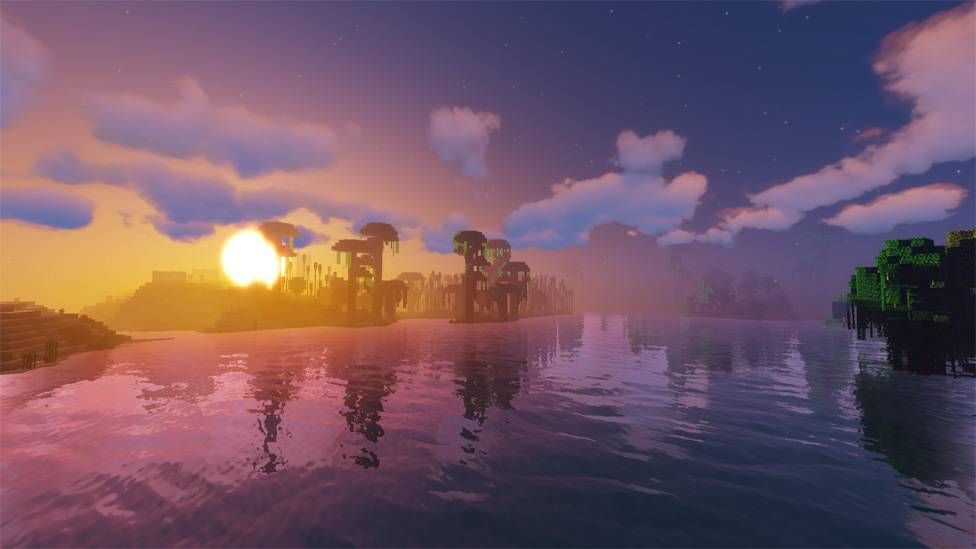
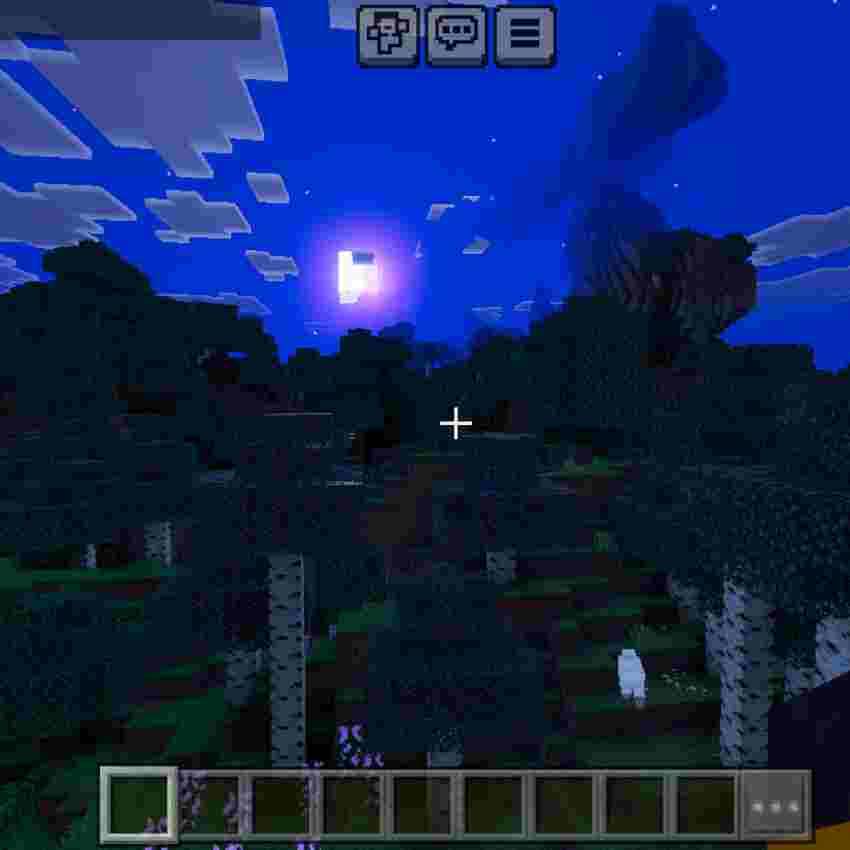
This pack improves the overall atmosphere of the game by enhancing lighting, fog behavior, water visuals, and biome-specific environments. Each biome feels more alive and visually distinct, giving players a fresh and engaging experience.

โœจ Features:

Enhanced global lighting for a more realistic look

Custom fog settings for depth and cinematic atmosphere

Improved water visuals and rendering

Biome-based environment enhancements

Smooth and optimized performance (low-end friendly)

๐ŸŽฎ Compatibility:

Minecraft Bedrock Edition

Works on most devices (optimized for low to mid-end systems)

Lumeric Visuals V3
MC 1.21.2-Snapshot, 1.21, 1.21.6-snapshot, Vanilla, 1.21.1-Snapshot, 1.19.3, 1.20.2, 1.19.4, 1.21.8, 1.20.5, 1.21.5, 1.21.4, 1.21.5-Snapshot, 1.20.1, 1.20, OptiFine, 1.20.6, 1.21.1
Release 2026-07-16 Get
Lumeric Bedrock v2
MC 1.21, Vanilla, 1.19.3, 1.20.2, 1.19.4, 1.21.8, 1.20.5, 1.21.5, 1.21.4, 1.20.1, 1.20, OptiFine, 1.20.6, 1.21.1, 1.21.3, 1.21.7, 1.19.1, 1.20.4, 1.19.2, 1.20.3, 1.19, 1.21.11
Release 2026-05-13 Get
Lumeric Bedrock visuals
MC 1.21, Vanilla, 1.19.3, 1.20.2, 1.19.4, 1.21.8, 1.20.5, 1.21.5, 1.21.4, 1.20.1, 1.20, OptiFine, 1.20.6, 1.21.1, 1.21.3, 1.21.7, 1.19.1, 1.20.4, 1.19.2, 1.20.3, 1.19, 1.21.11
Release 2026-04-18 Get

Requirements & install

How to use this shader in Minecraft
Shader loader
OptiFine
Minecraft
1.21.3 โ€“ 1.21.11
Install folder
.minecraft/shaderpacks

Install with OptiFine

  1. Install OptiFine for your Minecraft version (optifine.net) and start it once.
  2. Download the shader pack .zip (do not extract it).
  3. Put the .zip into .minecraft/shaderpacks.
  4. In game open Options โ†’ Video Settings โ†’ Shaders and select the pack.
Browse more: Iris shaders OptiFine shaders Shaders for 1.21.11 All shaders

More from Dark_PixelForge

Advertisement Remove ads with Premium →

You Might Also Like