Lumenline 0.4.0 — cinematic natural light without the blur
Short description: Clean natural lighting, stable real-time shadows, reflective water and a warm cinematic atmosphere designed for everyday play.
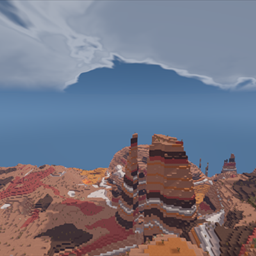
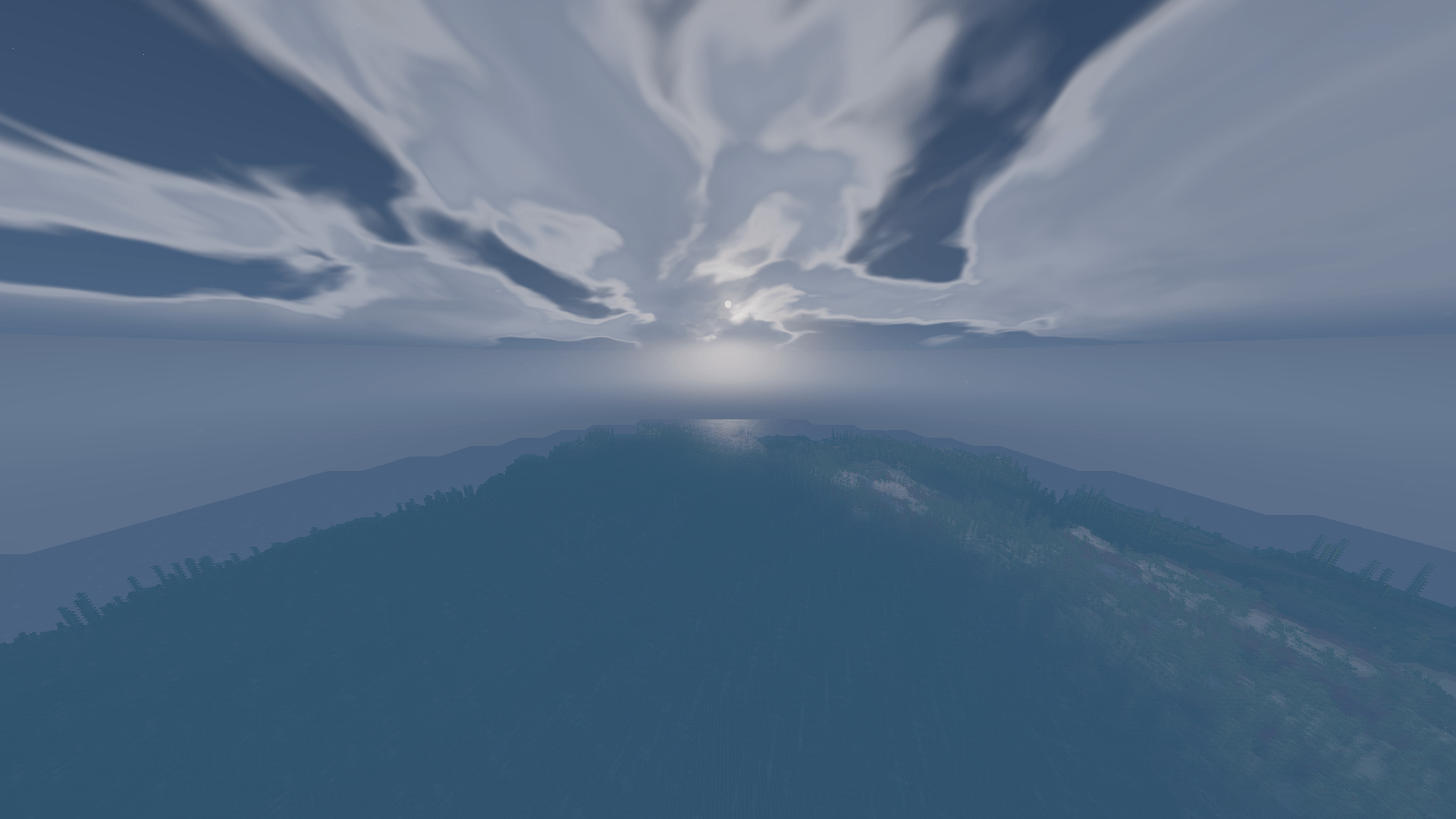
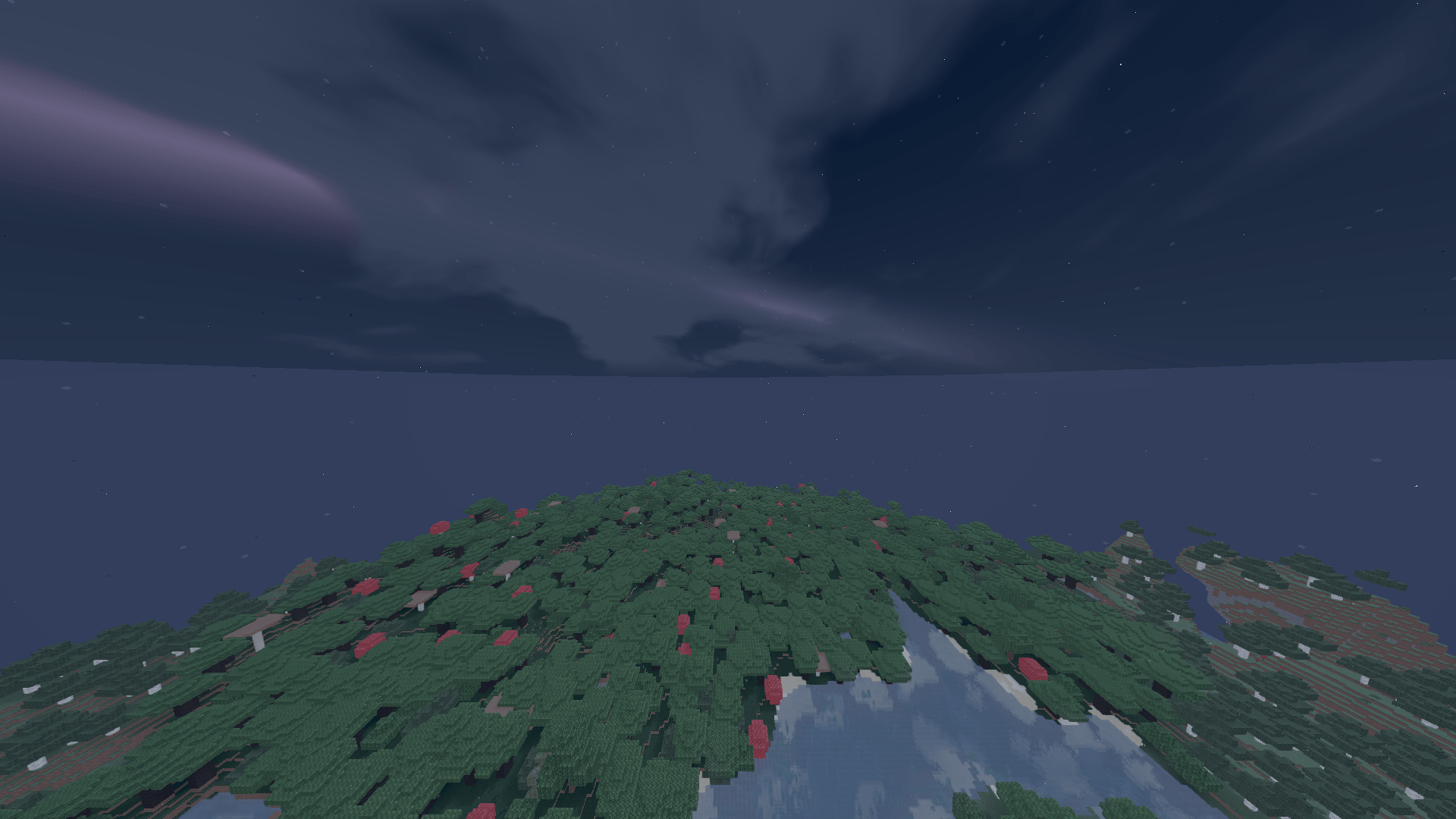
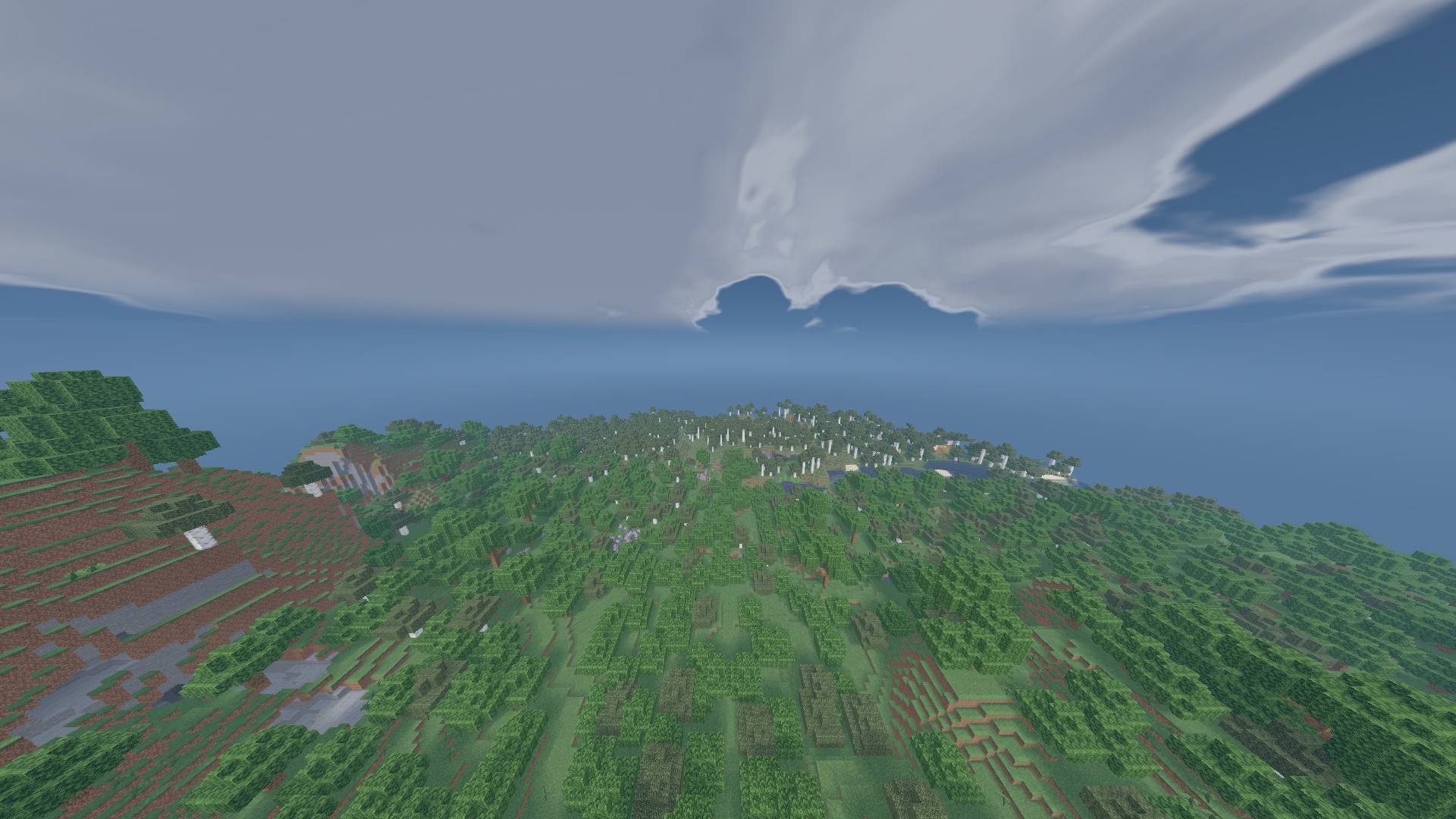
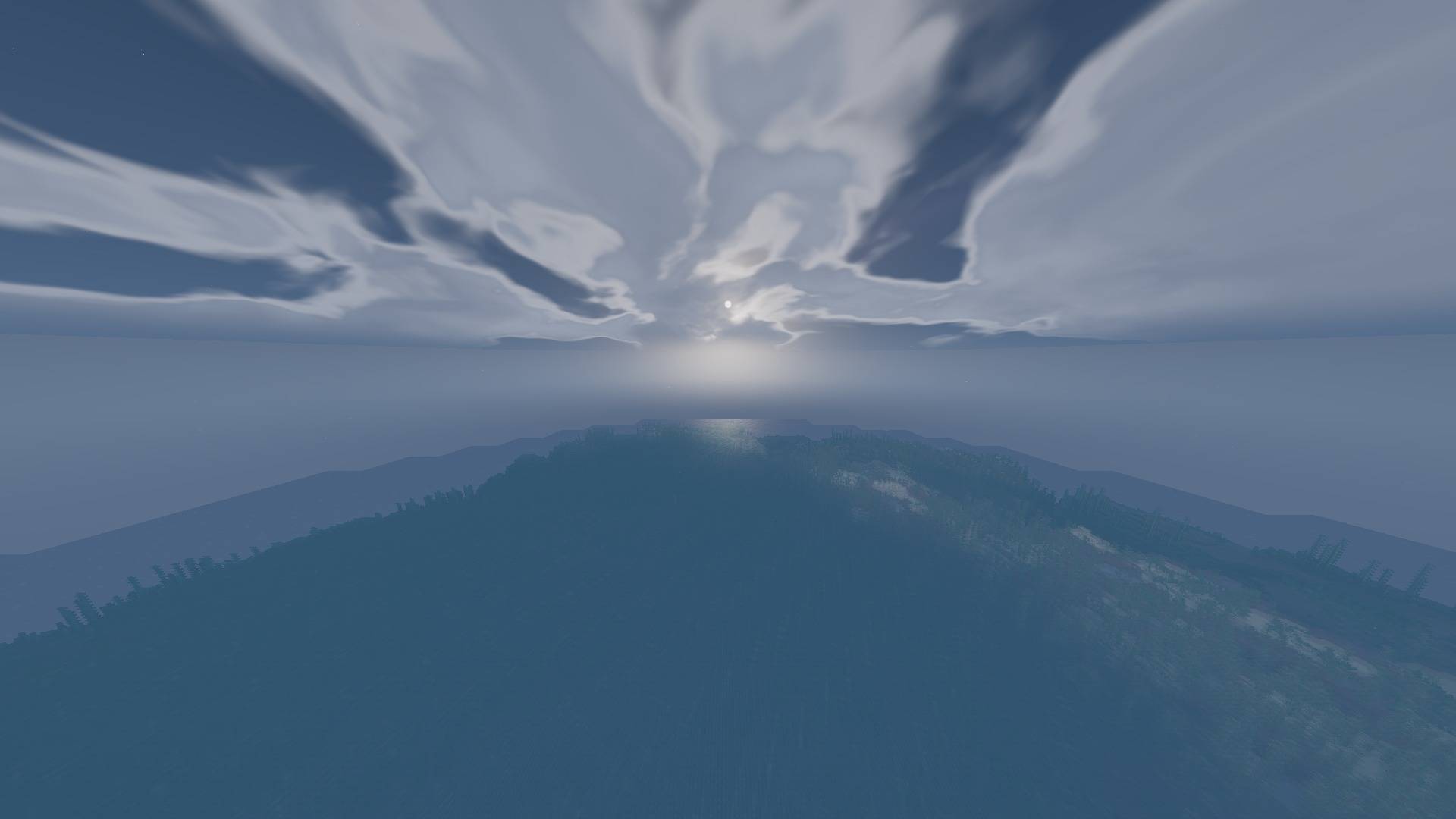
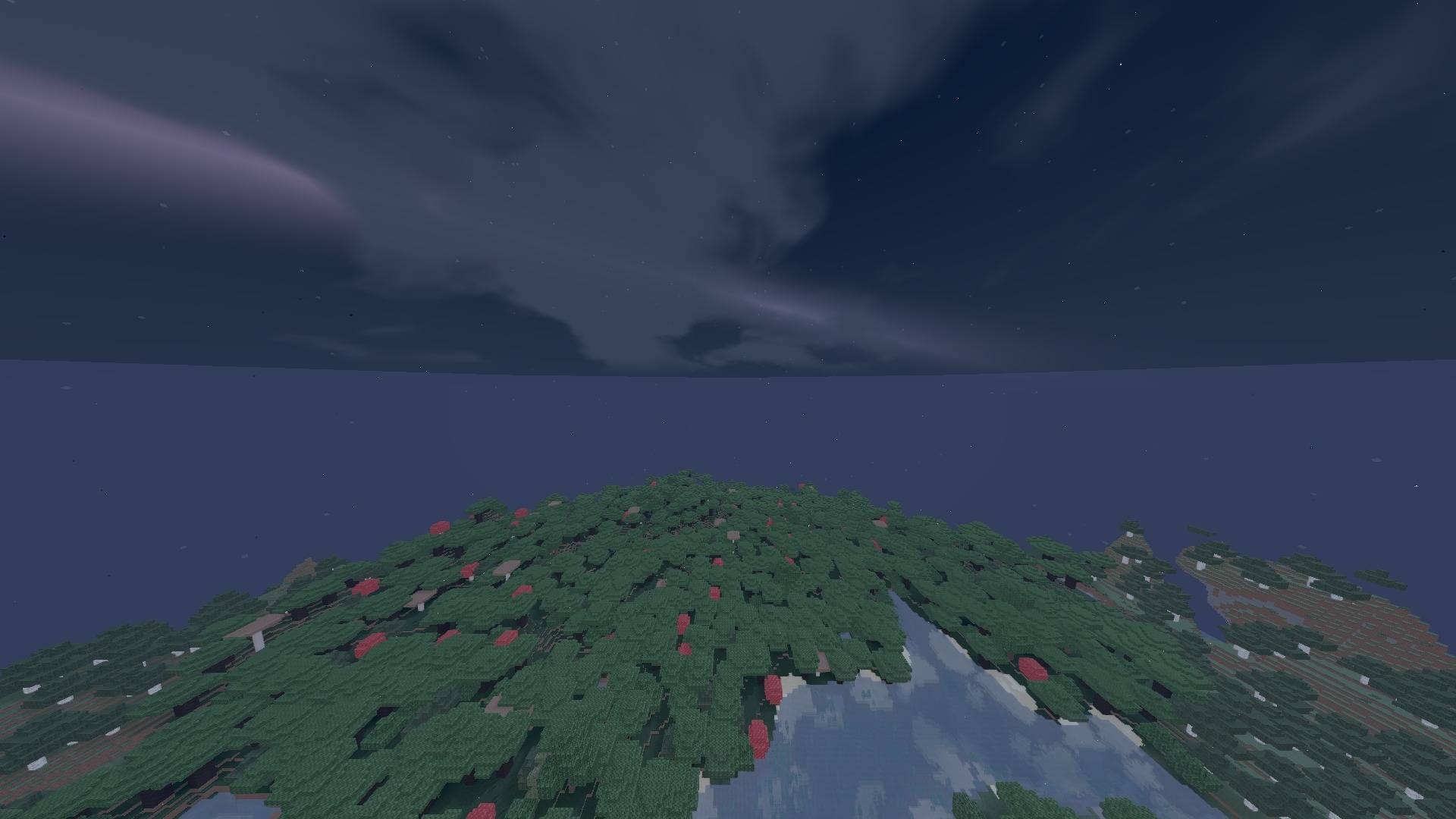
Lumenline makes light shape the world without burying Minecraft beneath bloom, noise or temporal smearing. It combines readable sun and moon lighting, softly filtered shadows, restrained reflections, weather response and an analytic sky system that remains stable while the camera moves.
Highlights
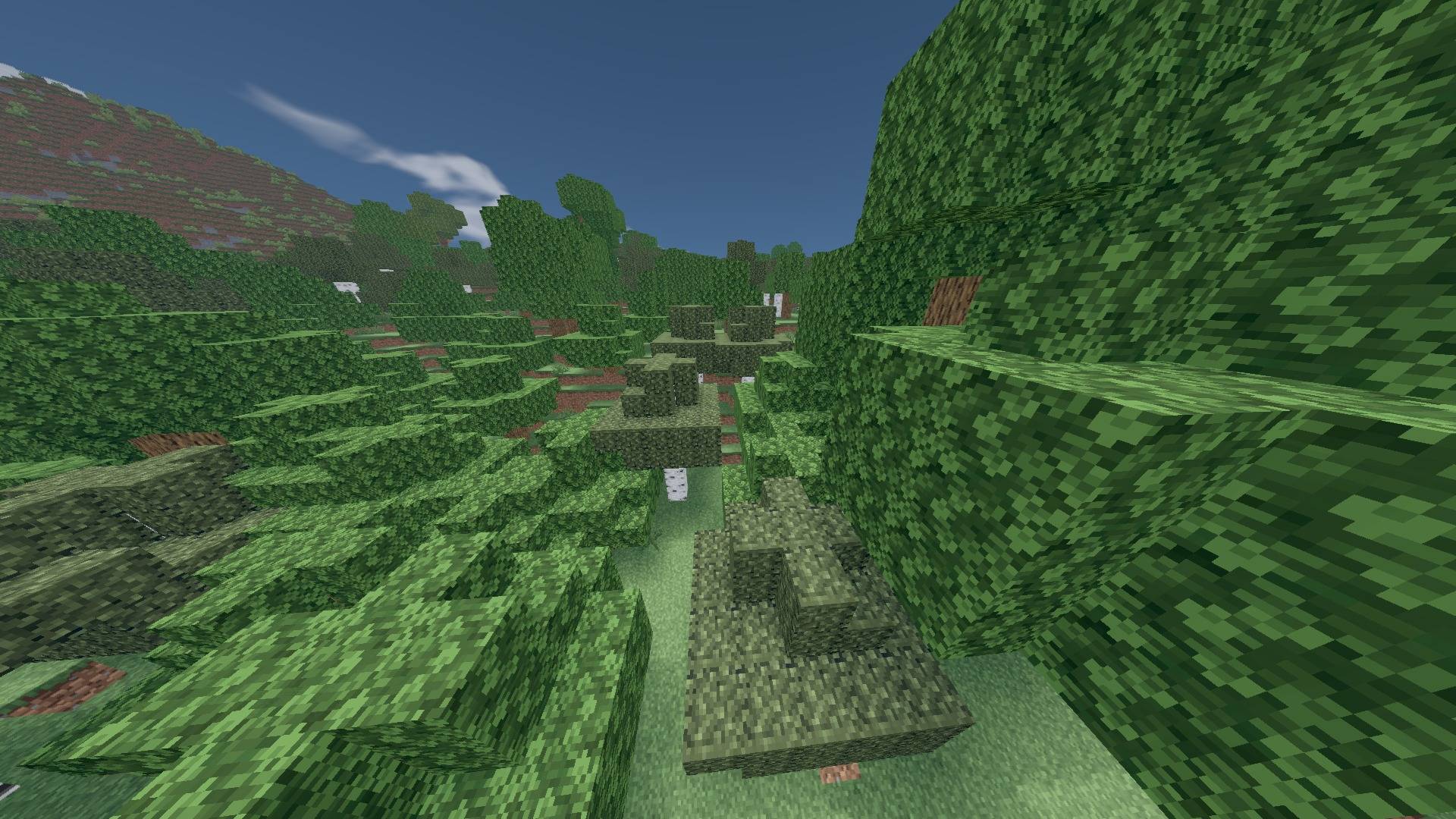
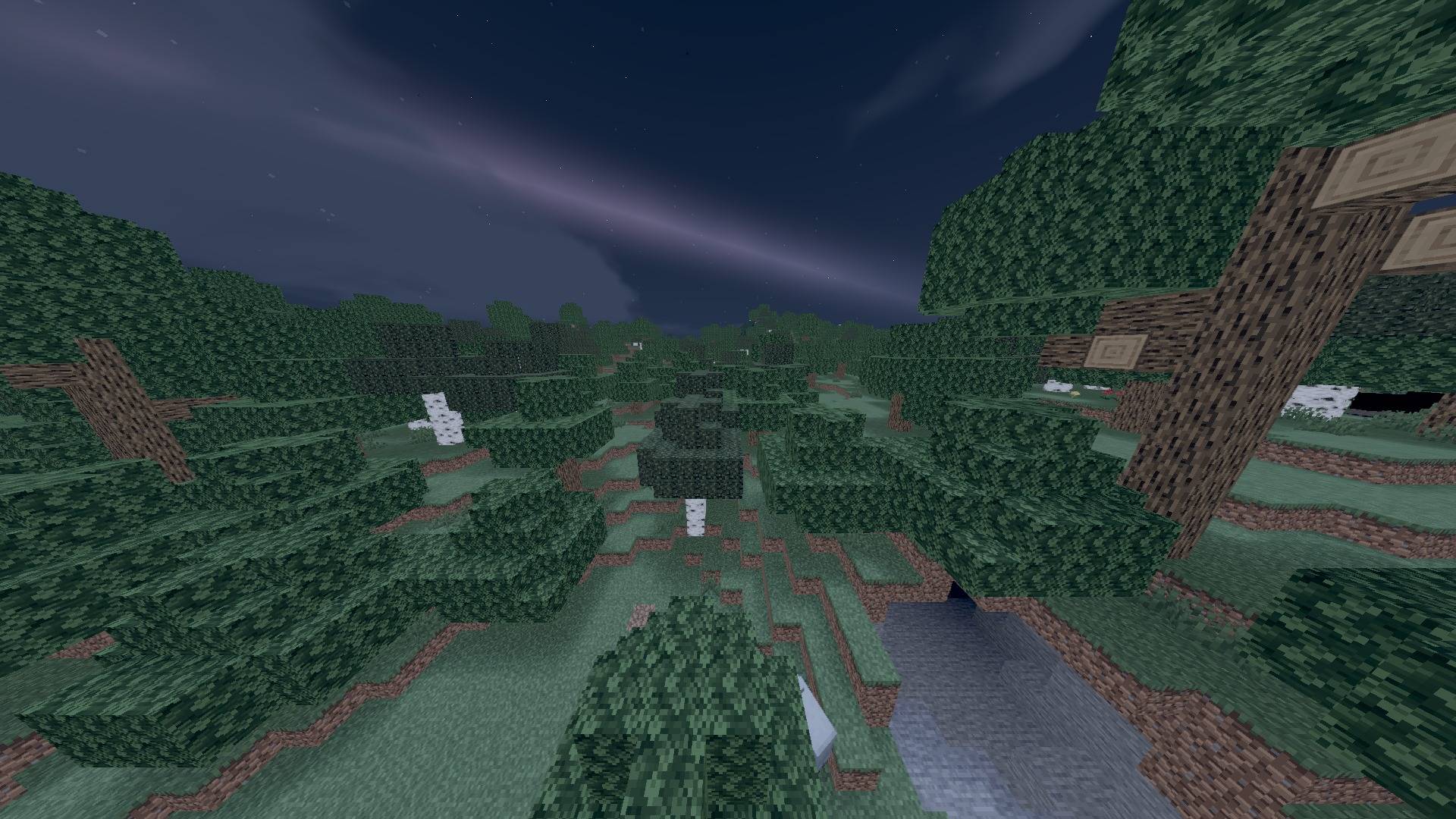
- Stable real-time sun and moon shadows with selectable resolution and softness
- Fixed moving-camera shadow behaviour: no delayed tree-shadow drop and no travelling black screen edge in the tested scene
- Natural daylight, controlled golden hour and readable cool nights
- Continuous world-direction cloud dome without temporal shimmer or sliced cloud planes
- Animated water with controlled Fresnel reflections and distance-safe detail
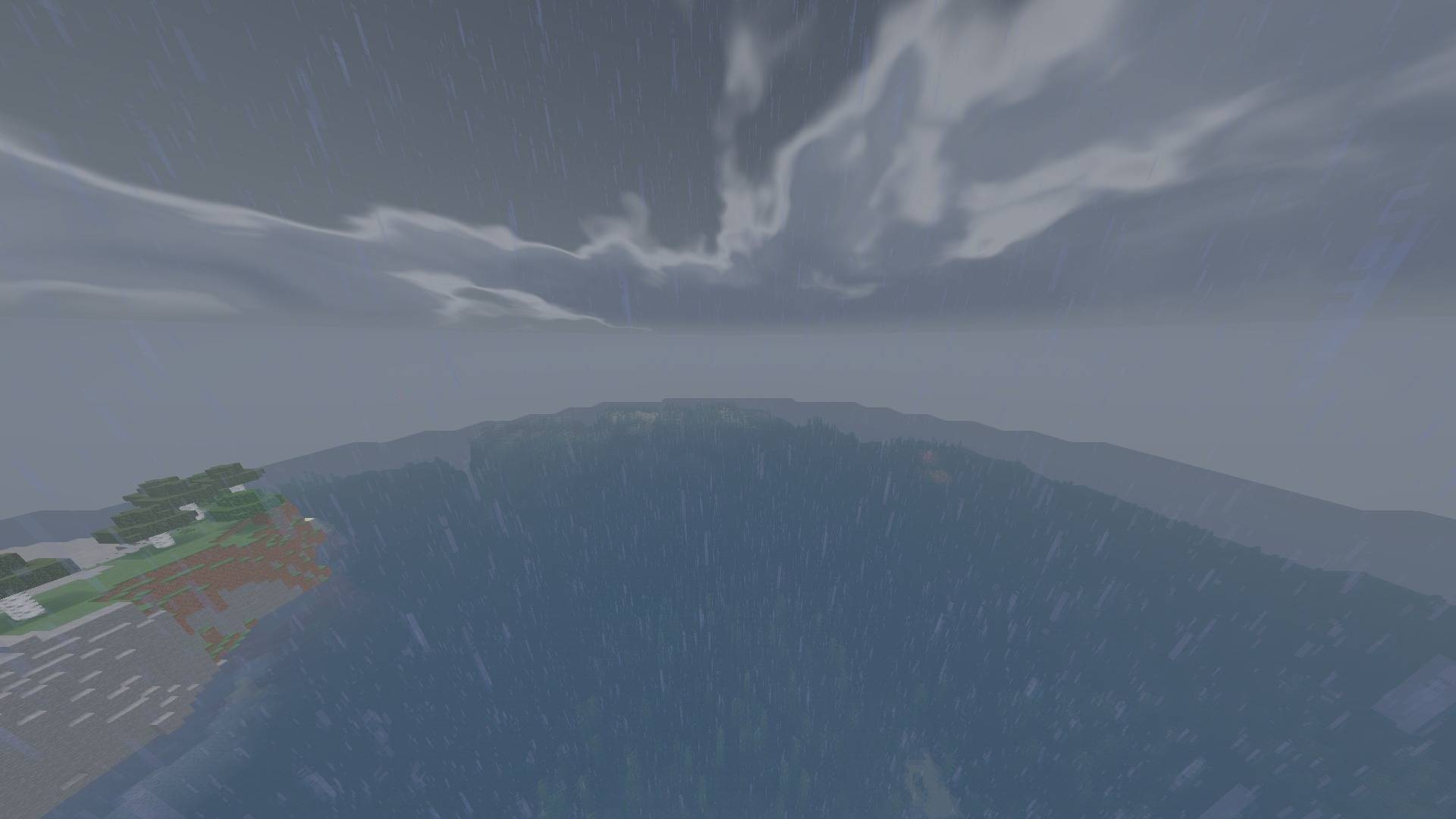
- Rain-responsive wet highlights, tunable fog, exposure, contrast and sharpening
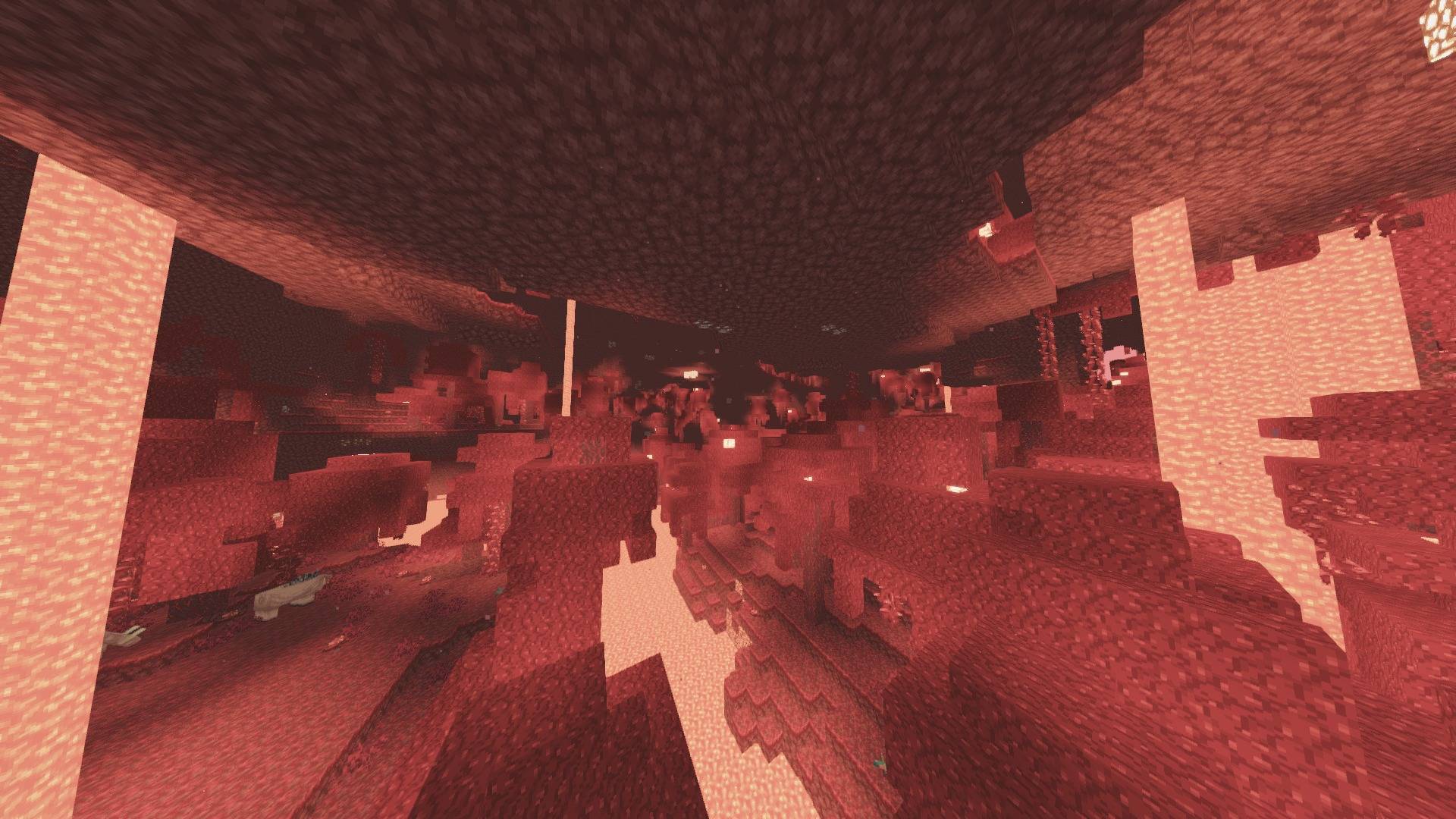
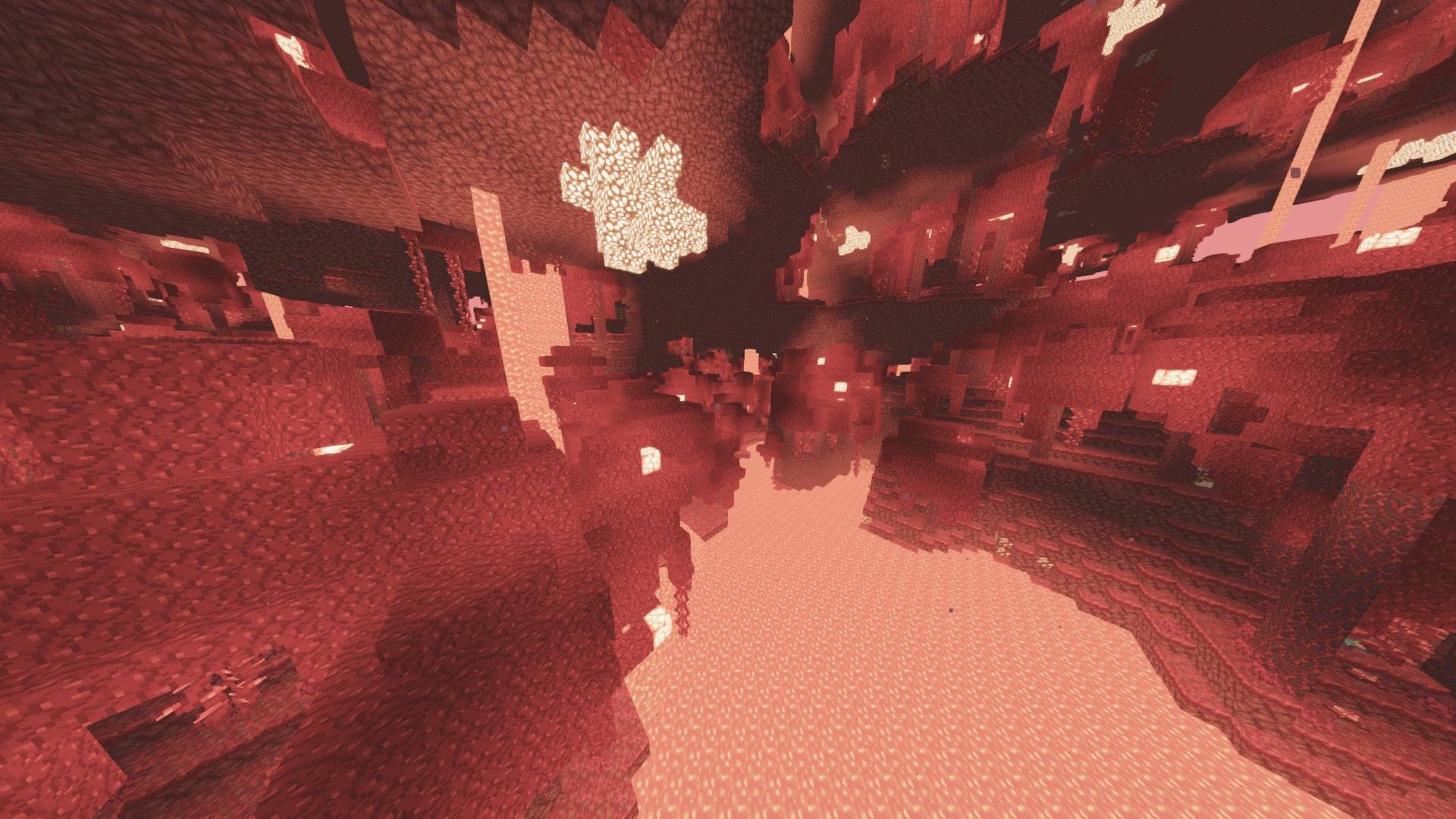
- Soft thin-foliage grounding and a readable warm-neutral Nether grade
- Stable FXAA-based default pipeline; temporal jitter, noisy AO and forced godrays are not enabled by default
- Low, Medium, High, Extreme and Ultra Extreme profiles; English and Turkish settings
Recommended: Medium for play, High/Extreme for screenshots.
Verified compatibility
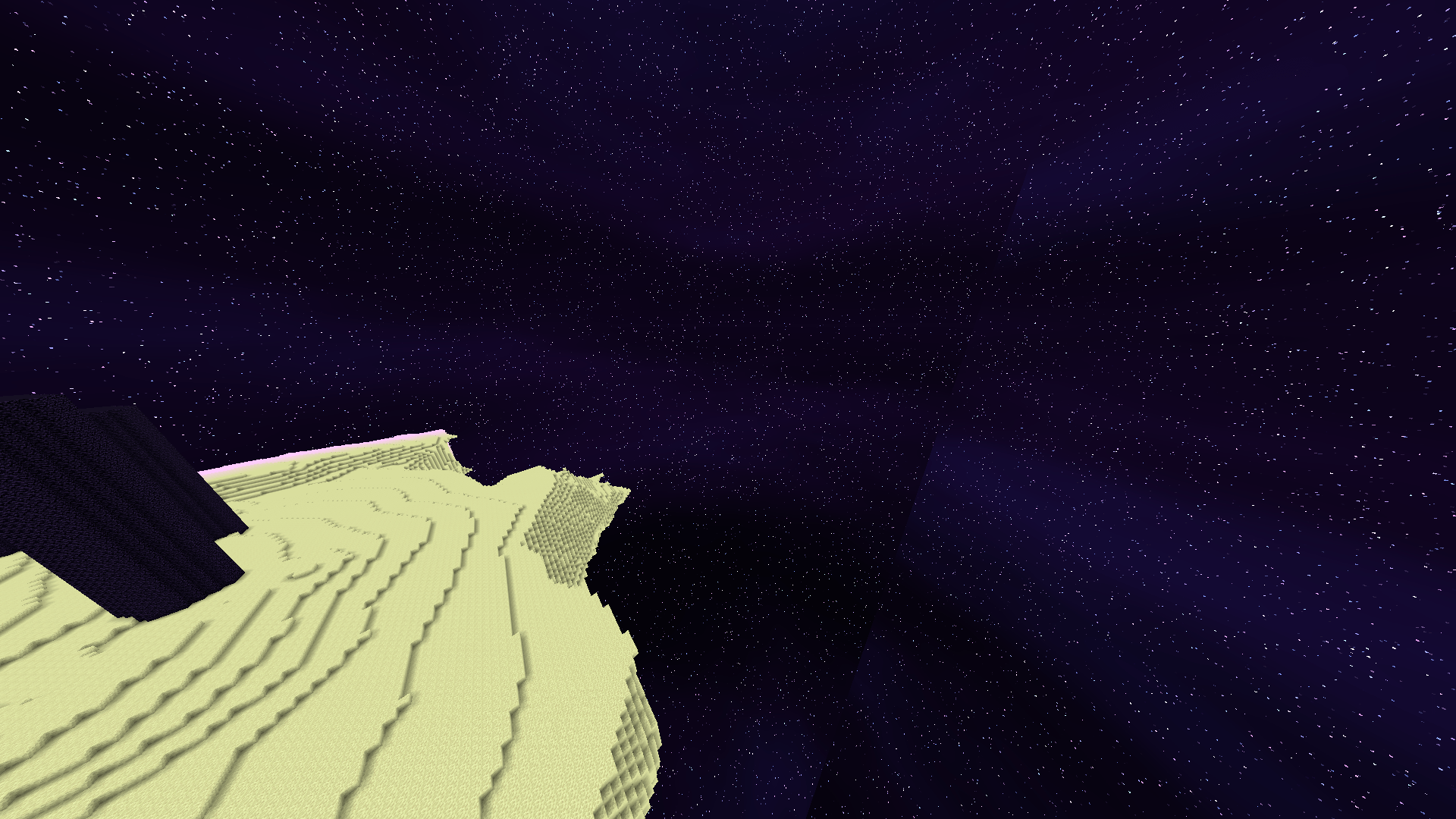
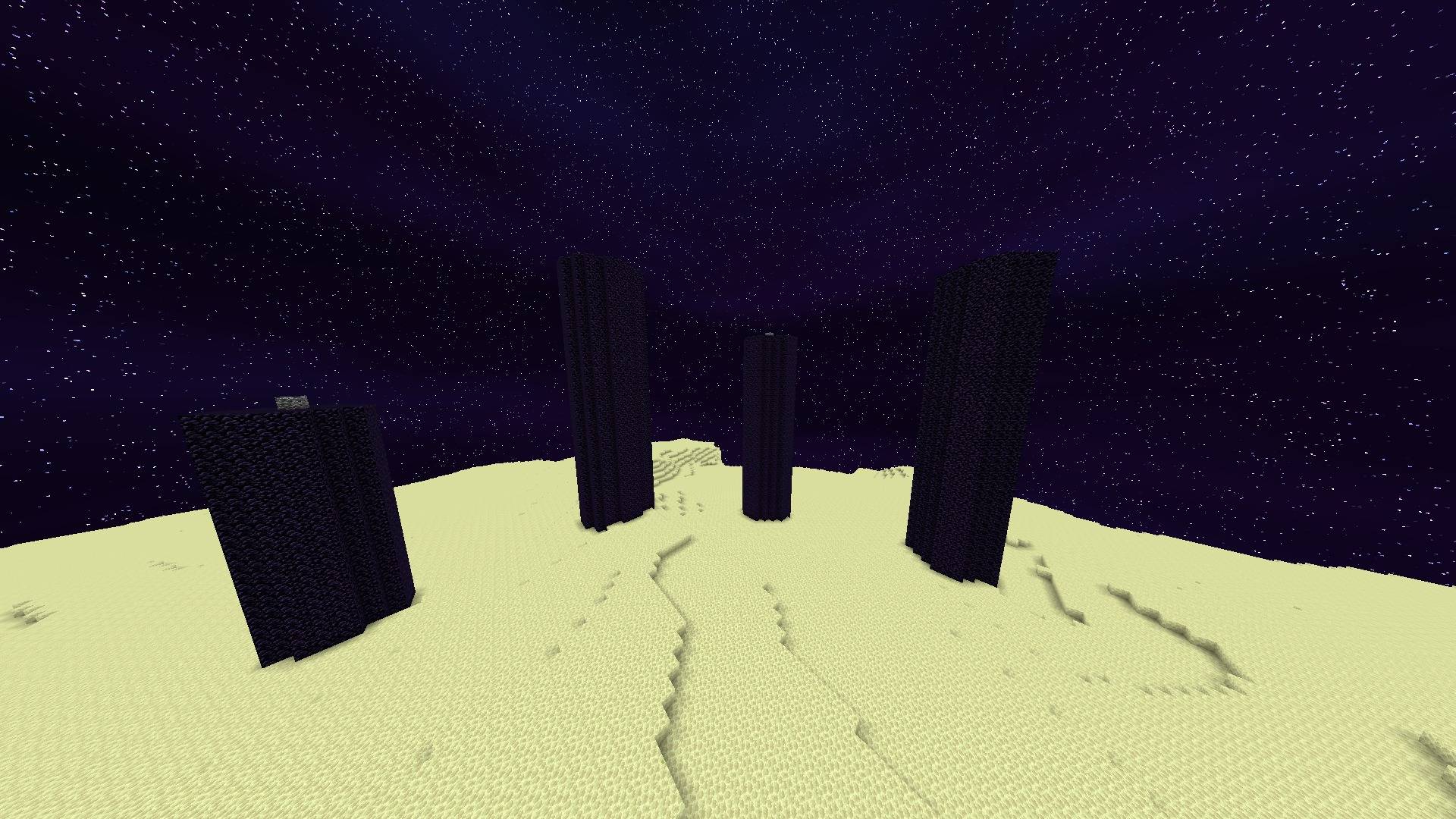
Supports Minecraft Java 1.8.9–26.2 with a compatible OptiFine or Iris/Sodium stack. The exact release ZIP was runtime-tested on 1.8.9, 1.12.2, 1.16.5, 1.20.1, 1.21.8, 1.21.11 and 26.2; the 26.2 build passed Overworld, Nether and End. Not every point release, driver or loader fork was launched individually. Performance varies by profile, world and hardware.
Türkçe
Lumenline; Minecraft'ı bloom, gürültü ve zamansal bulanıklığa boğmadan doğal sinematik ışık sunar. Güneş/ay gölgeleri, kontrollü yansımalar, hava tepkisi ve kamera hareketinde kararlı analitik gökyüzü sistemi aynı görsel dilde çalışır.
- Gecikmeli ağaç gölgesi ve kamerayla gezen siyah kenar sorunu düzeltilmiştir
- Doğal gündüz, kontrollü altın saat ve okunabilir gece
- Kesilmeyen, titreşmeyen analitik bulut kubbesi
- Dengeli su yansımaları ve yağmurla güçlenen ıslak yüzeyler
- Varsayılan kararlı FXAA; gürültülü/zamansal efektler zorunlu değildir
- Low, Medium, High, Extreme ve Ultra Extreme profilleri; Türkçe/İngilizce menü