Mineuniverse
Shaders
LumaSky Shader Beyond

LumaSky Shader Beyond

SHADER
A next-generation Iris shader with volumetric skies, cinematic lighting, reflective water, dynamic weather, and redesigned dimensions.
by Haider_x
Download Claim this project
1,928 downloads
0 likes
0 followers
Updated Oct 14, 2026
0 hypes
Follow0
Fantasy Vanilla
Advertisement Remove ads with Premium →

LumaSky Beyond

A next-generation Iris shader focused on atmospheric depth, cinematic lighting, expressive weather, reflective water, and dimensions with their own visual identity.

Created by Haider x for Minecraft Java Edition.

LumaSky Beyond is an independent experimental branch of LumaSky. It keeps the proven rendering foundation, then pushes its sky, lighting, water, weather, materials, and dimensions in a more ambitious direction.
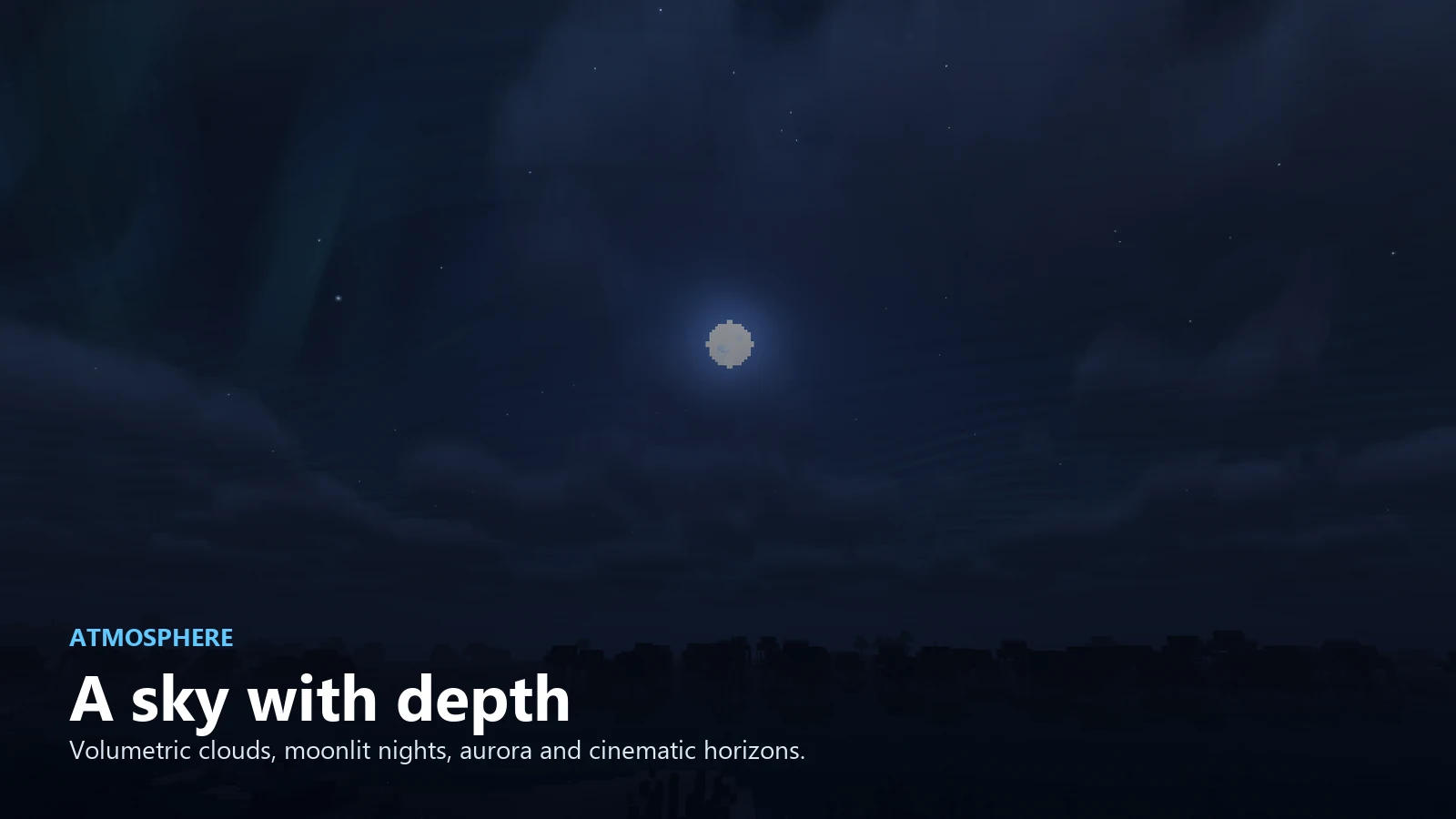
LumaSky Beyond atmosphere

Atmosphere with depth

  • Volumetric clouds shaped for natural variation rather than repeated patterns.
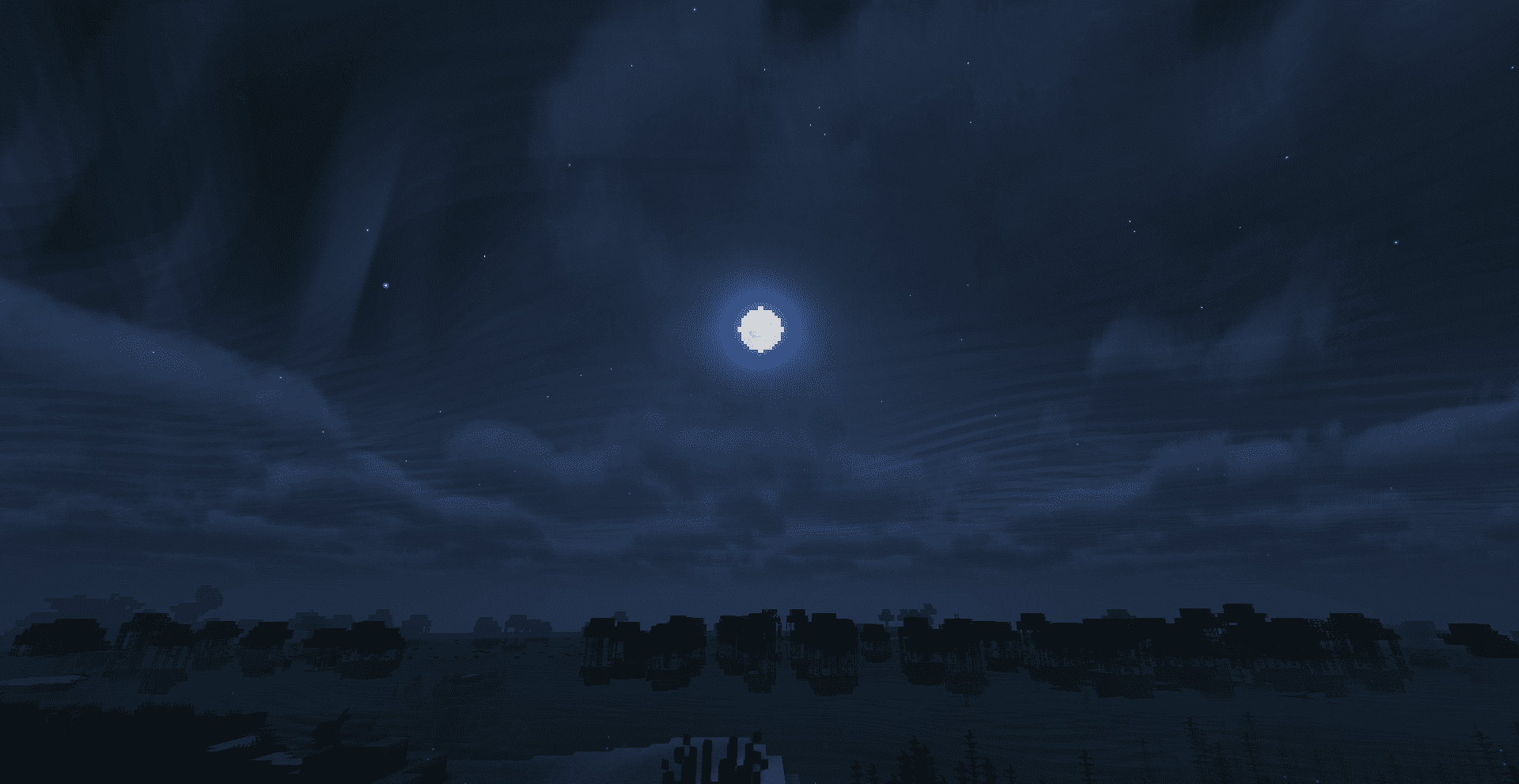
  • Dynamic daylight, sunset, moonlight, stars, aurora, and cinematic horizons.
  • Distance-aware fog designed to preserve terrain readability while hiding render boundaries.
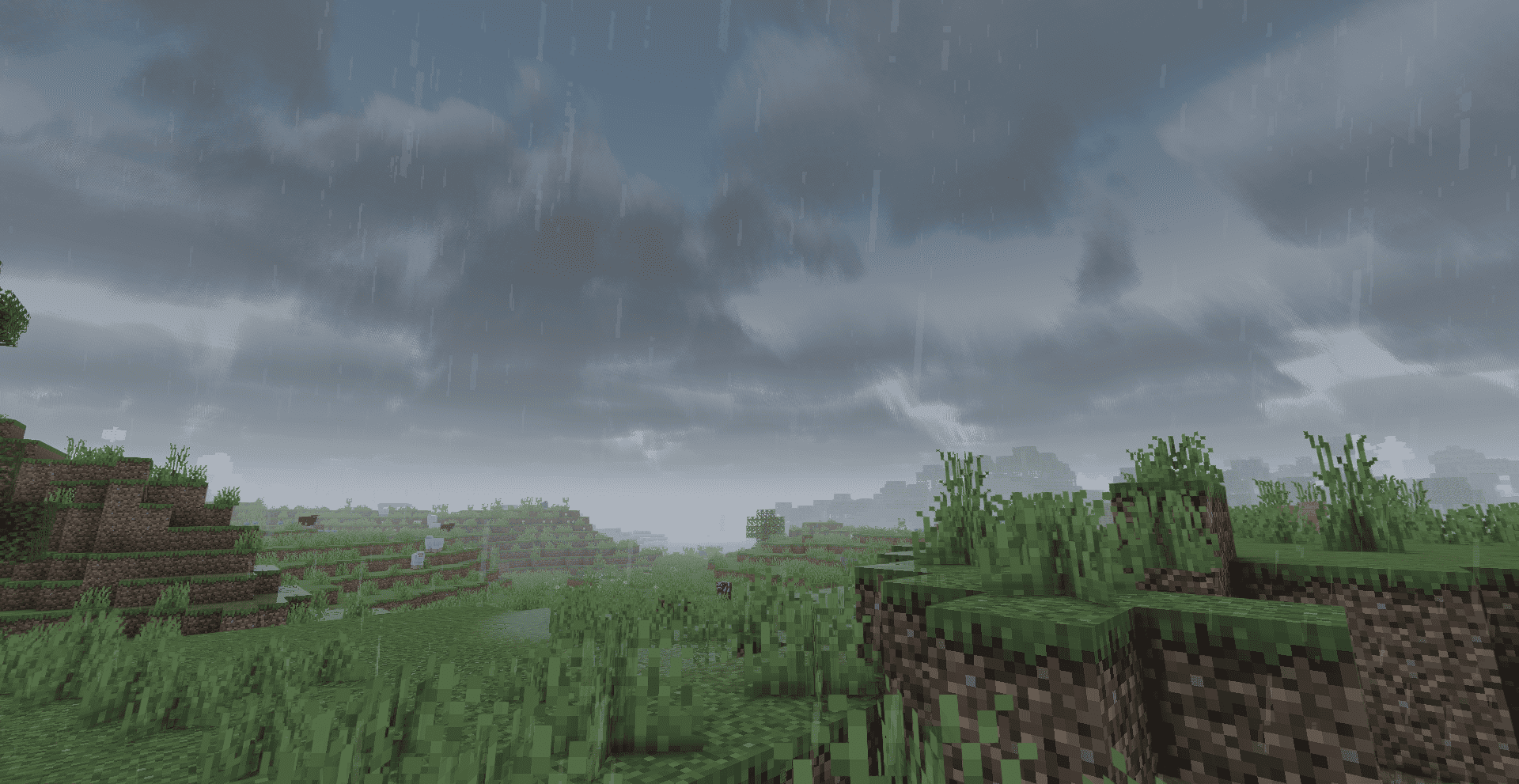
  • Weather-responsive skies that become denser and more dramatic during rain.

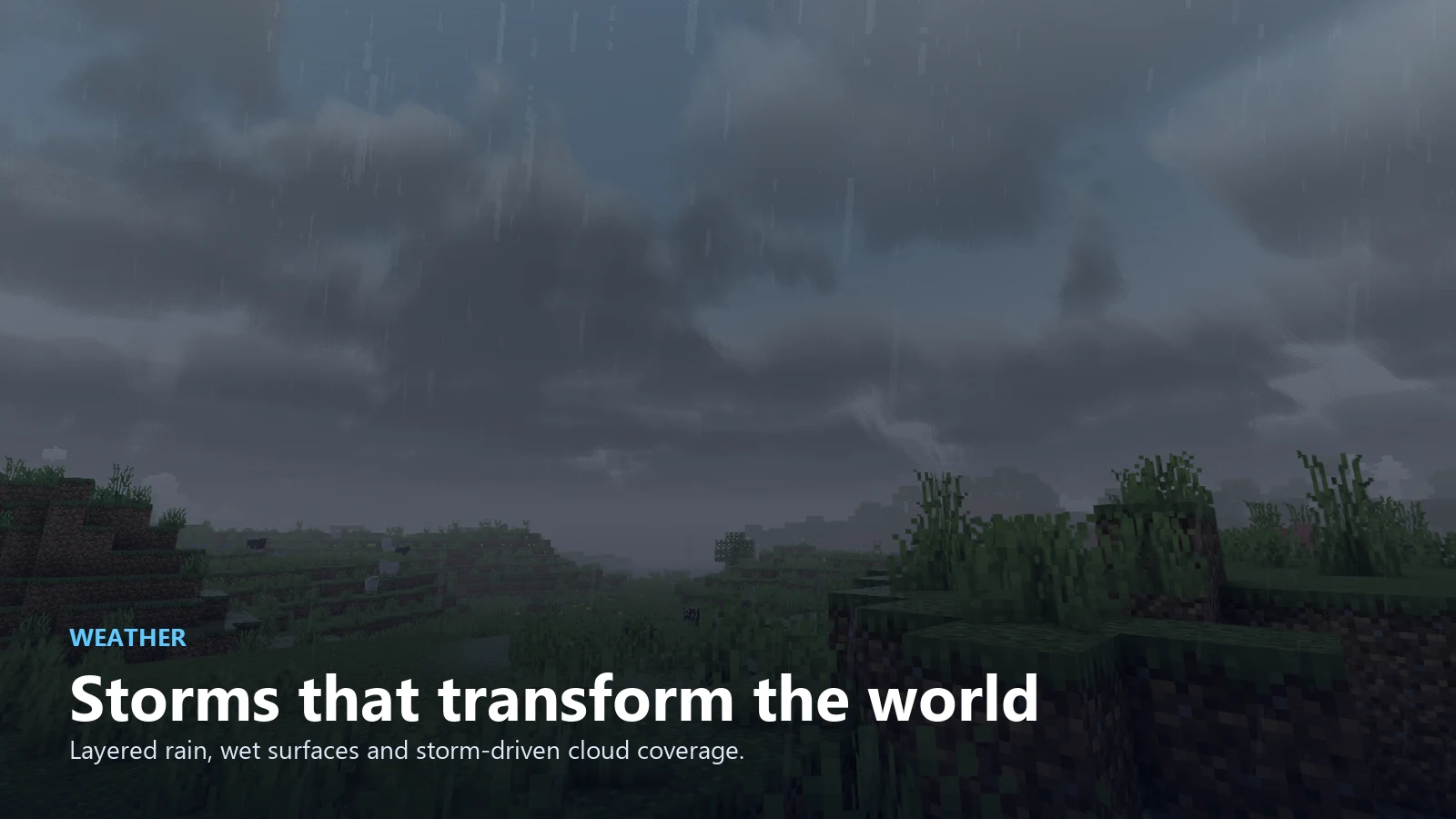
LumaSky Beyond weather

Weather that changes the scene

  • Layered rain with lighter density and directional fall.
  • Wet-surface response, reflective puddles, and water ripples.
  • Storm lighting and cloud coverage that react to Minecraft weather.
  • Underwater atmosphere with depth, color absorption, and soft light shafts.

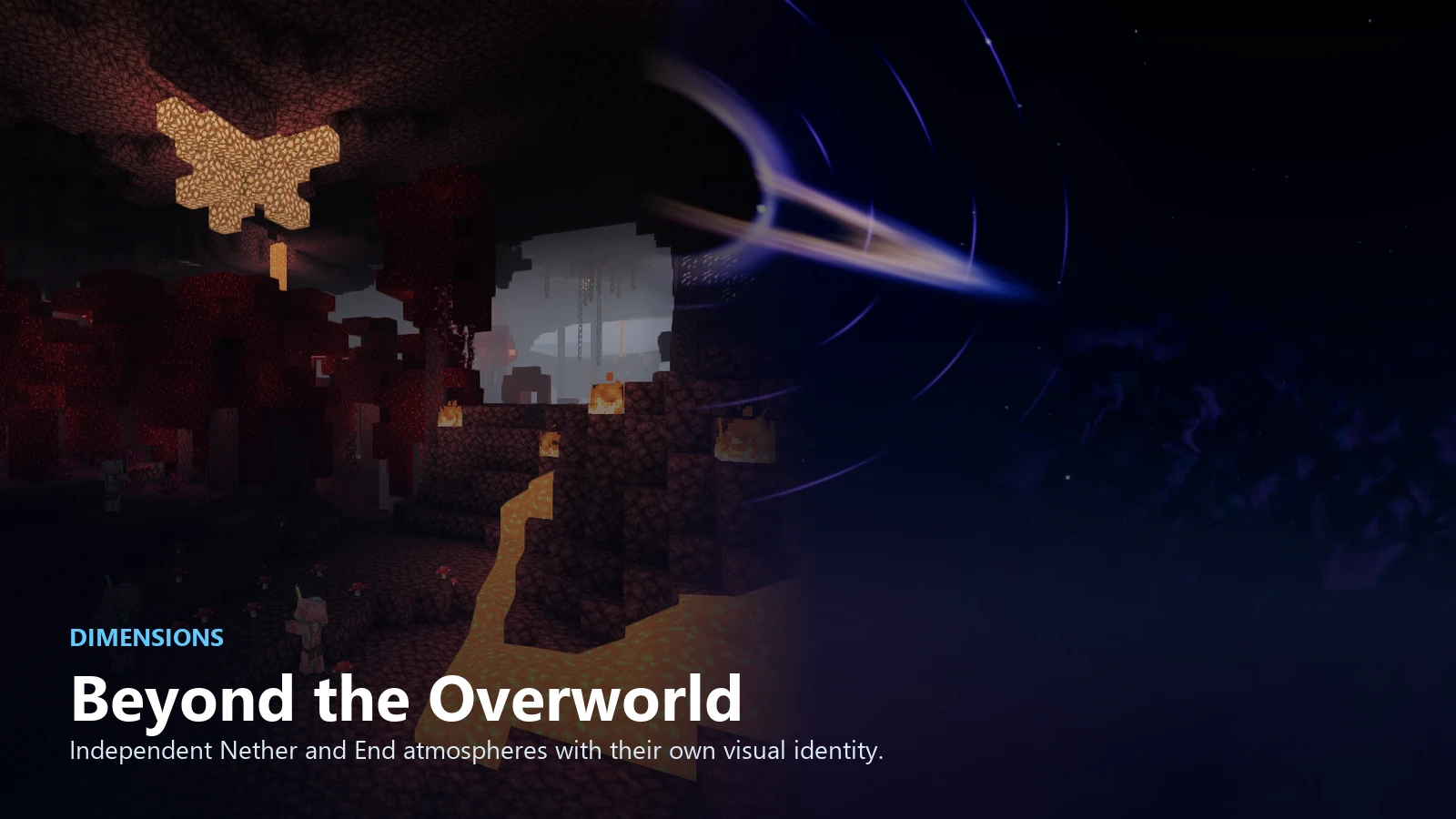
LumaSky Beyond dimensions

Beyond the Overworld

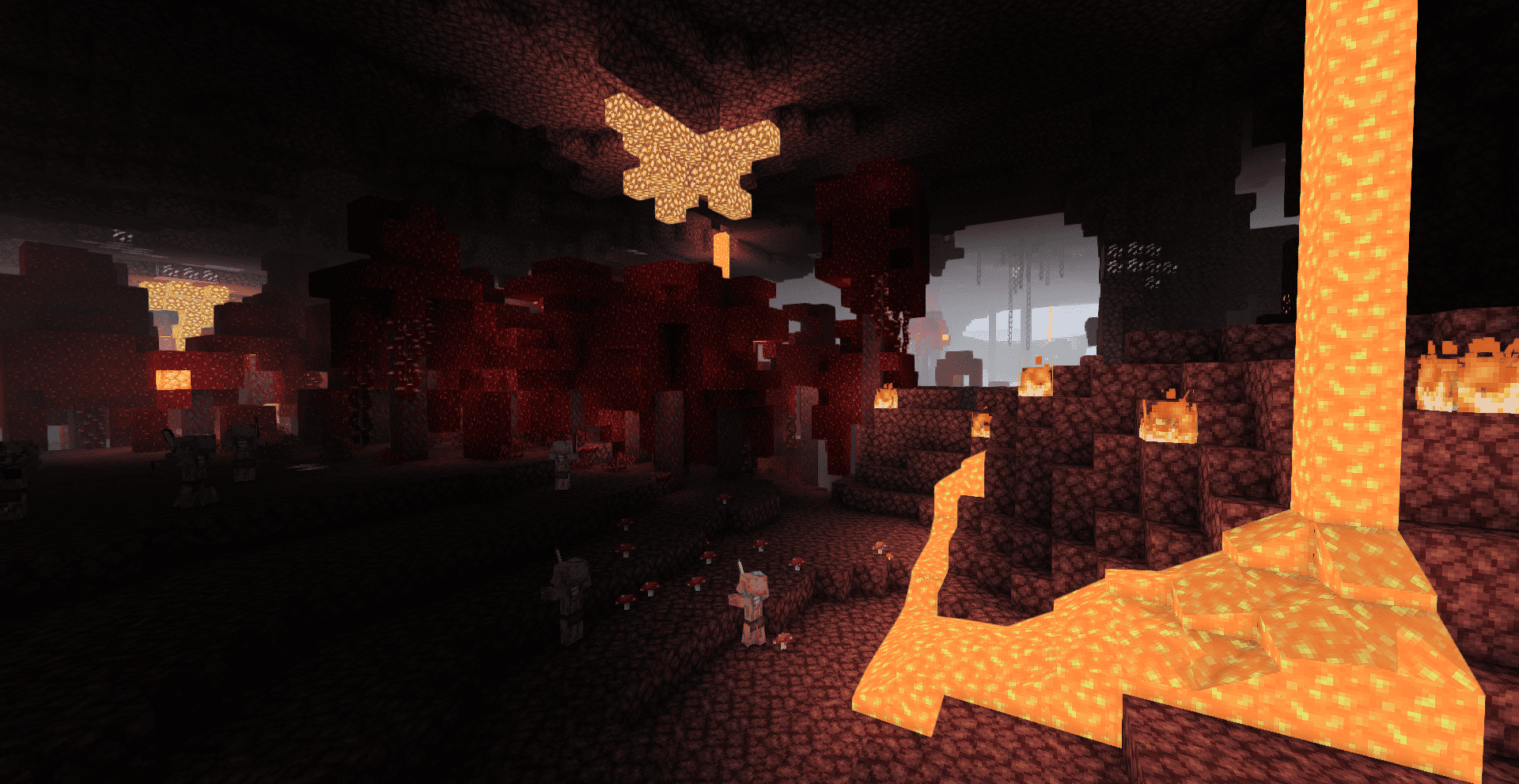
  • A dedicated Nether atmosphere built around heat, lava light, and controlled distance haze.
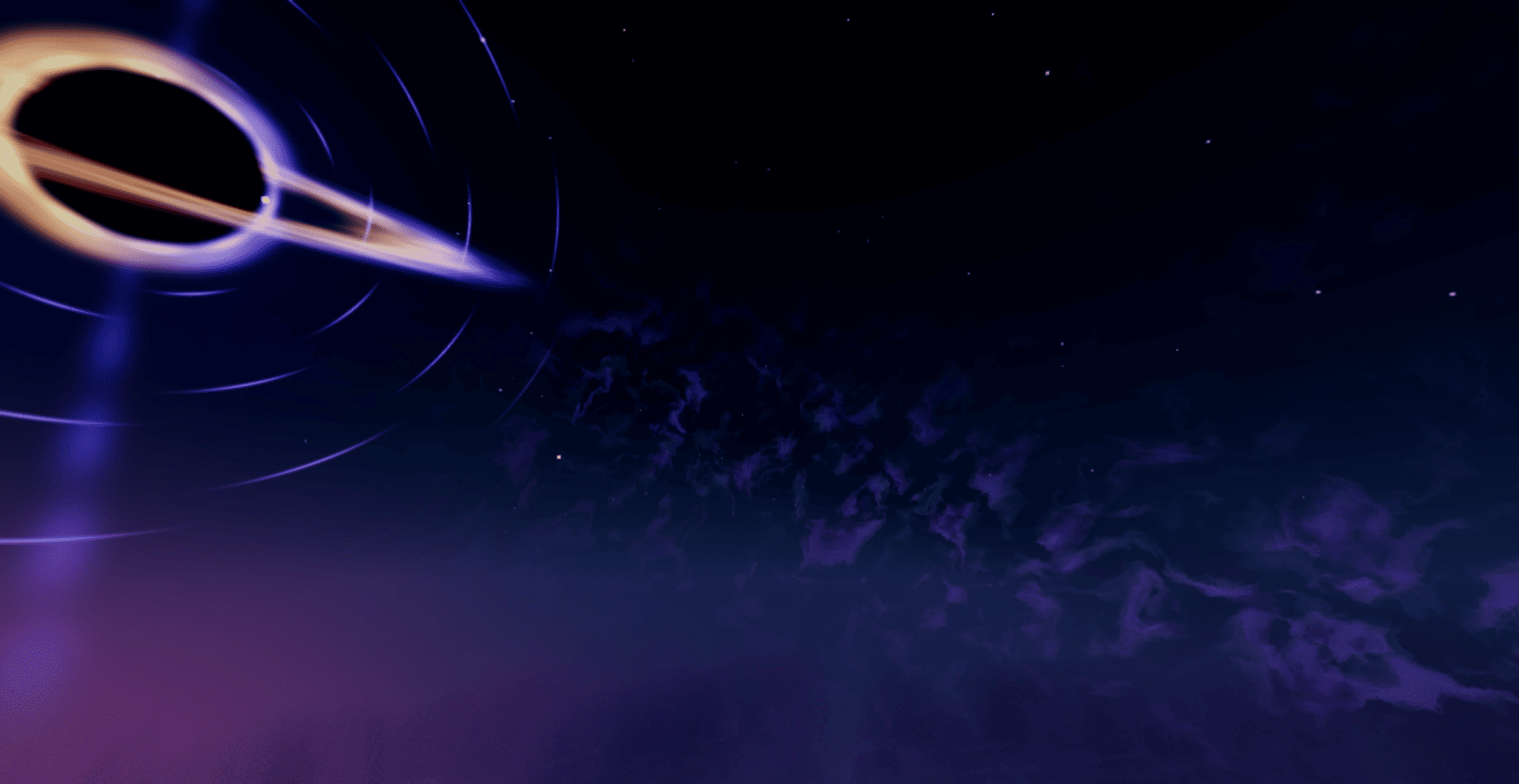
  • A redesigned End with a deep-space sky, nebula structures, and the animated Sovereign black hole.
  • Dimension-specific color, fog, and lighting instead of reusing one global look.

More visual systems

  • Reflective water and screen-space reflections.
  • Dynamic blocklight color and bloom.
  • Soft contact shadows and ambient occlusion.
  • Wind animation for foliage and vegetation.
  • Optional cosmic effects such as a galaxy, meteors, and volumetric aurora.
  • Performance-minded quality paths for continued optimization.

Compatibility

Requirement Support
Edition Minecraft Java Edition
Minecraft versions 1.16.5 through 1.21.11 across supported individual releases
Shader loader Iris Shaders
OptiFine Not currently supported
Installation Client-side only

Installation

  1. Install Iris Shaders for your Minecraft version.
  2. Download the LumaSky Beyond ZIP.
  3. Place the ZIP in .minecraft/shaderpacks.
  4. Select LumaSky Beyond from the shader pack menu.

Development status

This is the first public development preview. Visual systems and performance will continue to evolve, and feedback is welcome through curseforge.


LumaSky-Beyond-v0.1.0-dev.zip
MC 1.17.1, 1.21, 1.18.1, 1.16.5, 1.19.3, 1.20.2, 1.19.4, 1.21.8, 1.17, 1.20.5, 1.21.5, 1.18, 1.21.4, 1.20.1, 1.20, 1.20.6, 1.21.1, 1.21.6, 1.21.3, 1.21.7, 1.19.1, 1.20.4, 1.18.2
Release 2026-08-01 Get

Requirements & install

How to use this shader in Minecraft
Shader loader
Iris or OptiFine
Minecraft
1.21 – 1.21.8
Install folder
.minecraft/shaderpacks

How to install shaders

  1. Install a shader loader for your Minecraft version: Iris (with Sodium) or OptiFine.
  2. Download the shader pack .zip file (do not extract it).
  3. Put the .zip into the shaderpacks folder (.minecraft/shaderpacks).
  4. In game open Options → Video Settings → Shader Packs, select the pack and apply it.
Browse more: Iris shaders OptiFine shaders Shaders for 1.21.8 All shaders

More from Haider_x

Advertisement Remove ads with Premium →

You Might Also Like