Mineuniverse
Shaders
LumaSky Shader

LumaSky Shader

SHADER
A polished Minecraft shader with expressive skies, dynamic lighting, atmospheric fog, reflective water, and custom dimension visuals.
by Haider_x
Download Claim this project
1,253 downloads
0 likes
Updated Oct 14, 2026
0 hypes
Fantasy Vanilla
Advertisement Remove ads with Premium →

LumaSky

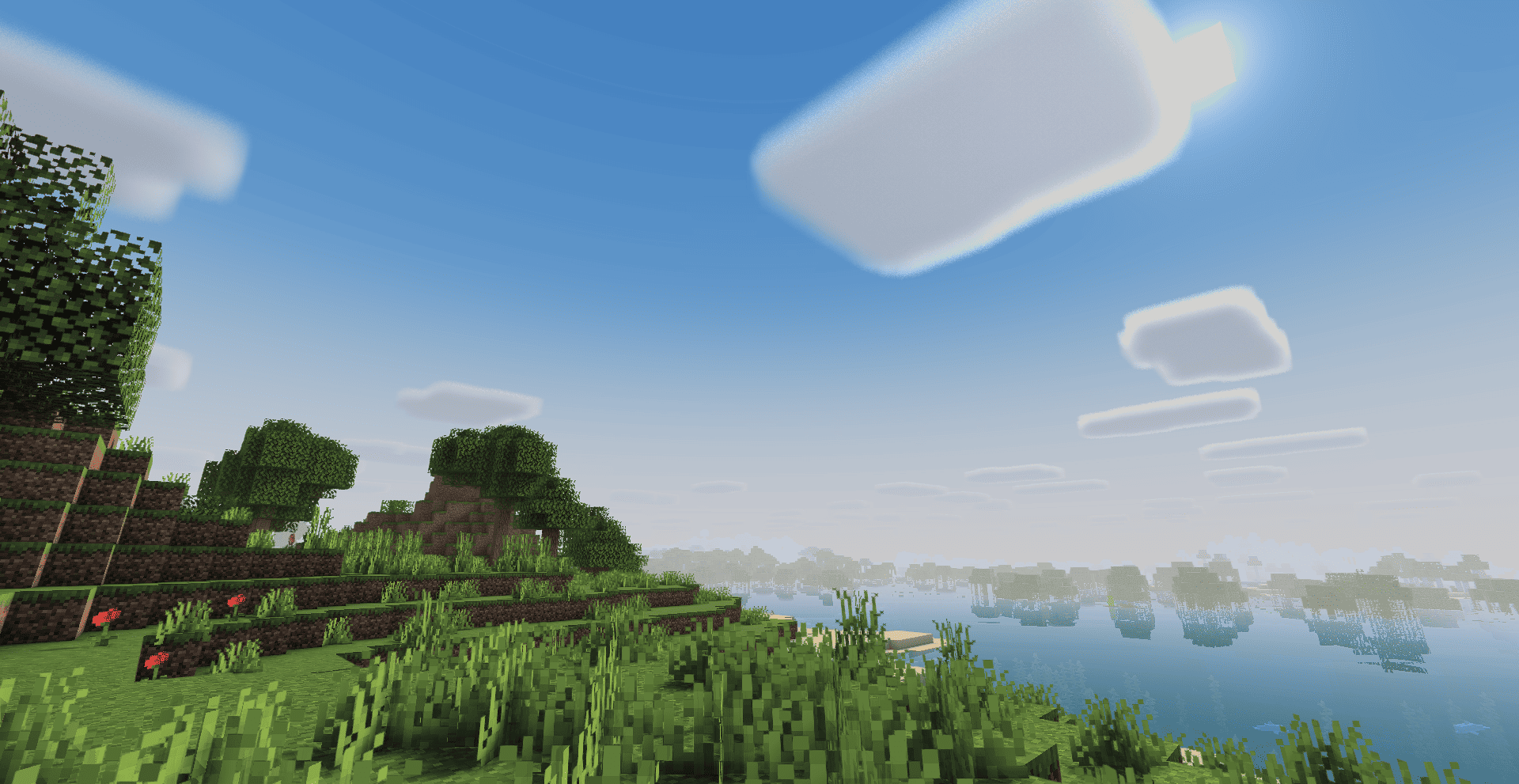
A polished Minecraft shader that brings expressive skies, atmospheric depth, reflective water, and distinctive dimension visuals while preserving Minecraft's blocky identity.

Created by Haider x for Minecraft Java Edition.


Highlights

  • Expressive atmosphere — Dynamic skies, volumetric clouds, and smoothly blended horizons.
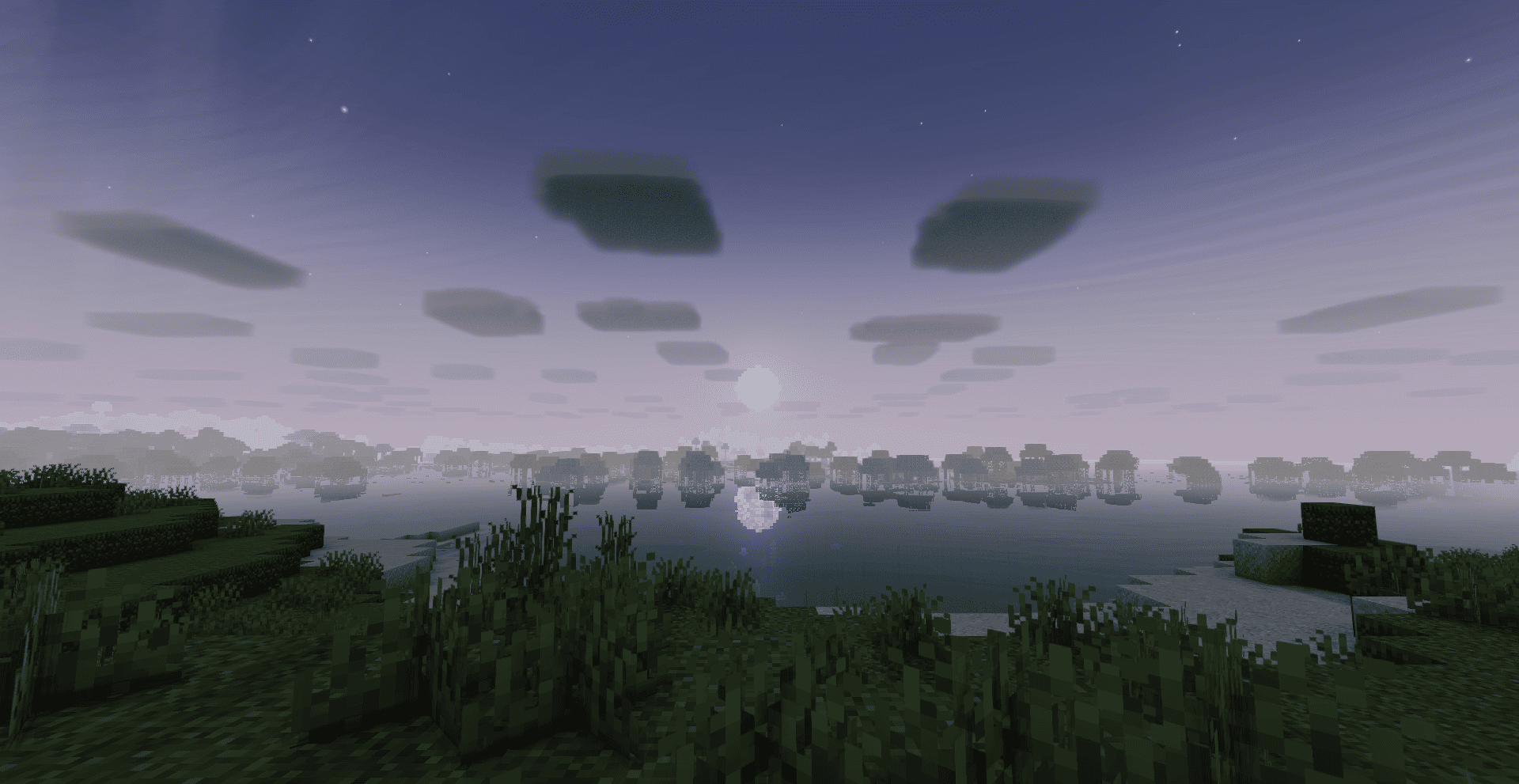
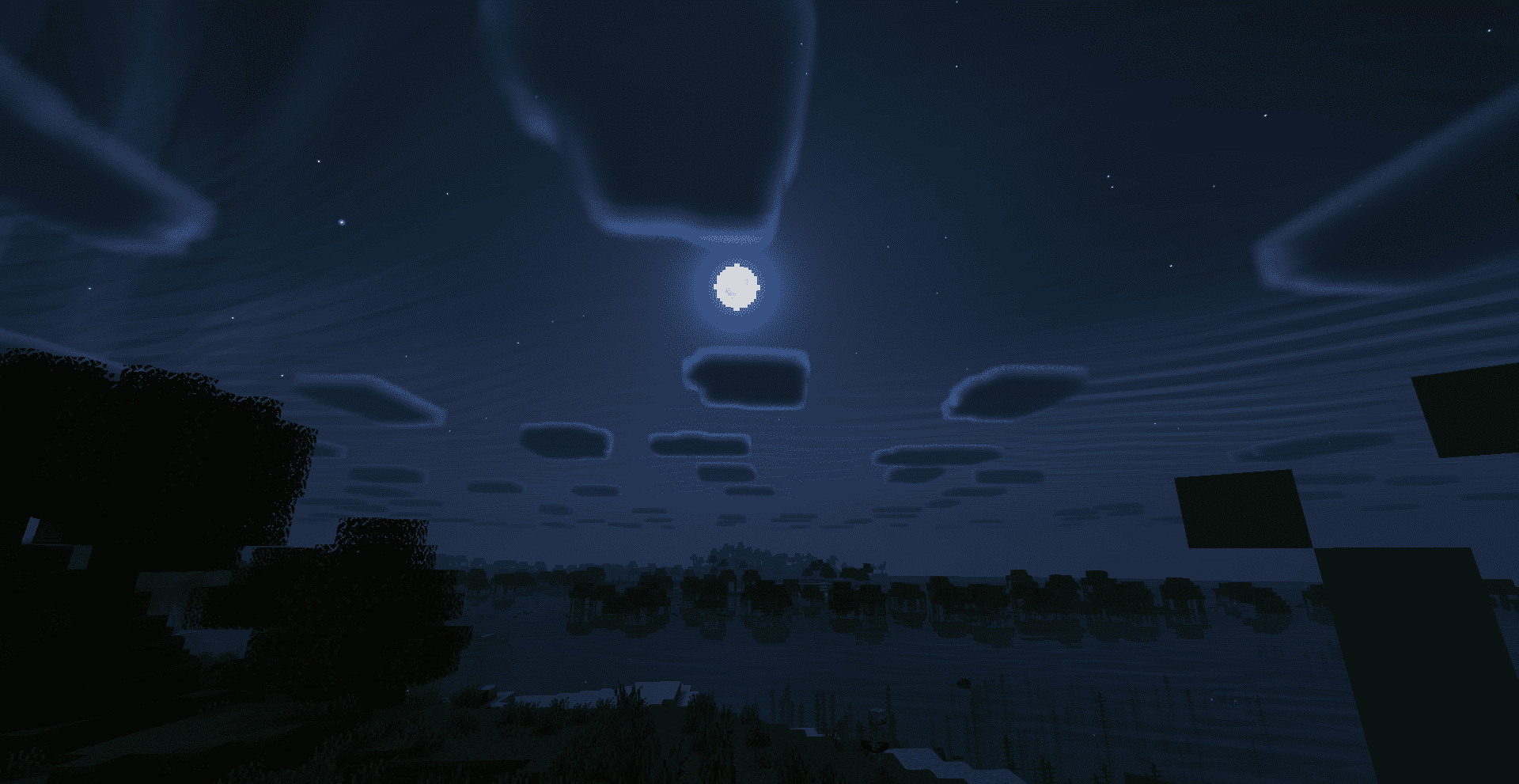
  • Responsive lighting — Distinct lighting moods for daytime, sunset, night, and weather.
  • Enhanced water — Reflections, underwater atmosphere, wet surfaces, and rain ripples.
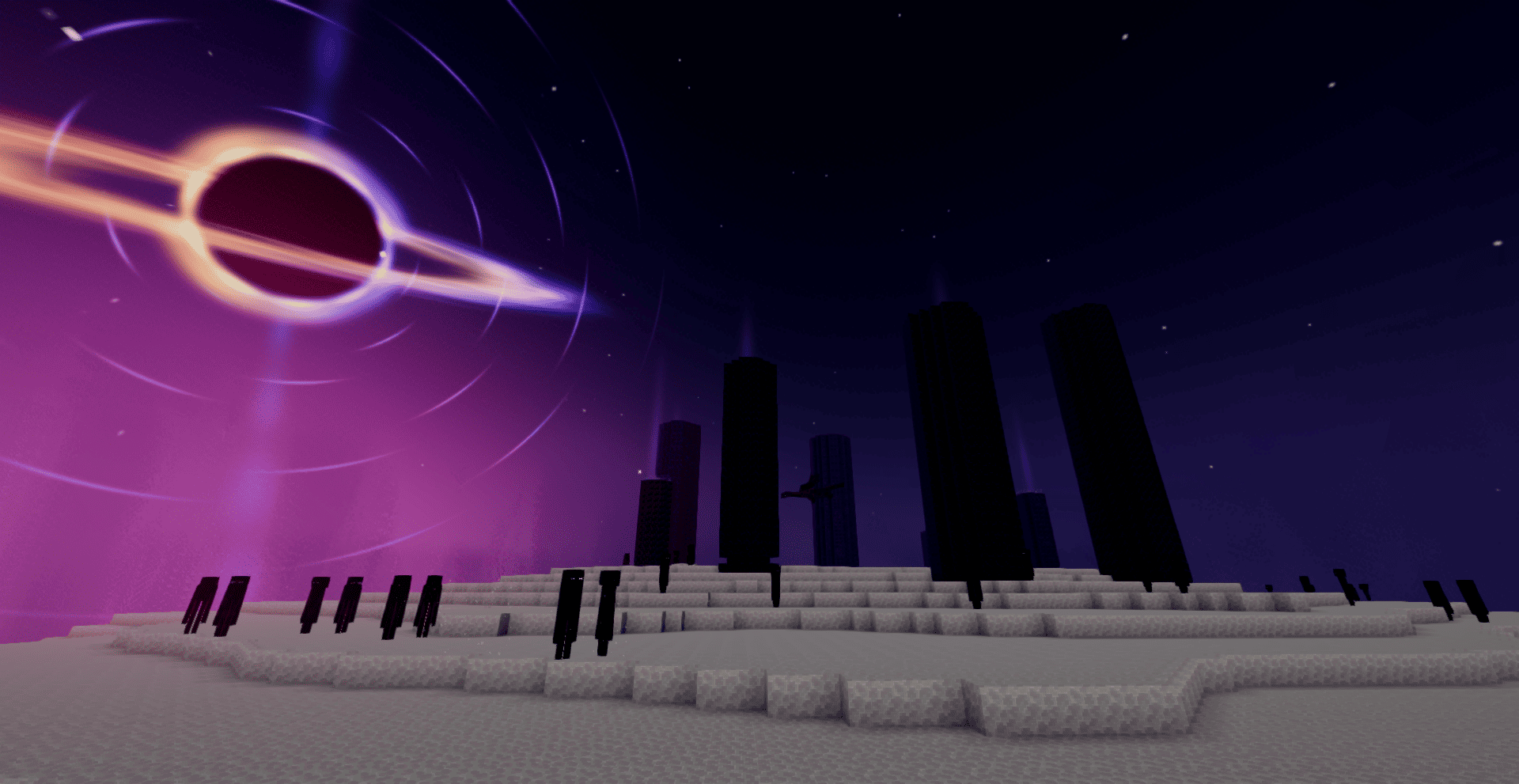
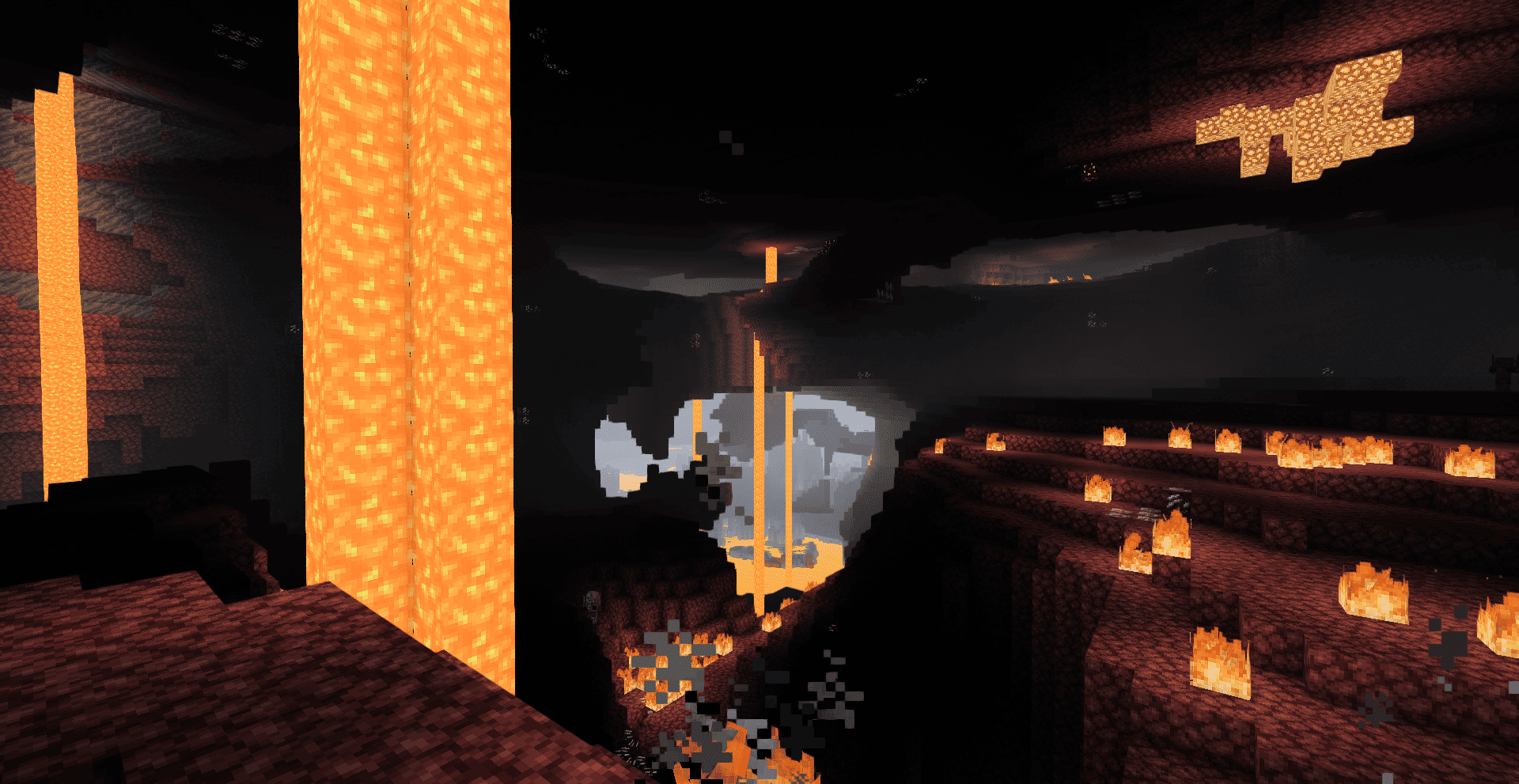
  • Unique dimensions — Dedicated visual direction for the Overworld, Nether, and End.
  • Flexible performance — Adjustable quality settings for different hardware levels.
LumaSky-v0.1.0.zip
MC 1.16.3, 1.17.1, 1.21, 1.16.1, 1.18.1, 1.16, 1.16.5, 1.19.3, 1.20.2, 1.19.4, 1.21.8, 1.17, 1.20.5, 1.21.5, 1.18, 1.21.4, 1.20.1, 1.20, 1.20.6, 1.21.1, 1.21.6, 1.21.3, 1.21.7
Release 2026-08-01 Get

Requirements & install

How to use this shader in Minecraft
Shader loader
Iris or OptiFine
Minecraft
1.21 – 1.21.8
Install folder
.minecraft/shaderpacks

How to install shaders

  1. Install a shader loader for your Minecraft version: Iris (with Sodium) or OptiFine.
  2. Download the shader pack .zip file (do not extract it).
  3. Put the .zip into the shaderpacks folder (.minecraft/shaderpacks).
  4. In game open Options → Video Settings → Shader Packs, select the pack and apply it.
Browse more: Iris shaders OptiFine shaders Shaders for 1.21.8 All shaders

More from Haider_x

Advertisement Remove ads with Premium →

You Might Also Like