Badges update automatically and link to the shader page on MineUniverse.
Low Hadal Shaders is a lightweight Minecraft Java shaderpack focused on atmospheric visuals, clear water and good performance on lower-end hardware.
It was originally created for ocean-heavy gameplay and the Hadal Veil experience, but it can also be used as a general-purpose lightweight shader.
Reworked day, sunset and night atmosphere
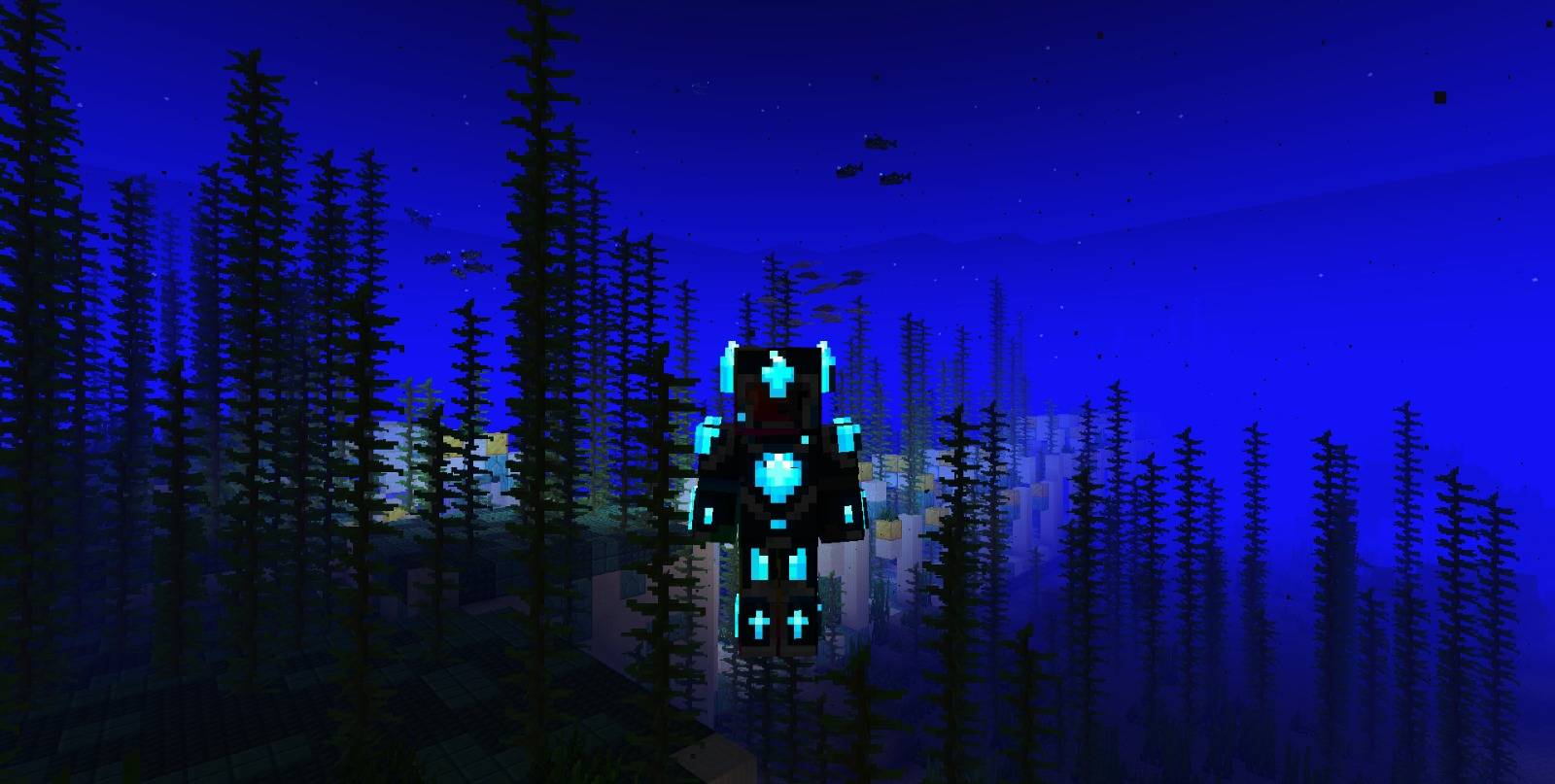
Darker and more immersive nights
Natural and Boxy cloud styles
Configurable cloud quality
Smooth cloud movement
Improved sun and moon atmosphere
Lightweight dynamic hand-held item lighting
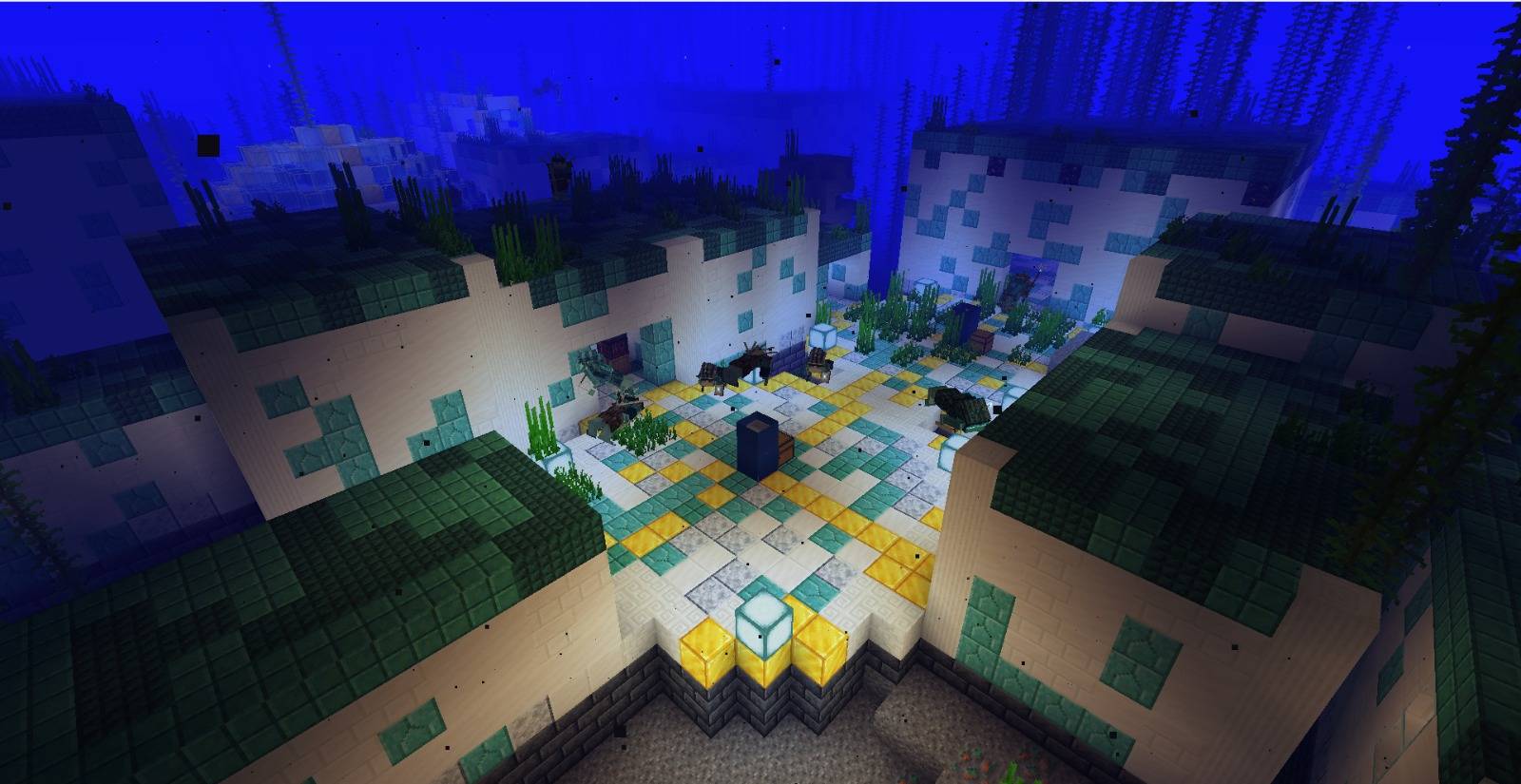
Clear water with depth-aware underwater atmosphere
Biome-aware fog colors
Animated vegetation
Dedicated visual handling for Hadal Veil's Abyss dimension
Performance, Default and Visual presets
Low Hadal intentionally avoids several expensive rendering techniques in order to remain usable on lower-end hardware.
There are no shadow maps, SSR, SSAO, ray tracing or other heavy effects enabled as part of the default design.
The goal of Low Hadal is not to compete with high-end cinematic shaders.
Instead, it focuses on getting the largest possible atmospheric improvement for a relatively small GPU cost.
Primary development and testing hardware:
Intel Core i3-1115G4
Intel UHD integrated graphics
20 GB DDR4-3200
1920×1080
The final v1.1 build generally reached approximately 80–85 FPS during testing on this system, although performance will vary depending on Minecraft settings, mods, world complexity and hardware.
Performance
Reduced cloud sampling and lightweight settings for weaker GPUs.
Default
The intended balance between visuals and performance.
Visual
Higher cloud quality while retaining the lightweight Low Hadal design.
Place the downloaded .zip directly inside:
.minecraft/shaderpacks/
Then select Low Hadal Shaders using Iris, NeOculus or another compatible shader loader.
Primary development target: Minecraft 1.21.1.
Low Hadal Shaders contains modified and adapted portions of MakeUp Ultra Fast 9.6, created by Javier Garduño and licensed under the GNU Lesser General Public License v3.0 (LGPL-3.0).
Adapted components include portions of:
sky color and atmospheric calculations
cloud source textures and cloud sampling logic
color / tonemapping helpers used by the atmospheric integration
lightweight hand-held item lighting mapping and attenuation
These components were integrated and modified for the Low Hadal rendering pipeline.
Low Hadal Shaders is not an official MakeUp Ultra Fast release, and no affiliation or endorsement by its original author is implied.
The shader download contains:
the applicable LGPL v3 and GPL v3 license texts
original MakeUp credits
editable GLSL source code
third-party notices
a detailed port/modification manifest
Special thanks to Javier Garduño for MakeUp Ultra Fast and for making the project available as open-source software.