LOST SIGNAL VHS v1.8.1 — CRITICAL PACKAGING HOTFIX + ANALOG FOG
CRITICAL UPDATE
Versions v1.7 and v1.8 were packed with Windows-style internal ZIP paths. Iris could not see the required shaders/ directory and could reject those downloads as invalid. v1.8.1 rebuilds the archive with standard portable paths. If you downloaded v1.7 or v1.8, redownload v1.8.1.
The shader code and visual features from v1.8 are unchanged. The hotfix was live verified on Minecraft 26.2 with Fabric Loader 0.19.3, Iris 1.11.2, Sodium 0.9.1, an NVIDIA RTX 5070, and OpenGL.
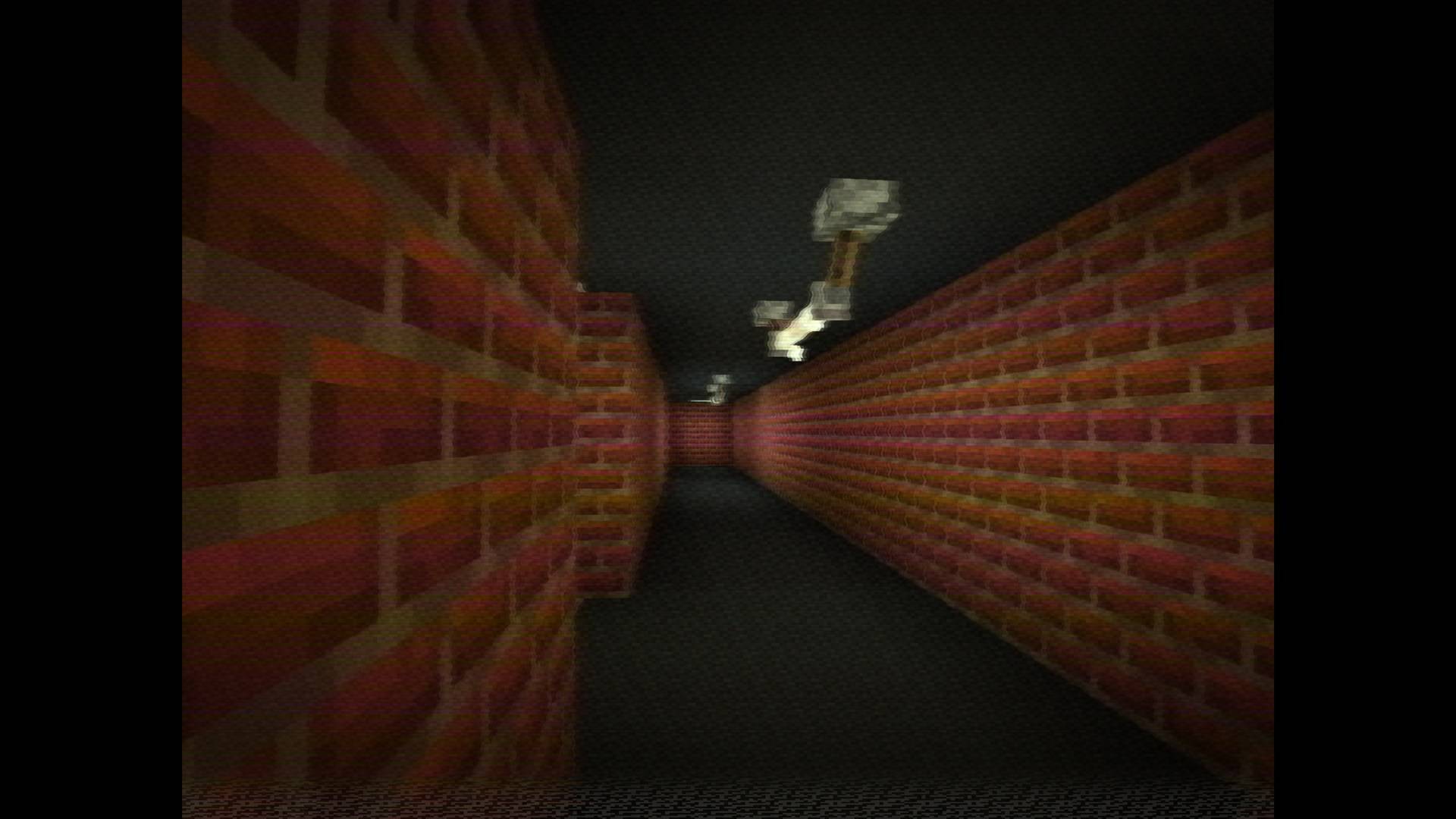
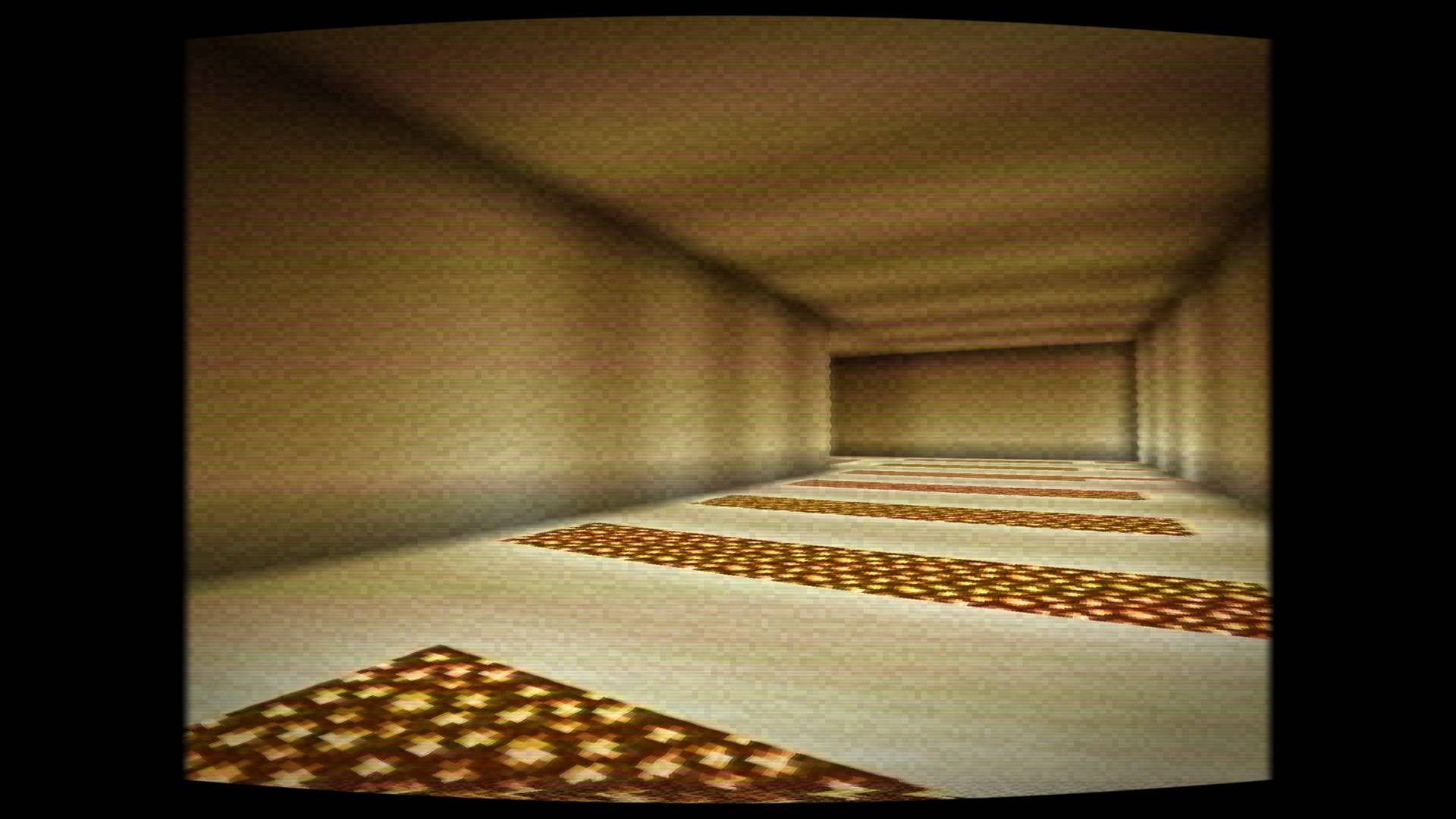
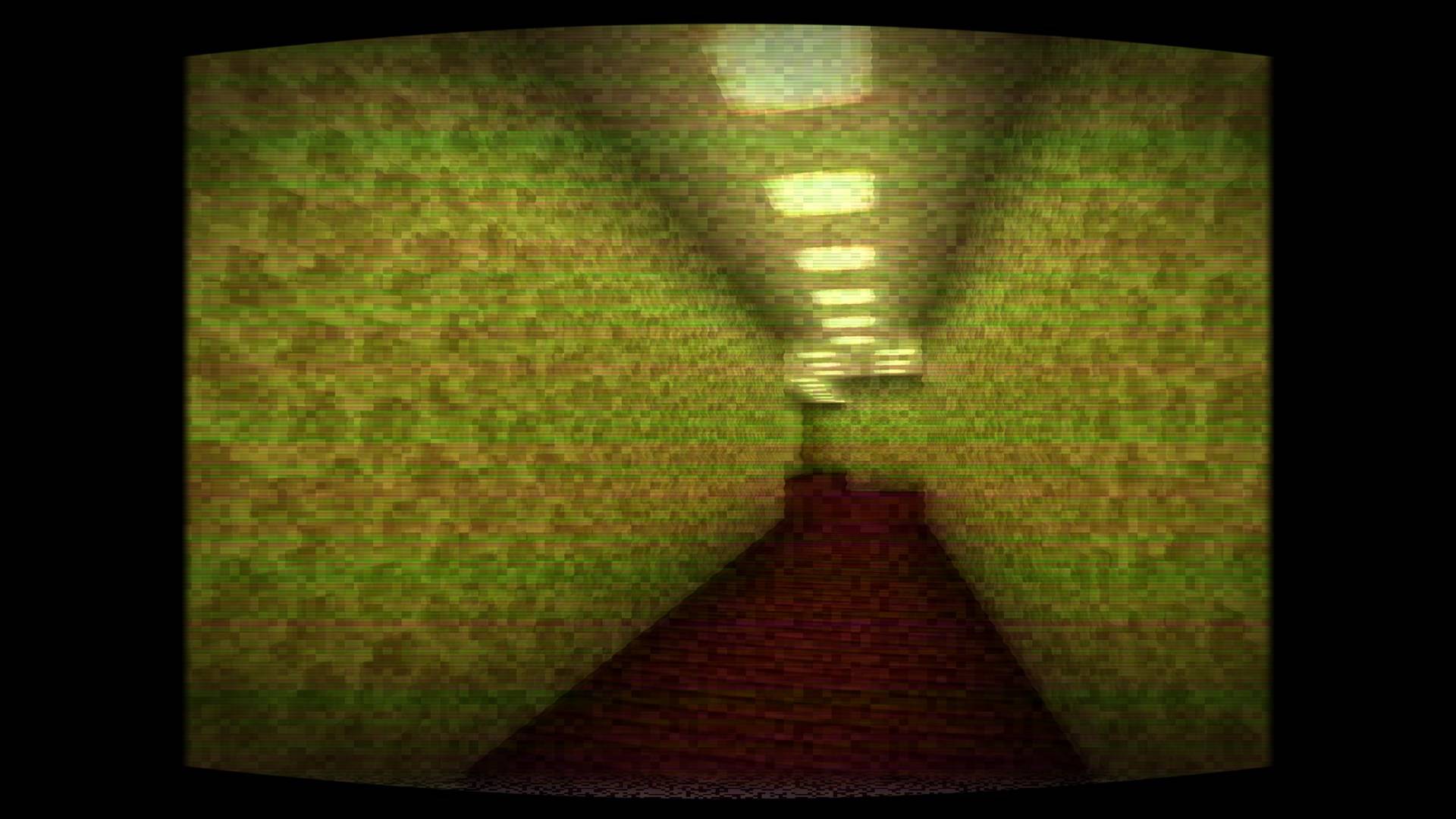
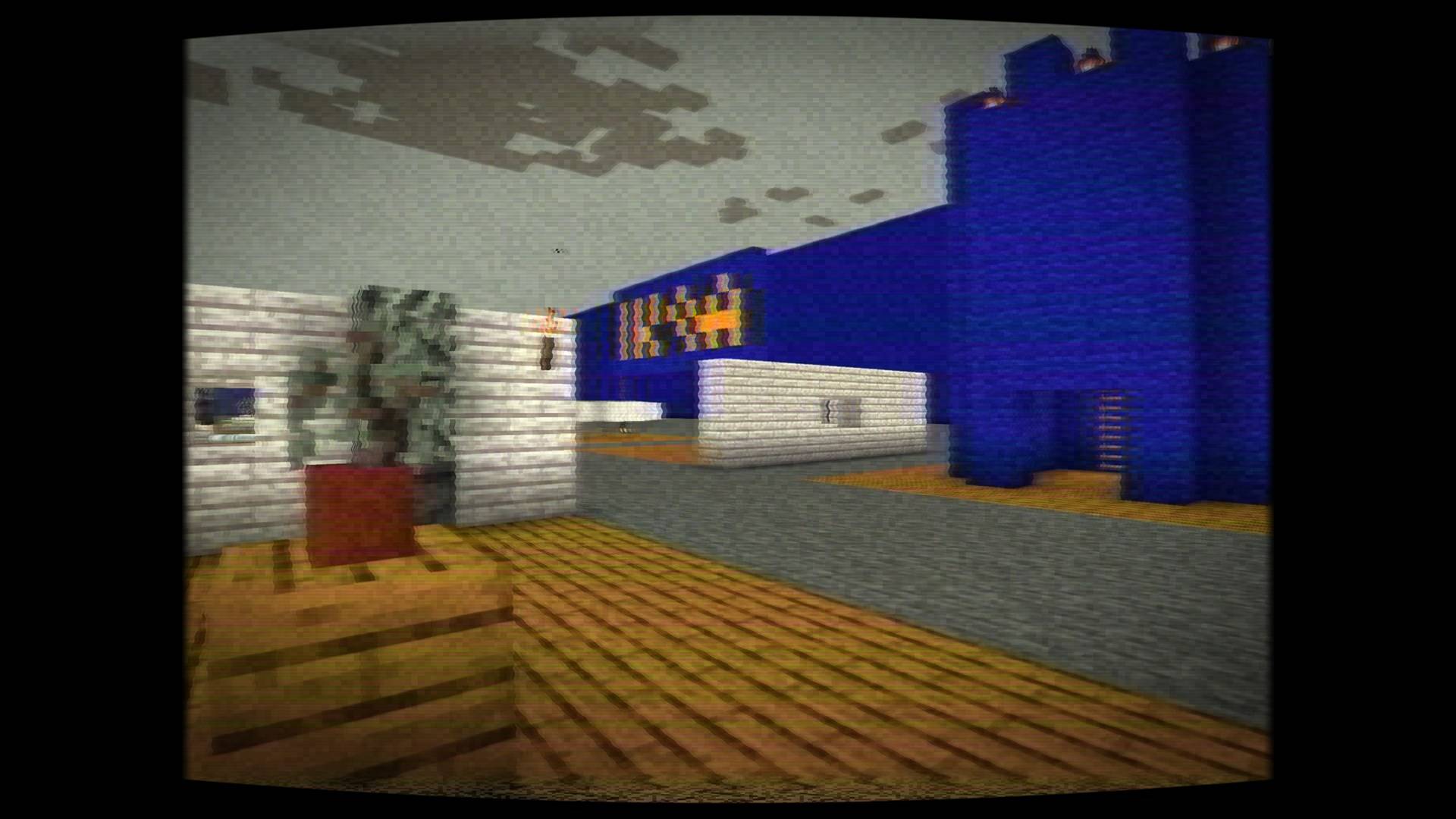
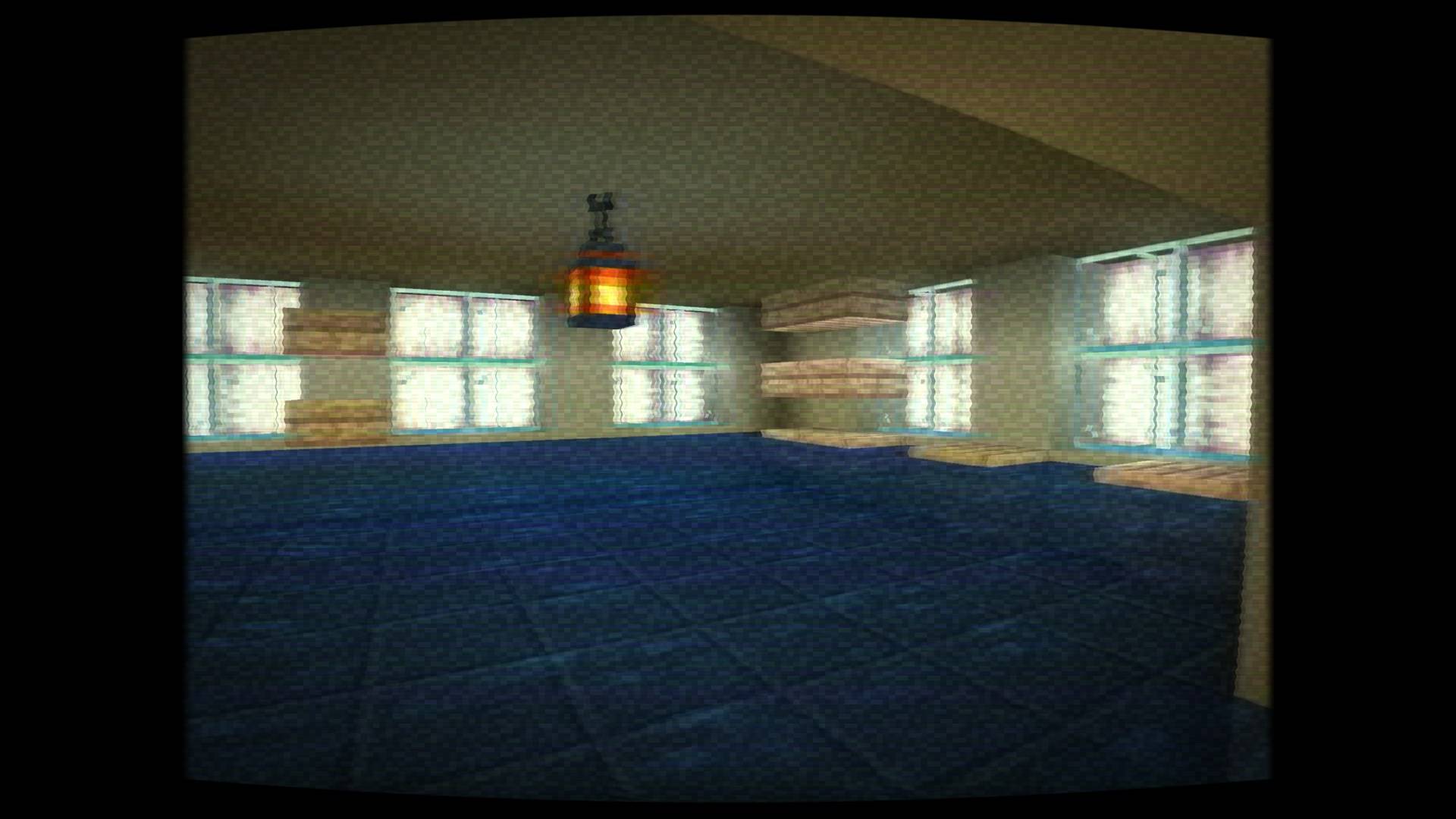
Lost Signal VHS is a lightweight post-processing shader pack for Minecraft Java Edition. It preserves vanilla lighting while turning the final image into unstable analog found footage recorded and played back through a damaged VHS deck.
BACKROOMS & ANALOG HORROR
Built for Backrooms maps, Poolrooms, liminal spaces, horror modpacks, ARGs, machinima, and found-footage videos. Dedicated Backrooms, Poolrooms, Liminal Night, Found Footage, Rental Tape, Camcorder 1996, Broken Signal, and Analog Fog presets combine fluorescent color, humid haze, unstable exposure, tracking loss, tape noise, and damaged-camcorder motion while keeping the scene playable.
Backrooms VHS trailer: https://youtu.be/MWtnxr5Iu6Q
WHAT v1.8 ADDED
• Scene-depth analog fog enters the simulated signal before tape encoding
• World-stable density variation and five fog palettes
• Dedicated Analog Fog preset and adjustable fog controls
• Extended Minecraft 1.18.2–26.2 compatibility targets
• All previous composite decoding, field weaving, YIQ processing, and Minecraft 26.2 framebuffer fixes remain included
AUTHENTIC SIGNAL FEATURES
• True NTSC/PAL interlaced field weaving through a persistent history buffer
• Smooth correlated time-base error and feathered tracking tears
• YIQ signal processing, chroma bandwidth loss, phase errors, color killer, and chroma persistence
• Tape generations, VHS SP/LP/SLP/VHS-C/rental formats, oxide wear, RF interference, tape chew, and frame-repeat stalls
• 1980s tube, 1990s VHS, and early-digital camcorder responses with optional REC/battery/timecode HUD
• Performance, Balanced, and Cinematic quality levels
• English and Russian settings menus
COMPATIBILITY
Primary targets:
• 26.2 and 26.1.2 — Iris 1.11.2 + Sodium, OpenGL
• 1.21.11 — Iris 1.10.7 + Sodium
• 1.21.4 — Iris 1.8.8 + Sodium
• 1.21.1 — Iris 1.8.12 + Sodium
• 1.20.1 — Iris 1.7.6 + Sodium
Extended targets:
• 1.21.10, 1.21.8, 1.21.5, 1.20.6, 1.20.4, 1.19.4, and 1.18.2
These use conservative GLSL interfaces, but have not all been live-tested across every loader, GPU, and driver combination. The pack follows the standard OptiFine shader-pack layout; v1.8.1 was live-verified on Iris. Minecraft 26.x requires OpenGL and must not use the experimental Vulkan backend.
INSTALLATION
1. Download Lost Signal VHS v1.8.1.
2. Put the ZIP directly into the shaderpacks directory. Do not extract it.
3. Start Minecraft with Iris and OpenGL.
4. Open Options → Video Settings → Shader Packs.
5. Select Lost Signal VHS v1.8.1 and apply it.
6. Open Shader Pack Settings to choose a preset and quality level.
No resource pack, external texture, or compute-shader support is required.
Source and issue tracker: https://github.com/AlexDarkStalker2002/lost-signal-vhs
GitHub release: https://github.com/AlexDarkStalker2002/lost-signal-vhs/releases/tag/v1.8.1
Licensed under the MIT License.
SHA-256: B2F9FF25C701CFAED3A822DBDC2D2A3B4B7F51AC938B19AD715C75F18C35A4E3