Mineuniverse
Shaders
Lost Signal

Lost Signal

SHADER
A lightweight horror shader pack for low ends and this shaderpack is currently in beta so please give feedback
by KyreyMC
Download Claim this project
25,939 downloads
0 likes
Updated Oct 14, 2026
0 hypes
Vanilla
Advertisement Remove ads with Premium →


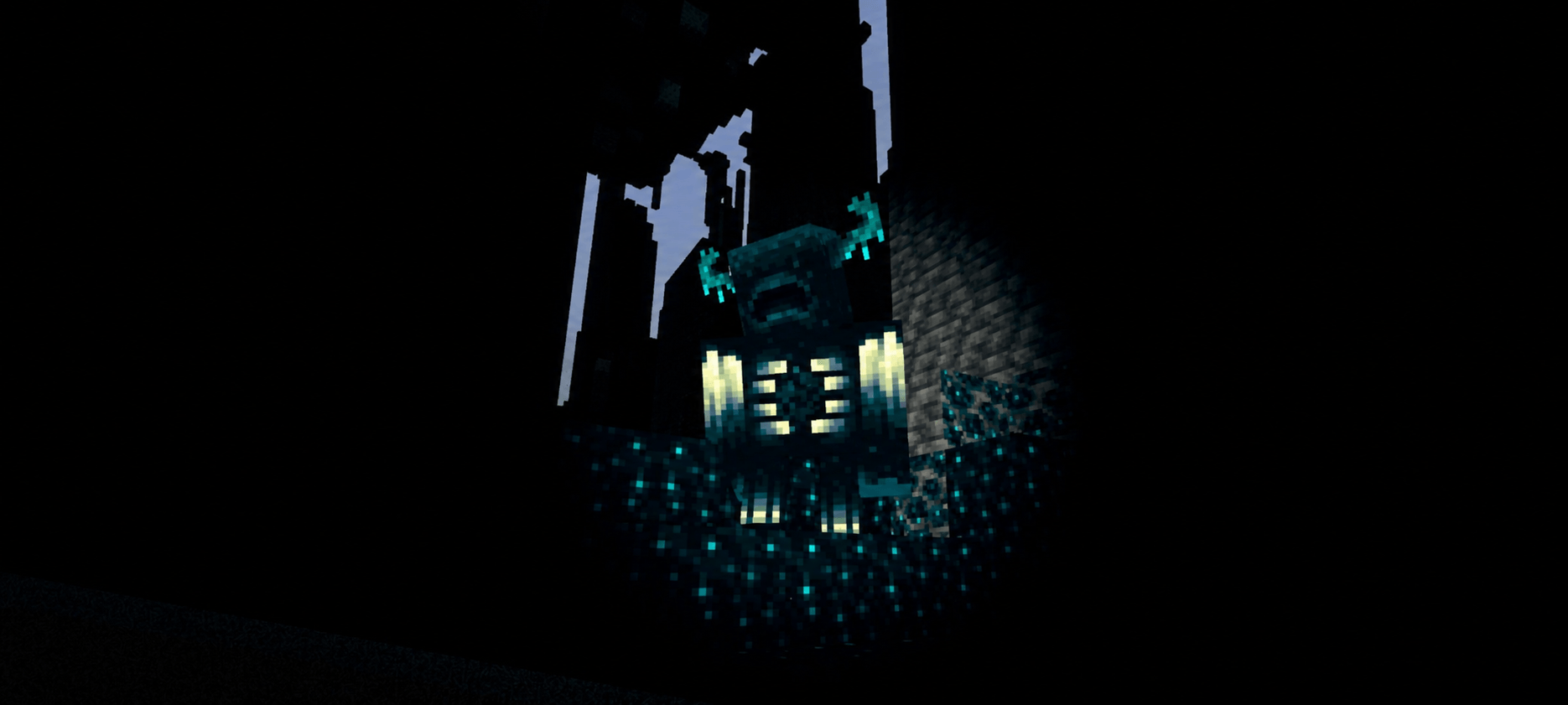
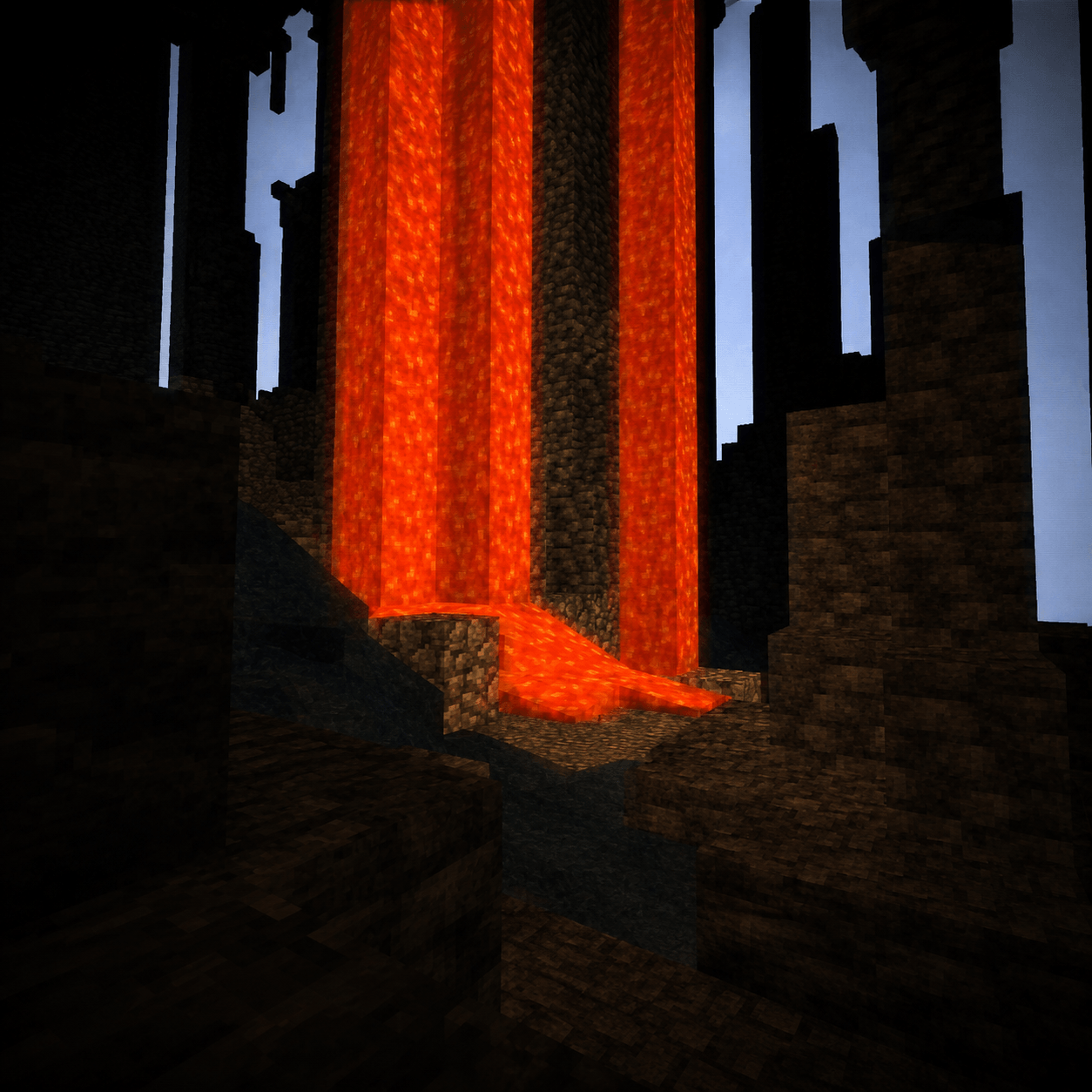
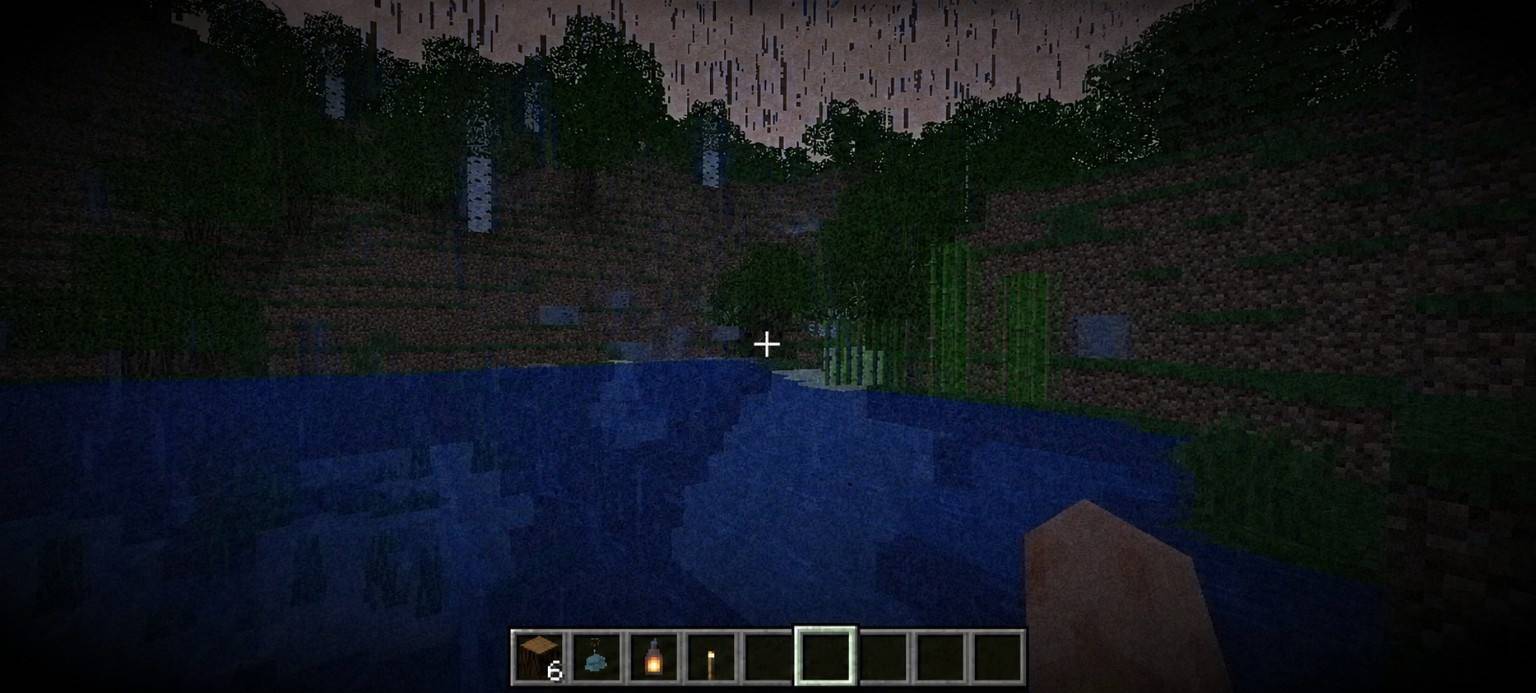
Lost Signal is a lightweight psychological horror shader designed to create a tense, immersive atmosphere without requiring a high-end PC.


Instead of focusing on realism, Lost Signal recreates the unsettling feeling of exploring the unknown through darkness, subtle analog-inspired visuals, and atmospheric post-processing.


Features


- 🌑 Dark, immersive nights

- 🔦 Dynamic flashlight effect for torches and lanterns

- 📼 Analog-inspired grain and screen effects

- 🌧️ Rain blur

- ❤️ Fear Pulse

- 😨 Panic effects

- ⚙️ Customizable settings and intensity profiles

- 📱 Optimized for low-end devices


Beta Notice


This is Version 0.1 Beta.


Lost Signal is still under active development. Features, visuals, and performance will continue to improve with every update. Feedback, bug reports, and suggestions are greatly appreciated and help shape future versions.


Thank you for trying Lost Signal. I hope you enjoy the experience—and stay safe in the dark.

LostSignal.0.3
MC 1.20.1, Iris
Beta 2026-07-24 Get
LostSignal 0.2
MC 1.20.1, Iris
Beta 2026-07-18 Get
LostSignal
MC 1.20.1, Iris
Beta 2026-07-13 Get

Requirements & install

How to use this shader in Minecraft
Shader loader
Iris
Minecraft
1.20.1
Install folder
.minecraft/shaderpacks

Install with Iris

  1. Install Iris with the Iris installer (irisshaders.dev); it sets up Fabric and Sodium for you.
  2. Download the shader pack .zip (do not extract it).
  3. Put the .zip into .minecraft/shaderpacks.
  4. In game open Options → Video Settings → Shader Packs, select the pack and click Apply.
Browse more: Iris shaders OptiFine shaders Shaders for 1.20.1 All shaders

More from KyreyMC

Advertisement Remove ads with Premium →

You Might Also Like