Mineuniverse
Shaders
Lightweight Lighting

Lightweight Lighting

SHADER
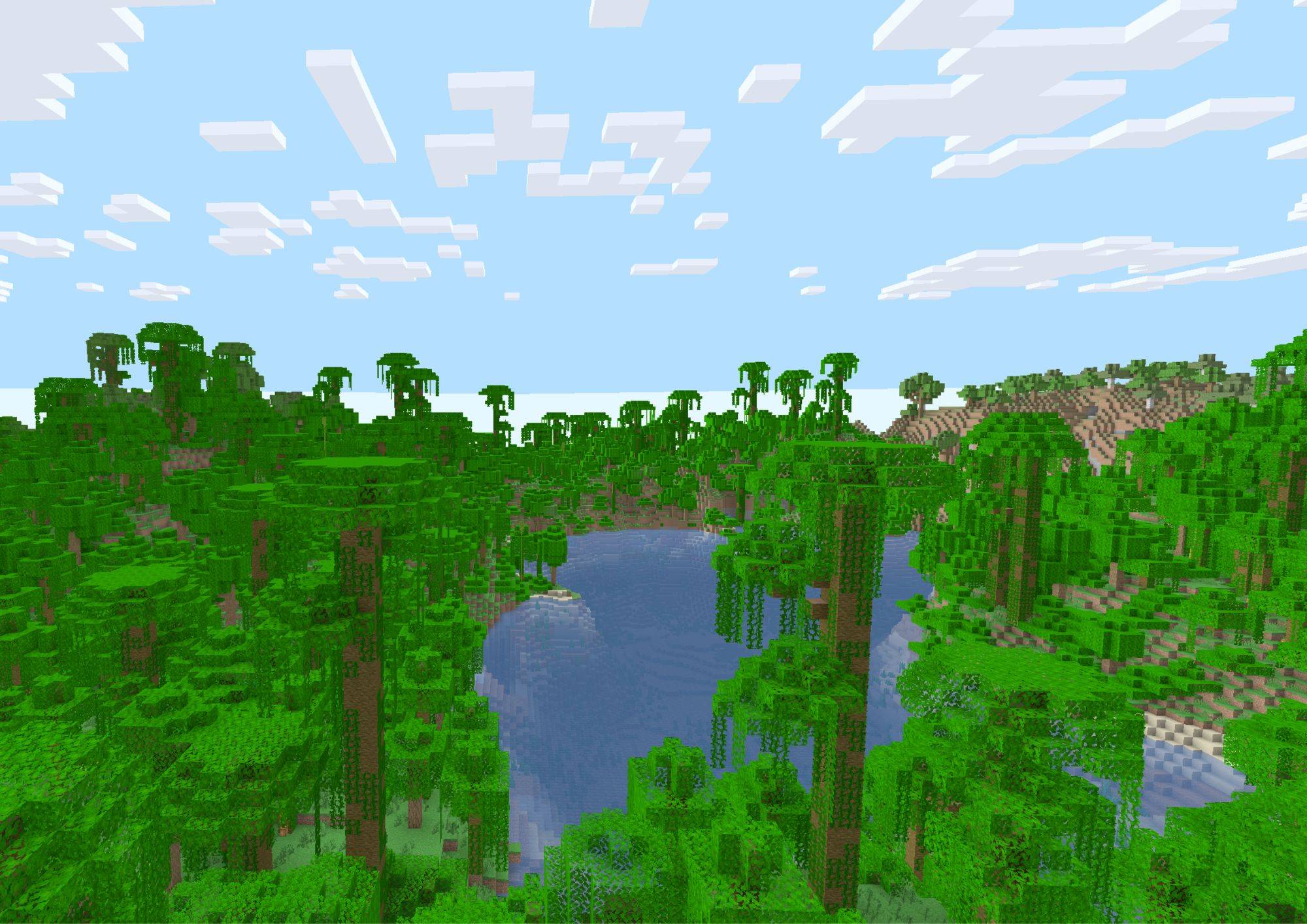
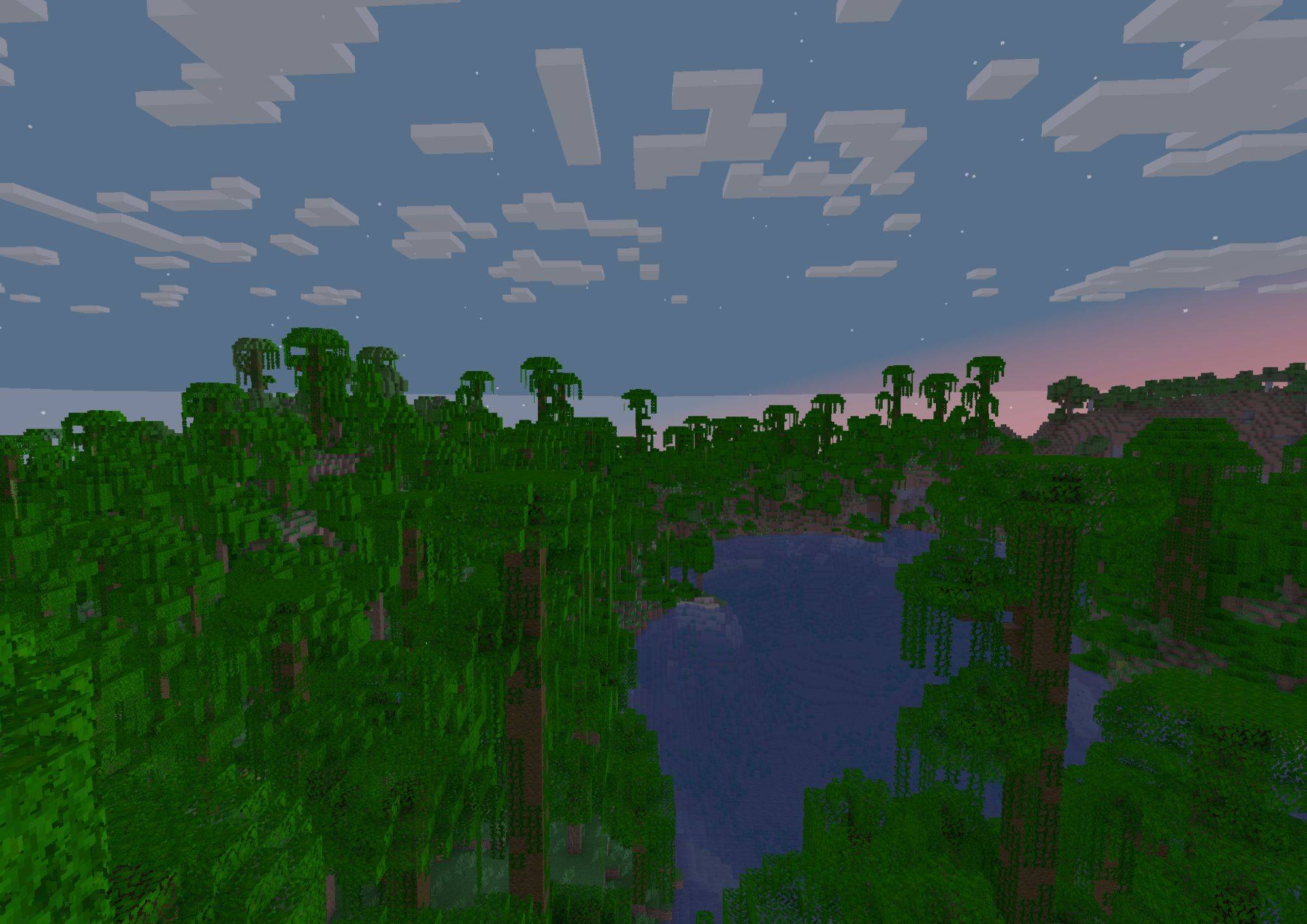
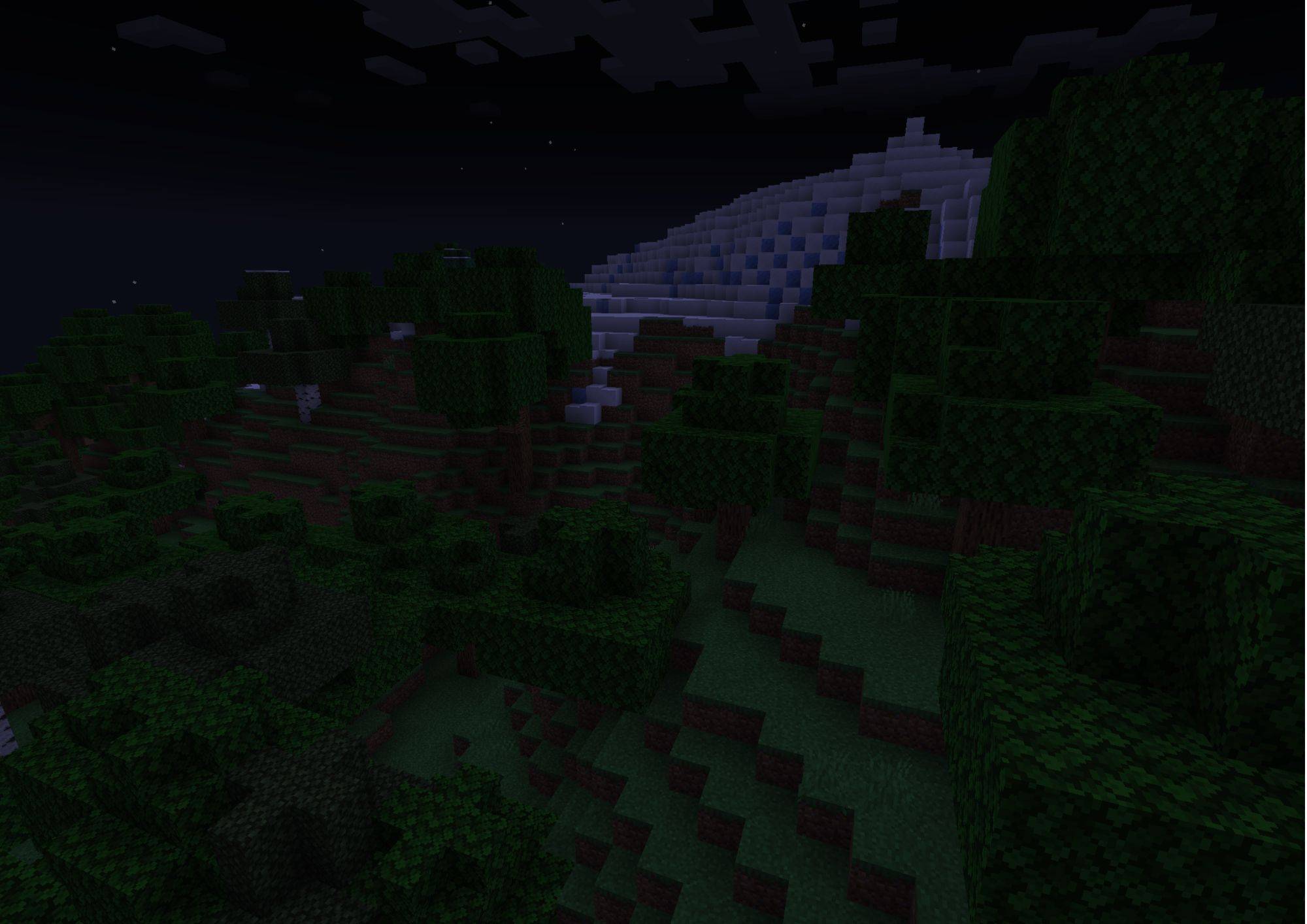
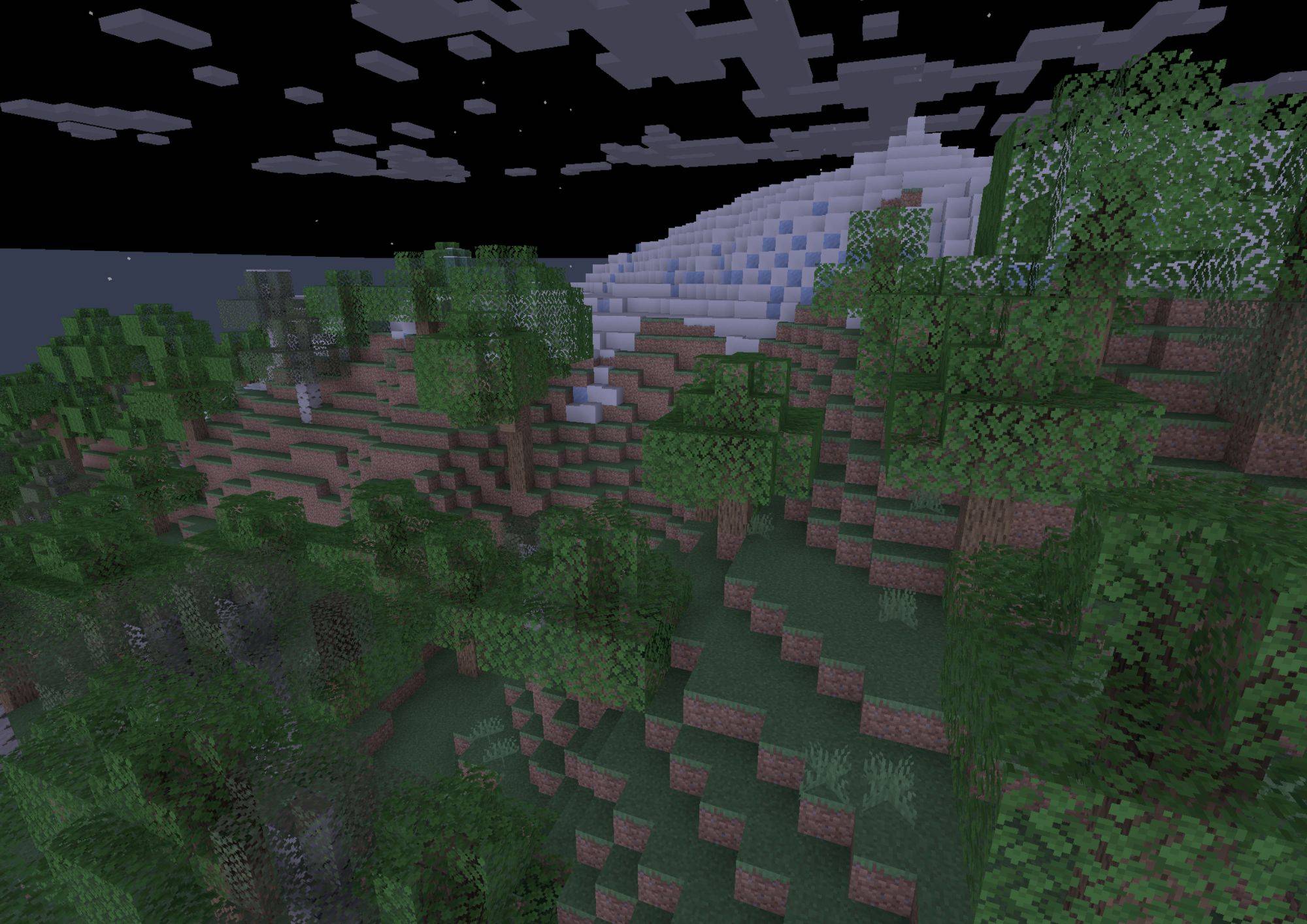
Lightweight Lighting is a performance-focused Minecraft shader pack designed specifically for low-end "potato" PCs and laptops. this pack selectively overhauls Minecraft's rendering engine to deliver high-quality visuals without dropping frames.
by Daddy_Zoro
Download Claim this project
2,257 downloads
0 likes
Updated Oct 14, 2026
0 hypes
Vanilla
Advertisement Remove ads with Premium →

The ultimate shader pack designed specifically for potato PCs, toasted laptops, and everything in between. If your computer screams every time you try to run standard shaders, Lightweight Lighting is here to save your framerate without sacrificing your visuals.

Most low-end shaders just turn off features until the game looks like flat plastic. Lightweight Lighting takes a smarter approach. It completely overhauls Minecraft’s default rendering to deliver crisp, high-quality illumination, ambient depth, and vibrant colors—all while keeping your GPU completely cool.

Key Features: brightness and lighting have a overhauled and brand new pastel look!

SimpleLighting.zip
MC 1.21.2-Snapshot, 1.21, 1.21.6-snapshot, 1.20.2-Snapshot, 1.21.1-Snapshot, 1.20.2, 1.21.8, 1.21.5, 1.21.4, 1.21.5-Snapshot, 1.20.1, 1.20, 1.20-Snapshot, 1.21.1, 1.21.6, 1.21.3
Release 2026-06-18 Get

Requirements & install

How to use this shader in Minecraft
Shader loader
Iris or OptiFine
Minecraft
1.21.2-Snapshot – 1.21.8
Install folder
.minecraft/shaderpacks

How to install shaders

  1. Install a shader loader for your Minecraft version: Iris (with Sodium) or OptiFine.
  2. Download the shader pack .zip file (do not extract it).
  3. Put the .zip into the shaderpacks folder (.minecraft/shaderpacks).
  4. In game open Options → Video Settings → Shader Packs, select the pack and apply it.
Browse more: Iris shaders OptiFine shaders Shaders for 1.21.8 All shaders

More from Daddy_Zoro

Advertisement Remove ads with Premium →

You Might Also Like