Mineuniverse
Shaders
Lenscraft

Lenscraft

SHADER
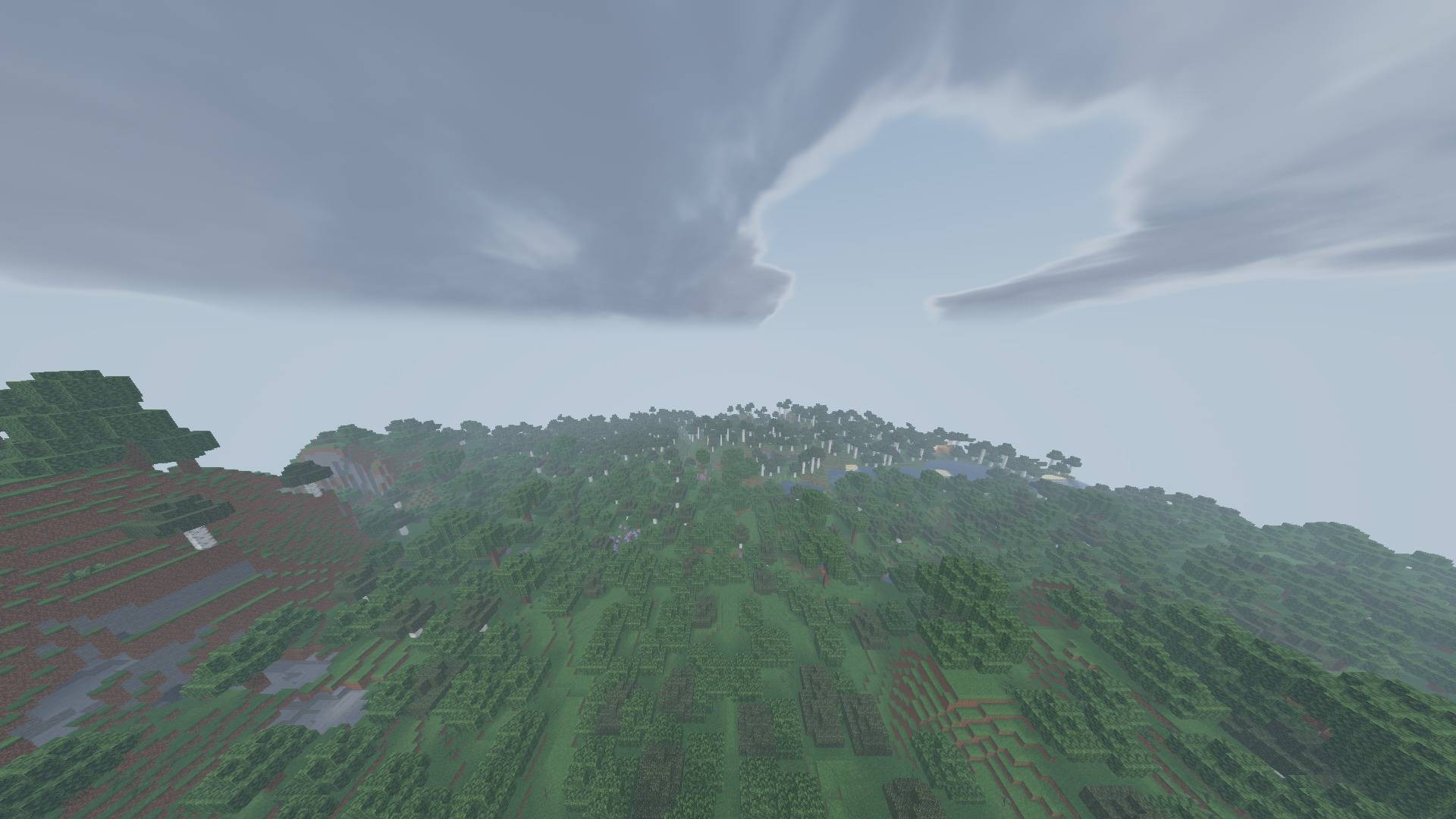
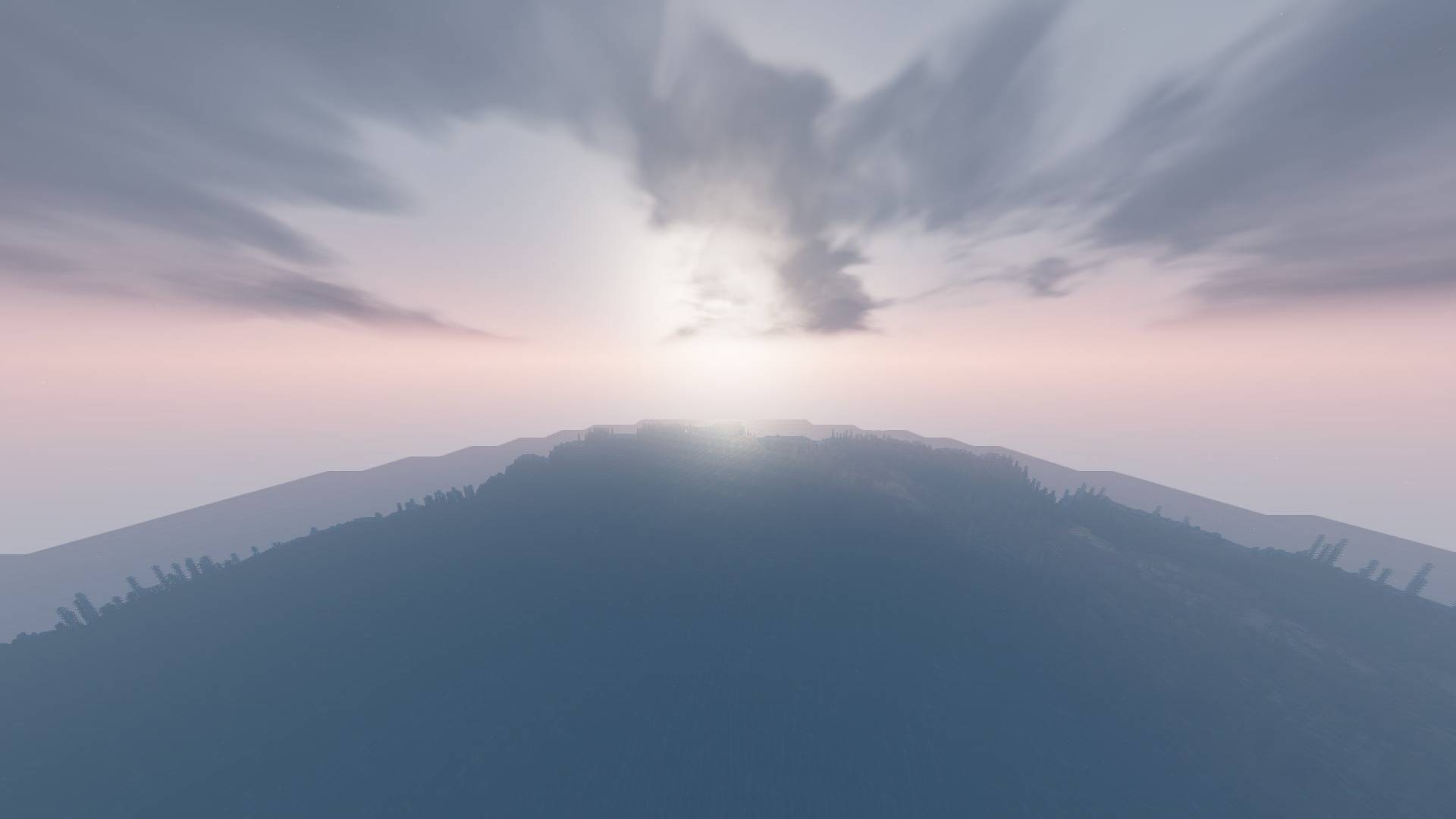
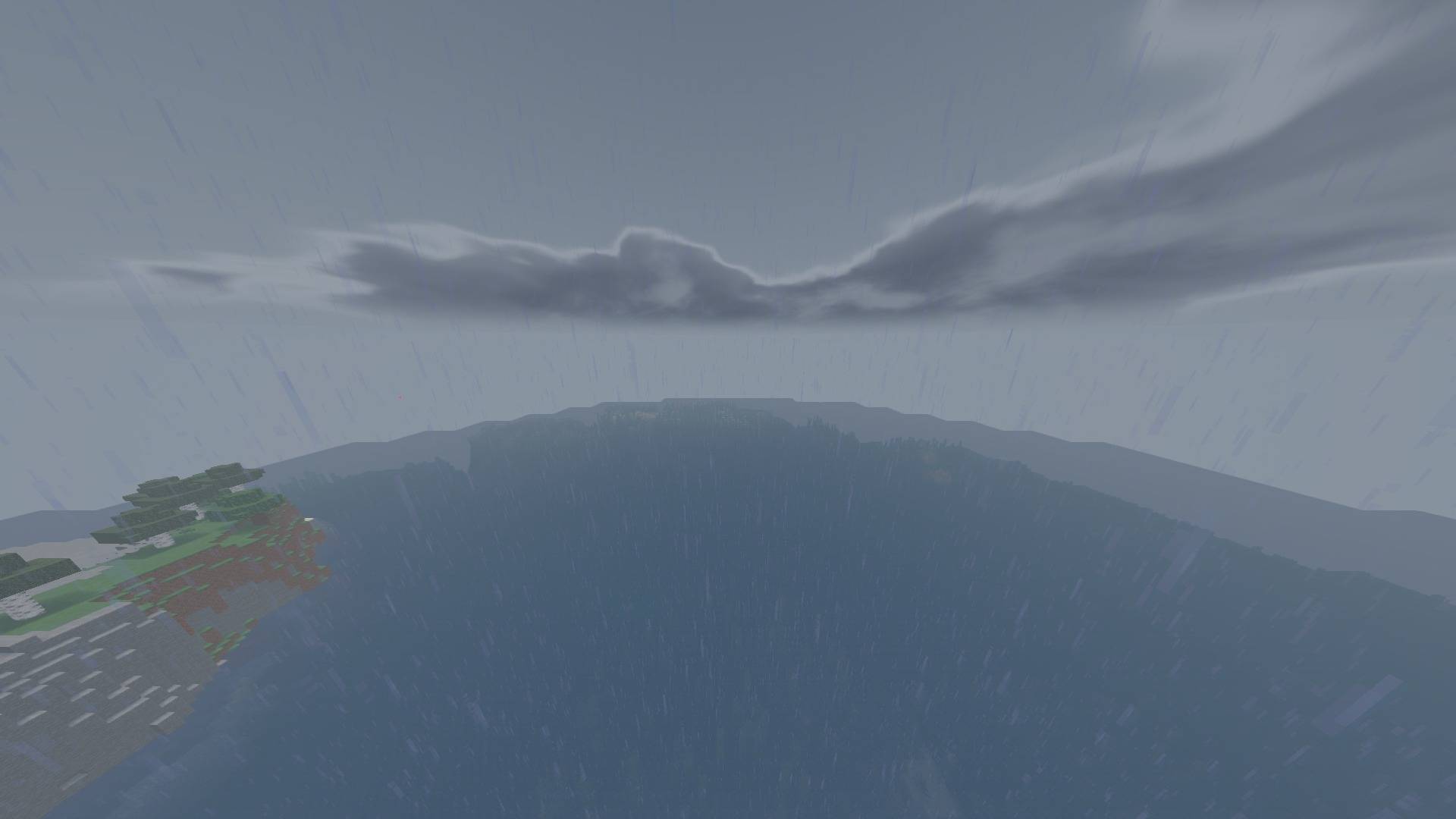
A clean everyday renderer with optional bounded depth of field, bokeh and anamorphic character for capture work.
by AstorUVZ
Download Claim this project
2,377 downloads
0 likes
0 followers
Updated Oct 14, 2026
0 hypes
Follow0
Realistic Vanilla
Advertisement Remove ads with Premium →

Lenscraft 0.4.0 — a cinematic camera that stays sharp when you need it

Short description: A clean everyday renderer with optional bounded depth of field, bokeh and anamorphic character for screenshots and films.

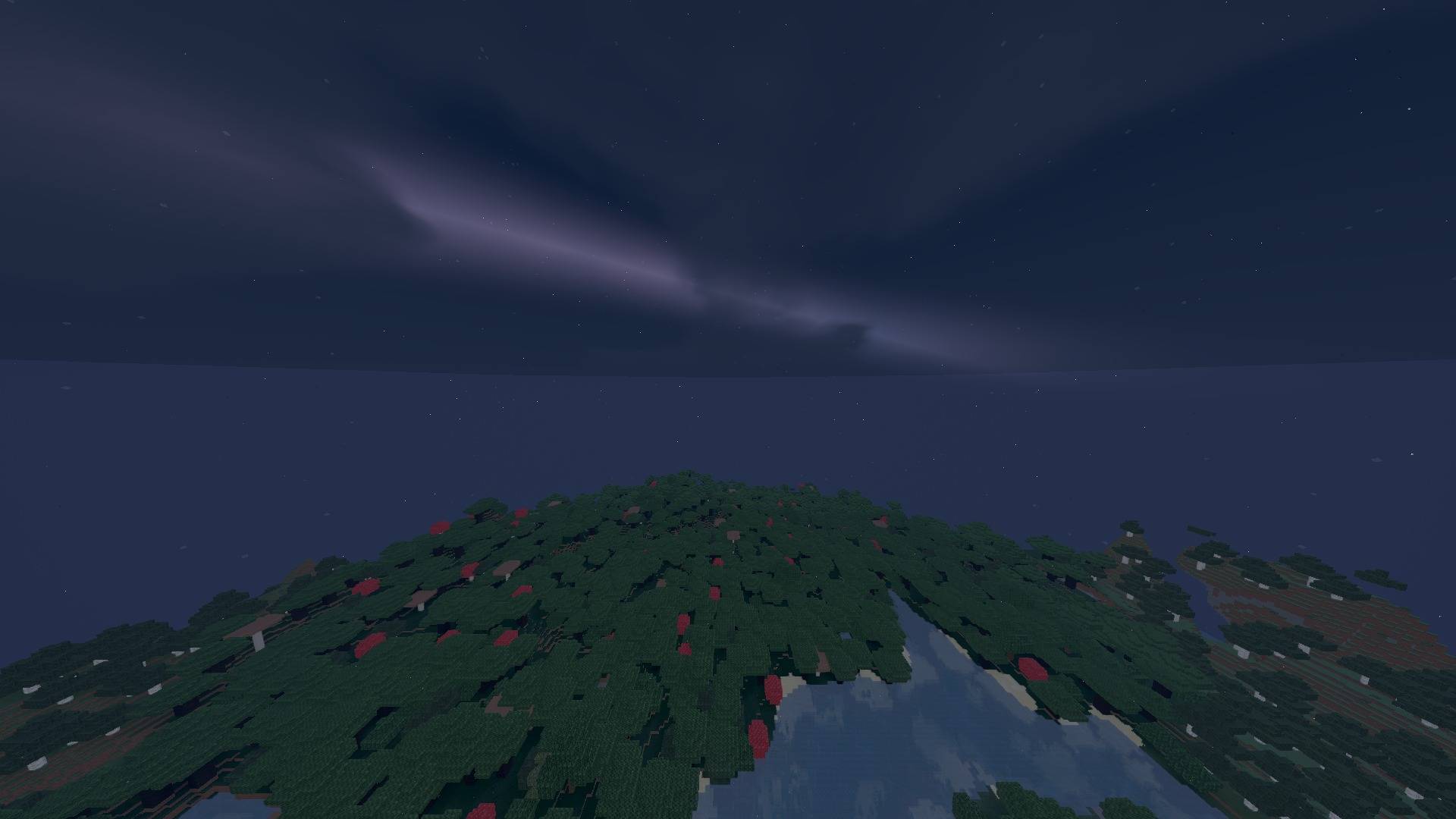
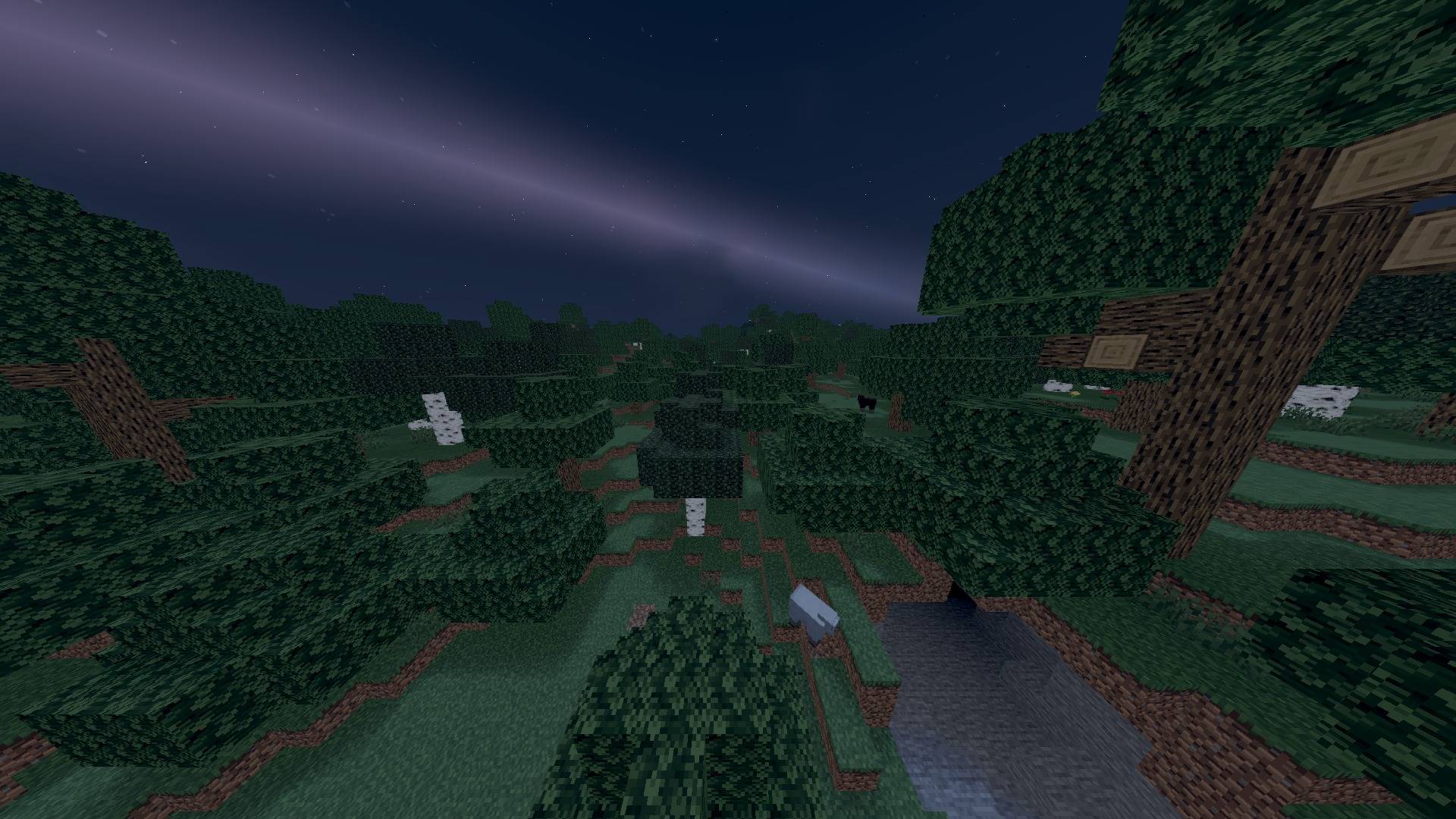
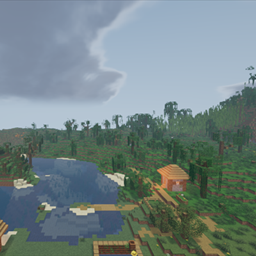
Lenscraft treats cinematic effects as tools, not permanent obstructions. Low through High remain sharp for play; Extreme and Ultra Extreme add bounded reciprocal-distance focus, protected foreground edges and controlled flare when a shot calls for them.

Highlights

  • Sharp Low/Medium/High paths for normal play
  • Optional bounded depth of field in Cinema and Anamorphic profiles
  • Reciprocal-distance focus logic that avoids the former incorrect foreground blur
  • Golden-angle bokeh with foreground-halo rejection and adjustable anamorphic ratio
  • HDR-thresholded horizontal flare, split-tone grade and optical vignette
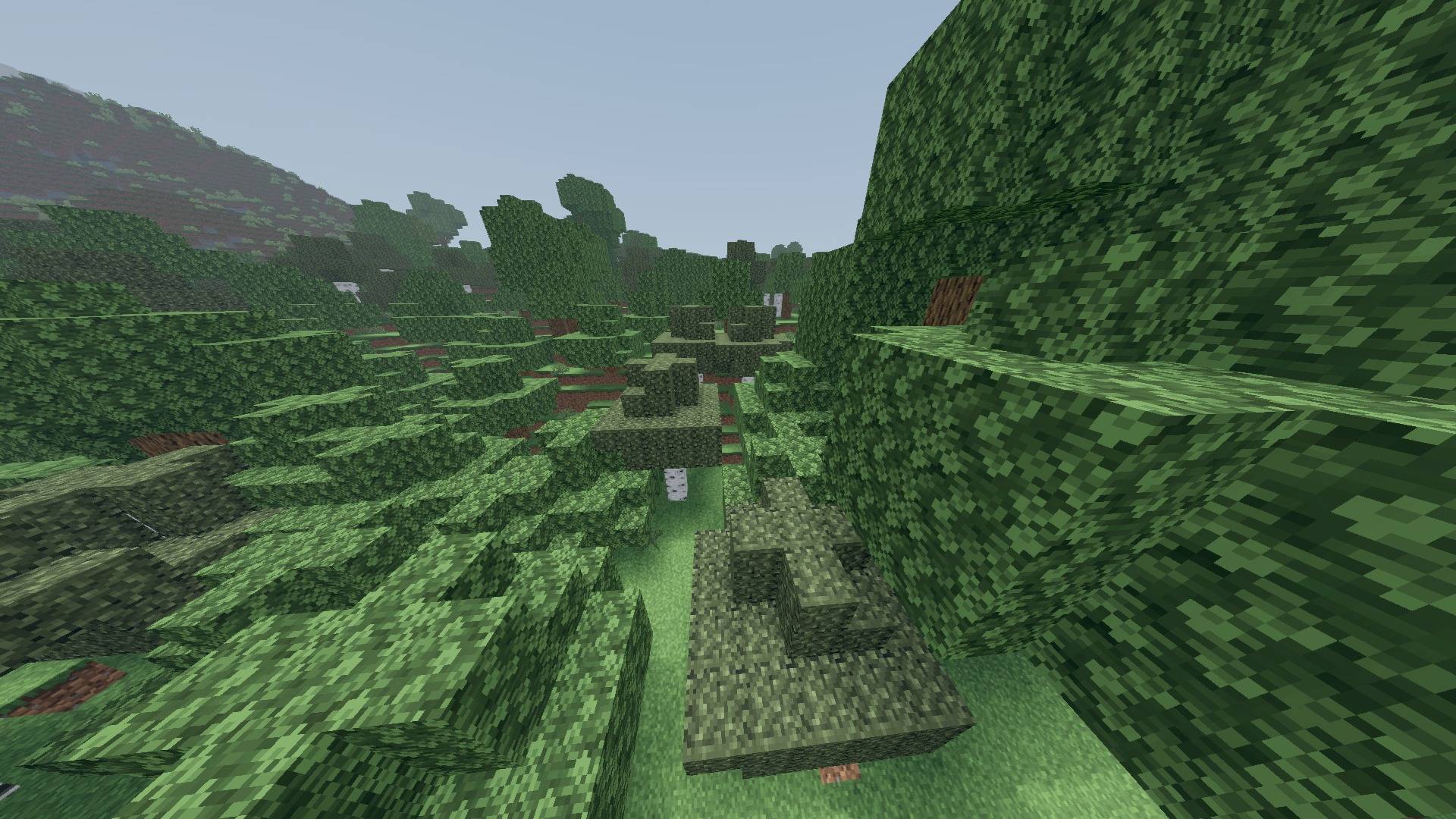
  • Film-stock foliage treatment with controlled green saturation
  • Soft foliage grounding without dense crossed-grass shadow stamps
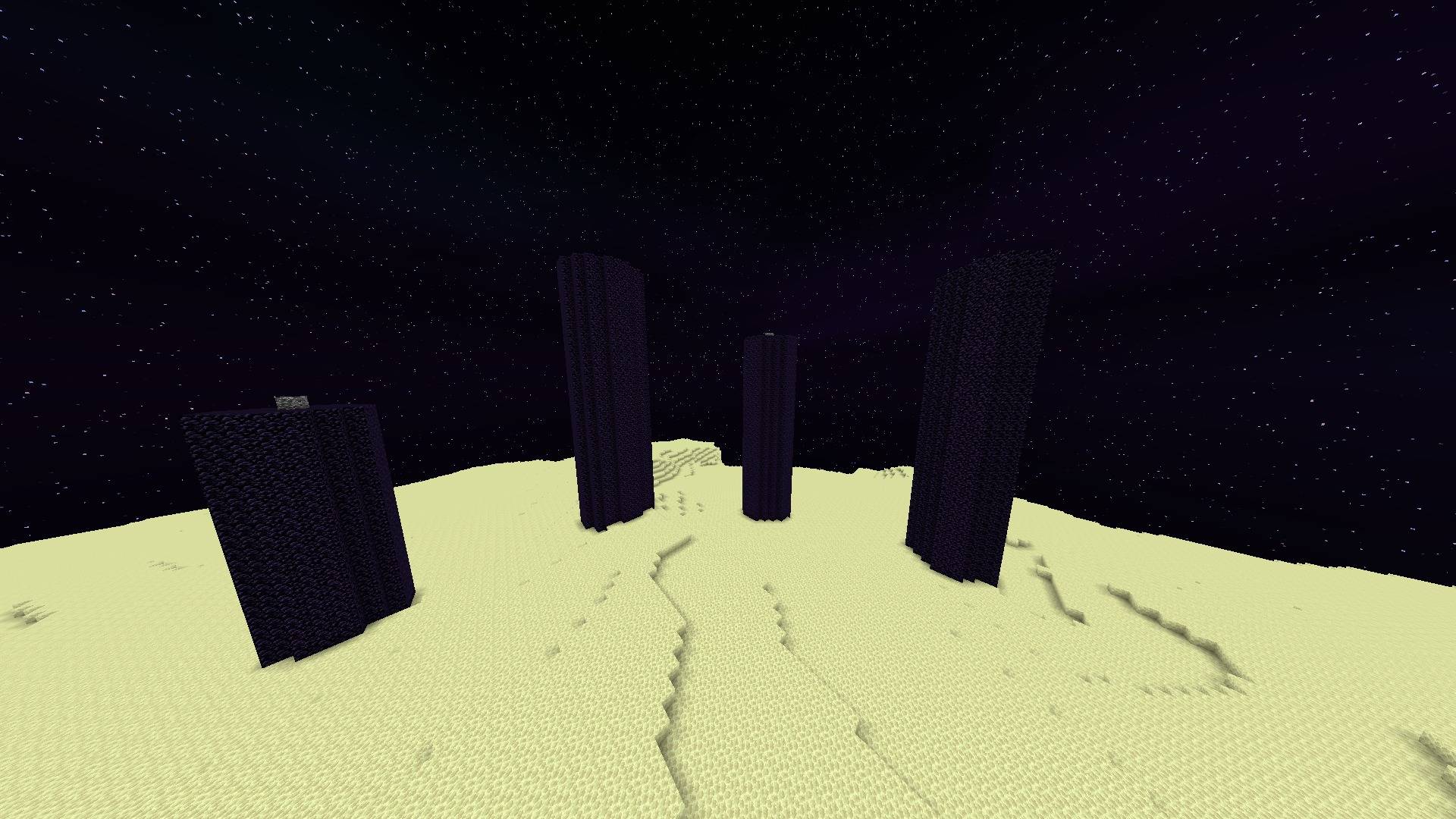
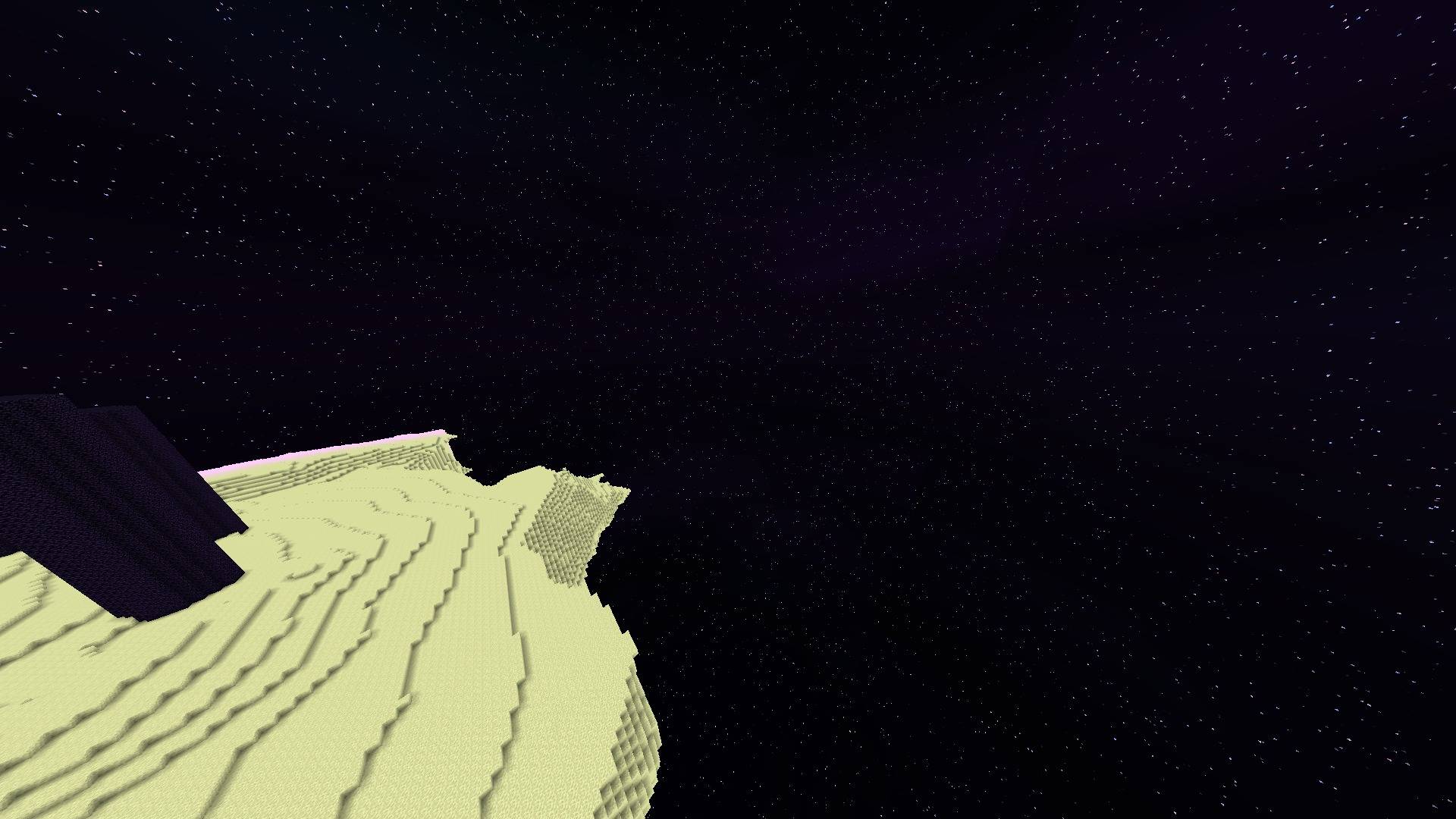
  • Dedicated teal/magenta End sky instead of a black ceiling
  • Stable FXAA default; temporal jitter, noisy AO and forced godrays disabled in shipped profiles

Recommended: Medium or High for play; Extreme/Ultra Extreme for staged shots.

Verified compatibility

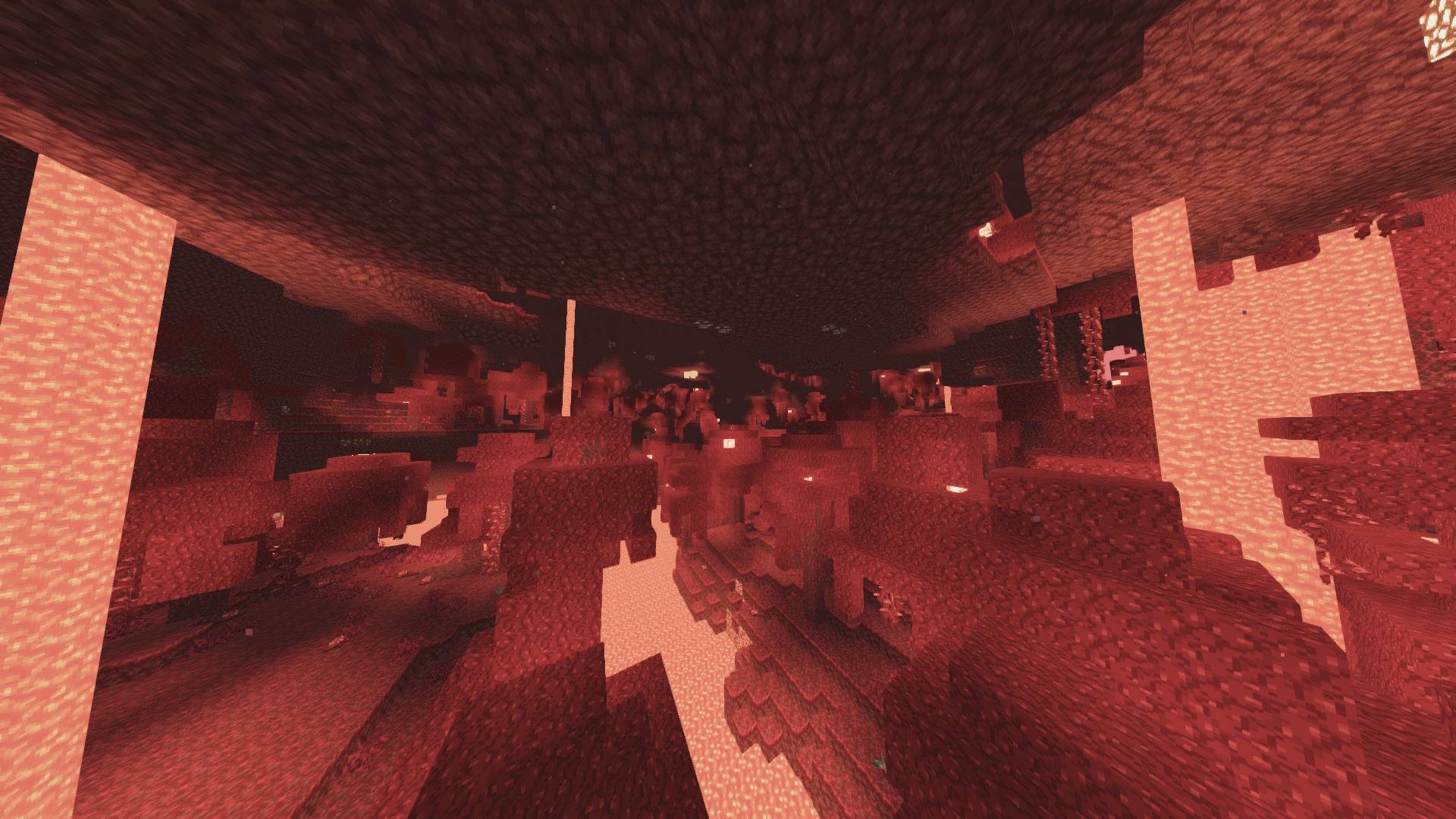
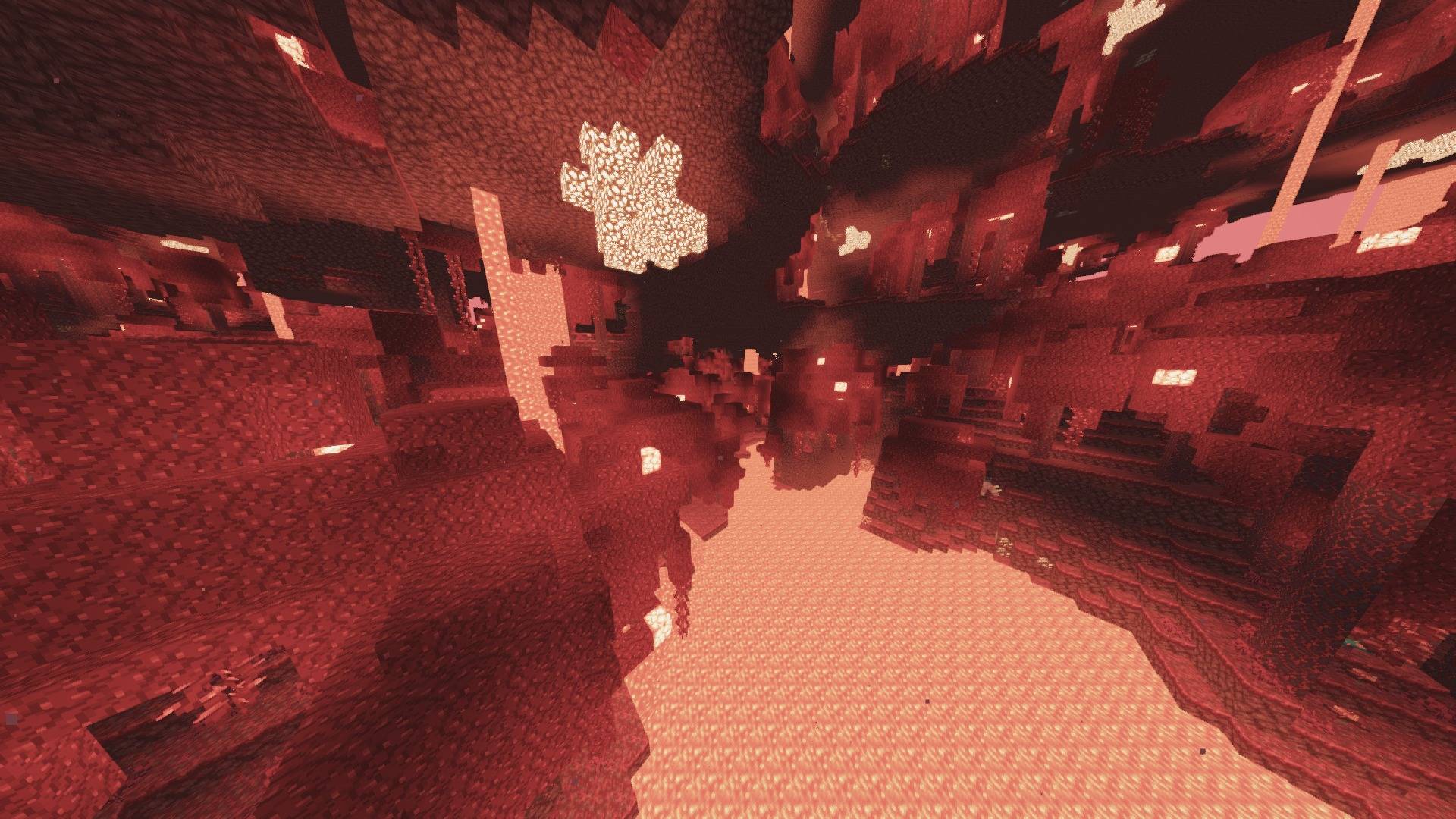
Supports Minecraft Java 1.8.9–26.2 with a compatible OptiFine or Iris/Sodium stack. The exact release ZIP was runtime-tested on 1.8.9, 1.12.2, 1.16.5, 1.20.1, 1.21.8, 1.21.11 and 26.2; the 26.2 build passed Overworld, Nether and End. Not every point release, driver or loader fork was launched individually. Performance varies by profile, world and hardware.

Türkçe

Lenscraft sinematik efektleri sürekli açık bir engel değil, ihtiyaç olduğunda kullanılan kamera araçları olarak ele alır. Low–High profilleri keskindir; Extreme ve Ultra Extreme kontrollü alan derinliği, bokeh ve flare ekler.

  • Normal oyun için keskin varsayılan görüntü
  • Cinema/Anamorphic profillerinde isteğe bağlı ve sınırlandırılmış DOF
  • Hatalı ön plan bulanıklığını önleyen yeni odak hesabı
  • Halo reddi bulunan bokeh ve ayarlanabilir anamorfik oran
  • Kontrollü film paleti ve özel teal/eflatun End göğü
Lenscraft 0.4.0 Beta
MC 1.16.3, 1.13.1, 1.9.3, 1.17.1, 1.9.1, 1.21, 1.16.1, 1.18.1, 1.14.3, 1.15, 1.16, 1.13, 1.16.5, 1.10.2, 1.19.3, 1.20.2, 1.19.4, 1.21.8, 1.9.4, 1.9.2, 1.14.4, 1.14.1, 1.12.1
Beta 2026-08-28 Get

Requirements & install

How to use this shader in Minecraft
Shader loader
Iris or OptiFine
Minecraft
1.16.5 – 1.21.8
Install folder
.minecraft/shaderpacks

How to install shaders

  1. Install a shader loader for your Minecraft version: Iris (with Sodium) or OptiFine.
  2. Download the shader pack .zip file (do not extract it).
  3. Put the .zip into the shaderpacks folder (.minecraft/shaderpacks).
  4. In game open Options → Video Settings → Shader Packs, select the pack and apply it.
Browse more: Iris shaders OptiFine shaders Shaders for 1.21.8 All shaders

More from AstorUVZ

Advertisement Remove ads with Premium →

You Might Also Like