Krpmon Shaders (Low-End Optimized)
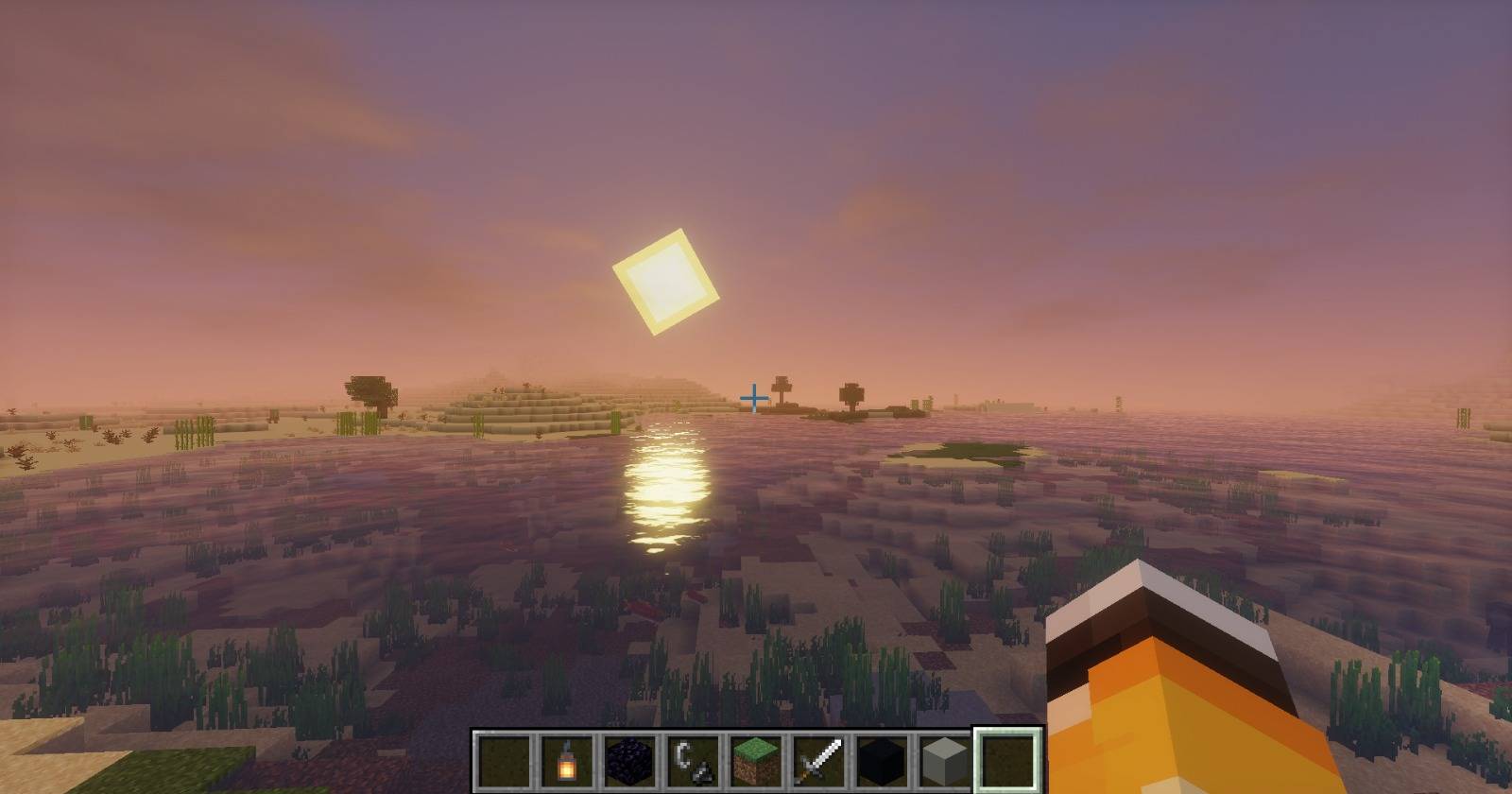
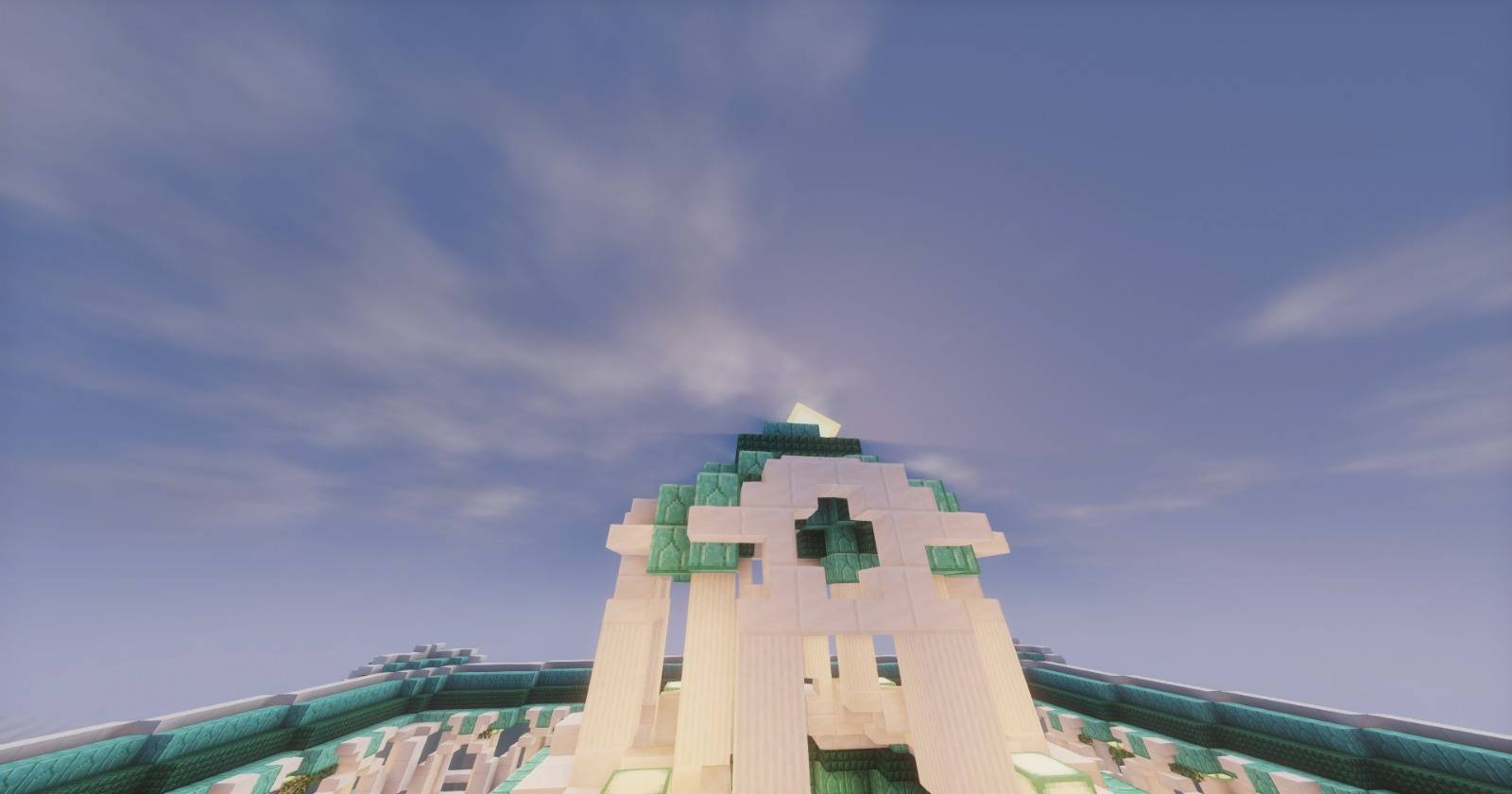
Krpmon Shaders is a lightweight Minecraft shader designed specifically for low-end and older PCs, delivering smooth performance while still enhancing the game's visuals.
Unlike heavy shaders, Krpmon focuses on maintaining high FPS without sacrificing the overall look and feel of Minecraft.
✨ Features
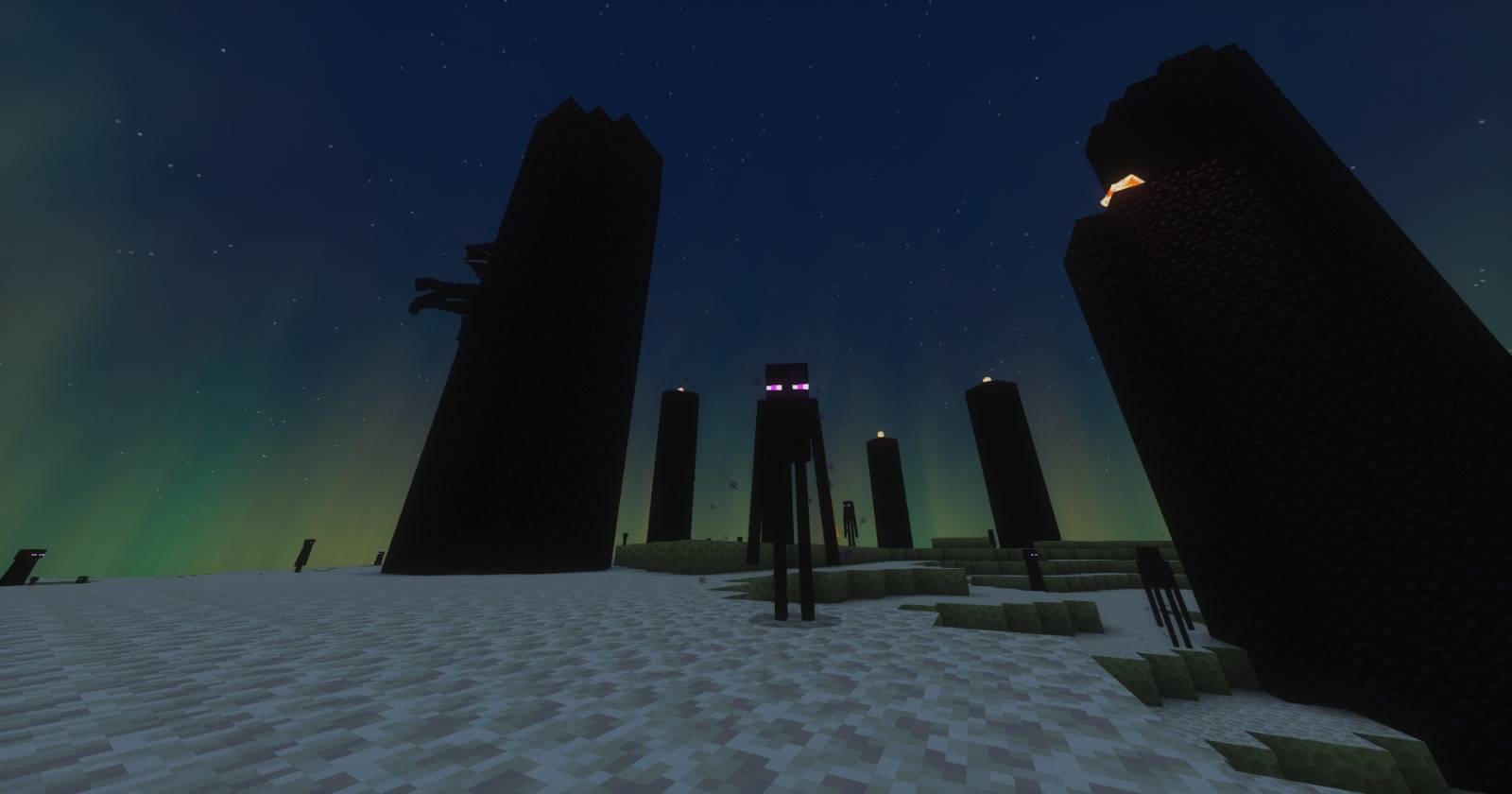
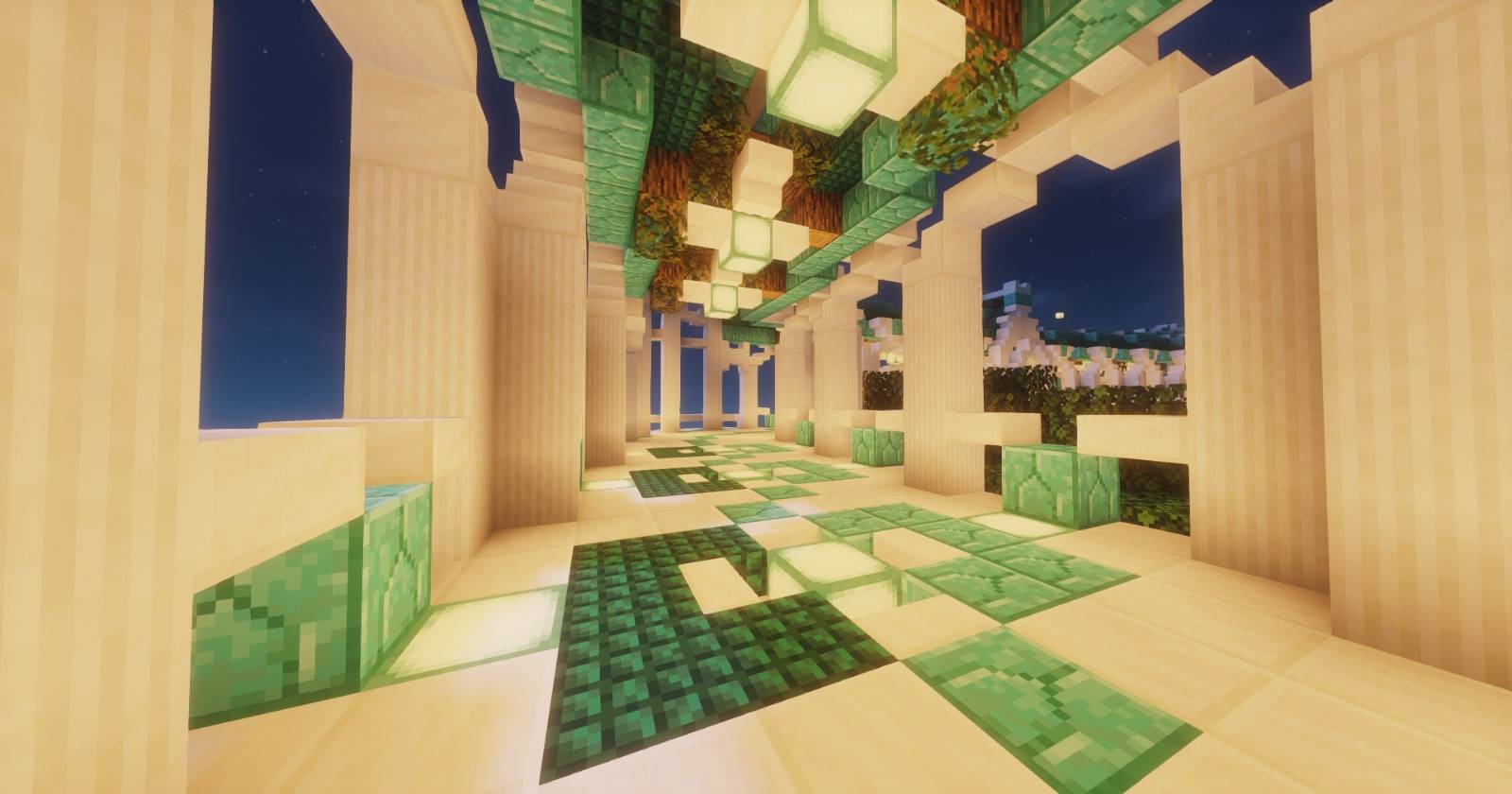
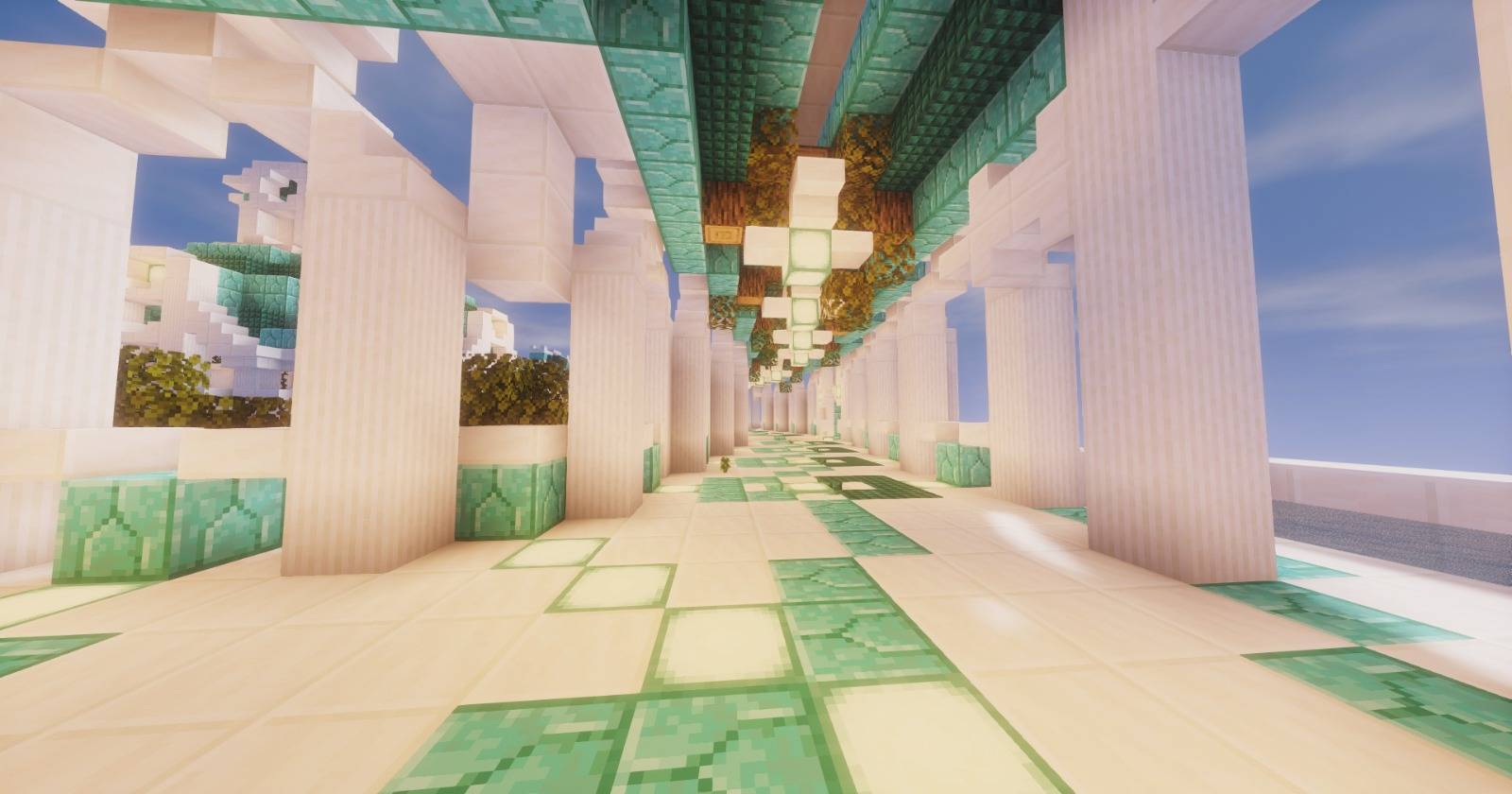
- Smooth lighting and shadows
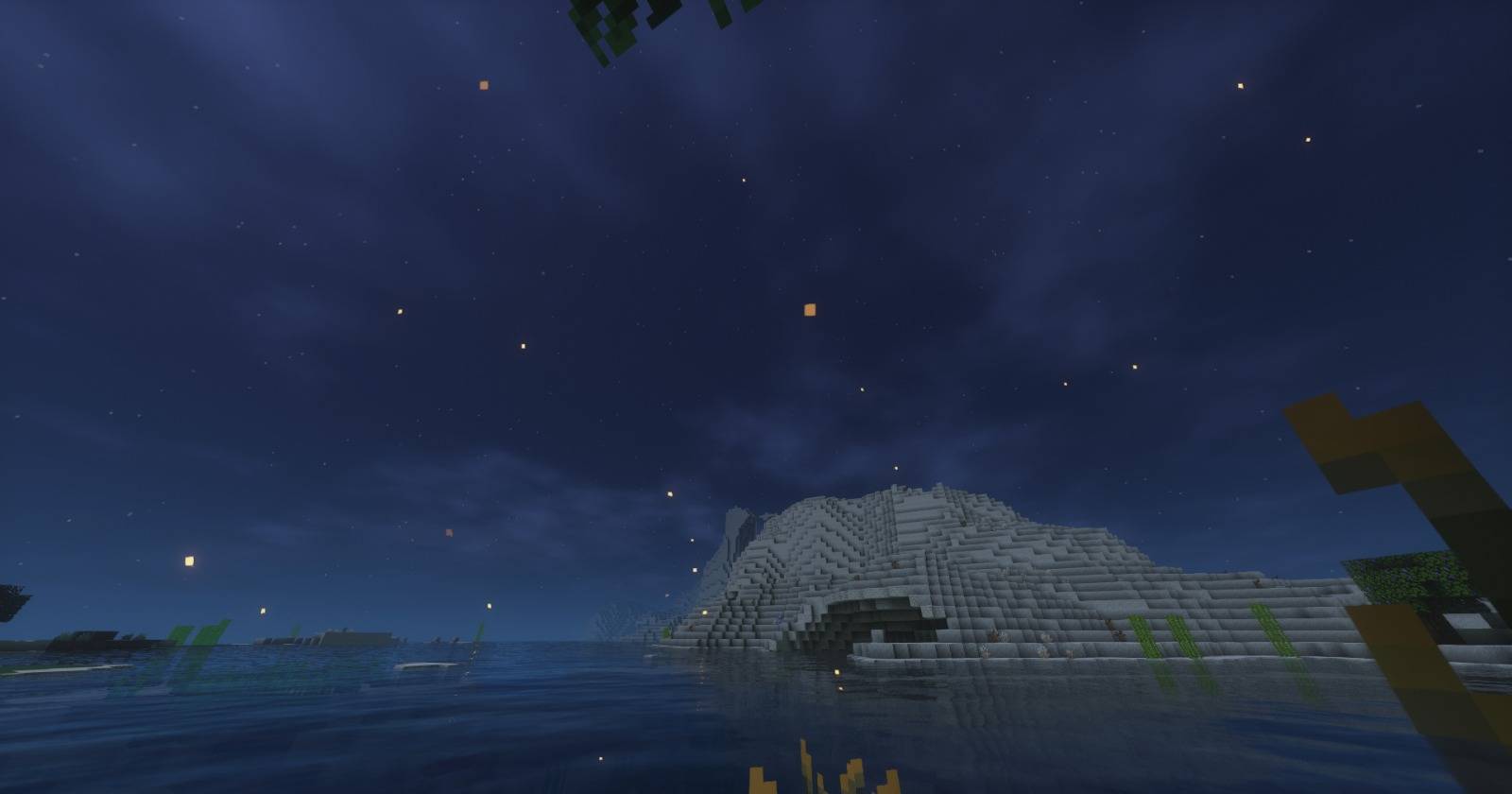
- Enhanced sky and atmosphere
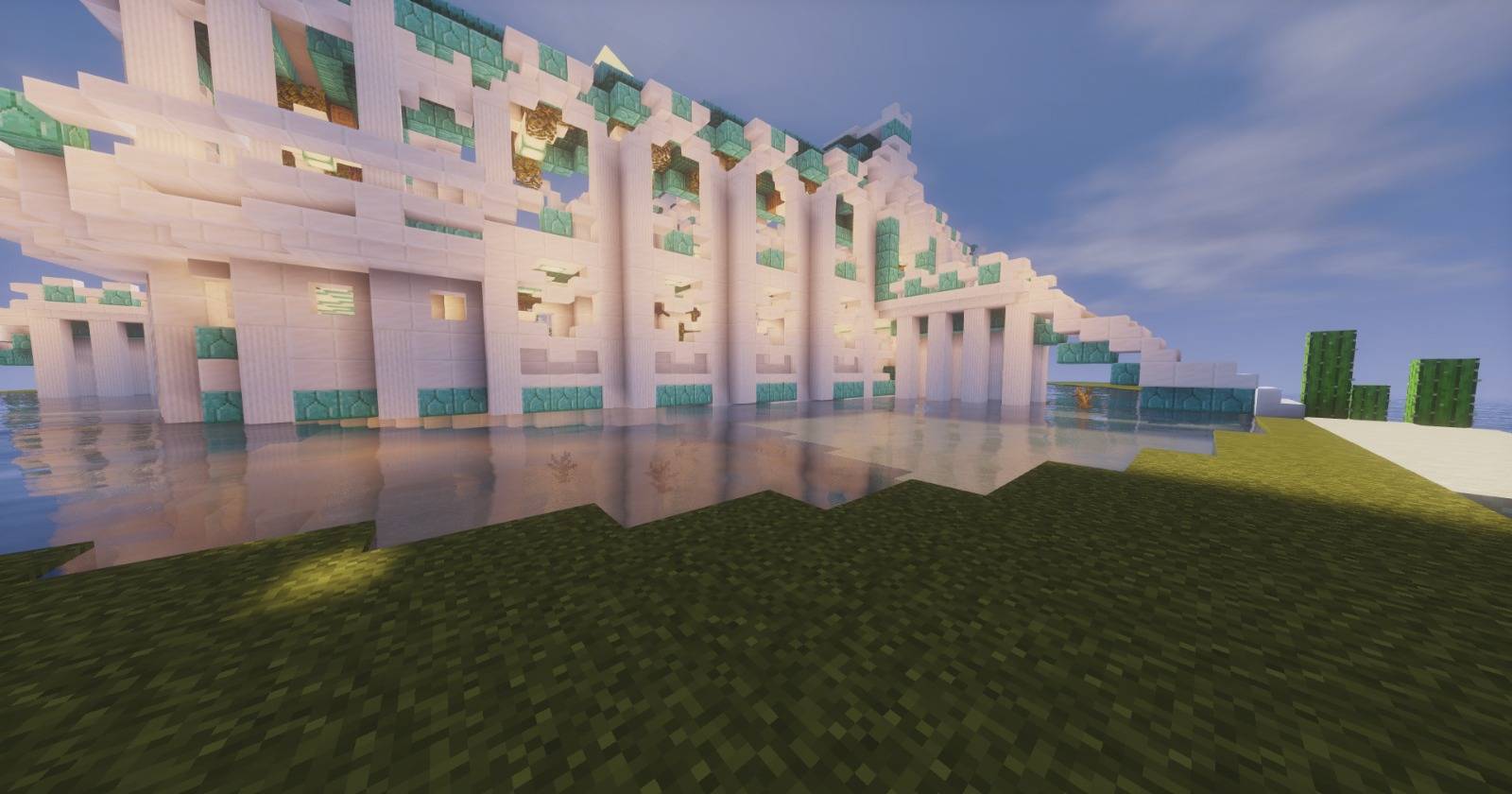
- Subtle water reflections and movement
- Improved colors for a more vibrant world
- Minimal performance impact
⚡ Performance
This shader is built for low-spec systems and has been tested on:
- CPU: Intel Core i5 (3rd Gen)
- GPU: NVIDIA GT 730
- RAM: 8GB
Average FPS: ~57 FPS with shaders enabled
🎯 Who is this for?
- Players with low-end PCs
- Users who want shaders without FPS drops
- Survival and hardcore players who prefer stable performance
💡 Why choose Krpmon?
If you want a clean, smooth, and playable shader experience without lag, Krpmon is made for you.
Enjoy a peaceful and optimized Minecraft experience 🌿