Kourin Shaders is a soft, colorful shader pack made to give Minecraft a little more atmosphere.
Kourin Shaders focuses on beautiful lighting, gentle colors, and immersive environments while keeping performance in mind. From quiet mornings in the Overworld to glowing Nether caves and strange End cities, each dimension has its own mood without losing the charm of vanilla Minecraft.
Features
Cinematic Lighting
Lighting is the heart of Kourin.
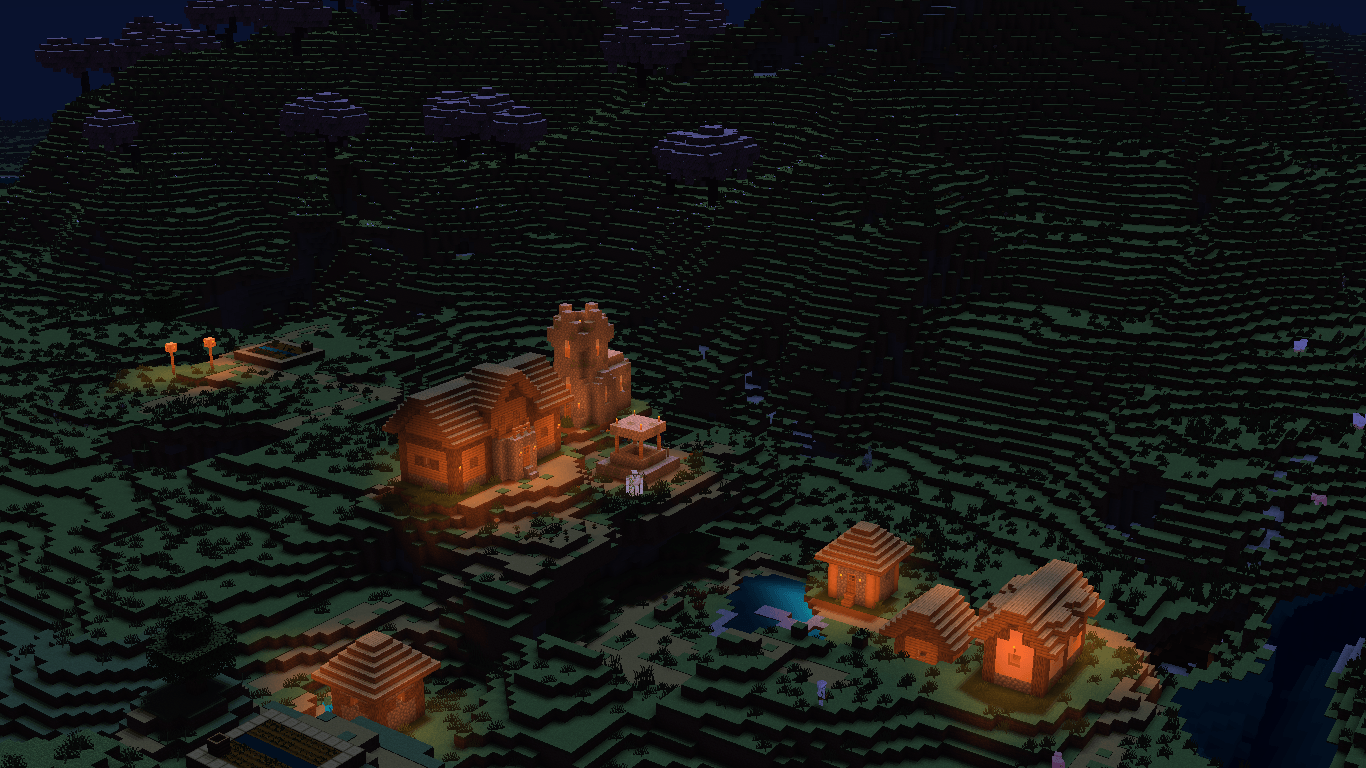
Sunlight softly brightens the world, while shadows add depth to terrain and buildings without making darker areas feel completely black. Warm light from torches, lanterns, lava, and other light sources creates a cozy contrast against the surrounding environment.
The lighting is designed to make ordinary Minecraft scenes feel a little more alive, especially around villages, forests, caves, and nighttime builds.
Atmospheric Skies
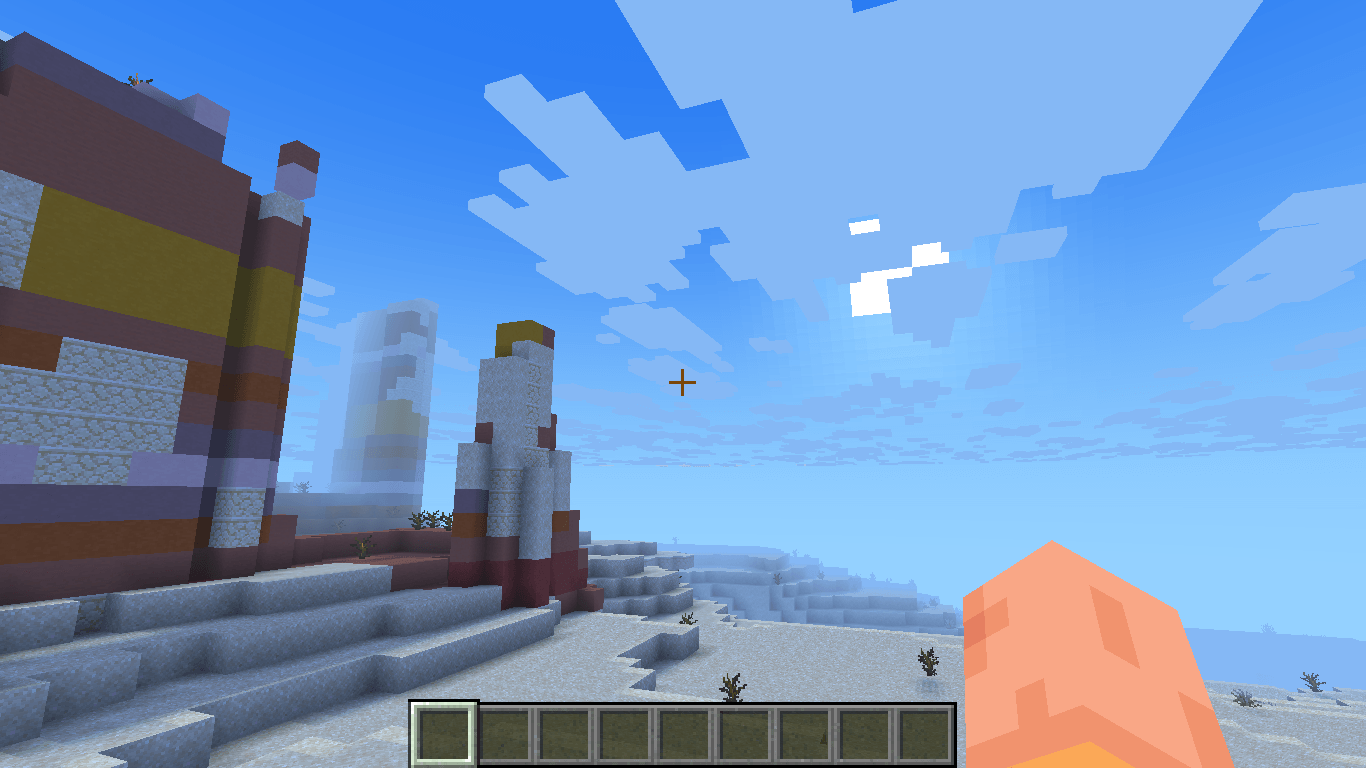
The sky has been given more character with soft clouds, gentle gradients, and atmospheric depth.
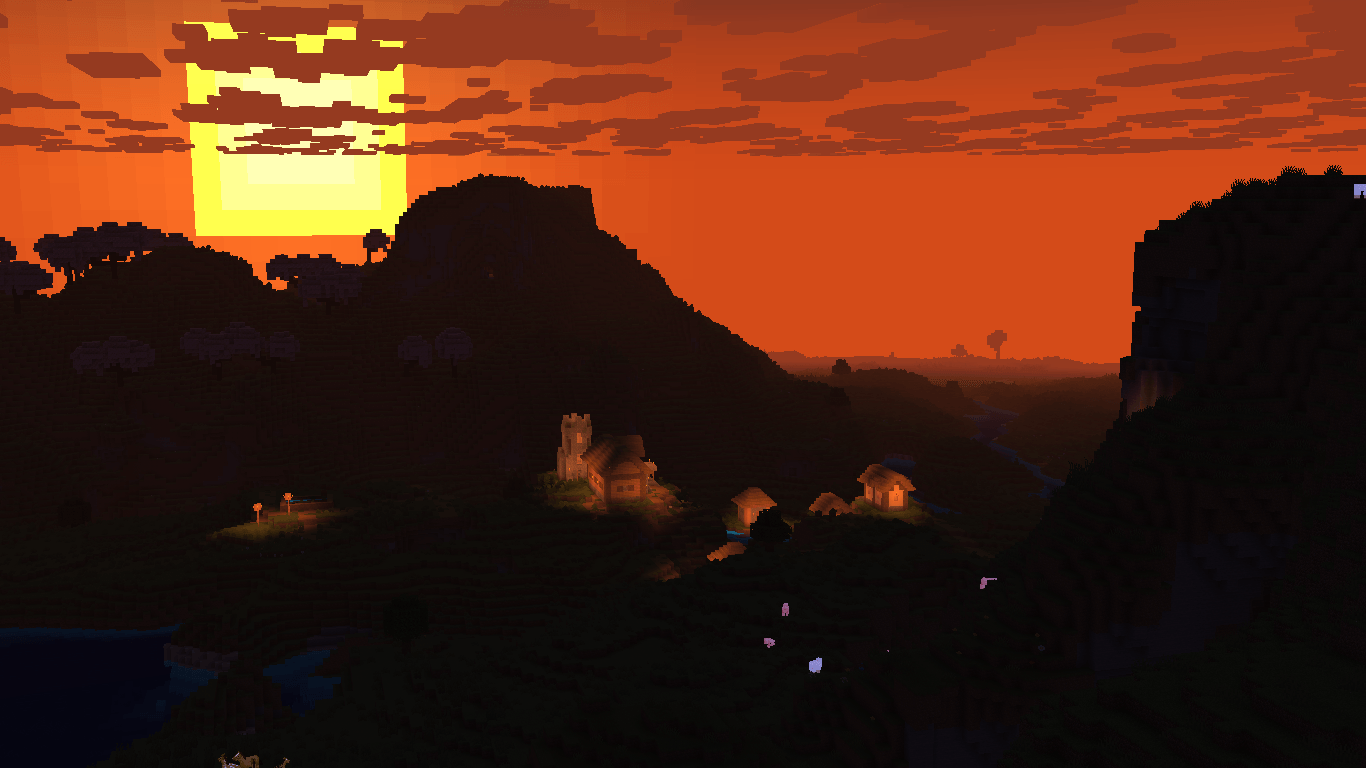
Distant terrain gradually fades into the horizon, creating a sense of scale while giving landscapes a dreamy appearance. Sunrise, daytime, sunset, and nighttime each bring their own atmosphere.
Soft Environmental Haze
Kourin uses atmospheric fog to create depth between nearby and distant terrain.
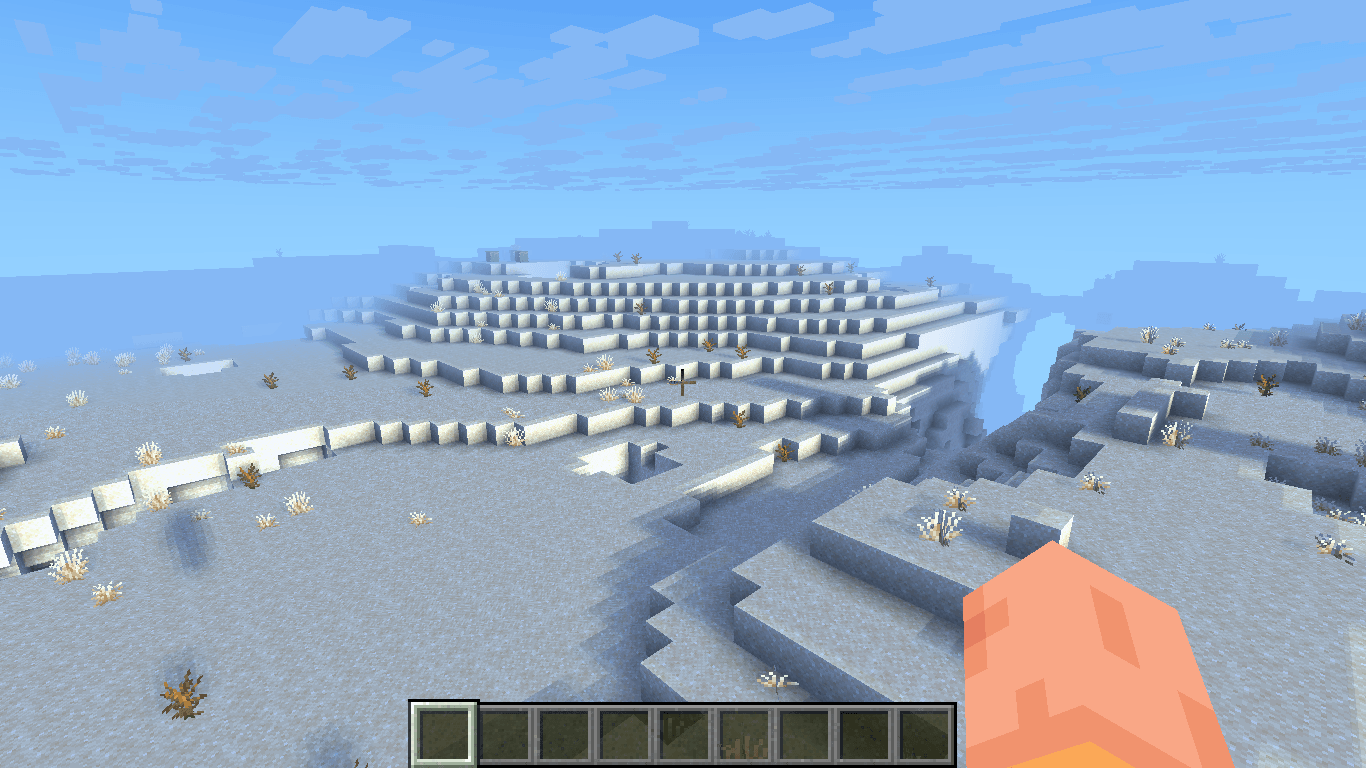
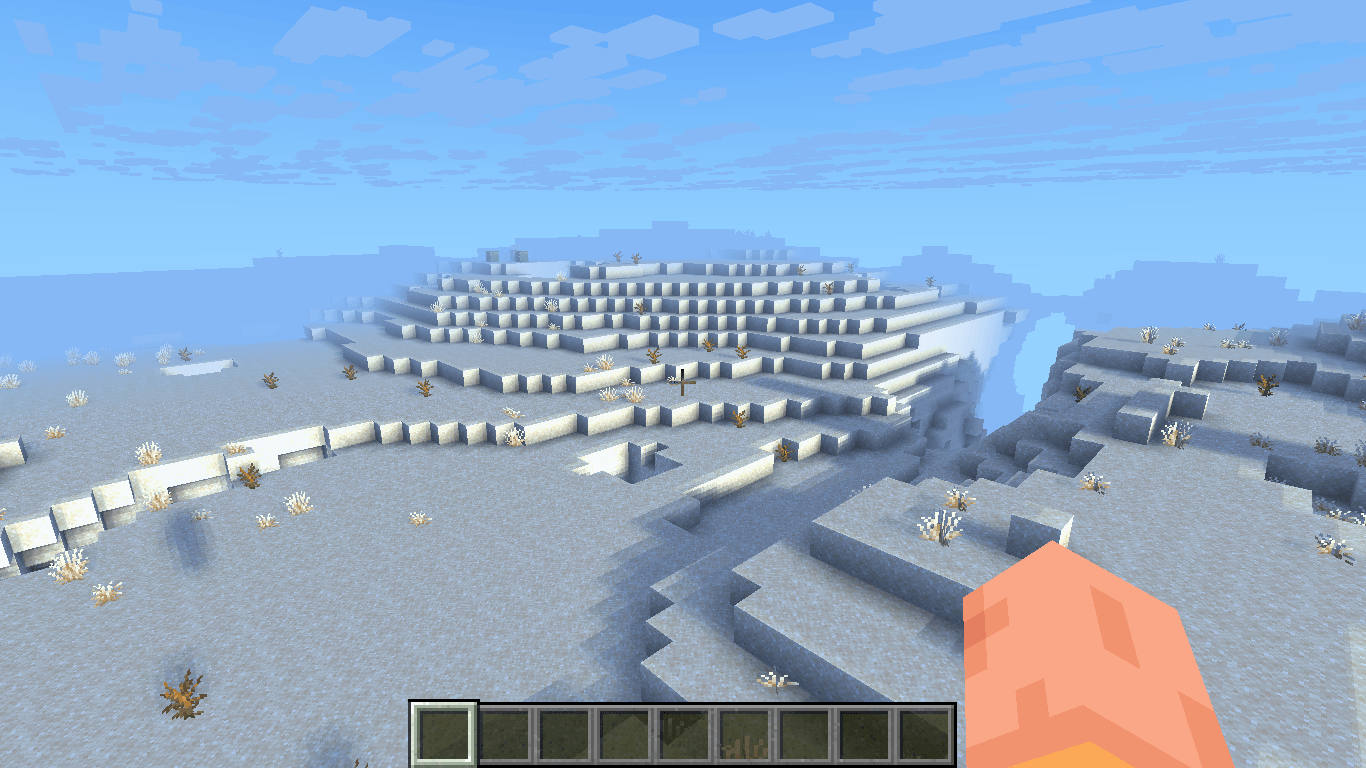
Mountains, hills, and large landscapes blend naturally into the horizon instead of ending abruptly. This is especially noticeable in open areas where the world can stretch far into the distance.
Warm and Cool Color Balance
A major part of Kourin's visual style is the contrast between warm and cool lighting.
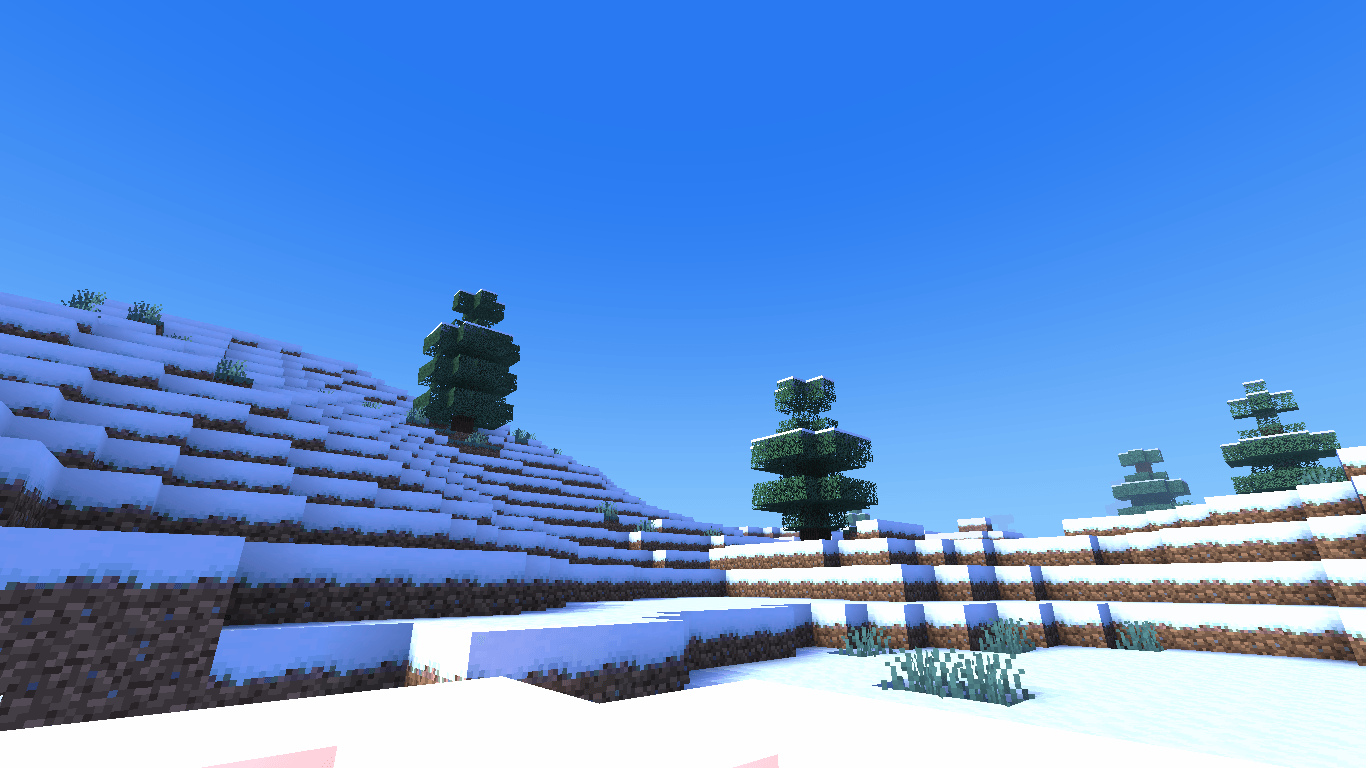
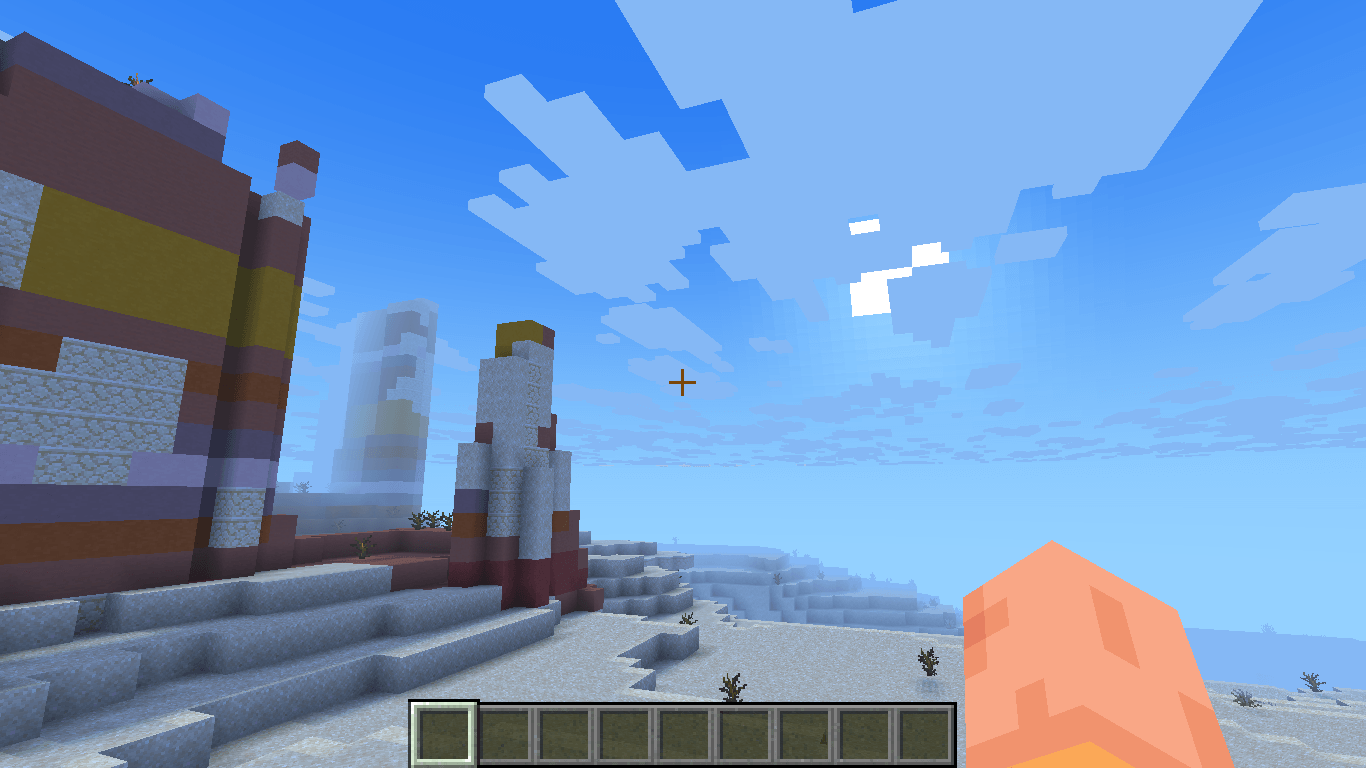
Daylight tends toward soft, airy tones, while artificial lights bring out warmer colors. Snowy landscapes can feel cold and bright, while sunsets and torchlit villages become noticeably warmer and more inviting.
Dimension-Specific Atmosphere
The Overworld, Nether, and End are treated differently to help each dimension keep its own identity.
The Overworld leans toward a bright, natural, and peaceful look.
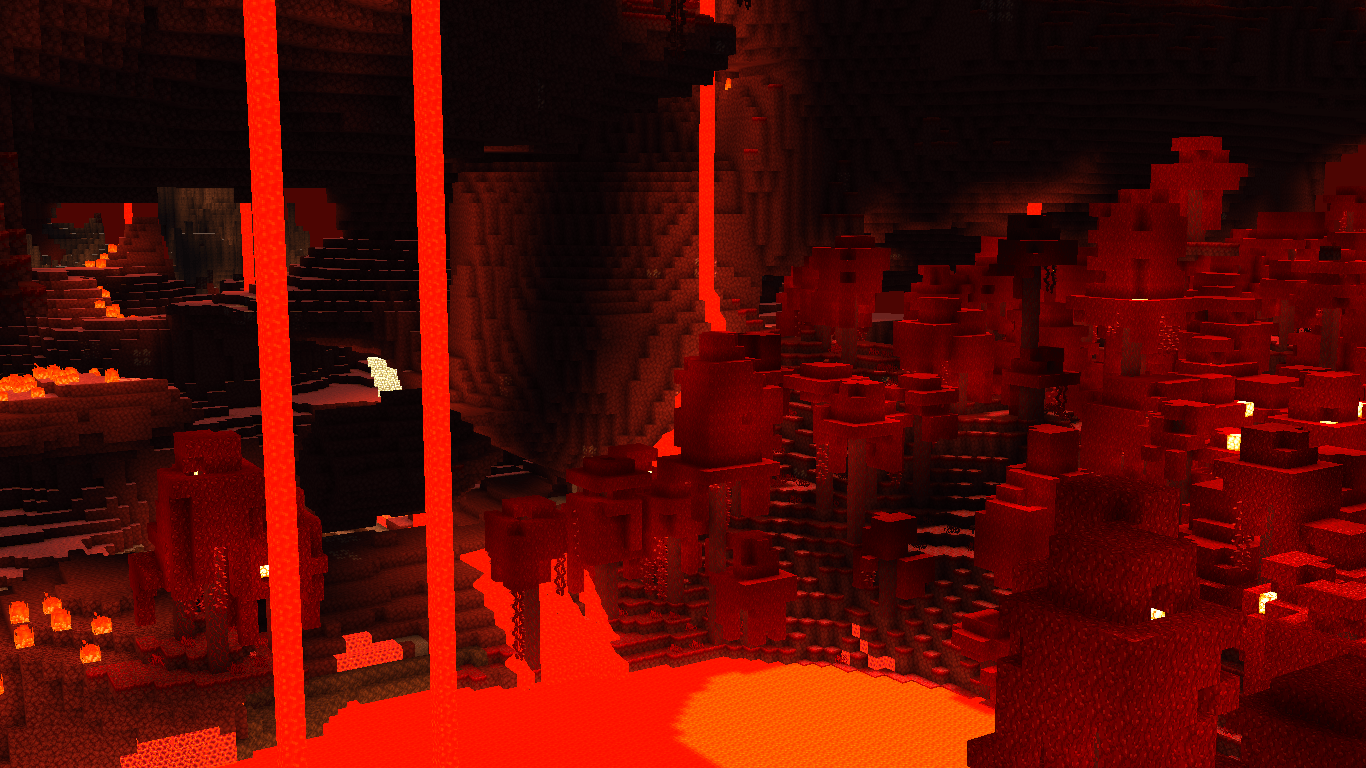
The Nether emphasizes deep shadows, intense reds, and strong lava illumination to create a hotter and more dramatic environment.
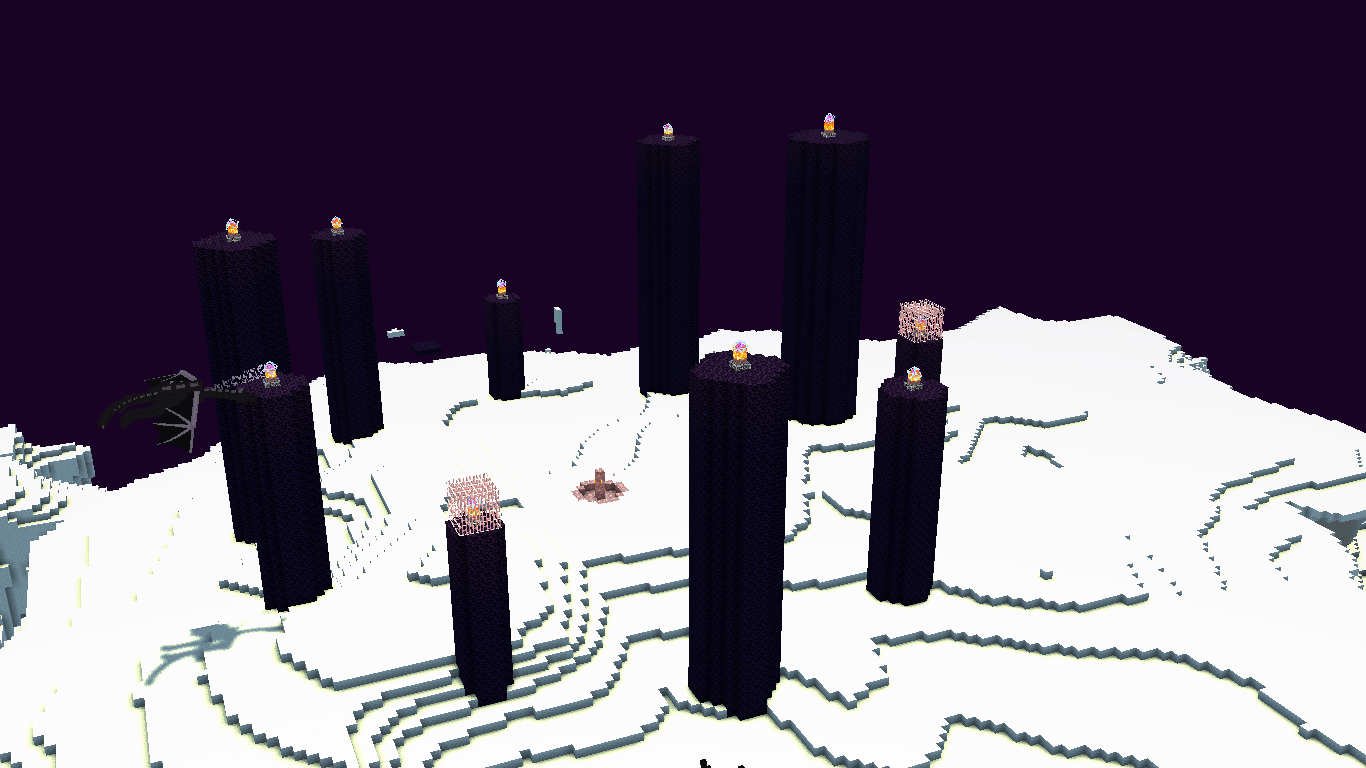
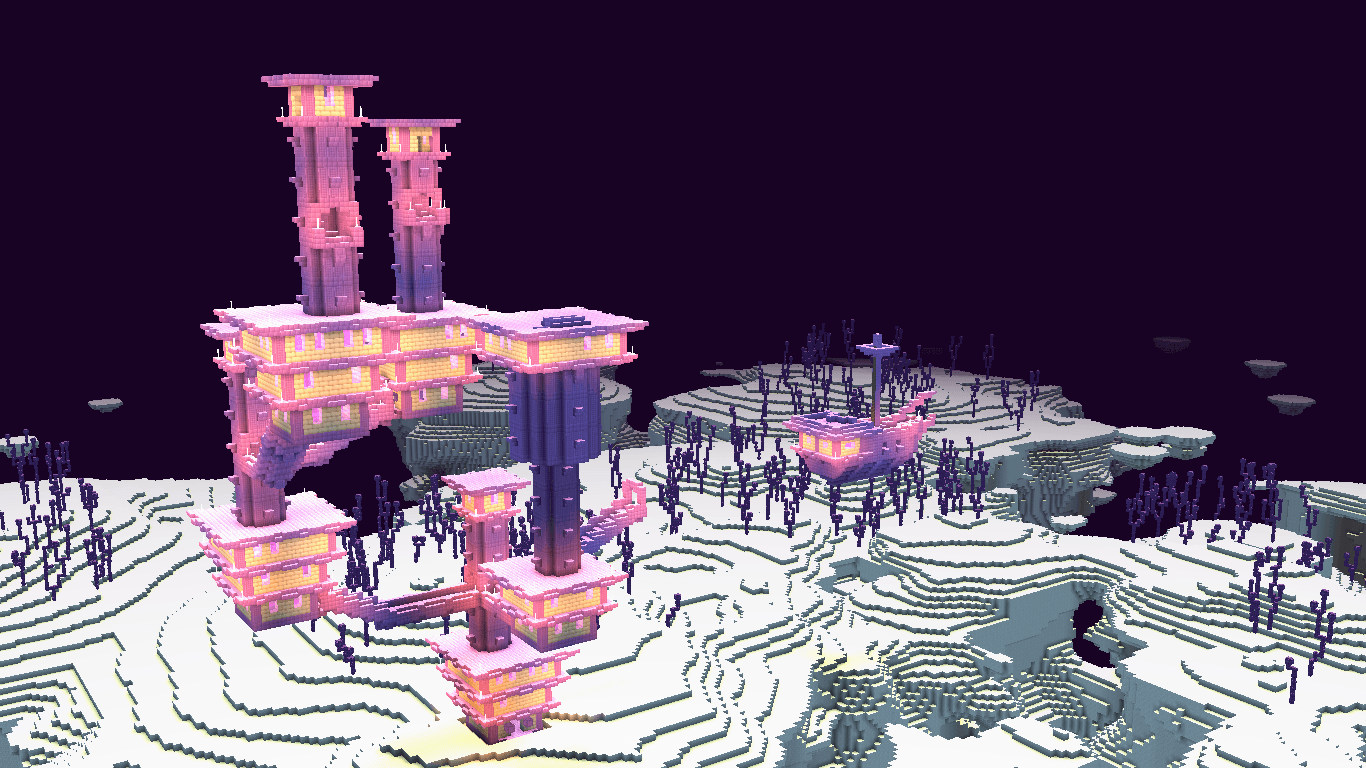
The End uses darker skies, purple tones, and bright highlights to give its landscapes and End Cities a more mysterious, otherworldly appearance.
Enhanced Water
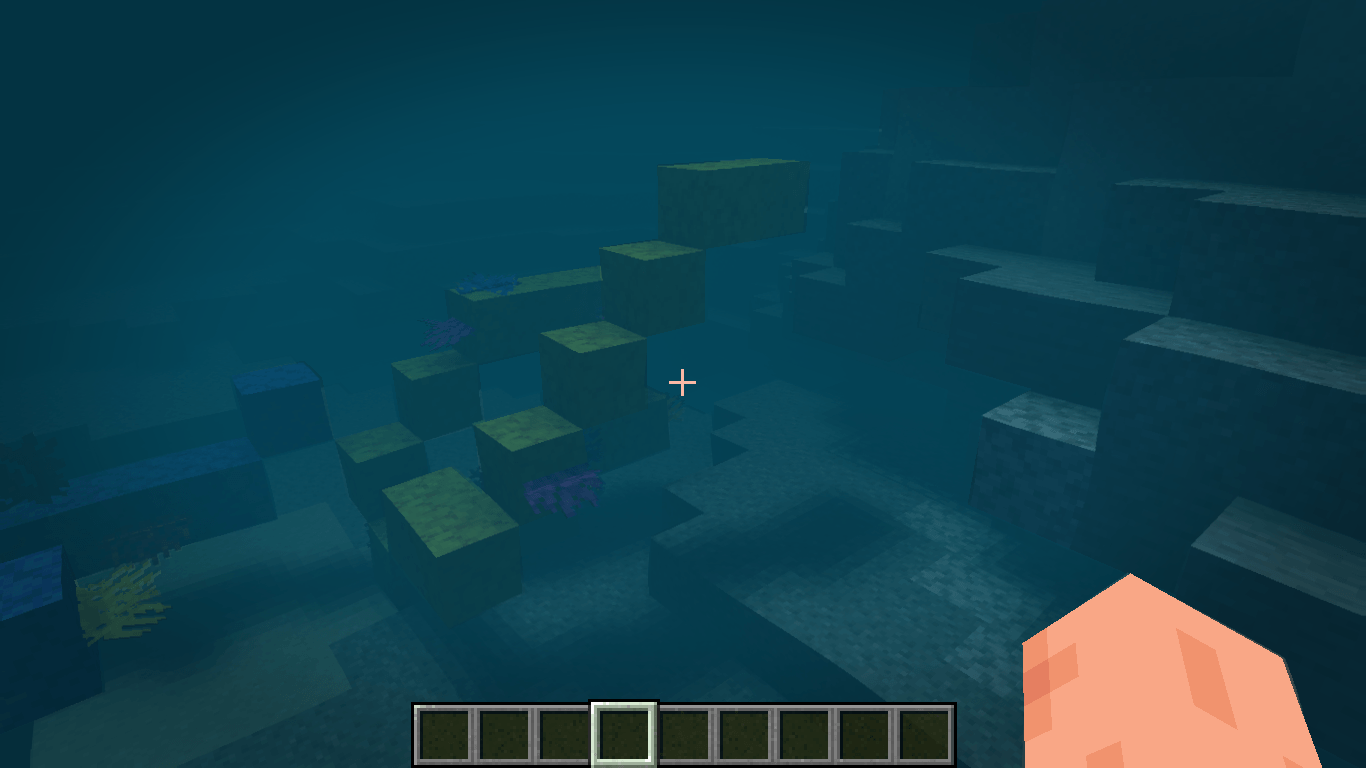
Water is given more depth, brightness and waves while keeping its familiar Minecraft look.
The goal is to make rivers, lakes, and oceans feel more noticeable without turning them into something that no longer feels like Minecraft.
Performance-Friendly Visuals
Kourin is designed with performance in mind.
The goal is simple: better atmosphere without requiring a high-end PC.
Visual Style
Kourin is built around a soft, dreamy, slightly cinematic aesthetic.
It is meant to look especially nice in places such as:
- Villages and small settlements
- Cherry Grove landscapes
- Mountains and open valleys
- Snowy and desert landscapes
- Nether biomes
- End Cities
- Builds surrounded by warm lighting
- Sunrise and sunset scenes
Kourin does not try to completely replace Minecraft's visual identity. Instead, it adds a softer layer of lighting, color, and atmosphere while keeping the world recognizable.
Performance
Performance will vary depending on hardware and settings.
For lower-end systems, reducing render distance, shadow quality, or other Minecraft settings can help maintain a smoother experience.
Kourin is intended to provide a balance between visual quality and everyday playability rather than maximizing every possible graphical effect.
This shader is created by frostalphabc and published under FrostAlpha Studio