Mineuniverse
Shaders
KarpesShaders

KarpesShaders

SHADER
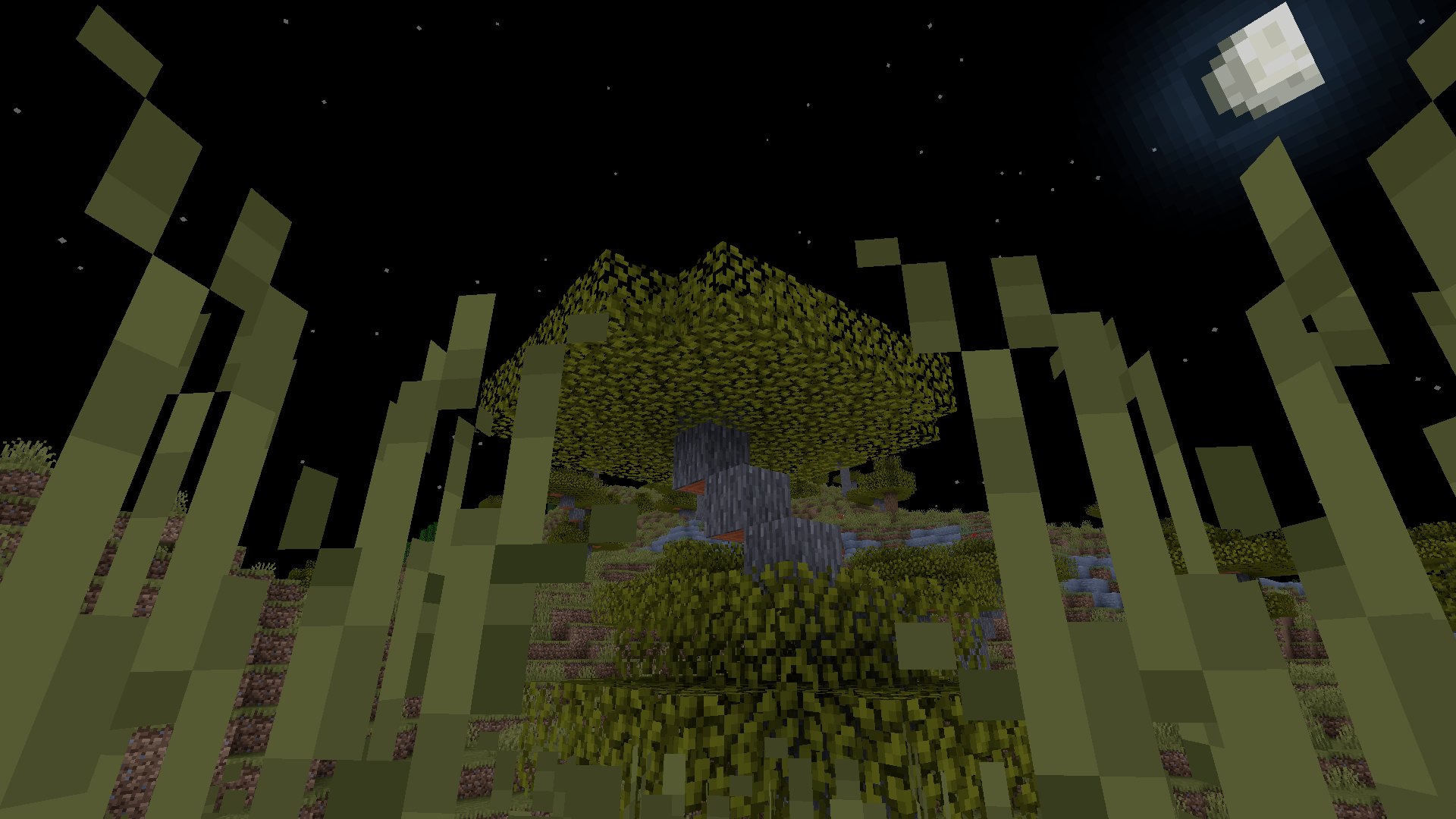
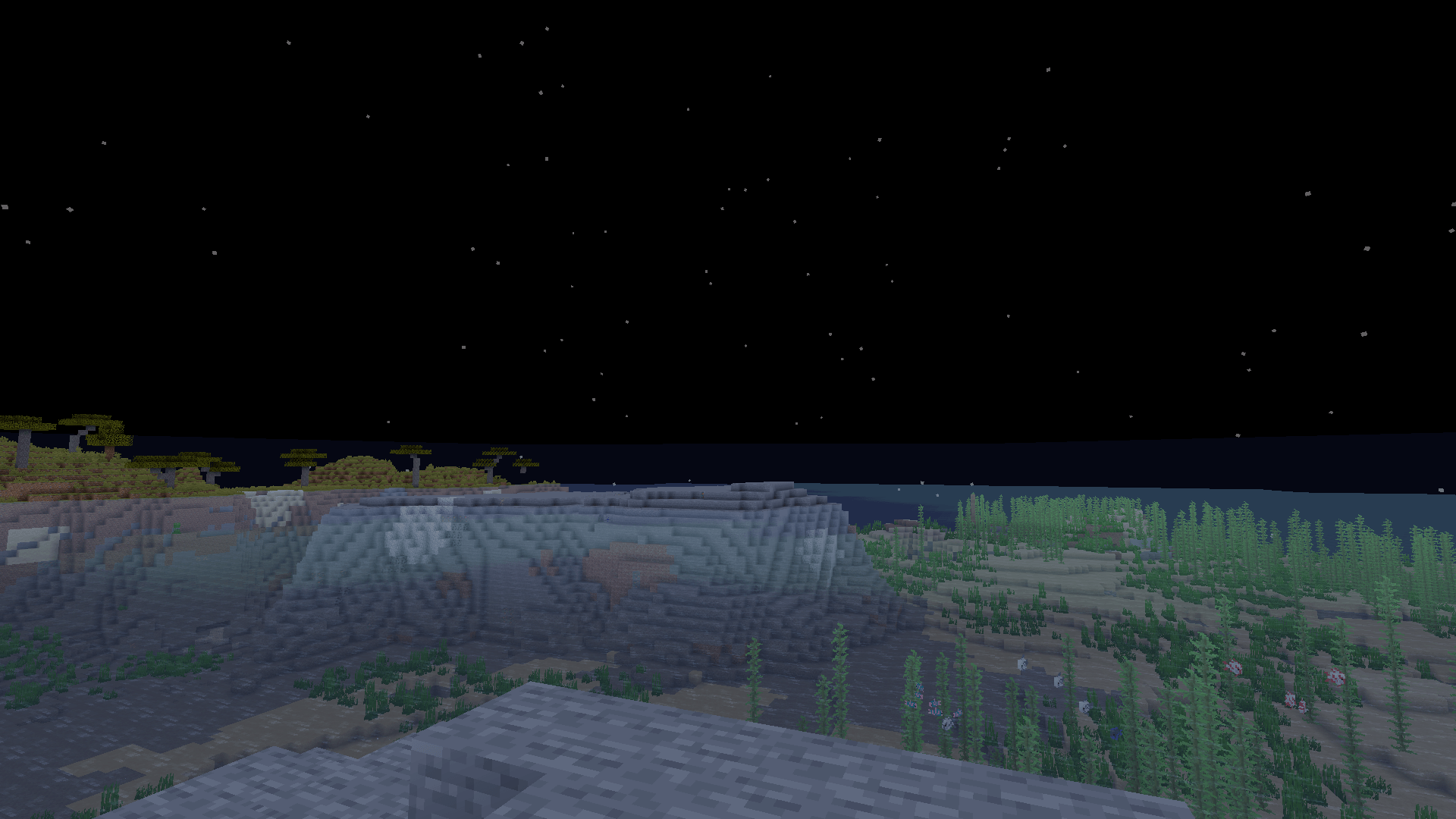
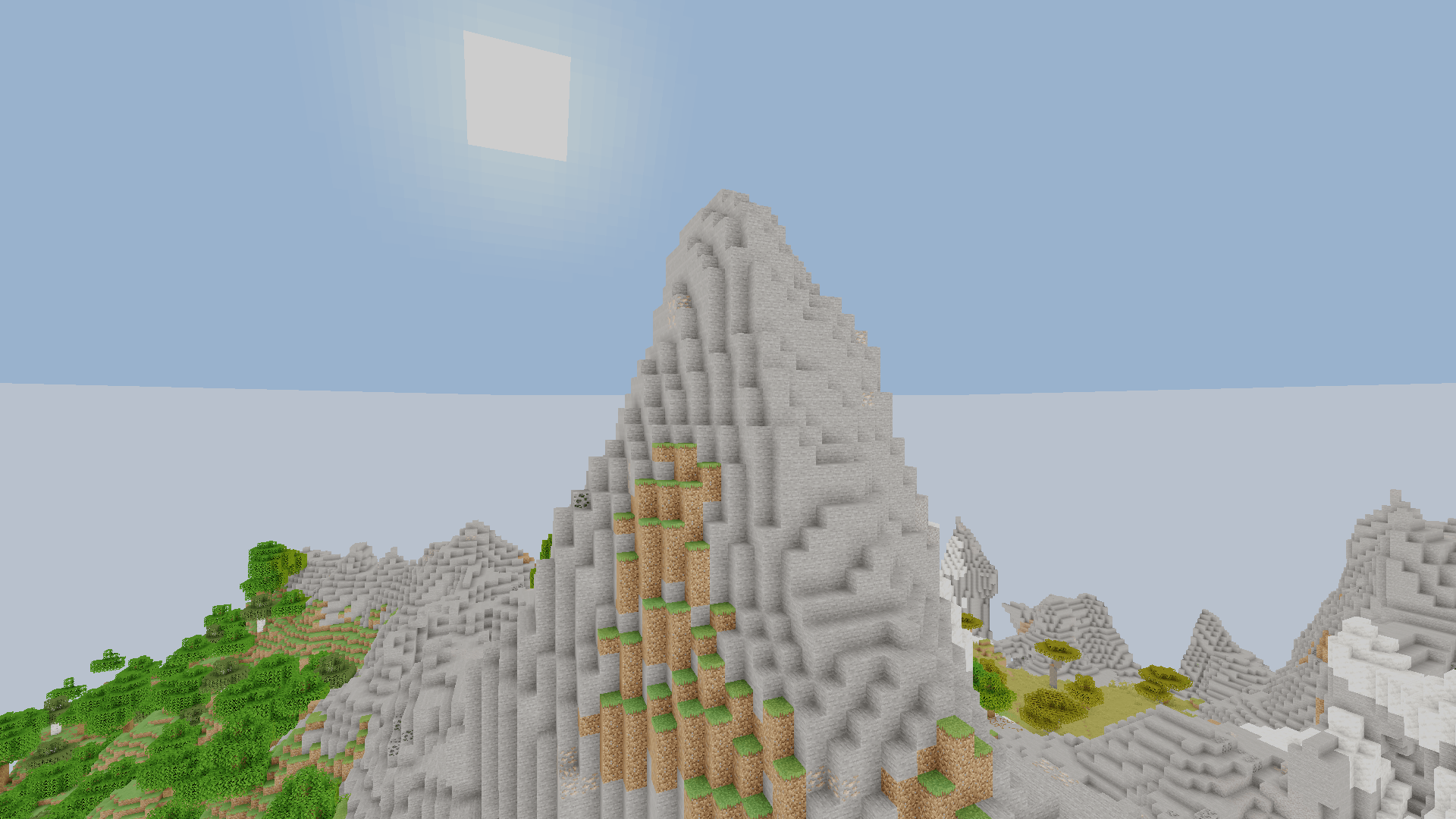
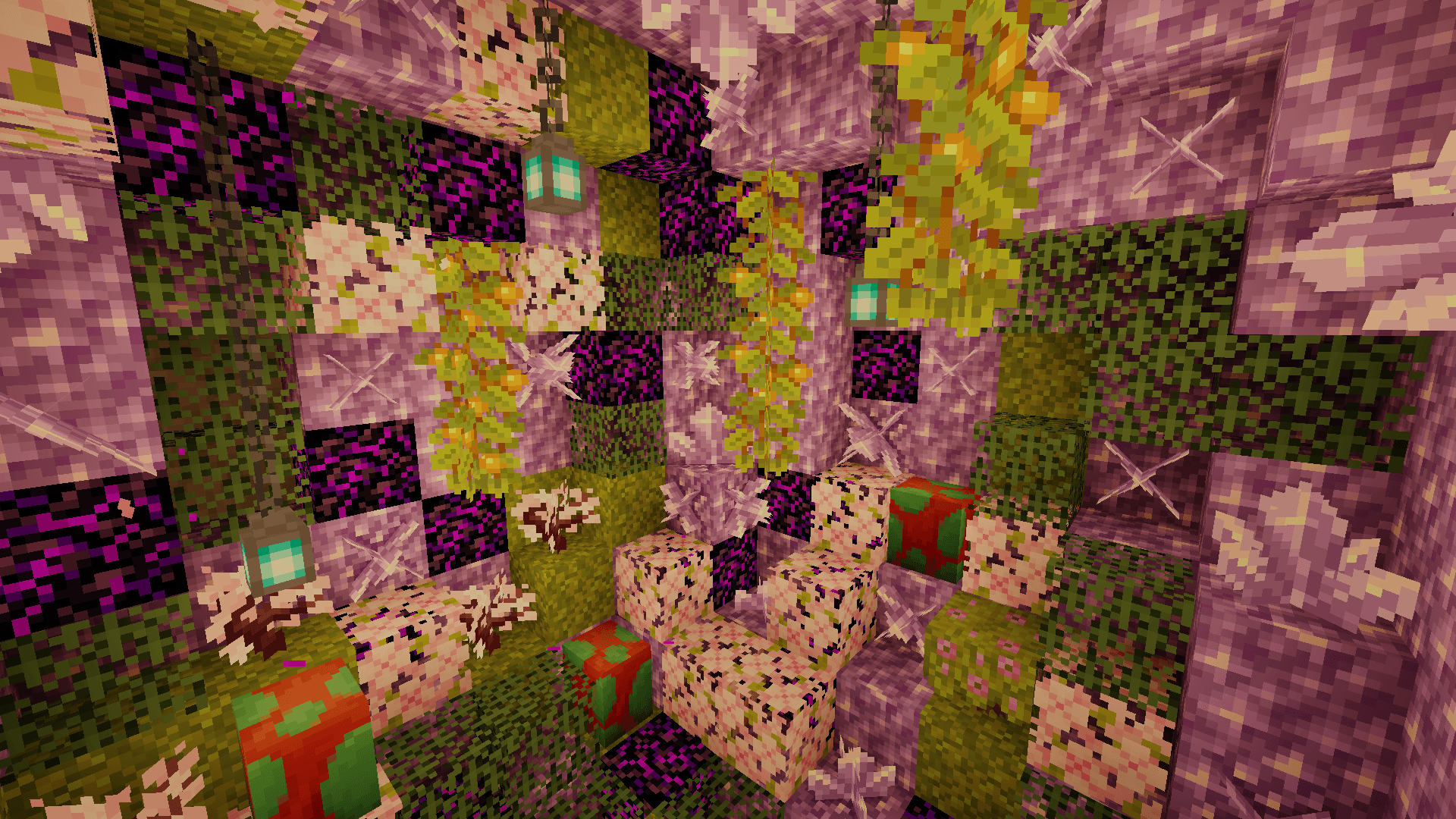
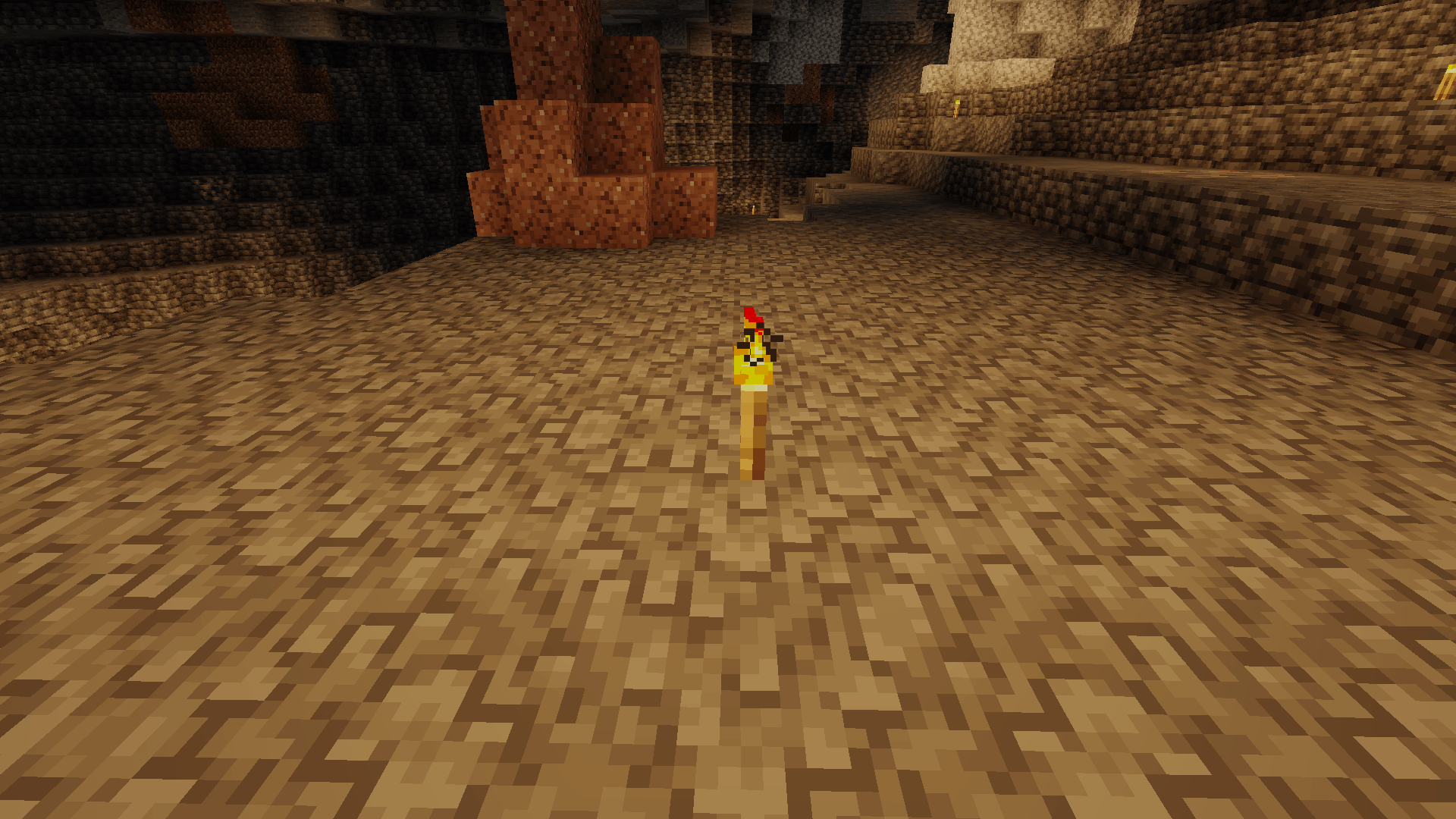
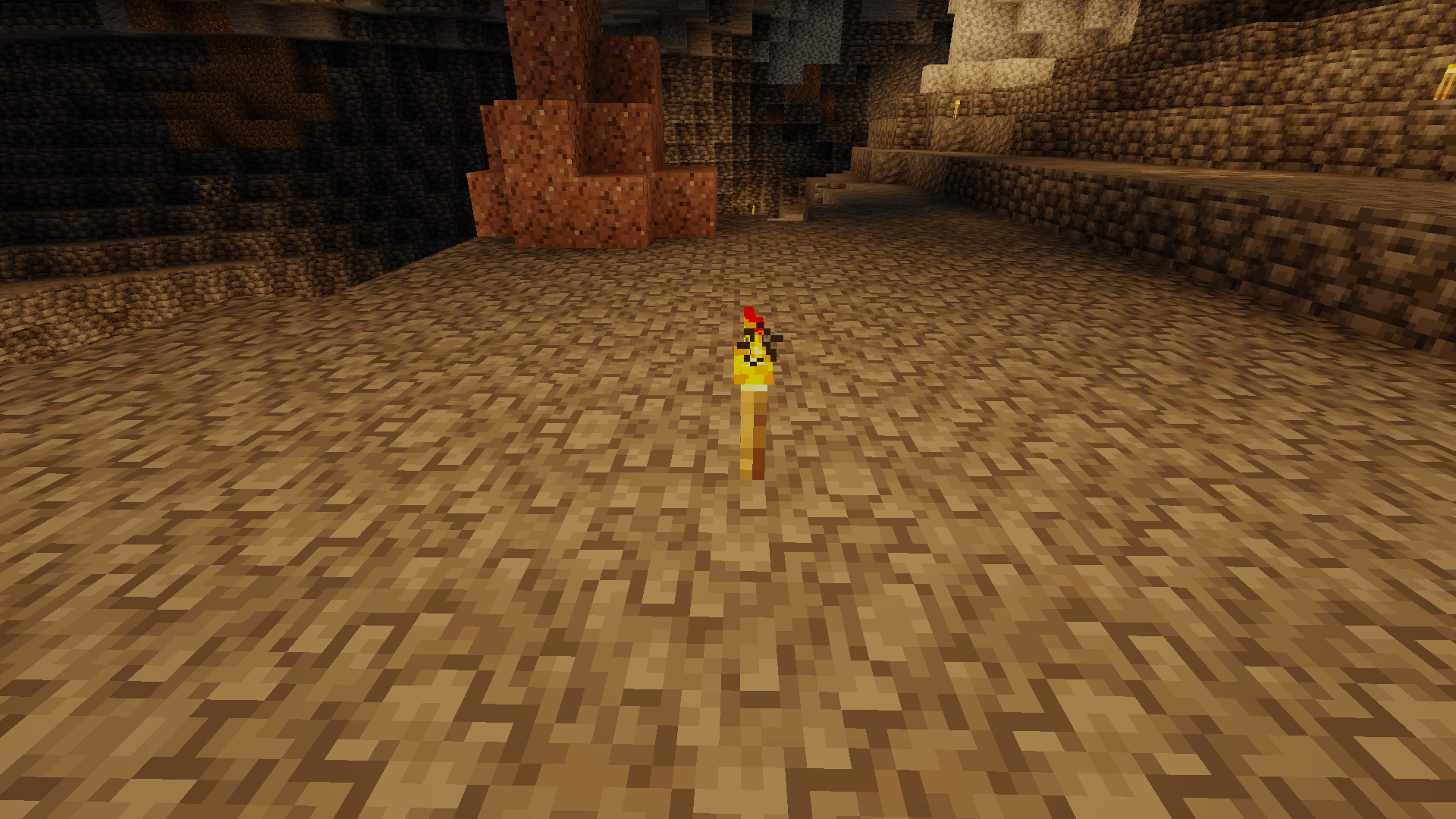
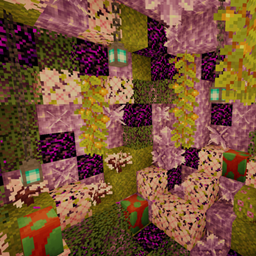
KarpesShaders — light Minecraft shader. Custom lighting, plant wind, water, bloom, vignette, sharpness. Fixed dark caves, bright mobs, lava overbloom. Stable & fast.
by MOD_MODED_INMODING_MODER_DEV
Claim this project
Add a badge to your pageLink to KarpesShaders from a README, website or forum post.
Preview: Badge

Badges update automatically and link to the shader page on MineUniverse.

179 downloads
0 likes
0 followers
Updated Nov 10, 2026
0 hypes
Follow0
Realistic Vanilla
Advertisement Remove ads with Premium →

KarpesShaders is a lightweight, performance-friendly shaderpack for Minecraft (OptiFine / Iris) designed to improve visuals without heavy FPS cost.

Features

  • Custom lighting system with adjustable torch color, intensity, night warmth and ambient brightness
  • Soft wind animation for grass, leaves and crops
  • Adjustable water opacity and wave speed
  • Bloom, vignette, sharpness and ACES-style tonemapping
  • Saturation, exposure and contrast controls
  • Full Russian menu localization
  • Three quality profiles: Low / Medium / High

Fixes & Improvements

  • Much better visibility in caves and mines
  • Consistent lighting between blocks and entities (mobs no longer glow unnaturally)
  • Protected emissive blocks (lava, glowstone etc.) from overbloom and color inversion
  • Working sharpness and water wave speed controls
  • More natural water look

KarpesShaders aims to stay simple, stable and fast while delivering a pleasant visual upgrade over vanilla. Ideal for players who want better lighting and atmosphere without the performance hit of heavier shaderpacks.

 
KarpesShaders_v3.zip
MC 1.21.2-Snapshot, 1.21, 1.21.6-snapshot, 1.20.2-Snapshot, 1.20.5-Snapshot, 1.21.1-Snapshot, 1.20.2, 1.21.8, 1.20.5, 1.21.5, 1.21.4, 1.21.5-Snapshot, 1.20.1, 1.20, OptiFine, 1.20.6
Release 2026-10-20

Requirements & install

How to use this shader in Minecraft
Shader loader
OptiFine
Minecraft
1.21 – 1.21.8
Install folder
.minecraft/shaderpacks

Install with OptiFine

  1. Install OptiFine for your Minecraft version (optifine.net) and start it once.
  2. Download the shader pack .zip (do not extract it).
  3. Put the .zip into .minecraft/shaderpacks.
  4. In game open Options → Video Settings → Shaders and select the pack.
Browse more: Iris shaders OptiFine shaders Shaders for 1.21.8 All shaders

More from MOD_MODED_INMODING_MODER_DEV

Advertisement Remove ads with Premium →

You Might Also Like