Mineuniverse
Shaders
Grayscale Lightmap

Grayscale Lightmap

SHADER
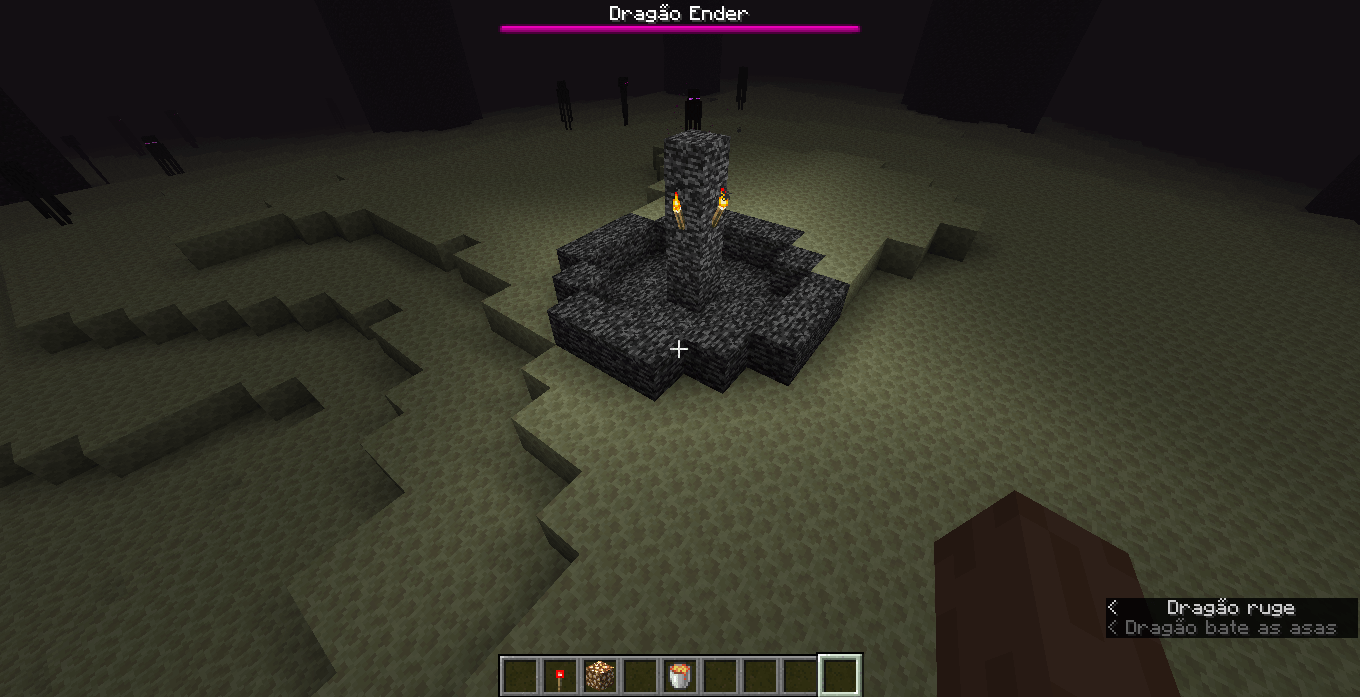
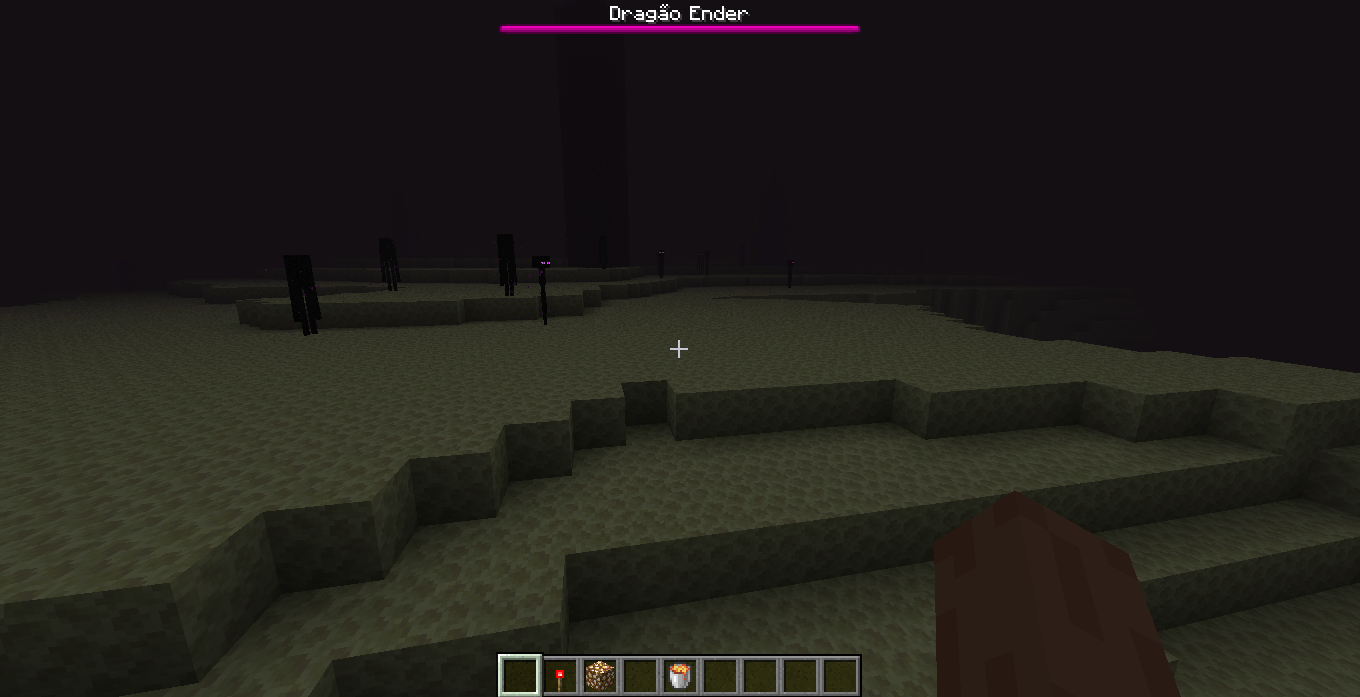
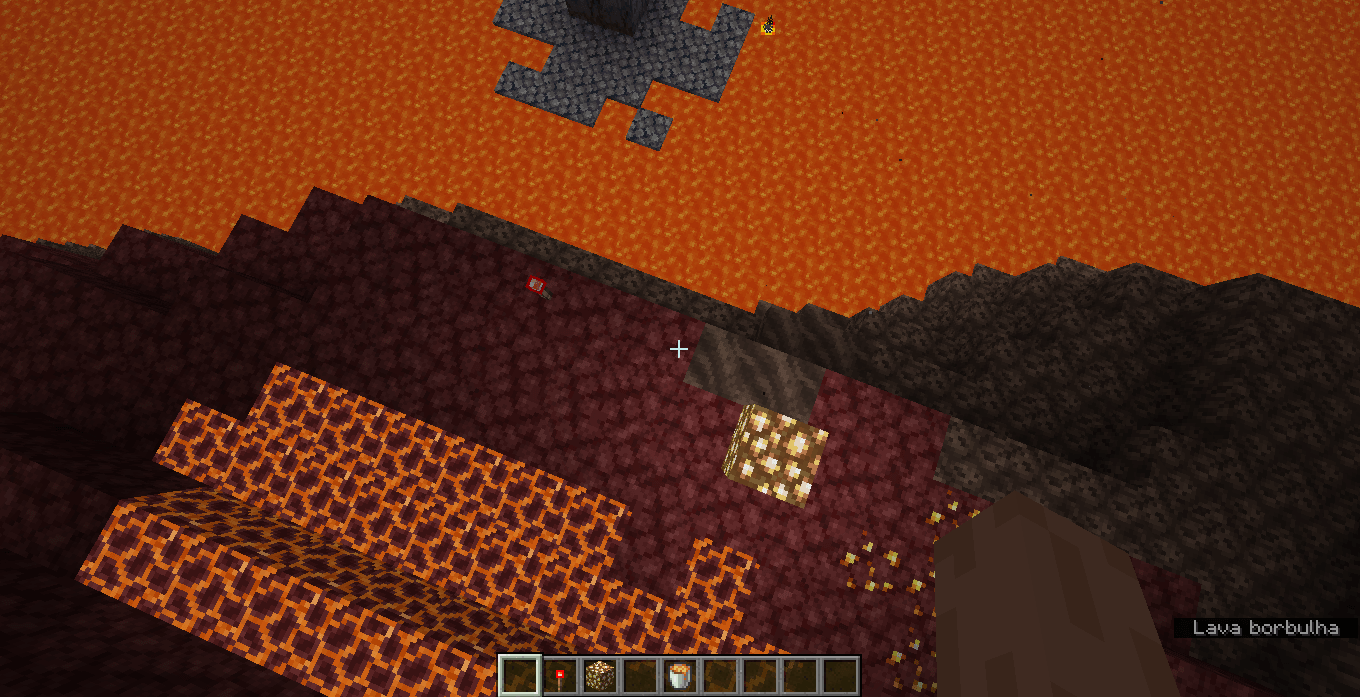
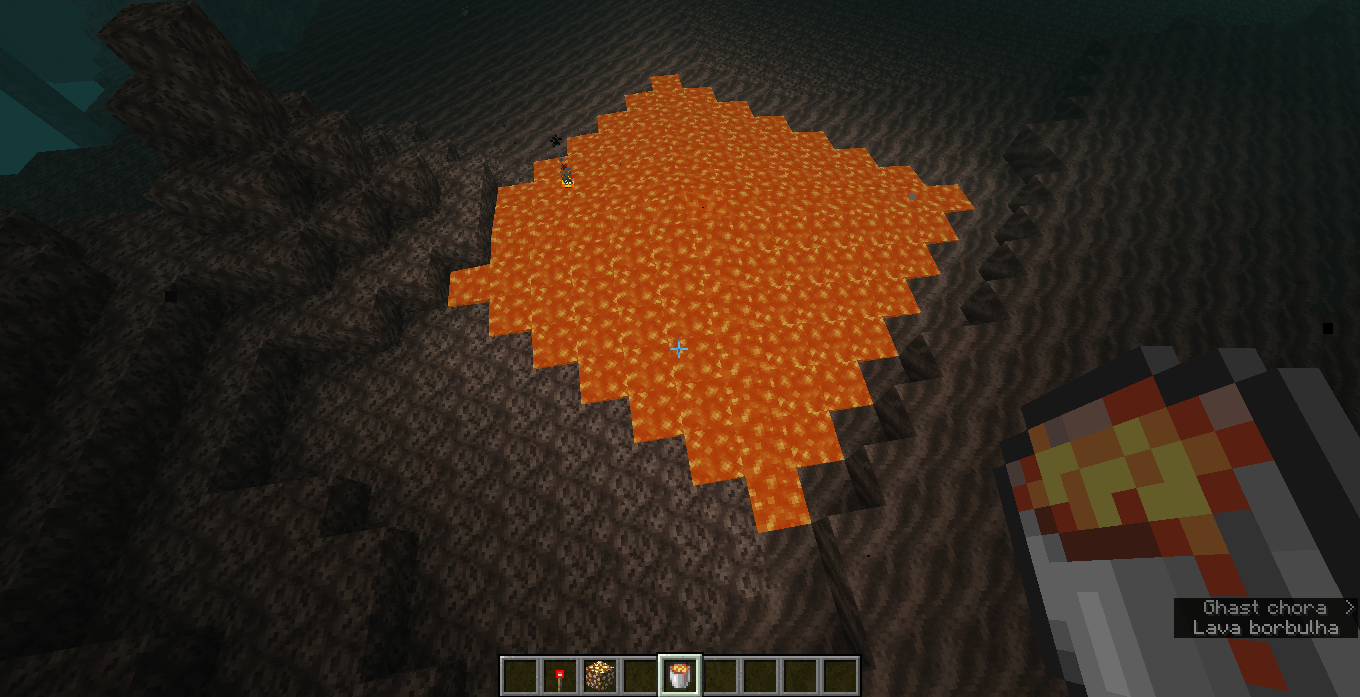
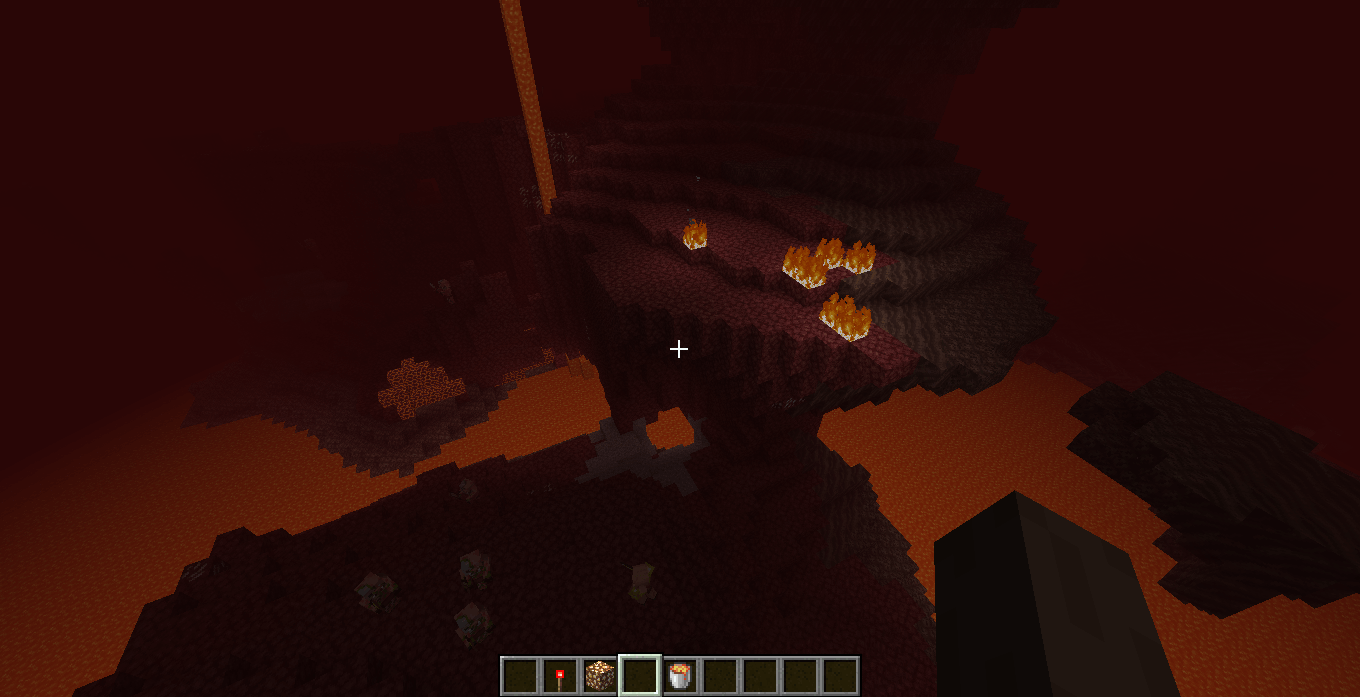
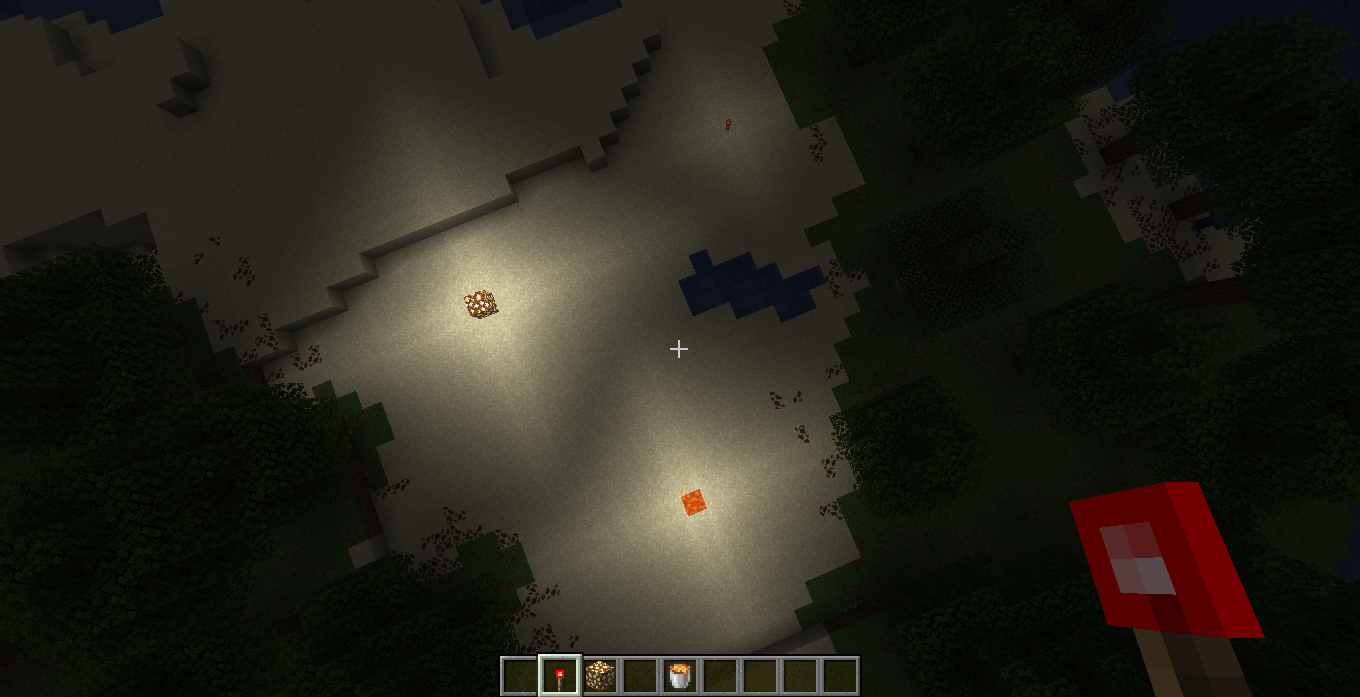
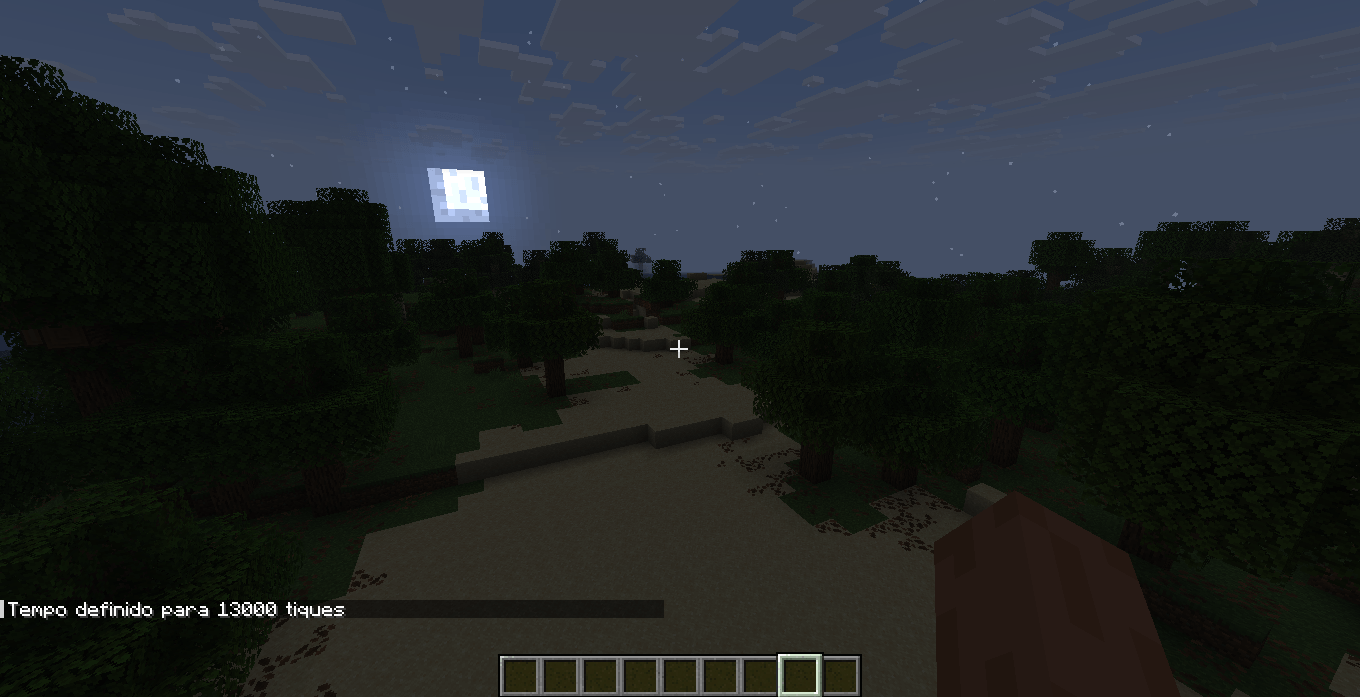
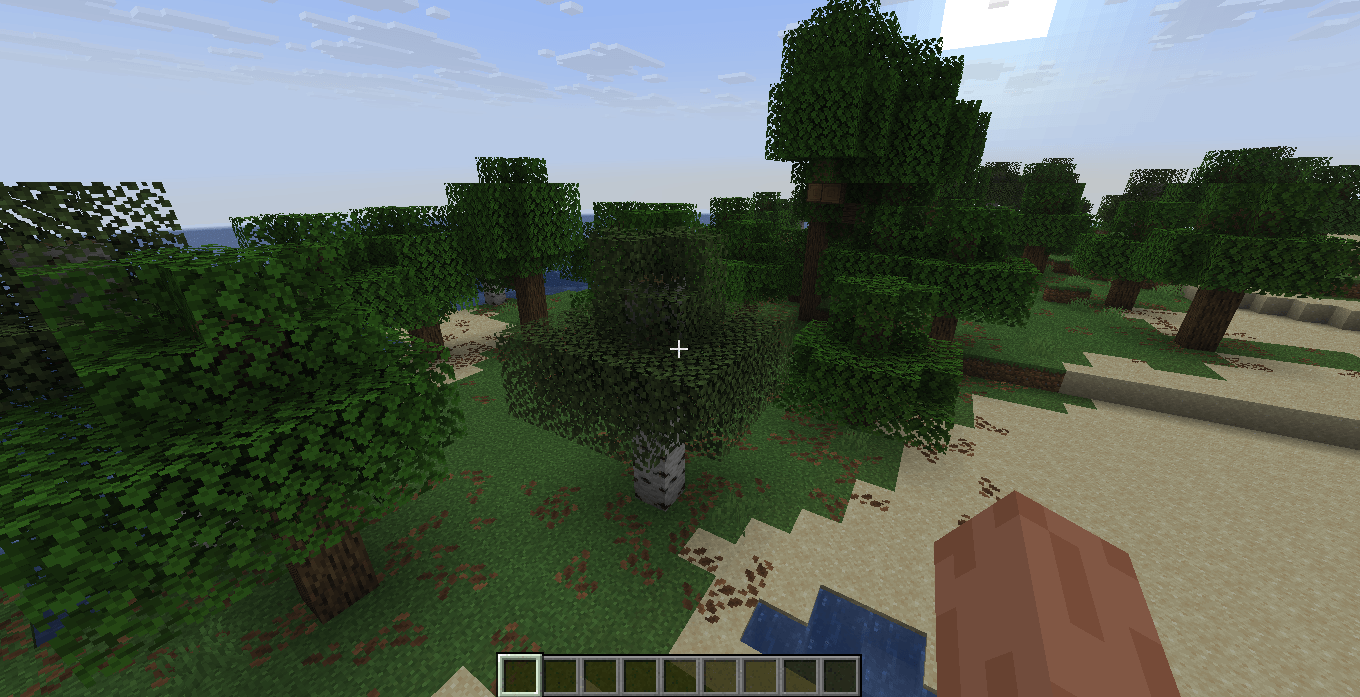
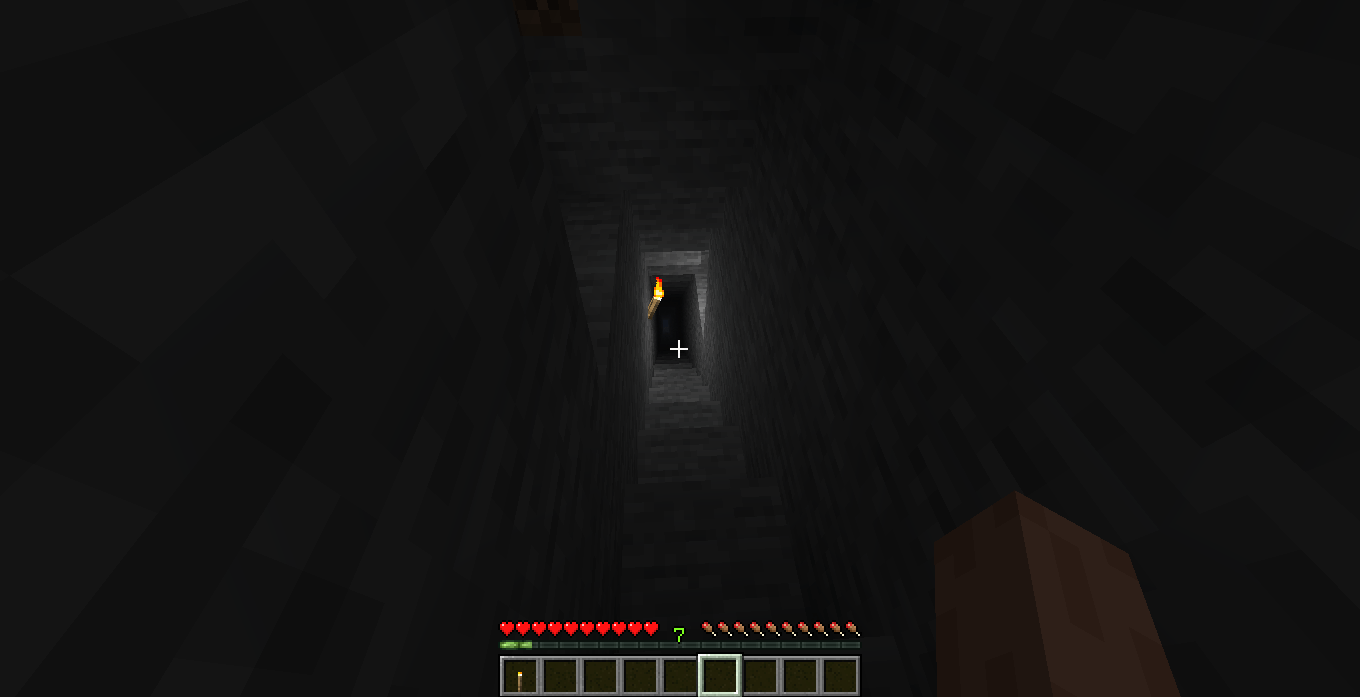
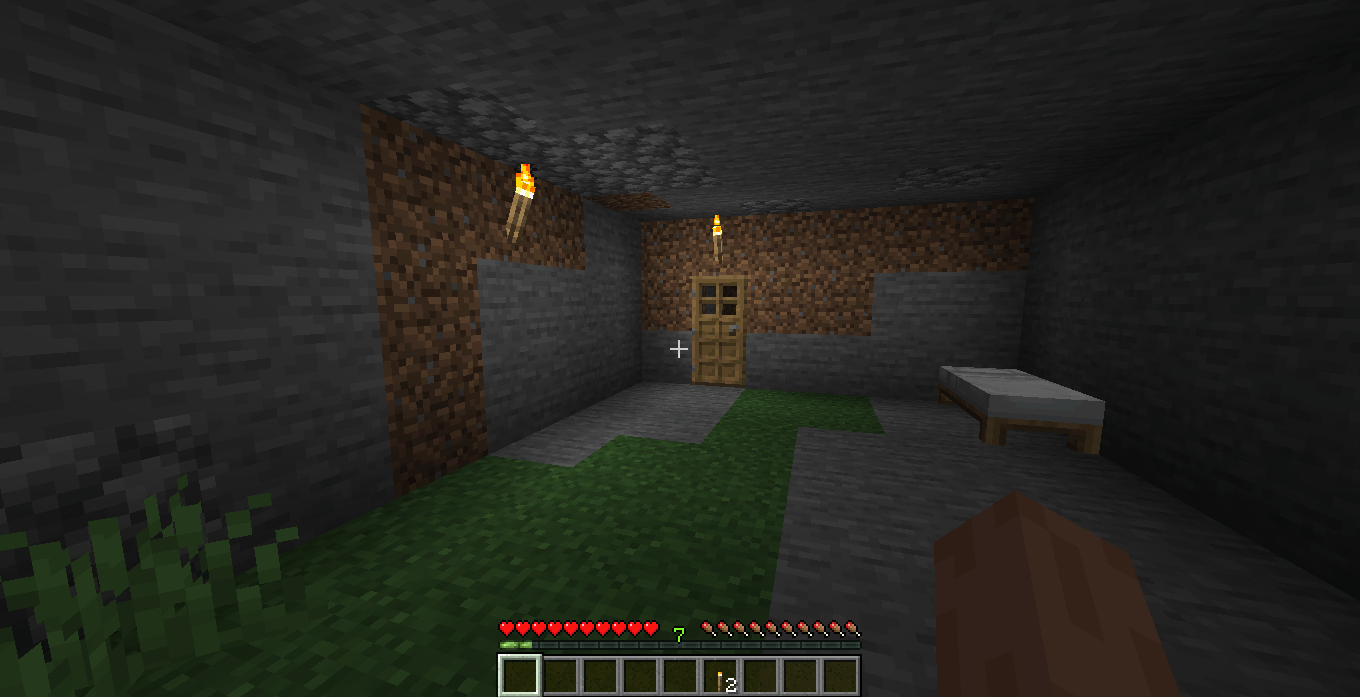
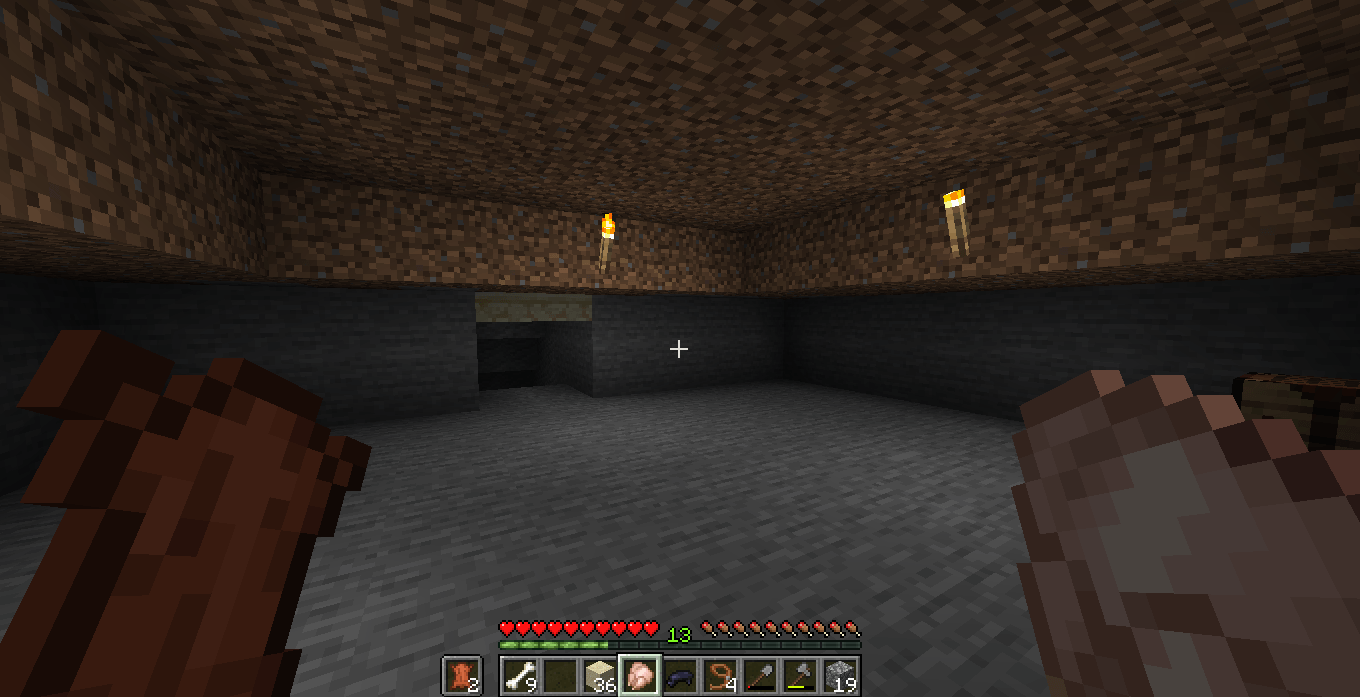
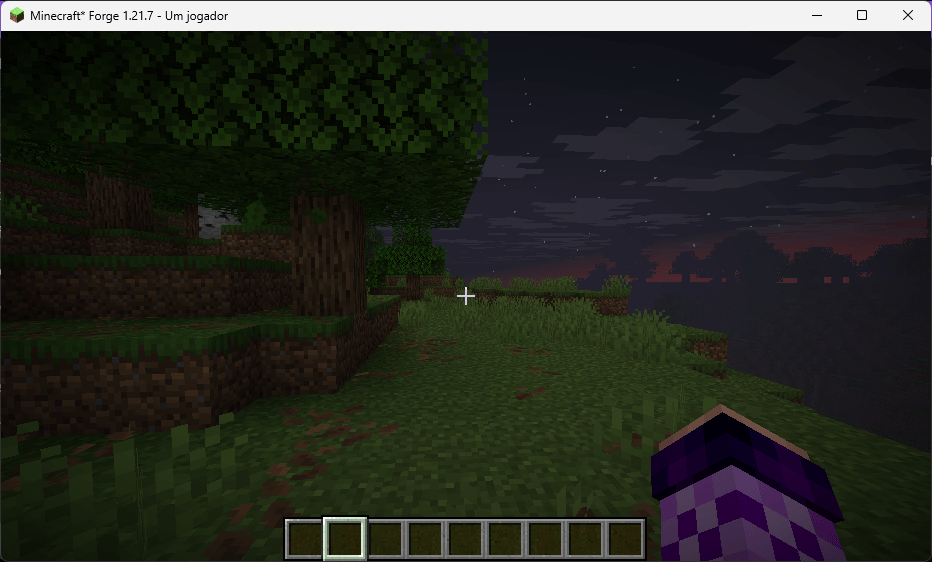
Resource pack that changes the lighting to resemble pre-beta 1.8, not that accurately.
by MagnetoBombin
Download Claim this project
89,429 downloads
0 likes
Updated Oct 14, 2026
0 hypes
Vanilla
Advertisement Remove ads with Premium →

This is a cool little project i made with the help of ChatGPT (no longer the case since 1.0.1) because i suck at coding. This resource pack only grayscales the lightmap of the game, in fact, it is just a modified version of the original 'lightmap.fsh' file. This resource pack does not add fog or anything else. since this is not accurate to pre-beta 1.8, the night is not super dark as it used to be. it is just the vanilla lightmap grayscaled, as i've stated before. set the brightness to 'moody' for a better experience. that's it, enjoy. ik this one was made with the help of AI but i would appreciate if you give credit if you use my resource pack somewhere, thanks.

This pack works on 1.21.2 (idk about that statement since 1.0.1) and newer. i cant guarantee it will work if you have real shaders enabled such as complementary shaders or any other iris related stuff.

Grayscale Lightmap - Version 1.0.3
MC 1.21.2-Snapshot, 1.21.6-snapshot, Vanilla, 1.21.8, 1.21.5, 1.21.4, 1.21.5-Snapshot, 1.21.6, 1.21.3, 1.21.7, 1.21.4-Snapshot, 1.21.2, 1.21.9-snapshot, 1.21.9, 1.21.10
Release 2026-06-29 Get
Grayscale Lightmap - Version 1.0.2
MC 1.21.2-Snapshot, 1.21.6-snapshot, Vanilla, 1.21.8, 1.21.5, 1.21.4, 1.21.5-Snapshot, 1.21.6, 1.21.3, 1.21.7, 1.21.4-Snapshot, 1.21.2, 1.21.9-snapshot, 1.21.9, 1.21.10
Release 2026-06-27 Get
Grayscale Lightmap - Version 1.0.1
MC 1.21.2-Snapshot, 1.21.6-snapshot, Vanilla, 1.21.8, 1.21.5, 1.21.4, 1.21.5-Snapshot, 1.21.6, 1.21.3, 1.21.7, 1.21.4-Snapshot, 1.21.2, 1.21.9-snapshot, 1.21.9, 1.21.10
Release 2026-06-22 Get
Grayscaled Lightmap - Version 1.0.0
MC 1.21.2-Snapshot, 1.21.6-snapshot, 1.21.5, 1.21.8, Vanilla, 1.21.4, 1.21.5-Snapshot, 1.21.3, 1.21.7, 1.21.6, 1.21.4-Snapshot, 1.21.2, 1.21.9-snapshot
Release 2025-08-18 Get

Requirements & install

How to use this shader in Minecraft
Shader loader
Iris or OptiFine
Minecraft
1.21.5 – 1.21.10
Install folder
.minecraft/shaderpacks

How to install shaders

  1. Install a shader loader for your Minecraft version: Iris (with Sodium) or OptiFine.
  2. Download the shader pack .zip file (do not extract it).
  3. Put the .zip into the shaderpacks folder (.minecraft/shaderpacks).
  4. In game open Options → Video Settings → Shader Packs, select the pack and apply it.
Browse more: Iris shaders OptiFine shaders Shaders for 1.21.10 All shaders

More from MagnetoBombin

Advertisement Remove ads with Premium →

You Might Also Like