Badges update automatically and link to the shader page on MineUniverse.
# Giovanna's Shaders
**Still Minecraft, just far more beautiful.**
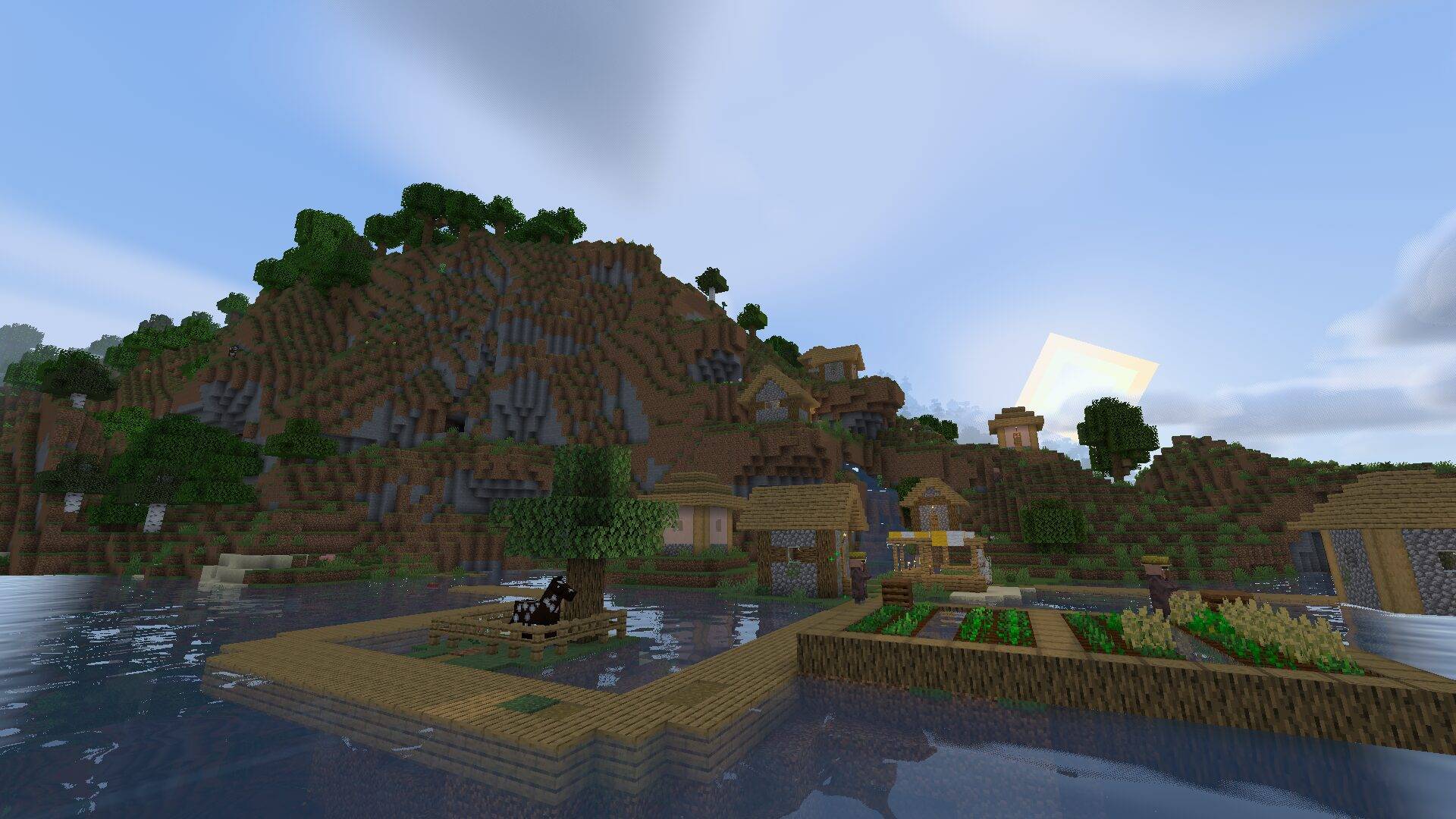
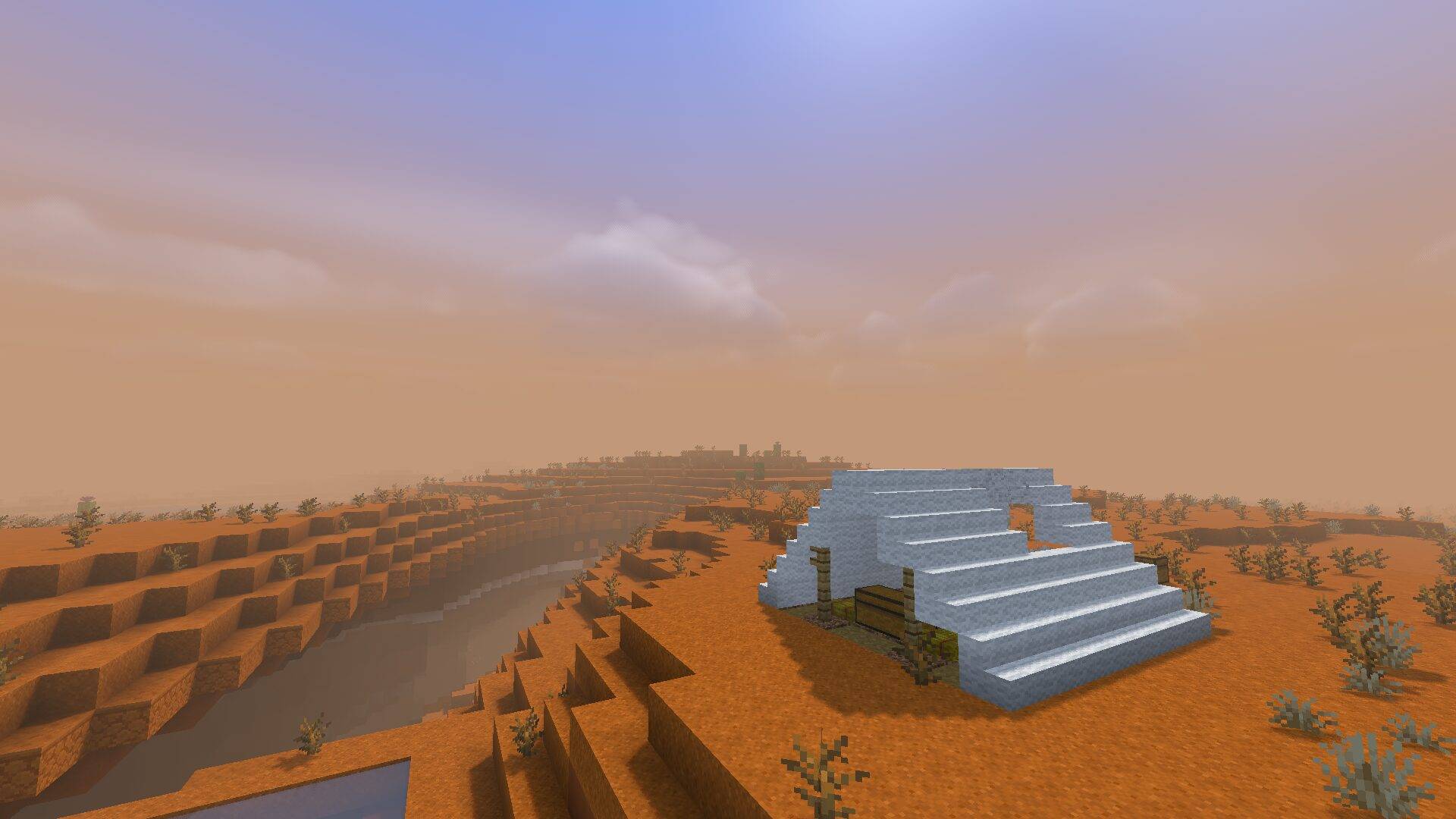
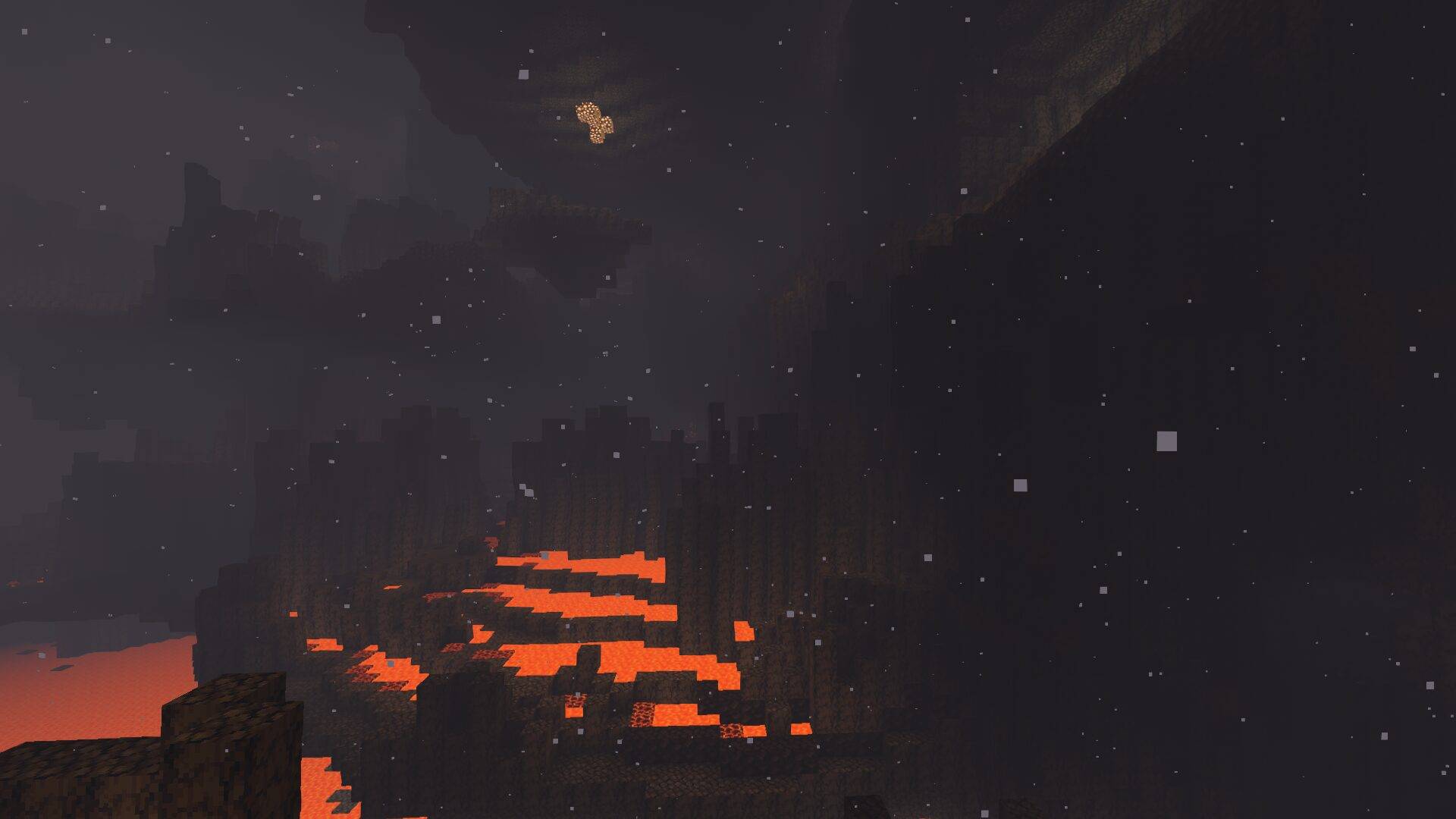
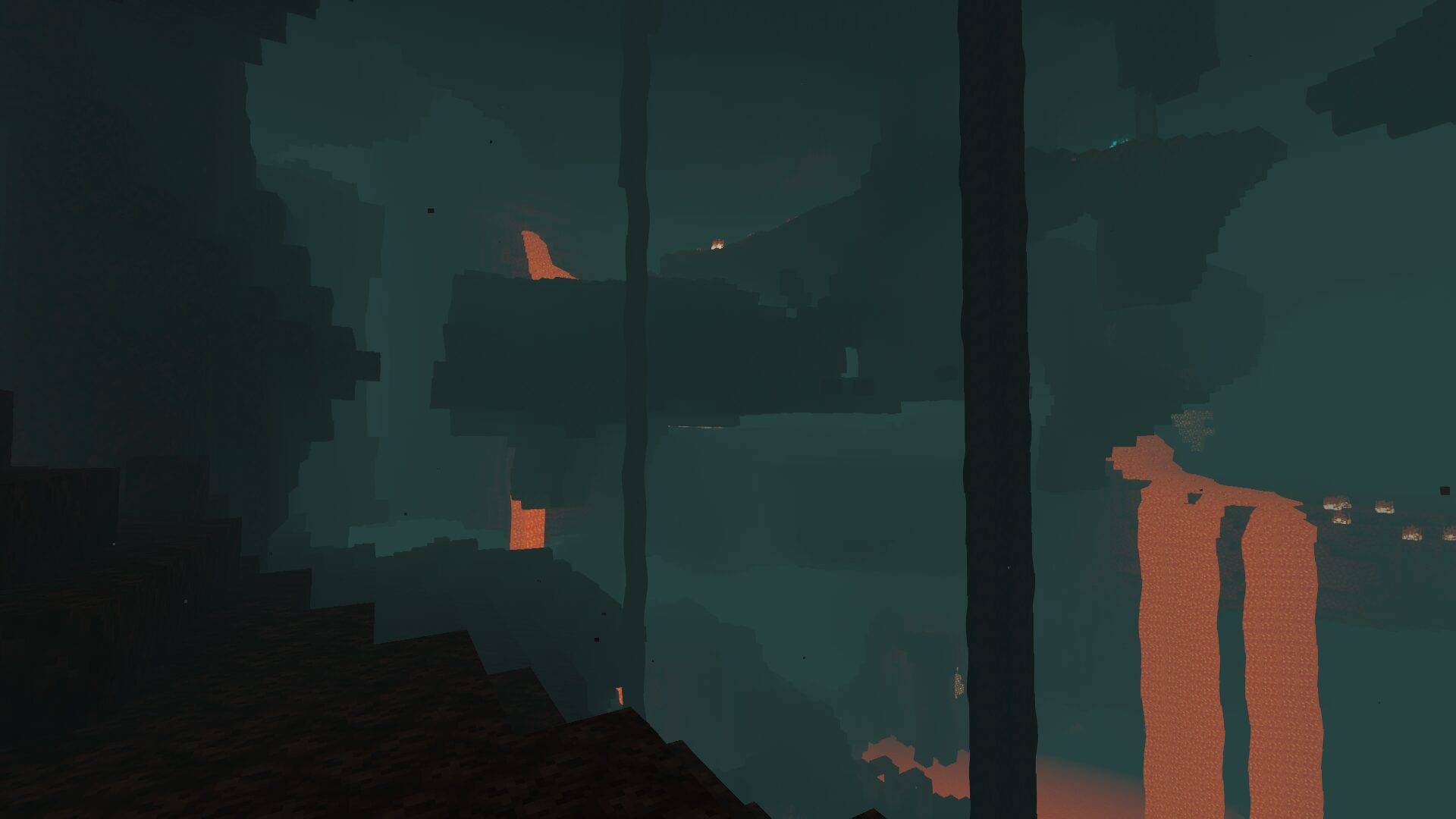
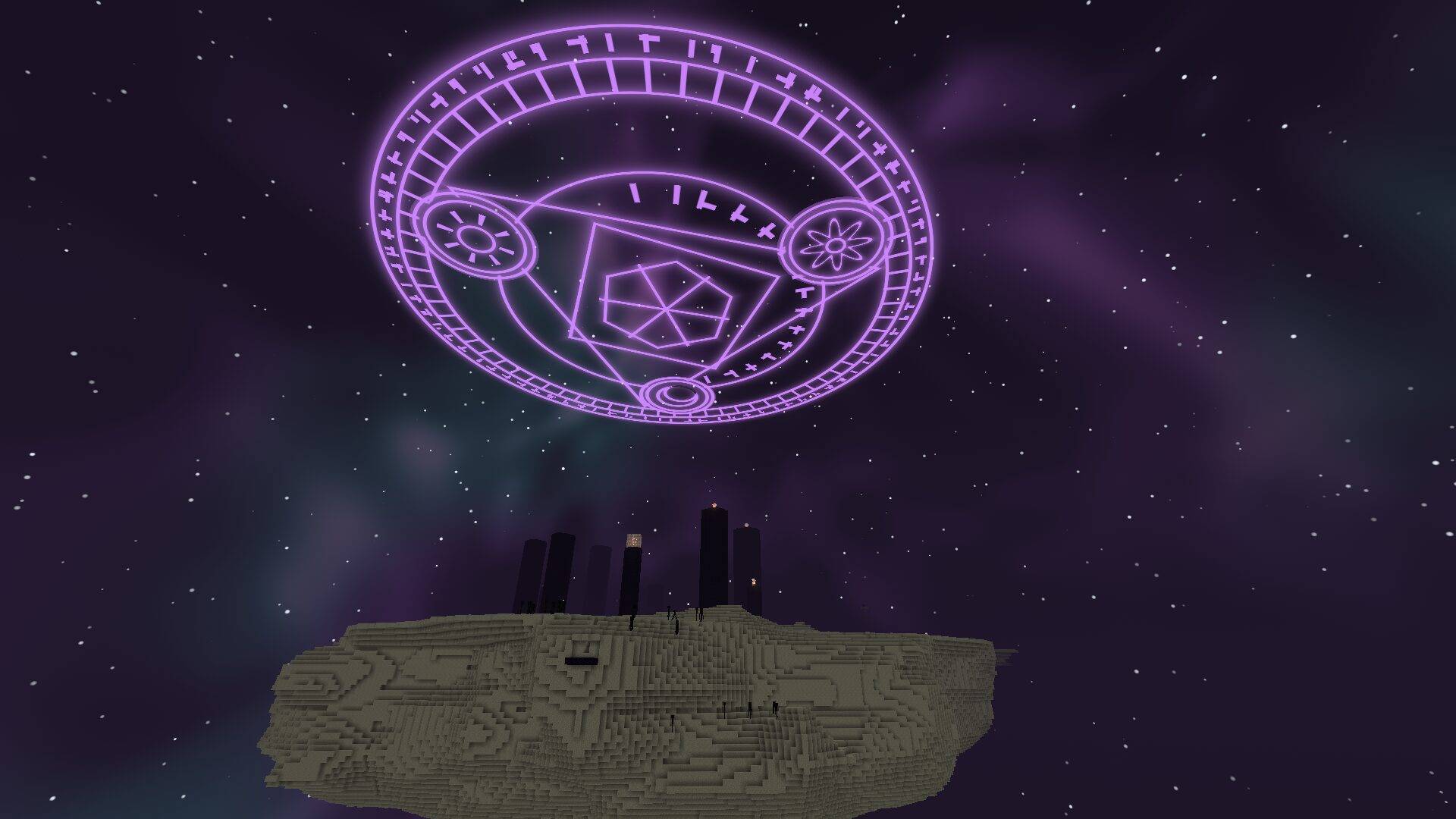
Giovanna's Shaders is a vanilla-style shader pack for Minecraft Java Edition. It keeps the blocks, colors and pixel-art look of the game and rebuilds the light, sky, water and atmosphere around them. It covers the Overworld, the Nether and the End.
## Features
### Lighting
- Sun and moon light that changes color through the day: bright golden sunrise, long orange sunset
- Dark nights with strong blue moonlight
- Properly dark caves
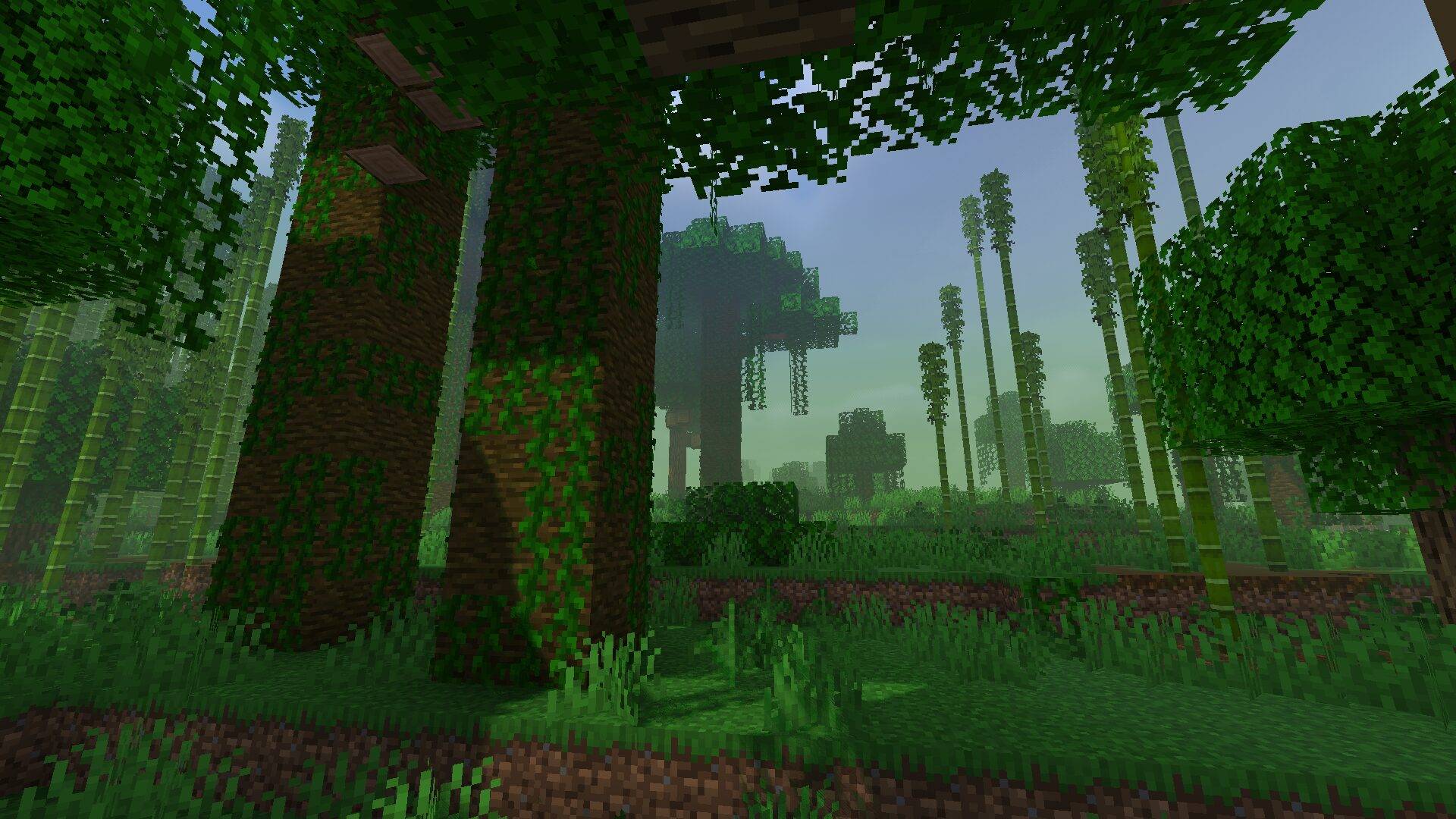
- **Colored block light**: every light source lights its surroundings in its own color (torches, soul fire, redstone, copper, sea lanterns, lava and more)
- **Dynamic light**: the light-emitting item in your hand lights the world around you, in its own color
- **Light through stained glass**: sunlight and block light take the color of the glass they pass through
### Shadows
- Soft sun and moon shadows
- Moving cloud shadows on the ground
### Sky
- Procedural sky with shades of blue that shift from morning to afternoon
- Dense, twinkling stars and a teal nebula at night
- Aurora in icy biomes
### Clouds
- Three cloud types to choose from: vanilla, soft, or volumetric cumulus at varying heights
- Optional high cloud layer
### Water
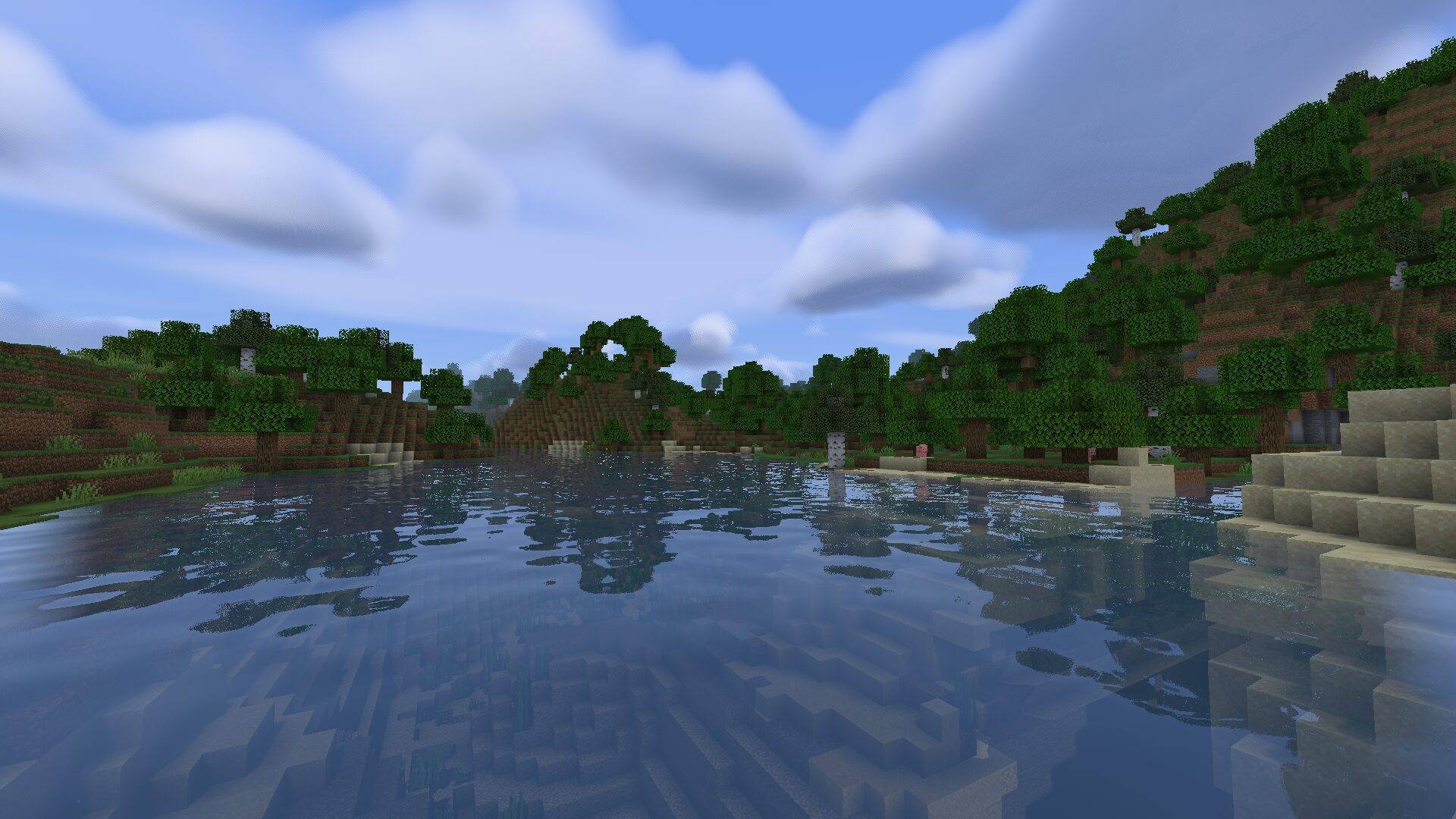
- Clear, transparent water with depth-based color and gentle waves
- Reflections of the scenery and the sky
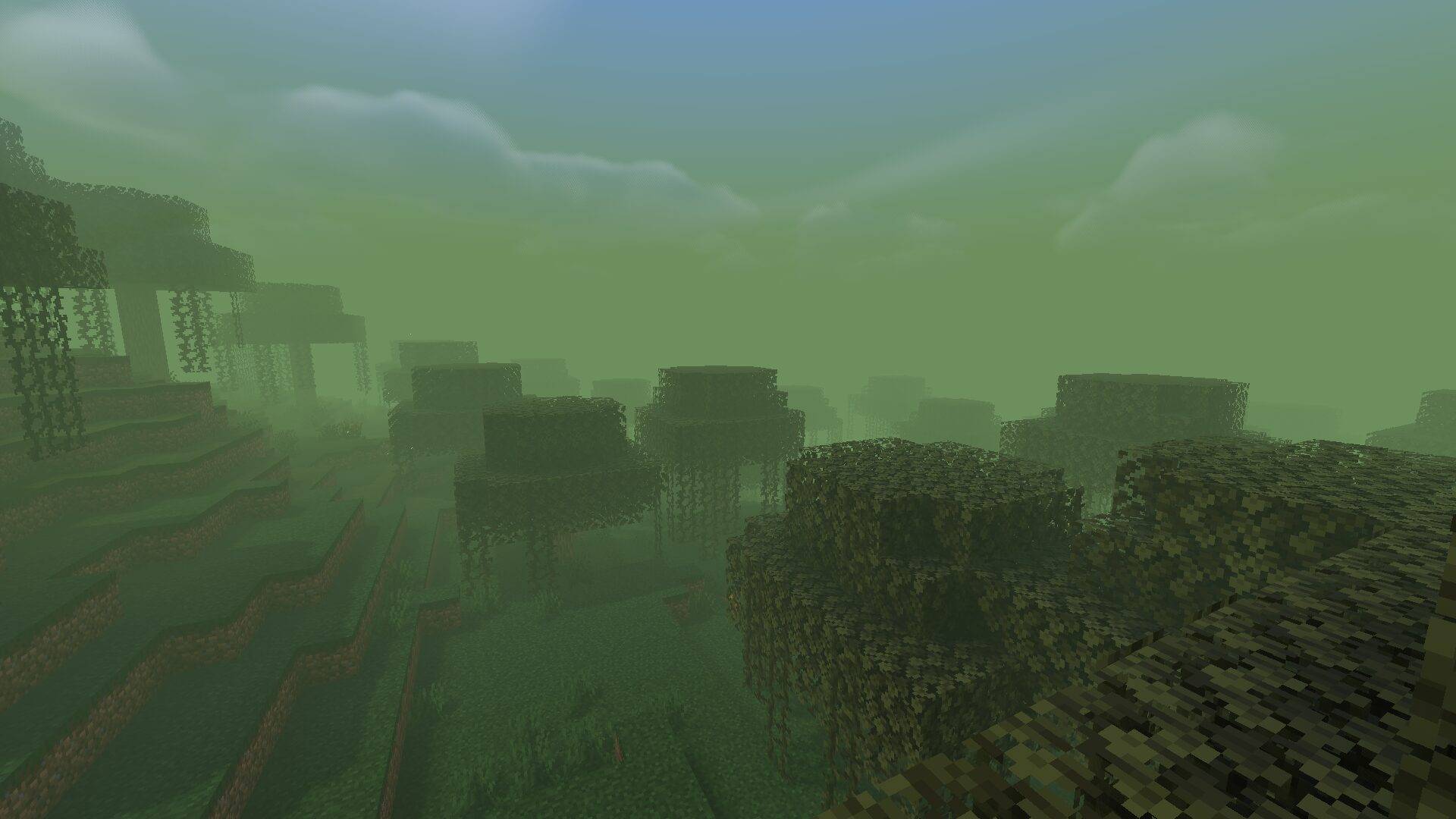
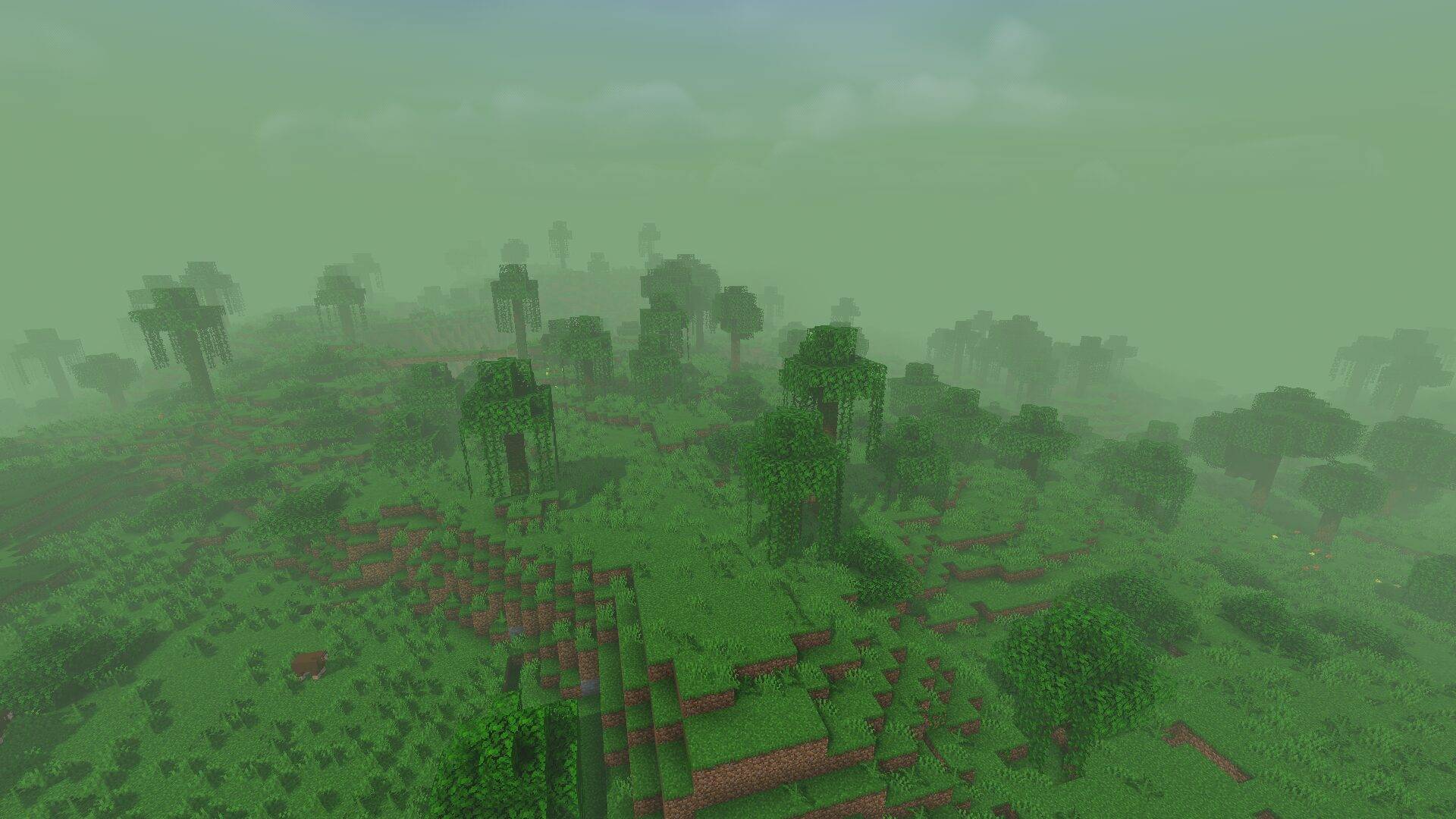
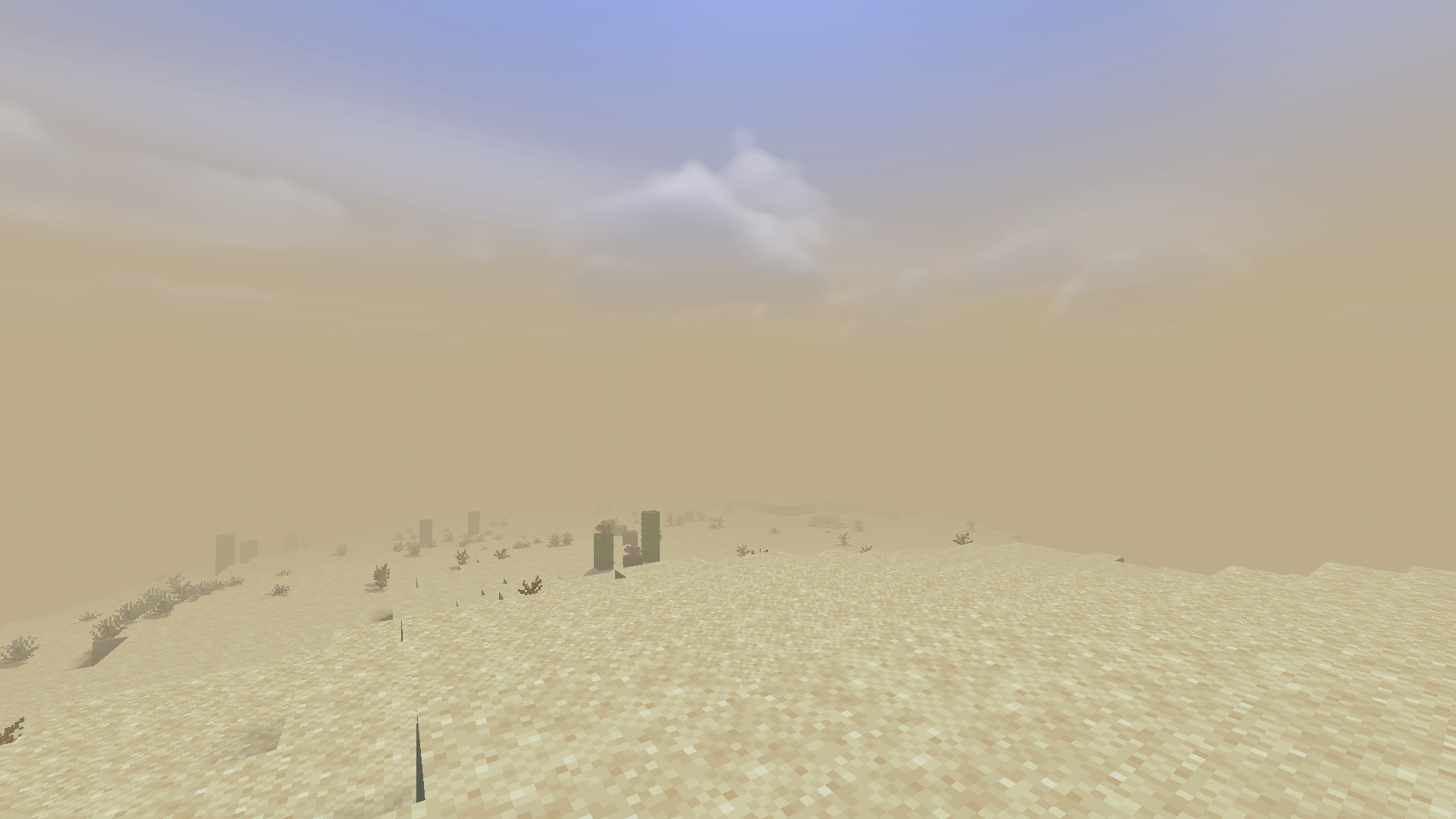
- Water color per biome: oceans, rivers, swamps, jungles, badlands, deserts and icy biomes
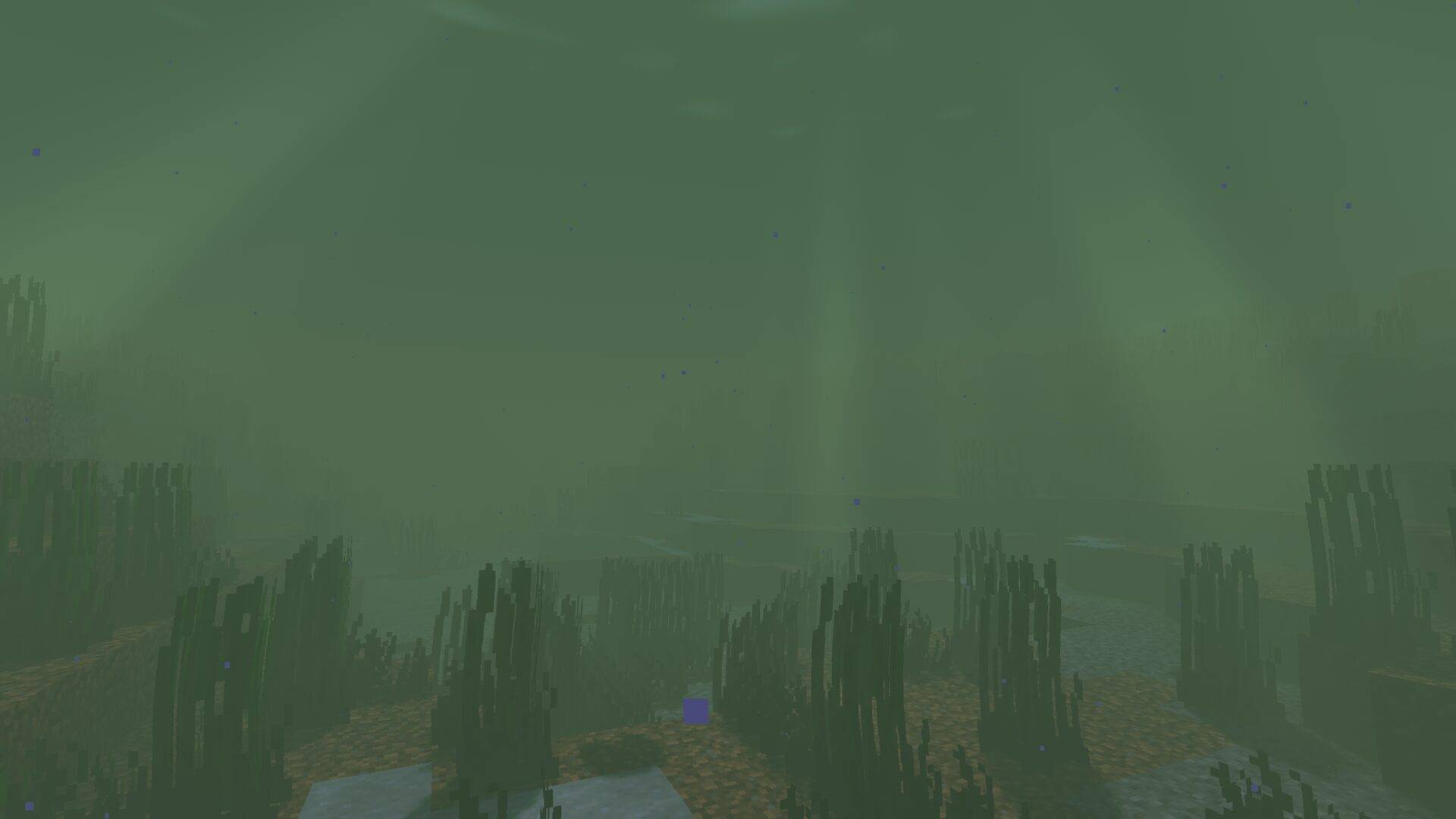
- A full underwater look: water-colored fog, caustics, light rays and a view of the surface from below
### Weather and atmosphere
- Distance fog that fades terrain into the sky
- Rain with overcast