Mineuniverse
Shaders
FilterLite Shaders

FilterLite Shaders

SHADER
A lightweight, screen-space post-processing shader focused entirely on color grading and camera filters. Features 20 built-in presets (Cinematic, Vintage, Lo-Fi, etc.) with minimal FPS impact.
by Niix_Dan
Download Claim this project
10,562 downloads
0 likes
Updated Oct 14, 2026
0 hypes
Vanilla
Advertisement Remove ads with Premium →

FilterLite Shaders

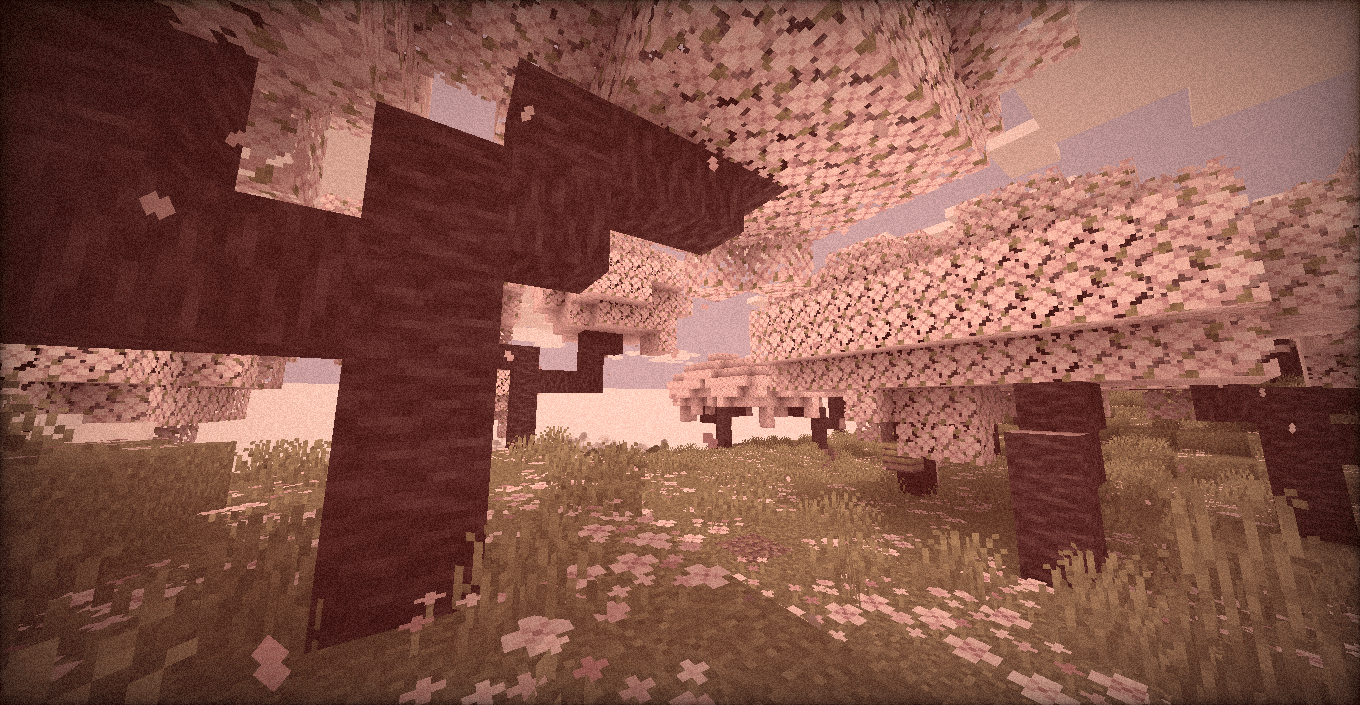
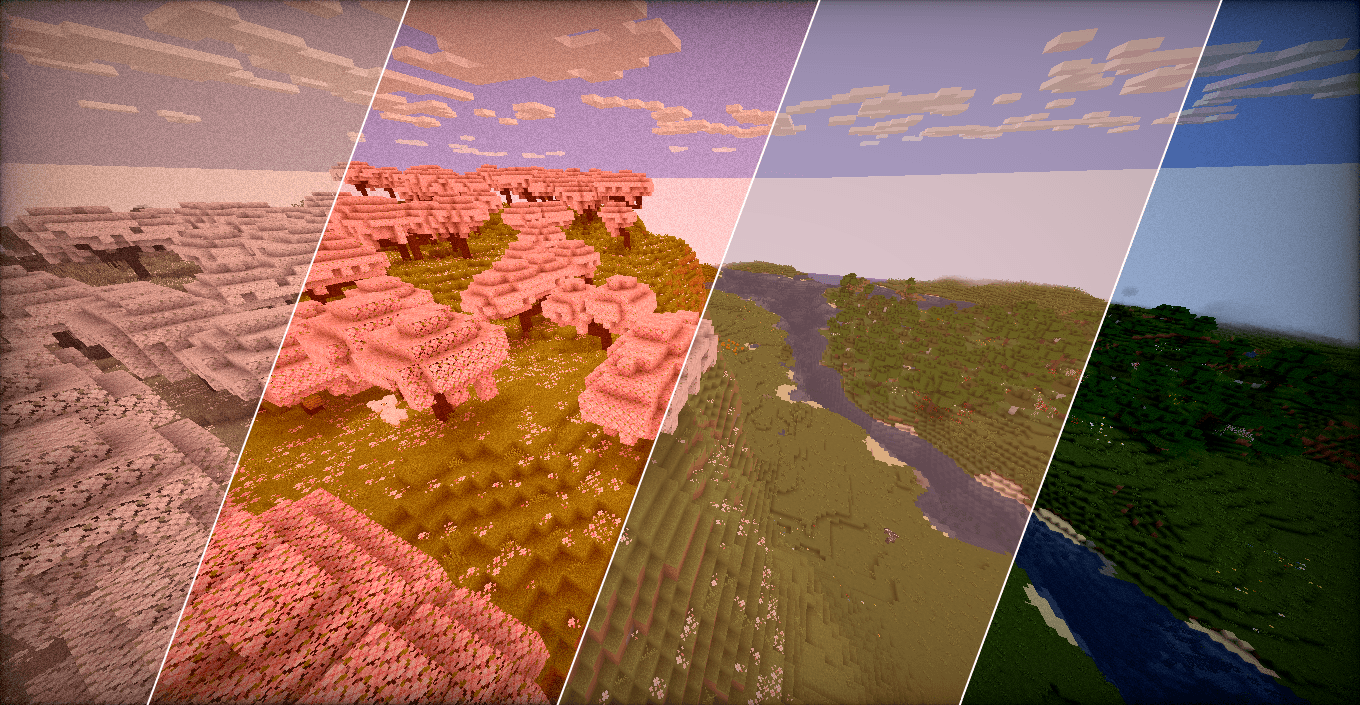
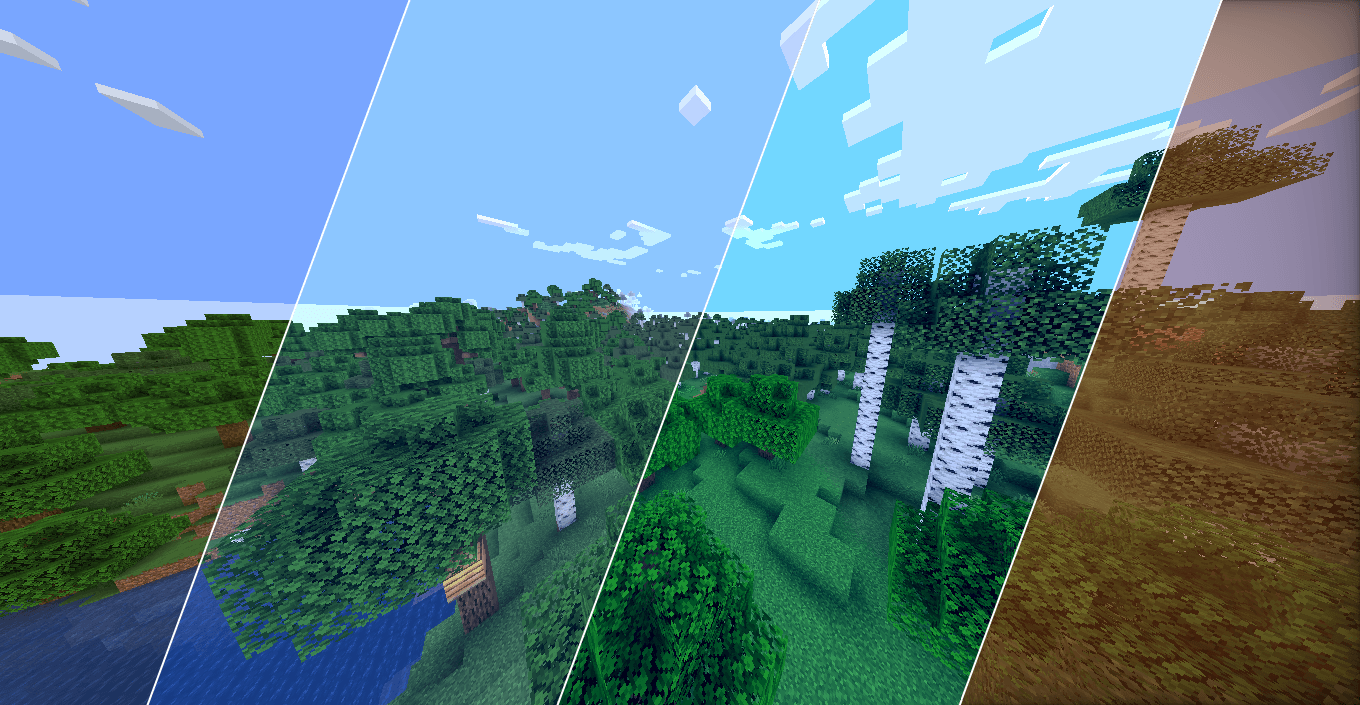
A pure post-processing shader designed to act like a built-in Lightroom / camera filter for your game.

It doesn’t add heavy dynamic shadows, waving leaves, or realistic water-instead, it focuses 100% on screen-space color manipulation. The result is a photographic look that runs on literally any machine.

Features

  • Full Color Grading Suite: Manual control over Exposure, Contrast, Saturation, Temperature (Kelvin), and Tint.
  • Camera Effects: Toggleable Sepia, Screen Vignette, and dynamic (animated) Film Grain.
  • 20 Built-in Profiles: Don't want to tweak sliders? Just pick a preset:
    • Clean & Natural: Default, Lark, Reyes, Ludwig, Perpetua
    • Warm & Cozy: Gingham, Slumber, Crema, Aden, Seventies, Toaster
    • High Contrast / Vibrant: Clarendon, Juno, Lo-Fi, Kelvin
    • Retro & Monochrome: Moon, Inkwell, Vintage, Nashville, Cinematic
  • Zero Lag: Built on standard #version 120 GLSL math. If your PC can run the base game, it can run this at full speed.

Compatibility

  • Fully compatible with Iris Shaders and OptiFine.
  • Version agnostic (Works on virtually any Minecraft update).

How to install

  1. Download the .zip file.
  2. Drop it into your shaderpacks folder.
  3. Select it in-game and use the Shader Options menu to pick your favorite profile.
FilterLite Shaders 1.0.0
MC 1.16.3, 1.13.1, 1.17.1, 1.21, 1.16.1, 1.18.1, 1.14.3, 1.15, 1.16, 1.13, 1.16.5, 1.19.3, 1.20.2, 1.19.4, 1.21.8, 1.14.4, 1.14.1, 1.12.1, 1.17, 1.12, 1.20.5, 1.21.5, 1.18
Release 2026-06-26 Get

Requirements & install

How to use this shader in Minecraft
Shader loader
Iris or OptiFine
Minecraft
1.18.1 – 1.21.8
Install folder
.minecraft/shaderpacks

How to install shaders

  1. Install a shader loader for your Minecraft version: Iris (with Sodium) or OptiFine.
  2. Download the shader pack .zip file (do not extract it).
  3. Put the .zip into the shaderpacks folder (.minecraft/shaderpacks).
  4. In game open Options → Video Settings → Shader Packs, select the pack and apply it.
Browse more: Iris shaders OptiFine shaders Shaders for 1.21.8 All shaders

More from Niix_Dan

Advertisement Remove ads with Premium →

You Might Also Like