FEATHERLITE
A clean, lightweight shaderpack with a stylized look.
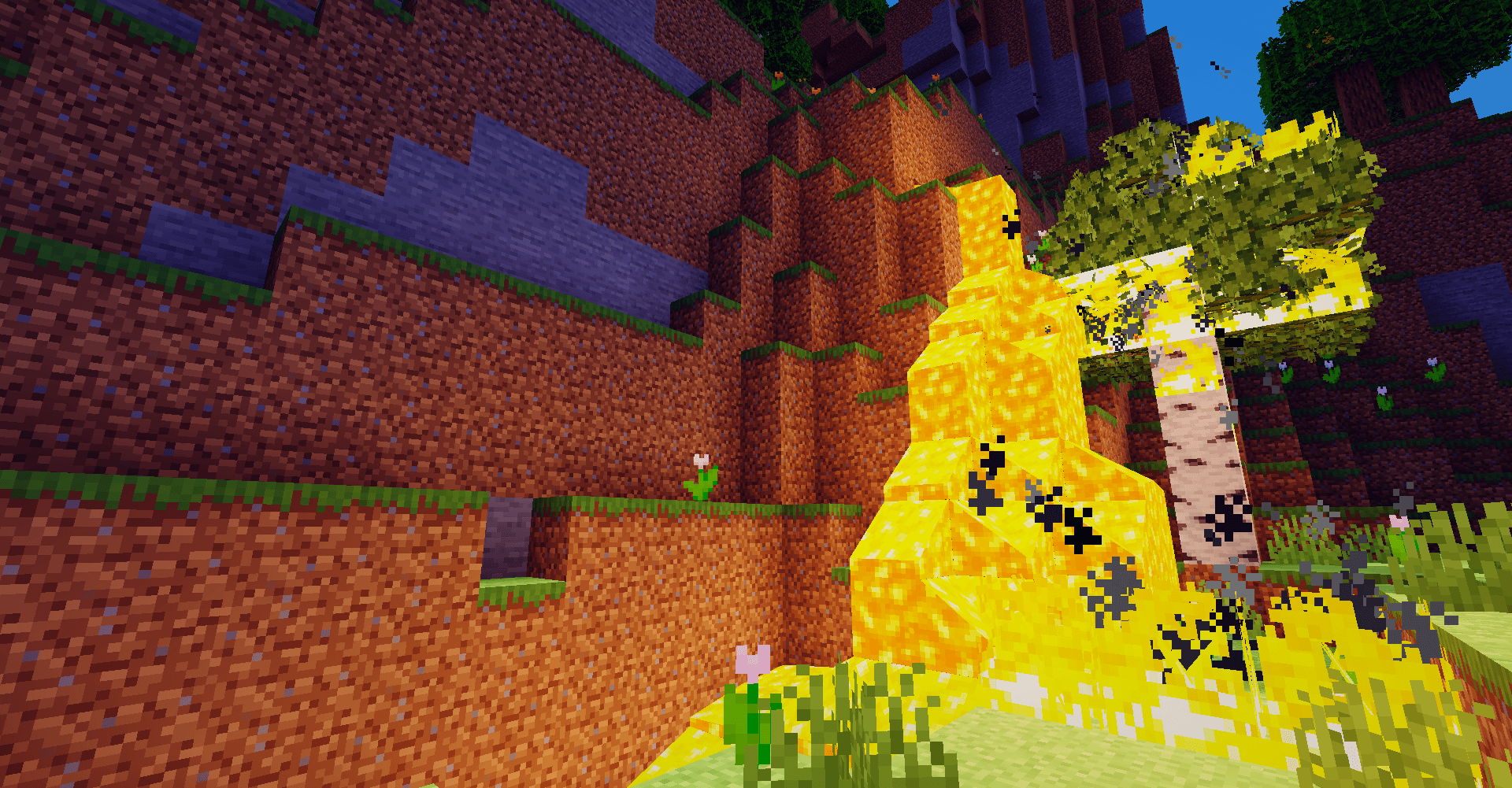
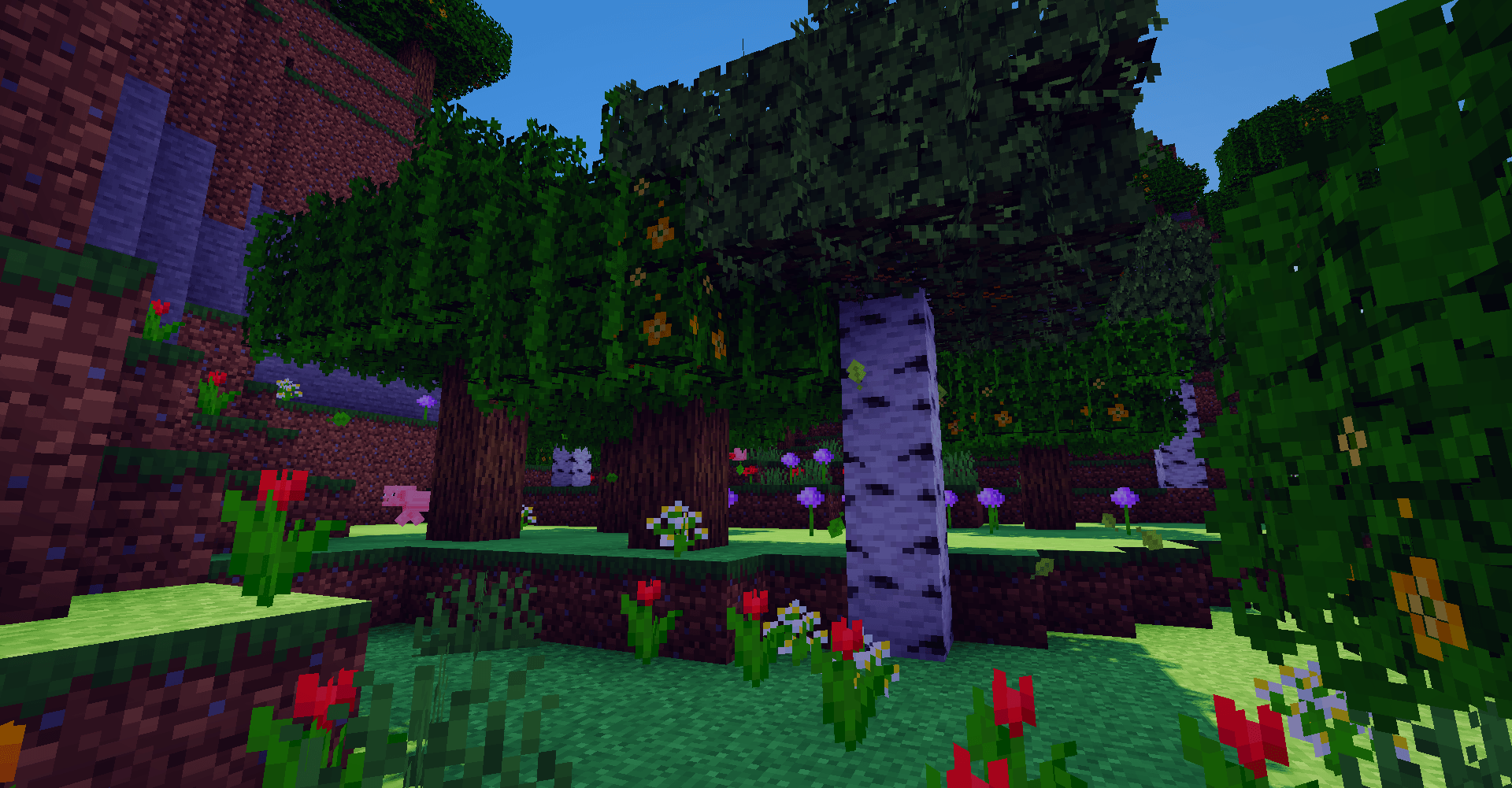
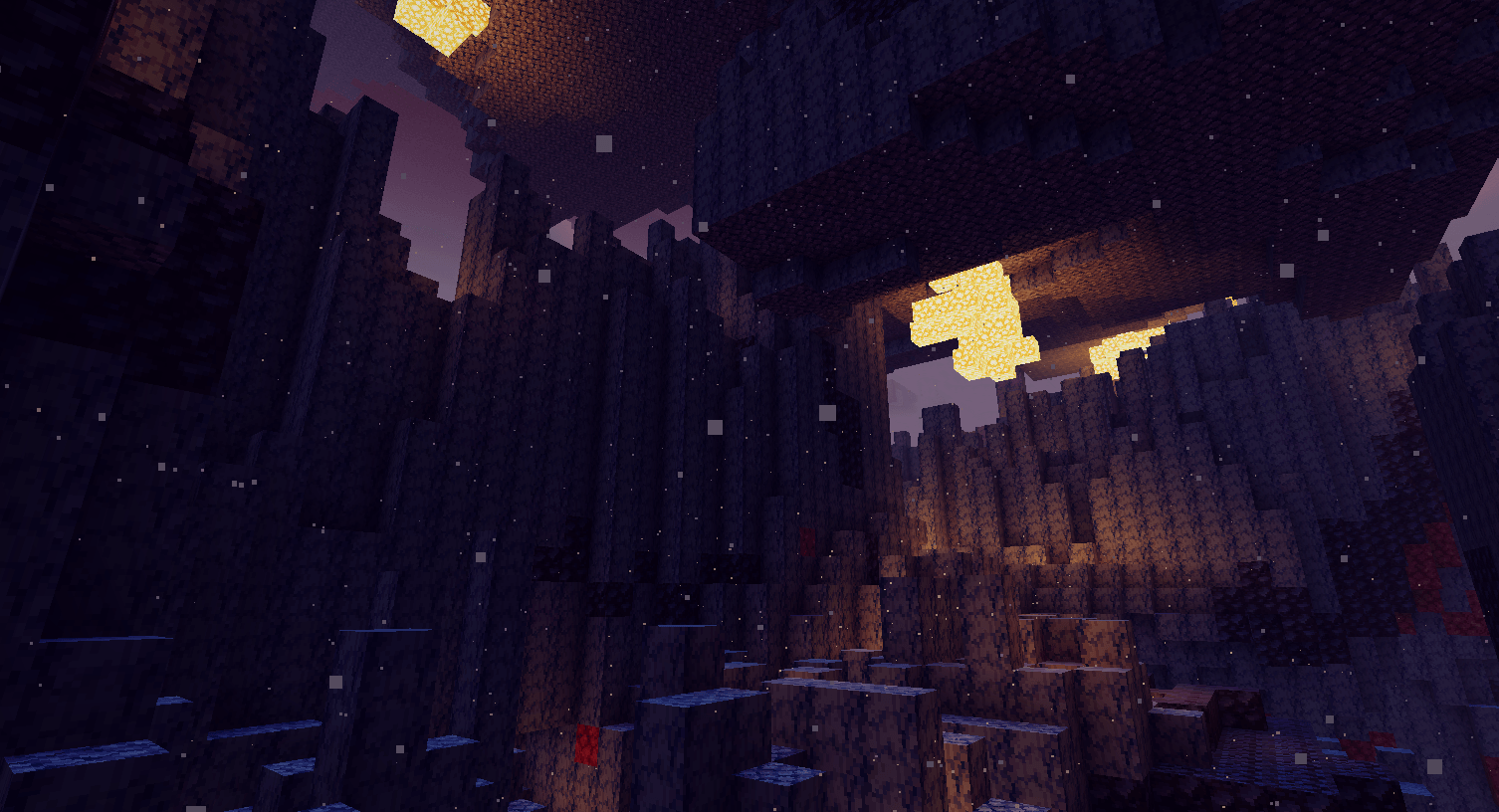
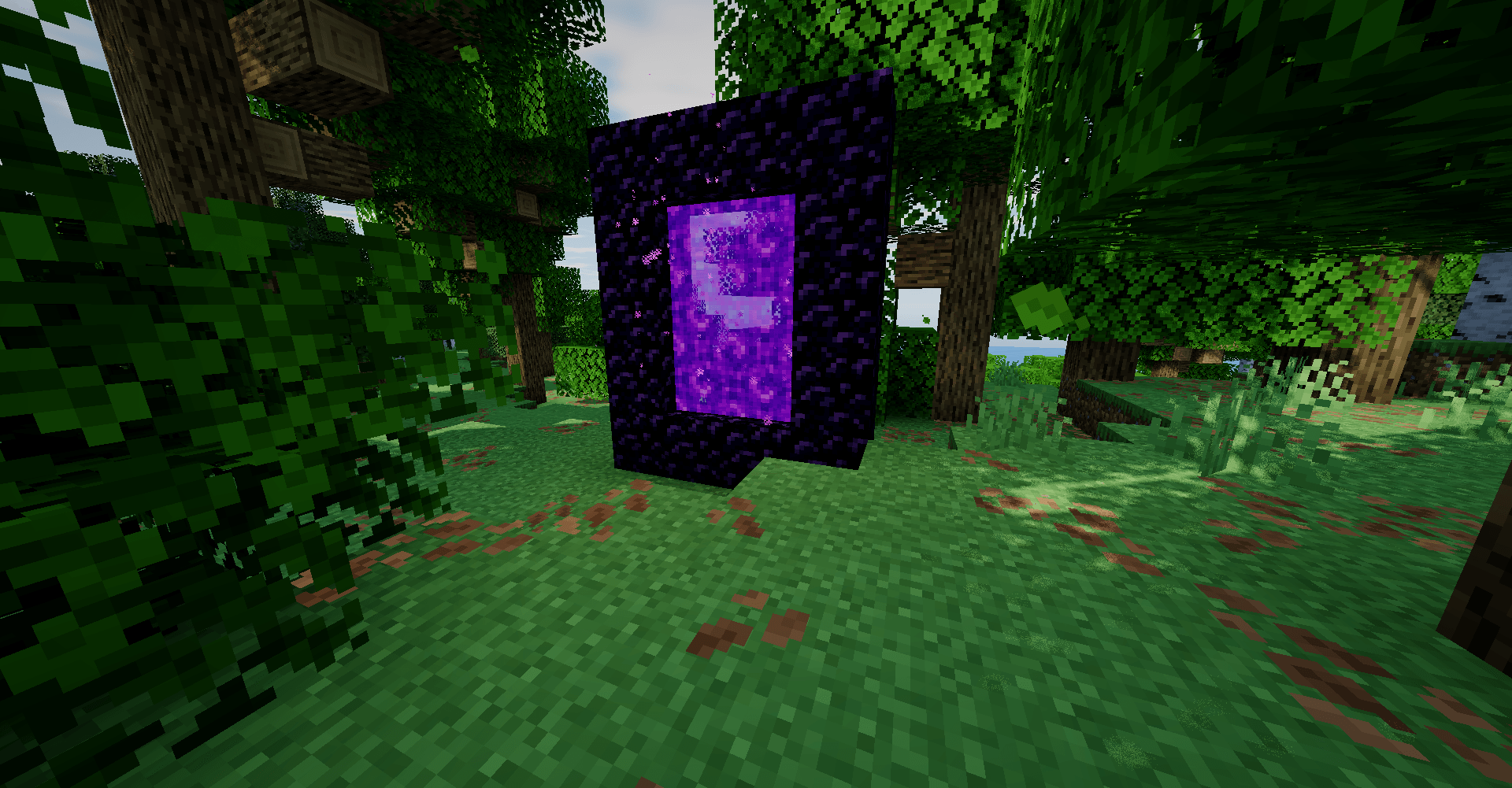
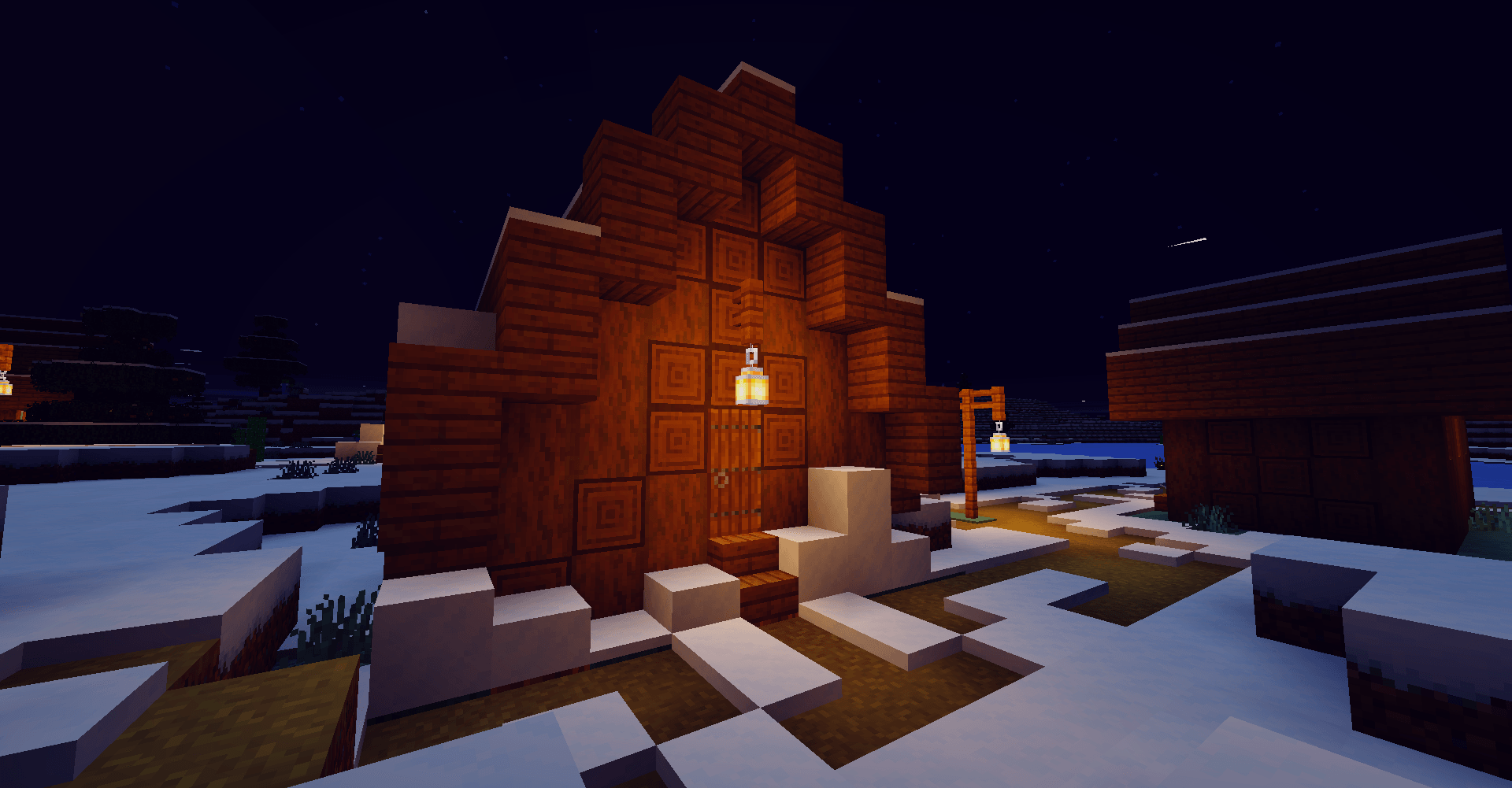
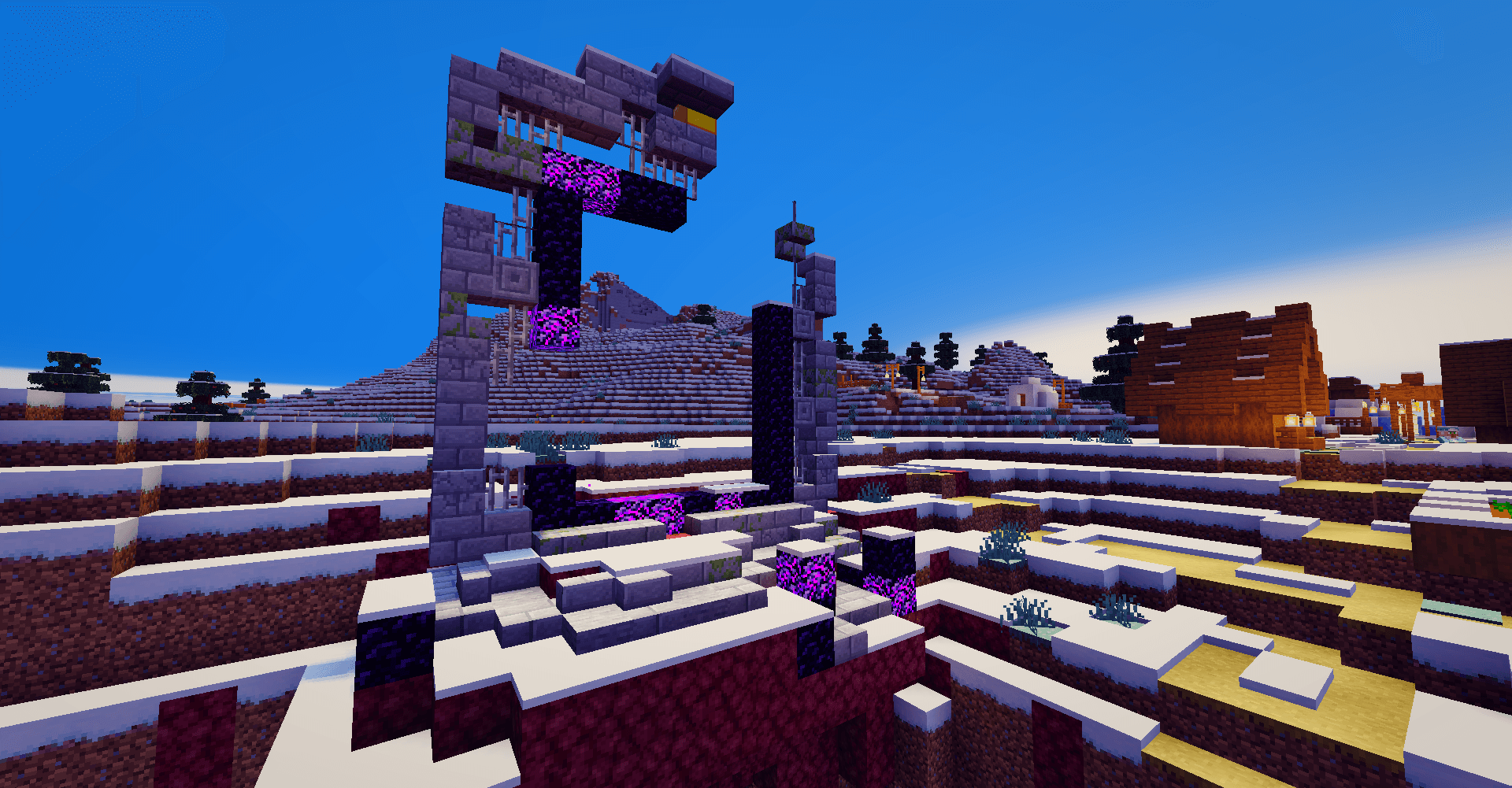
FeatherLite gives Minecraft soft toon-style lighting, cool-toned shadows,
warm sunlight, light outlines and a hazy sky, without the heavy cost of
realistic shaders.
------------------------------
FEATURES
- Stylized lighting with soft light bands
- Cool purple-blue shadows
- Subtle outlines that fade with distance
- Atmospheric sky with soft clouds
- Water waves, rain ripples, wet ground and lightning
- Galaxy sky in The End
------------------------------
PERFORMANCE
Made to run on modest hardware. Every heavy feature can be turned off.
Profiles:
- Ultra-Lite: low-end PCs
- Performance: more FPS
- Balanced: recommended
- Quality: stronger GPUs
- Cinematic: screenshots
------------------------------
INSTALL
1. Install Iris and Sodium
2. Put FeatherLite into .minecraft/shaderpacks
3. Select it in Video Settings > Shader Packs
Delete older FeatherLite versions first.
------------------------------
WORK IN PROGRESS
FeatherLite is made by one person and still in development.
Updates and fixes are ongoing. Bug reports with screenshots help a lot.