Mineuniverse
Shaders
EyeComfort Shader

EyeComfort Shader

SHADER
EyeComfort Shader gives Minecraft a warmer, softer look with adjustable color temperature, contrast, black levels, white levels, highlights, and saturation. Includes four presets and English and Spanish settings. Designed for Iris.
by OtnDDDD
Download Claim this project
Add a badge to your pageLink to EyeComfort Shader from a README, website or forum post.
Preview: Badge

Badges update automatically and link to the shader page on MineUniverse.

246 downloads
0 likes
0 followers
Updated Nov 10, 2026
0 hypes
Follow0
Vanilla
Advertisement Remove ads with Premium →

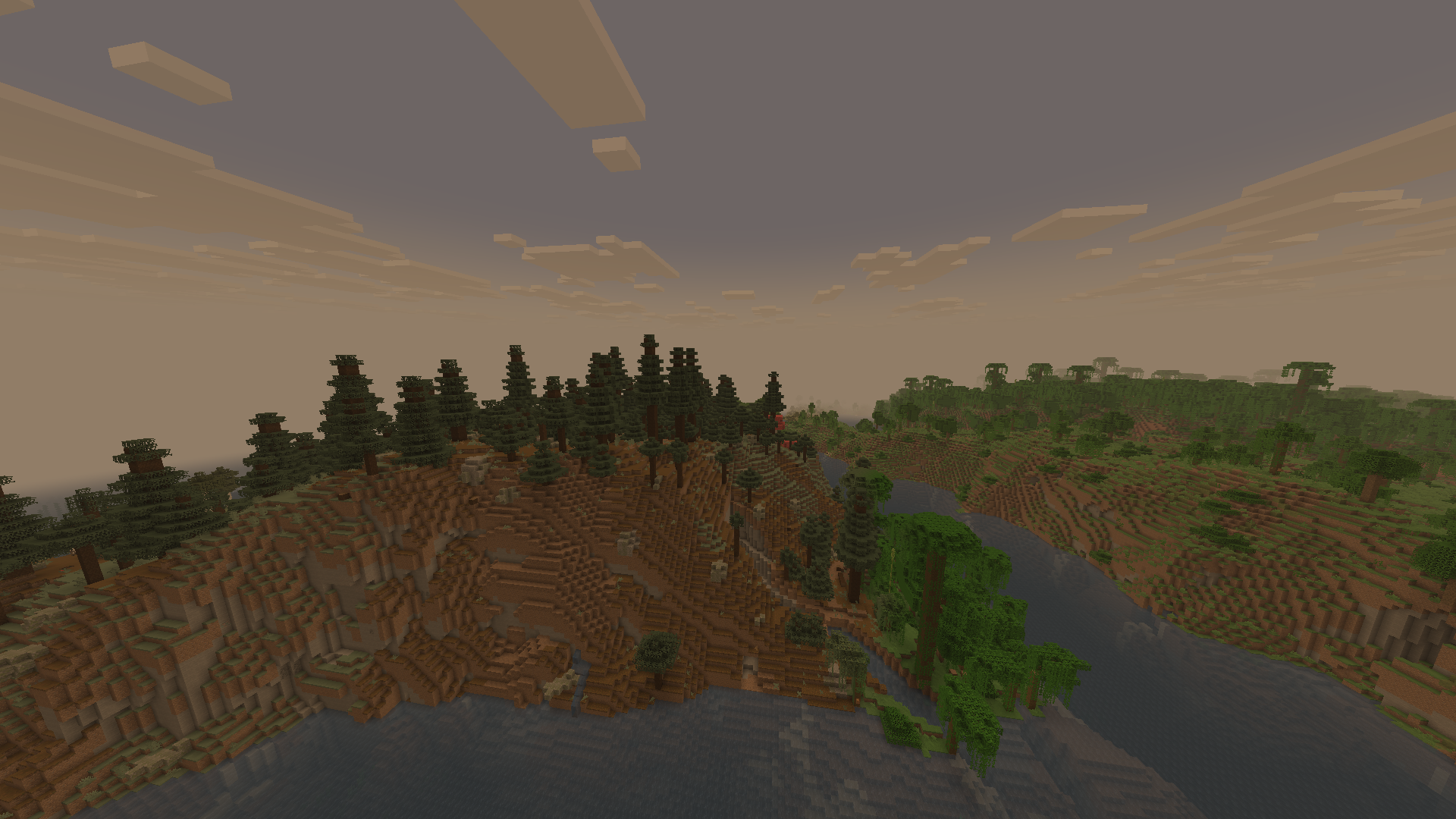
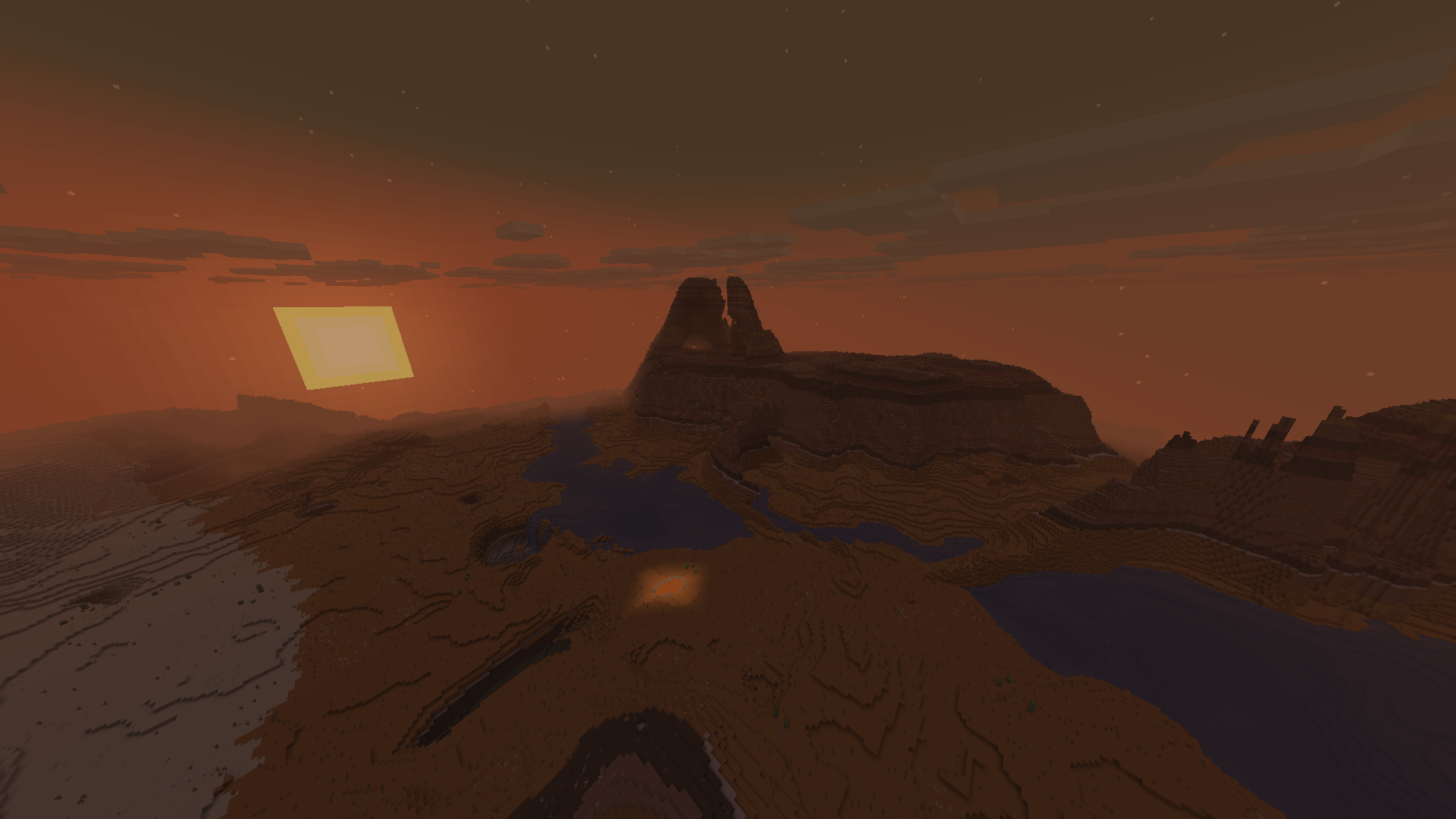
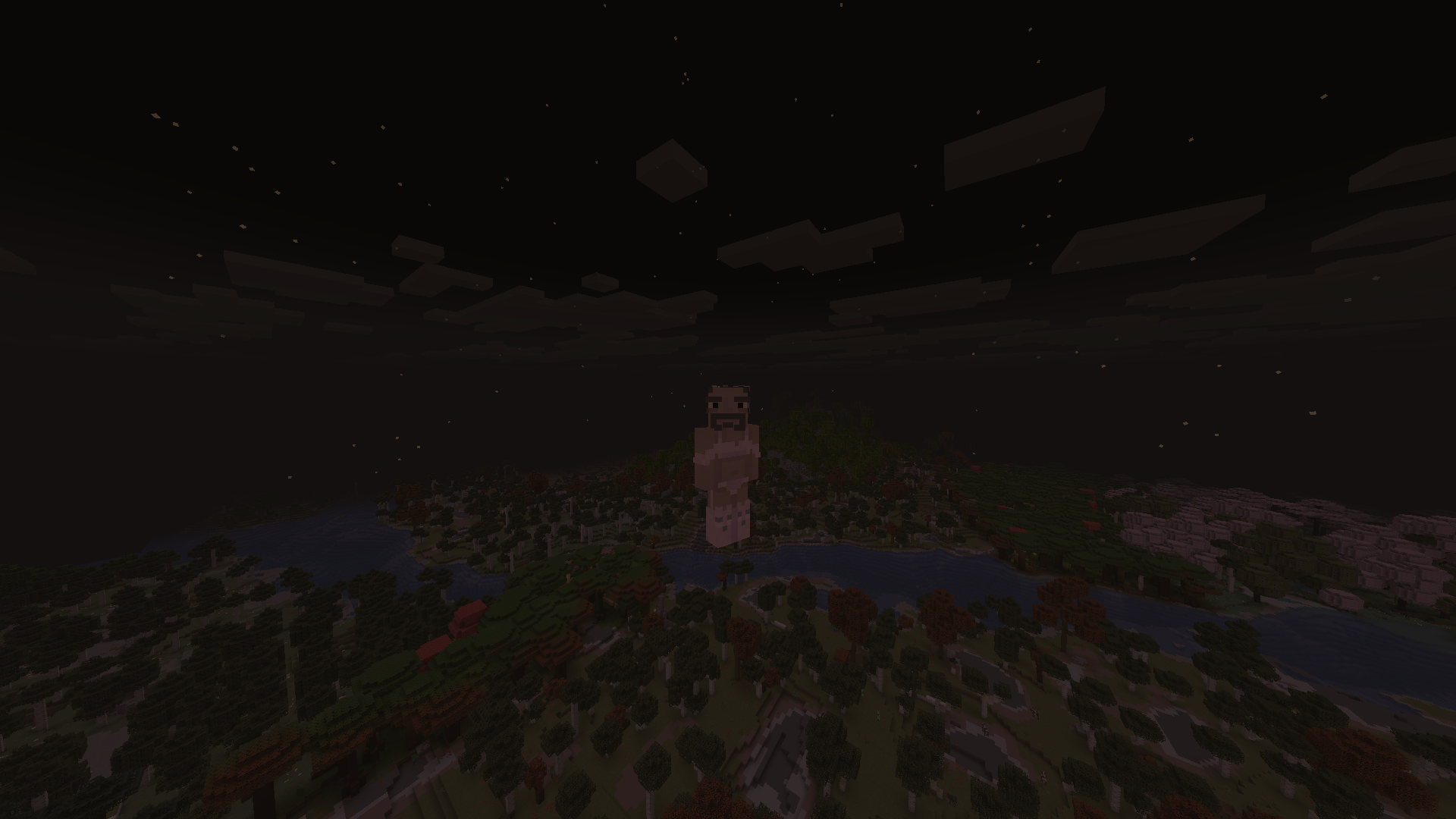
comparison between enabled and disabled shader

EyeComfort Shader is a lightweight color-grading shader pack designed to give Minecraft a warmer, softer, and more comfortable appearance. Inspired by the eye-comfort modes found on modern displays, it adjusts the final image while preserving Minecraft’s original visual style.

Features

  • Adjustable color temperature
  • Contrast control
  • Black level and pedestal adjustment
  • White level control
  • Highlight compression
  • Saturation control
  • Adjustable filter strength
  • Neutral, Soft, Eye Comfort, and Night presets
  • English and Spanish settings
  • Smooth sky and horizon transition
  • Designed for Iris and Sodium
  • Supports Minecraft 1.20.x, 1.21.x, and 26.x

EyeComfort Shader does not add shadows, reflections, or heavy graphical effects. Its purpose is to provide configurable color filtering with a minimal performance impact.


EyeComfort Shader 1.0
MC 1.21, 1.20.2, 1.21.8, 1.20.5, 1.21.5, 1.21.4, 1.20.1, 1.20, 1.20.6, 1.21.1, 1.21.6, 1.21.3, 1.21.7, 1.20.4, 1.20.3, Iris, 1.21.2, 1.21.9, 1.21.10, 1.21.11, 26.1, 26.1.1
Release 2026-10-13 Get

Requirements & install

How to use this shader in Minecraft
Shader loader
Iris
Minecraft
1.21.6 – 26.1.1
Install folder
.minecraft/shaderpacks

Install with Iris

  1. Install Iris with the Iris installer (irisshaders.dev); it sets up Fabric and Sodium for you.
  2. Download the shader pack .zip (do not extract it).
  3. Put the .zip into .minecraft/shaderpacks.
  4. In game open Options → Video Settings → Shader Packs, select the pack and click Apply.
Browse more: Iris shaders OptiFine shaders Shaders for 26.1.1 All shaders
Advertisement Remove ads with Premium →

You Might Also Like