Mineuniverse
Shaders
Evelite-Toon Edition

Evelite-Toon Edition

SHADER
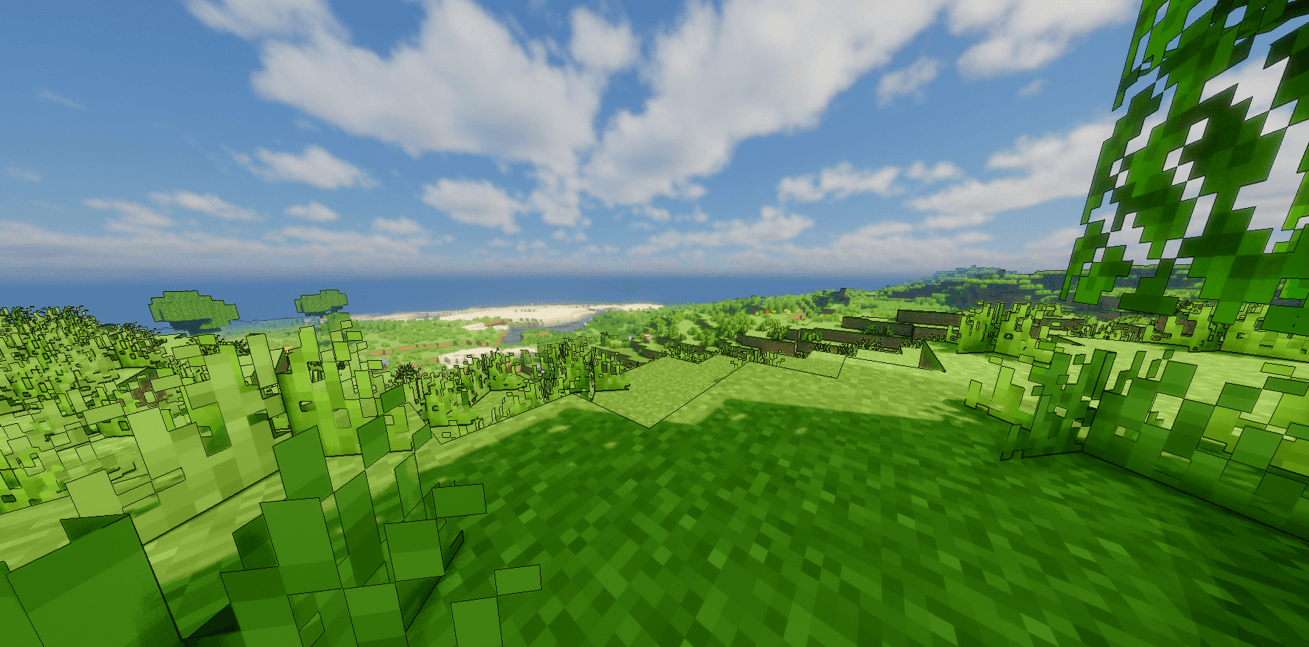
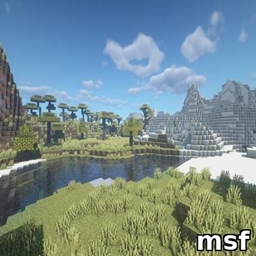
This is Evelite's Toon edition which gives the pure anime look in minecraft.
by Vryn_Studios
Claim this project
Add a badge to your pageLink to Evelite-Toon Edition from a README, website or forum post.
Preview: Badge

Badges update automatically and link to the shader page on MineUniverse.

172 downloads
0 likes
0 followers
Updated Nov 10, 2026
0 hypes
Follow0
Fantasy Realistic
Advertisement Remove ads with Premium →

Evelite Shaders – Toon Edition

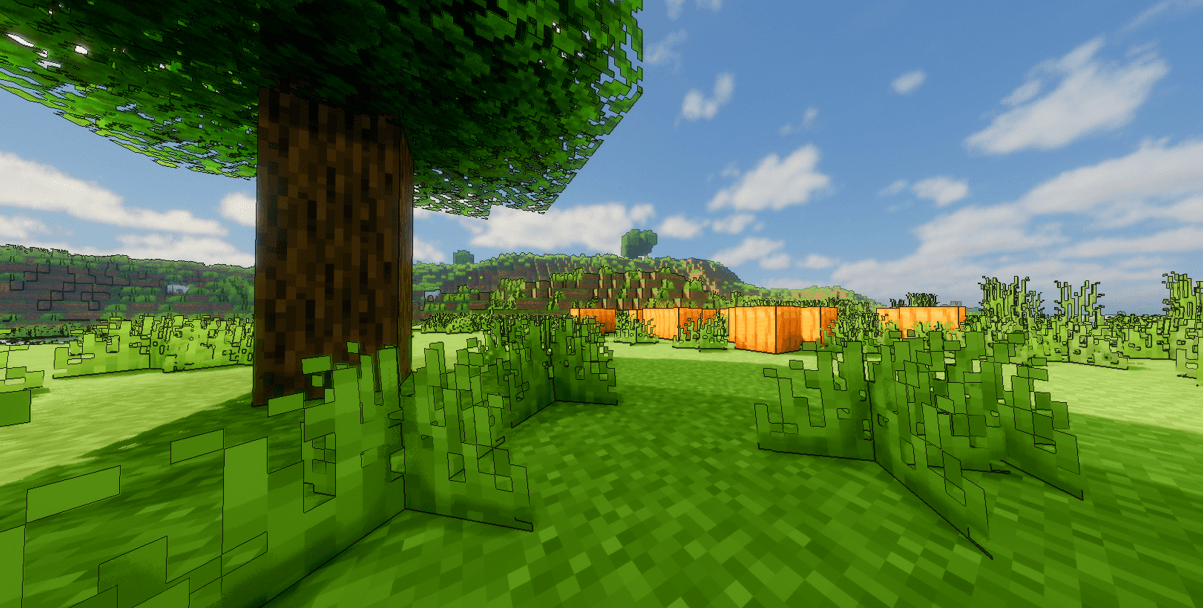
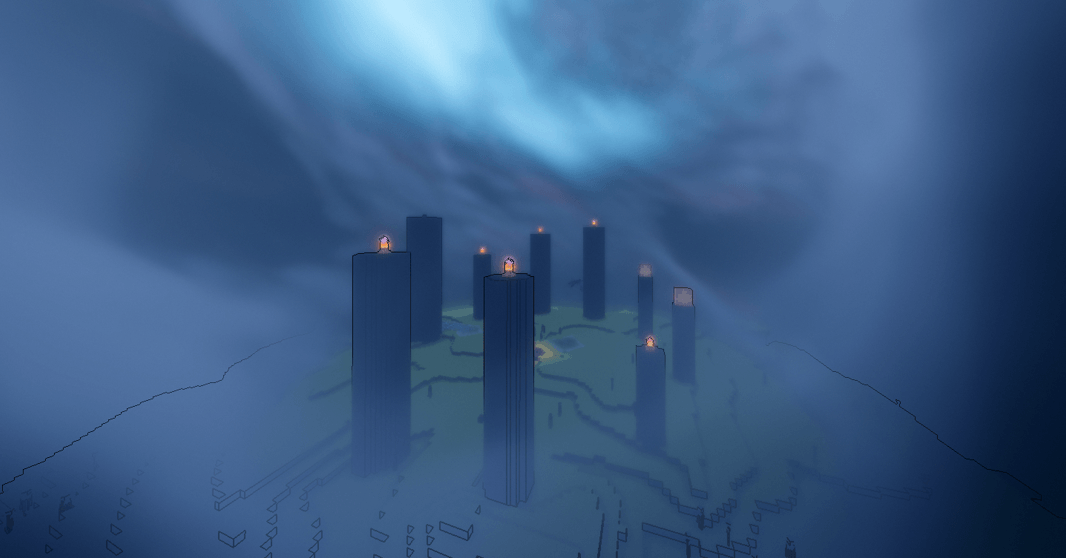
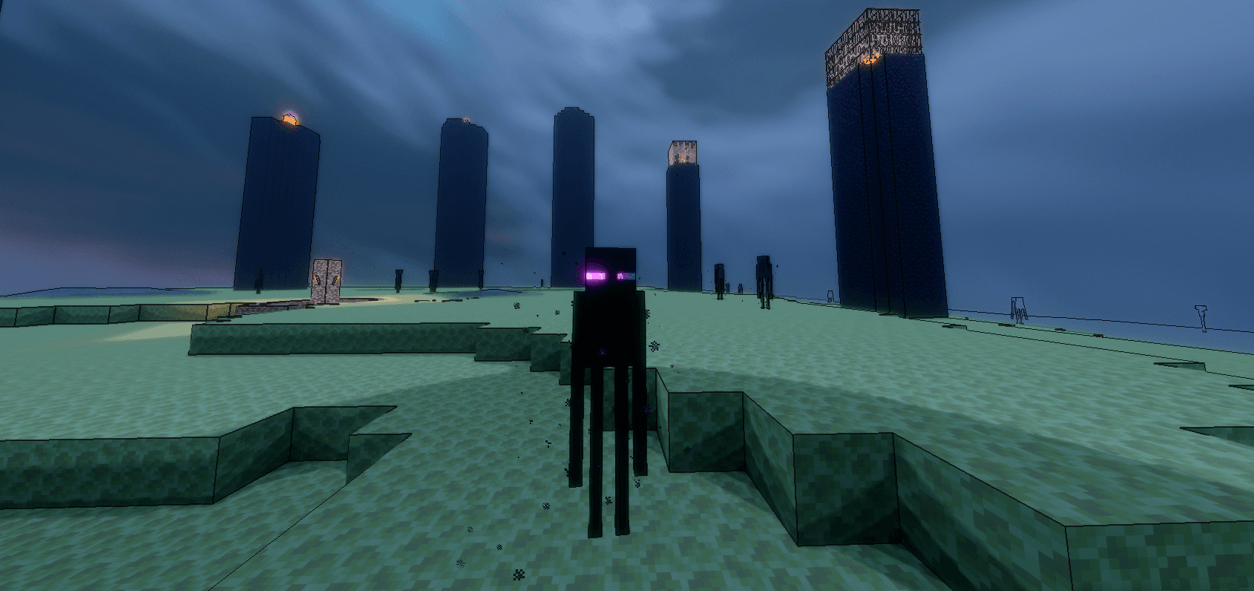
Give your Minecraft world the look of a hand-drawn cartoon. Evelite Toon Edition is a stylized shader pack that swaps realistic lighting for bold outlines, flat colour bands, and bright, vibrant tones, so everything feels like a living animation.

Features

  • Cel-shaded lighting with clean, stepped shadows
  • Crisp black outlines around blocks, mobs, and terrain
  • Saturated, cartoon-style colour palette
  • Stylized sky, clouds, and sun/moon
  • Soft, colourful water with a simple toon look
  • Cartoon-style waving foliage and gentle wind effects
  • Smooth day and night transitions
  • Optional bloom and colour grading settings
  • Adjustable outline thickness, shadow strength, and colour intensity

Performance
Designed to run smoothly on mid-range PCs, with low, medium, and high presets so you can balance visuals and FPS.

Requirements

  • Minecraft Java Edition
  • OptiFine or Iris Shaders (Iris + Sodium recommended for the best performance)

Installation

  1. Download the shader pack (.zip). Don’t extract it.
  2. Place it in your shaderpacks folder.
  3. Launch Minecraft, go to Options > Video Settings > Shaders, and select Evelite Toon Edition.
Evelite Toon Edition
MC 1.21.2-Snapshot, 1.21.6-snapshot, 1.21.1-Snapshot, 1.21.8, 1.21.5, 1.21.4, 1.21.5-Snapshot, OptiFine, 1.21.1, 1.21.6, 1.21.3, 1.21.7, 1.21.4-Snapshot, Iris, 1.21.2, 1.21.9-snapshot
Release 2026-10-15

Requirements & install

How to use this shader in Minecraft
Shader loader
Iris OptiFine
Minecraft
1.21.4 – 1.21.9-snapshot
Install folder
.minecraft/shaderpacks

How to install shaders

  1. Install a shader loader for your Minecraft version: Iris (with Sodium) or OptiFine.
  2. Download the shader pack .zip file (do not extract it).
  3. Put the .zip into the shaderpacks folder (.minecraft/shaderpacks).
  4. In game open Options → Video Settings → Shader Packs, select the pack and apply it.
Browse more: Iris shaders OptiFine shaders Shaders for 1.21.9-snapshot All shaders

More from Vryn_Studios

Advertisement Remove ads with Premium →

You Might Also Like