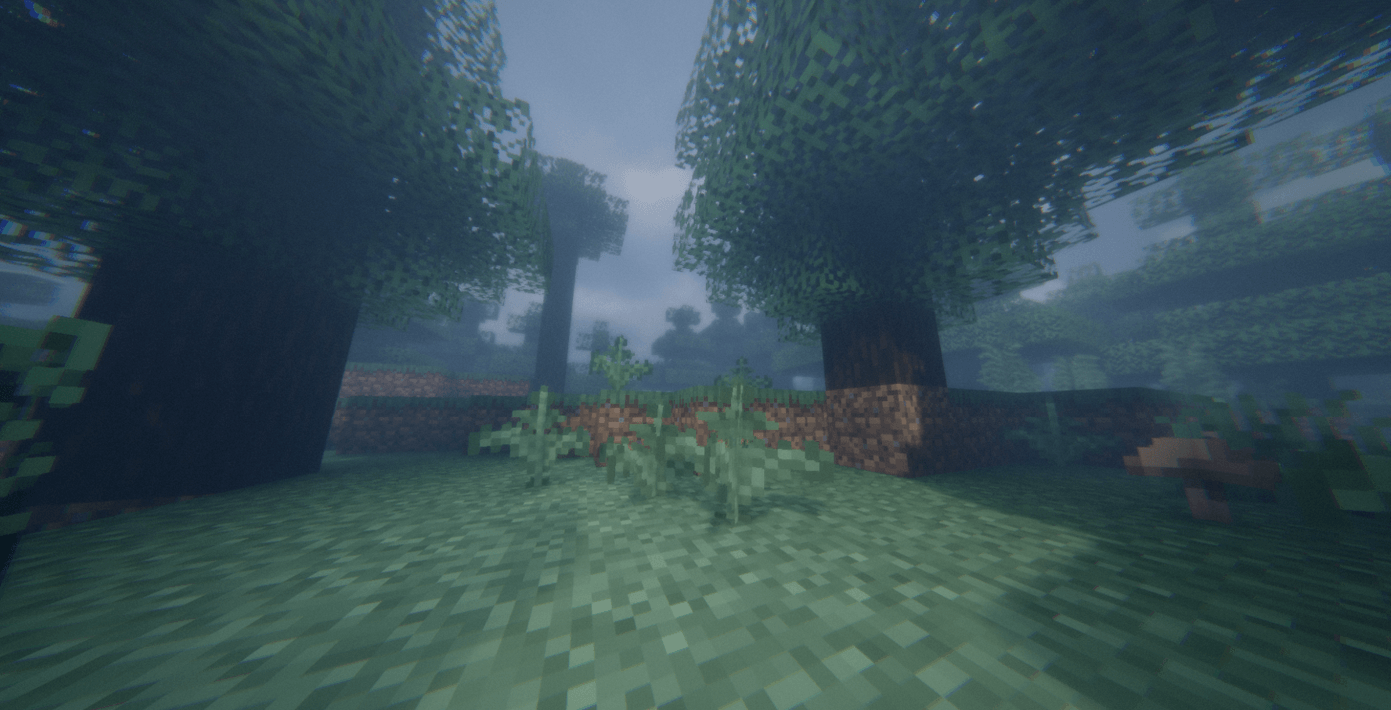
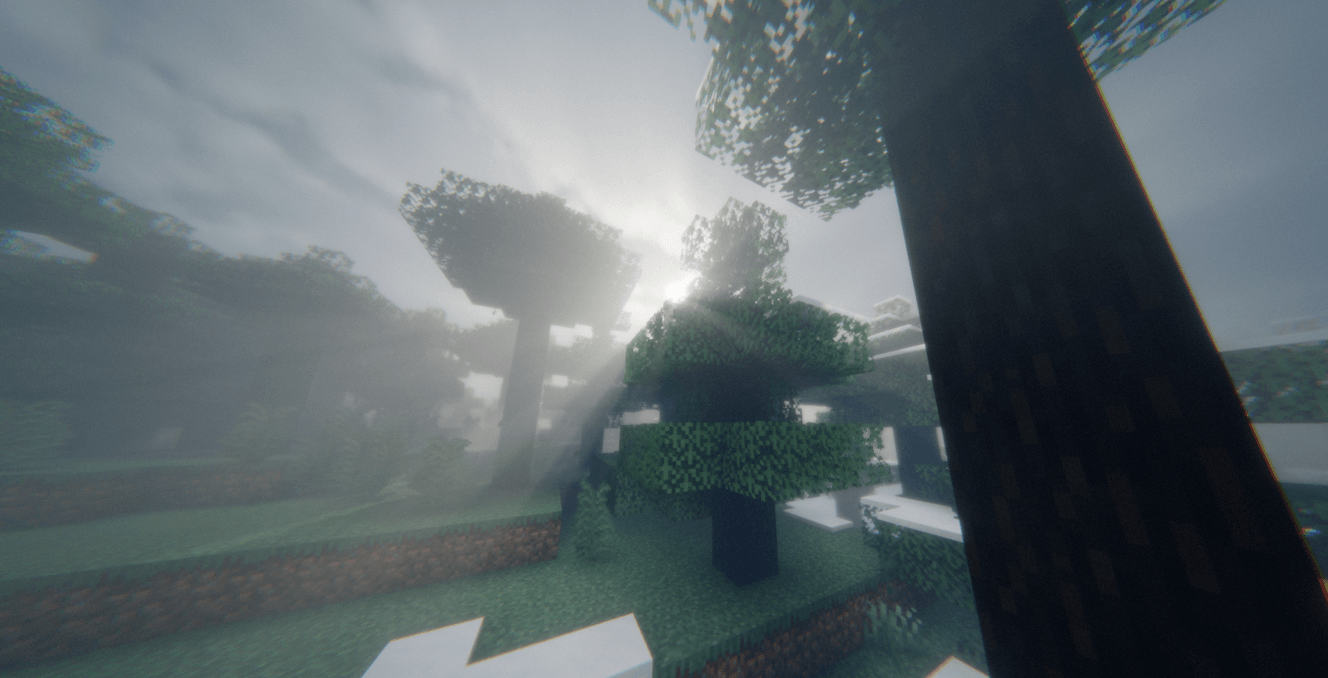
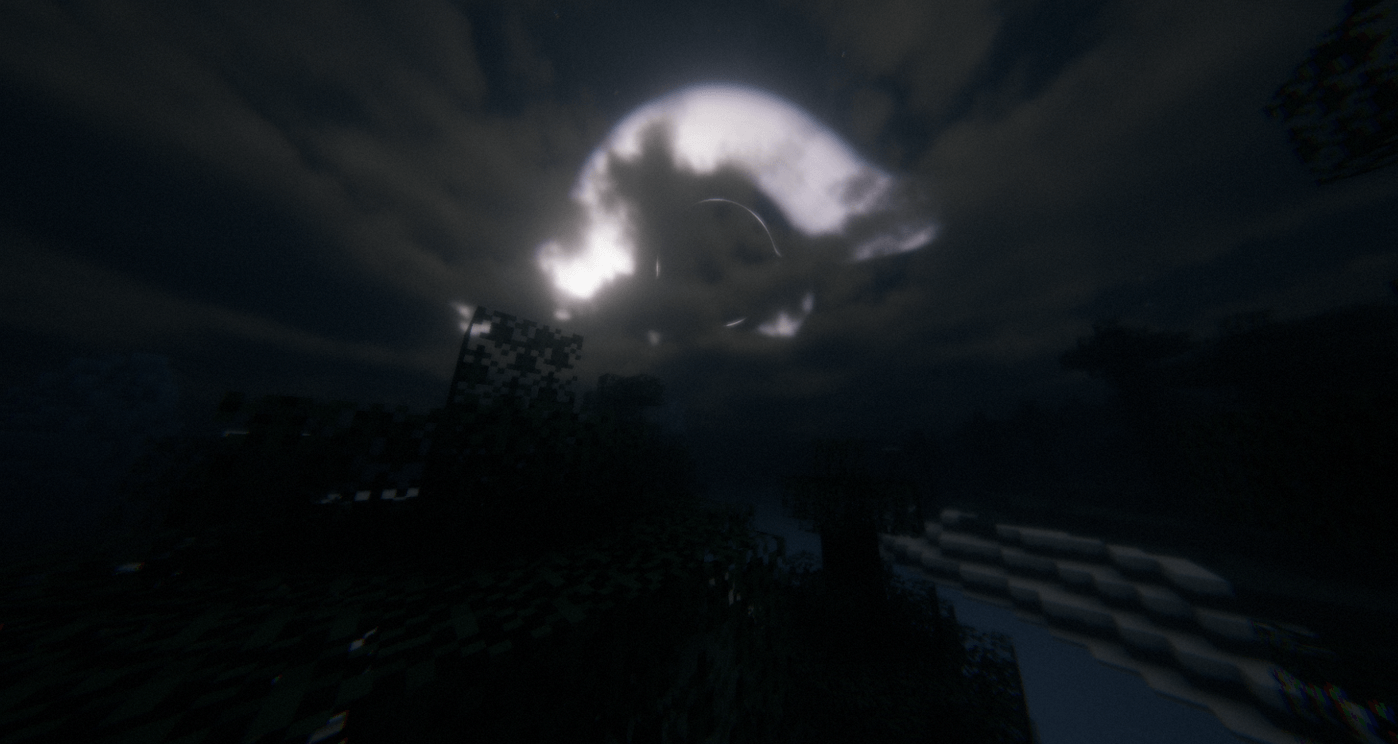
A modern, highly optimized shaderpack engineered for Minecraft, built with native multi-dimension support across the Overworld, Nether, and End dimensions, alongside full integration with the Distant Horizons LOD mod.
Key Features:
Distant Horizons Integration: Dedicated rendering passes for terrain, water, and shadow pipelines to deliver seamless lighting and shadows over extended render distances.
Modern Lighting and Shadows: Custom Light Propagation Volumes, ground truth ambient occlusion, colored shadow mapping, dynamic diffuse lighting, and screen-space specular reflections.
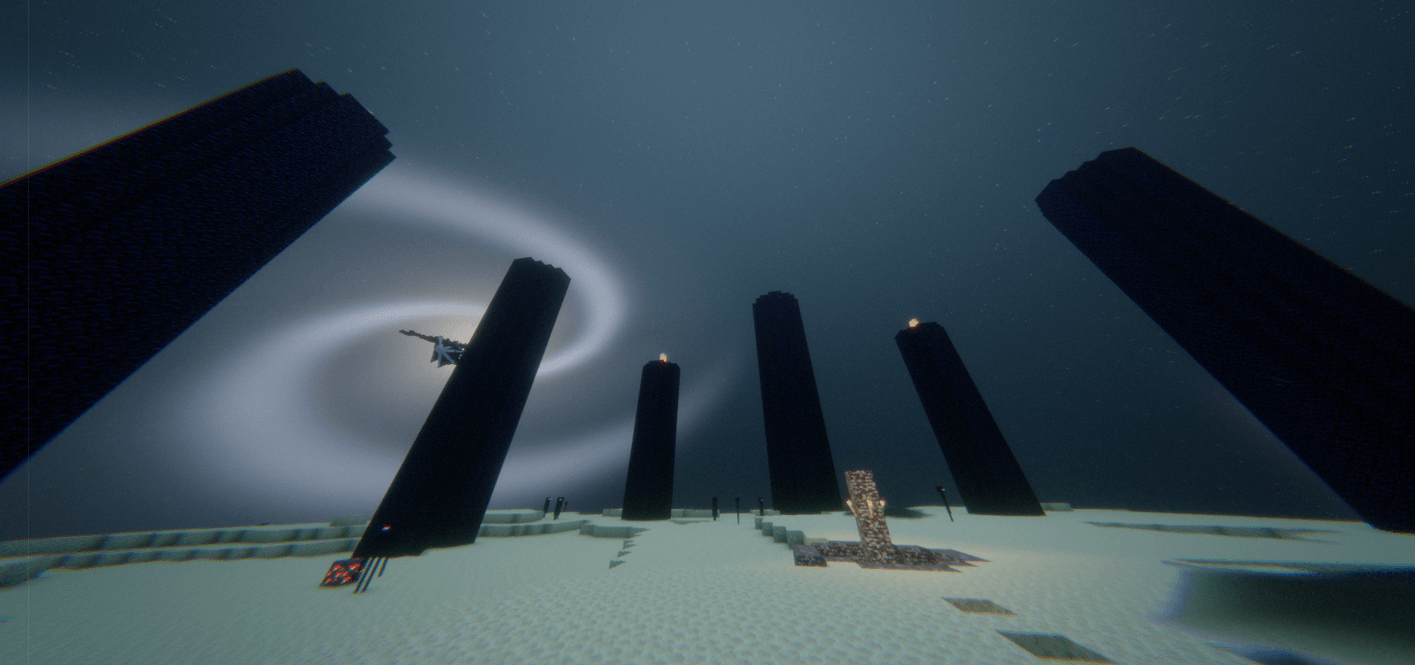
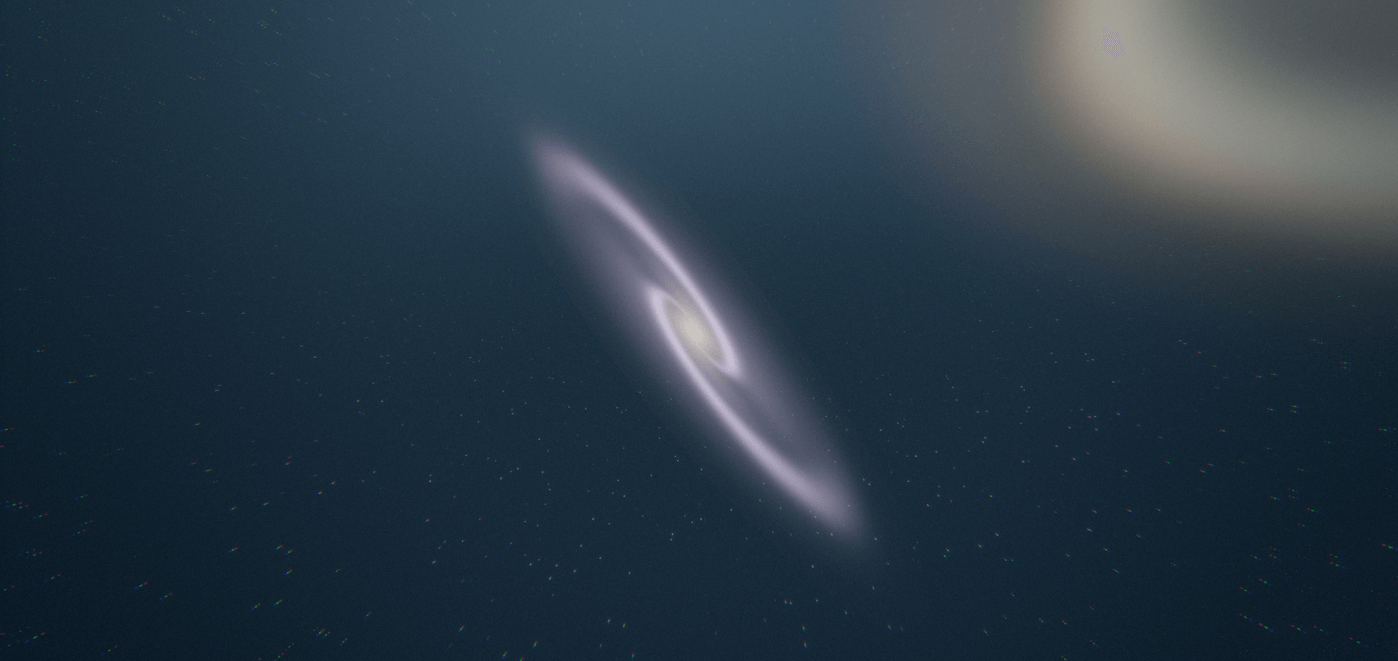
Atmospheric Systems: Multi-layered volumetric clouds, biome-specific weather cycles, procedurally simulated starfields, custom rainbows, and dedicated fog systems tailored for each dimension.
Cinematic Post-Processing: Bokeh depth-of-field, temporal anti-aliasing jitter, color dithering, tonemapping, and subtle vignette passes.
Multi-Language Interface: Built-in localization for English, Simplified Chinese, Brazilian Portuguese, and Russian.
Recommended Pipeline: Iris Shaders for top performance and LOD compatibility, or OptiFine.
Mod Loaders: Fabric, NeoForge, Quilt, or Forge.
Minecraft Versions: Modern releases compatible with Iris and Distant Horizons, primarily Minecraft 1.20 and newer.
Core Requirements:
Sodium with Iris
Distant Horizons mod if using extended render distances
Set up your chosen mod loader, such as Fabric or NeoForge.
Place the Sodium and Iris mod files into your .minecraft/mods directory. Add Distant Horizons here too if you plan to use LOD chunks.
Start the game once so Minecraft creates the default configuration folders, then close it.
Move the shaderpack .zip file into .minecraft/shaderpacks.
Launch the game, head to Options then Video Settings then Shader Packs, highlight your pack, and apply it.
Install OptiFine for your chosen Minecraft version.
Launch Minecraft, navigate to Options then Video Settings then Shaders.
Select Shaders Folder at the lower left to reveal the directory.
Drop the shaderpack .zip directly into that folder.
Choose the pack from the shader list and click done.