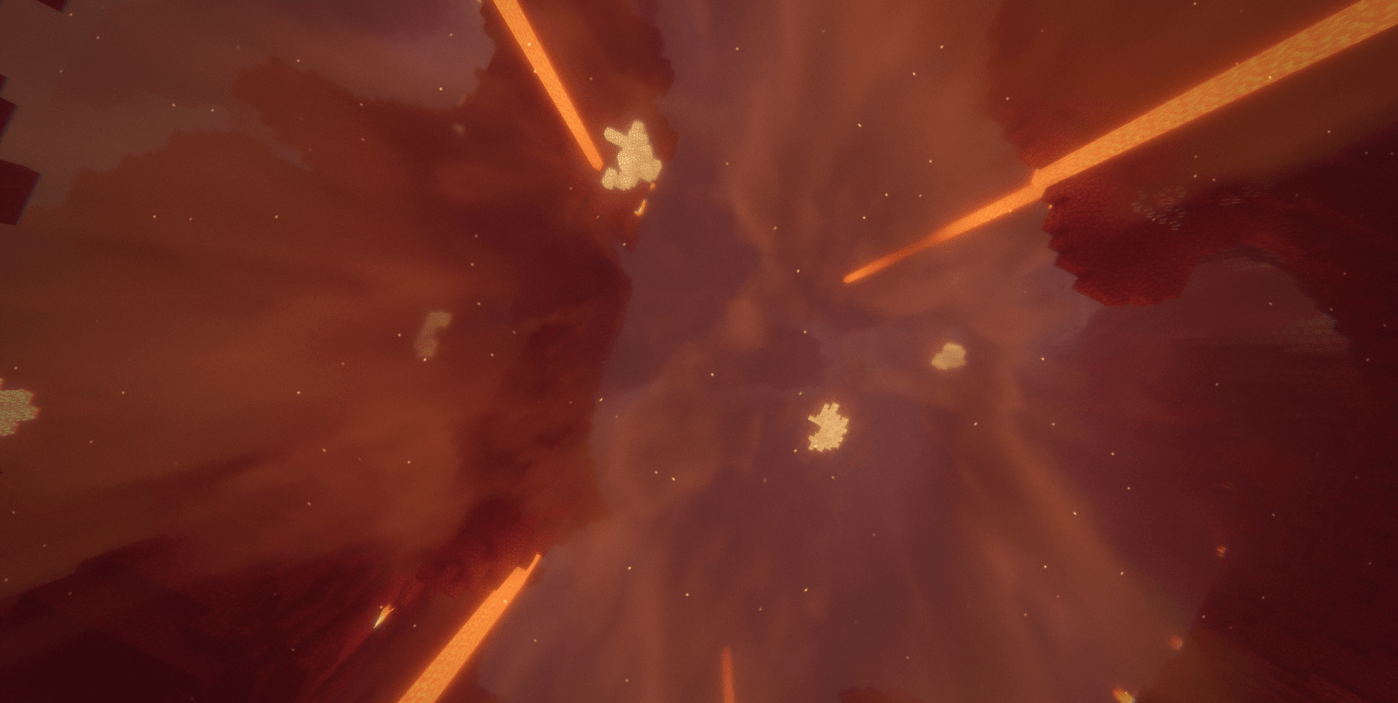
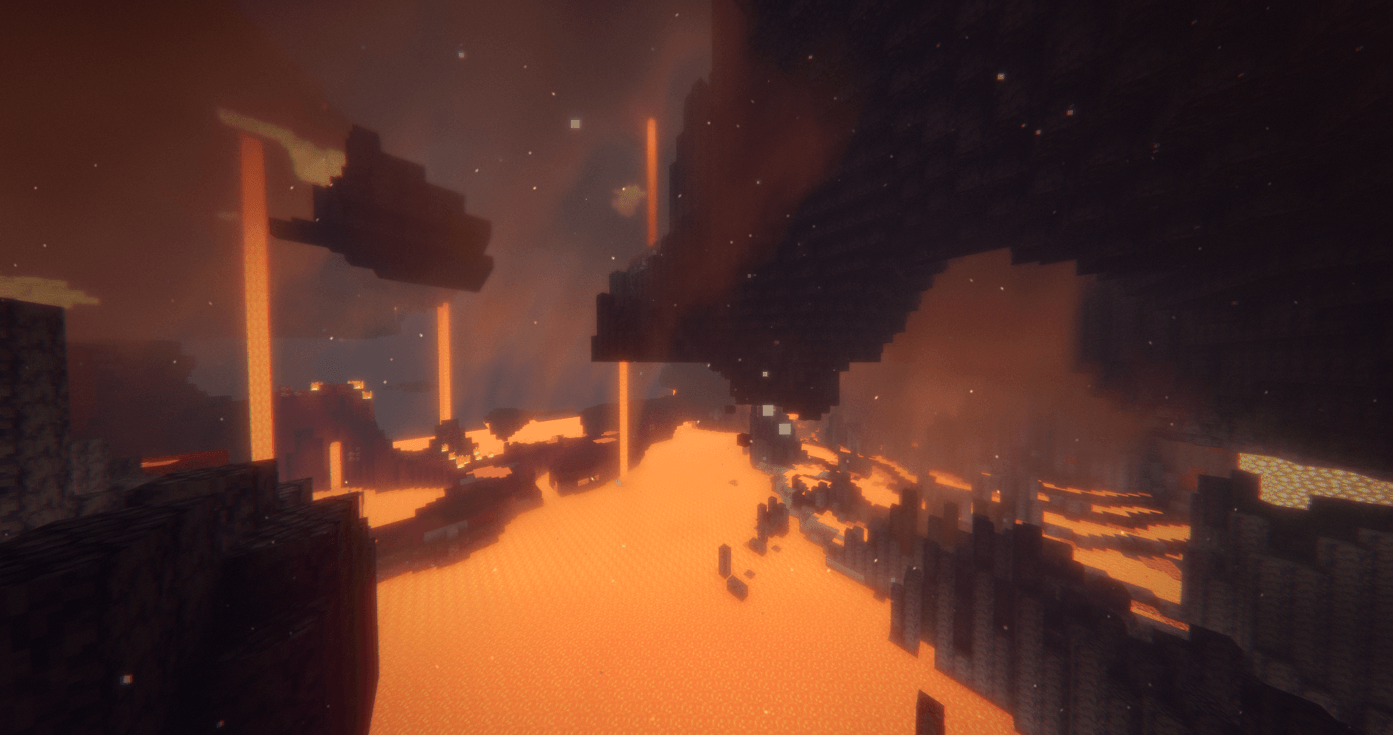
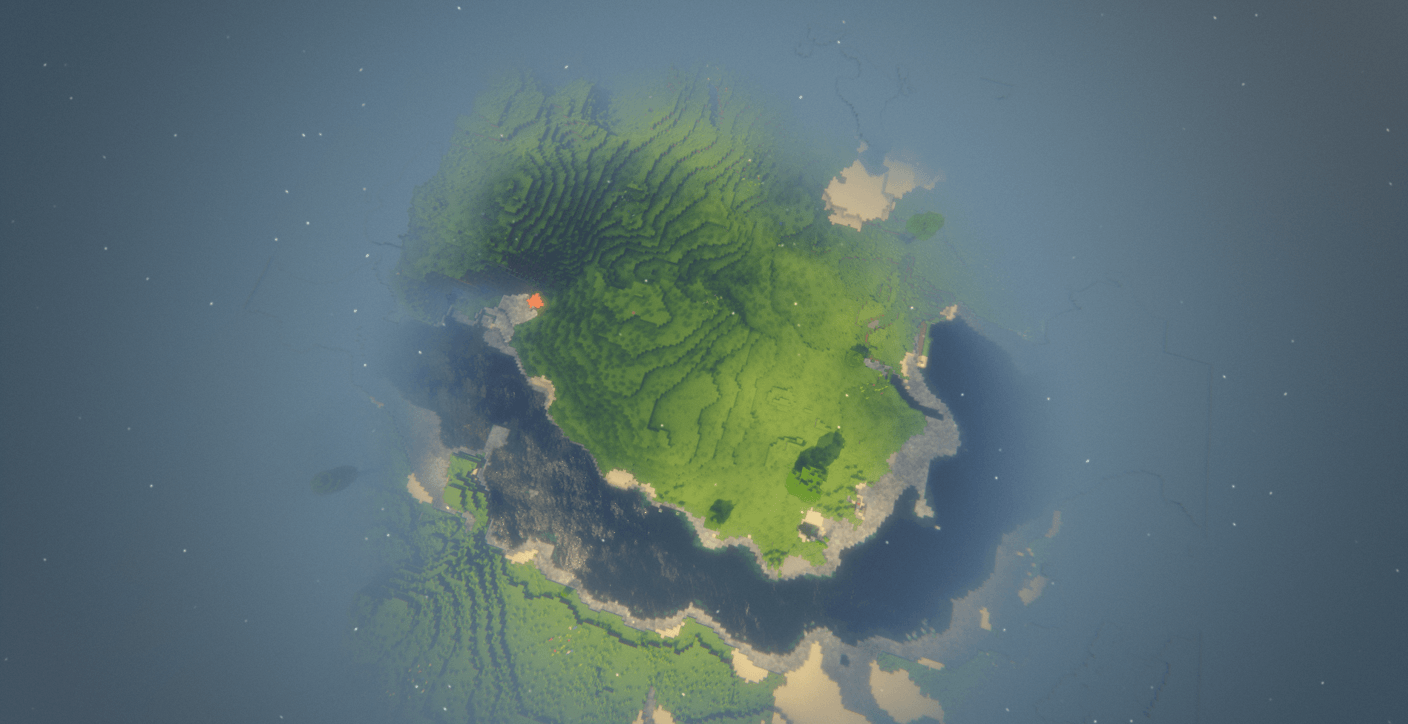
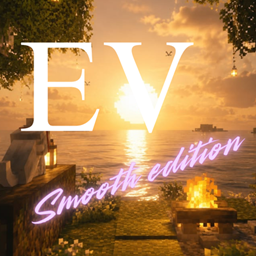
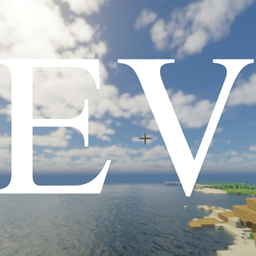
Evelite Shaders: Nostalgia Edition is a specialized fork of Bliss Shaders designed around a soft, early-2000s film and spring morning aesthetic. Moving away from hyper-realistic or cold modern grades, this edition shifts Minecraft’s atmosphere toward warm highlights, gentle halation, and dreamy post-processing.
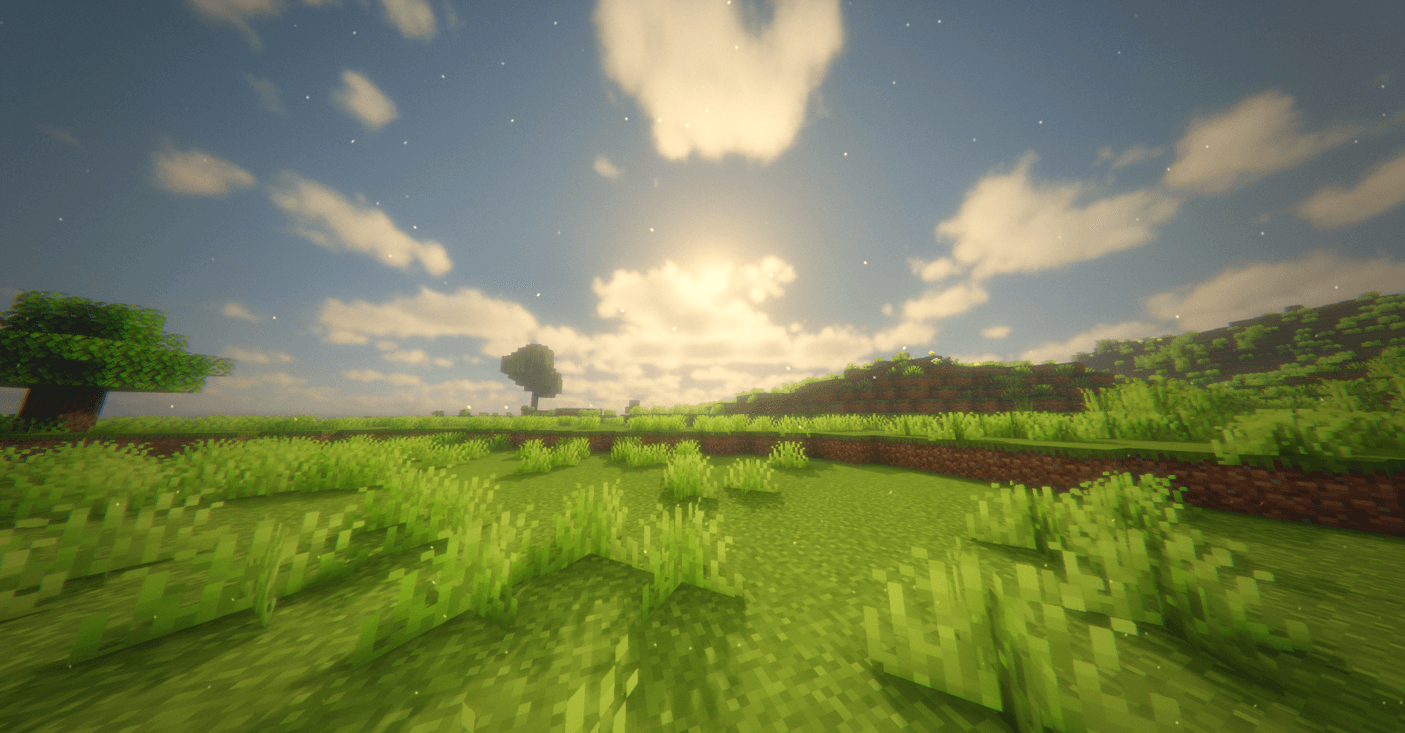
Early-2000s Color Grading: Features soft sunny highlights, lush spring greens, lifted blacks, light film grain, and cool-lavender shadow tones (NOSTALGIA grade via dimensions/composite12.fsh).
Soft Atmospheric Glow: Elevated blooming fog (BLOOMY_FOG 2.0) paired with warmer ambient light, giving early mornings and sunsets a heavy golden wash.
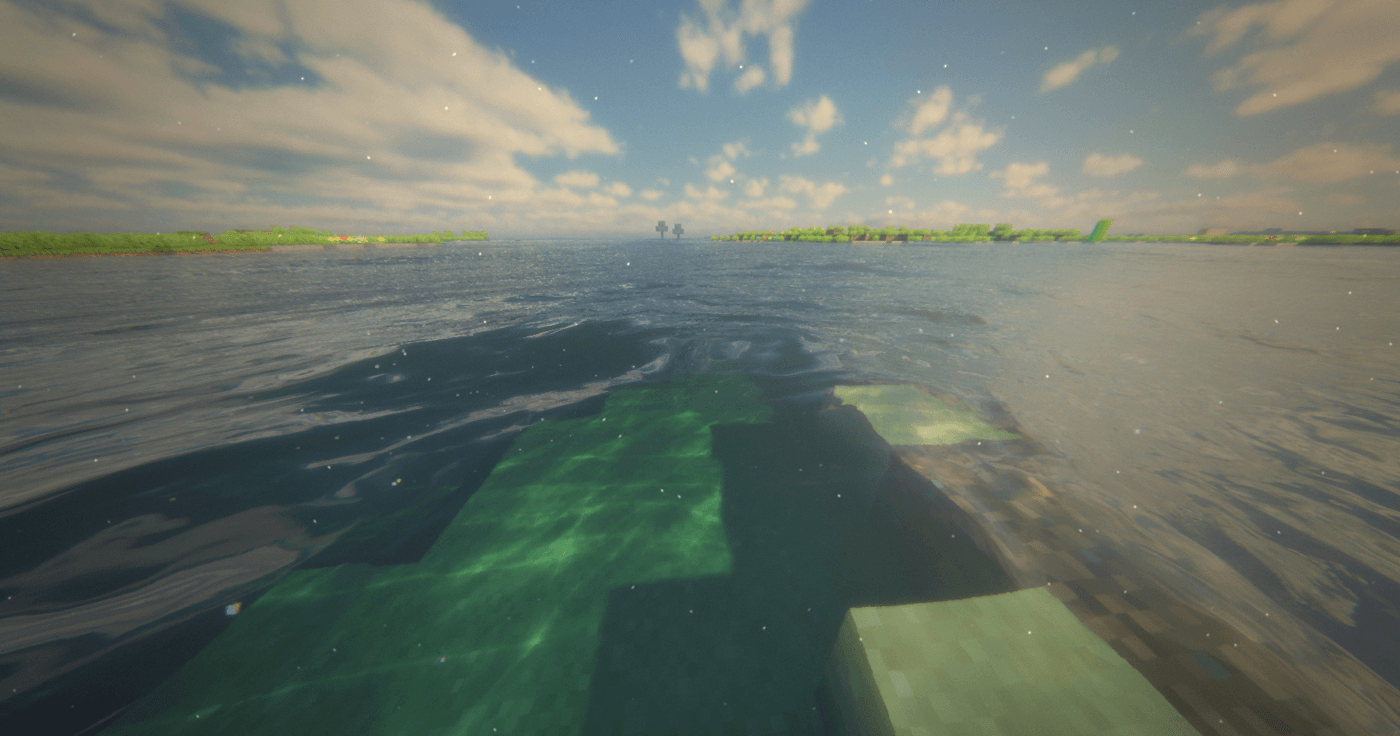
Calm, Glass-Like Waters: Adjusted wave displacement (WATER_WAVE_STRENGTH 1.1) and boosted SSR sample density (SSR_STEPS 40) for smoother, mirror-like reflections on lake and ocean surfaces.
Dreamy Precipitation: Reworked rain and snow scattering so falling flakes softly carve into the bloom pass instead of rendering as sharp, harsh pixels.
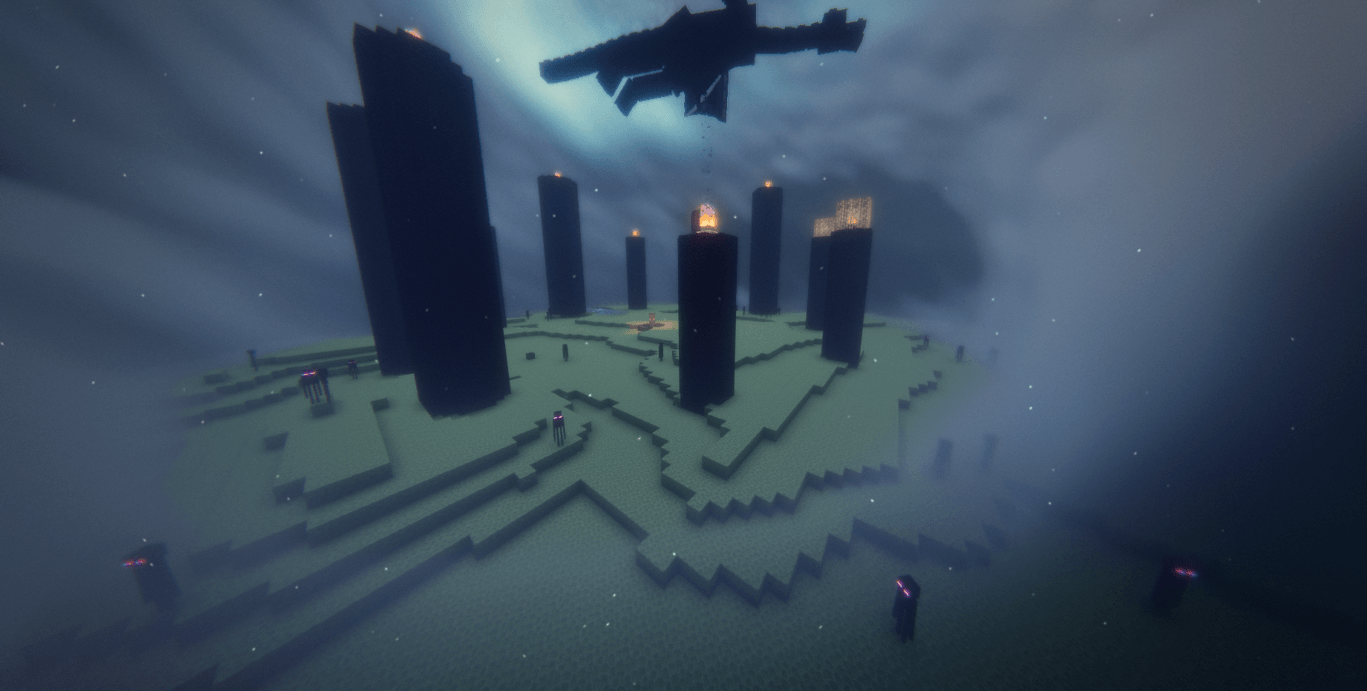
Minimalist Spiral End Sky: Replaces the chaotic cosmic center with a single, clean spiral galaxy drifting across an even, subdued starfield.
Ultra Retro Optics (Optional): Toggleable lens artifacts including drifting iridescent bubbles, sunlit pollen specks, warm breathing light leaks, and subtle edge chromatic aberration (NOSTALGIA_BUBBLES / POLLEN / LEAK / FRINGE).
Minecraft Version: Java Edition 1.17 – 1.21+
Shader Loader: Iris (strongly recommended) or OptiFine
Upstream Base: Bliss Shaders by xonk___