Mineuniverse
Shaders
EntitiesBeGone

EntitiesBeGone

SHADER
All entities shall disappear
by qwatrum
Download Claim this project
Add a badge to your pageLink to EntitiesBeGone from a README, website or forum post.
Preview: Badge

Badges update automatically and link to the shader page on MineUniverse.

17,641 downloads
0 likes
0 followers
Updated Oct 14, 2026
0 hypes
Follow0
Vanilla
Advertisement Remove ads with Premium →

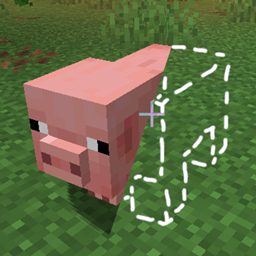
Entities Be Gone

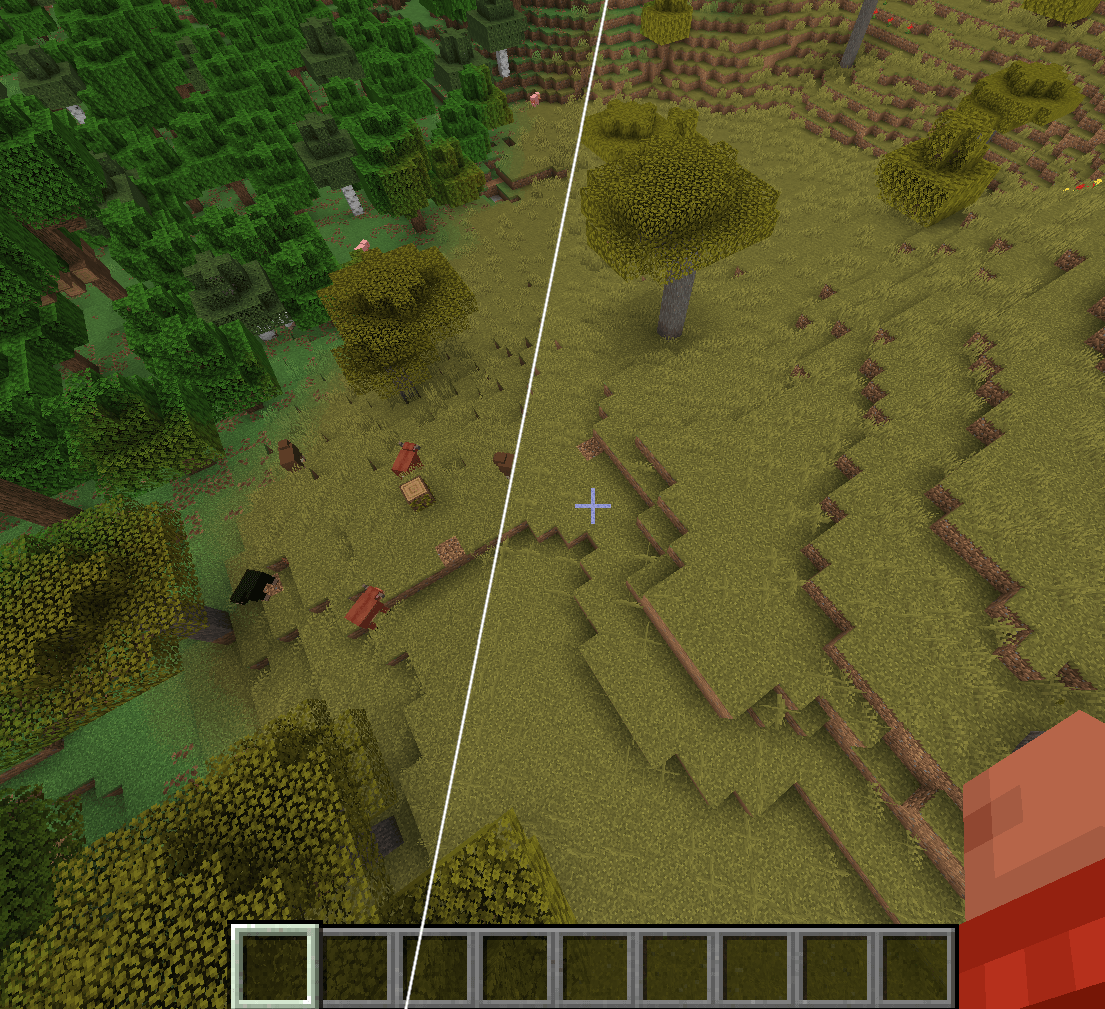
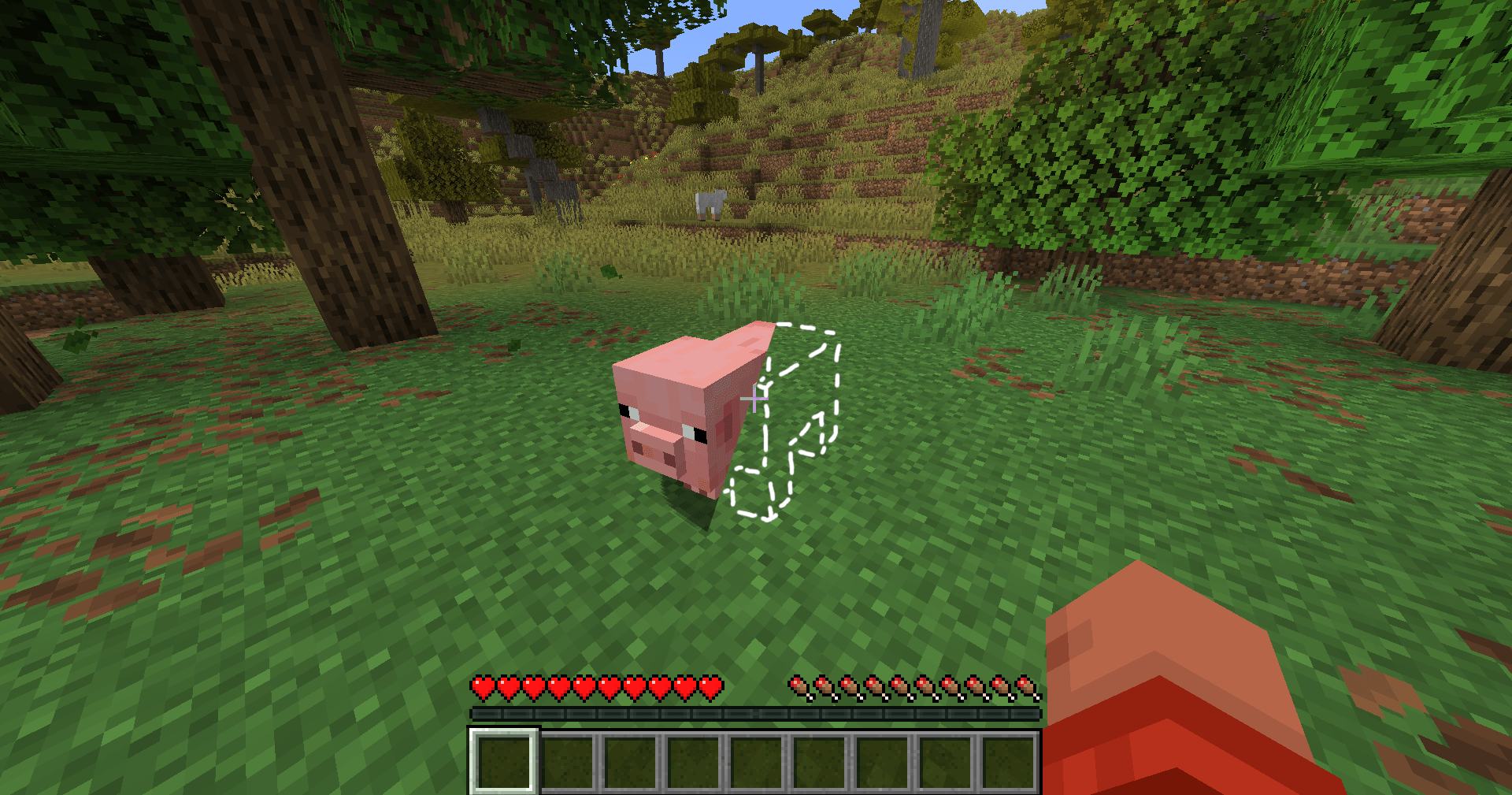
As the name suggest this shader hides all entities

Feature:

  • Hide all entities when the shader is enabled
EntitiesBeGone.zip
MC 1.21.8, 1.21.5, 1.21.6, 1.21.7, Iris, 1.21.9, 1.21.10, 1.21.11, 26.1, 26.1.1, 26.1.2
Release 2026-05-24 Get

Requirements & install

How to use this shader in Minecraft
Shader loader
Iris
Minecraft
1.21.7 – 26.1.2
Install folder
.minecraft/shaderpacks

Install with Iris

  1. Install Iris with the Iris installer (irisshaders.dev); it sets up Fabric and Sodium for you.
  2. Download the shader pack .zip (do not extract it).
  3. Put the .zip into .minecraft/shaderpacks.
  4. In game open Options → Video Settings → Shader Packs, select the pack and click Apply.
Browse more: Iris shaders OptiFine shaders Shaders for 26.1.2 All shaders

More from qwatrum

Advertisement Remove ads with Premium →

You Might Also Like