Development Status
Enhanced is under constant development with the goal of supporting as many Minecraft versions as possible. While bugs, visual glitches, and compatibility issues may occur, every effort will be made to identify and fix them as quickly as possible.
The project is actively maintained, and feedback from the community helps improve stability, performance, and visual quality with every update.
Enhanced (Vibrant Visuals Inspired)
Enhanced is a shaderpack inspired by Minecraft Bedrock Edition's Vibrant Visuals update And VibrantVibrance By jbritain, bringing a modern and immersive visual experience to Minecraft Java Edition.
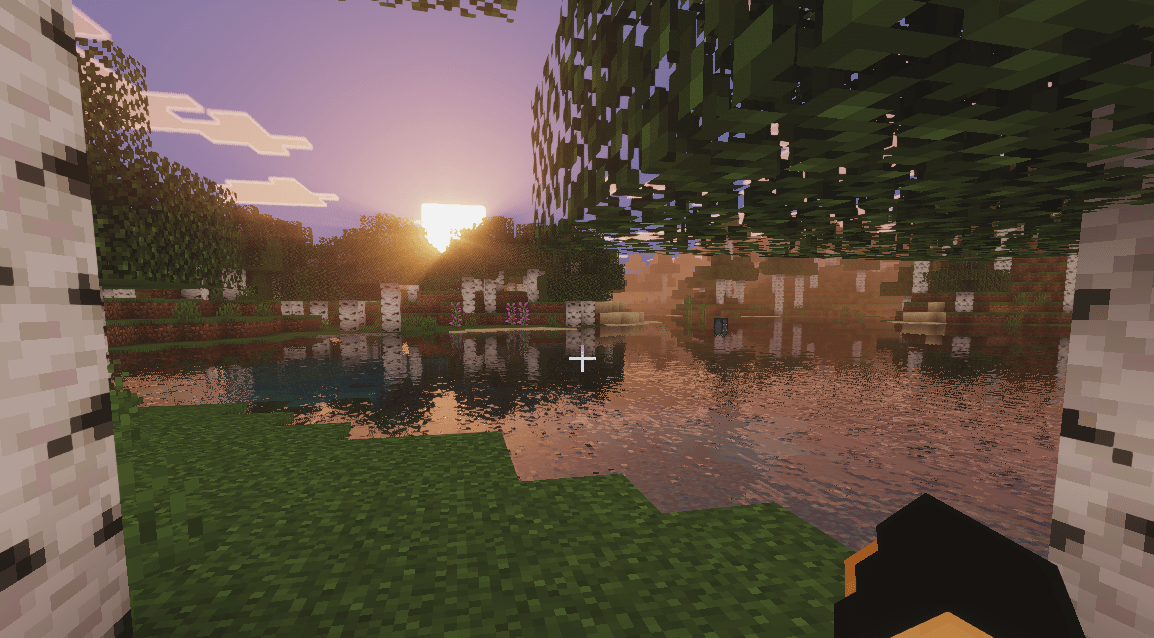
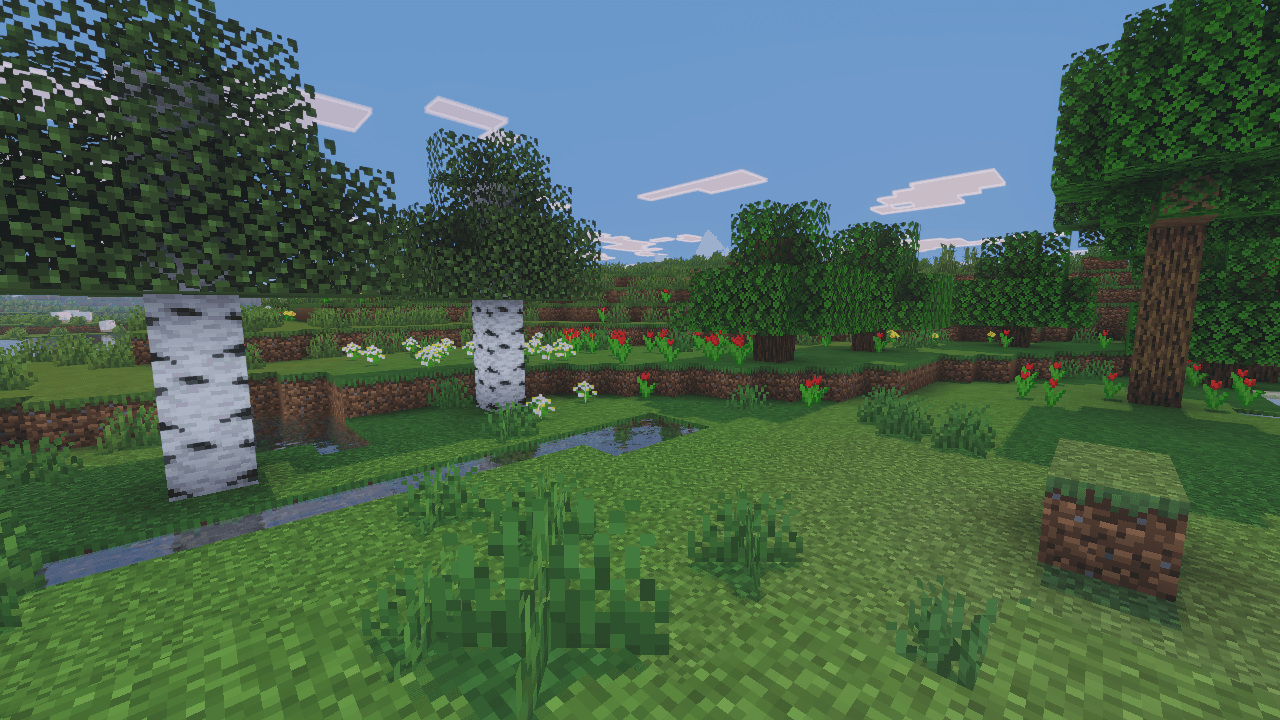
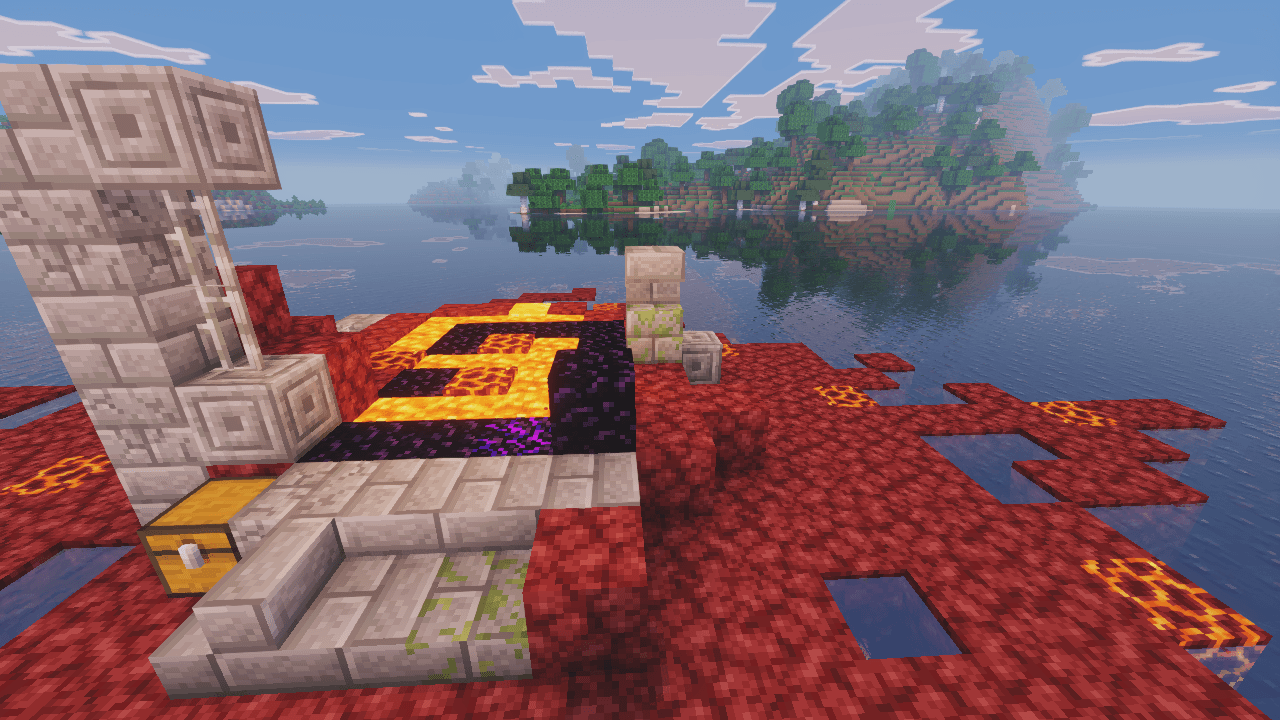
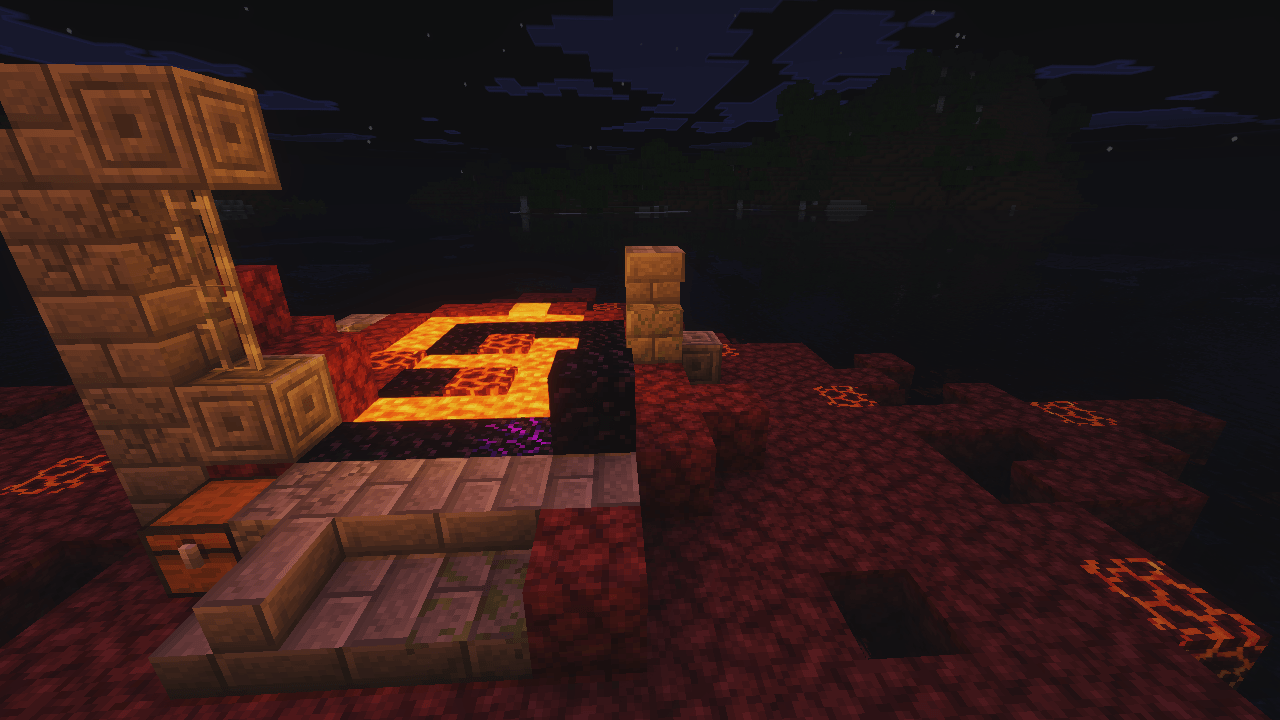
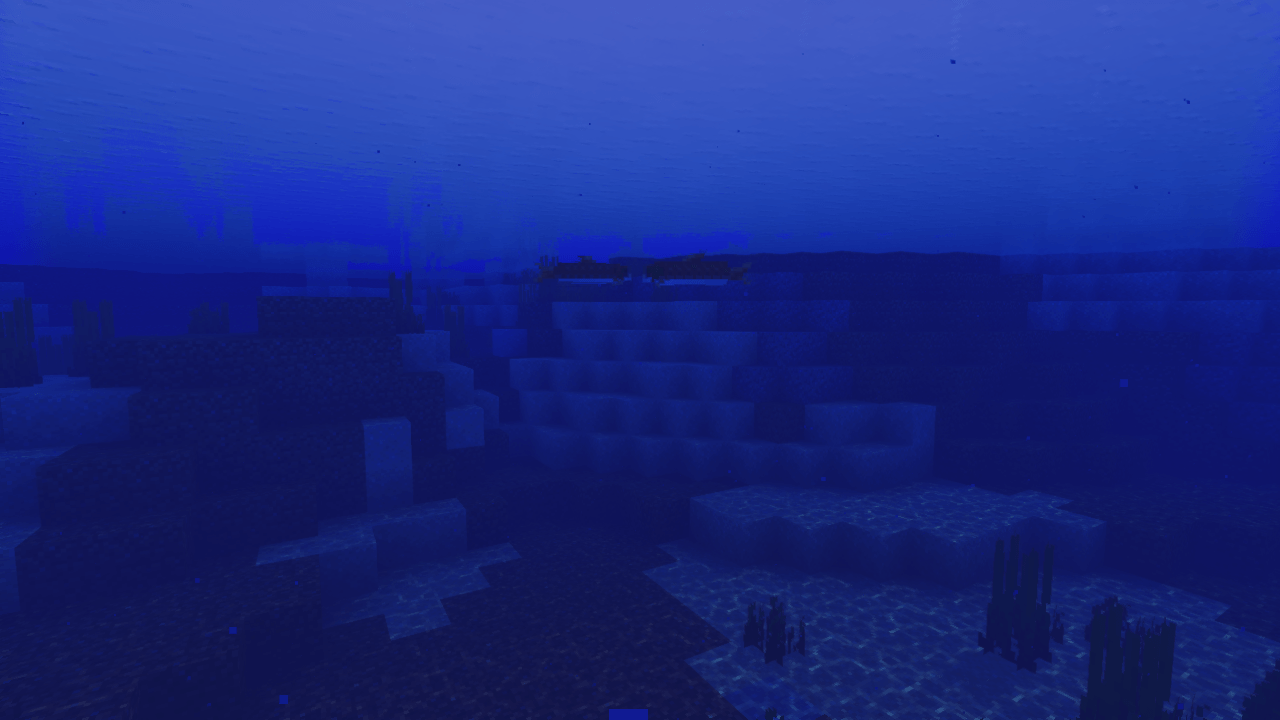
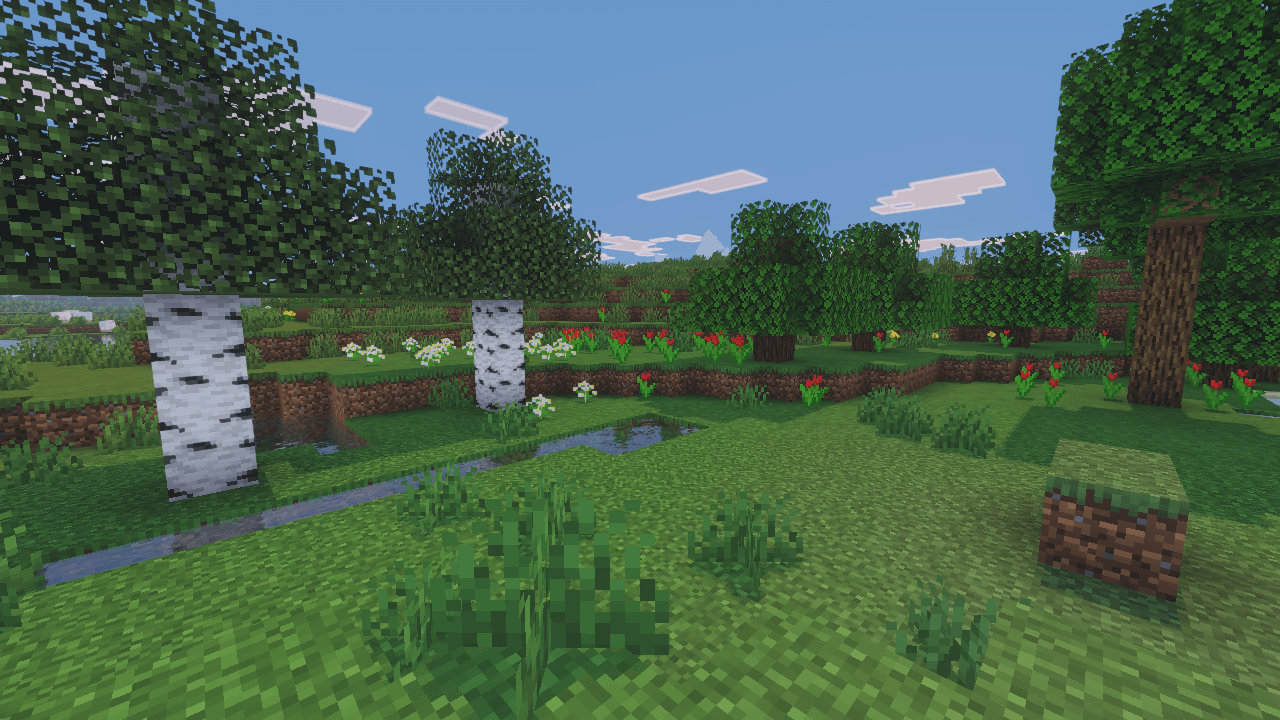
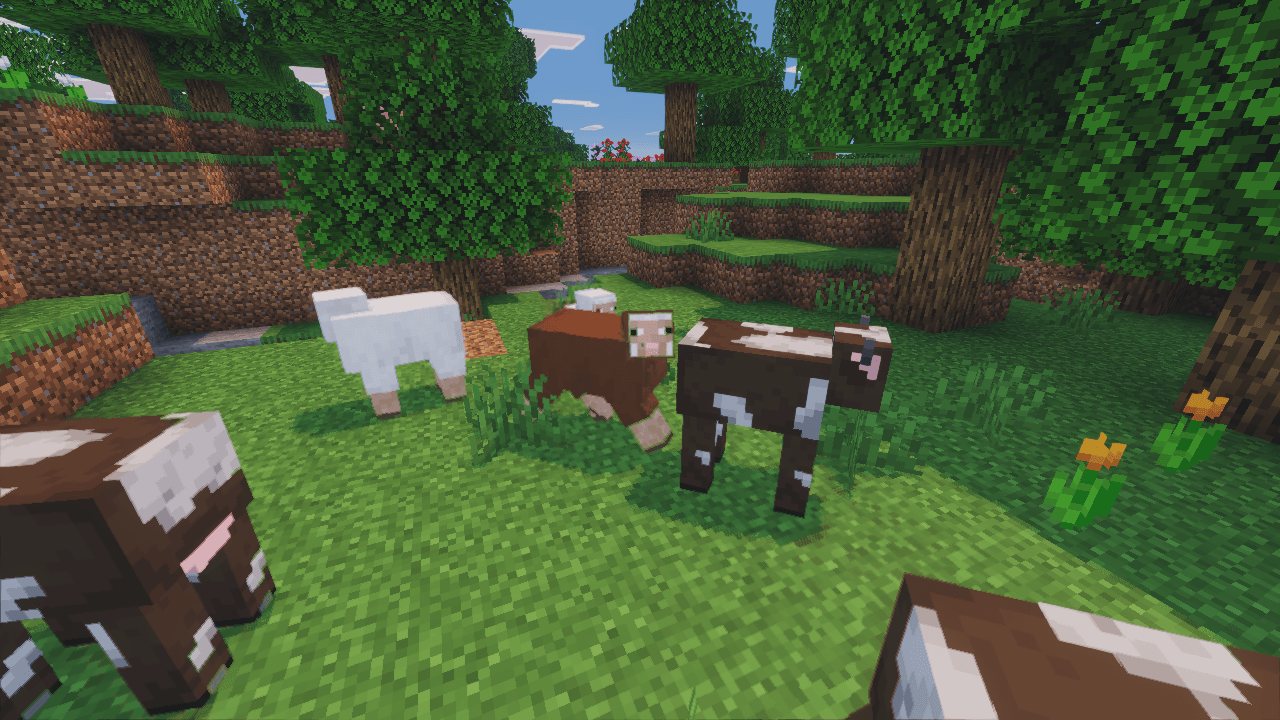
The goal of this project is not to perfectly replicate Bedrock's renderer, but to capture its atmosphere and artistic direction through enhanced lighting, realistic reflections, improved water rendering, vibrant skies, atmospheric fog, and dynamic color grading.
Features Enhanced sunlight and shadows Vibrant sunrise and sunset colors Realistic water reflections Atmospheric fog and depth effects Improved sky and cloud rendering Enhanced biome ambience Balanced performance and visual quality Bedrock Vibrant Visuals-inspired aesthetic Vision
Enhanced aims to deliver the feeling of Minecraft's next-generation visuals while preserving the original charm of the game. Every effect is carefully tuned to create a colorful, immersive, and visually pleasing experience for exploration, building, and survival gameplay.
Disclaimer
This shaderpack is a community-made project inspired by Minecraft Bedrock's Vibrant Visuals. It is not affiliated with, endorsed by, or developed by Mojang Studios or Microsoft.