Mineuniverse
Shaders
Eden Shaders

Eden Shaders

SHADER
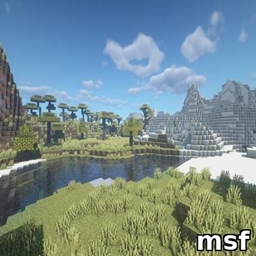
Lush landscapes, warm sunlight, swaying foliage and pastel skies. Enjoy turquoise waters and three carefully scaled quality profiles.
by Fox_Studios_by_teolm30
Claim this project
Add a badge to your pageLink to Eden Shaders from a README, website or forum post.
Preview: Badge

Badges update automatically and link to the shader page on MineUniverse.

106 downloads
0 likes
0 followers
Updated Nov 10, 2026
0 hypes
Follow0
Fantasy Vanilla
Advertisement Remove ads with Premium →

Eden Shaders

A brighter, more magical Minecraft world.

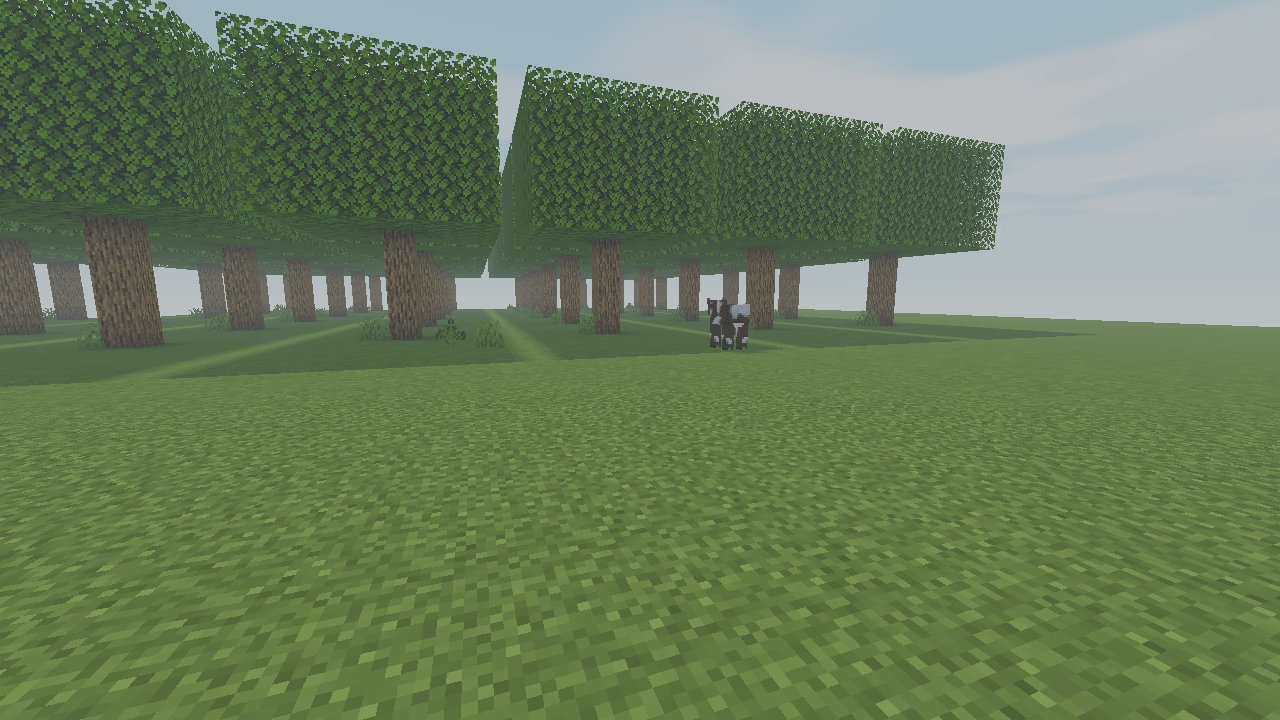
Eden gives familiar landscapes a soft fantasy atmosphere: warm sunlight, cooler forest shade and a restrained boost to foliage color.

Living landscapes

Gentle movement brings compatible leaves, grass and flowers to life. Vegetation stays rooted while subtle lighting variation adds depth to forests and clearings.

Pastel horizons

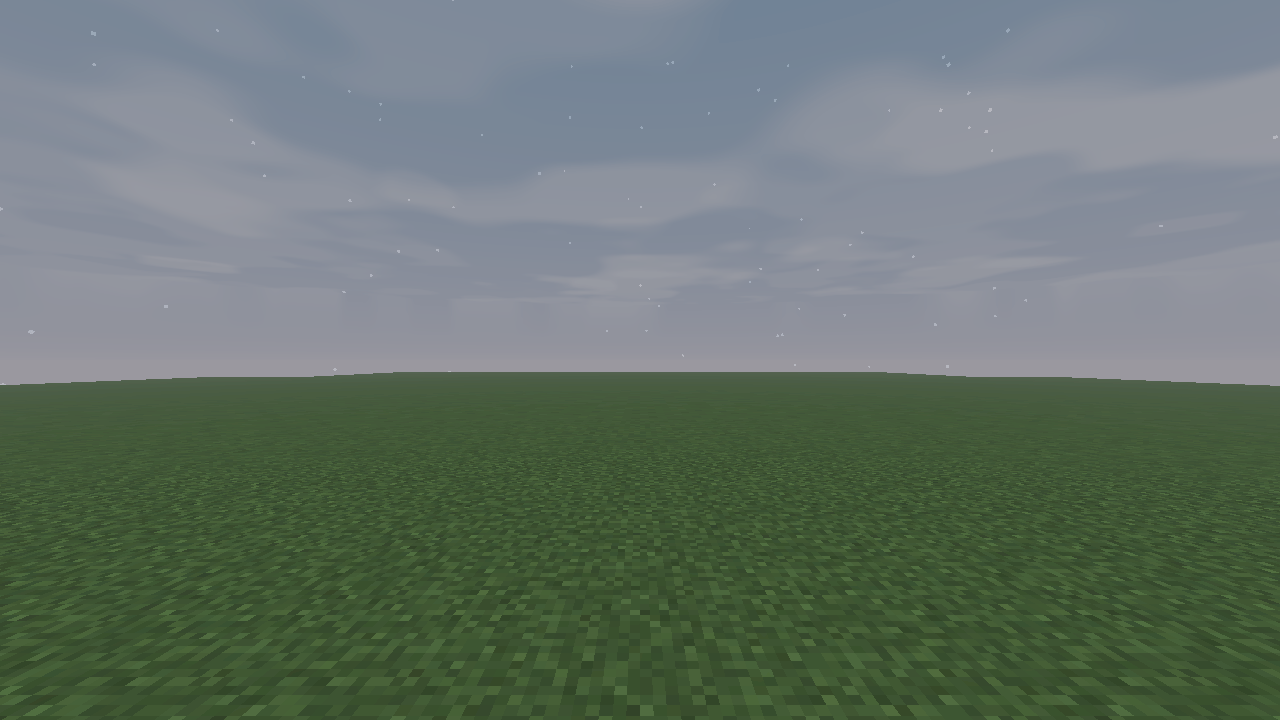
Layered procedural clouds drift across soft blue skies. Dawn and dusk bring peach highlights, while distance fog creates a gentle sense of depth.

Quiet turquoise waters

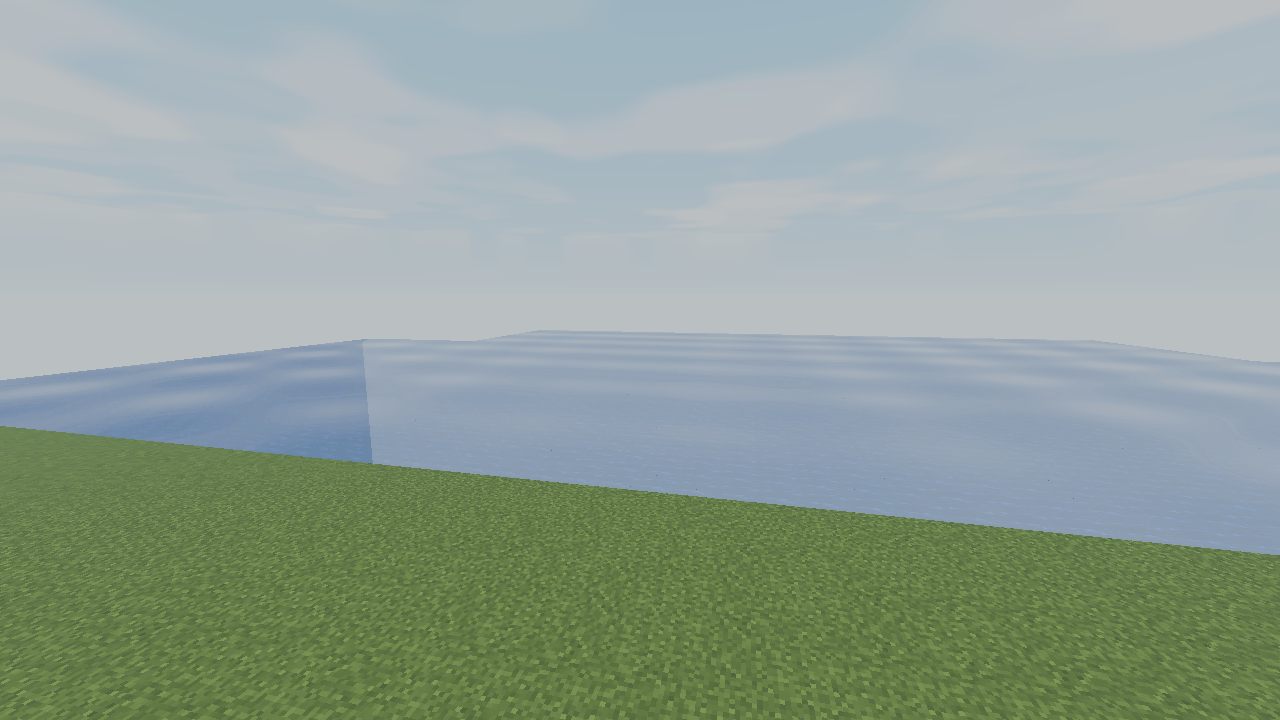
Animated wave normals, a sky reflection approximation and turquoise shading give rivers and lakes a calm, luminous character. Underwater fog softens distant surfaces.

Three quality profiles

Lite retains Eden's defining lighting and atmosphere. Balanced adds filtered shadows, richer clouds and selective highlight glow. Ultra refines those effects with more samples and detail.

Eden changes how the existing world is rendered. It does not add plants, buildings or terrain. Promotional artwork is illustrative; actual appearance depends on the scene and graphics settings.

Eden-Shaders-1.0.0.zip
MC Iris, 26.3
Release 2026-10-17

Requirements & install

How to use this shader in Minecraft
Shader loader
Iris
Minecraft
26.3
Install folder
.minecraft/shaderpacks

Install with Iris

  1. Install Iris with the Iris installer (irisshaders.dev); it sets up Fabric and Sodium for you.
  2. Download the shader pack .zip (do not extract it).
  3. Put the .zip into .minecraft/shaderpacks.
  4. In game open Options → Video Settings → Shader Packs, select the pack and click Apply.
Browse more: Iris shaders OptiFine shaders Shaders for 26.3 All shaders

More from Fox_Studios_by_teolm30

Advertisement Remove ads with Premium →

You Might Also Like