Hello everyone, and welcome to the Deritative Visuals CurseForge
Here, you can download the Deritative Visuals pack.
What is this?
It is a visuals pack designed for Minecraft Bedrock Edition and Pocket Edition. To use it, ensure your device supports "Vibrant Visuals," and make sure to enable that setting within your Minecraft game!
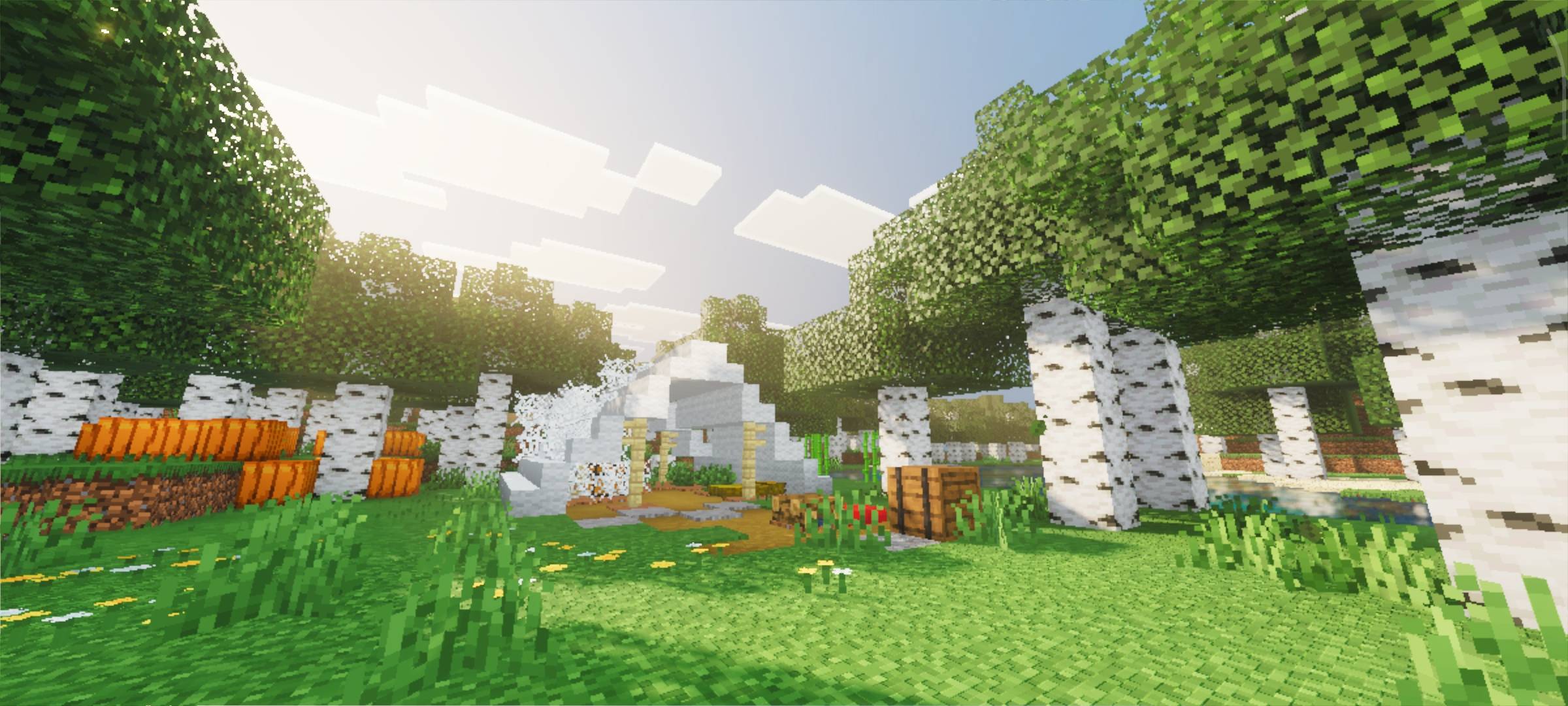
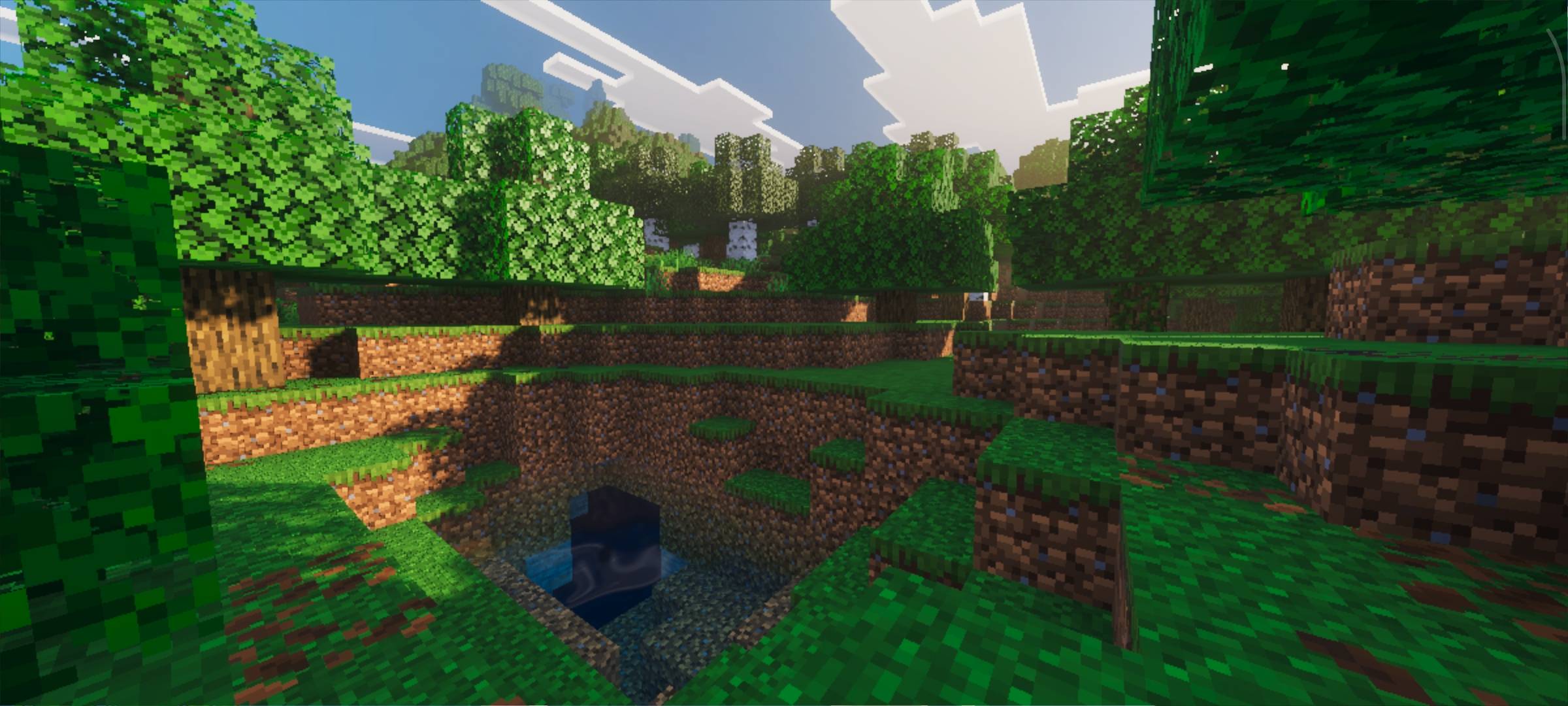
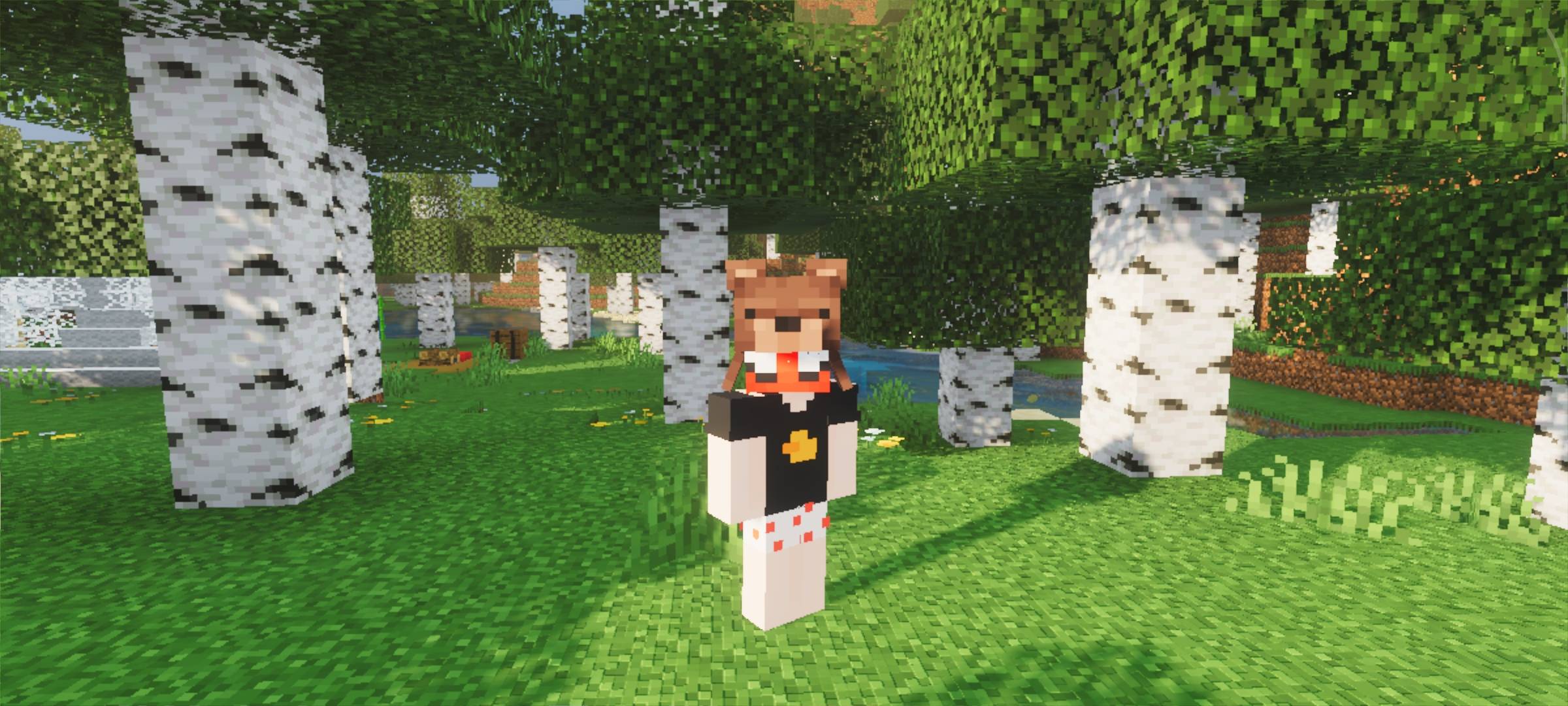
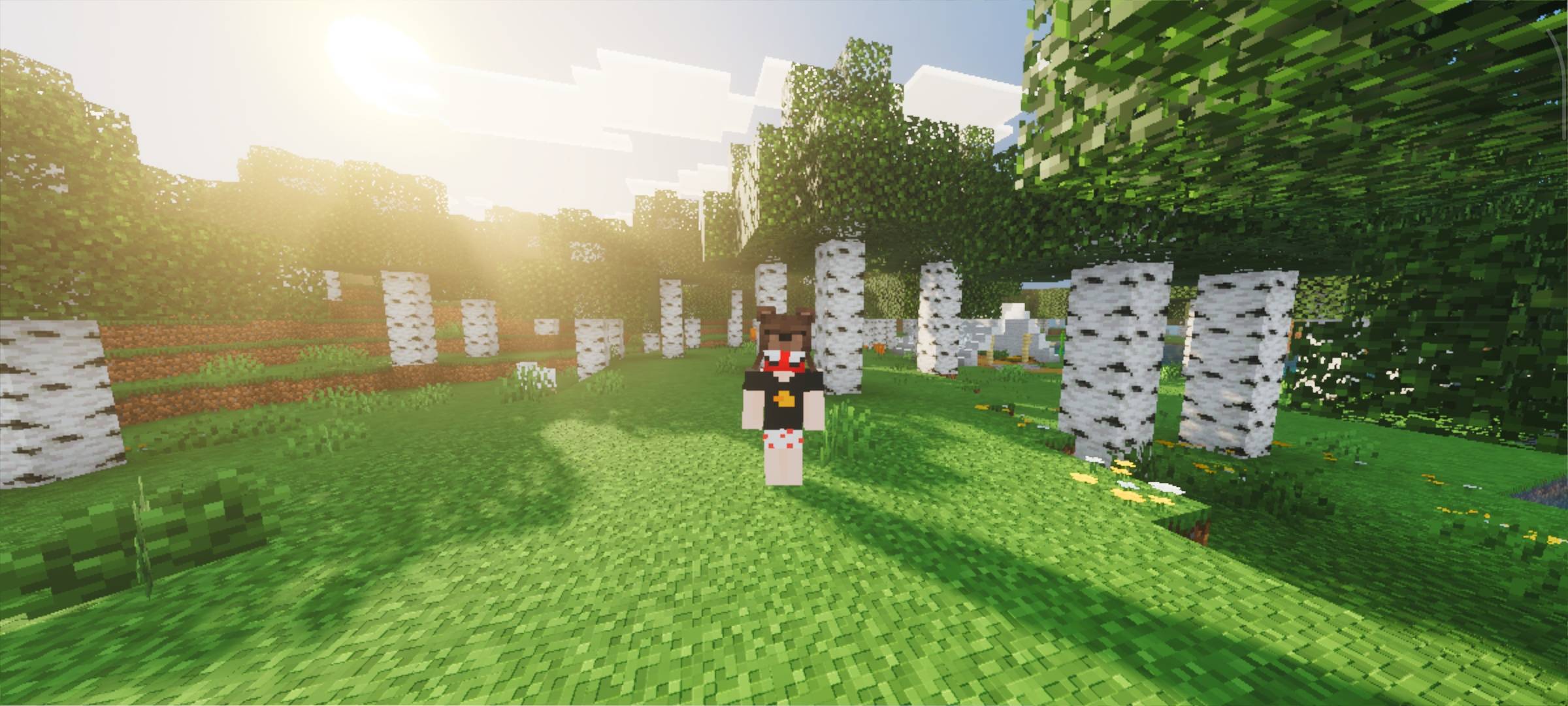
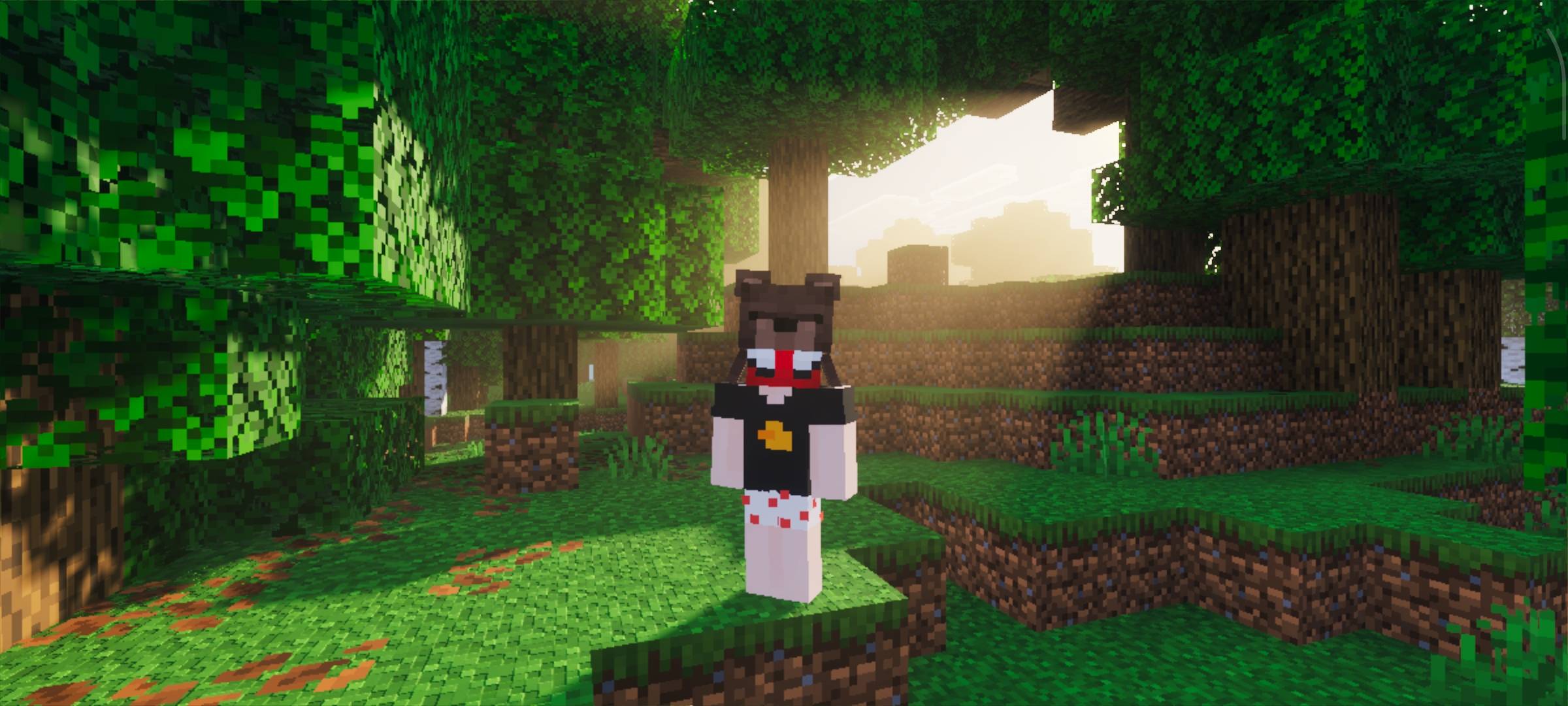
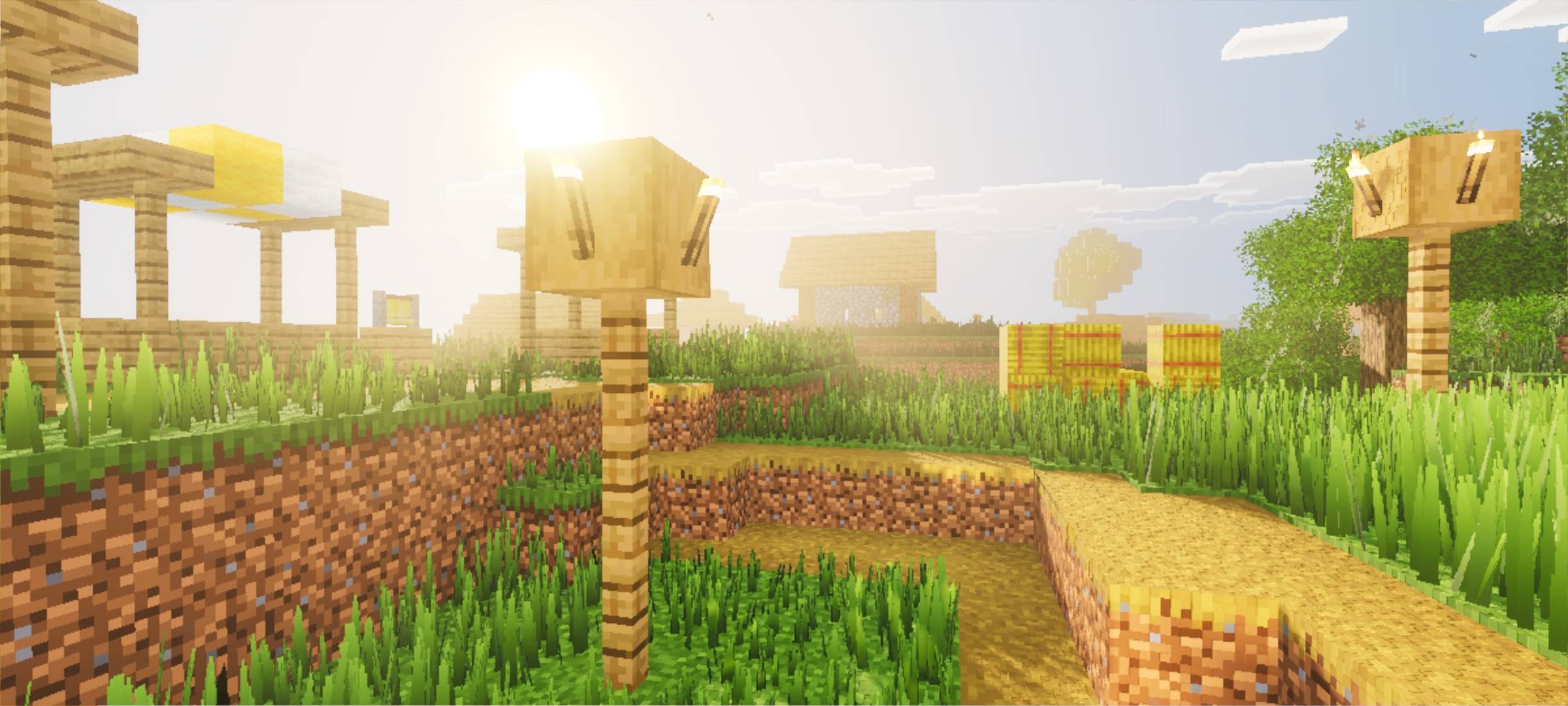
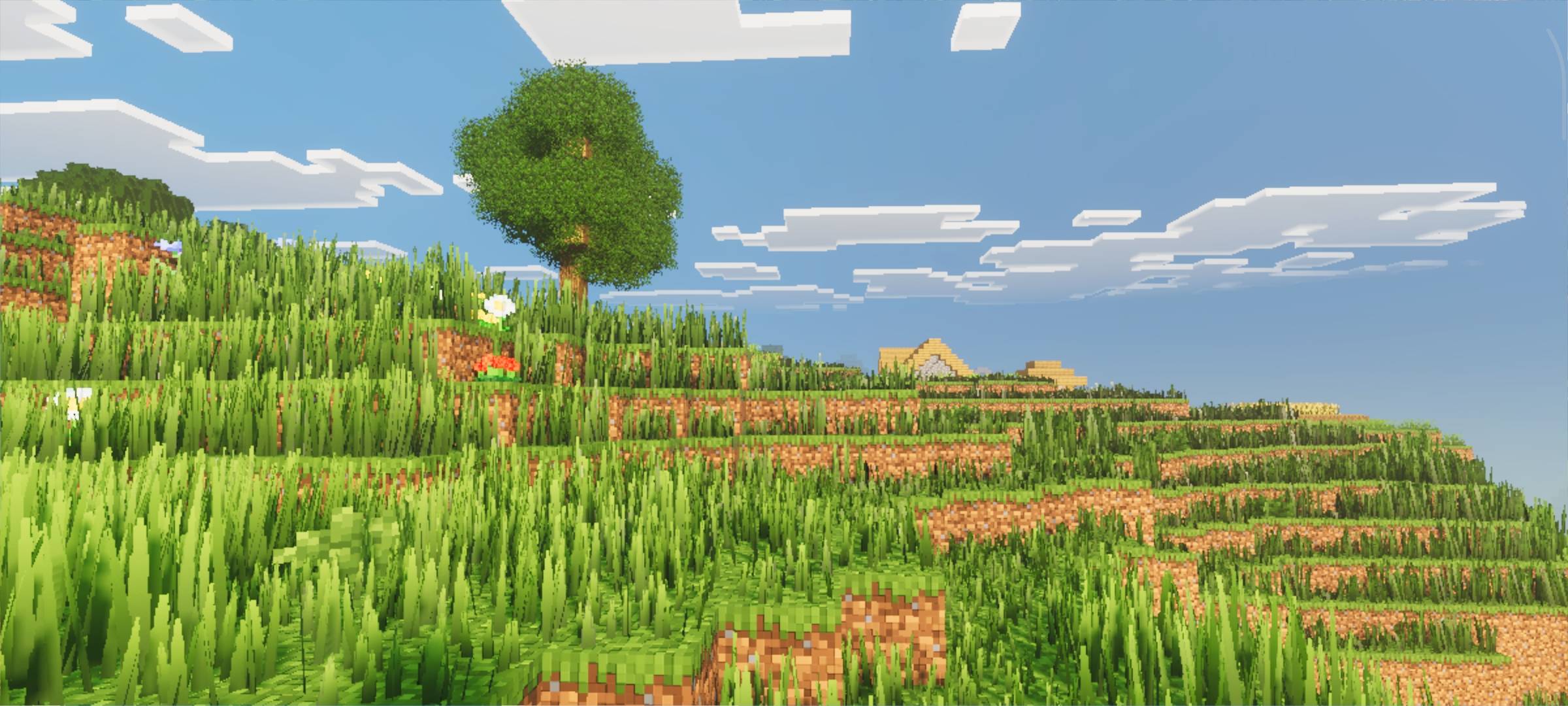
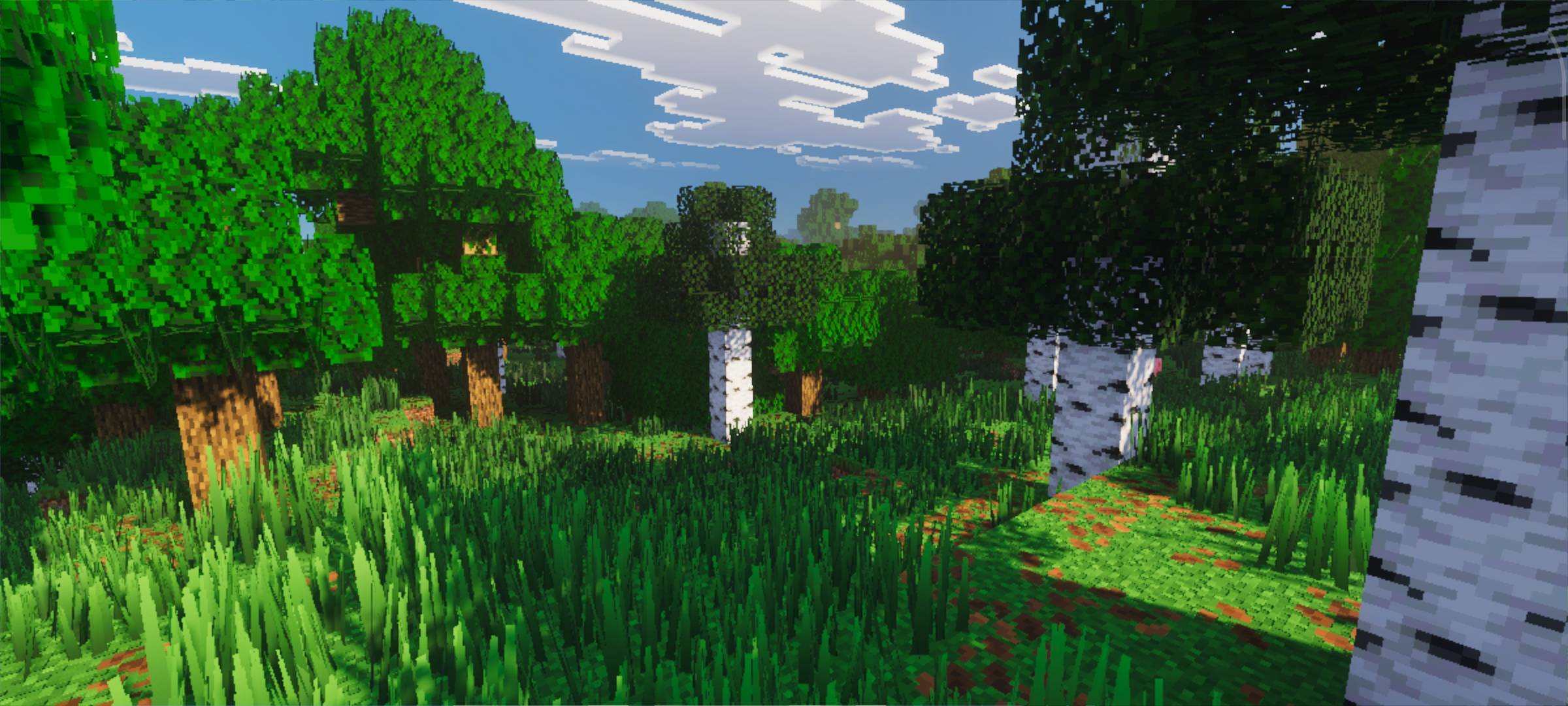
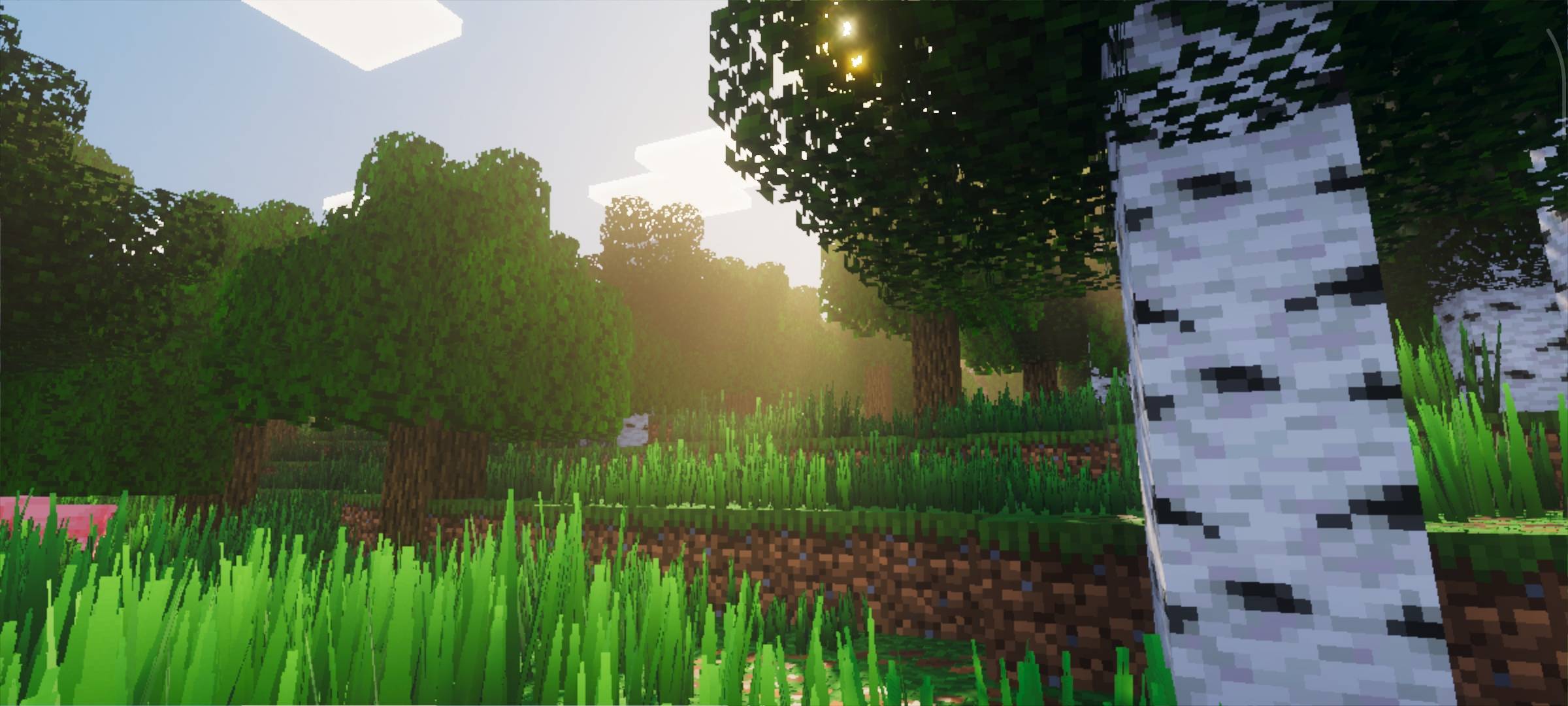
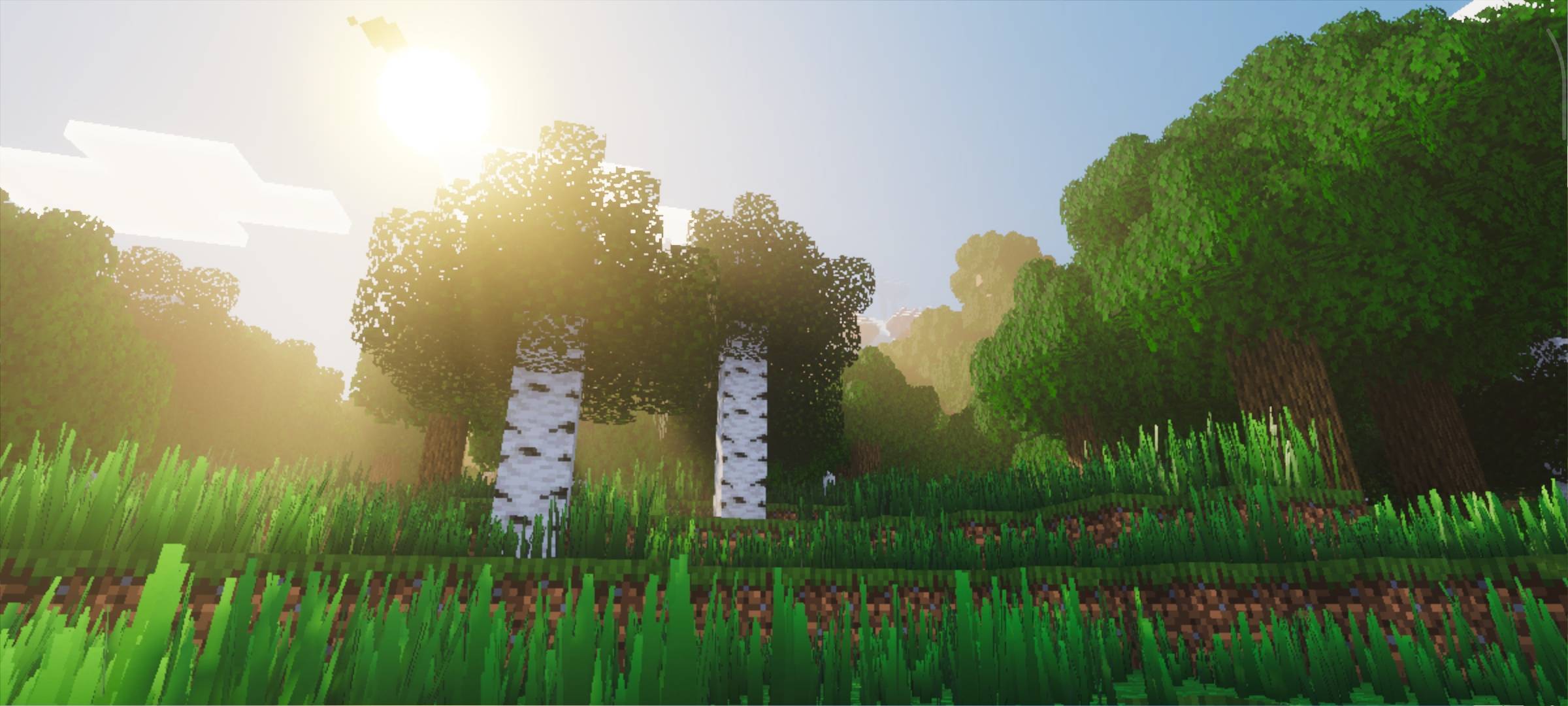
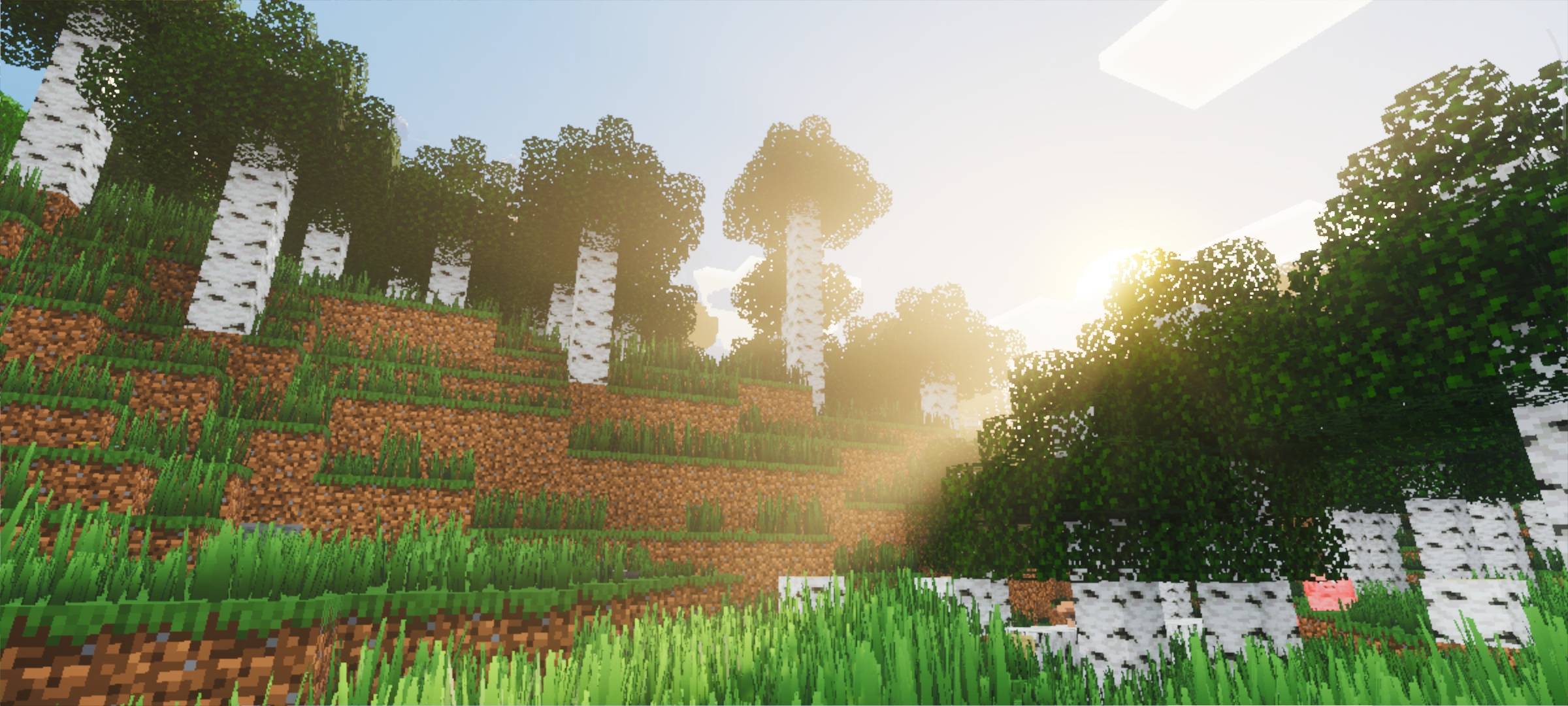
A quick note: I created this visuals pack with a lighting style that is both soft and crisp. It features smooth yet sharp fog, softer shadows, and a theme that combines a simple, Vanilla aesthetic with vibrant shading.
This pack is perfect if you appreciate those qualities. You might recognize this style from shaders like Photon, Derivative, or YSS SE for Bedrock. However, Photon and Derivative are only available for Java (and are resource-heavy), while YSS SE is limited to specific Minecraft versions and relies on a heavy `material.bin` file. Btw, this visuals pack was inspired by those very shaders. That is why I created a lighter version compatible with any version that supports Vibrant Visuals (minimum 1.21.80+) and one that doesn't use `material.bin`! This visuals pack also utilizes PBR.
Note: I will continue updating blocks to include PBR support.
It can also be combined with many other add-ons and texture packs. I highly recommend using these add-ons:
- Lush Meadows
- Arborea Addon (or the alternative: Reefy's Better Leaves!)
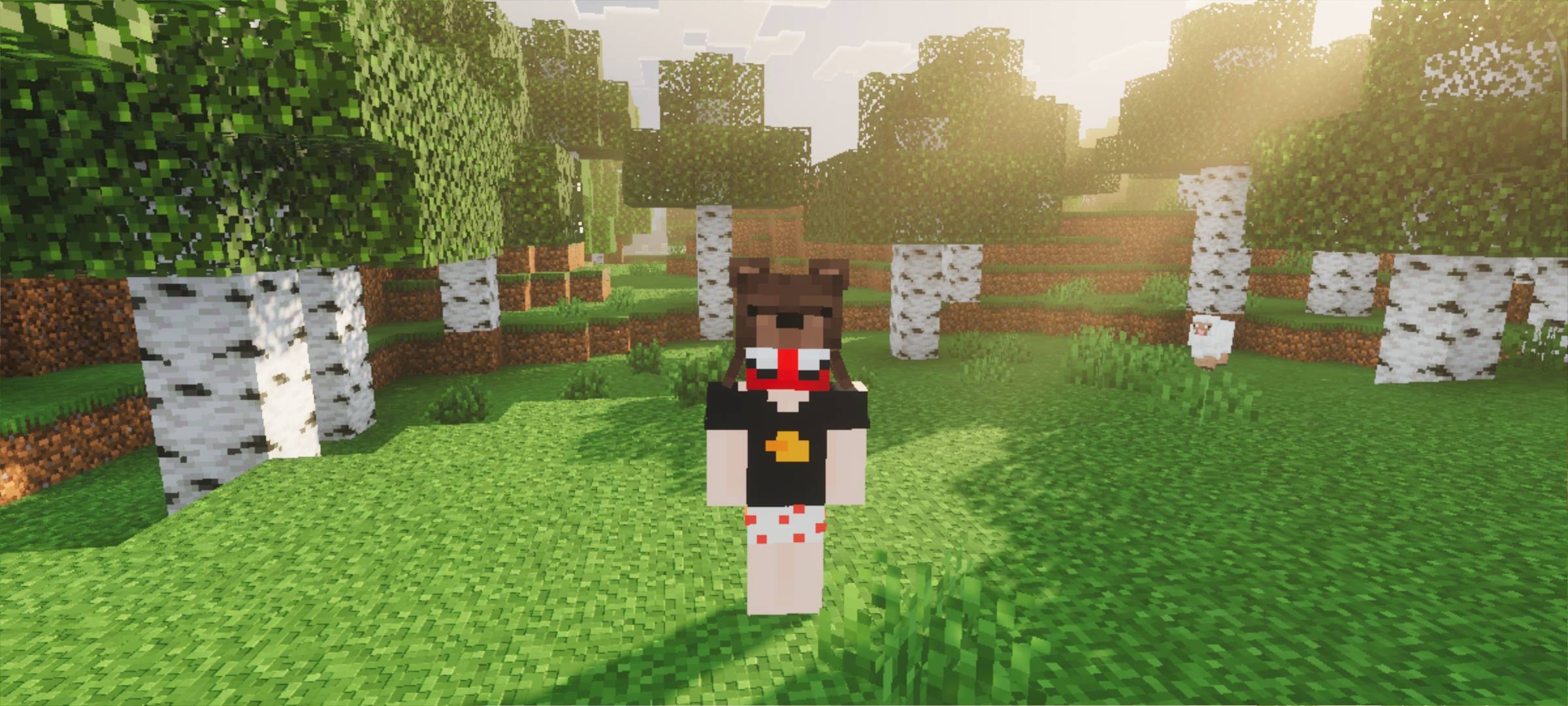
That’s enough of the intro, let me present it to you! ( Btw some screenshot using Lush meadows & Arborea add-on )