Mineuniverse
Shaders
Colorless (Black and White)

Colorless (Black and White)

SHADER
With this lightweight shader, you can turn your world black and white with many configurable settings.
by RandomNari
Download Claim this project
Add a badge to your pageLink to Colorless (Black and White) from a README, website or forum post.
Preview: Badge

Badges update automatically and link to the shader page on MineUniverse.

18,729 downloads
0 likes
0 followers
Updated Oct 14, 2026
0 hypes
Follow0
Vanilla
Advertisement Remove ads with Premium →

With this lightweight shader you can turn your world black and white.

Important Notes: -The colors are inverted when starting the Shader for the first time, please look into the shader settings -for better results, turn the brightness down to 0%
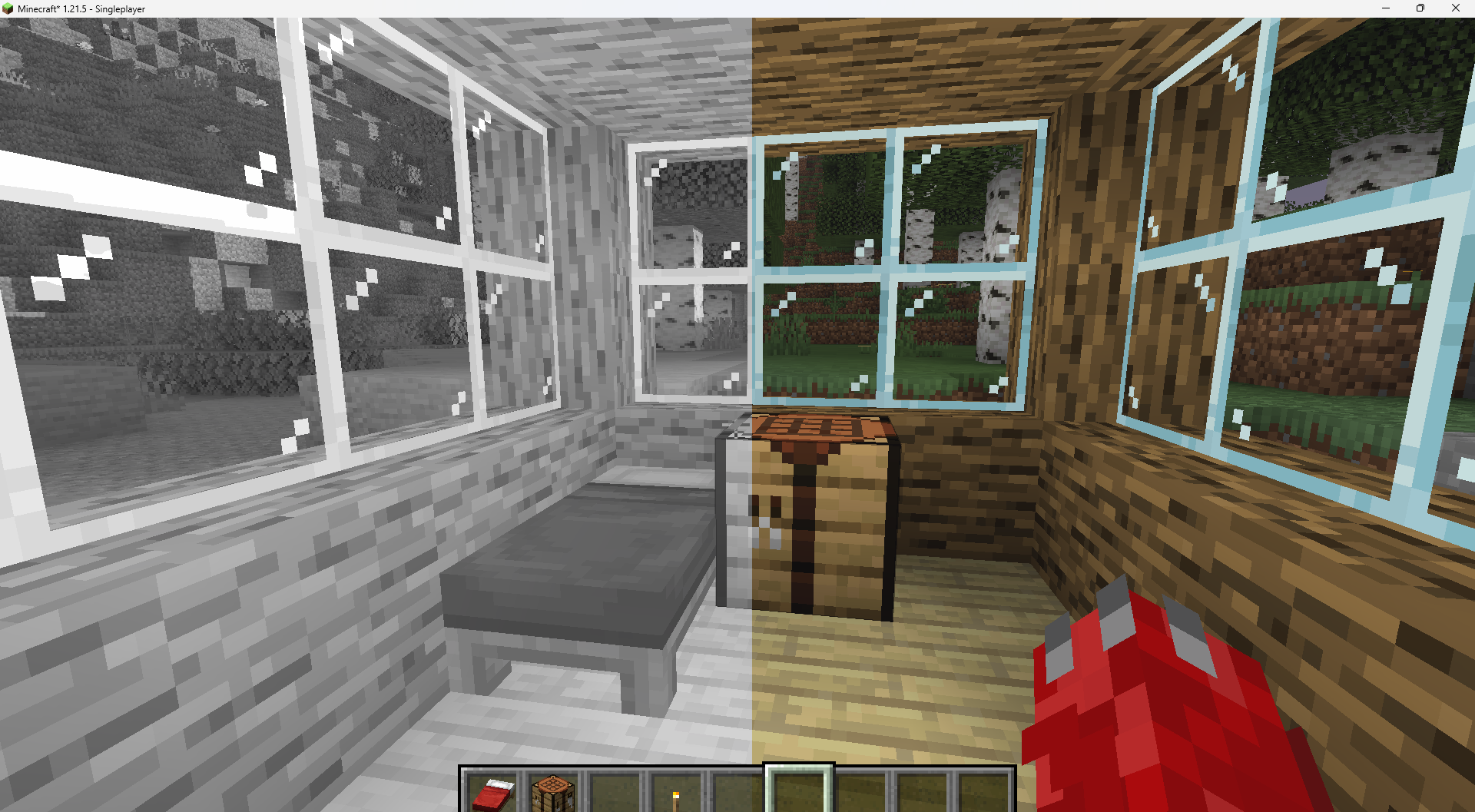
Transition from Black To White

Features: -turn world black and white -optimised for PCs with a bad performance -holding an item like a torch emmits light around the player -shadows and fog -colored lighting -red light around player if hurt (can be deactivated)

Configurable Settings:

-inverted = if true, the colors are inverted

-coloredGlassShadows = if true, the shadows of colored glass are colored
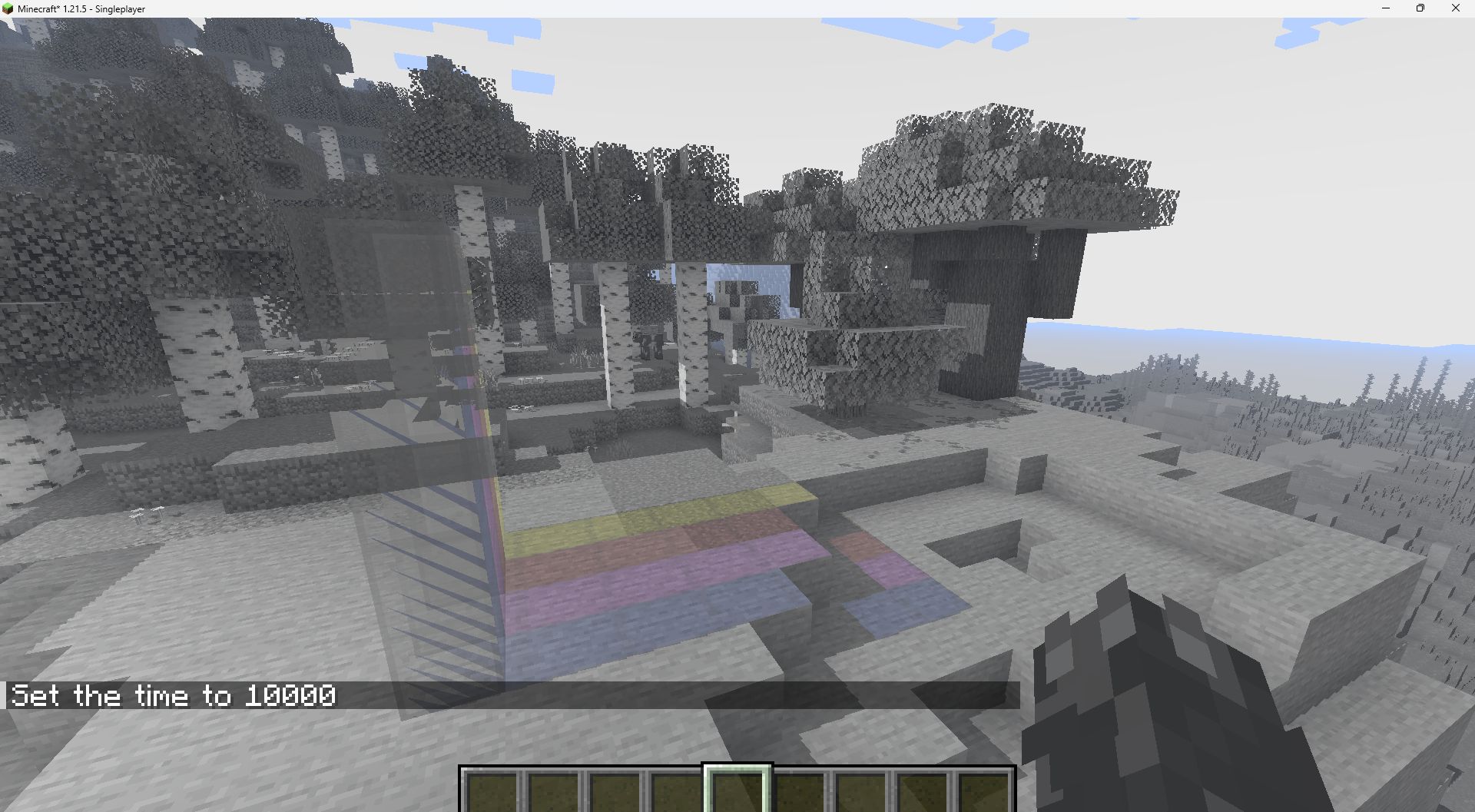
Colored Glass

-blacknwhite = if true, the world is black and white

-graytorchlight = if true, items like torches emmit a gray light, else, they give of a orange light

-redRadiusIfHurt = if true, red light appears around the player if hurt

Colorless1.1.zip
MC 1.21, 1.18.1, 1.19.3, 1.20.2, 1.19.4, 1.21.8, 1.20.5, 1.21.5, 1.18, 1.21.4, 1.20.1, 1.20, 1.20.6, 1.21.1, 1.21.6, 1.21.3, 1.21.7, 1.19.1, 1.20.4, 1.18.2, 1.19.2, 1.20.3, Iris
Release 2026-05-24 Get

Requirements & install

How to use this shader in Minecraft
Shader loader
Iris
Minecraft
1.21 – 1.21.8
Install folder
.minecraft/shaderpacks

Install with Iris

  1. Install Iris with the Iris installer (irisshaders.dev); it sets up Fabric and Sodium for you.
  2. Download the shader pack .zip (do not extract it).
  3. Put the .zip into .minecraft/shaderpacks.
  4. In game open Options → Video Settings → Shader Packs, select the pack and click Apply.
Browse more: Iris shaders OptiFine shaders Shaders for 1.21.8 All shaders

More from RandomNari

Advertisement Remove ads with Premium →

You Might Also Like