Mineuniverse
Shaders
Clarity

Clarity

SHADER
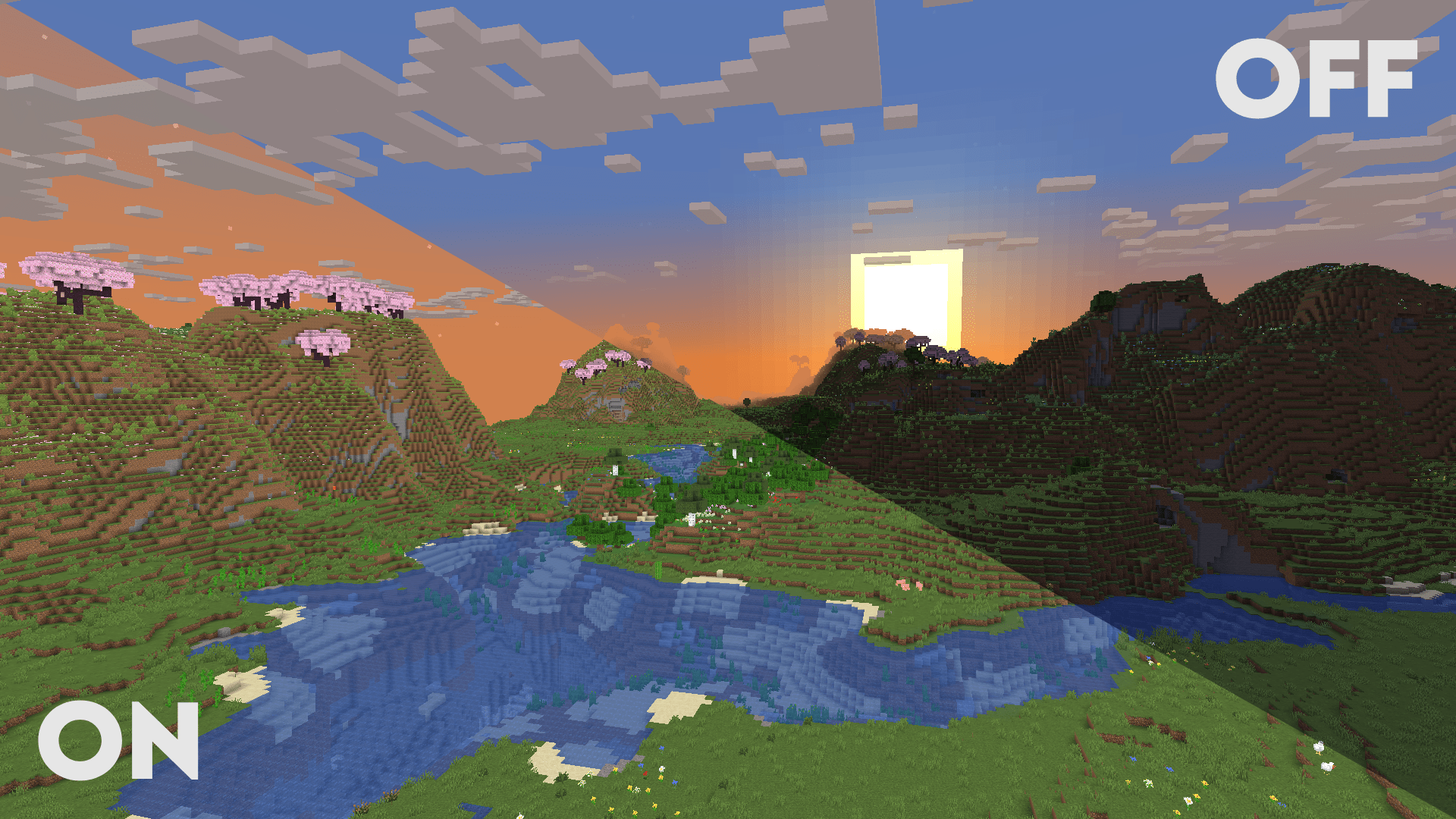
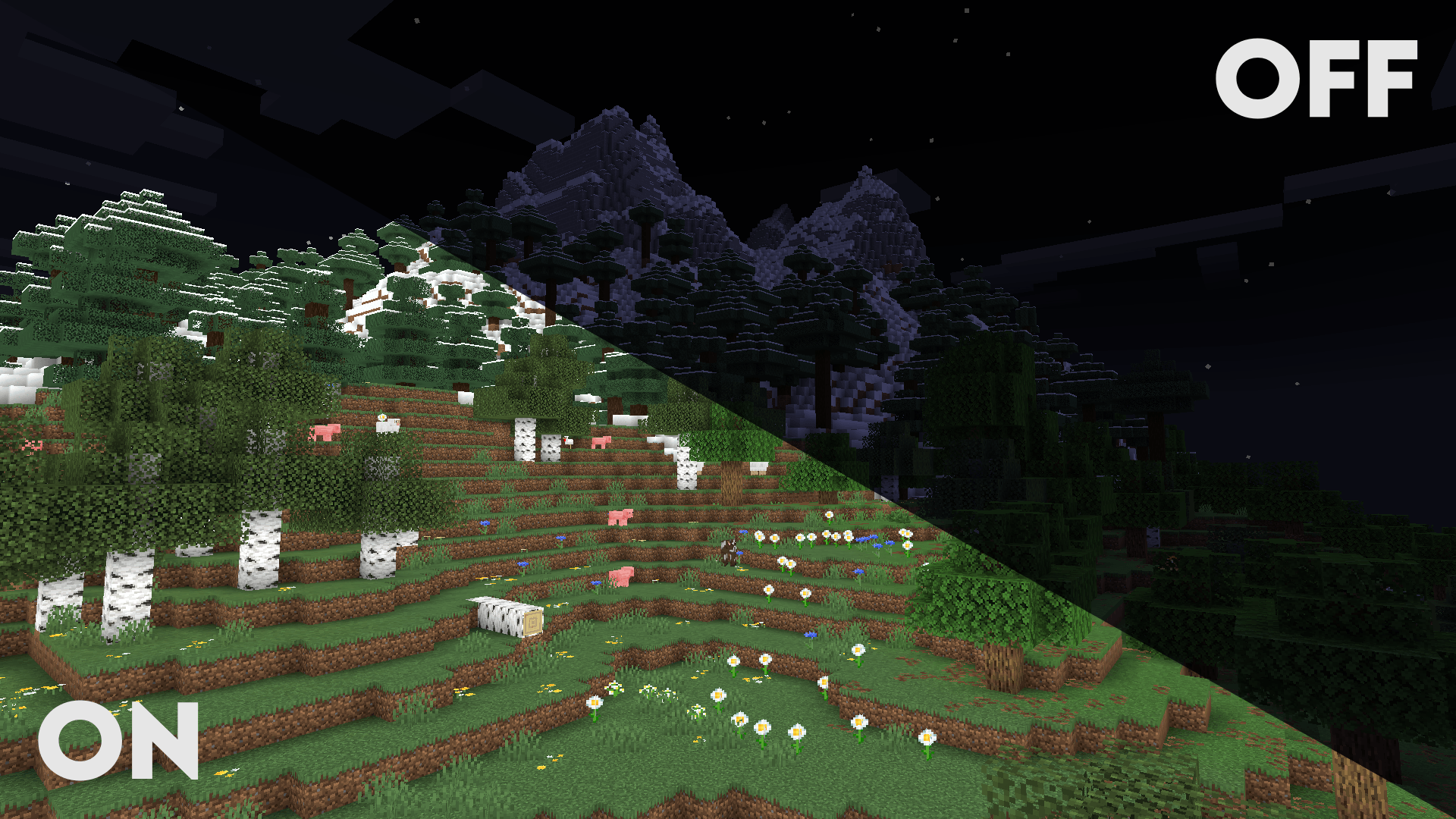
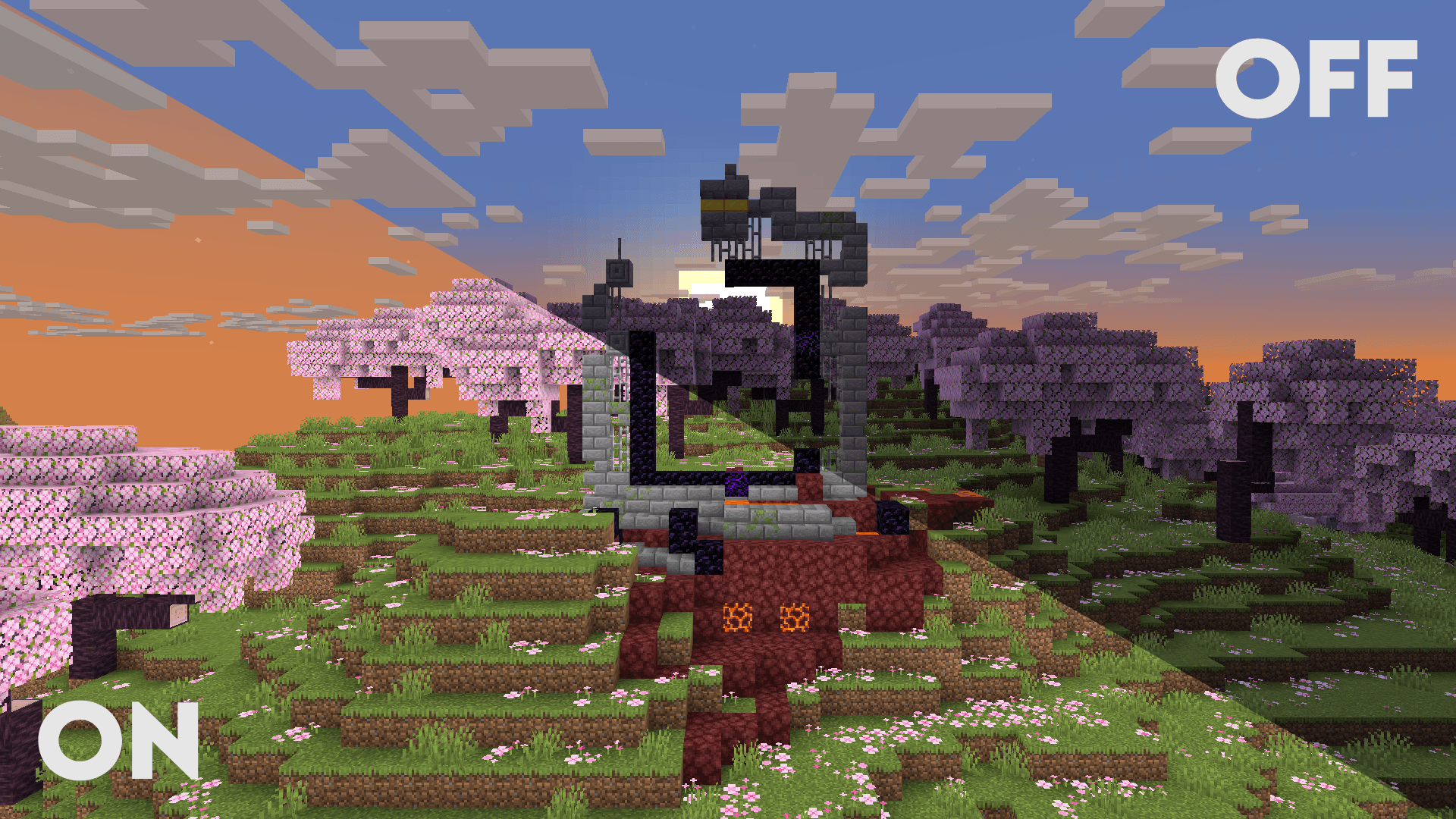
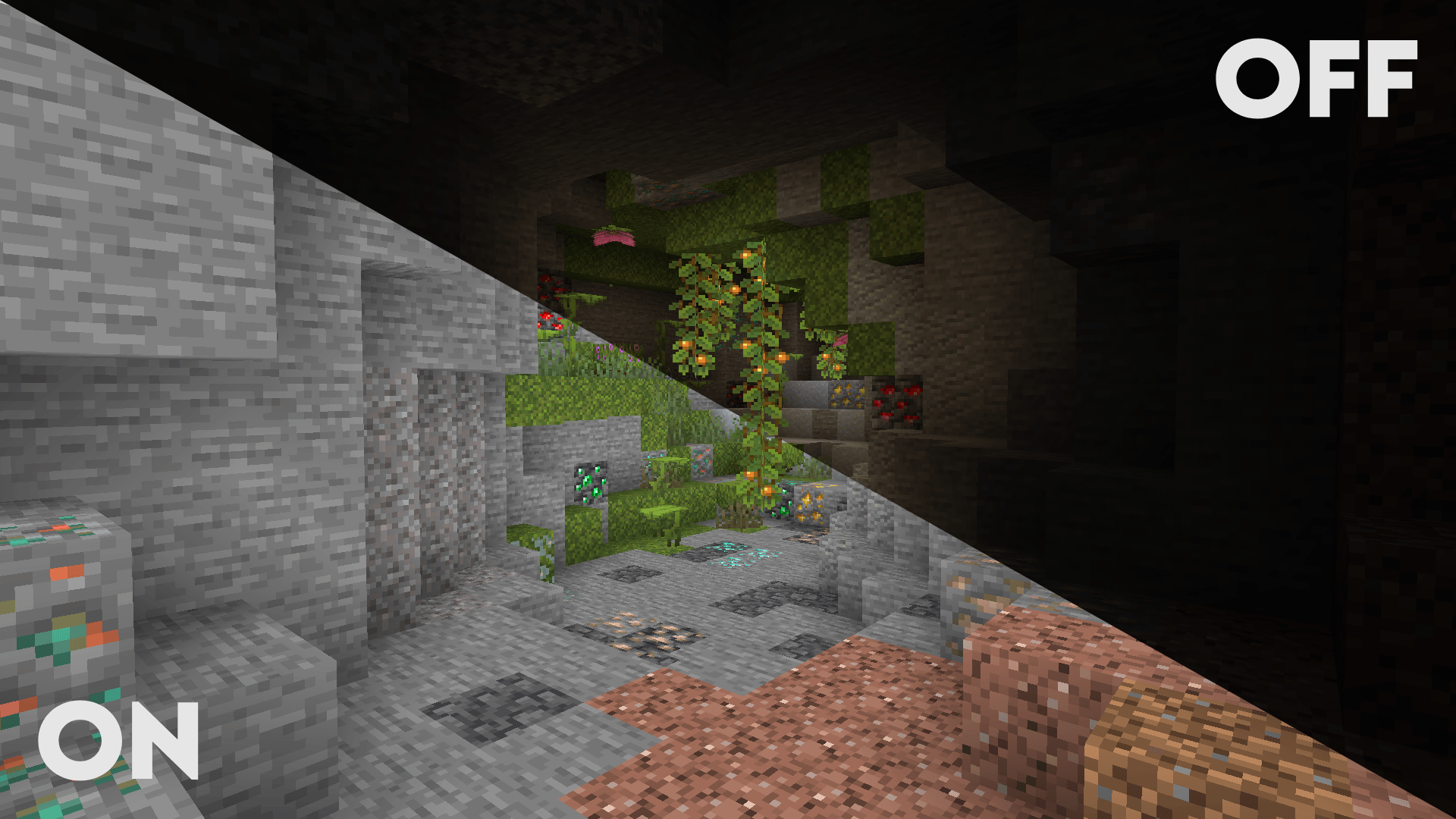
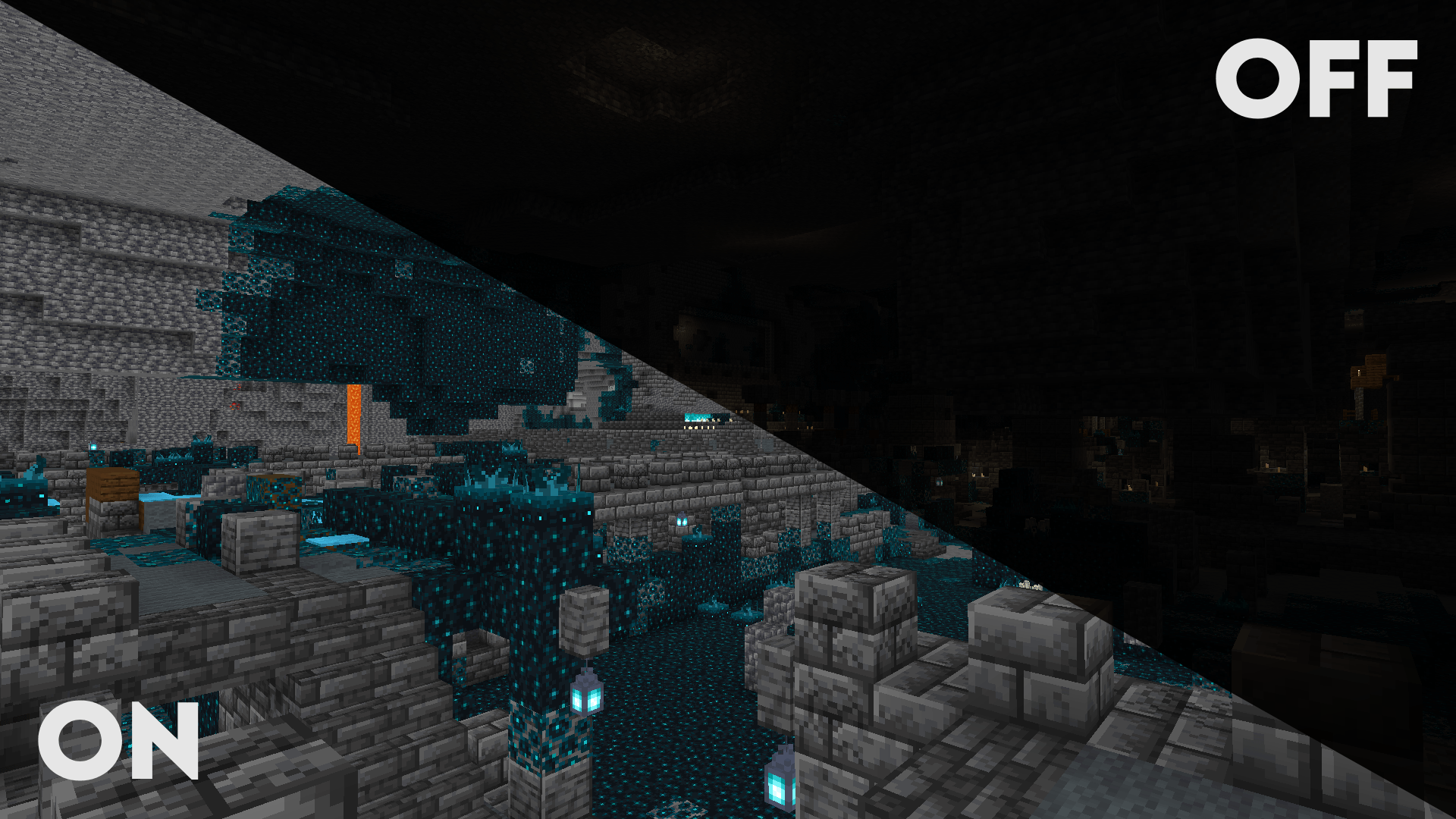
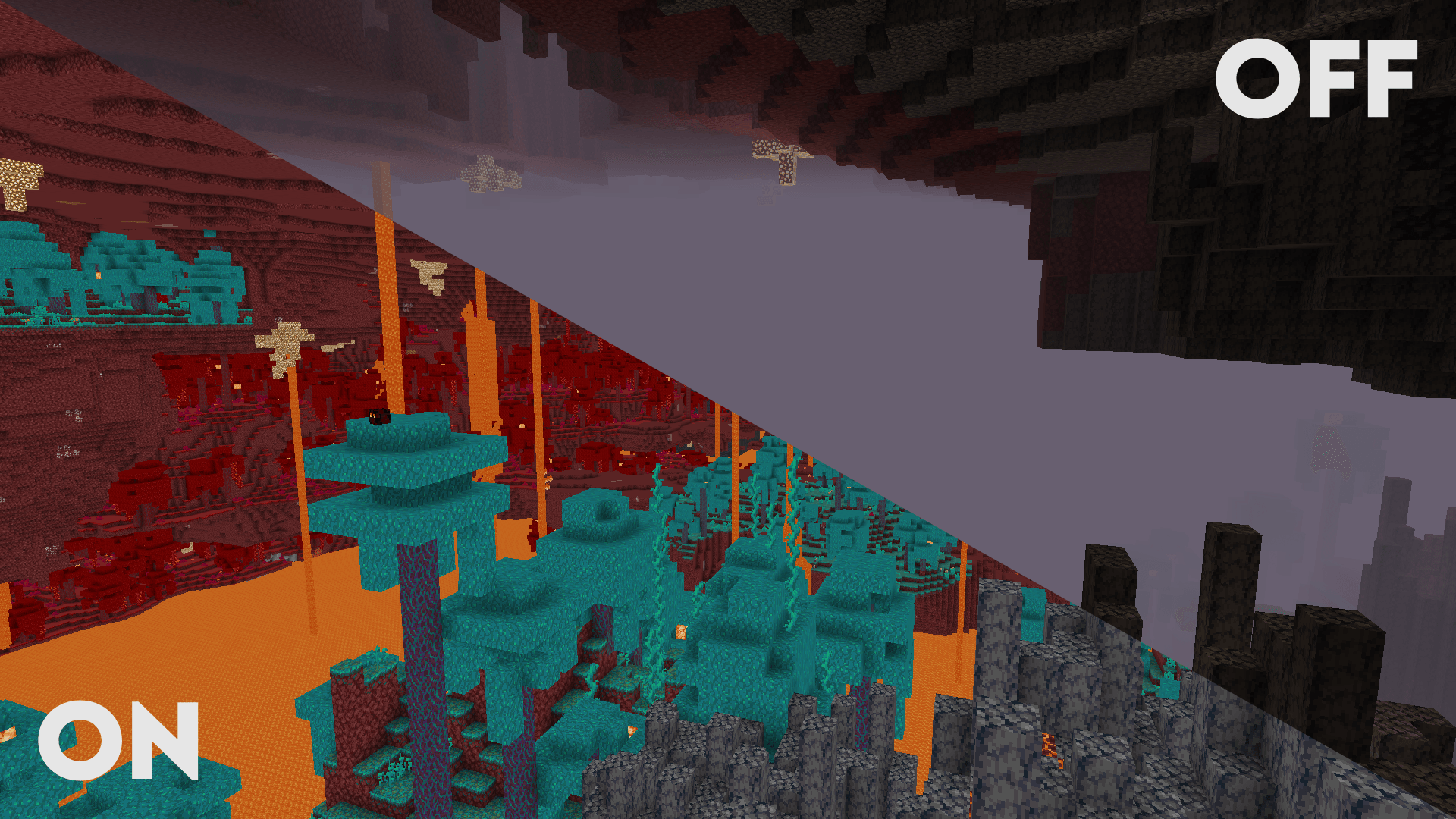
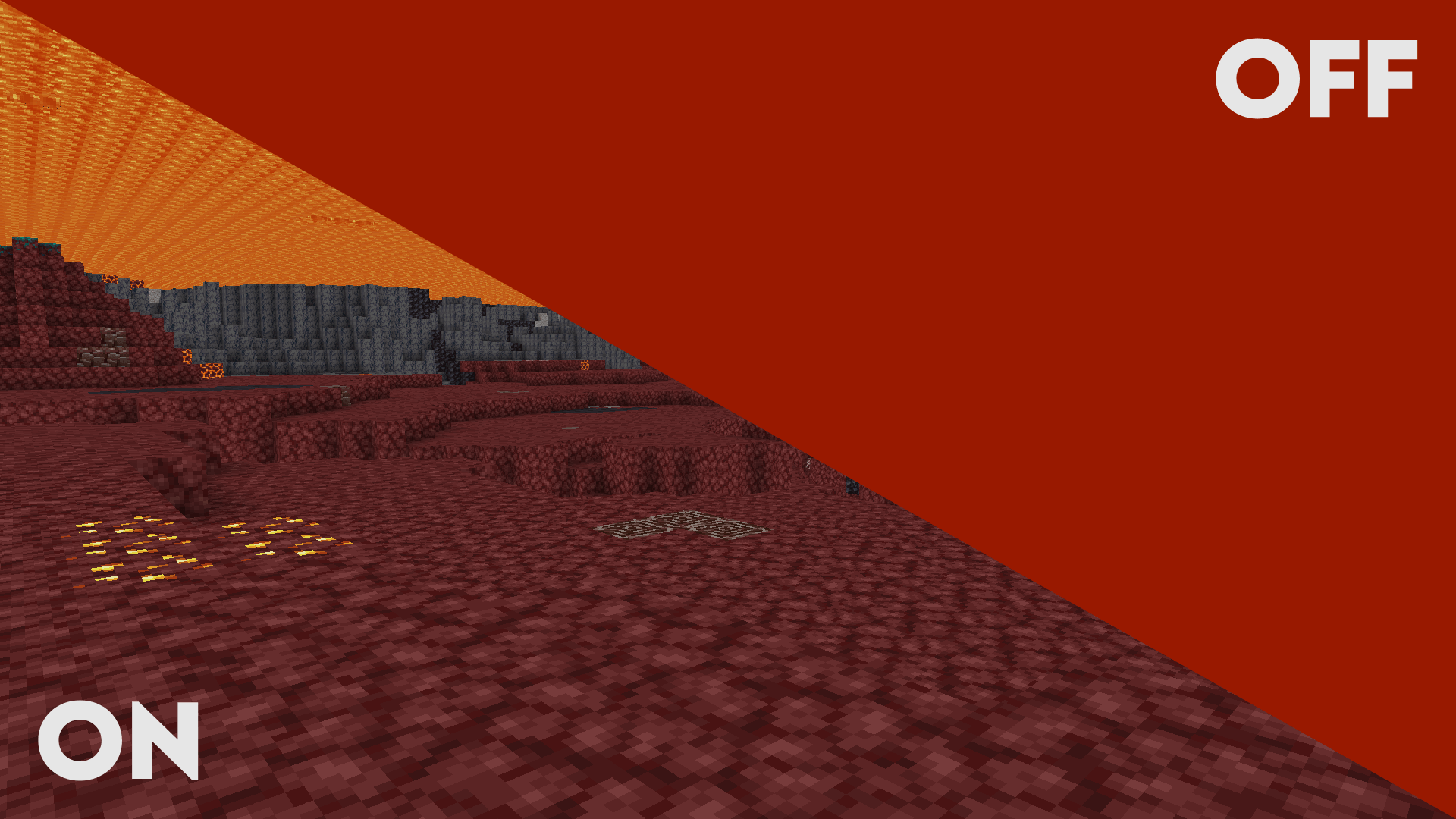
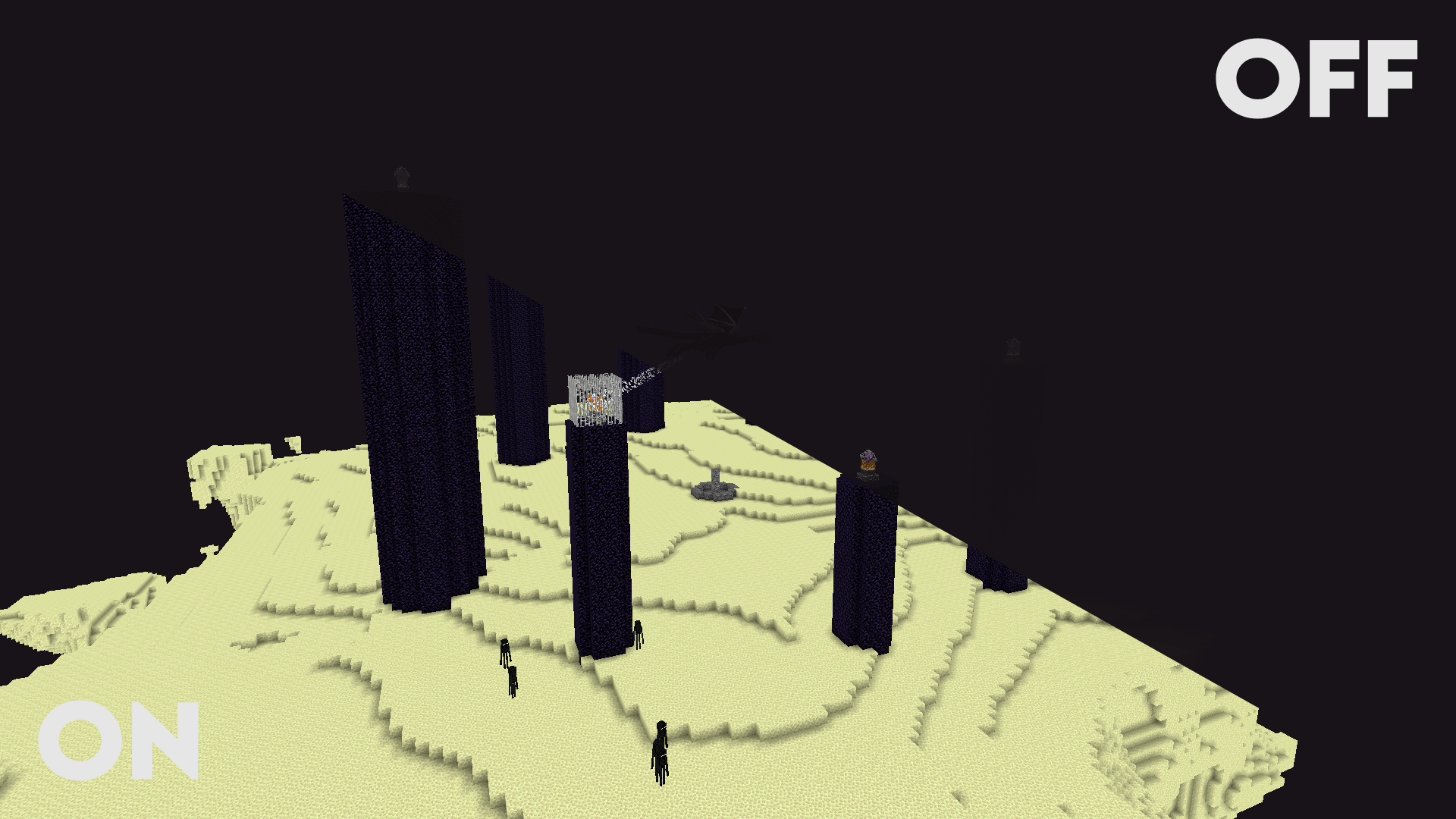
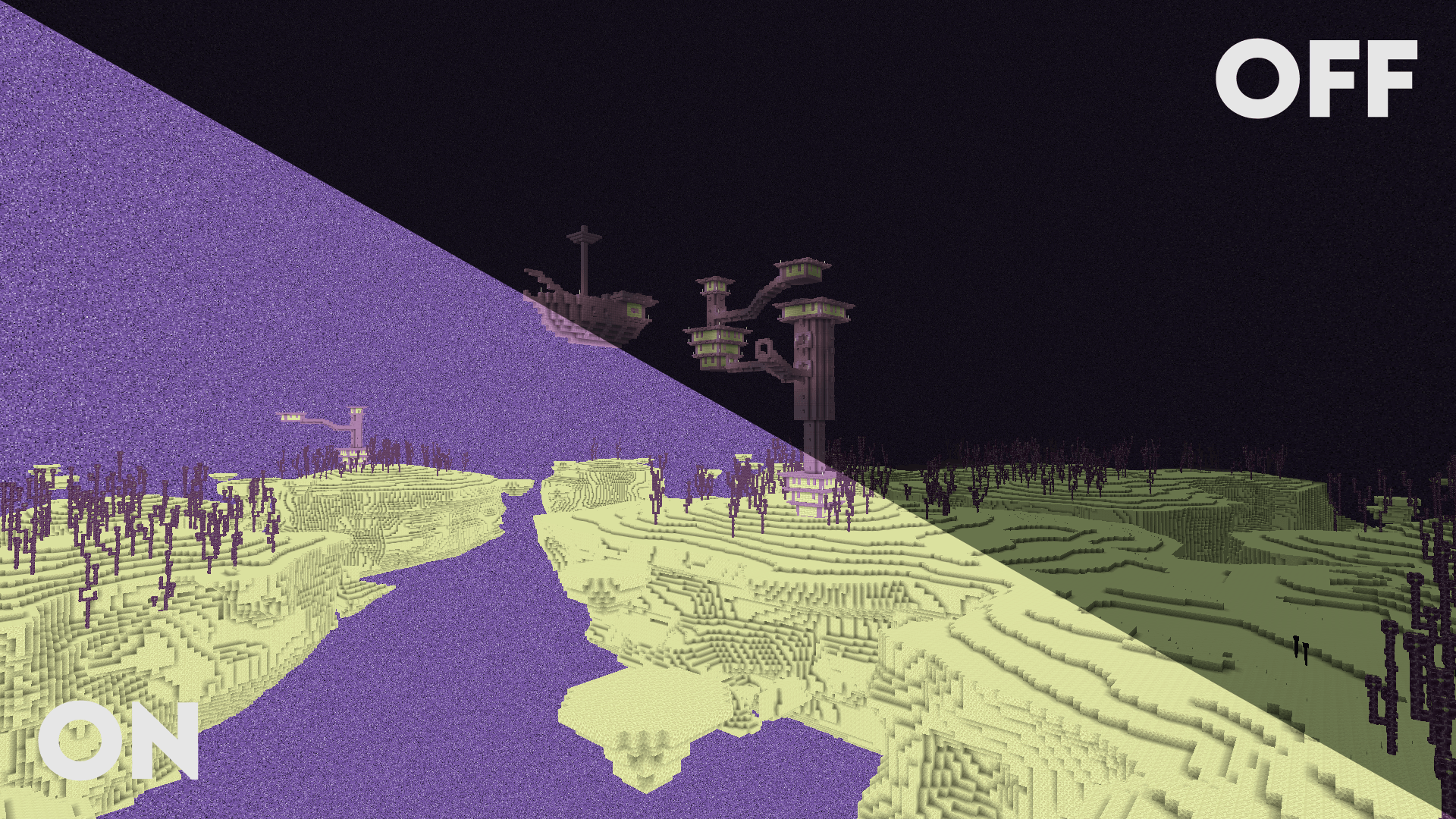
Clarity removes all shadows and fog wich makes you see clearly everywhere and can be used for mining or travelling at night.
by Astyll
Download Claim this project
171,221 downloads
0 likes
0 followers
Updated Oct 14, 2026
0 hypes
Follow0
Vanilla
Advertisement Remove ads with Premium →

Clarity Shader Pack - Downloads

Modrinth Downloads CurseForge Downloads

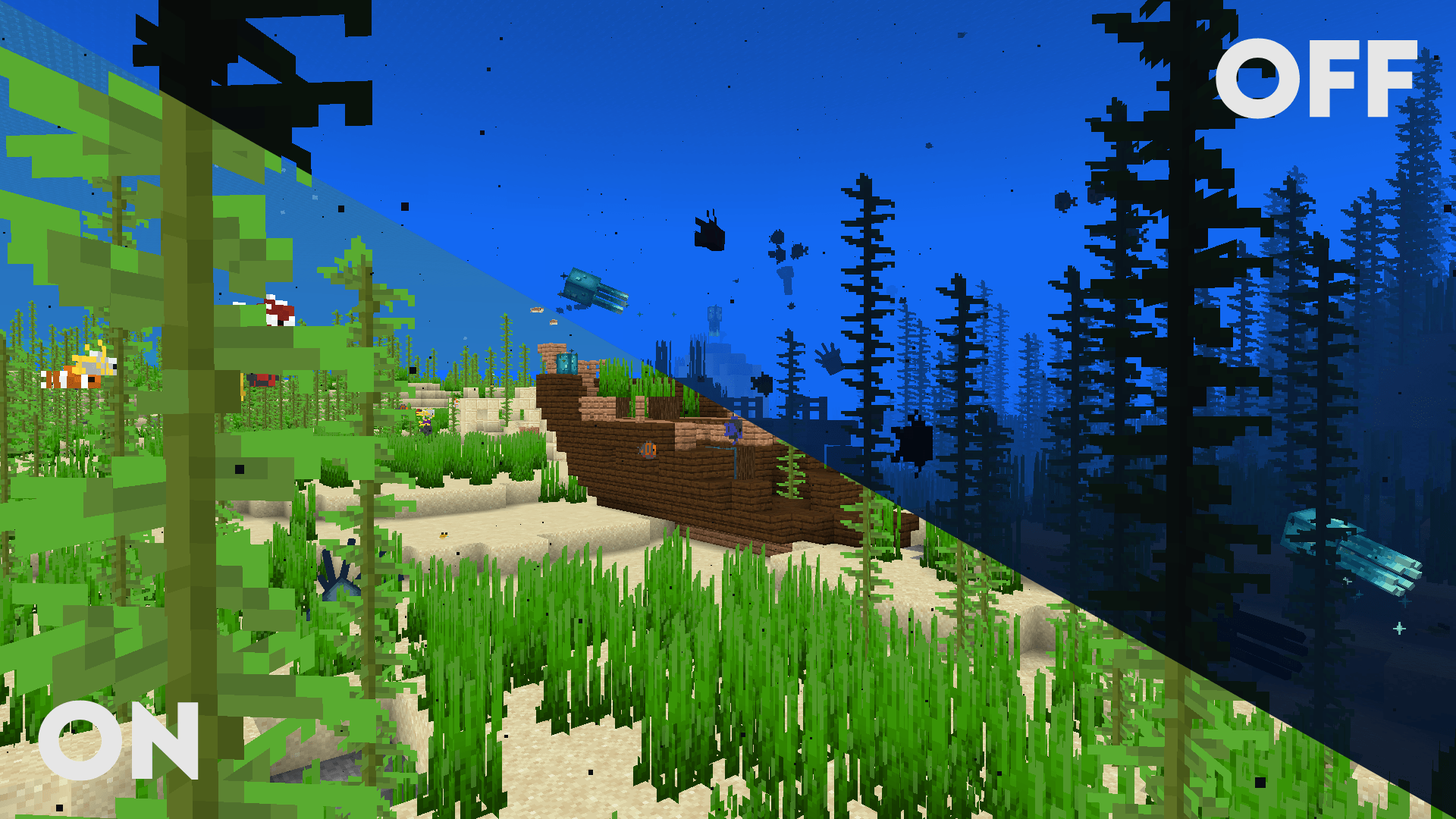
> Clarity is a shader pack that removes all shadows and fog in your game, making everything bright and easy to see in water and lava. With Clarity, you’ll always see clearly, no matter where you are in Minecraft! See the demonstration and screenshots here. Its some sort of FullBright mod but then in shader variant.

It’s perfect for:

  • Exploring dark caves
  • Traveling at night
  • Finding your way in the nether

Features:

  • Removes Block Shadows
  • Removes Entity Shadows
  • Removes Particle Shadows
  • Removes Fog
  • Clear Sight Under lava and Water
  • Change Snow and Rain Opacity
  • Chage water opacity
  • Vibrance setting
  • Exposure setting
  • Stars can be set to on or off
  • Clouds can be set to dimmed, hidden and bright
  • Anti Aliasing (SMAA)
  • Works with Distant Horizons Mod

Has Distant Horizons Support!

<br>

<details> <summary>Problems that need to be fixed</summary> None :) </details> <details> <summary>Work in progress</summary> Chunks fading in and horizon fog. (These will all be togglable in the shader's settings) </details>

Sidenote: This project was previously named FullBright2 but this was changed on 23/12/2025 12:00 GMT+1


Clarity v1.1.2
MC 1.16.3, 1.13.1, 1.9.3, 1.8.7, 1.16-Snapshot, 1.17.1, 1.9.1, 1.21.2-Snapshot, 1.21, 1.21.6-snapshot, 1.15-Snapshot, 1.16.1, 1.18.1, 1.20.2-Snapshot, 1.20.5-Snapshot, 1.14.3, 1.15
Release 2026-03-27 Get
Clarity v1.1.0
MC 1.16.3, 1.13.1, 1.9.3, 1.8.7, 1.16-Snapshot, 1.17.1, 1.9.1, 1.21.2-Snapshot, 1.21, 1.21.6-snapshot, 1.15-Snapshot, 1.16.1, 1.18.1, 1.20.2-Snapshot, 1.20.5-Snapshot, 1.14.3, 1.15
Release 2026-01-23 Get
Clarity v1.0.0
MC 1.16.3, 1.13.1, 1.9.3, 1.8.7, 1.16-Snapshot, 1.17.1, 1.9.1, 1.21.2-Snapshot, 1.21, 1.15-Snapshot, 1.16.1, 1.18.1, 1.20.2-Snapshot, 1.20.5-Snapshot, 1.14.3, 1.15, 1.16, 1.13
Release 2025-12-23 Get

Requirements & install

How to use this shader in Minecraft
Shader loader
Iris or OptiFine
Minecraft
1.16.3 – 1.21.6-snapshot
Install folder
.minecraft/shaderpacks

How to install shaders

  1. Install a shader loader for your Minecraft version: Iris (with Sodium) or OptiFine.
  2. Download the shader pack .zip file (do not extract it).
  3. Put the .zip into the shaderpacks folder (.minecraft/shaderpacks).
  4. In game open Options → Video Settings → Shader Packs, select the pack and apply it.
Browse more: Iris shaders OptiFine shaders Shaders for 1.21.6-snapshot All shaders
Advertisement Remove ads with Premium →

You Might Also Like