Mineuniverse
Shaders
CH Motion

CH Motion

SHADER
Super light weight motion blur pack
by Thompie__
Download Claim this project
212,548 downloads
0 likes
Updated Oct 14, 2026
0 hypes
Realistic Vanilla
Advertisement Remove ads with Premium →

CH Motion

---------------------------------------------------------------------------------------------

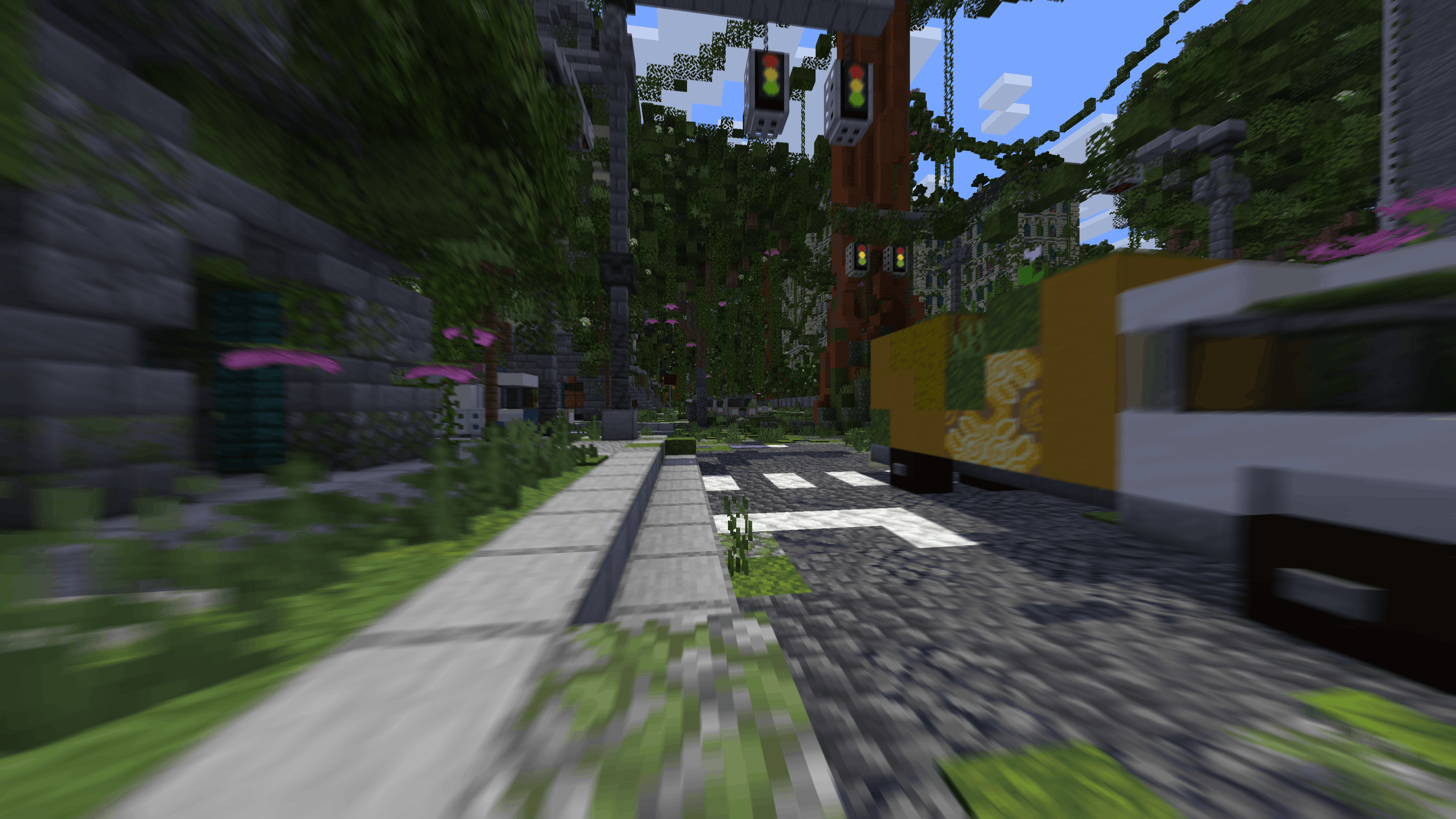
CH Motion is a simple, super lightweight motion blur pack that enhances the vanilla experience — beautiful, smooth motion blur with virtually no performance cost.

It adds satisfying screen-space motion blur as a post-processing effect while keeping everything you love about vanilla intact. Just clean, smooth blur layered on top as you move and turn.

---------------------------------------------------------------------------------------------

Features

  • Smooth camera motion blur - that satisfying FPS-game feel when you turn and move
  • Vanilla-faithful - your world looks exactly like vanilla, just with blur on top
  • Extremely lightweight - a pure post-process effect; if you can run vanilla, you can run this
  • Fully configurable - tune the blur to your taste in the shader settings

---------------------------------------------------------------------------------------------

Settings

Option Description
Motion Blur Toggles the entire effect on or off
Motion Blur Strength How strong the blur is — higher is more intense
Motion Blur Samples Smoothness of the blur — higher is smoother, slightly heavier
Motion Blur Noise Subtle dithering that keeps the blur clean and free of banding

---------------------------------------------------------------------------------------------

Compatibility

  • Made for Iris & Optifine 

Recommendations

  • Keep Motion Blur Samples near the default for the smoothest result; lower it only if you want to squeeze out extra frames
  • Crank Strength up for a punchy, cinematic feel during fast-paced play, or keep it low for a subtle touch

Enjoy! Feedback and suggestions are always welcome in the comments.

CH Motion V4.0
MC 1.5.3, 1.16.3, 1.13.1, 1.9.3, 1.8.7, 1.7.4, 1.7.7, 1.7.6, 1.16-Snapshot, 1.17.1, 1.9.1, 1.21.2-Snapshot, 1.21, 1.21.6-snapshot, 1.15-Snapshot, 1.7.5, 1.4.6, 1.6.1, 1.0, 1.16.1
Release 2026-06-24 Get
CH Motion V3.0
MC 1.5.3, 1.16.3, 1.13.1, 1.9.3, 1.8.7, 1.7.4, 1.7.7, 1.7.6, 1.16-Snapshot, 1.17.1, 1.9.1, 1.21.2-Snapshot, 1.21, 1.21.6-snapshot, 1.15-Snapshot, 1.7.5, 1.4.6, 1.6.1, 1.0, 1.16.1
Release 2025-06-21 Get
CH Motion V2.0
MC 1.7.6, 1.17.1, 1.9.1, 1.5.3, 1.16.3, 1.13.1, 1.9.3, 1.8.7, 1.7.4, 1.7.7, 1.19.3, 1.20.2, 1.21.2-Snapshot, 1.21, 1.7.5, 1.4.6, 1.6.1, 1.0, 1.16.1, 1.18.1, 1.20.5, 1.9.4, 1.9.2
Release 2024-04-18 Get
CH Motion V1.0
MC 1.7.6, 1.17.1, 1.9.1, 1.16.3, 1.13.1, 1.9.3, 1.8.7, 1.7.4, 1.7.7, 1.19.3, 1.20.2, 1.7.5, 1.16.1, 1.18.1, 1.9.4, 1.9.2, 1.8.4, 1.7.9, 1.14.4, 1.14.1, 1.12.1, 1.17, 1.12
Release 2024-04-01 Get

Requirements & install

How to use this shader in Minecraft
Shader loader
Iris or OptiFine
Minecraft
1.17.1 – 1.21.6-snapshot
Install folder
.minecraft/shaderpacks

How to install shaders

  1. Install a shader loader for your Minecraft version: Iris (with Sodium) or OptiFine.
  2. Download the shader pack .zip file (do not extract it).
  3. Put the .zip into the shaderpacks folder (.minecraft/shaderpacks).
  4. In game open Options → Video Settings → Shader Packs, select the pack and apply it.
Browse more: Iris shaders OptiFine shaders Shaders for 1.21.6-snapshot All shaders
Advertisement Remove ads with Premium →

You Might Also Like