Mineuniverse
Shaders
BVS - Best Shader

BVS - Best Shader

SHADER
Very Simple and Best shader for You!
by LoLip_p
Download Claim this project
174,210 downloads
0 likes
Updated Oct 14, 2026
0 hypes
Vanilla
Advertisement Remove ads with Premium →

ABOUT:

Hi, I'm LoLip_p! I created this shader by saving vanilla Minecraft. I also tried to make flexible settings so that you can disable or enable the available functions to your liking. Support the author on Boosty.
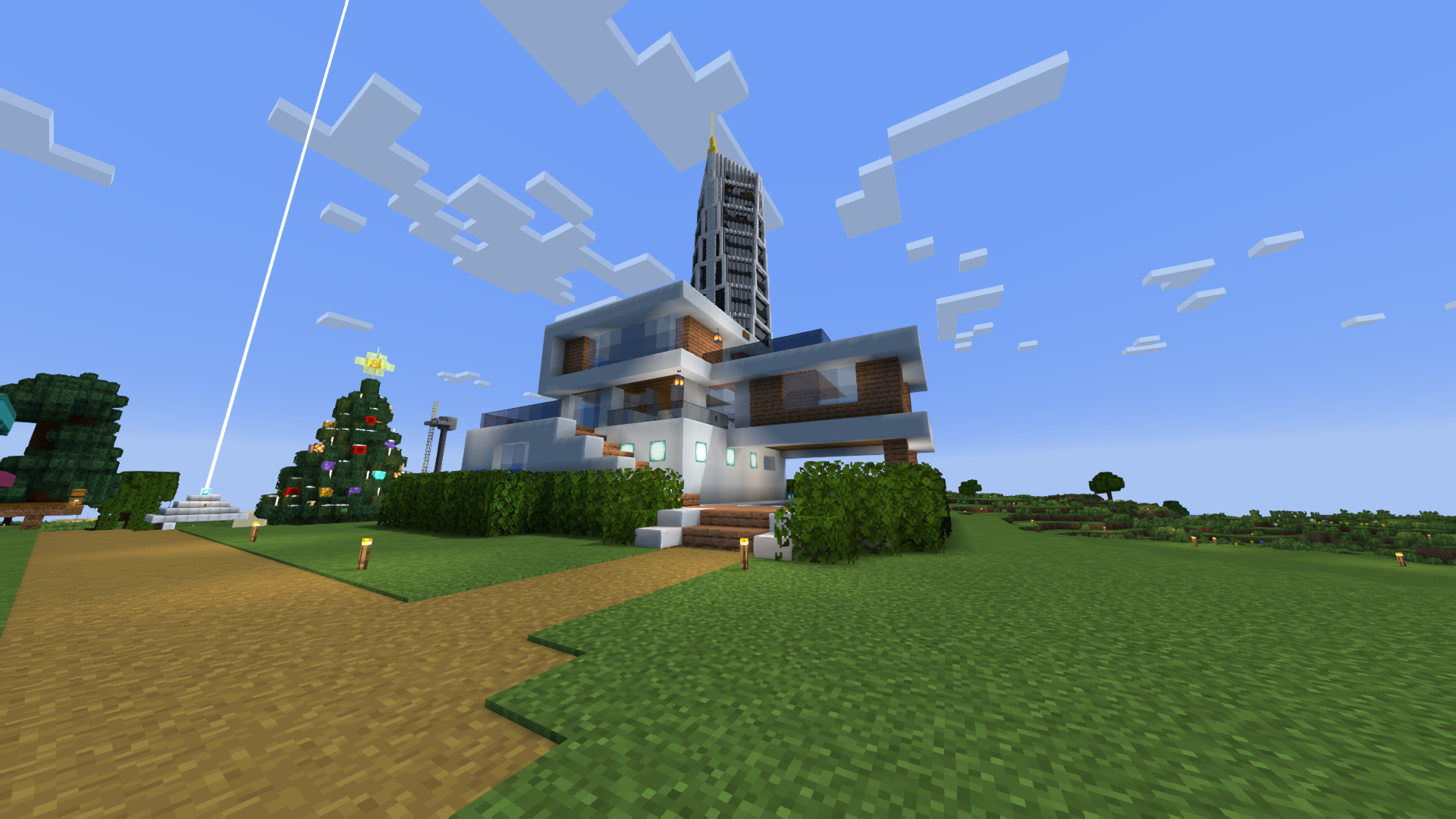

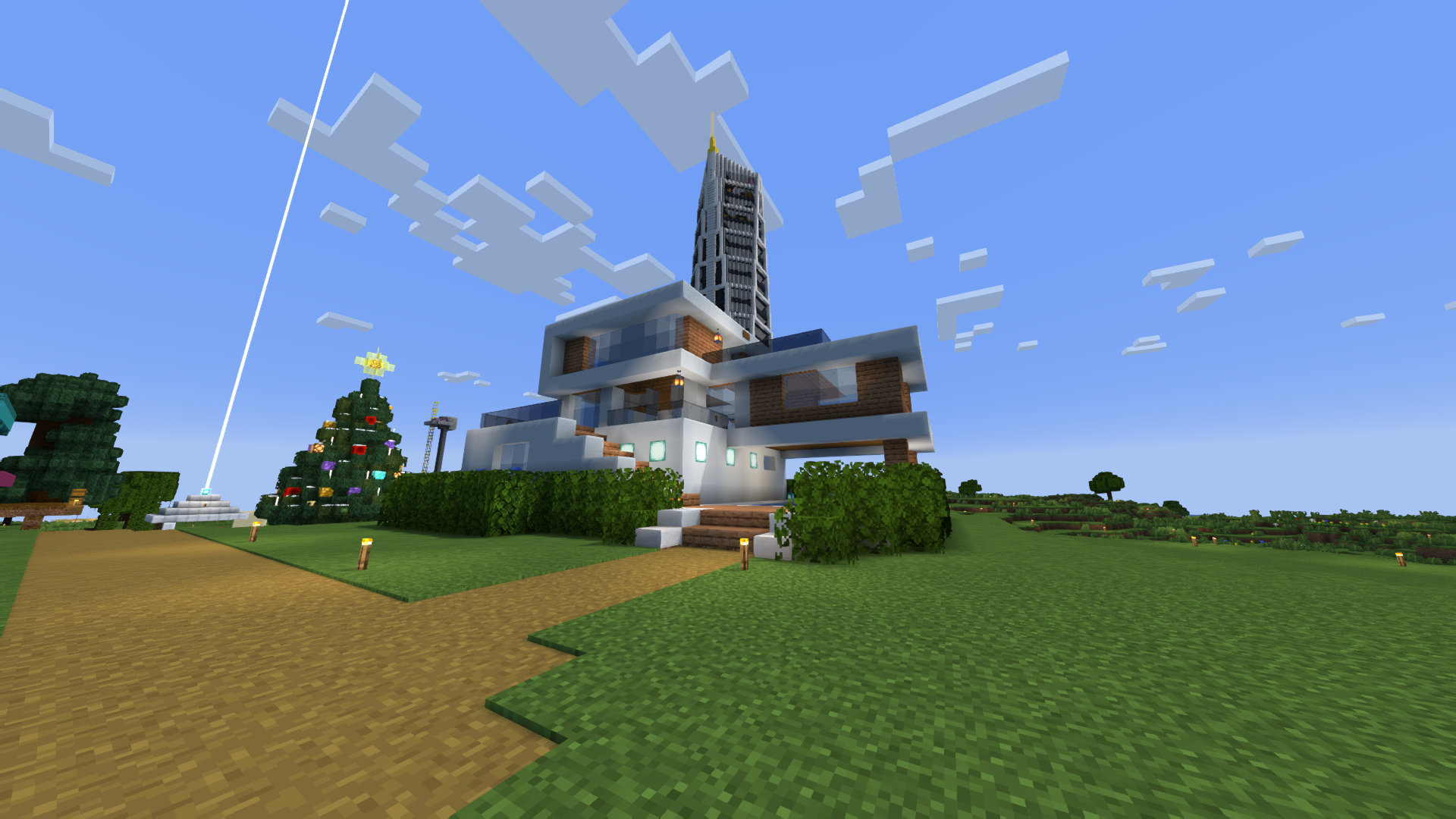
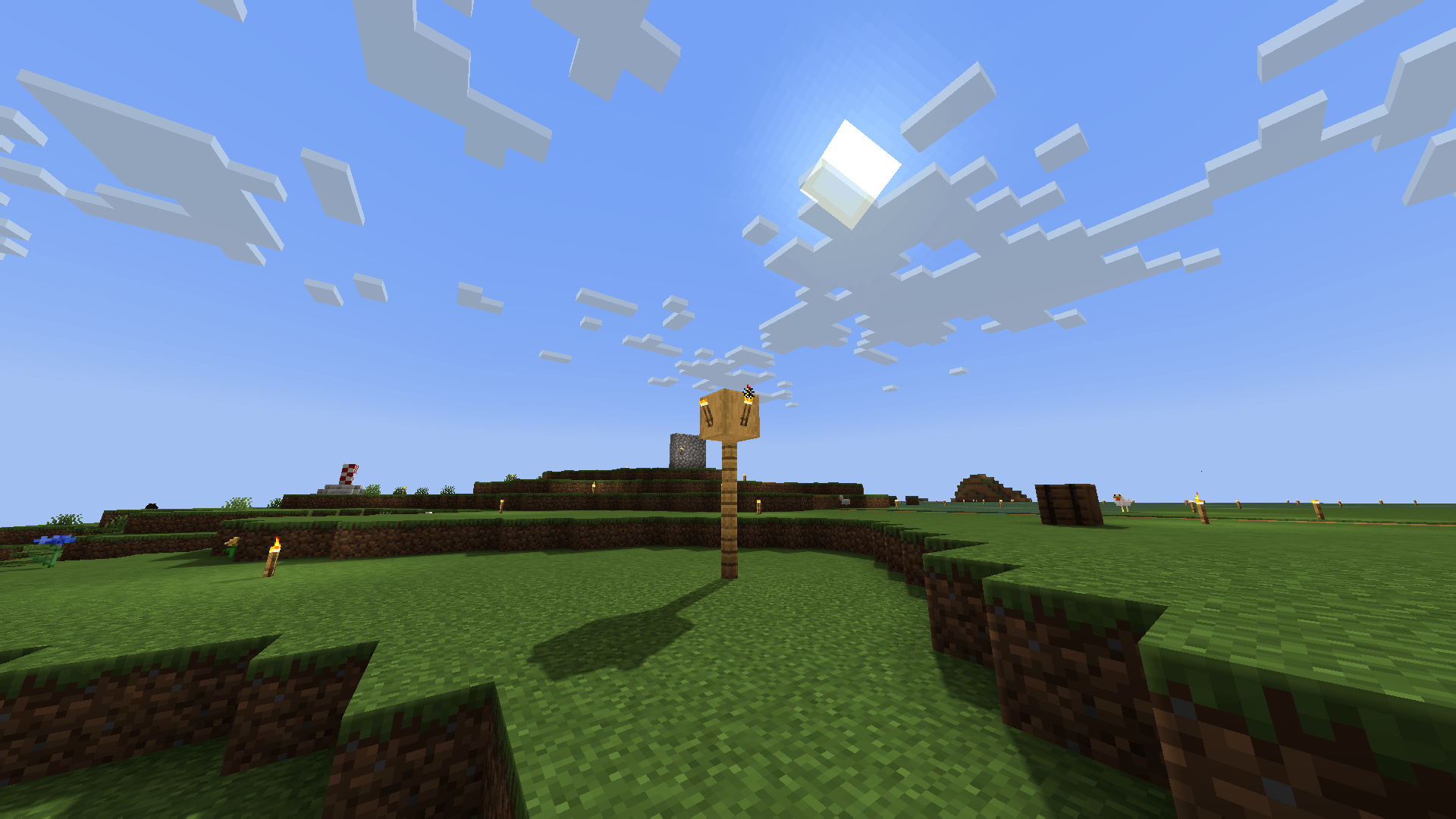
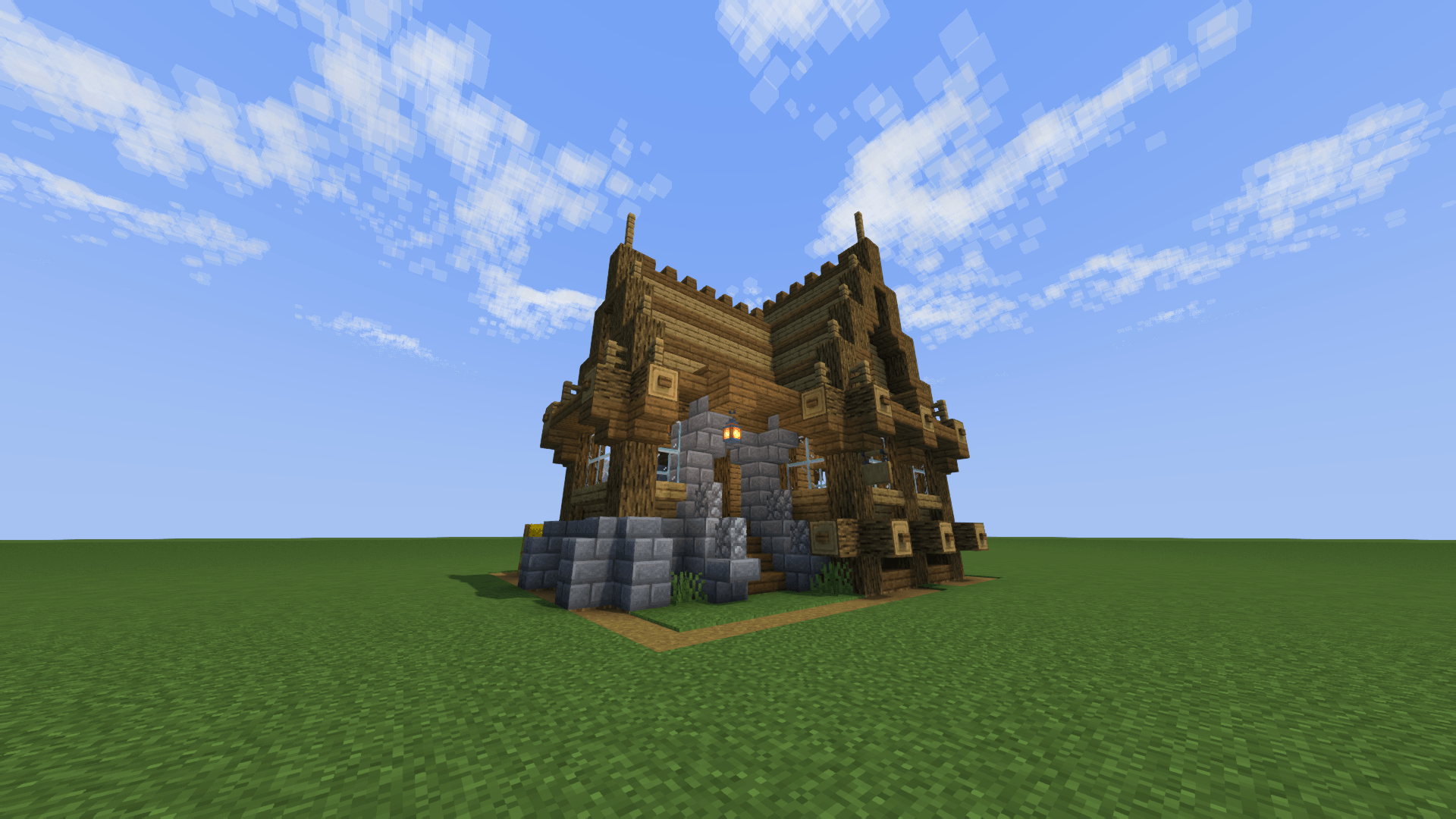
SCREENSHOT:

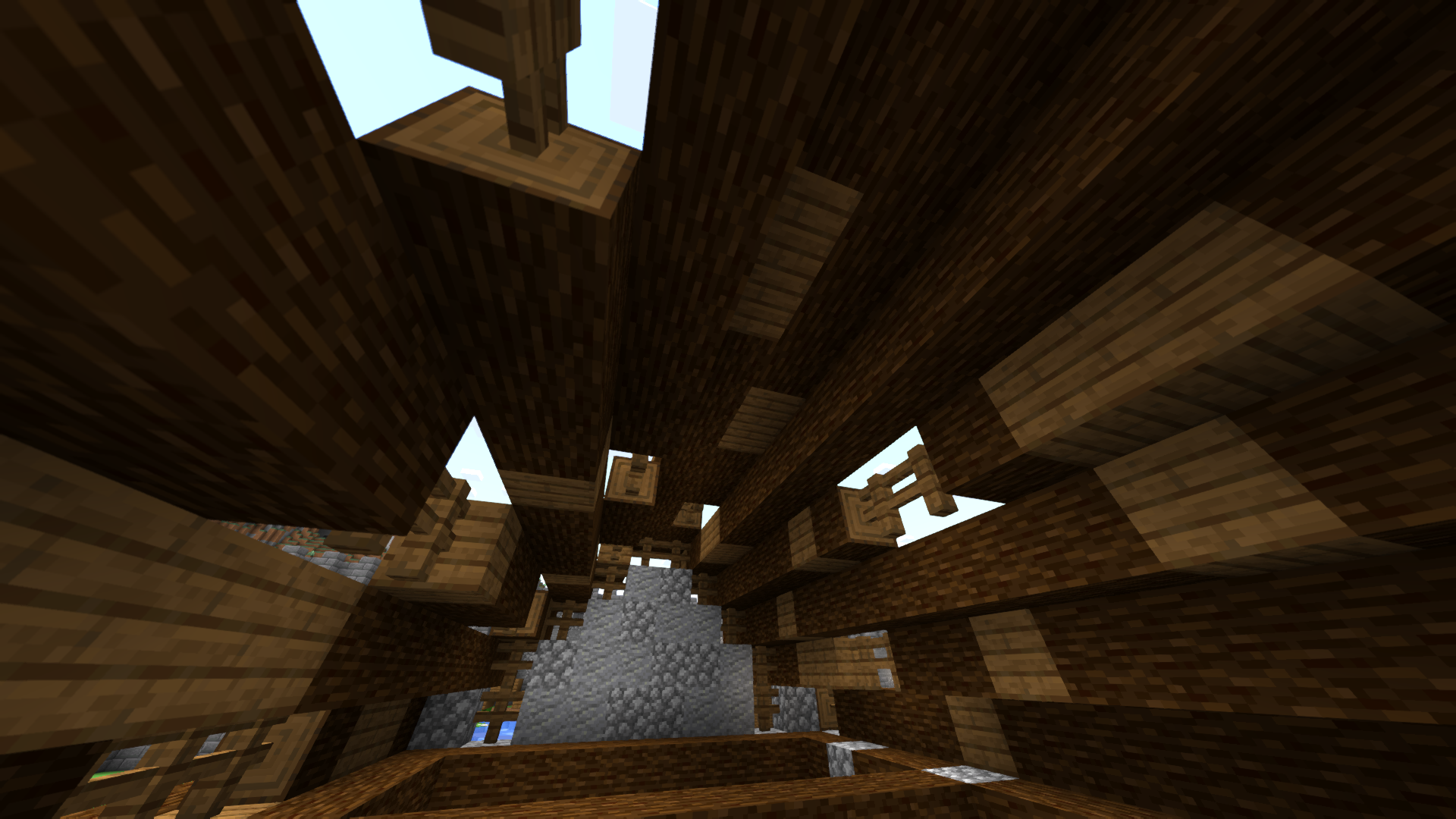
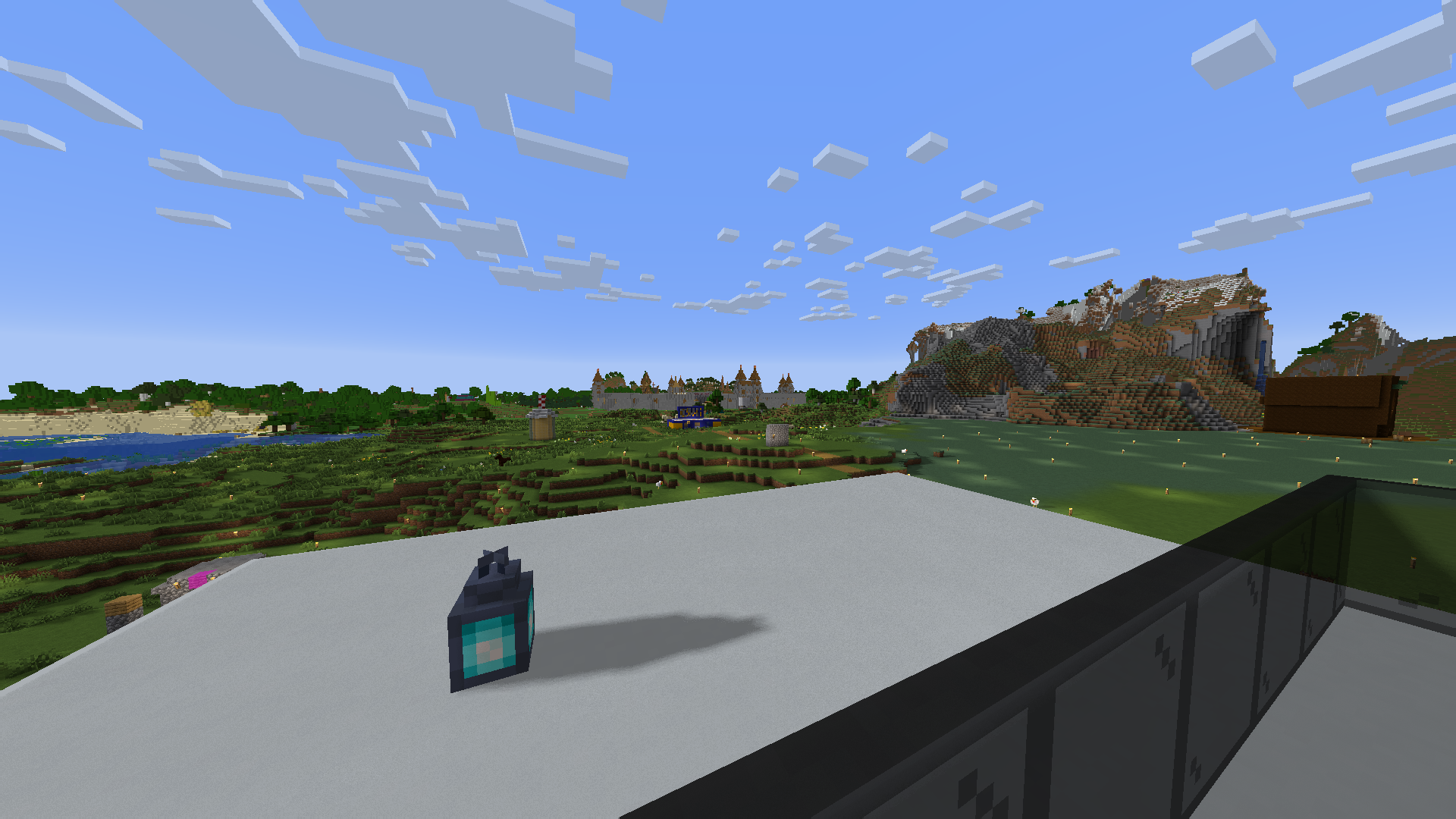
Screenshot

THE SHADER HAS:

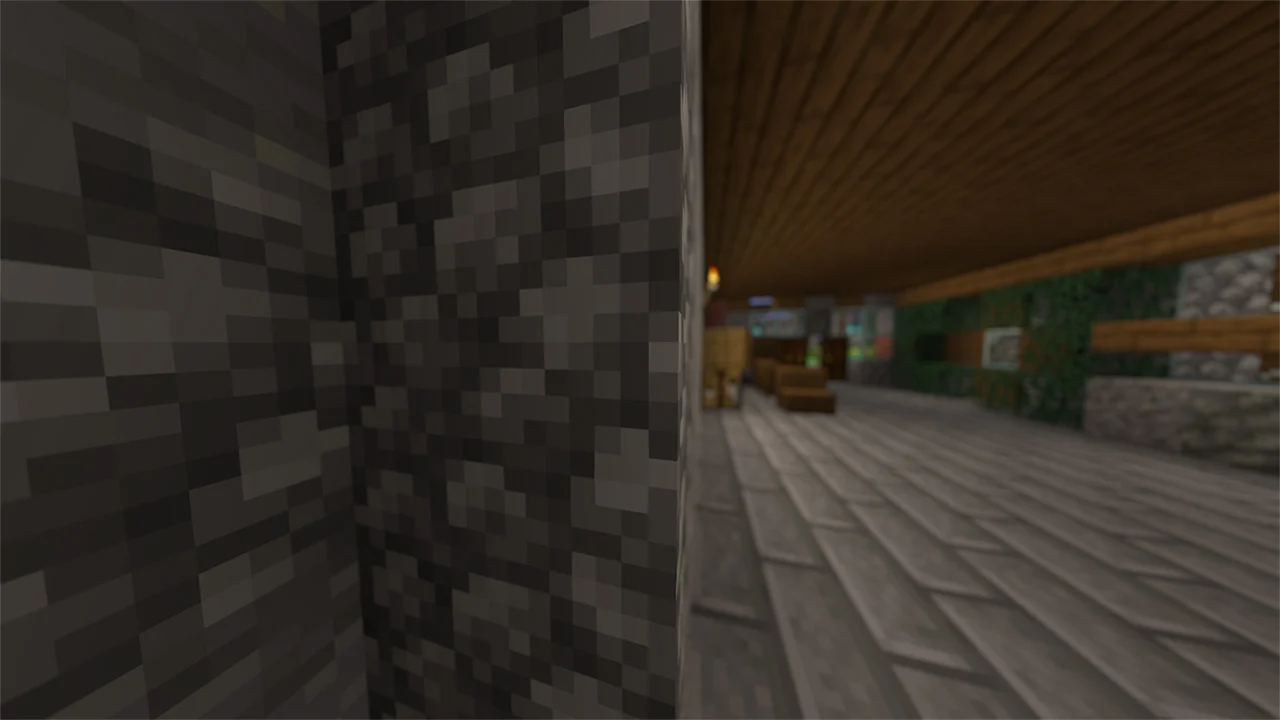
  • Support Better Clouds
  • Support Distant Horizons
  • Depth of Field
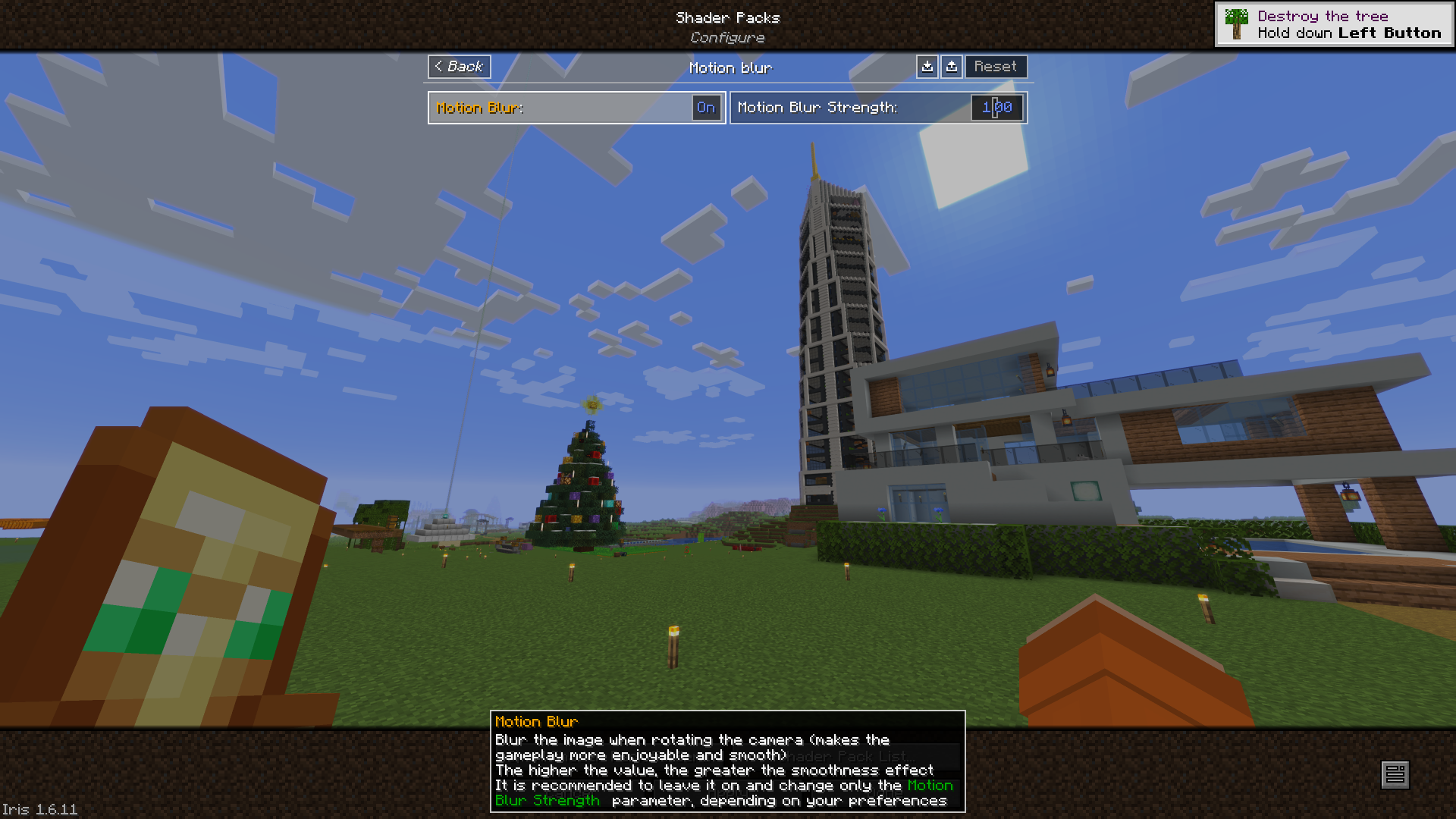
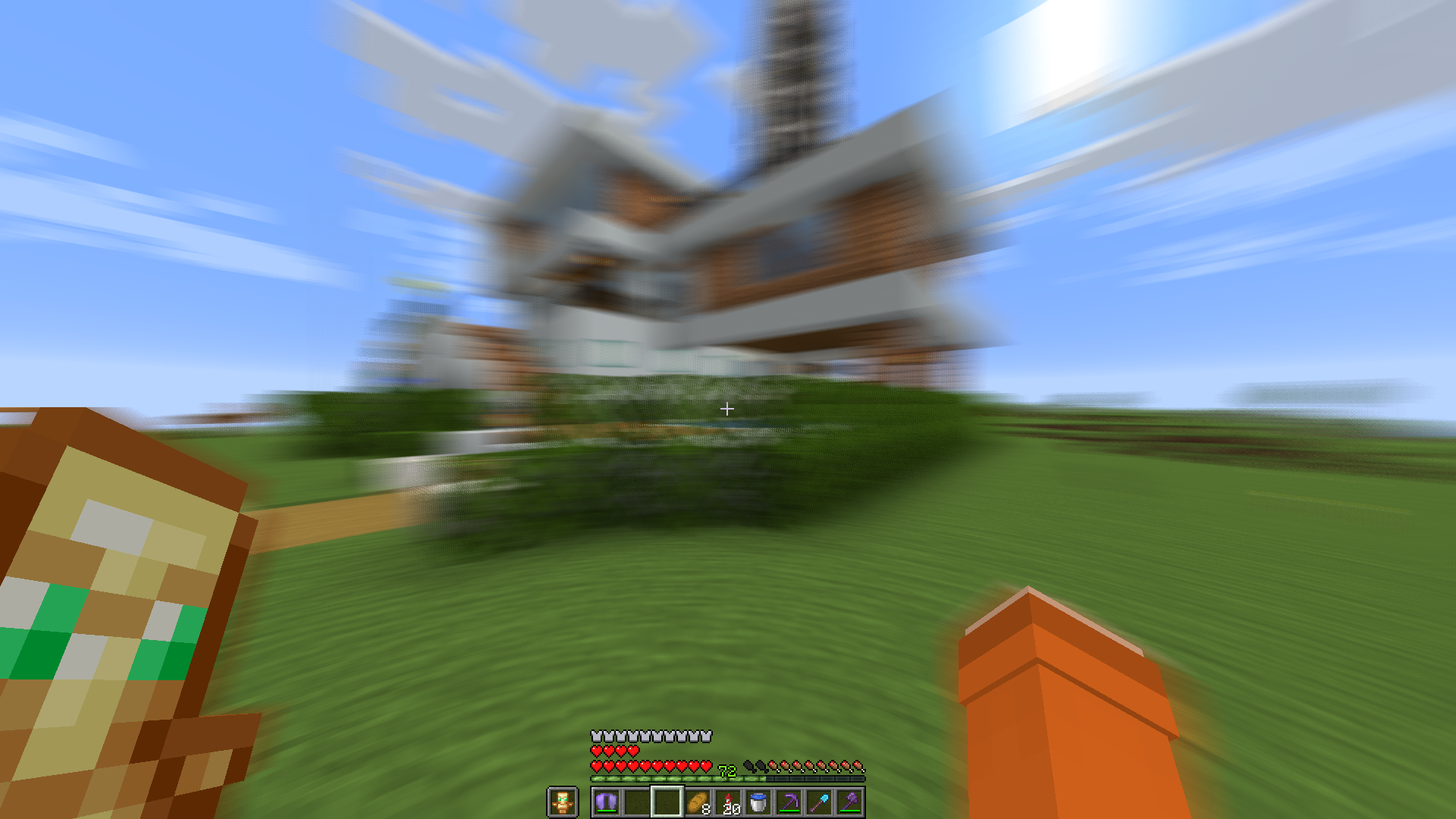
  • Motion Blur
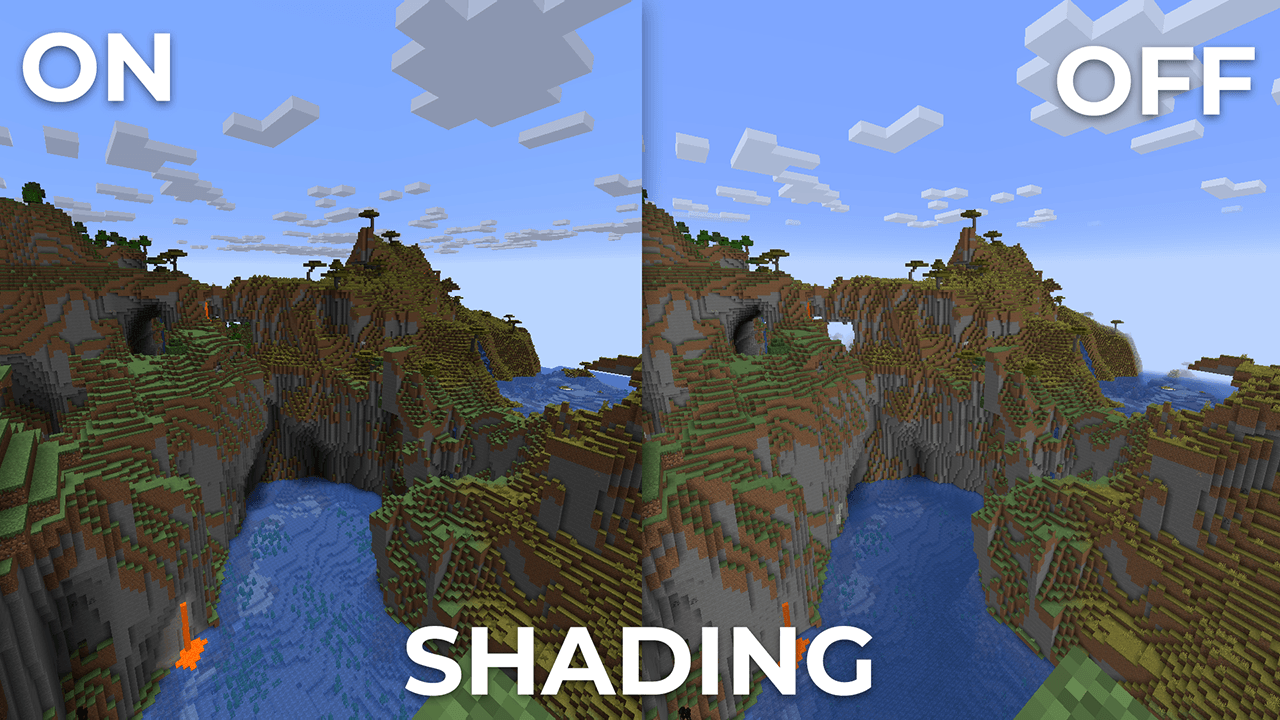
  • Shading (Shading the edges that do not fall under the sun's rays)
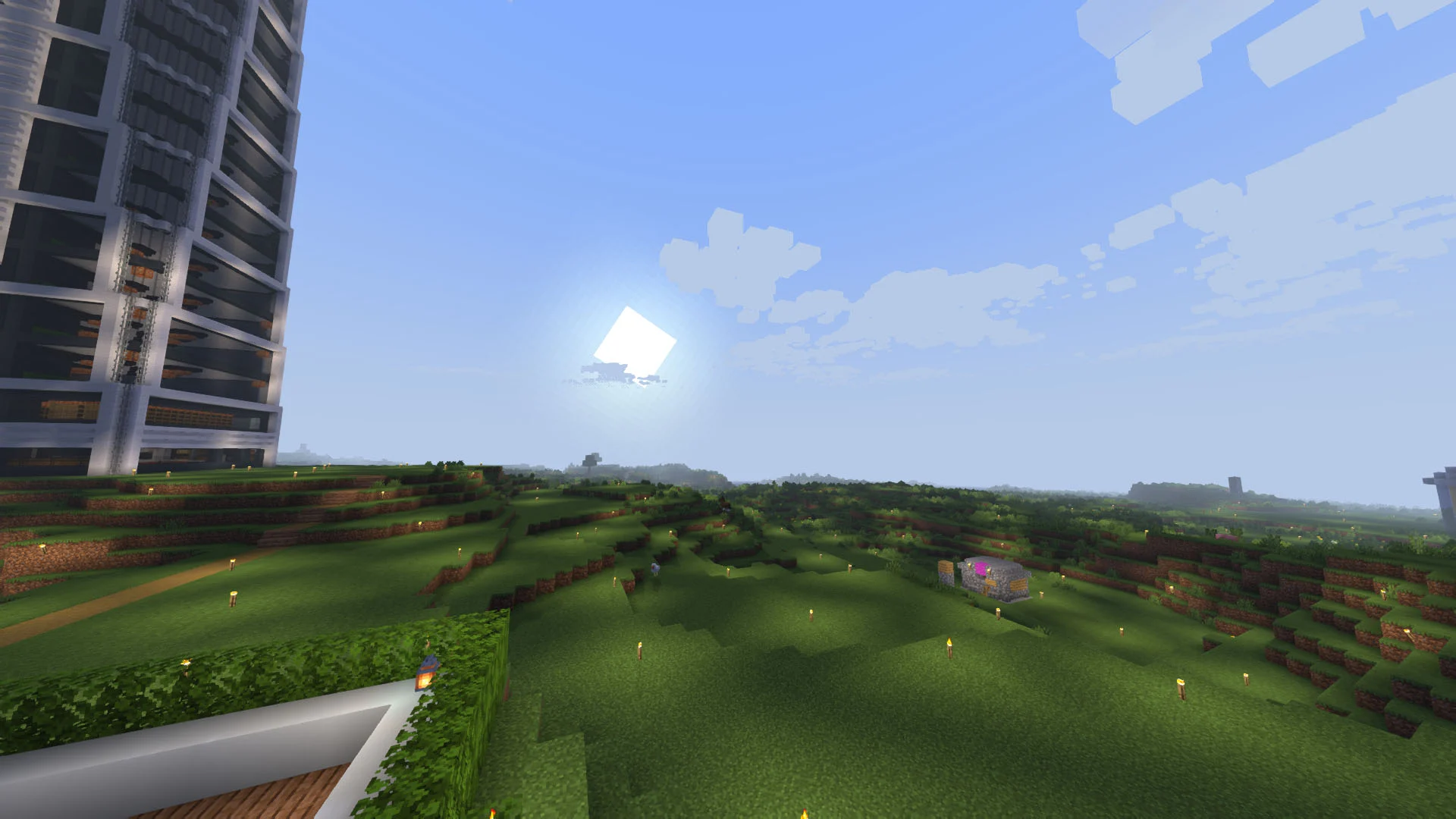
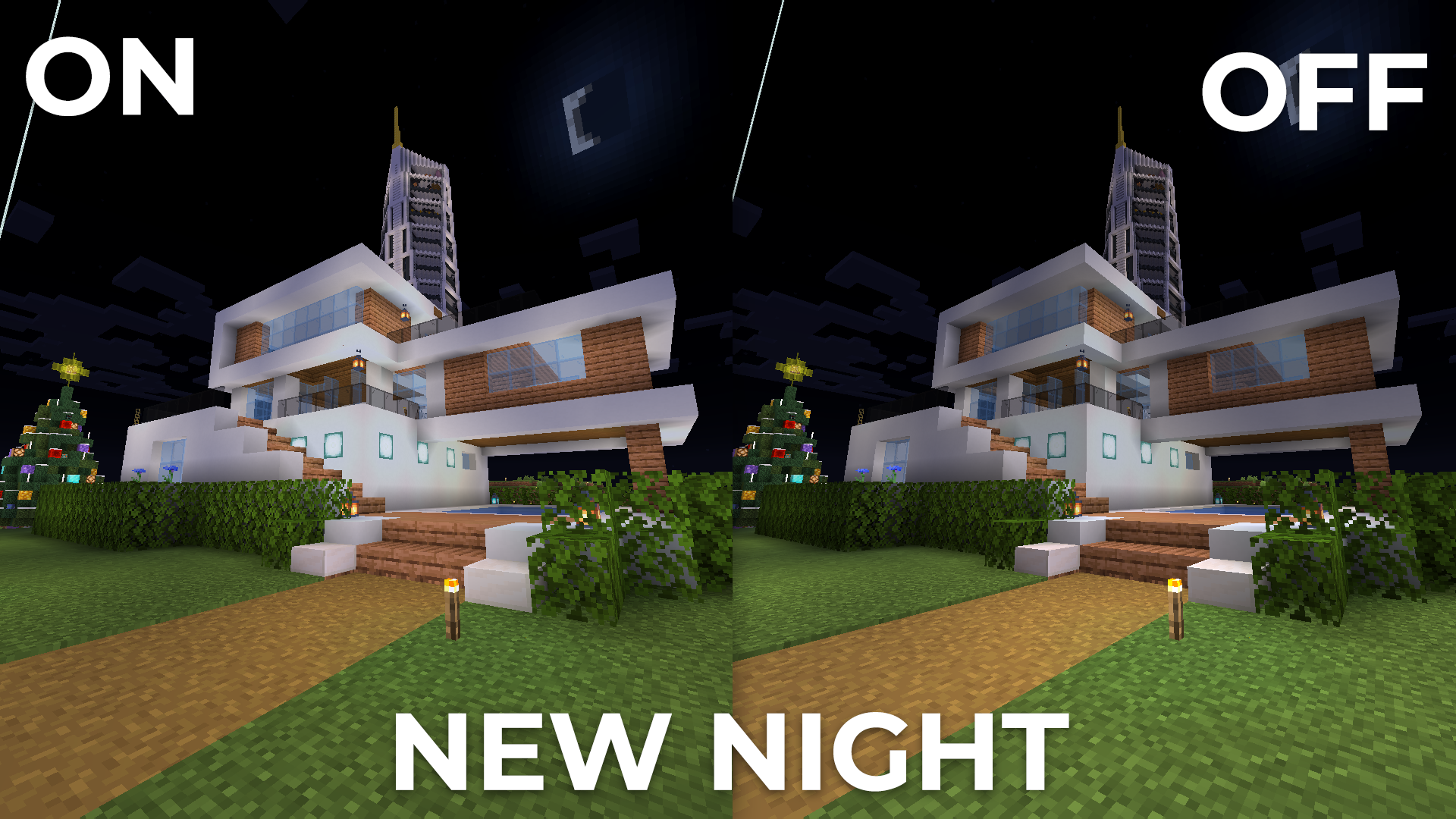
  • Shadows
  • Auto Exposure
  • Color Correction
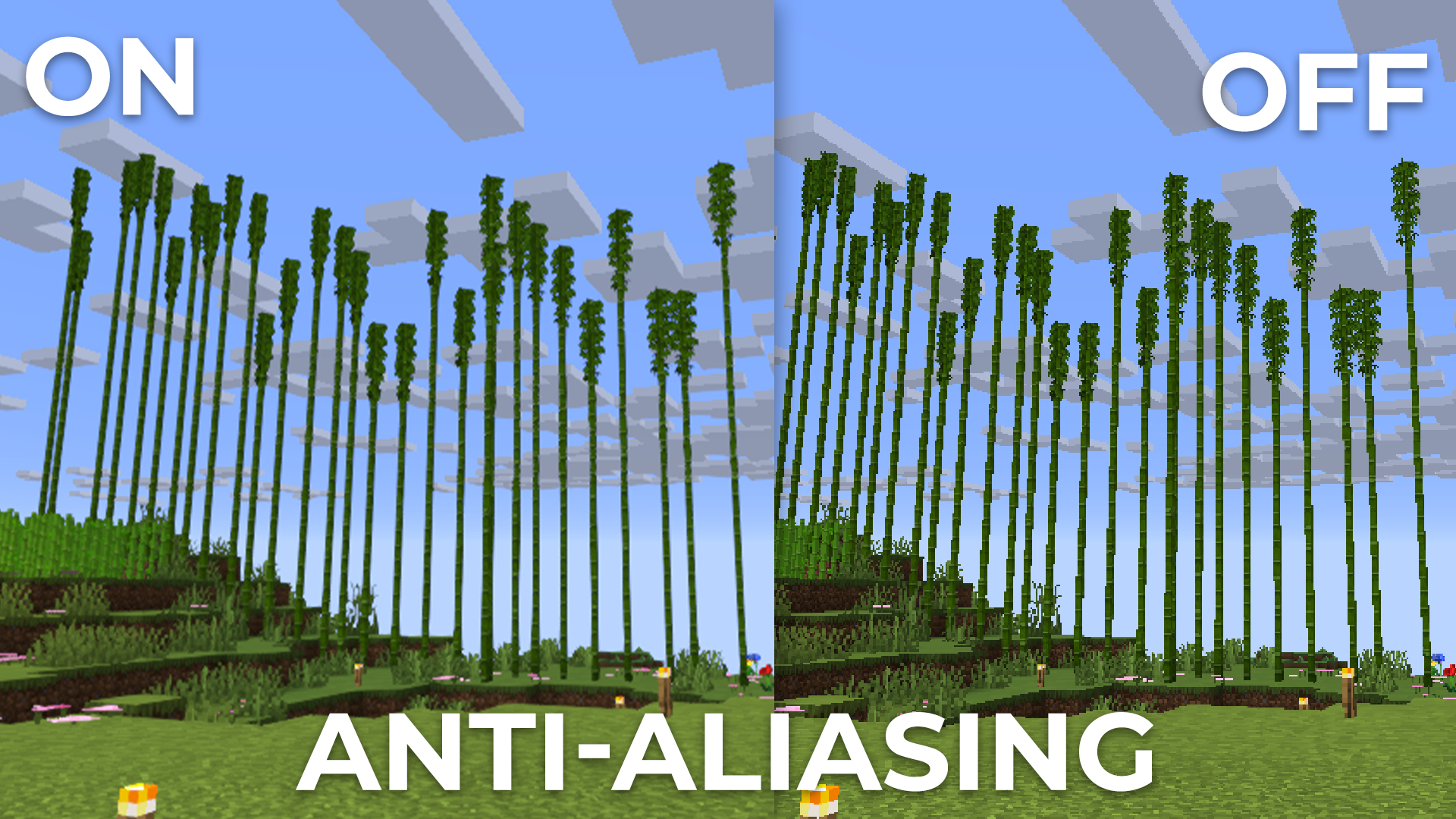
  • FXAA (anti-aliasing)
  • Support 7 language: EN RU UK FR DE CH BR

LINKS:

INSTALL THE SHADERS

  • Download Client Which Supports Installing Shaders Such As Optifine And Iris
  • Download The Shaders
  • Copy Shaders to /.minecraft/shaderpacks
  • Launch Minecraft, Go To Options --> Video Settings --> Shaders
  • Choose BVS - Best Vanilla Shader

DEMO VIDEO

Embed Removed: https://www.youtube-nocookie.com/embed/UAIwYx0-TtY
Fog Fixed
MC 1.16.3, 1.13.1, 1.9.3, 1.16-Snapshot, 1.17.1, 1.9.1, 1.21.2-Snapshot, 1.21, 1.21.6-snapshot, 1.15-Snapshot, 1.16.1, 1.18.1, 1.20.2-Snapshot, 1.20.5-Snapshot, 1.14.3, 1.15, 1.16
Release 2026-08-24 Get

Requirements & install

How to use this shader in Minecraft
Shader loader
Iris or OptiFine
Minecraft
1.16.3 – 1.21.6-snapshot
Install folder
.minecraft/shaderpacks

How to install shaders

  1. Install a shader loader for your Minecraft version: Iris (with Sodium) or OptiFine.
  2. Download the shader pack .zip file (do not extract it).
  3. Put the .zip into the shaderpacks folder (.minecraft/shaderpacks).
  4. In game open Options → Video Settings → Shader Packs, select the pack and apply it.
Browse more: Iris shaders OptiFine shaders Shaders for 1.21.6-snapshot All shaders

More from LoLip_p

Advertisement Remove ads with Premium →

You Might Also Like