Mineuniverse
Shaders
Basic Lighting

Basic Lighting

SHADER
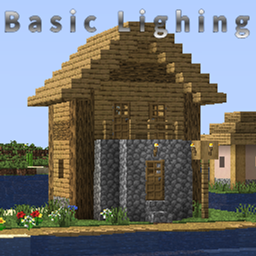
My first shader for visual improvement! It's very simple.
by Numpy_0
Download Claim this project
9,706 downloads
0 likes
Updated Oct 14, 2026
0 hypes
Realistic Vanilla
Advertisement Remove ads with Premium →

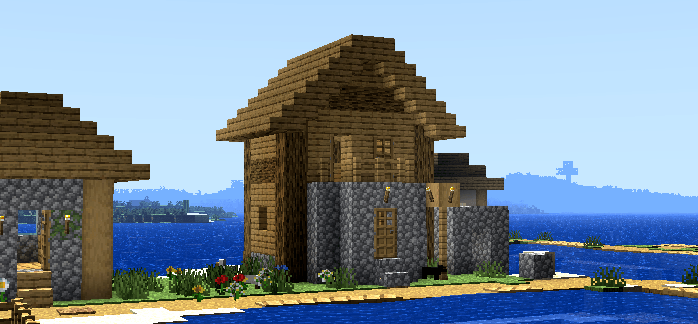
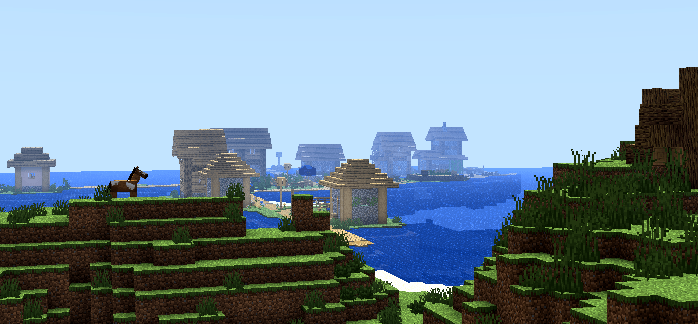
This is my first shader that makes lighting more realistic without significantly altering the game. Unfortunately, you can't change the settings yet. The goal is to provide something good but simple. I made this on my phone, and I'm not sure if it's compatible with older versions of Minecraft. Please report any bugs/incompatibilities in the comments. 


Features:

Face Lighting: Block faces turned towards the sun receive extra light, while faces not turned towards the sun remain dark. 

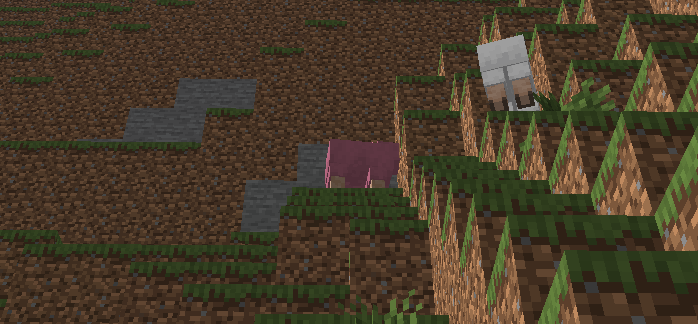
Face Lighting is present everywhere: Not only Blocks, Entities, and Clouds have this same Face Lighting system. 

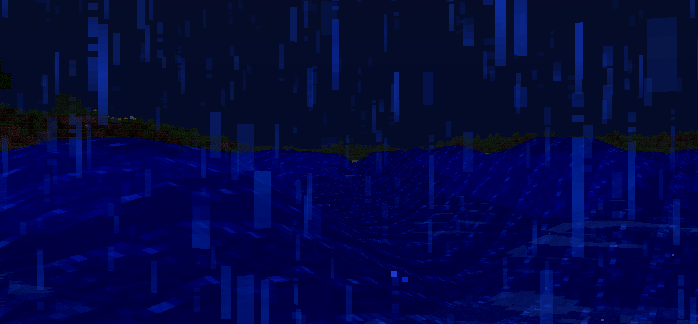
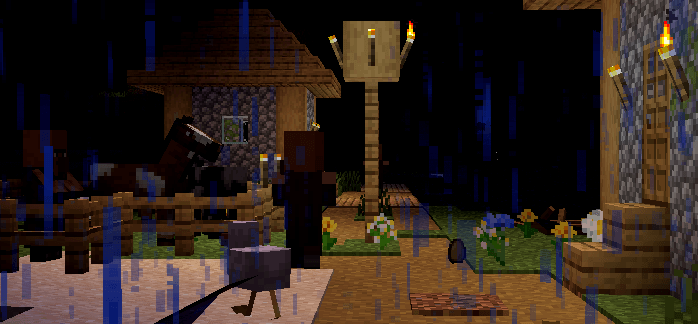
Dark night: Nighttime lighting can become 50% dark. 

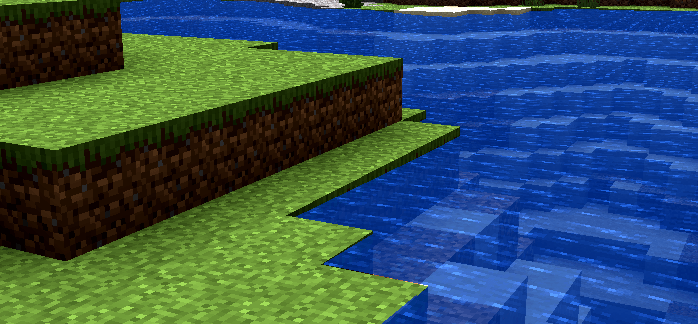
Deformation in the water: The waters now have small ripples! 

 

Avaliabe on Modrinth !!

https://modrinth.com/shader/basic-lighting

Basic Lighing fl2w2e2c2s2 x2.zip
MC 1.17.1, 1.21, 1.18.1, 1.15, 1.16, 1.13, 1.16.5, 1.19.3, 1.20.2, 1.19.4, 1.21.8, 1.14.4, 1.14.1, 1.17, 1.12, 1.20.5, 1.21.5, 1.18, 1.21.4, 1.20.1, 1.20, OptiFine, 1.20.6
Release 2026-07-20 Get

Requirements & install

How to use this shader in Minecraft
Shader loader
OptiFine
Minecraft
1.20.1 – 1.21.8
Install folder
.minecraft/shaderpacks

Install with OptiFine

  1. Install OptiFine for your Minecraft version (optifine.net) and start it once.
  2. Download the shader pack .zip (do not extract it).
  3. Put the .zip into .minecraft/shaderpacks.
  4. In game open Options → Video Settings → Shaders and select the pack.
Browse more: Iris shaders OptiFine shaders Shaders for 1.21.8 All shaders

More from Numpy_0

Advertisement Remove ads with Premium →

You Might Also Like