Mineuniverse
Shaders
Aurora

Aurora

SHADER
A shader with ultra-sharp shadows.
by xsoras
Download Claim this project
111,737 downloads
0 likes
Updated Oct 14, 2026
0 hypes
Realistic Vanilla
Advertisement Remove ads with Premium →

image

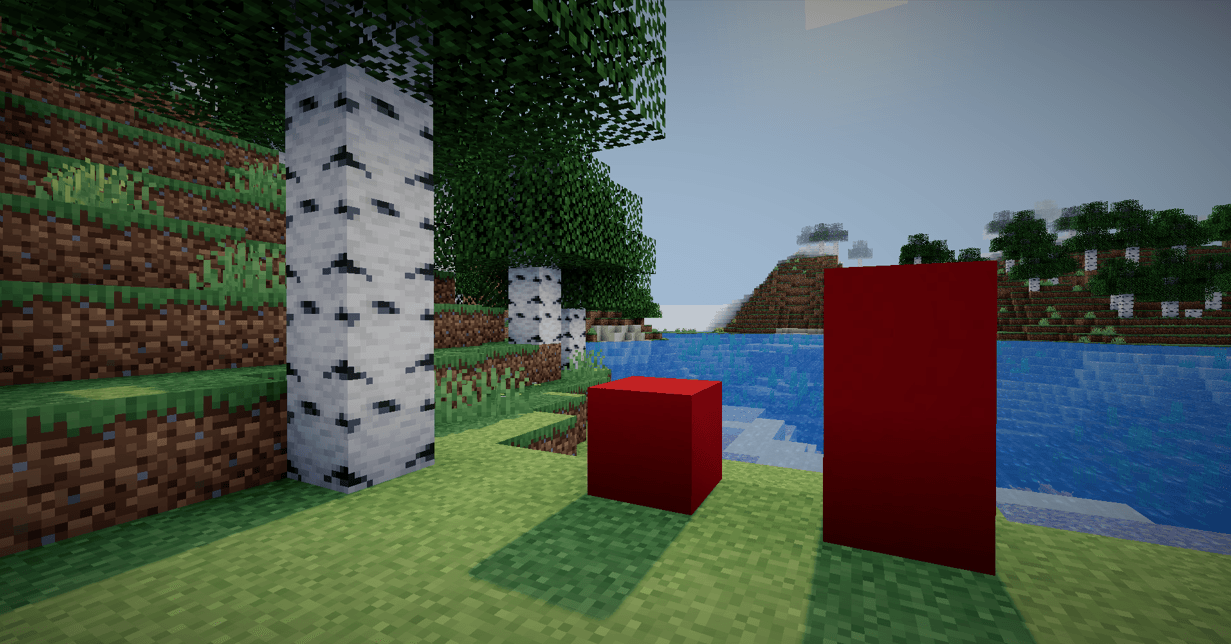
Aurora is a high-performance shader built with one clear purpose:
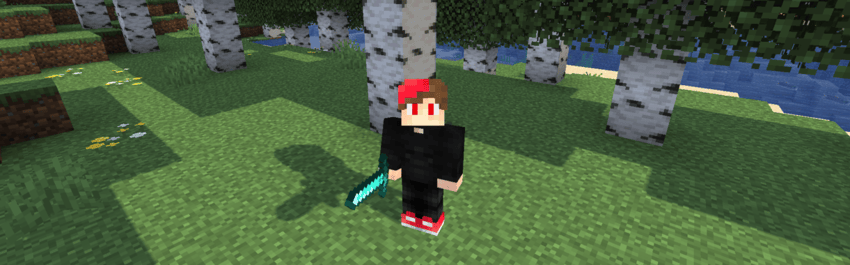
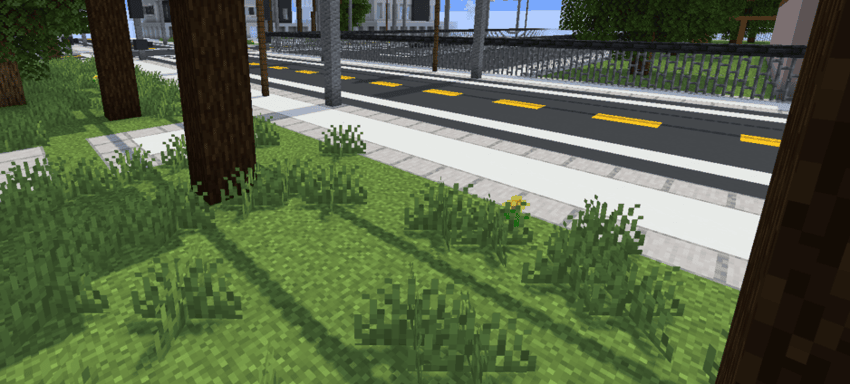
to deliver ultra-sharp, high-resolution shadows that enhance depth, clarity, and visual impact.


Overview

Aurora focuses exclusively on shadow quality.
No unnecessary effects. No visual clutter.
Just clean, crisp, and highly detailed shadow rendering.

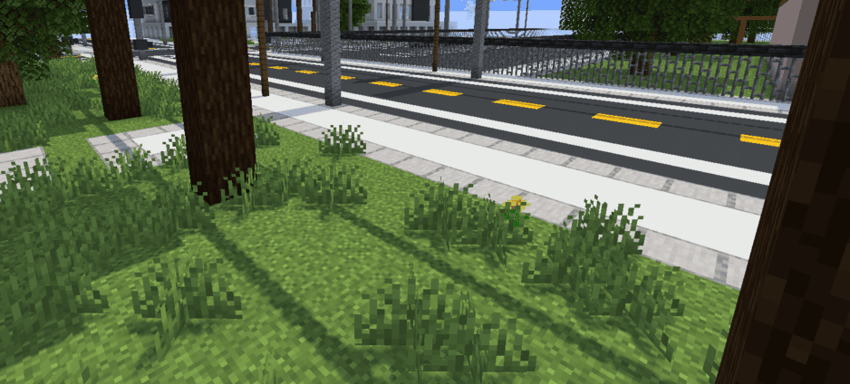
By prioritizing precision and stability, Aurora enhances lighting definition while preserving performance balance.
image


image


🔦 Features

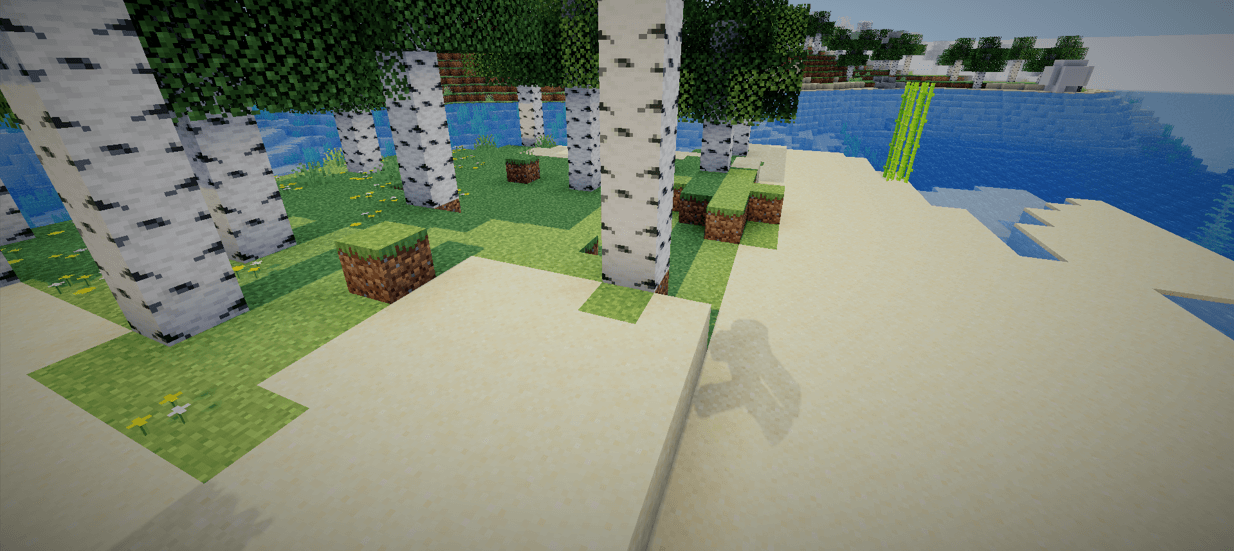
  • 🖤 High-resolution shadow maps
  • ✨ Sharp and defined shadow edges
  • 🎯 Improved depth perception
  • ⚡ Optimized for smooth performance
  • 🧩 Minimalist design philosophy

🎨 Design Philosophy

Aurora is built around simplicity and focus.

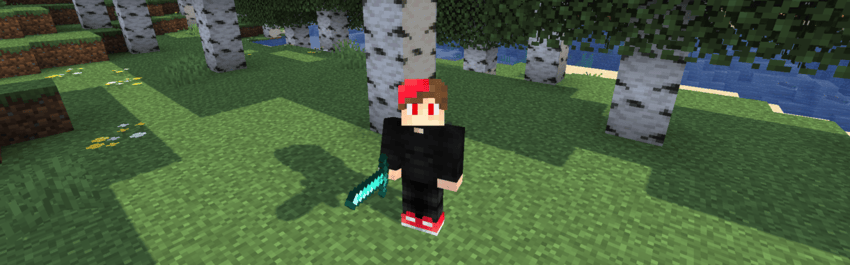
Instead of stacking multiple post-processing effects, it refines a single visual pillar — shadows — and perfects it. The result is a cleaner, more immersive atmosphere with stronger light contrast and environmental depth.


🚀 Performance

Aurora is lightweight and efficient, designed to:

  • Reduce visual noise
  • Maintain stable frame rates
  • Deliver consistent shadow clarity across scenes

🌠 Why Aurora?

Because shadows define form.
Because contrast creates depth.
Because clarity matters.

Aurora doesn’t try to change everything —
it perfects what matters most.

Aurora 0.4
MC 1.16.3, 1.13.1, 1.16-Snapshot, 1.17.1, 1.21.2-Snapshot, 1.21, 1.21.6-snapshot, 1.15-Snapshot, 1.16.1, 1.18.1, 1.20.2-Snapshot, 1.20.5-Snapshot, 1.14.3, 1.15, 1.16, 1.13
Release 2026-08-11 Get
Aurora 0.3
MC 1.16.3, 1.13.1, 1.16-Snapshot, 1.17.1, 1.21.2-Snapshot, 1.21, 1.21.6-snapshot, 1.15-Snapshot, 1.16.1, 1.18.1, 1.20.2-Snapshot, 1.20.5-Snapshot, 1.14.3, 1.15, 1.16, 1.13
Release 2026-02-21 Get

Requirements & install

How to use this shader in Minecraft
Shader loader
Iris or OptiFine
Minecraft
1.16.3 – 1.21.6-snapshot
Install folder
.minecraft/shaderpacks

How to install shaders

  1. Install a shader loader for your Minecraft version: Iris (with Sodium) or OptiFine.
  2. Download the shader pack .zip file (do not extract it).
  3. Put the .zip into the shaderpacks folder (.minecraft/shaderpacks).
  4. In game open Options → Video Settings → Shader Packs, select the pack and apply it.
Browse more: Iris shaders OptiFine shaders Shaders for 1.21.6-snapshot All shaders

More from xsoras

Advertisement Remove ads with Premium →

You Might Also Like