Mineuniverse
Shaders
AnalogCraft

AnalogCraft

SHADER
Adds Beautiful Filters. Transform Minecraft into a playable retro fever dream. Analog features 10 fully authentic camera and screen filters including VHS, Bodycam, Game Boy, and 35mm Film.
by Saransh
Download Claim this project
3,182 downloads
0 likes
Updated Oct 14, 2026
0 hypes
Fantasy Realistic Vanilla
Advertisement Remove ads with Premium →

📼 AnalogCraft

A stylized post-processing shader pack for Iris, OptiFine, and Oculus that adds 10 distinct retro camera, monitor, and screen filters to Minecraft with near-zero performance cost.

Ideal for horror maps, found-footage videos, themed modpacks, or changing up standard visuals without sacrificing FPS.


📸 Filter Showcase

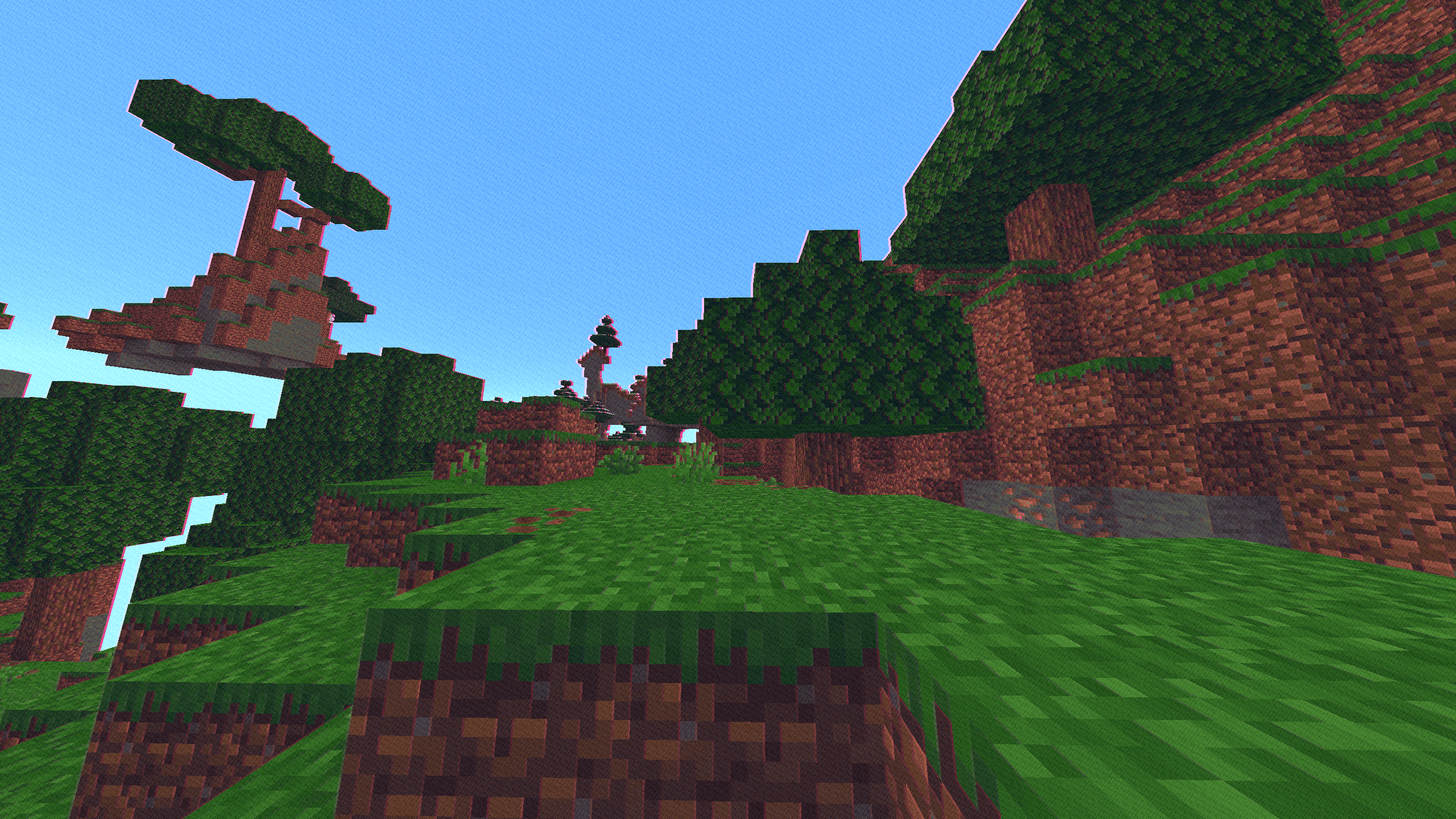
Preset Screenshot Preview
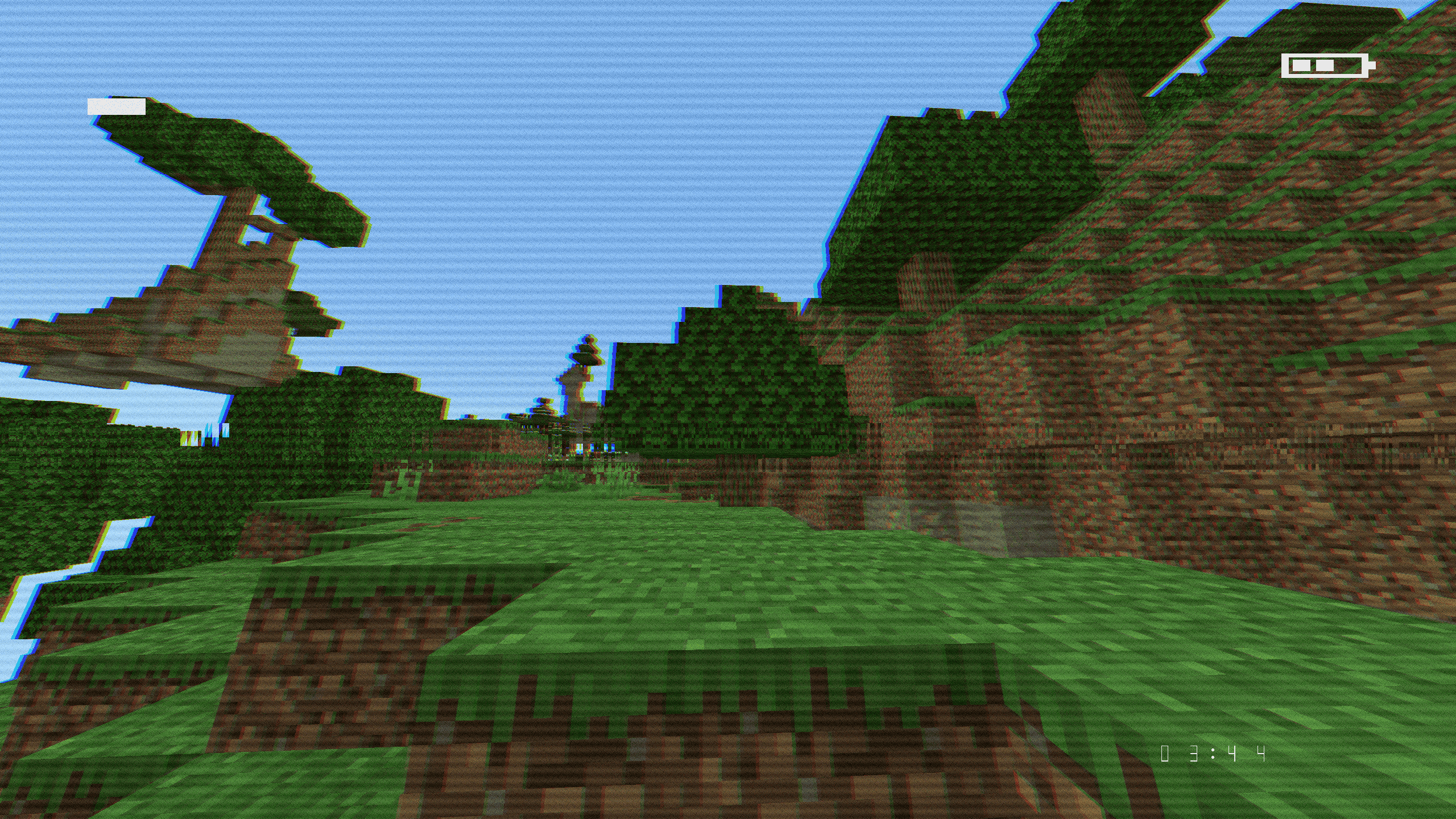
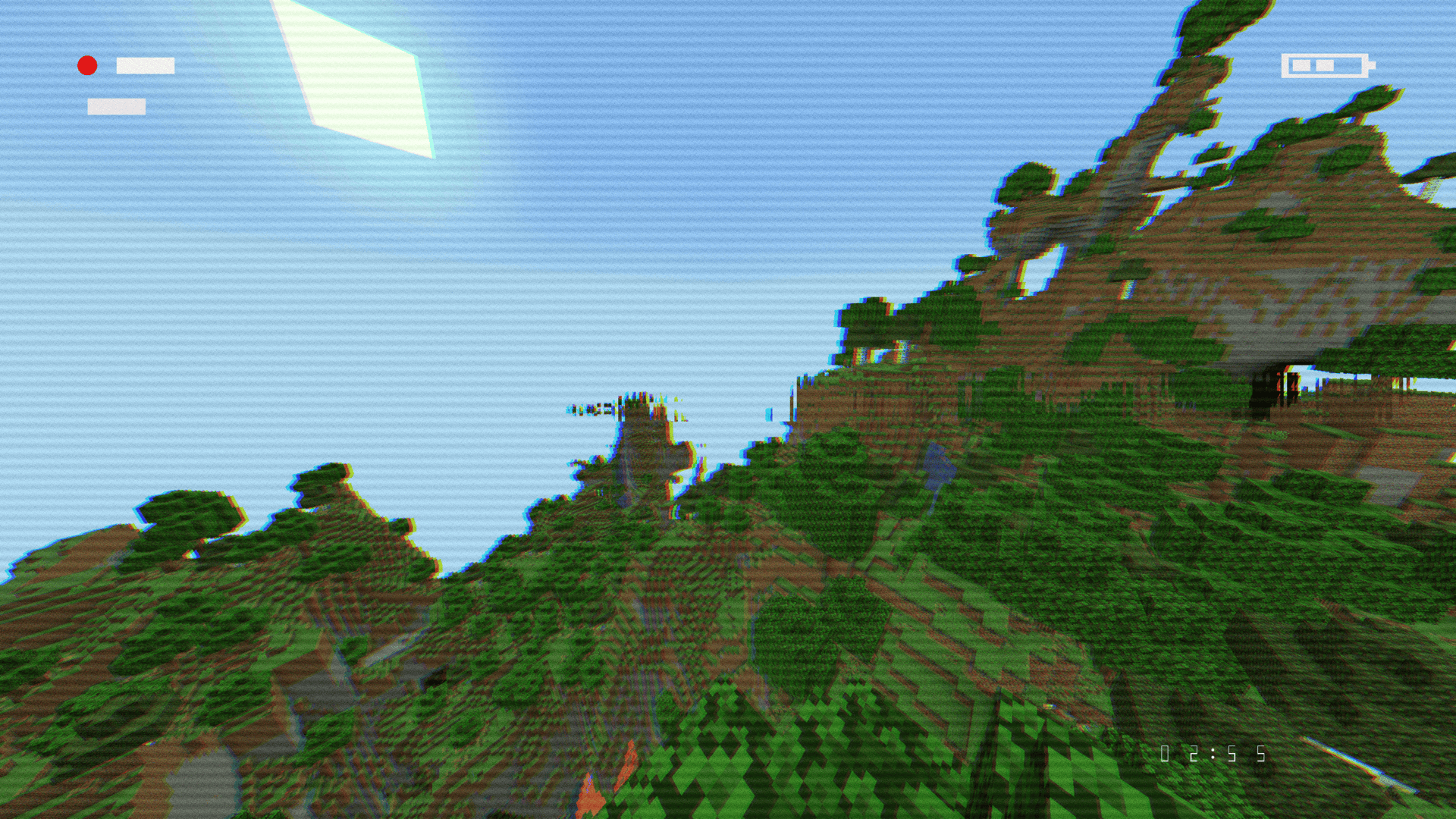
VHS Camcorder VHS Preview
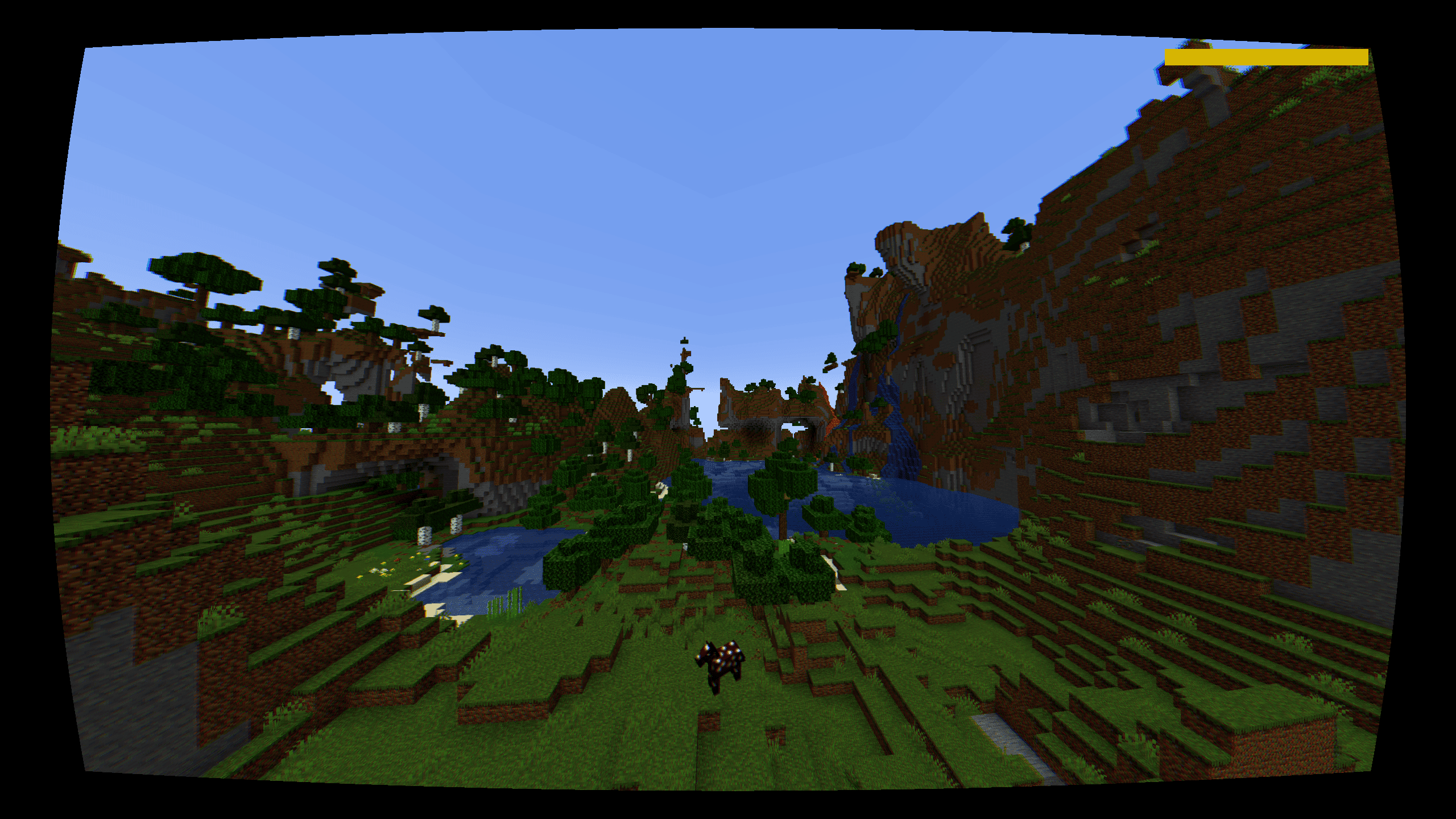
Police Bodycam Bodycam Preview
CCTV Surveillance CCTV Preview
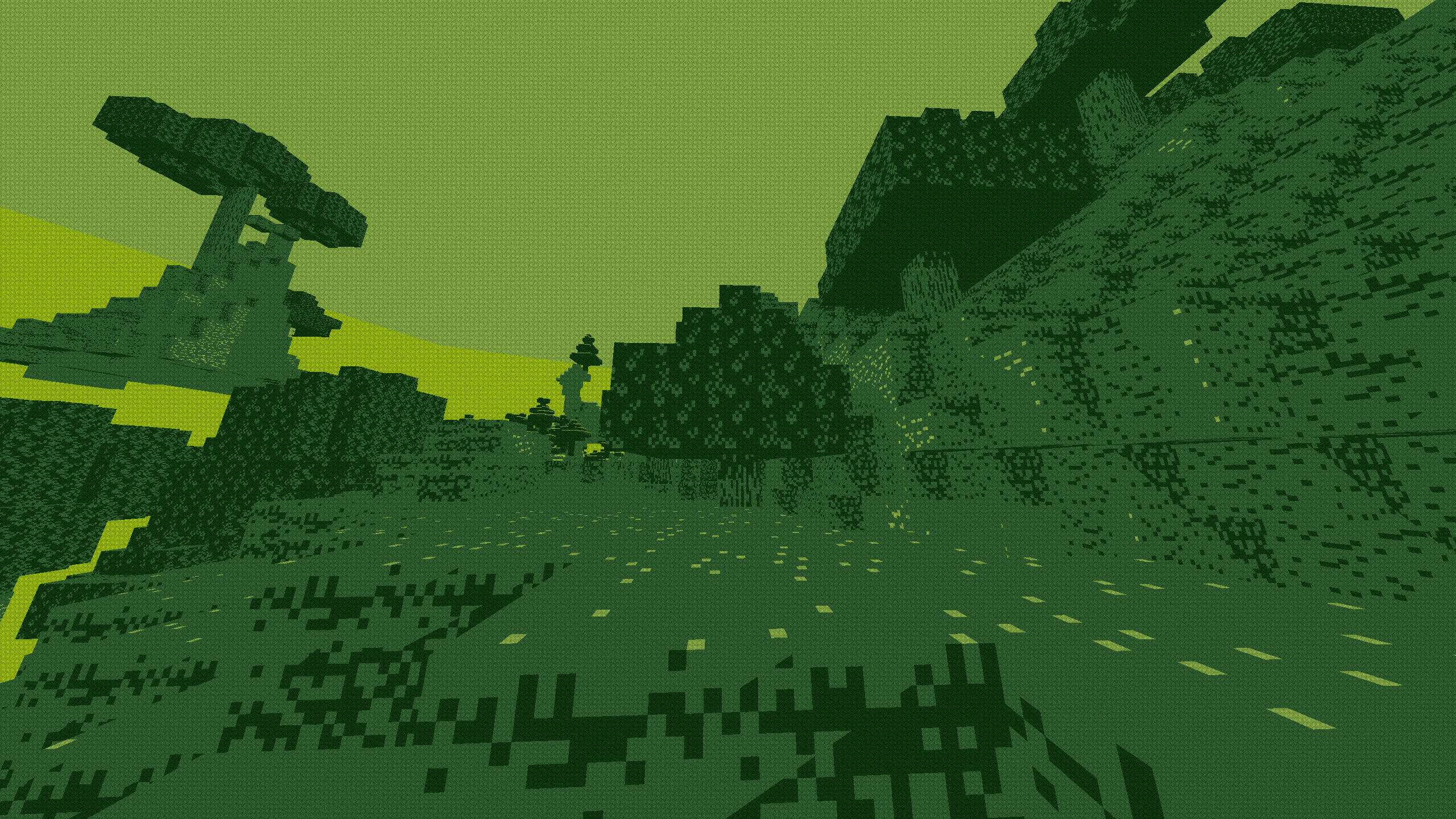
Game Boy Classic Game Boy Preview
Arcade CRT CRT Preview
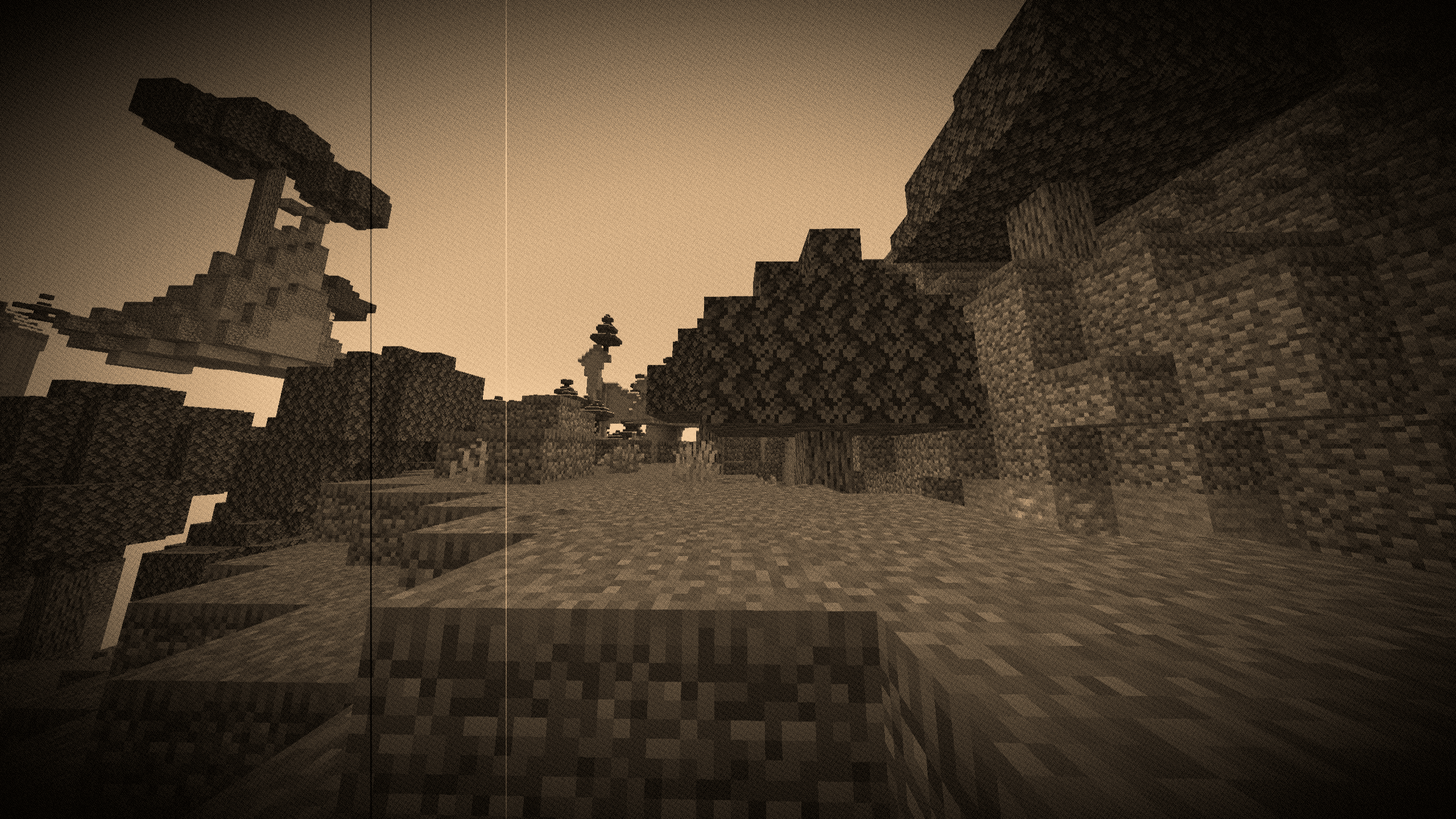
1920s Film Reel Film Reel Preview
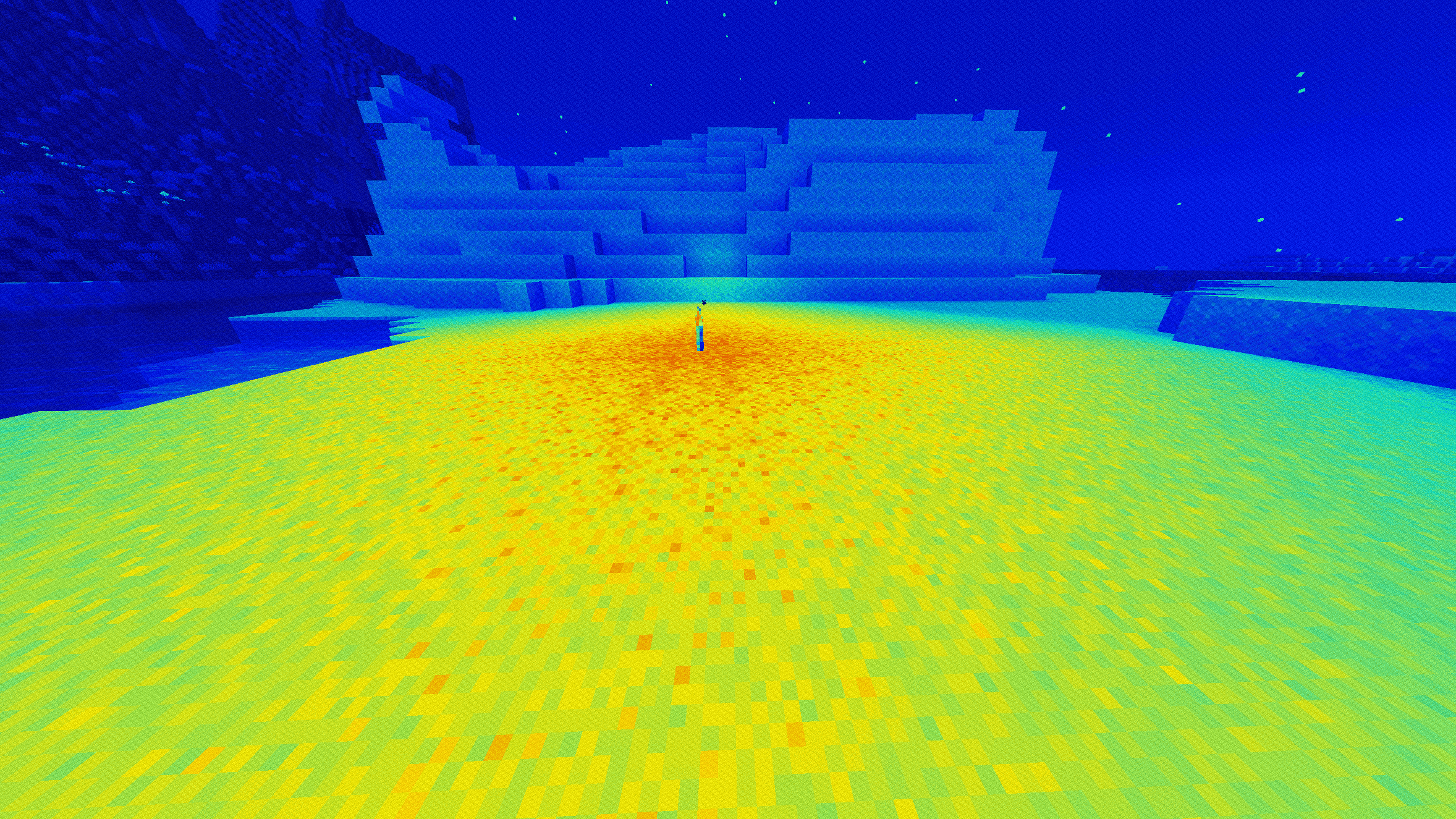
Thermal (Heat Map) Thermal Preview
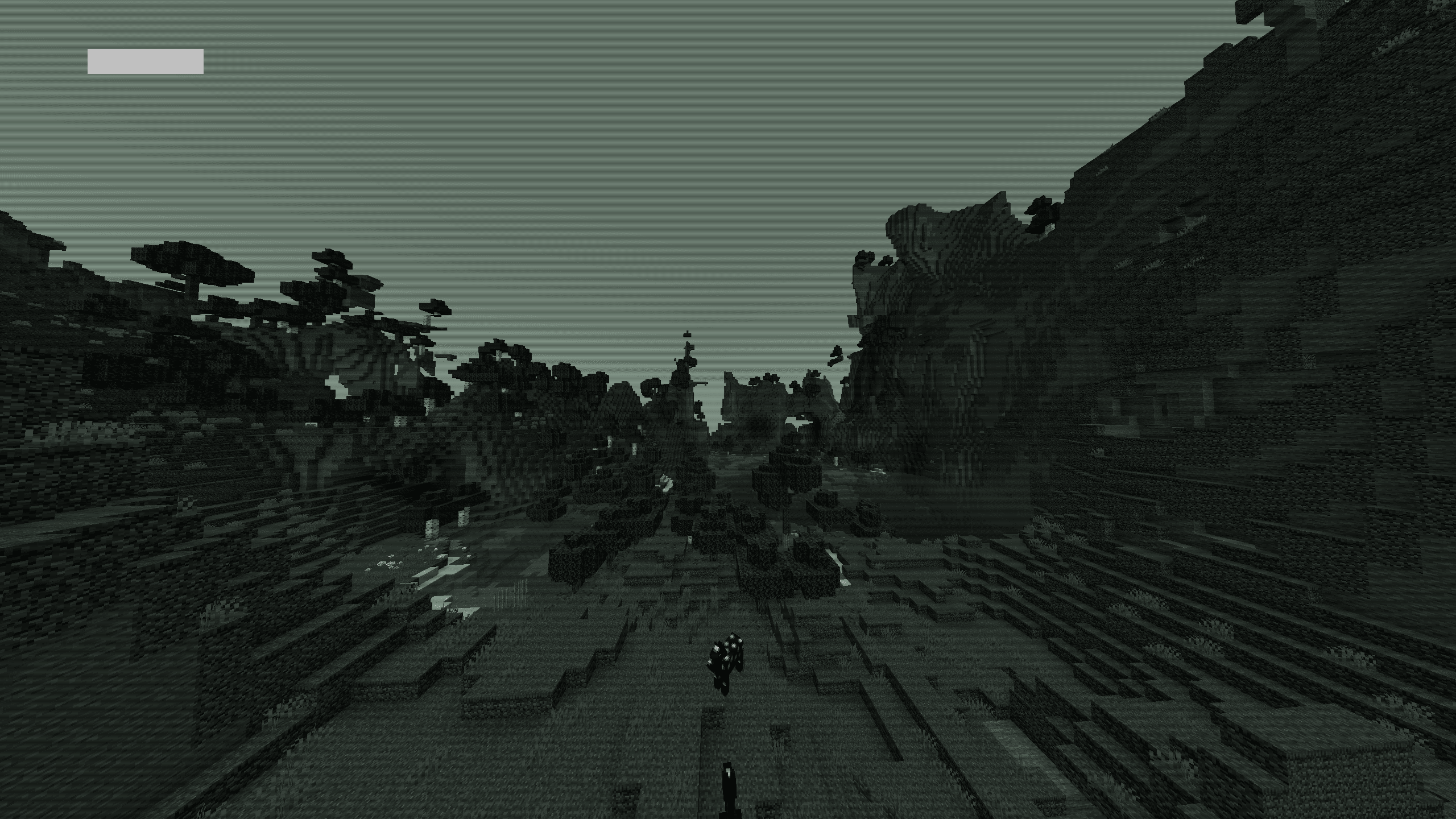
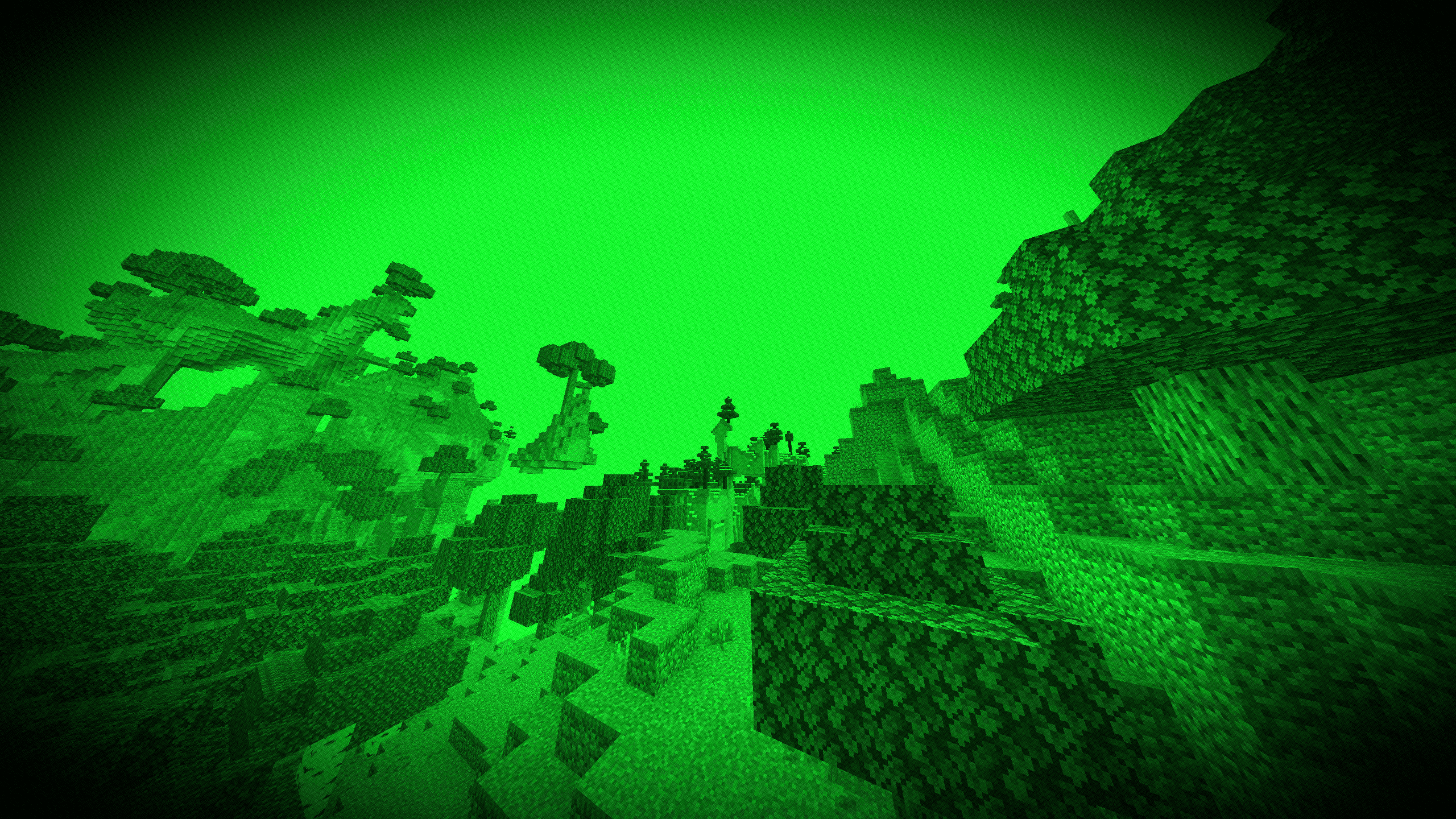
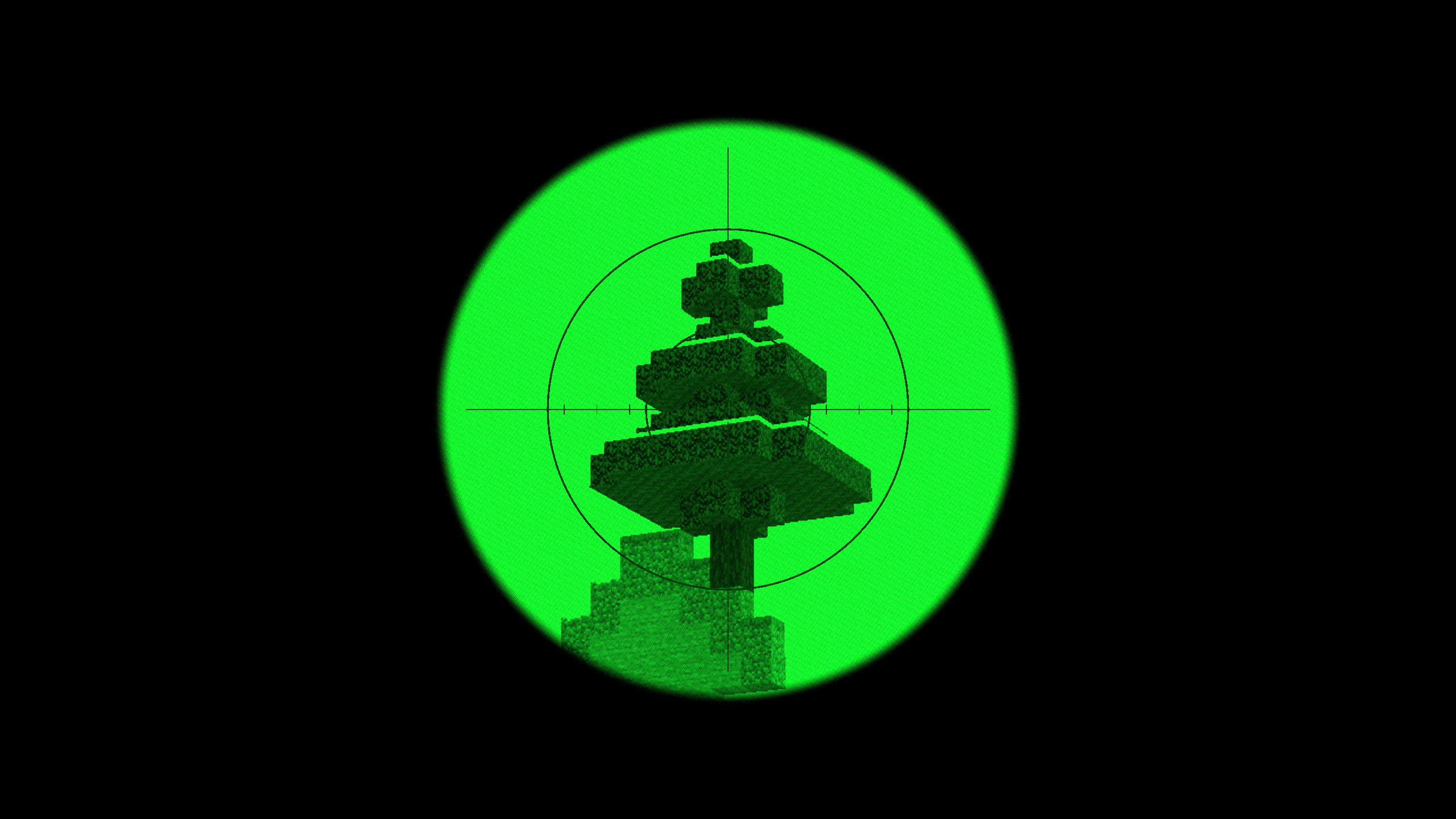
Night Vision (Gen 1) Night Vision Preview
Cyberpunk / Neon Cyberpunk Preview
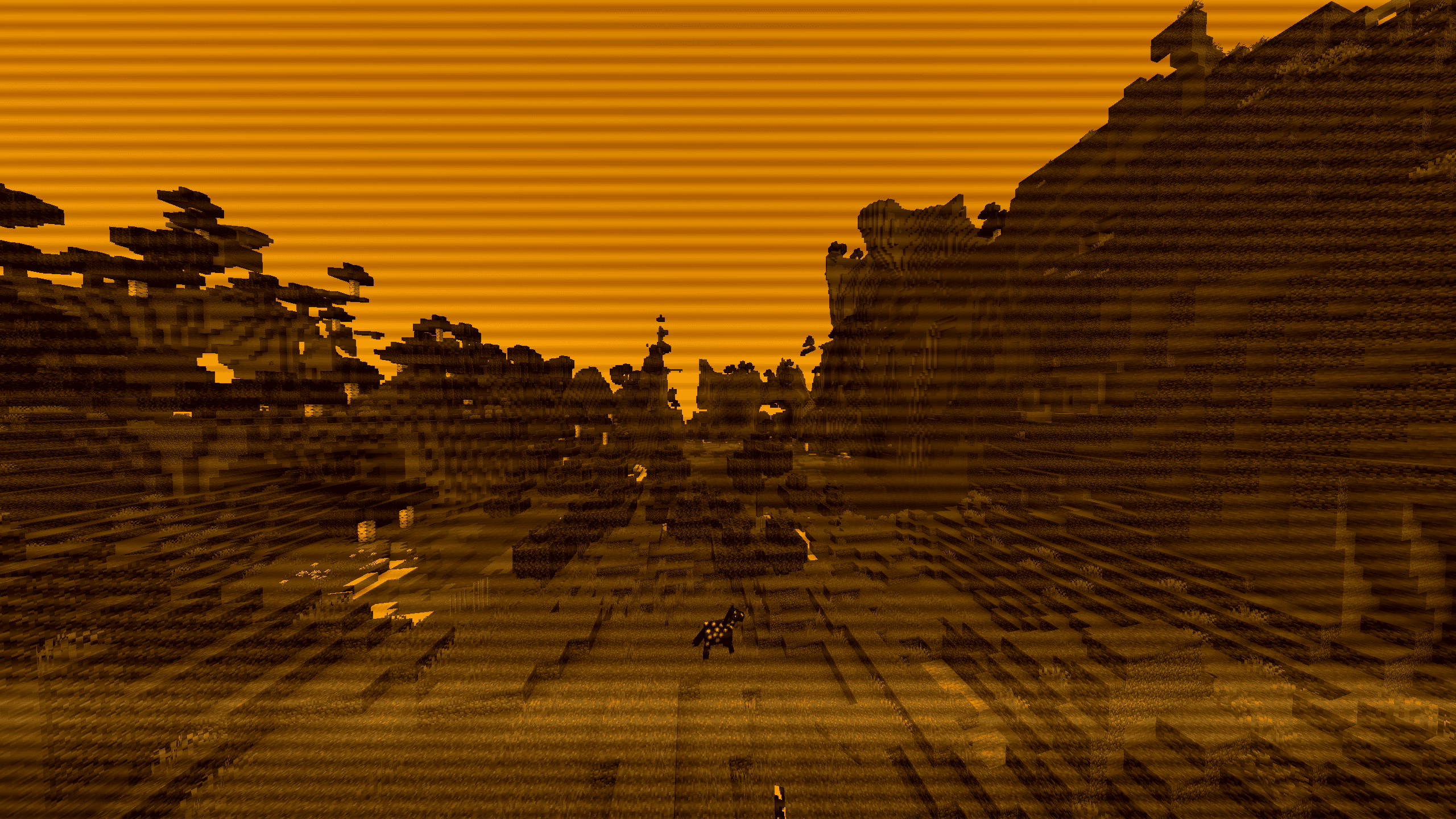
Amber Terminal Terminal Preview

⚙️ Included Presets

Select any mode instantly through the in-game shader options menu:

  • VHS Camcorder: Horizontal tape flutter, rolling tracking noise, RGB chromatic aberration, and a functional camcorder HUD (battery gauge, flashing ● REC, live clock).
  • Police Bodycam: Wide fisheye distortion, harsh highlight clipping, sensor grain, and yellow Axon telemetry markers.
  • CCTV Surveillance: 8-FPS security feed cadence, desaturated green-gray tint, scanlines, and camera status overlays.
  • Game Boy Classic: 4-shade olive DMG palette with LCD subpixel grid lines. Balanced luma curves prevent outdoor washout.
  • Arcade CRT: Curved glass distortion, phosphor subpixel splitting, and horizontal scanlines.
  • 1920s Film Reel: Sepia grade, 18-FPS projector gate bounce, light bulb flutter, hairline scratches, and transient dust specks.
  • Thermal Vision: Luminance-based heat spectrum ranging from deep blue/purple up to bright white.
  • Night Vision: High-gain green phosphor intensification with peripheral lens falloff.
  • Cyberpunk / Neon: Midnight blue shadows paired with saturated cyan and hot-magenta highlight edges.
  • Amber Terminal: Monochrome amber CRT phosphor look with an active downward raster sweep.

🎯 Interactive Features

  • Dynamic Sniper Optics: Zooming in (via Spyglass or zoom keys like C) while using Night Vision or Thermal automatically engages a tactical scope housing with mil-dot reticle crosshairs. Configurable between 1.0x, 2.0x, 4.0x, and 8.0x zoom.
  • Universal 35mm Grain Slider: Organic, shutter-locked 24-FPS grain that respects scene lighting (heavier in dark areas, subtle in highlights). Works across all presets, including the clean passthrough mode.

📦 Installation

  1. Install Iris (recommended) or OptiFine.
  2. Download AnalogCraft.zip and place it inside your .minecraft/shaderpacks/ folder.
  3. Select AnalogCraft in Video Settings -> Shader Packs.
AnalogCraft v1.zip
MC 1.16.3, 1.13.1, 1.9.3, 1.8.7, 1.16-Snapshot, 1.17.1, 1.9.1, 1.21.2-Snapshot, 1.21, 1.21.6-snapshot, 1.15-Snapshot, 1.16.1, 1.18.1, 1.20.2-Snapshot, 1.20.5-Snapshot, 1.14.3, 1.15
Release 2026-09-10 Get

Requirements & install

How to use this shader in Minecraft
Shader loader
Iris or OptiFine
Minecraft
1.16.3 – 1.21.6-snapshot
Install folder
.minecraft/shaderpacks

How to install shaders

  1. Install a shader loader for your Minecraft version: Iris (with Sodium) or OptiFine.
  2. Download the shader pack .zip file (do not extract it).
  3. Put the .zip into the shaderpacks folder (.minecraft/shaderpacks).
  4. In game open Options → Video Settings → Shader Packs, select the pack and apply it.
Browse more: Iris shaders OptiFine shaders Shaders for 1.21.6-snapshot All shaders

More from Saransh

Advertisement Remove ads with Premium →

You Might Also Like