Mineuniverse
Resource Packs
BetterPaintings

BetterPaintings

RESOURCE PACK
Enhanced Default Minecraft Paintings for a Cleaner and Crisp look.
by Saransh
Download Claim this project
1,127 downloads
0 likes
0 followers
Updated Oct 14, 2026
0 hypes
Follow0
128x Miscellaneous Modern Photo Realistic Traditional
Advertisement Remove ads with Premium →

🎨 BetterPaintings – Crystal Clear Minecraft Art!

Tired of blurry, pixelated paintings in Minecraft? 😫
BetterPaintings brings your in-game art to life by transforming the classic Minecraft paintings into sharper, clearer, and more vibrant versions! Every painting has been carefully upscaled and refined to make your worlds feel more immersive and polished.
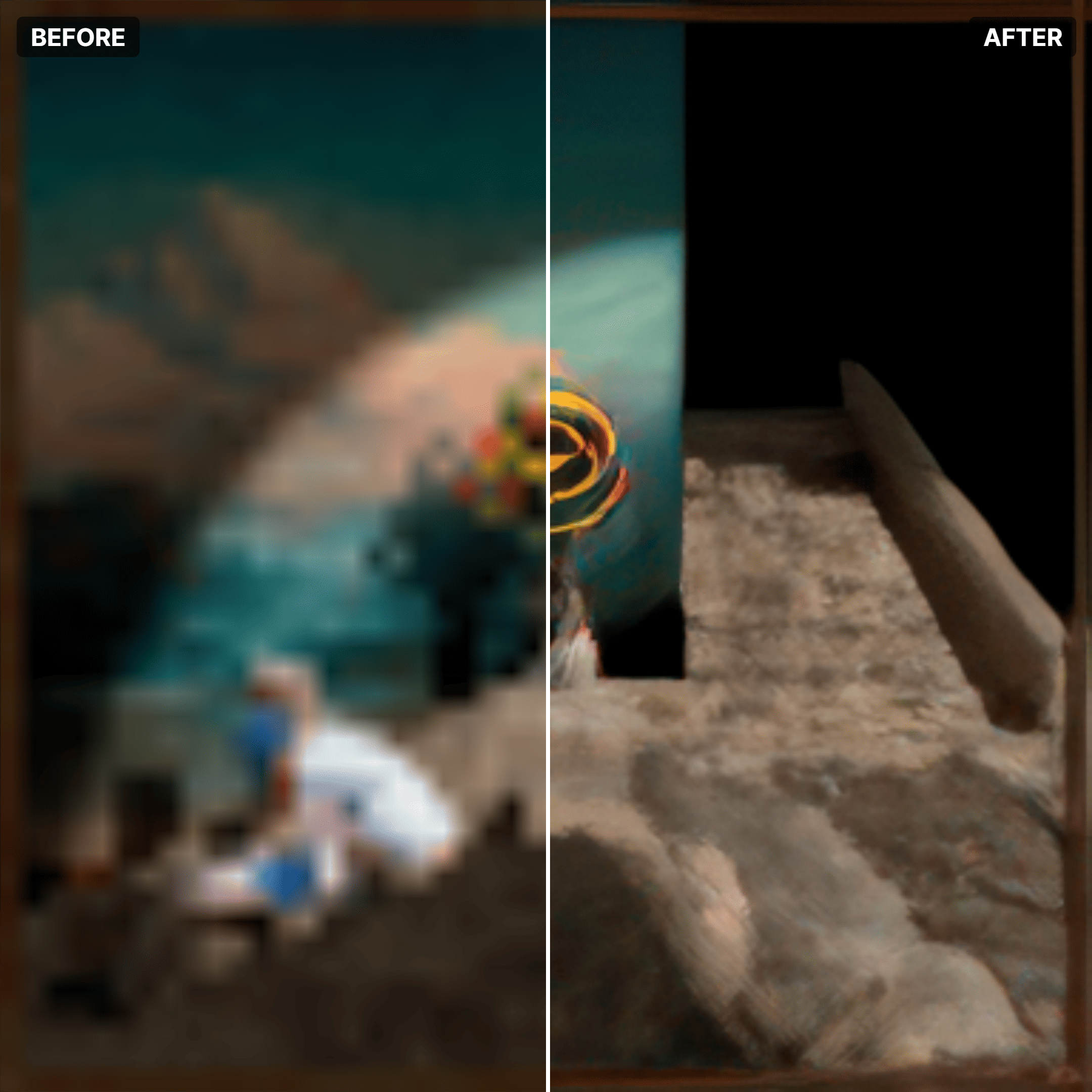

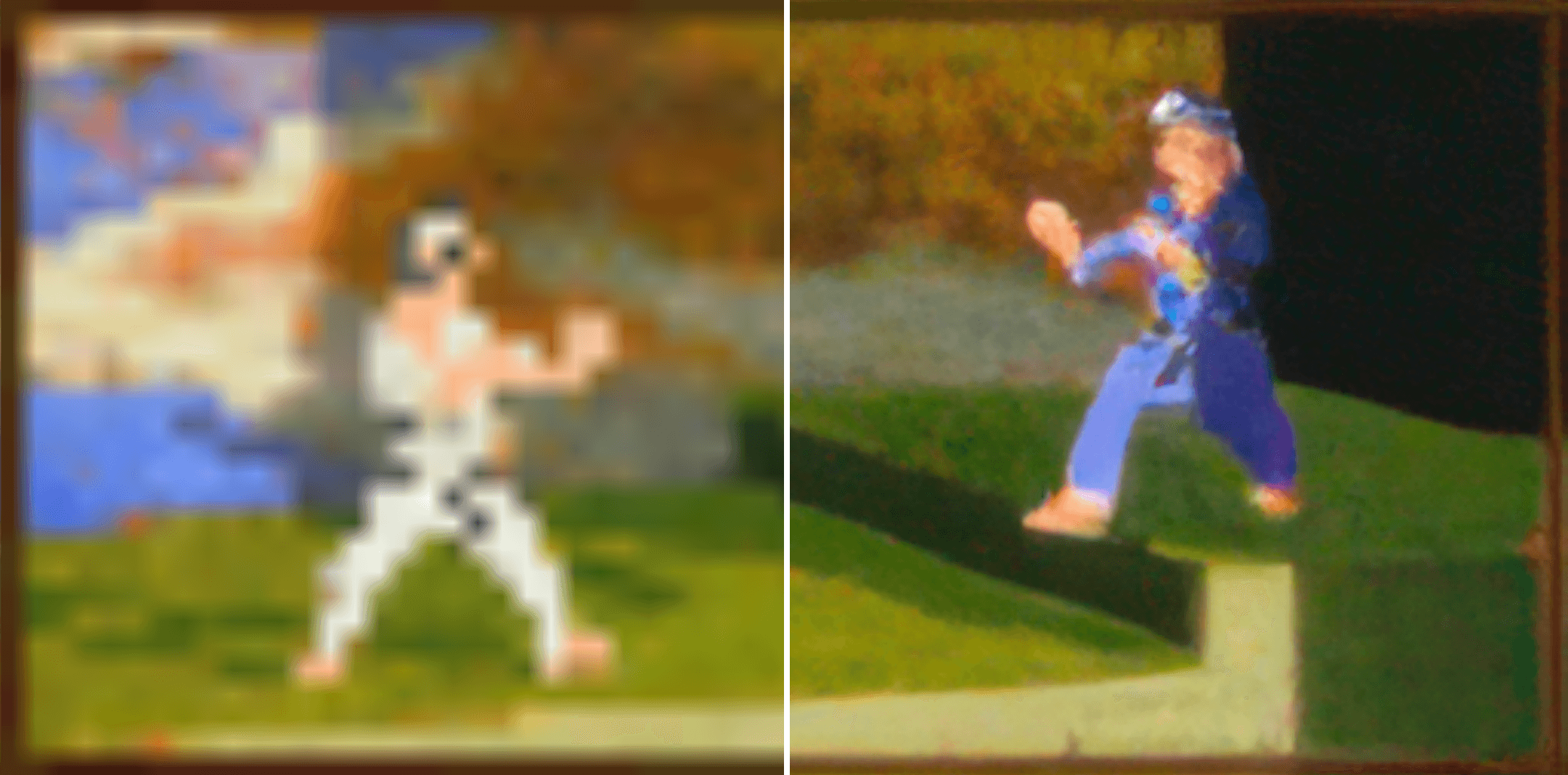
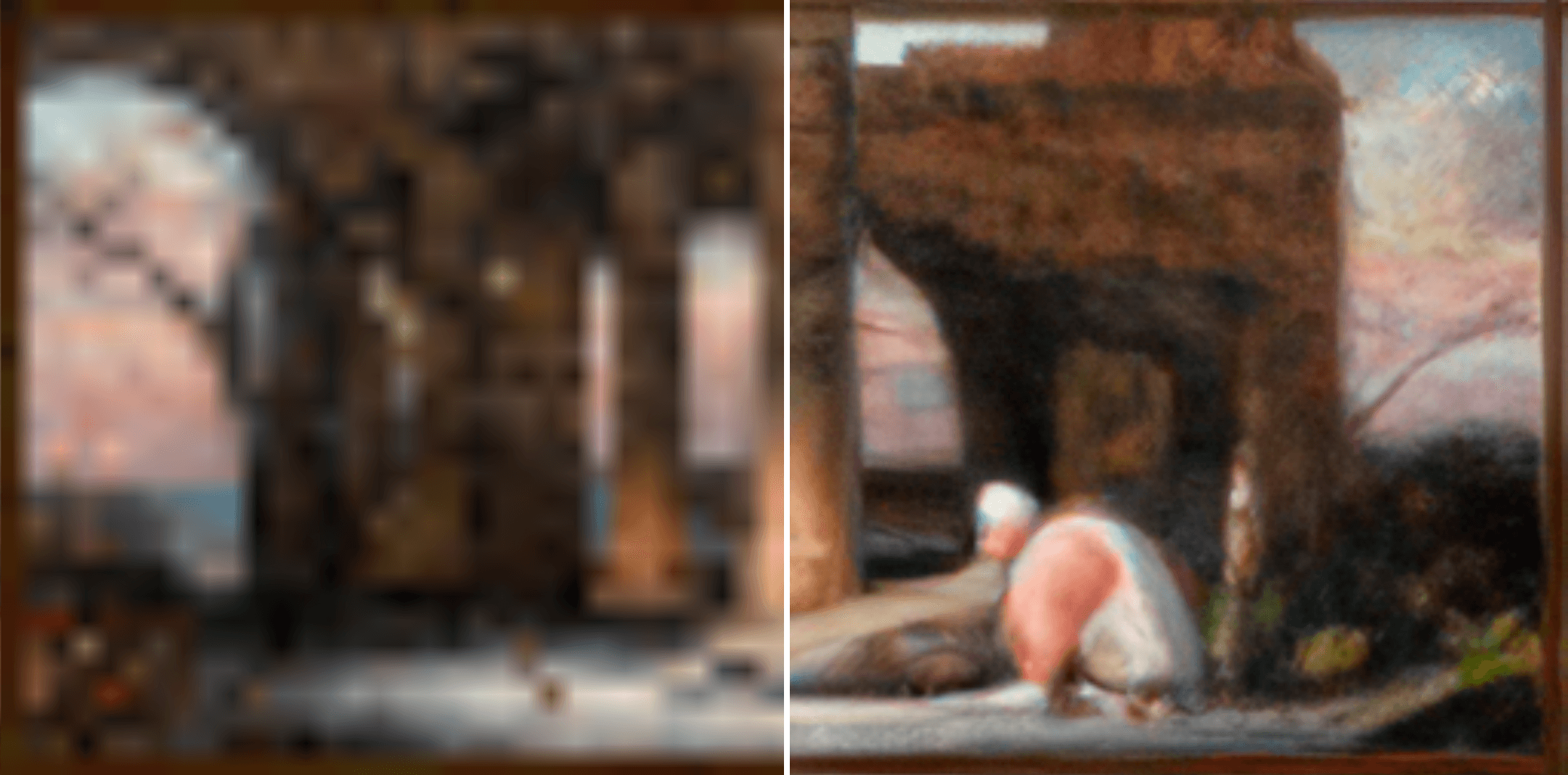
Comparision


✨ Features

  • Ultra-Crisp Textures: Every painting is improved from vanilla originals for a cleaner, sharper look.
  • Improved Clarity: Blurry and muddy images are gone — now you can enjoy every pixel in style.
  • Vanilla-Compatible: Works perfectly with all versions of Minecraft that support resource packs.
  • Lightweight & Optimized: No lag, no heavy files — just smooth, beautiful textures.
  • Supports Everything: Works perfectly with Fabric, Forge, NeoForge, OptiFine, Sodium, and more

Why You’ll Love It

  • Perfect for builders, interior designers, and art lovers in Minecraft.
  • Makes your walls, galleries, and houses pop with vibrant details.
  • Enhances your immersive experience without changing the original vibe of Minecraft.

Installation

  1. Download the pack from CurseForge.

  2. Then place it in your resourcepacks folder.

  3. Activate it in Minecraft and enjoy your beautiful new paintings!

BetterPaintings v1.1.zip
MC 1.16.3, 1.13.1, 1.9.3, 1.8.7, 1.16-Snapshot, 1.17.1, 1.9.1, 1.21.2-Snapshot, 1.21, 1.21.6-snapshot, 1.15-Snapshot, 1.16.1, 1.18.1, 1.20.2-Snapshot, 1.20.5-Snapshot, 1.14.3, 1.15
Release 2026-09-13 Get
BetterPaintings.zip
MC 1.16.3, 1.13.1, 1.16-Snapshot, 1.17.1, 1.21.2-Snapshot, 1.21, 1.21.6-snapshot, 1.15-Snapshot, 1.16.1, 1.18.1, 1.20.2-Snapshot, 1.20.5-Snapshot, 1.14.3, 1.15, 1.16, 1.13
Release 2025-11-09 Get

Requirements & install

How to use this resource pack in Minecraft
Resolution
128x
Minecraft
1.16.3 – 1.21.6-snapshot
Install folder
.minecraft/resourcepacks

How to install resource packs

  1. Download the resource pack .zip file (do not extract it).
  2. In Minecraft open Options → Resource Packs → Open Pack Folder.
  3. Drop the .zip into the resourcepacks folder (.minecraft/resourcepacks).
  4. Move the pack to the Selected column and click Done.

Packs from 128x upwards need more video memory: install a performance mod such as Sodium for smooth frame rates.

Browse more: 16x resource packs 32x resource packs 64x resource packs 128x resource packs 256x resource packs 512x+ resource packs Resource Packs for 1.21.6-snapshot All resource packs

More from Saransh

Advertisement Remove ads with Premium →

You Might Also Like