Mineuniverse
Resource Packs
Vanilla + 32x

Vanilla + 32x

RESOURCE PACK
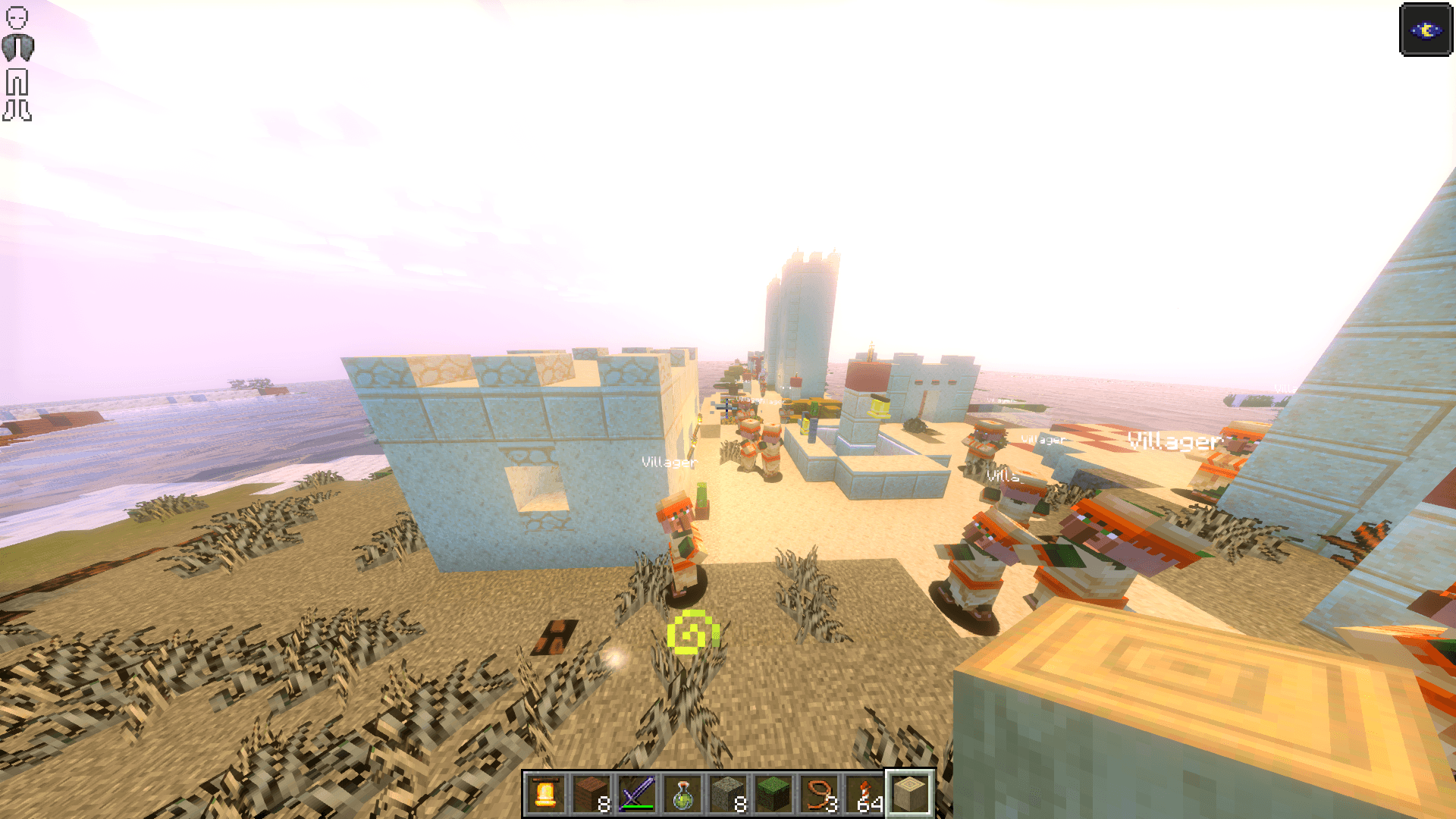
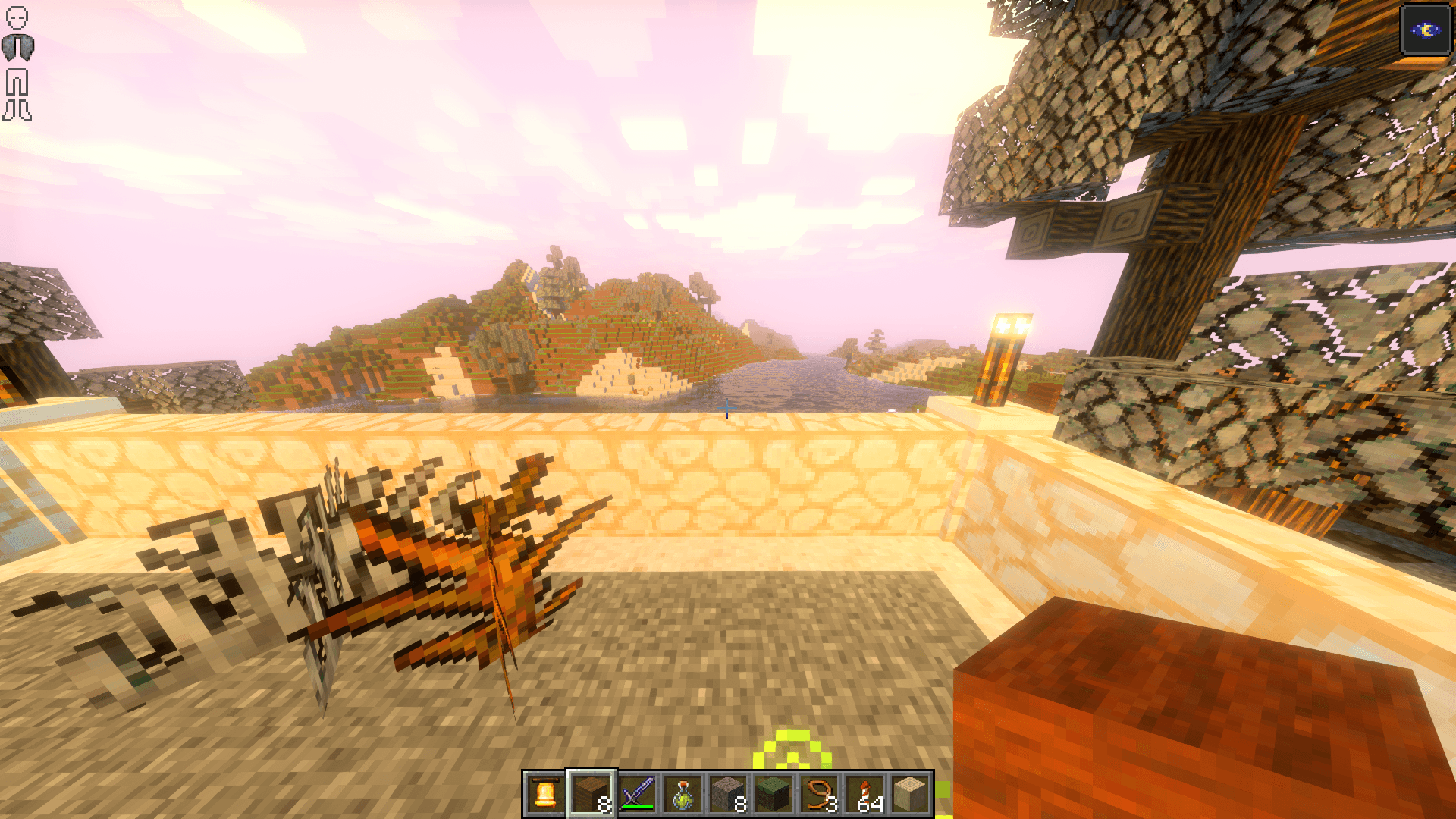
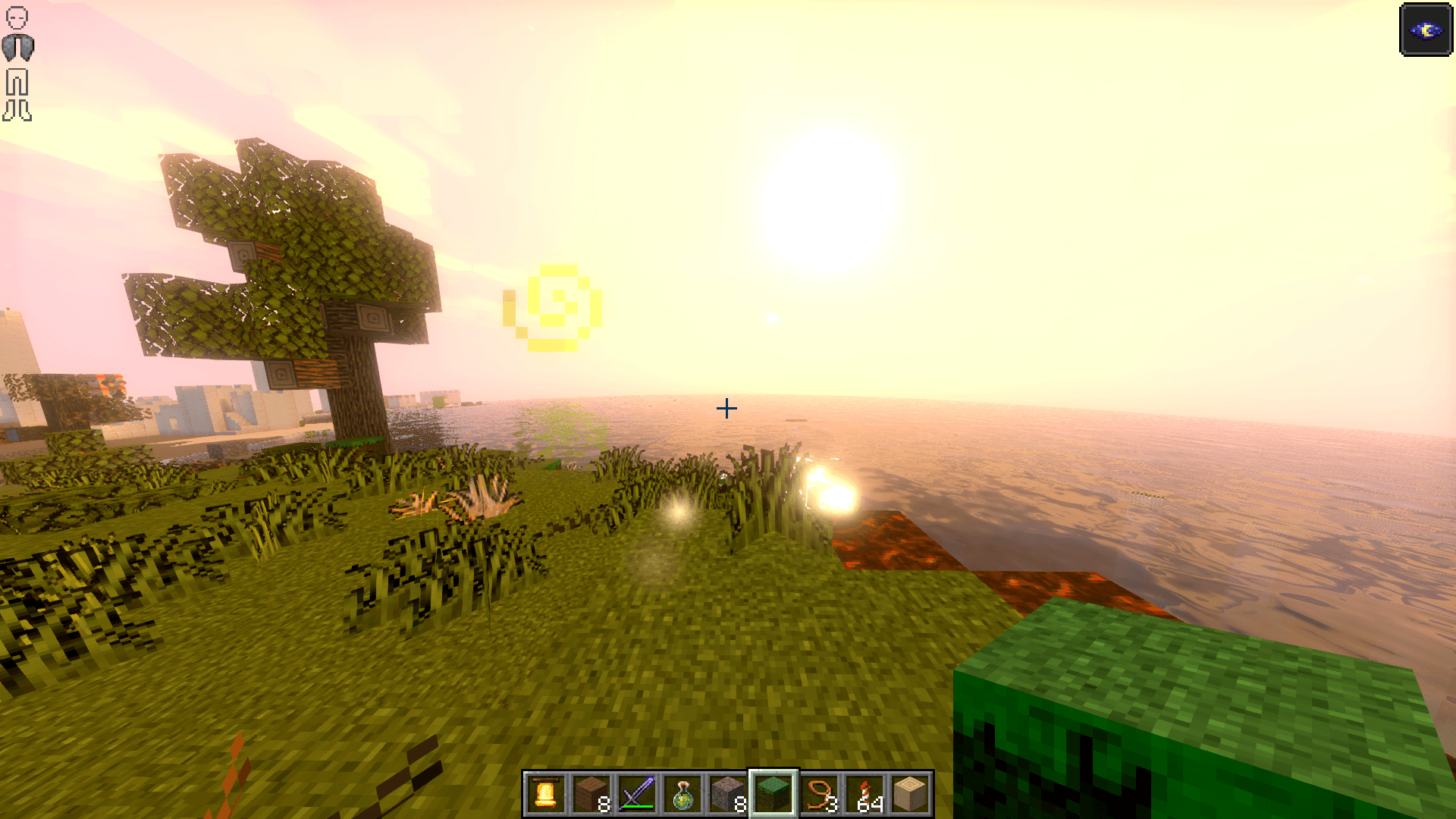
Vanilla + 32× is a sharpened, high-resolution version of Minecraft’s default textures, keeping the classic look while adding more detail to blocks and items.
by Saransh
Download Claim this project
1,416 downloads
0 likes
Updated Oct 14, 2026
0 hypes
32x
Advertisement Remove ads with Premium →

🌟 Vanilla + 32× – Sharpened Vanilla Textures 🌟

🔥 Overview:
Elevate your Minecraft experience with Vanilla + 32× – a crisp, high-resolution upgrade of the classic vanilla textures. Every block and item is meticulously upscaled to 32×32, giving your world sharper, cleaner visuals without changing the original style. Perfect for builders, explorers, and anyone who loves vanilla but sharper.


🛠 Features:

🔹 Faithful to Vanilla: Retains the classic Minecraft look

🔹 Ultra-Sharp Detail: Blocks and items pop like never before

🔹 Transparent Backgrounds: Preserved wherever possible

🔹 Lightweight & Optimized: Smooth gameplay without lag

🔹 Fully Compatible: works with the latest Minecraft versions as well as all the versions since 1.8. Compatible with Forge, Optifine, Fabric, NeoForge, or Sodium.


📦 Installation:

  1. Download the .zip file

  2. Move it into your Minecraft resourcepacks folder

  3. Activate via Options → Resource Packs in-game


⚠ Notes:

  • Purely visual – no gameplay changes
  • Recommended for players who want vanilla, but upgraded

💎 Why Vanilla + 32×?

  • Every block is sharper, every item cleaner
  • Makes your builds look professional without changing gameplay
  • Brings vanilla Minecraft to next-level visual clarity
  • Perfect for screenshots, videos, or just enjoying a beautiful world
Vanilla + 32x.zip
MC 1.16.3, 1.13.1, 1.9.3, 1.8.7, 1.16-Snapshot, 1.17.1, 1.9.1, 1.21.2-Snapshot, 1.21, 1.21.6-snapshot, 1.15-Snapshot, 1.16.1, 1.18.1, 1.20.2-Snapshot, 1.20.5-Snapshot, 1.14.3, 1.15
Release 2025-10-20 Get

Requirements & install

How to use this resource pack in Minecraft
Resolution
32x
Minecraft
1.16.3 – 1.21.6-snapshot
Install folder
.minecraft/resourcepacks

How to install resource packs

  1. Download the resource pack .zip file (do not extract it).
  2. In Minecraft open Options → Resource Packs → Open Pack Folder.
  3. Drop the .zip into the resourcepacks folder (.minecraft/resourcepacks).
  4. Move the pack to the Selected column and click Done.
Browse more: 16x resource packs 32x resource packs 64x resource packs 128x resource packs 256x resource packs 512x+ resource packs Resource Packs for 1.21.6-snapshot All resource packs

More from Saransh

Advertisement Remove ads with Premium →

You Might Also Like