Mineuniverse
Shaders
Aetherium PTGI

Aetherium PTGI

SHADER
Aetherium PTGI is a next-generation path-tracing shader pack engineered specifically for fantasy and sci-fi worldbuilders.
by HoliShapes
Claim this project
Add a badge to your pageLink to Aetherium PTGI from a README, website or forum post.
Preview: Badge

Badges update automatically and link to the shader page on MineUniverse.

3,248 downloads
0 likes
0 followers
Updated Nov 10, 2026
0 hypes
Follow0
Fantasy Realistic
Advertisement Remove ads with Premium →

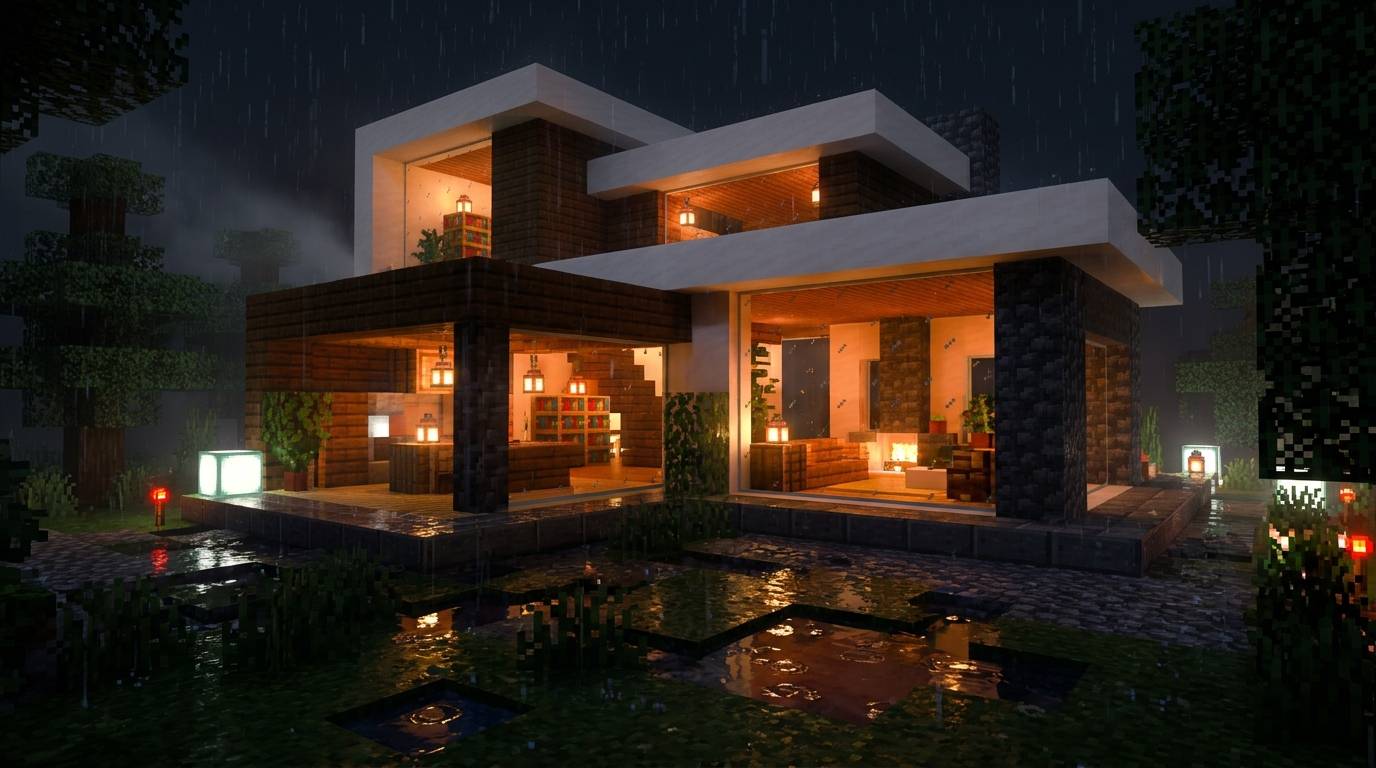
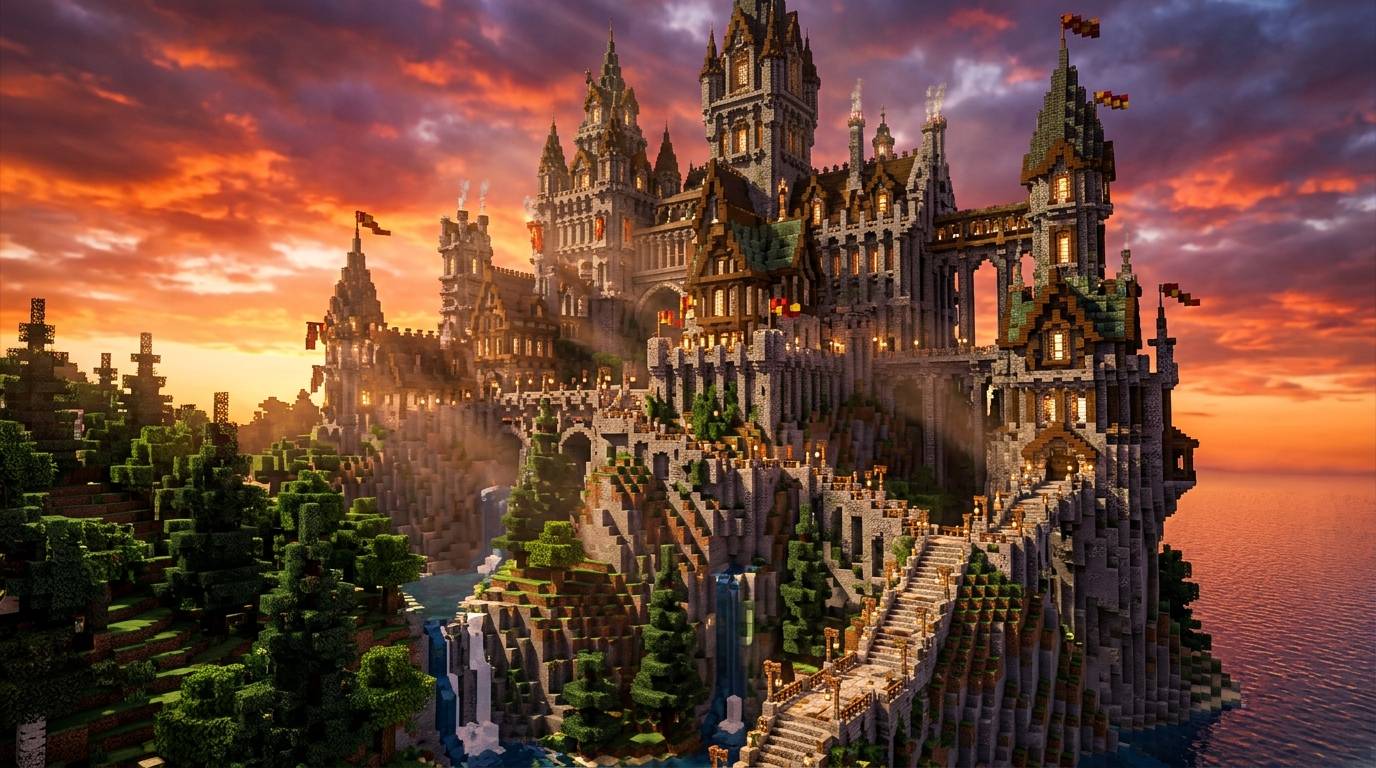
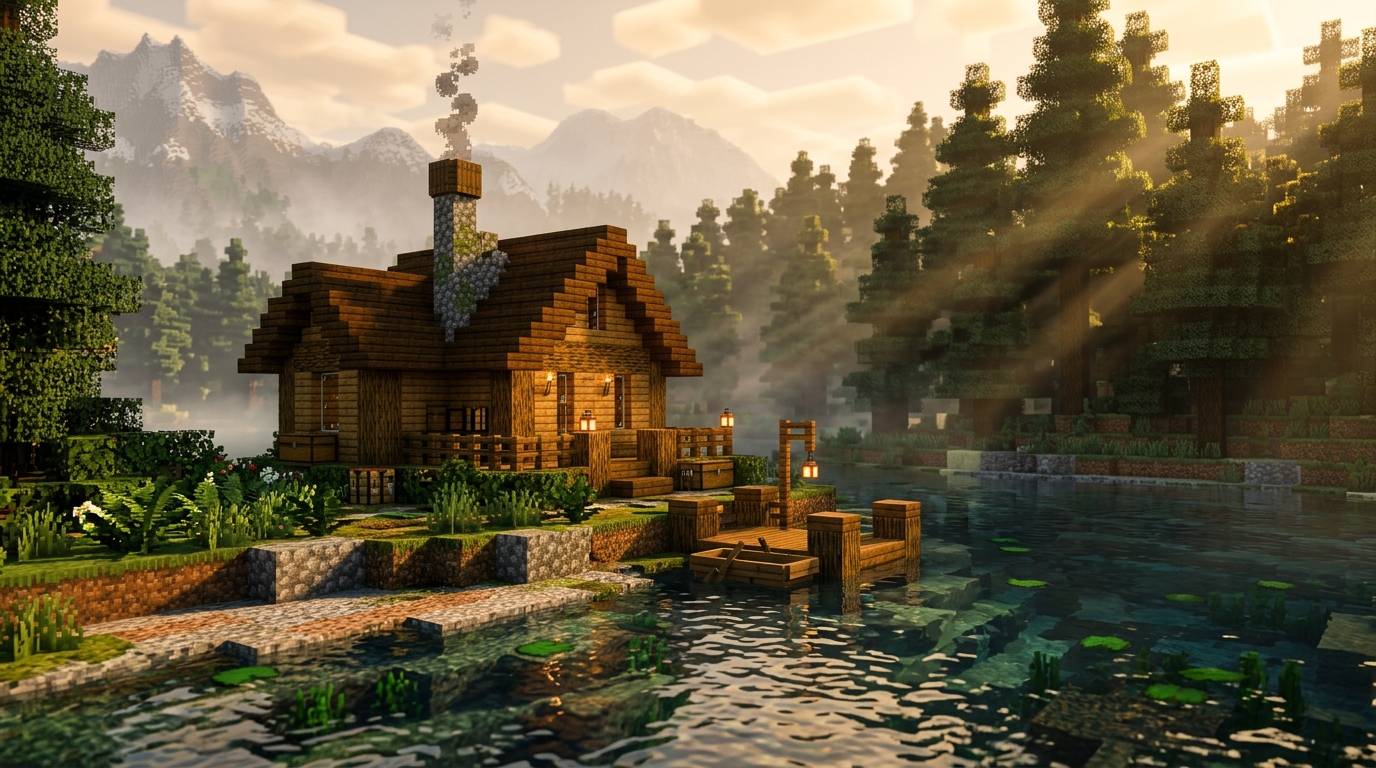
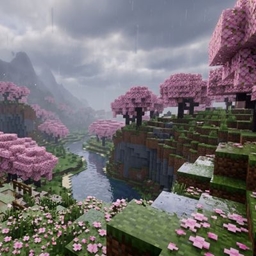
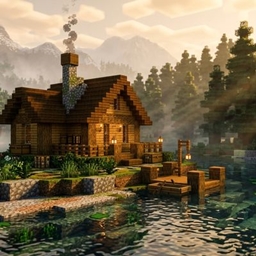
Aetherium PTGI turns Minecraft into a living, high-fantasy cinematic universe. Rather than focusing purely on real-world realism, Aetherium introduces chromatic light refraction through glass, water, and ice blocks—splitting sunlight into soft rainbows across interior surfaces.

  • Spectra-Path Illumination: Light sources don't just illuminate; they cast colored caustics, bounce off metallic surfaces, and filter through leaves with per-leaf volumetric sub-surface scattering (SSS).

  • Dynamic Biome Color Temperature: Transitions seamlessly from warm, golden-amber hues in Deserts and Savannas to cool, crisp, bioluminescent blues in Deep Dark caves and Ice Spikes.

  • Hydro-Refractive Water Physics: Features real-time Snell’s Law refraction, depth-based absorption gradients, and interactive ripple mapping when entities or rain interact with water surfaces.

  • Celestial Volumetrics: Includes layered, height-dependent cloud simulations with real-time shadow casting onto the terrain below, complete with realistic moon phases altering night sky luminance.

Aetherium PTGI
MC 1.16.3, 1.13.1, 1.17.1, 1.21, 1.16.1, 1.18.1, 1.14.3, 1.15, 1.16, 1.13, 1.16.5, 1.19.3, 1.20.2, 1.19.4, 1.21.8, 1.14.4, 1.14.1, 1.12.1, 1.17, 1.12, 1.20.5, 1.21.5
Release 2026-10-27

Requirements & install

How to use this shader in Minecraft
Shader loader
Iris or OptiFine
Minecraft
1.18.1 – 1.21.8
Install folder
.minecraft/shaderpacks

How to install shaders

  1. Install a shader loader for your Minecraft version: Iris (with Sodium) or OptiFine.
  2. Download the shader pack .zip file (do not extract it).
  3. Put the .zip into the shaderpacks folder (.minecraft/shaderpacks).
  4. In game open Options → Video Settings → Shader Packs, select the pack and apply it.
Browse more: Iris shaders OptiFine shaders Shaders for 1.21.8 All shaders

More from HoliShapes

Advertisement Remove ads with Premium →

You Might Also Like