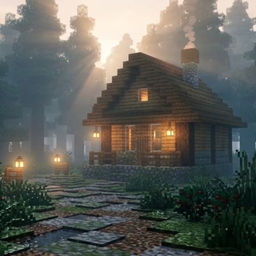
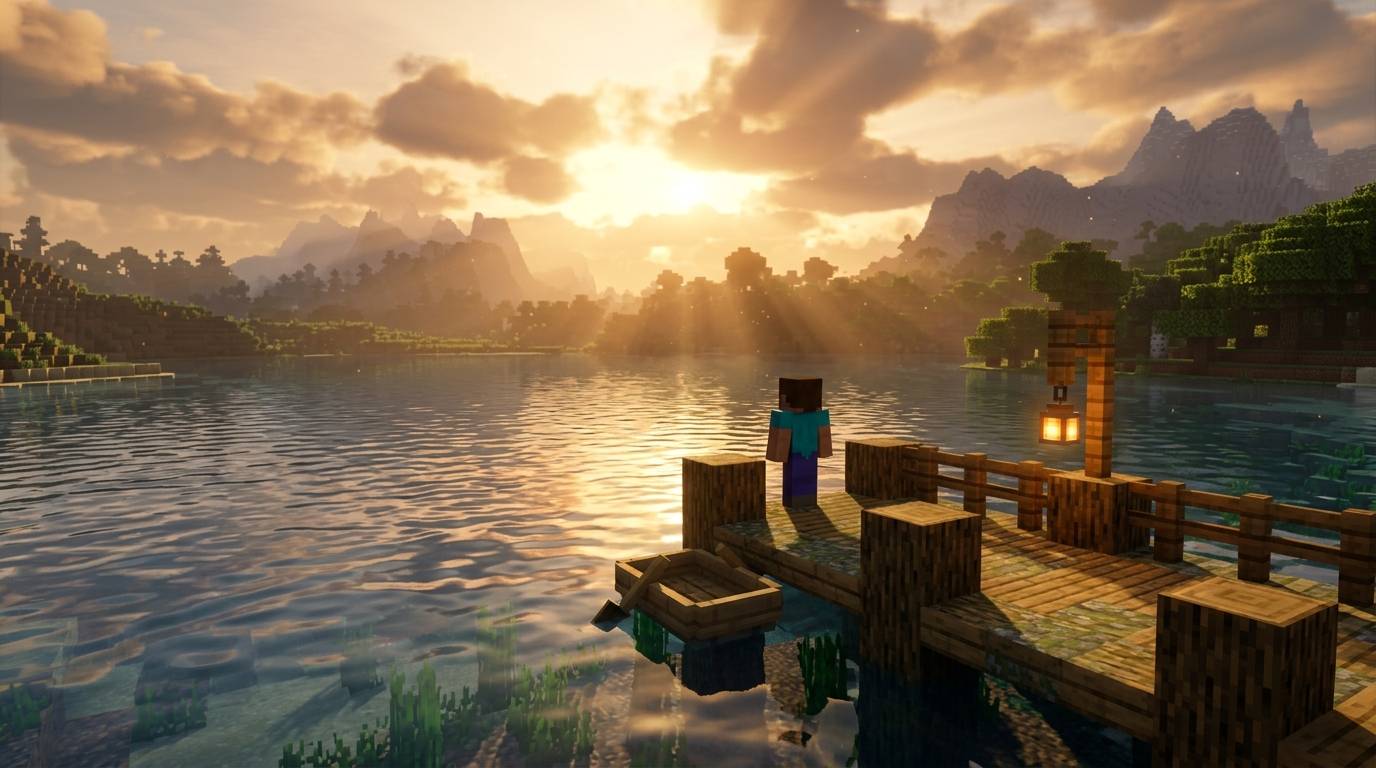
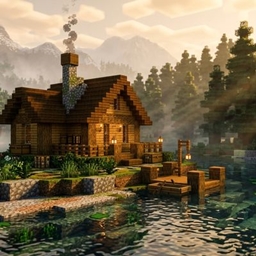
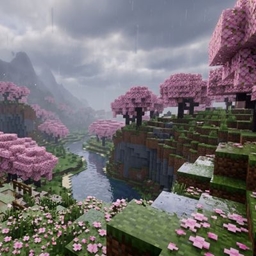
Badges update automatically and link to the shader page on MineUniverse.
Aetheria Realism Shaders (v2.0)
Next-Generation Photorealistic Lighting & Atmosphere for Minecraft
Aetheria Realism is an advanced shaderpack engineered to transform Minecraft’s visual aesthetics while retaining high performance and gameplay clarity. Powered by custom volumetric rendering pipelines and physical-based lighting models, Aetheria elevates every block, shadow, and reflection into a cinematic experience.
☀️ Physically Based Lighting (PBL): Dynamic path-traced sun and moon shafts with soft contact shadows and customizable ray-traced ambient occlusion (GTAO).
🌊 Advanced Water & Reflections: Screen-Space Reflections (SSR) with dynamic ocean wave displacement, underwater light caustics, and adaptive water clarity.
🌫️ Volumetric Fog & Weather Systems: Multi-layered atmospheric fog, localized morning mist, dynamic storm lighting, and rainy surface puddles with wet-block roughness maps.
🔮 Enchanted & Multi-Colored Block Light: Full IntegratedPBR (IPBR) support casting soft emissive light from torches, lanterns, redstone, and netherite gear without requiring custom resource packs.
🌌 Reworked Dimensions: Complete atmospheric rehauls for the Nether (heat haze & volumetric lava smoke) and The End (nebula skybox & shimmering void beams).
⚡ Performance Optimized: Includes custom LOD scaling, temporal anti-aliasing (TAA/FXAA toggles), and dedicated Low / Medium / High / Ultra / Cinematic performance profiles for lower-end hardware to high-end GPUs.