Badges update automatically and link to the shader page on MineUniverse.
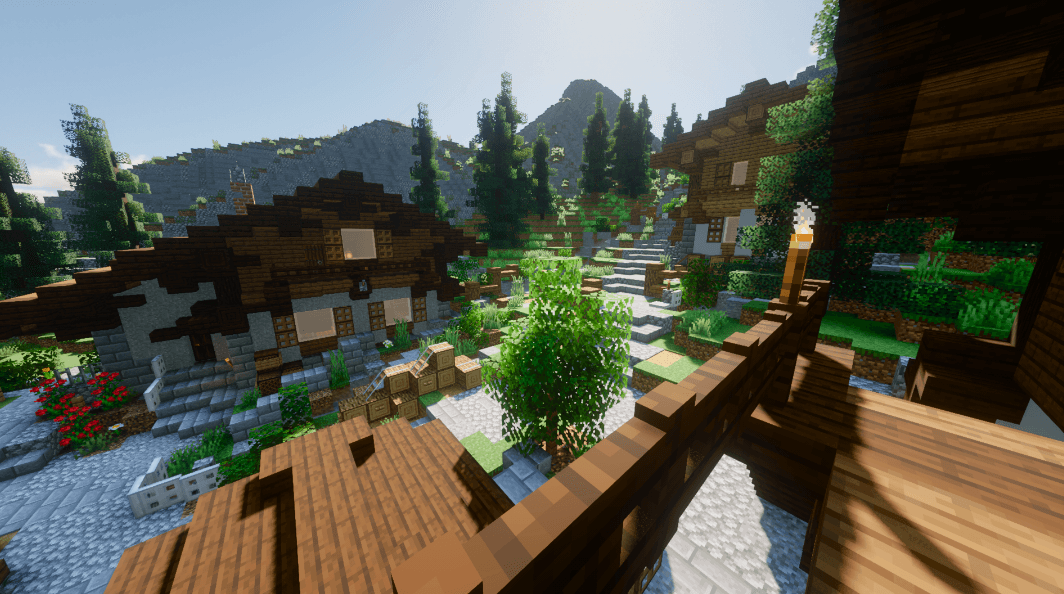
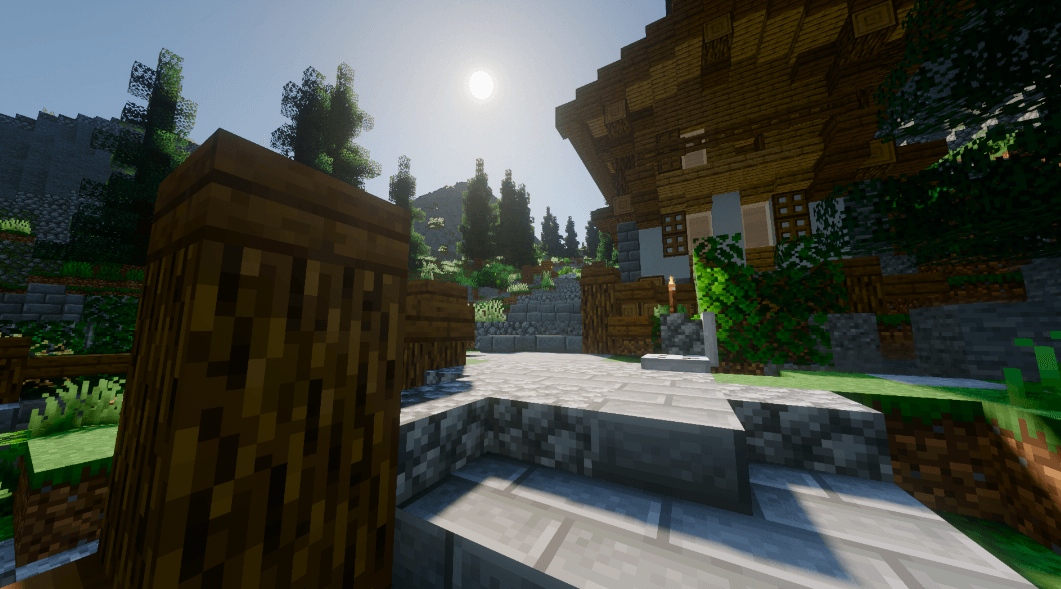
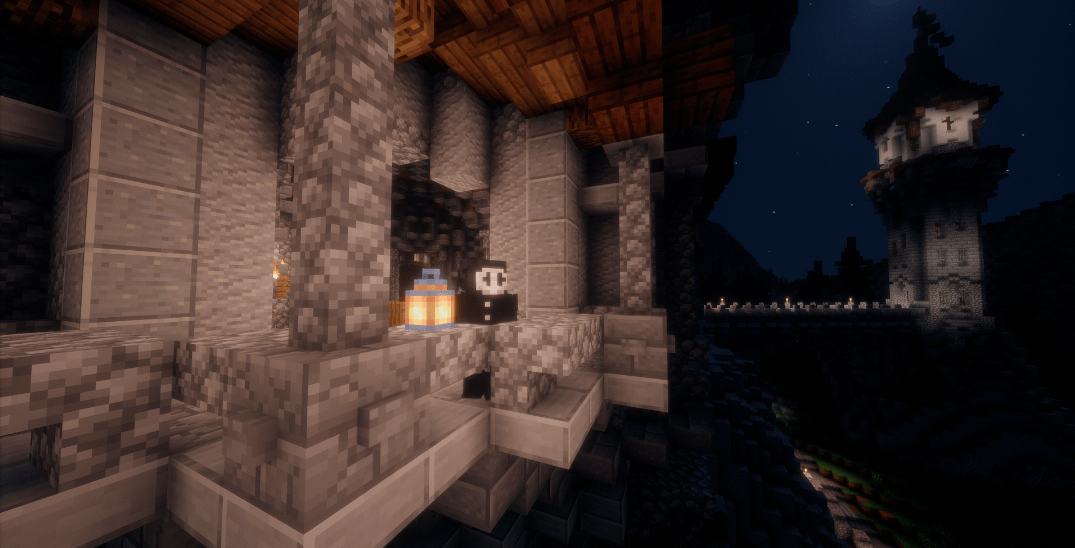
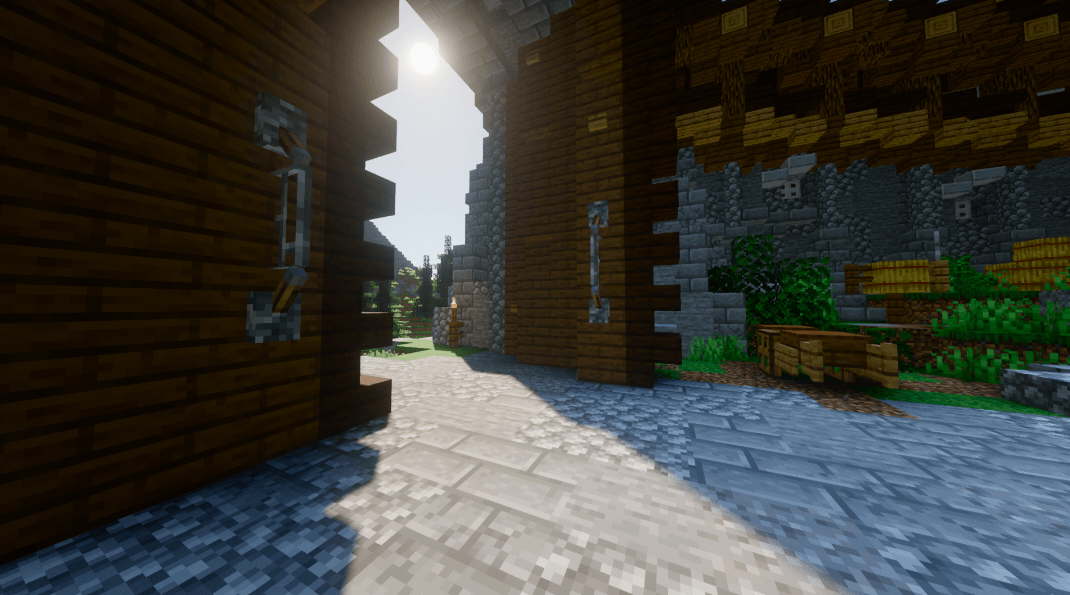
Welcome to AerixiumSFA Ultra, the ultimate shader pack designed to transform your Minecraft world into a breathtaking visual masterpiece! Crafted with precision and passion, this Ultra edition pushes graphical boundaries to deliver stunning lighting, immersive atmospheres, and smooth performance optimizations.
✨ Key Features:
Immersive Lighting: Experience realistic sun rays, dynamic colored lighting, and beautifully soft shadows that bring every block to life.
Vibrant Atmospheres: Enhanced skyboxes, realistic water reflections, and gorgeous fog effects make exploring the world feel completely magical.
Customizable Options: Tailor the visuals to your exact liking with a clean, user-friendly settings menu.
Optimized for Beauty: Carefully balanced to deliver top-tier graphics while maintaining stability.
🖥️ Recommended GPU for Running This Shader:
To experience AerixiumSFA Ultra at its absolute best with smooth frame rates, we recommend a capable dedicated graphics card:
NVIDIA GeForce RTX 3060 / AMD Radeon RX 6600 (or equivalent/higher) for a smooth 60+ FPS experience at standard resolutions.
Note: A robust CPU and sufficient RAM (paired with performance mods like Iris Shaders and Sodium) will also help you get the most out of this ultra-tier visual experience!
Download AerixiumSFA Ultra today and see Minecraft like never before! 🚀💎