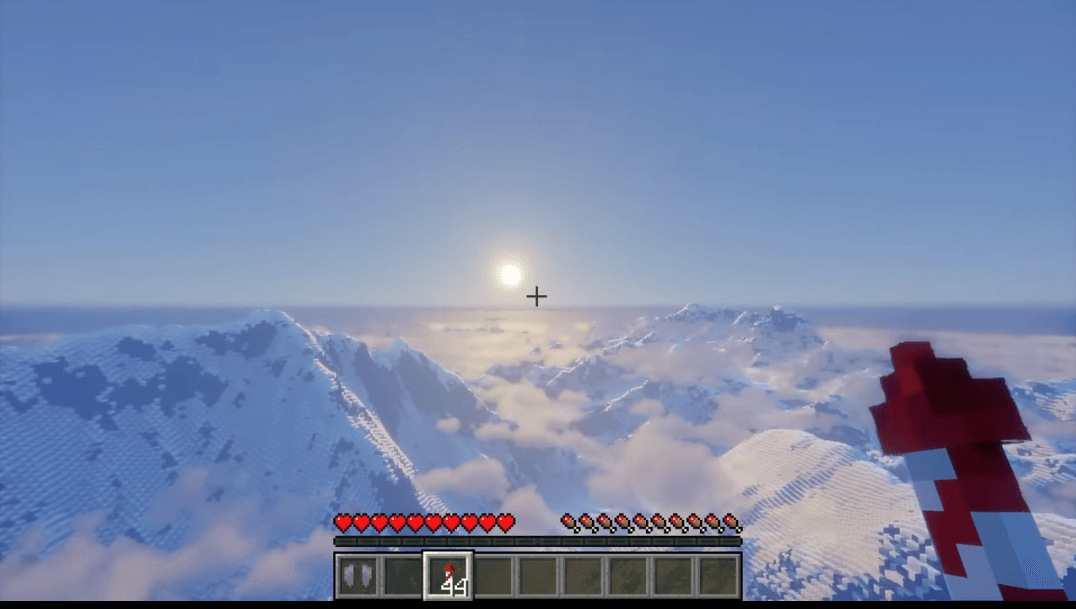
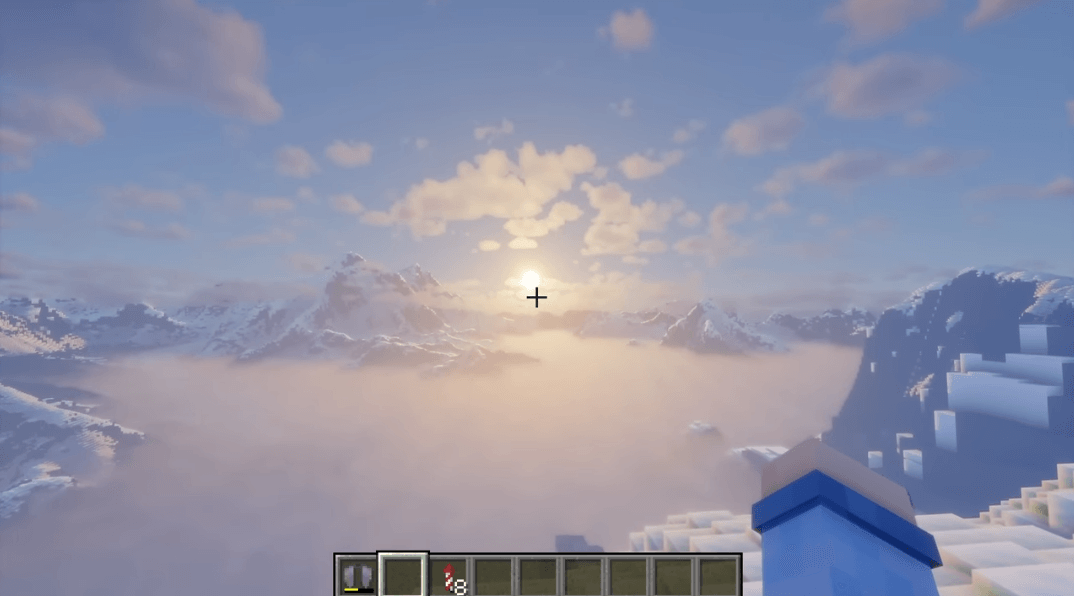
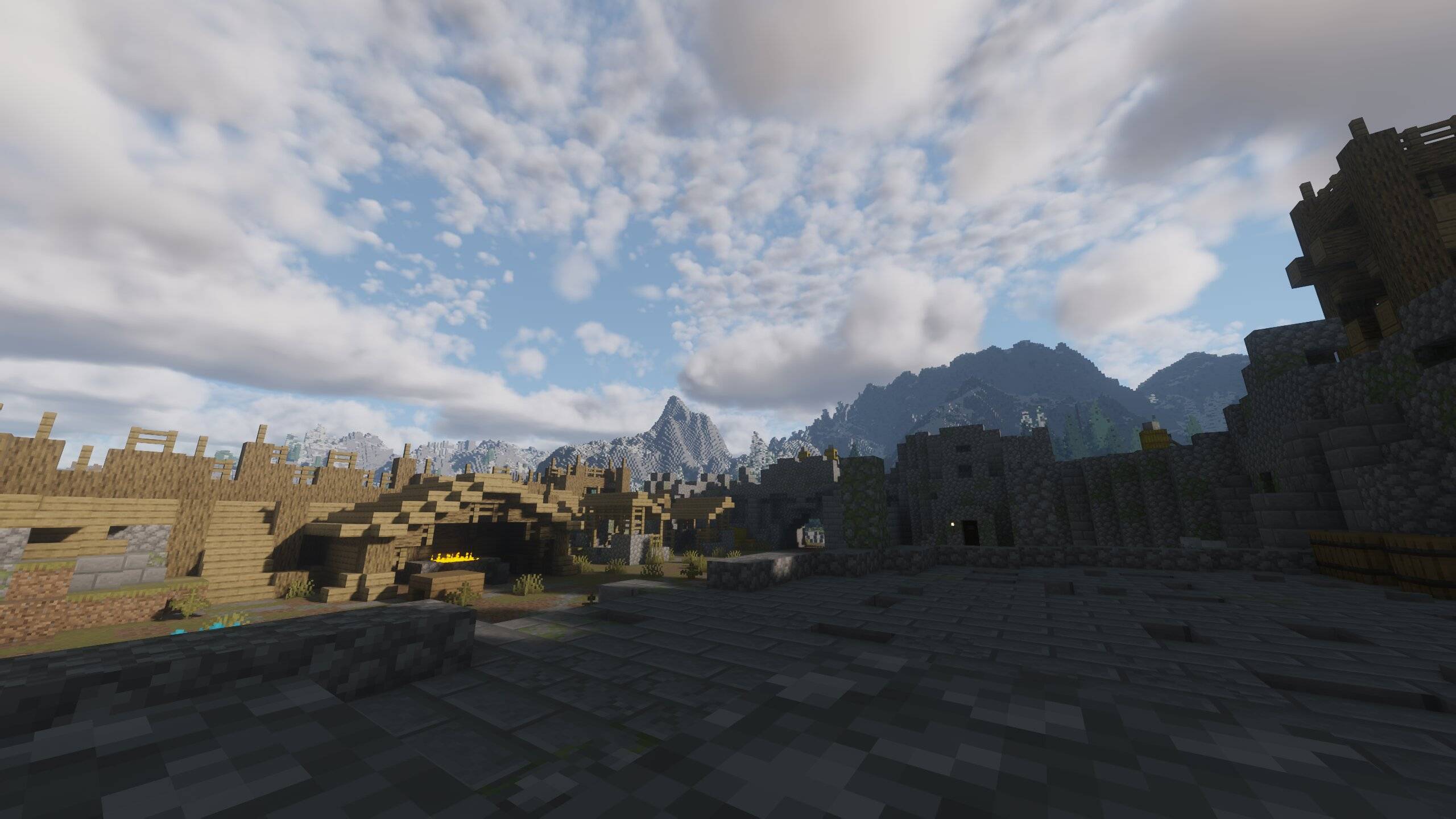
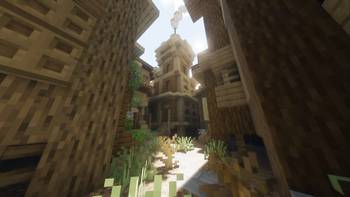
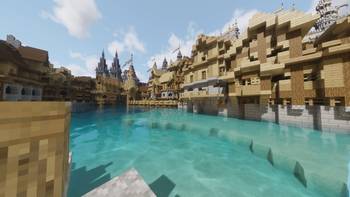
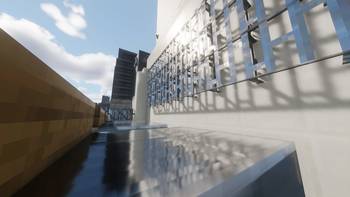
Welcome to AerixiumSFA PTGI! Step into the future of Minecraft graphics with AerixiumSFA PTGI (Extreme Ultra Edition)! This is a heavy-duty, state-of-the-art path-tracing shader designed to completely overhaul the lighting, shadows, and reflections of your world. Every light source behaves realistically, casting gorgeous global illumination and cinematic ray-traced visuals that will leave you speechless.
⚠️ CRITICAL WARNING - READ BEFORE DOWNLOADING:
RTX GPU REQUIRED: This shader utilizes advanced Path Tracing and ray-tracing calculations. Do NOT attempt to run this on integrated graphics (like AMD Vega) or non-RTX GPUs unless you want your frame rates to drop to 2 FPS and your PC to cry!
Performance Heavy: Built strictly for high-end graphics cards with dedicated RT cores. Prepare your hardware for a massive workload!
✨ Key Features:
Real-Time Path Tracing & GI: Dynamic, hyper-realistic lighting where light bounces naturally across surfaces.
Stunning PBR & Reflections: Next-level water, glass, and metal reflections that mimic real-life physics.
Cinematic Atmosphere: Unmatched visual depth and immersive shadows for true ray-tracing enthusiasts.
If you have the rig to handle it, AerixiumSFA PTGI will push your game's graphics to absolute perfection! Download at your own risk and enjoy the beauty! 🚀🔥