Mineuniverse
Resource Packs
Patchy 64x - Aether ii

Patchy 64x - Aether ii

RESOURCE PACK
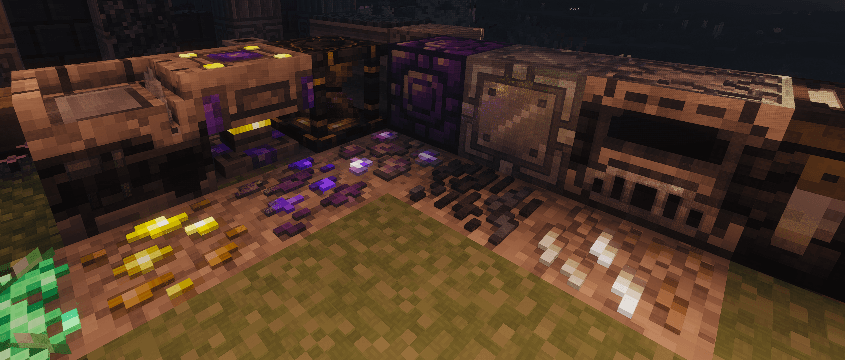
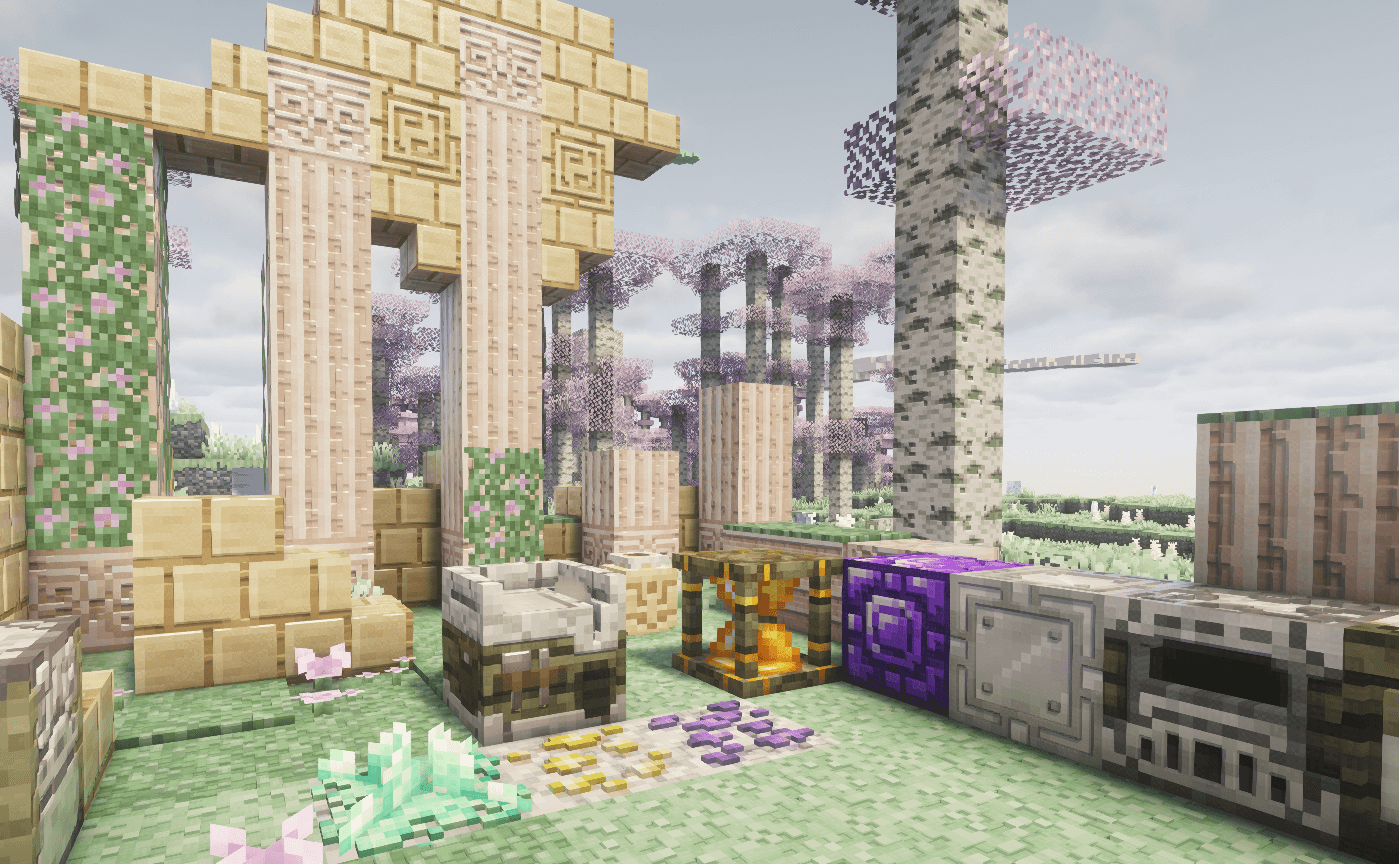
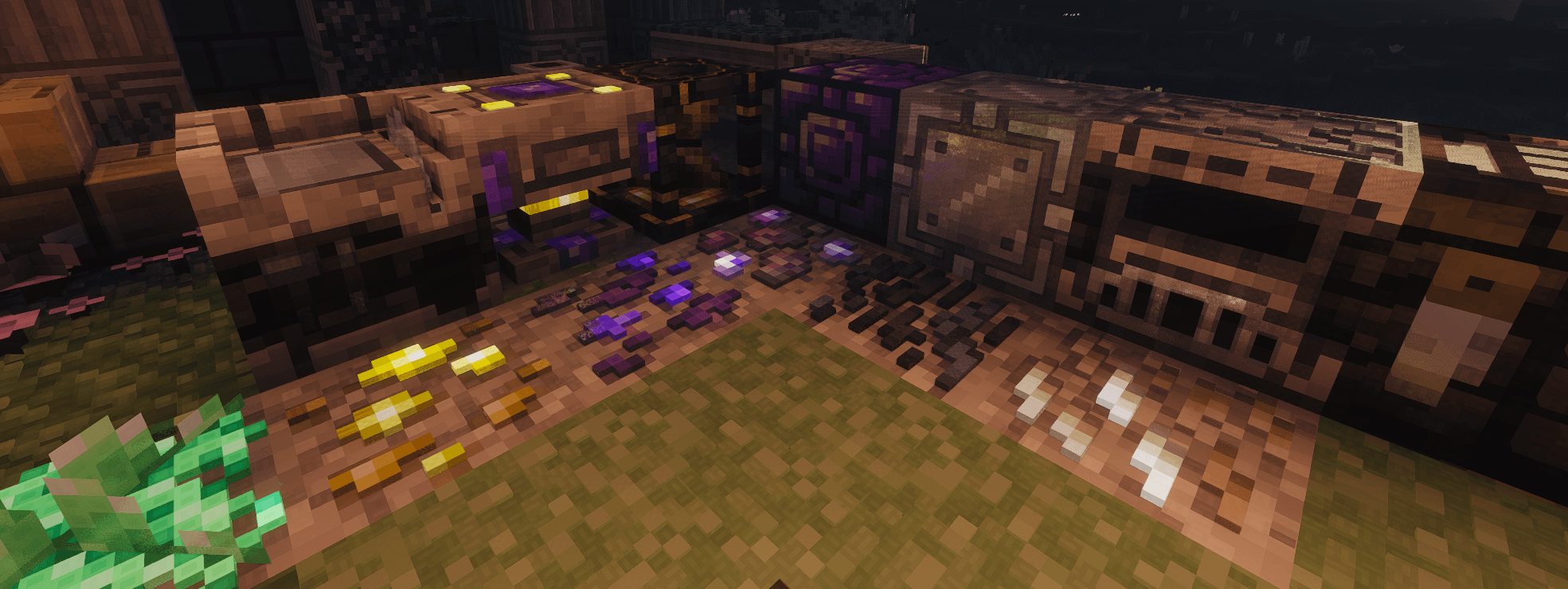
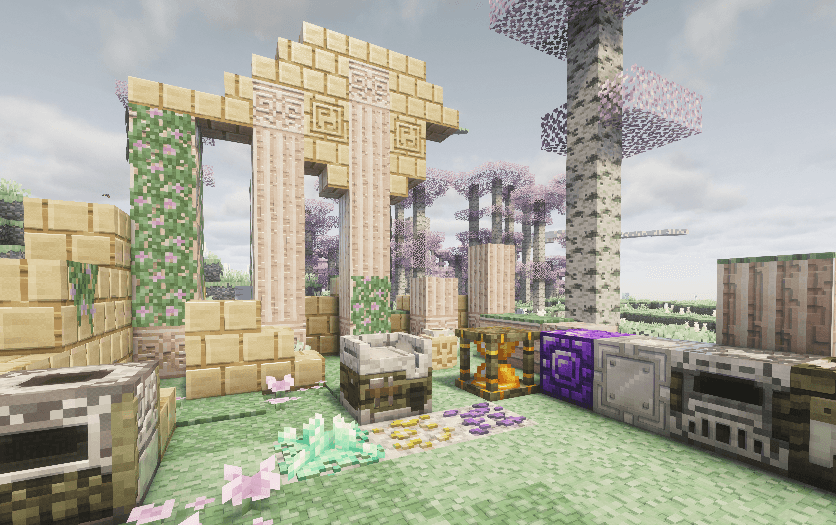
Aether ii mod with enhanced detail including emmisive PBR textures in a subtle patchwork quilt style.
by MPtrxx
Download Claim this project
210 downloads
0 likes
0 followers
Updated Oct 14, 2026
0 hypes
Follow0
64x Mod Support
Advertisement Remove ads with Premium →

Patchy 64x is an upscaled texture pack that enhances the Minecraft experience while preserving its classic feel. Each pixel in the standard texture pack is assigned an 4x4 tile, creating a unique patchwork quilt style design.

All credit for the original Aether ii mod go to TheAetherTeam - https://www.curseforge.com/minecraft/mc-mods/aether-ii

V01 pre-release! Only ~200 blocks have custom PBR, the other 600 have auto generated. 

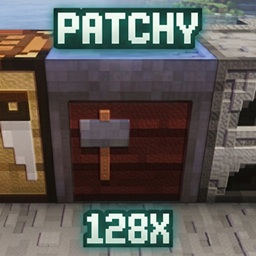
This is the same as the 128x pack just using 4x4 tiles instead of 8x8 tiles for the upscaling. 

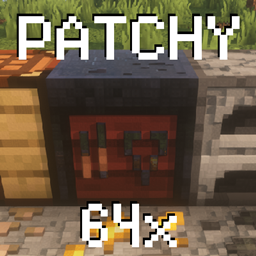
Much easier on your PC than the 128x and looks almost as good. All normal mapping and specular made from the same base so it looks the same. 

Key Features

  1. POM 3D Mapping: All blocks feature hand crafted 3D effects on the main surfaces for true depth.
  2. Specular Mapping: Different materials have realistic reflection levels to mimic real-world surfaces.
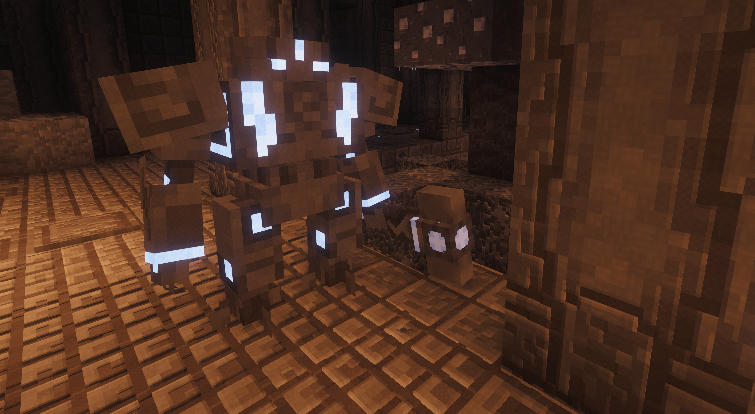
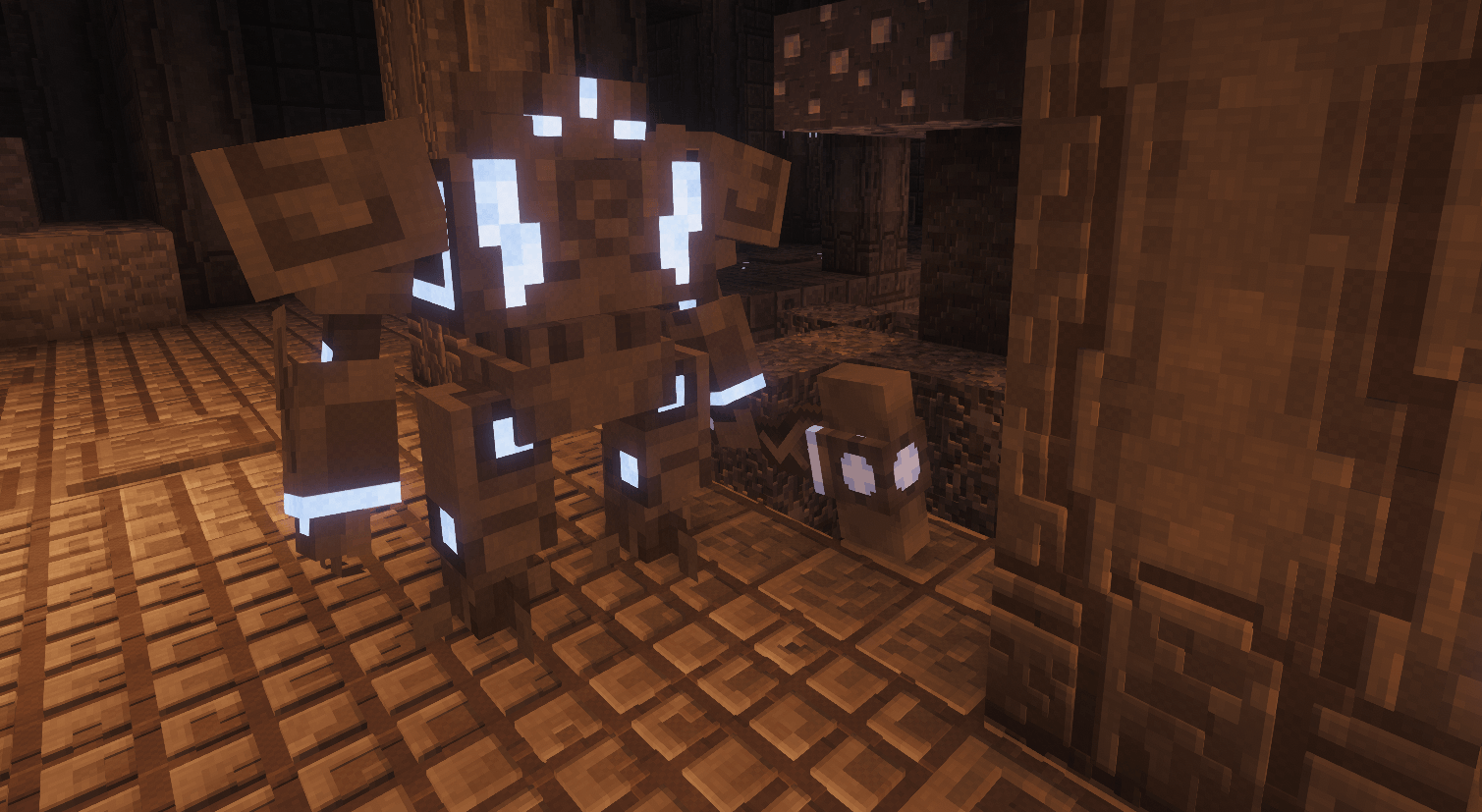
  3. IRIS Compatible Emissives: Includes plenty of glowing blocks for a dynamic environment.
  4. Shader Compatibility: Optimized to work with all top-tier shaders.
  5. 3D Animated Ores: Custom extruded ores featuring a unique animated glimmer effect.
  6. HQX Items: 2x Scaled items for smoother looking items.


Euphoria settings from screenshots and how I play:
Profile: Popular
RP Support: LabPBR
Materials\Integrated\Glowing Ores\Glowing Ores: Off
Materials\Integrated\Other IPR\IPBR Emissive mode: LabPBR > IPBR+
Materials\labPBR\POM Depth: 0.40
Materials\labPBR\POM on Cutout Surfaces: On
 

PATCHY64_Aether_ii_v01.zip
MC 1.21.8, 1.21.11, 26.1.2
Release 2026-05-24 Get

Requirements & install

How to use this resource pack in Minecraft
Resolution
64x
Minecraft
1.21.8 – 26.1.2
Install folder
.minecraft/resourcepacks

How to install resource packs

  1. Download the resource pack .zip file (do not extract it).
  2. In Minecraft open Options → Resource Packs → Open Pack Folder.
  3. Drop the .zip into the resourcepacks folder (.minecraft/resourcepacks).
  4. Move the pack to the Selected column and click Done.
Browse more: 16x resource packs 32x resource packs 64x resource packs 128x resource packs 256x resource packs 512x+ resource packs Resource Packs for 26.1.2 All resource packs

More from MPtrxx

Advertisement Remove ads with Premium →

You Might Also Like