Mineuniverse
Resource Packs
PATCHY Bosses and Magic

PATCHY Bosses and Magic

RESOURCE PACK
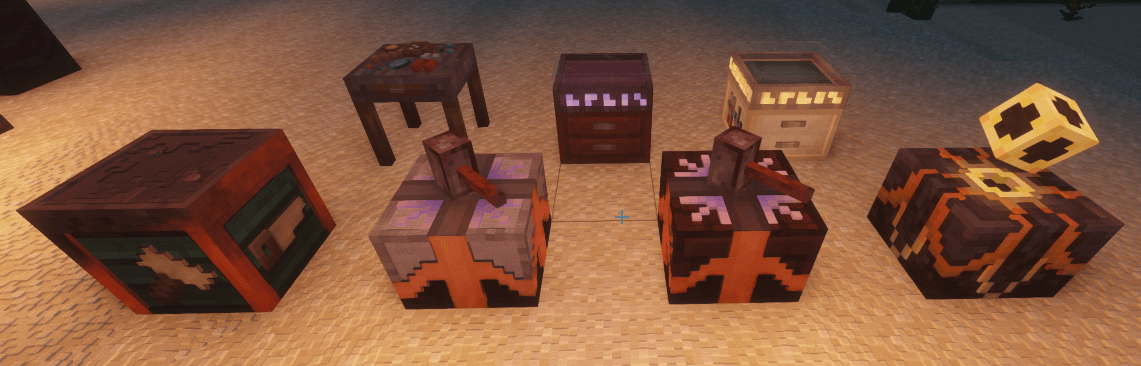
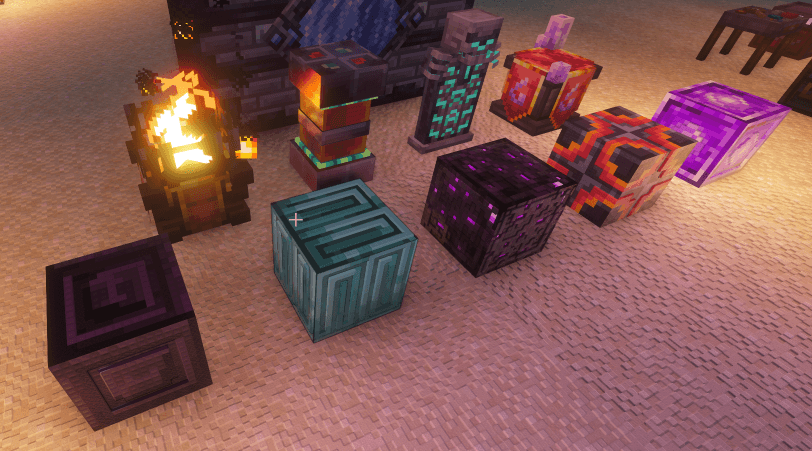
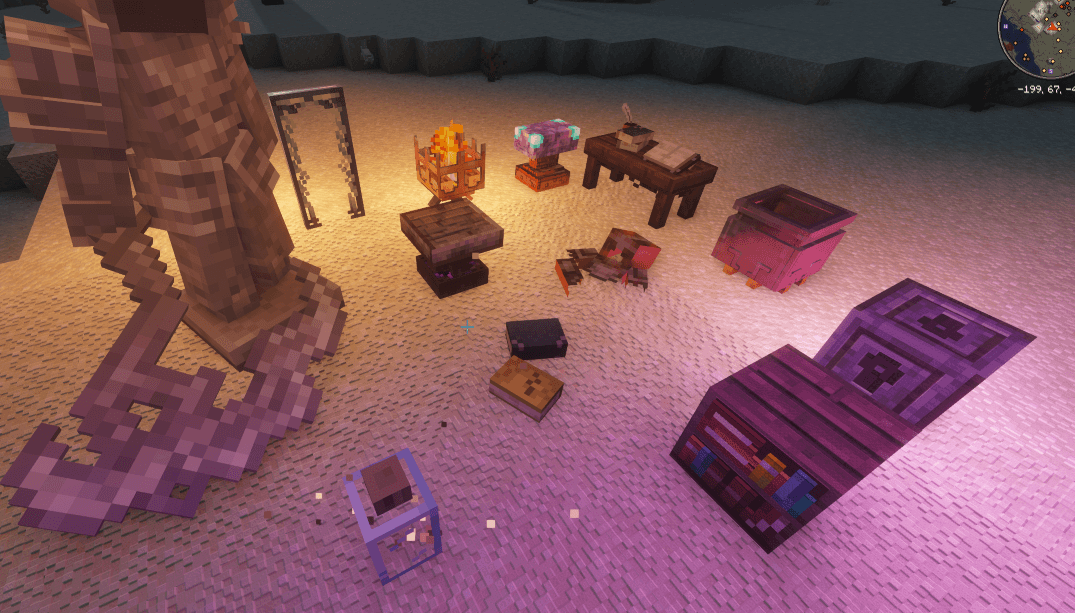
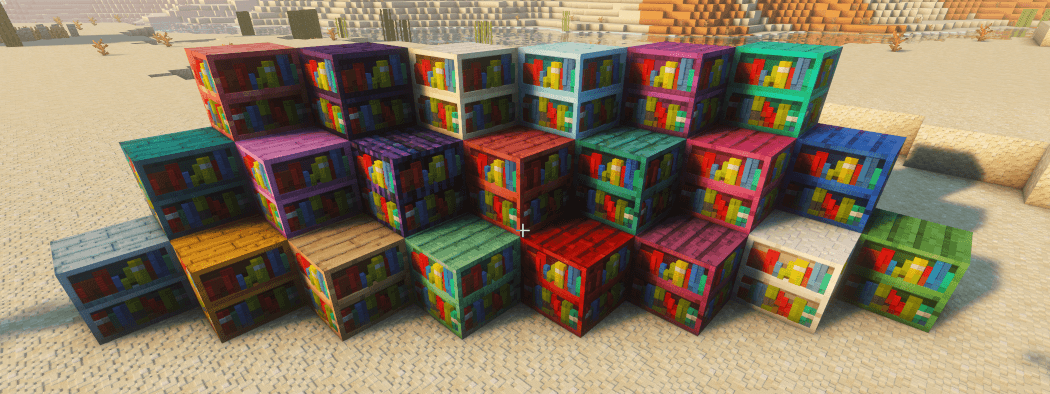
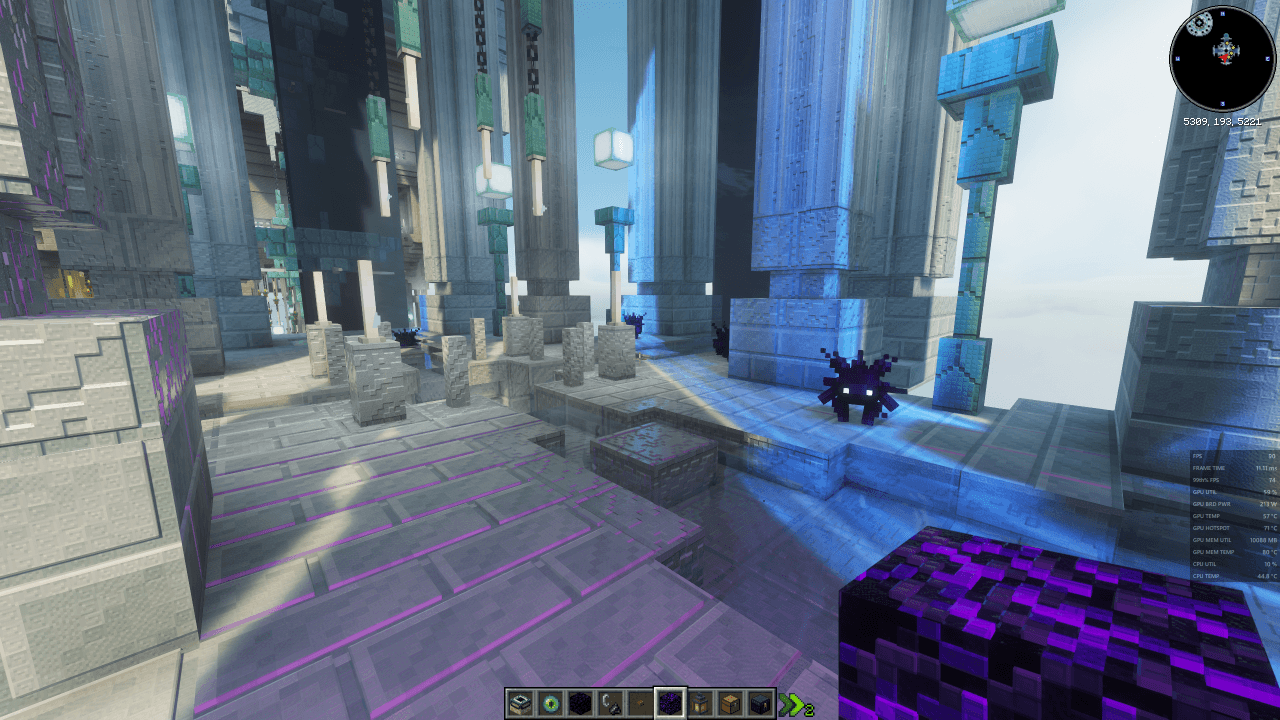
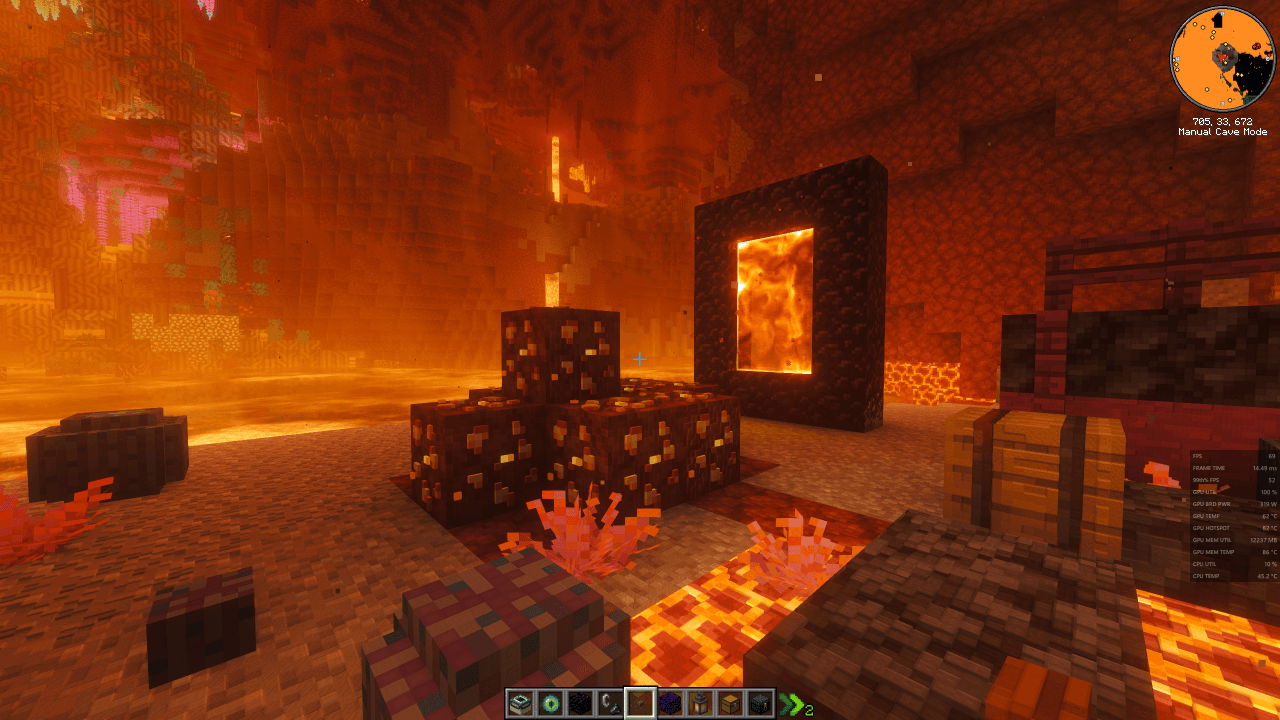
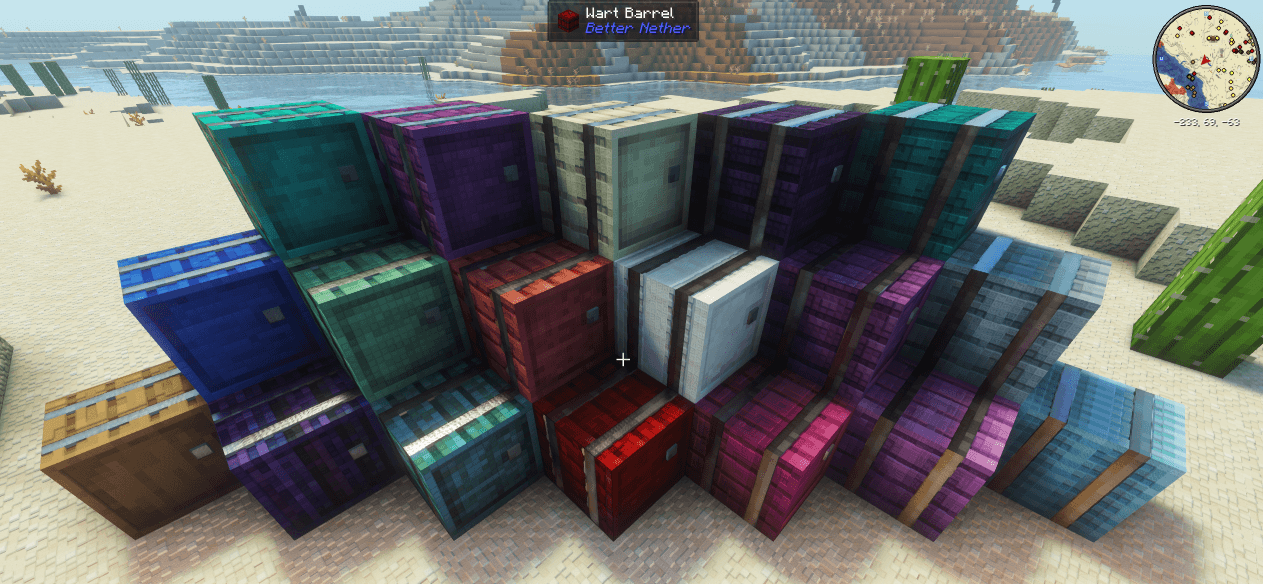
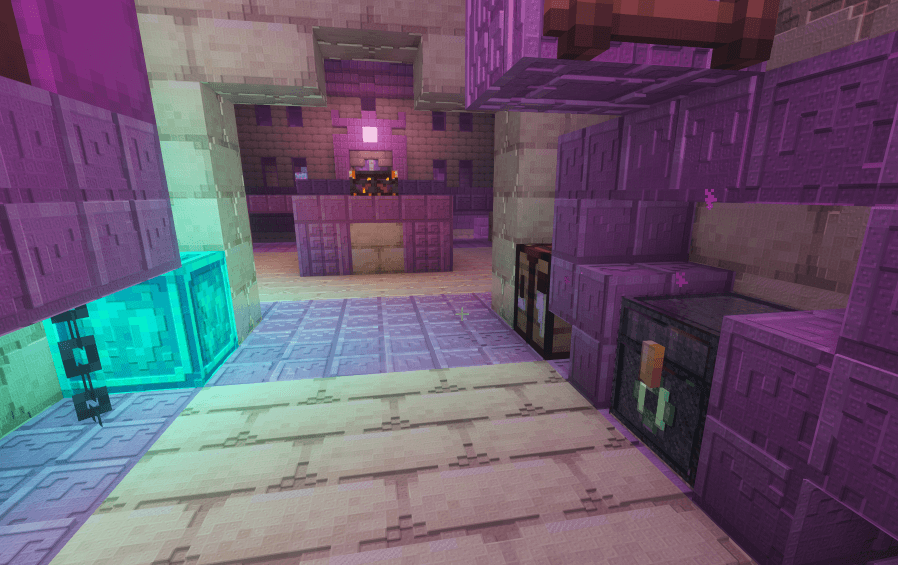
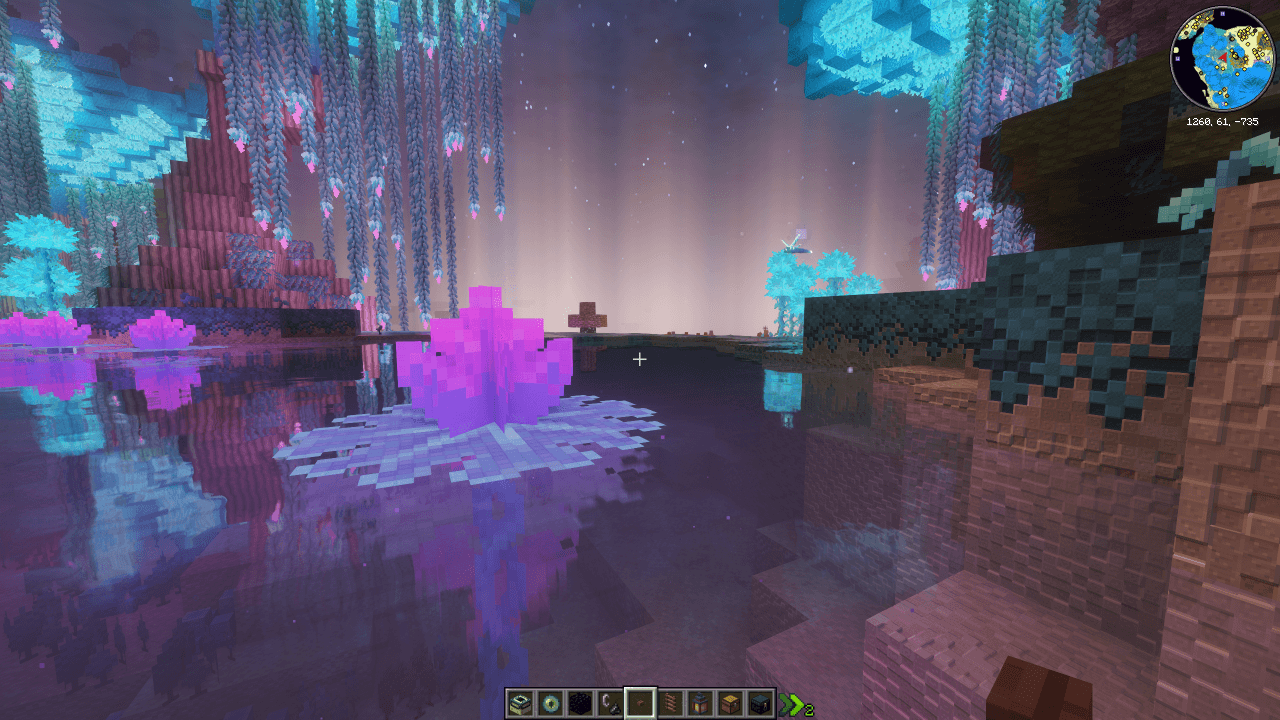
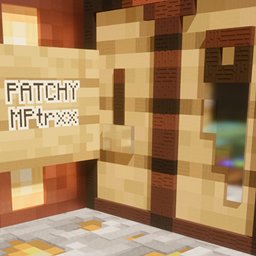
1.21.1 Boss and Magic mods with enhanced detail including emmisive PBR textures in a subtle patchwork quilt style.
by MPtrxx
Download Claim this project
79 downloads
0 likes
Updated Oct 14, 2026
0 hypes
128x Mod Support
Advertisement Remove ads with Premium →

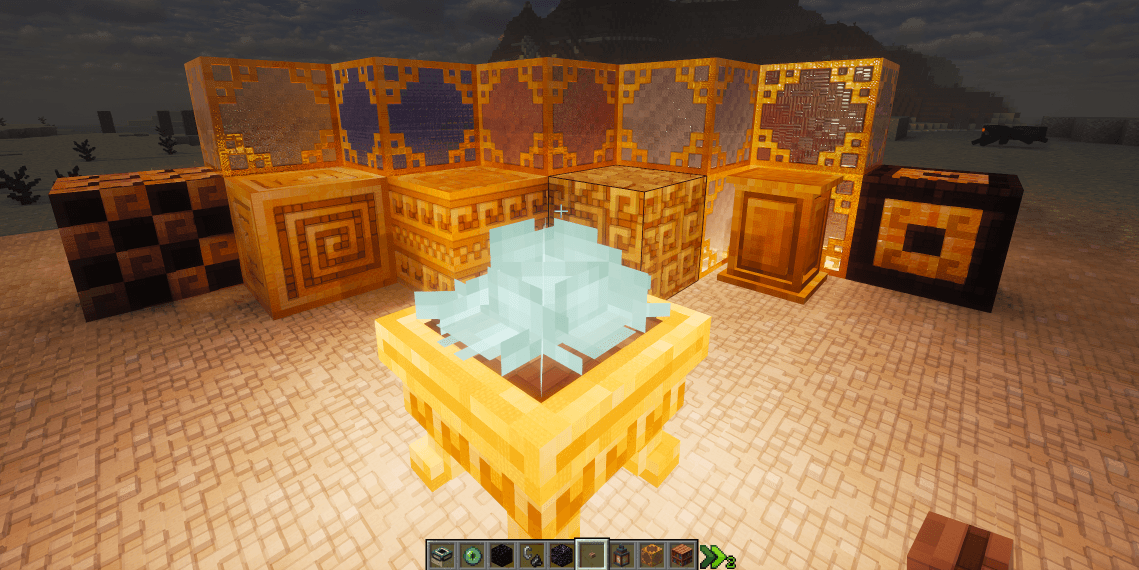
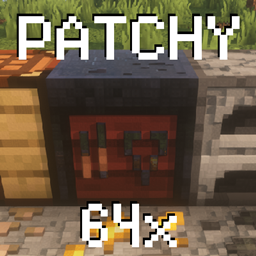
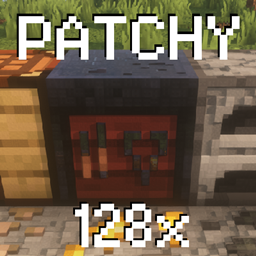
Patchy 128x is an upscaled texture pack that enhances the Minecraft experience while preserving its classic feel. Each pixel in the standard texture pack is assigned an 8x8 tile, creating a unique patchwork quilt style design. 

This pack requires a 16gb VRAM graphics card if you run all the mods in the pack! Could possibly get away with 12gb turning down the draw distance.

This pack adds textures for the following mods:

Key Features

  1. POM 3D Mapping: All blocks feature hand crafted 3D effects on the main surfaces for true depth.
  2. Specular Mapping: Different materials have realistic reflection levels to mimic real-world surfaces.
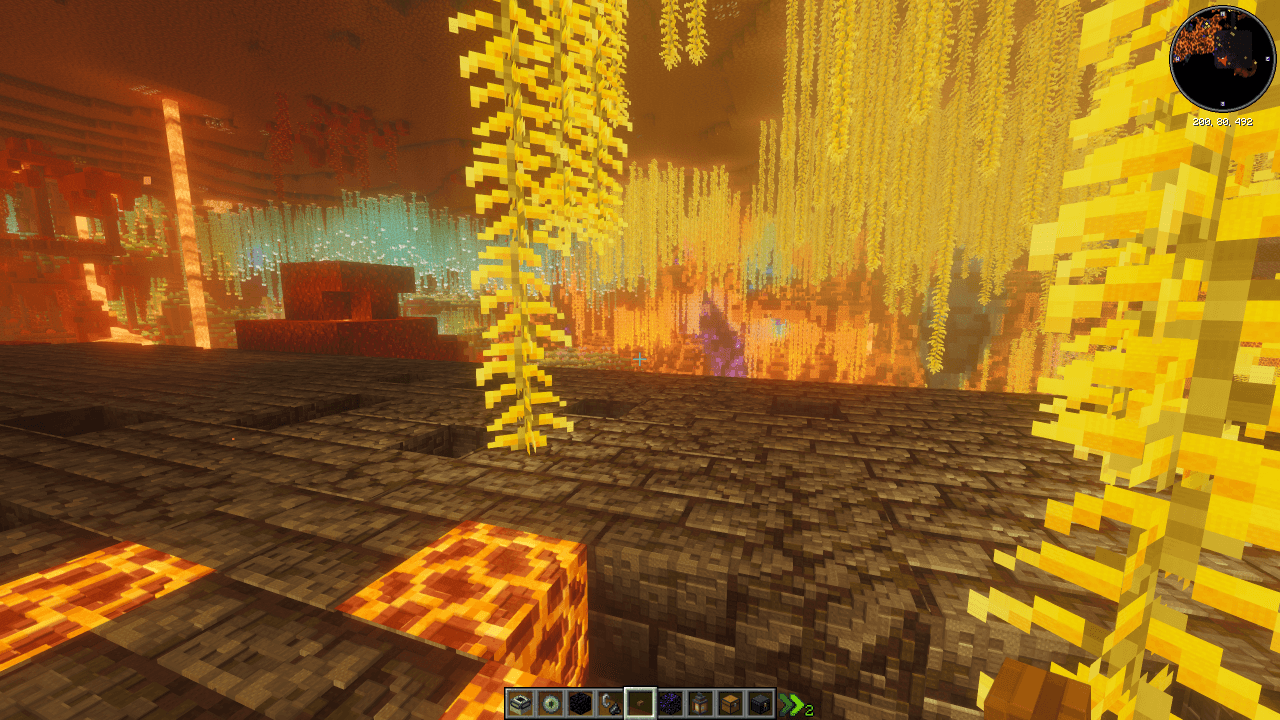
  3. IRIS Compatible Emissives: Includes plenty of glowing blocks for a dynamic environment.
  4. Shader Compatibility: Optimized to work with all top-tier shaders.
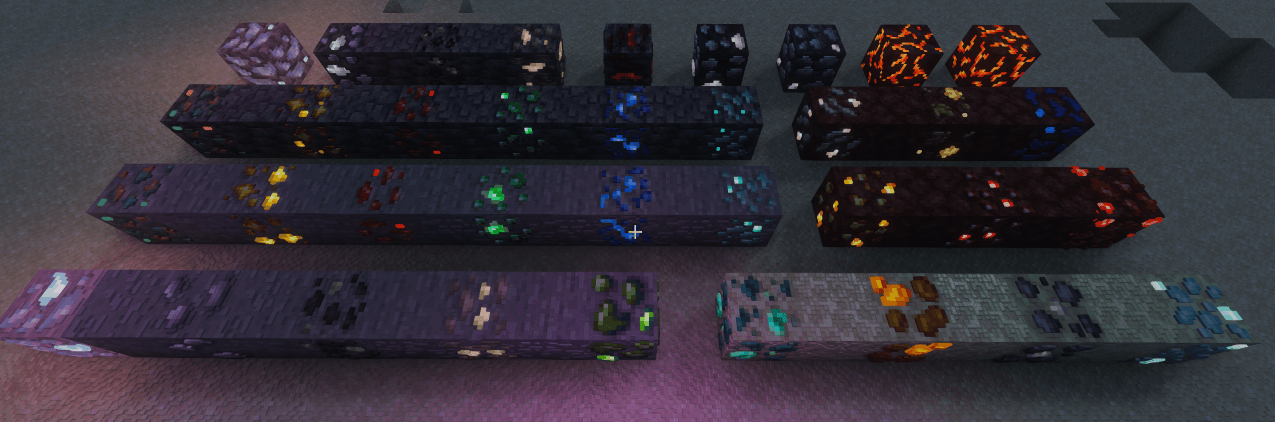
  5. 3D Animated Ores: Custom extruded ores featuring a unique animated glimmer effect.

Euphoria settings from screenshots and how I play:
Profile: Popular
RP Sport: LabPBR
Atmosphere\Fog\Border Fog: Off
Materials\Integrated\Glowing Ores\Glowing Ores: Off
Materials\Integrated\Other IPR\IPBR Emissive mode: LabPBR > IPBR+
Materials\labPBR\POM Depth: 0.25
Materials\labPBR\POM on Cutout Surfaces: On

I also highly recommend better Ladder, Lanterd 3D, and Rails 3d from Heycronus. They all work well with the textures in this pack if they're put lower on the list. https://www.curseforge.com/members/heycronus/projects

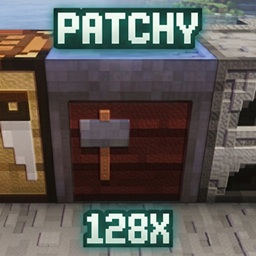
PATCHY_Bosses_n_Magic_v01.zip
MC 1.21.1
Release 2026-05-04 Get

Requirements & install

How to use this resource pack in Minecraft
Resolution
128x
Minecraft
1.21.1
Install folder
.minecraft/resourcepacks

How to install resource packs

  1. Download the resource pack .zip file (do not extract it).
  2. In Minecraft open Options → Resource Packs → Open Pack Folder.
  3. Drop the .zip into the resourcepacks folder (.minecraft/resourcepacks).
  4. Move the pack to the Selected column and click Done.

Packs from 128x upwards need more video memory: install a performance mod such as Sodium for smooth frame rates.

Browse more: 16x resource packs 32x resource packs 64x resource packs 128x resource packs 256x resource packs 512x+ resource packs Resource Packs for 1.21.1 All resource packs

More from MPtrxx

Advertisement Remove ads with Premium →

You Might Also Like