Mineuniverse
Resource Packs
Patchy 128x - BetterEnd

Patchy 128x - BetterEnd

RESOURCE PACK
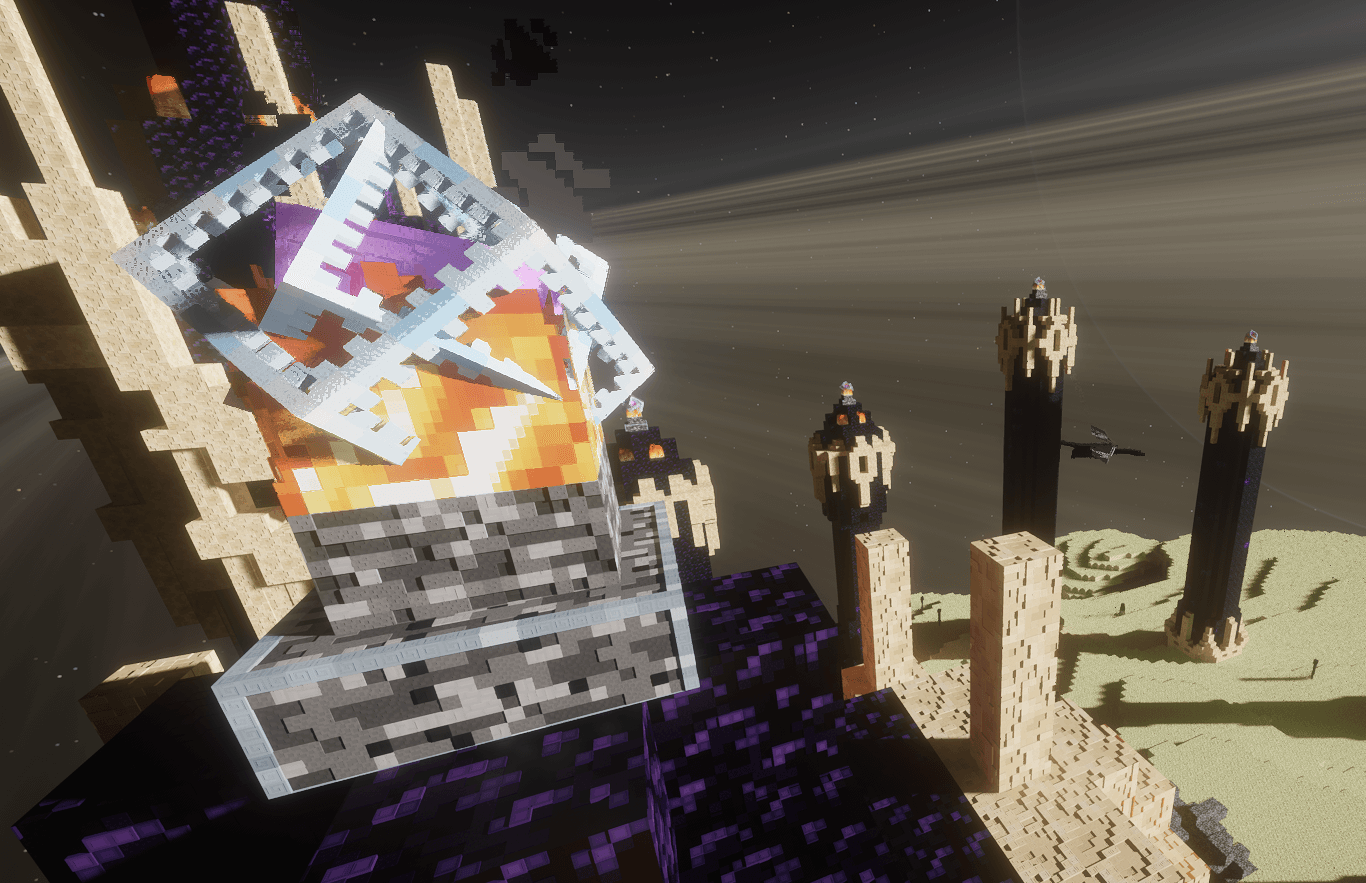
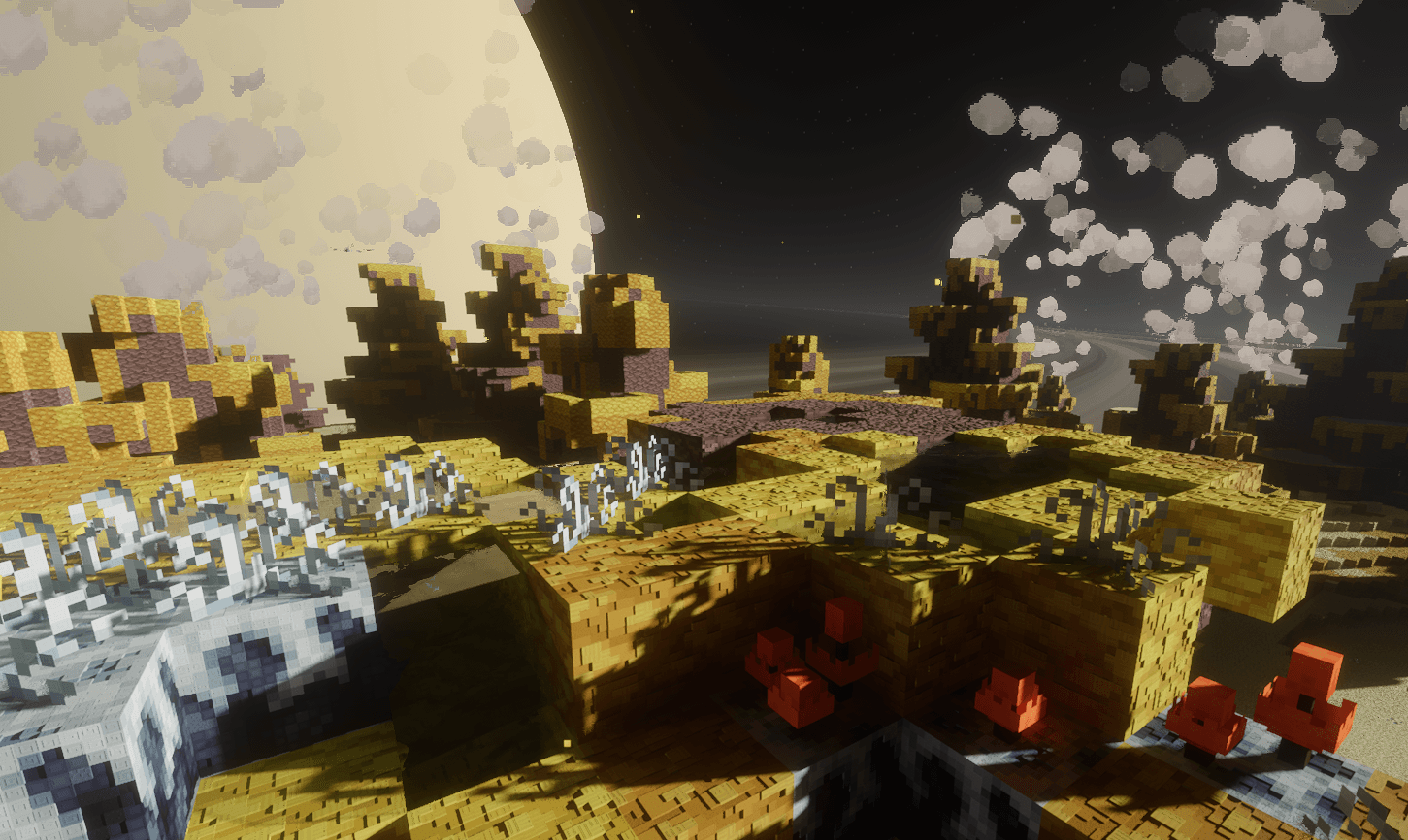
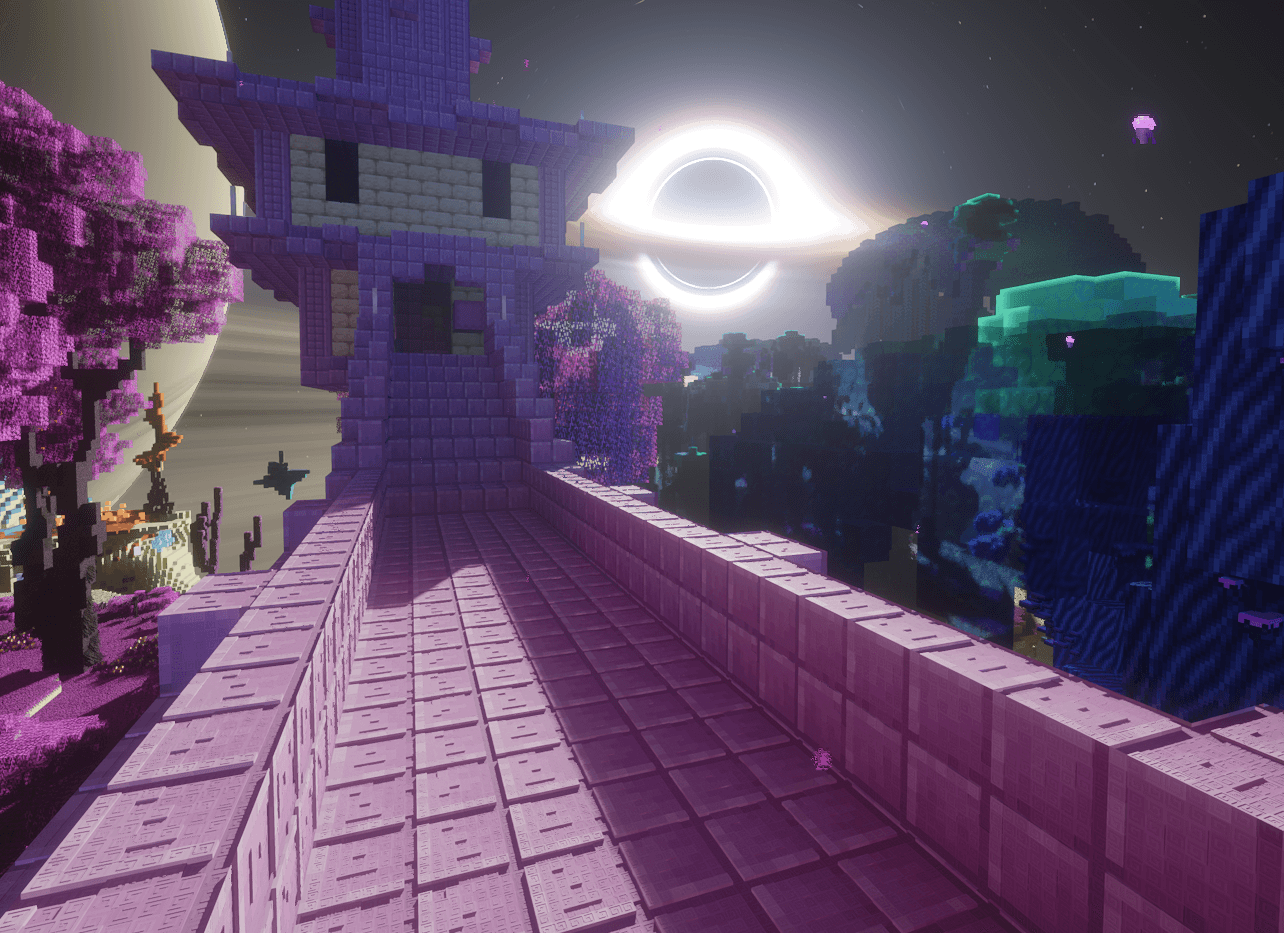
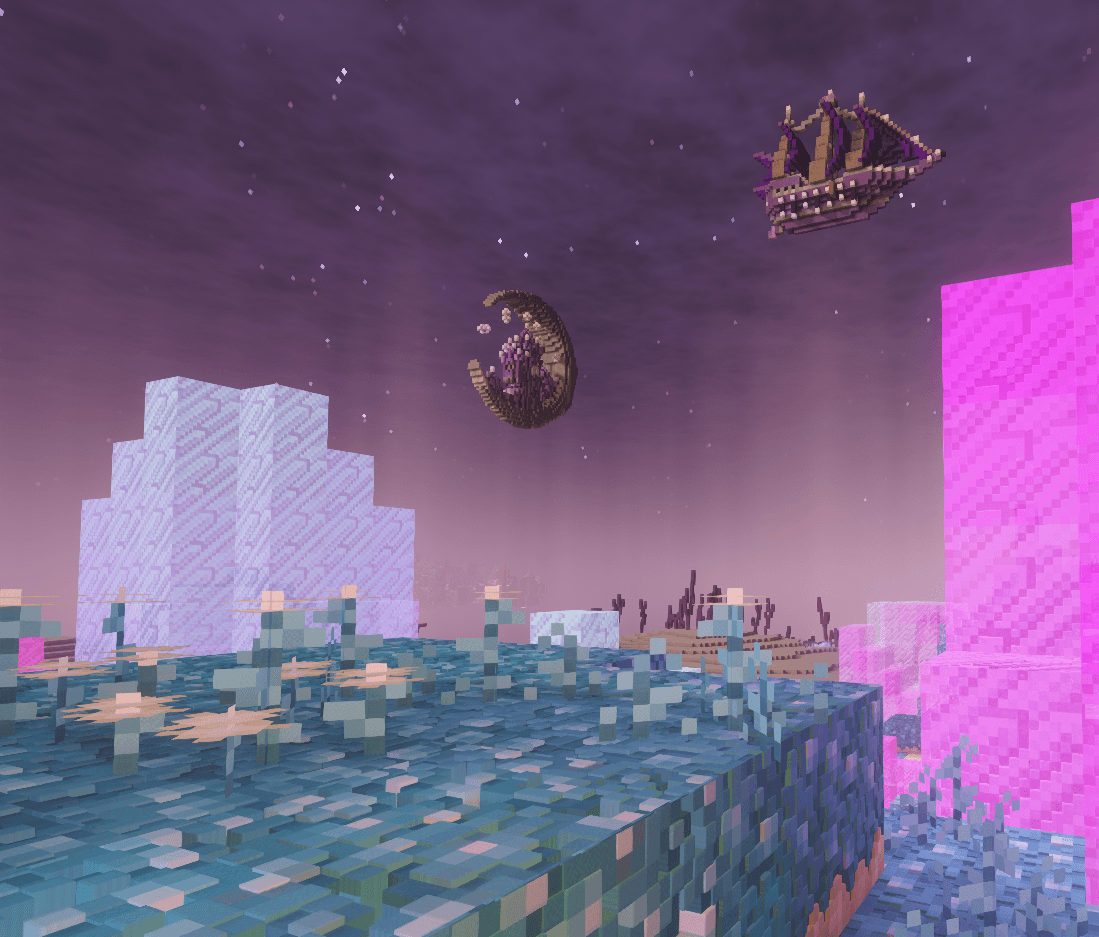
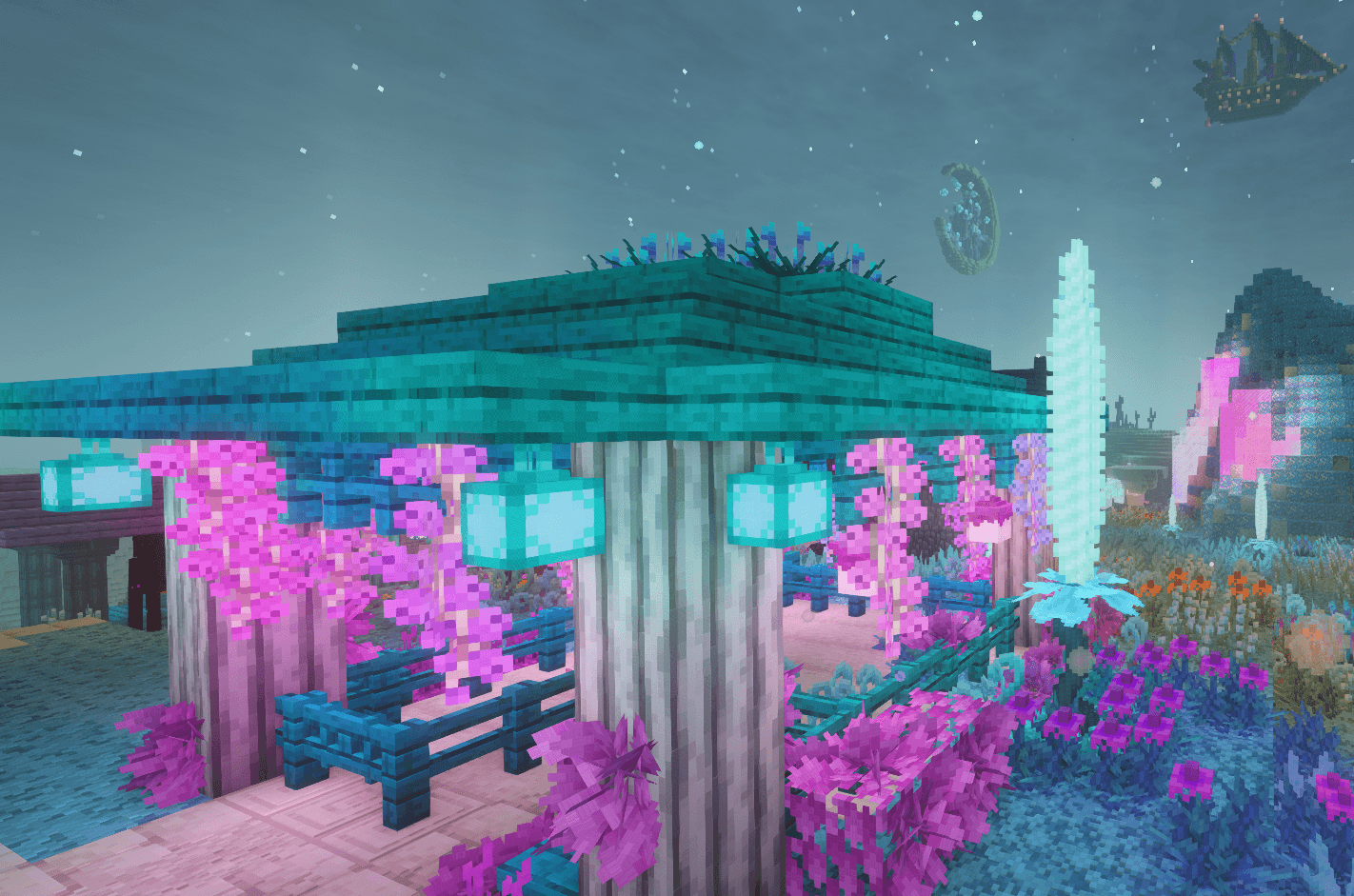
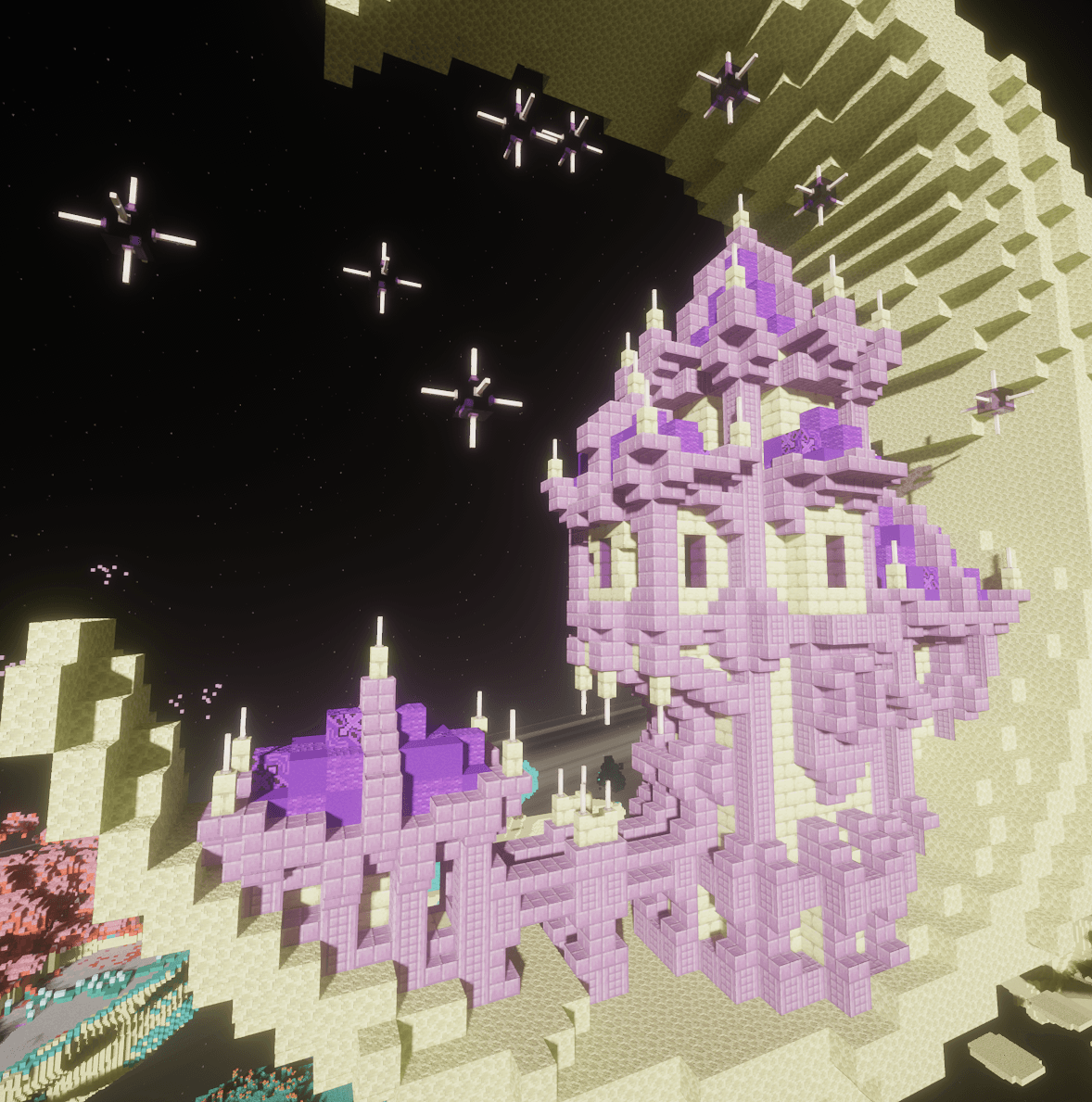
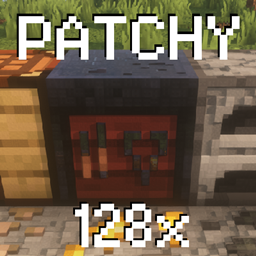
Better End mod with enhanced detail including emmisive PBR textures in a subtle patchwork quilt style.
by MPtrxx
Download Claim this project
186 downloads
0 likes
Updated Oct 14, 2026
0 hypes
128x Animated Mod Support
Advertisement Remove ads with Premium →

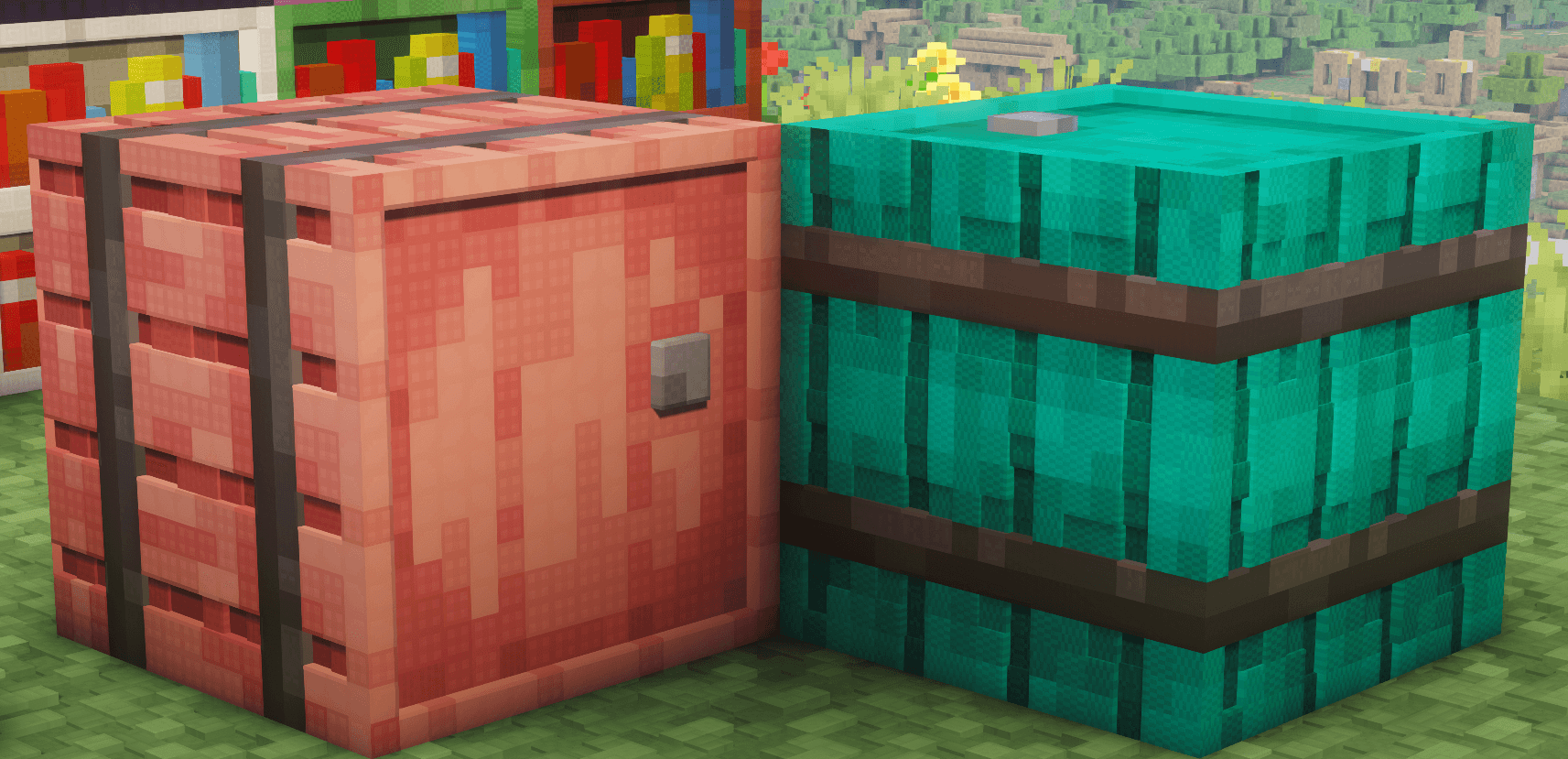
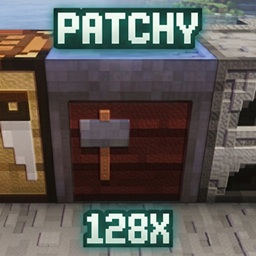
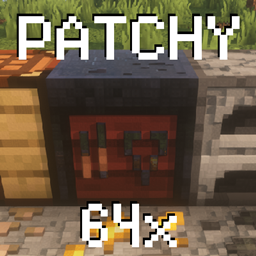
Patchy 128x is an upscaled texture pack that enhances the Minecraft experience while preserving its classic feel. Each pixel in the standard texture pack is assigned an 8x8 tile, creating a unique patchwork quilt style design.

V97 -
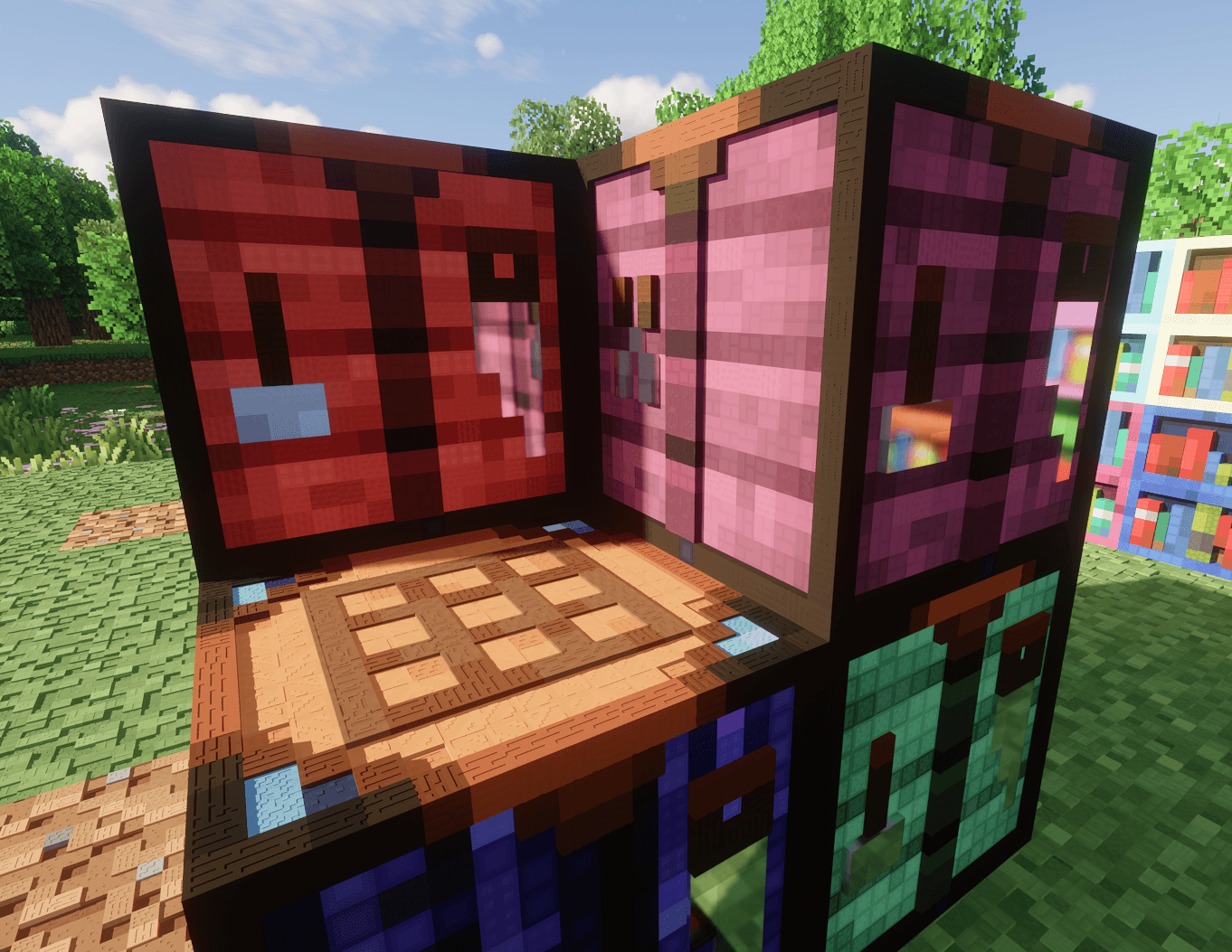
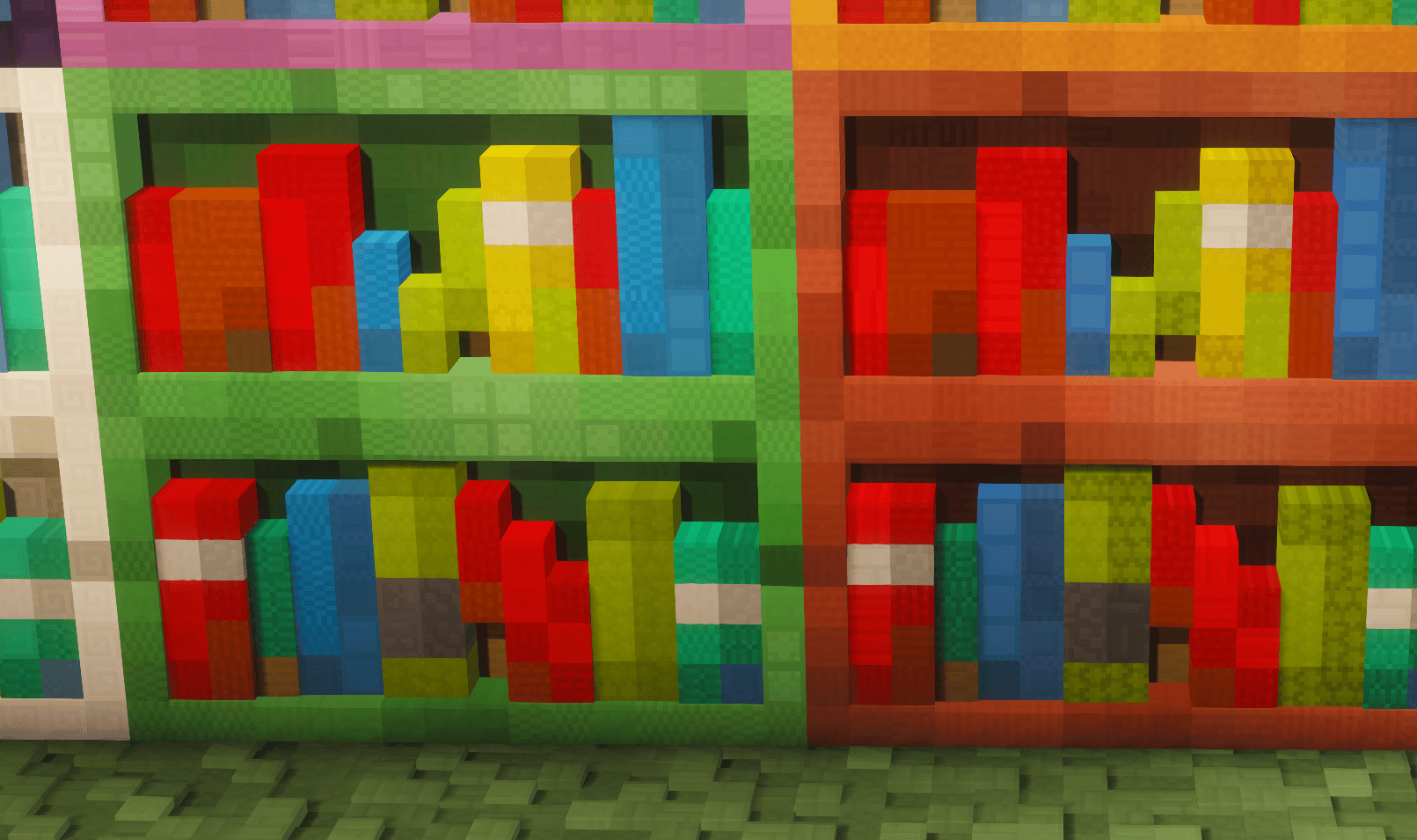
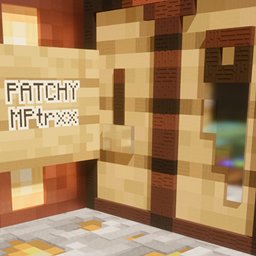
All bookshelfs, crafting tables and barrels have hand crafted PBR
All ores have Patchy style glimmer ores

All credit for the original BetterEnd mod teams. 
Raijin2312 https://www.curseforge.com/minecraft/mc-mods/betterend-neoforge 
and before them PaulEV and Quiqueck https://www.curseforge.com/minecraft/mc-mods/betterend 

Key Patchy Features

  1. POM 3D Mapping: All blocks feature hand crafted 3D effects on the main surfaces for true depth.
  2. Specular Mapping: Different materials have realistic reflection levels to mimic real-world surfaces.
  3. IRIS Compatible Emissives: Includes plenty of glowing blocks for a dynamic environment.
  4. Shader Compatibility: Optimized to work with all top-tier shaders.
  5. Animated Ores: Ores feature a unique animated glimmer effect.
  6. HQX Items: 2x Scaled items for smoother looking items.


Check out my page for other mod packs and other versions https://www.curseforge.com/members/mptrxx/projects 

Euphoria settings from screenshots and how I play:
Profile: Popular
RP Support: LabPBR
Materials\Integrated\Glowing Ores\Glowing Ores: Off
Materials\Integrated\Other IPR\IPBR Emissive mode: LabPBR > IPBR+
Materials\labPBR\POM Depth: 0.40
Materials\labPBR\POM on Cutout Surfaces: On

PATCHY128_BetterEnd 26.1.1_V95.zip
MC 1.21, 1.21.1, 1.21.11, 26.1, 26.1.1, 26.1.2
Release 2026-06-27 Get

Requirements & install

How to use this resource pack in Minecraft
Resolution
128x
Minecraft
1.21 – 26.1.2
Install folder
.minecraft/resourcepacks

How to install resource packs

  1. Download the resource pack .zip file (do not extract it).
  2. In Minecraft open Options → Resource Packs → Open Pack Folder.
  3. Drop the .zip into the resourcepacks folder (.minecraft/resourcepacks).
  4. Move the pack to the Selected column and click Done.

Packs from 128x upwards need more video memory: install a performance mod such as Sodium for smooth frame rates.

Browse more: 16x resource packs 32x resource packs 64x resource packs 128x resource packs 256x resource packs 512x+ resource packs Resource Packs for 26.1.2 All resource packs

More from MPtrxx

Advertisement Remove ads with Premium →

You Might Also Like