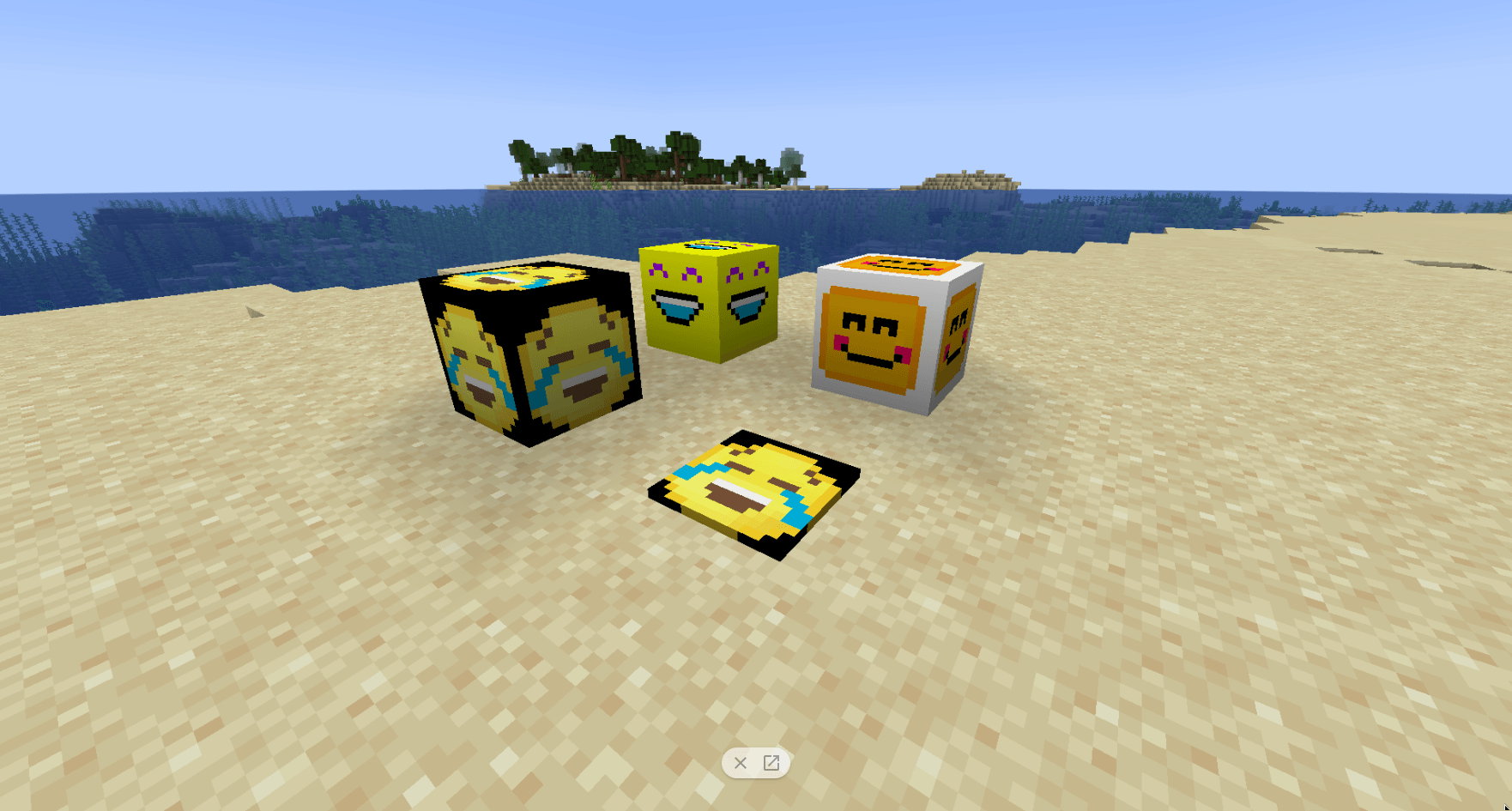
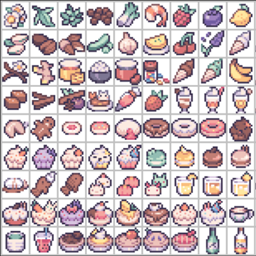
"🤩 Emoji blocks in Minecraft - a block-filled dream come true! 🌐 Are you an emoji lover like me? Do you enjoy adding a touch of whimsy and personality to your Minecraft builds? Look no further than the magical world of Minecraft, where emojis have taken on a whole new dimension - literally! 🔍
In this world, emoji blocks are scattered throughout the landscape, waiting to be discovered and used to create vibrant, emoji-filled masterpieces. 🎨 From the smiling face 😊 to the crying face 😭, every emoji block is designed to add a unique touch to your builds.
Imagine walking through a lush forest filled with green 🌿 emoji blocks, or strolling along a sun-kissed beach lined with happy 😊 emoji stones. The possibilities are endless in this world of colorful creativity! 🌈
As you explore the Minecraft world, you'll come across all sorts of fascinating structures and landmarks built using these adorable emojis. From towering emoji-shaped castles to sprawling emoji-themed cities, every detail is lovingly crafted to bring a smile to your face.
So why settle for boring, plain builds when you can have a world that's as vibrant and expressive as the internet itself? 🌐 Join me on this whimsical journey through Minecraft's Emoji Block World, where creativity knows no bounds and fun is always just around the corner! 😄"