Mineuniverse
Resource Packs
Kawaii World Weapons

Kawaii World Weapons

RESOURCE PACK
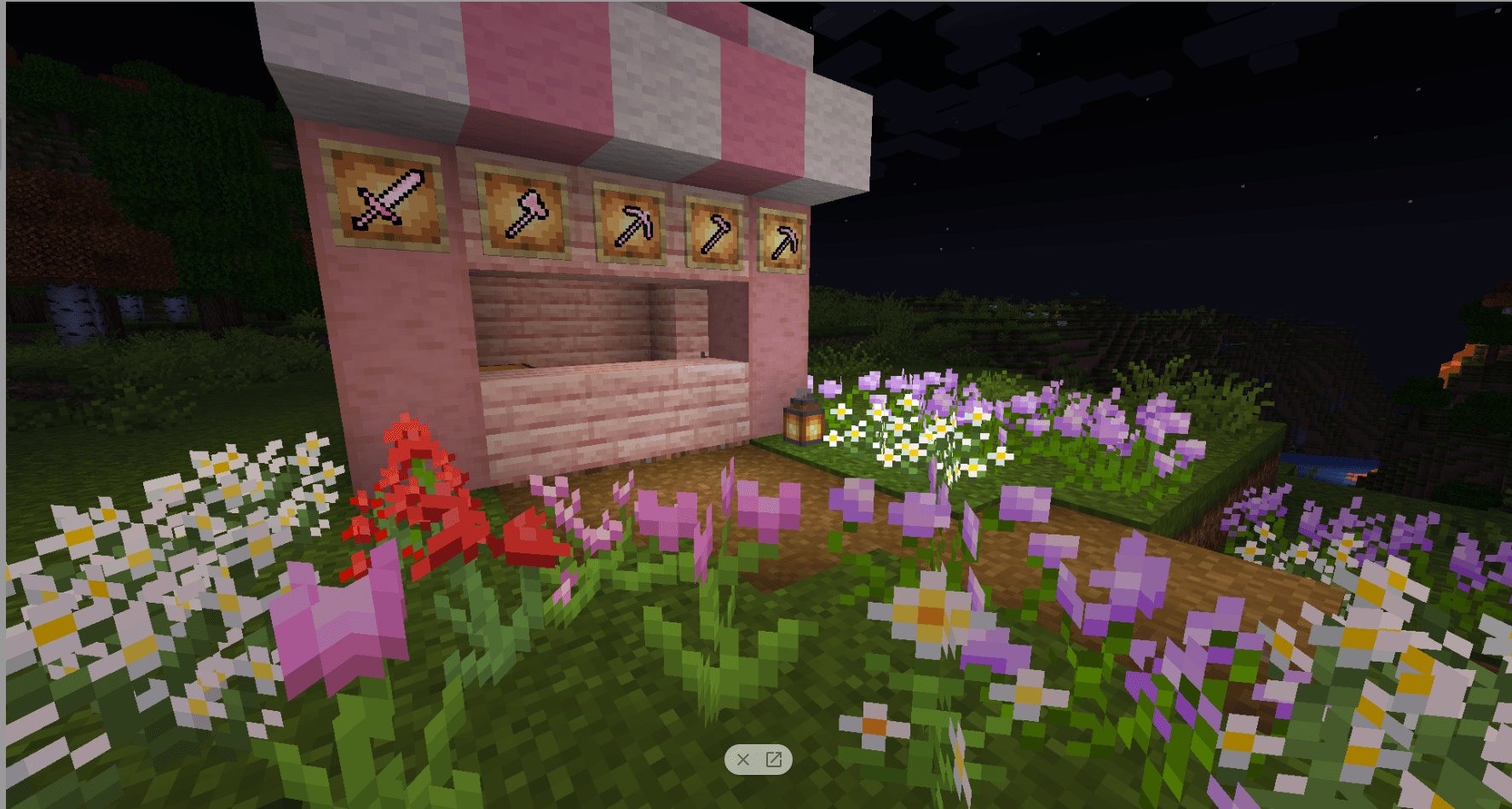
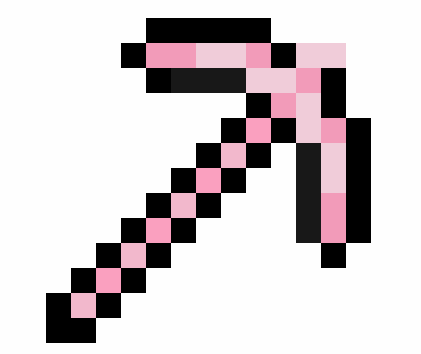
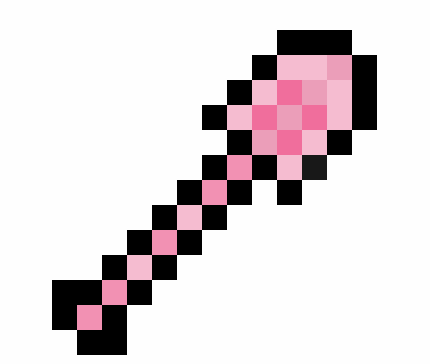
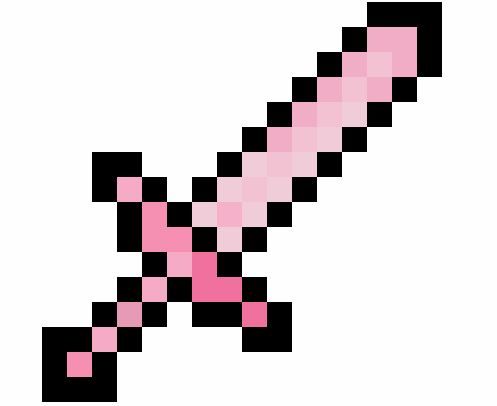
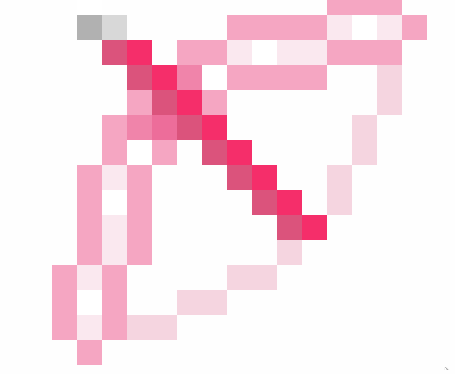
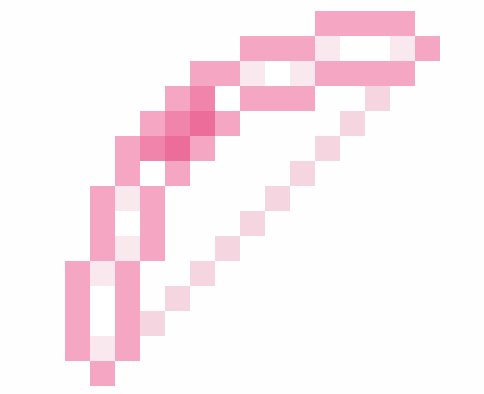
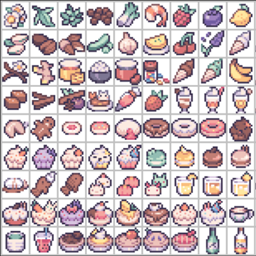
Cute Weapons great for having fun and killing mobs and will lighten your day!
by RadientPrincess
Download Claim this project
7,056 downloads
0 likes
0 followers
Updated Oct 14, 2026
0 hypes
Follow0
16x Animated Modern Traditional
Advertisement Remove ads with Premium →

ever feel like your sword is a bit too serious? Maybe your pickaxe could use a touch of whimsy? Look no further than the Minecraft Mini-Marvels tool set! These handcrafted tools are designed to bring a bit of fun and flair to your adventures.

*Imagine:

  • A sparkling diamond pickaxe with a cute critter perched on the handle, bobbing its head as you mine.
  • A shimmering bubble sword that sends mobs flying with a gentle pop.
  • A rainbow-tipped shovel that leaves a trail of glittering flowers in its wake.

With Minecraft Mini-Marvels, even the most dangerous tasks become delightful! These charming tools are perfect for players who want to add a touch of personality to their gameplay. They're** sure to make a splash** with your friends and bring a smile to your face.

Remember, Minecraft Mini-Marvels are all about fun and creativity. So go forth, explore, and build something amazing!

Kawaii World Weapons.zip
MC 1.7.6, 1.17.1, 1.9.1, 1.5.3, 1.16.3, 1.13.1, 1.9.3, 1.8.7, 1.7.4, 1.7.7, 1.19.3, 1.20.2, 1.21, 1.7.5, 1.4.6, 1.6.1, 1.0, 1.16.1, 1.18.1, 1.20.5, 1.9.4, 1.9.2, 1.8.4, 1.7.9
Release 2024-09-04 Get
Cute Weapons.zip
MC 1.7.6, 1.17.1, 1.9.1, 1.5.3, 1.16.3, 1.13.1, 1.9.3, 1.8.7, 1.7.4, 1.7.7, 1.19.3, 1.20.2, 1.7.5, 1.4.6, 1.6.1, 1.0, 1.16.1, 1.18.1, 1.9.4, 1.9.2, 1.8.4, 1.7.9, 1.14.4, 1.14.1
Release 2024-03-08 Get

Requirements & install

How to use this resource pack in Minecraft
Resolution
16x
Minecraft
1.16.1 – 1.21
Install folder
.minecraft/resourcepacks

How to install resource packs

  1. Download the resource pack .zip file (do not extract it).
  2. In Minecraft open Options → Resource Packs → Open Pack Folder.
  3. Drop the .zip into the resourcepacks folder (.minecraft/resourcepacks).
  4. Move the pack to the Selected column and click Done.
Browse more: 16x resource packs 32x resource packs 64x resource packs 128x resource packs 256x resource packs 512x+ resource packs Resource Packs for 1.21 All resource packs

More from RadientPrincess

Advertisement Remove ads with Premium →

You Might Also Like