Mineuniverse
Resource Packs
Bruh Mace

Bruh Mace

RESOURCE PACK
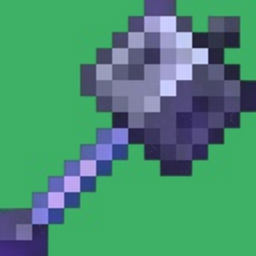
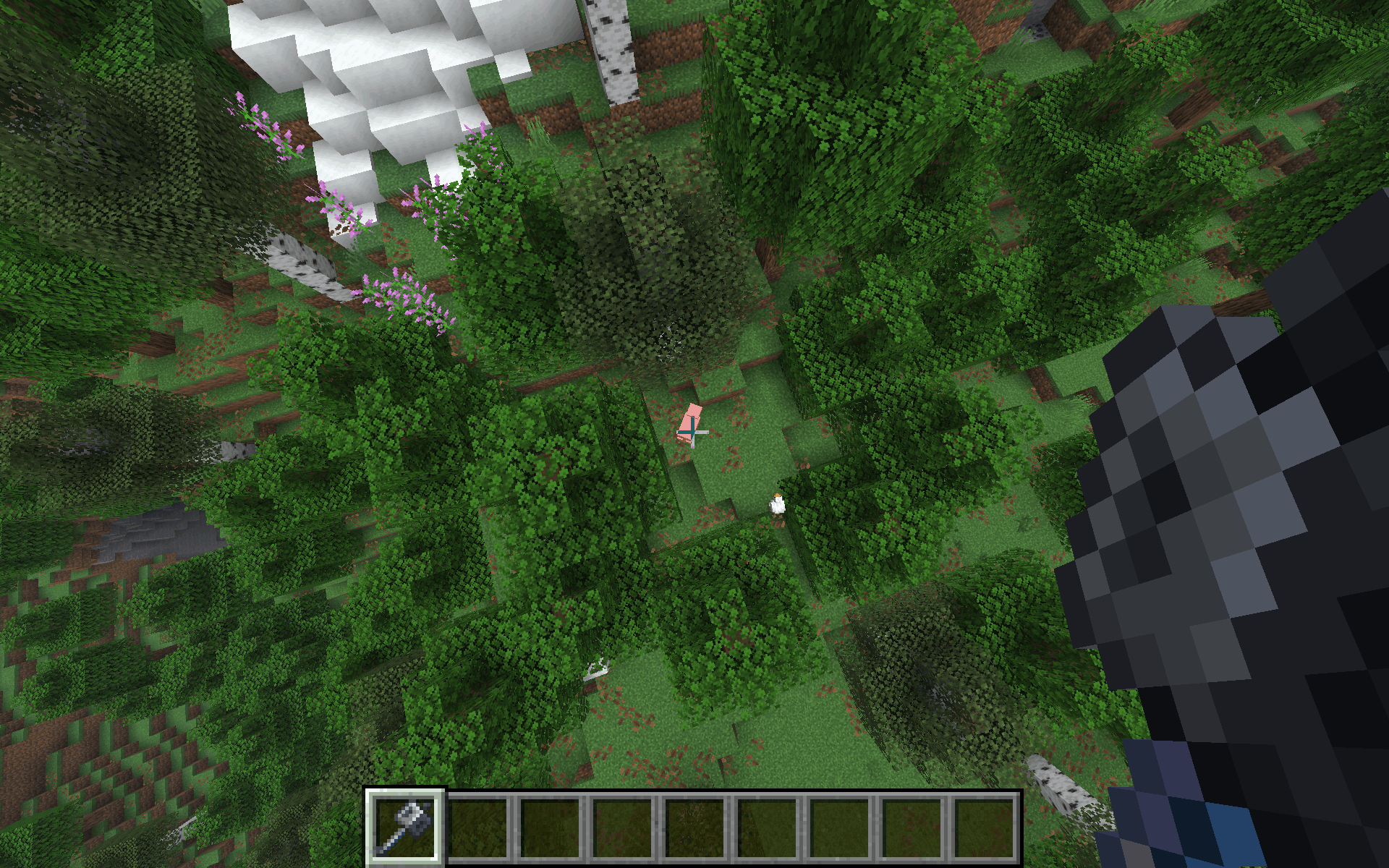
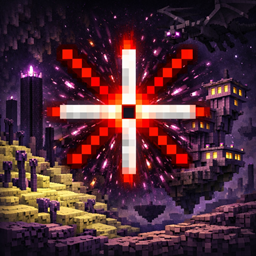
This is a Minecraft Sound Resource Pack specifically designed to customize the audio for the Mace. Changes Mace's "air smash" and "ground smash" sound effects, providing a more immersive and personalized combat experience.
by BoarTheSecond
Download Claim this project
1,429 downloads
0 likes
Updated Oct 14, 2026
0 hypes
Data Packs Miscellaneous
Advertisement Remove ads with Premium →

Overview

The pack focuses on audio immersion by targeting the newer combat mechanics introduced with the Mace. By utilizing the standard Minecraft resource pack architecture, it allows players to swap out default sound effects for custom-engineered audio cues that trigger during specific combat actions.

Key Components

  • Target Item: The Mace.

  • Audio Variety: Features a randomized selection of sound files (3 variations for air smashes and 4 for ground impacts) to prevent repetitive audio fatigue.

  • File Format: Uses the Ogg Vorbis (.ogg) standard, ensuring compatibility with the Minecraft OpenAL sound engine.

  • Internal Logic: The pack relies on a specific directory tree (assets > minecraft > sounds > item > mace) to correctly map the audio triggers to the player's in-game actions.

Use Case

This pack is ideal for players looking to enhance the "weight" of their attacks or for map makers who want to give unique weapons a distinct, cinematic feel during high-impact landings.


Support me on Ko-fi: https://ko-fi.com/savageboar2026

support me on Patreon: https://www.patreon.com/cw/SavageBoar2026

 

BruhMace.zip
MC 1.16.3, 1.16-Snapshot, 1.17.1, 1.21.2-Snapshot, 1.21, 1.21.6-snapshot, 1.16.1, 1.18.1, 1.20.2-Snapshot, 1.20.5-Snapshot, 1.16, 1.19-Snapshot, 1.21.1-Snapshot, 1.16.5, 1.19.3, 1.20.2
Release 2026-02-03 Get

Requirements & install

How to use this resource pack in Minecraft
Resolution
Not specified
Minecraft
1.19.3 – 1.21.6-snapshot
Install folder
.minecraft/resourcepacks

How to install resource packs

  1. Download the resource pack .zip file (do not extract it).
  2. In Minecraft open Options → Resource Packs → Open Pack Folder.
  3. Drop the .zip into the resourcepacks folder (.minecraft/resourcepacks).
  4. Move the pack to the Selected column and click Done.
Browse more: 16x resource packs 32x resource packs 64x resource packs 128x resource packs 256x resource packs 512x+ resource packs Resource Packs for 1.21.6-snapshot All resource packs

More from BoarTheSecond

Advertisement Remove ads with Premium →

You Might Also Like