Mineuniverse
Resource Packs
Backrooms!

Backrooms!

RESOURCE PACK
Backrooms Textures In Minecraft!
by Prex9000
Download Claim this project
2,531 downloads
0 likes
Updated Oct 14, 2026
0 hypes
256x Photo Realistic
Advertisement Remove ads with Premium →

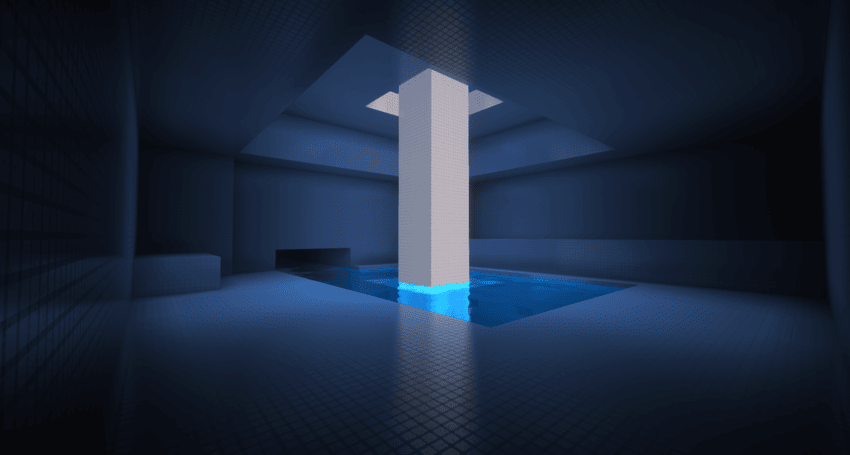
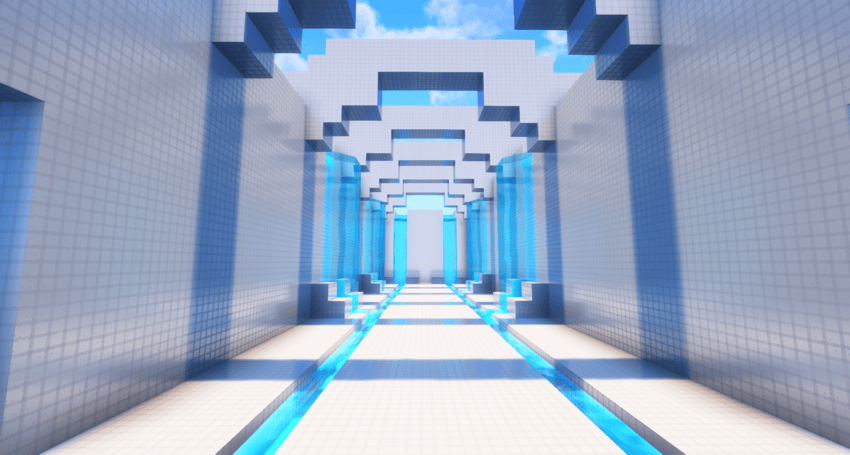
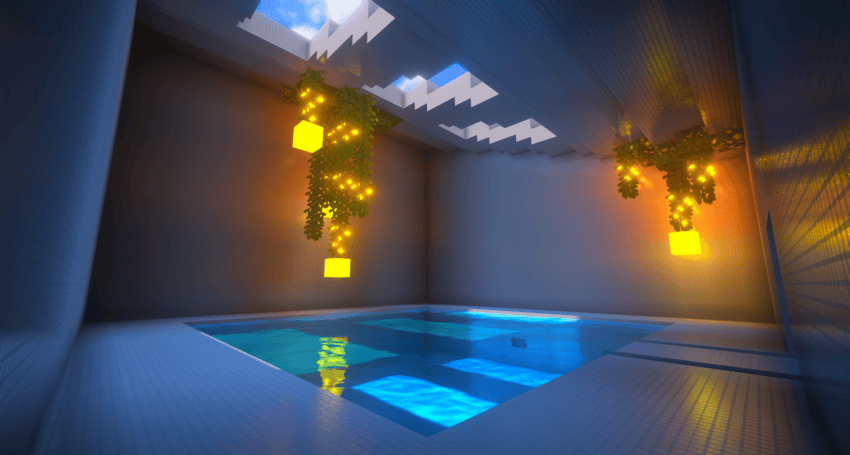
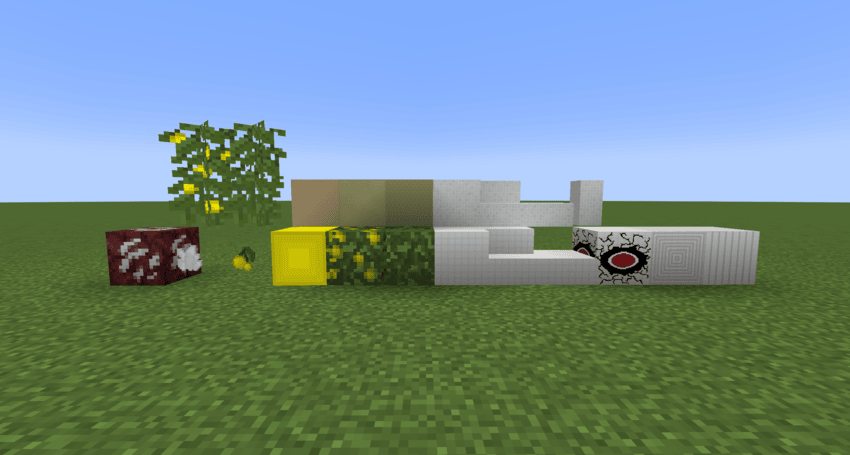
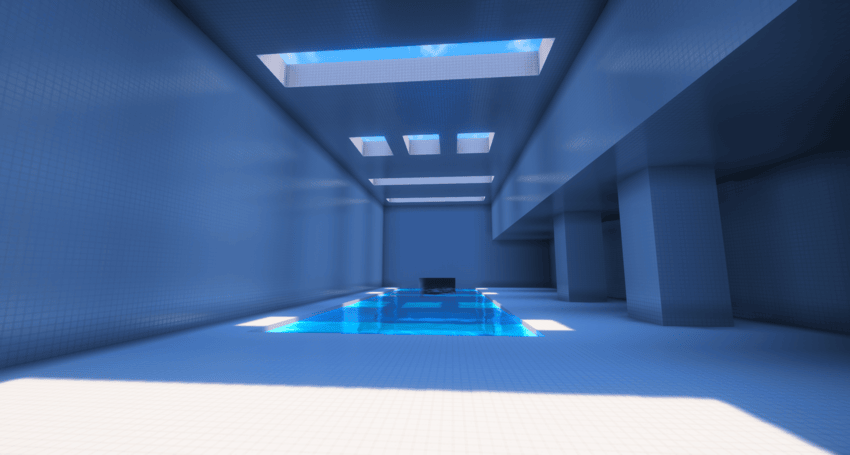
This Resource Pack Retextures Blocks and Renames them into Backrooms materials.

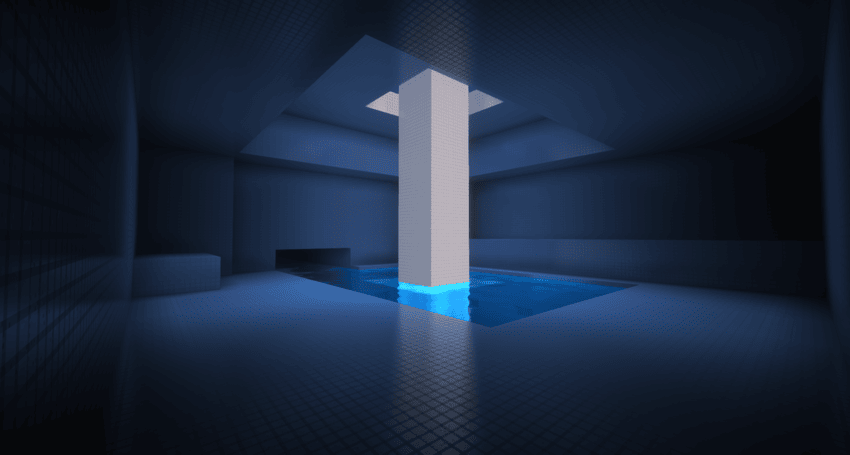
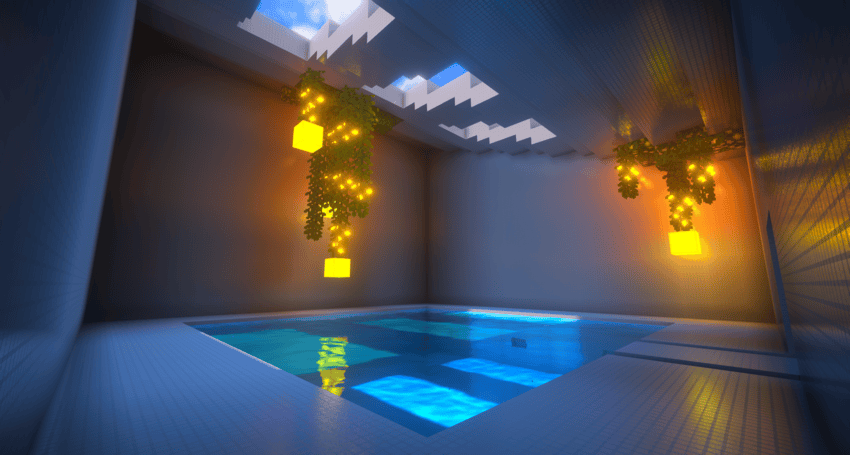
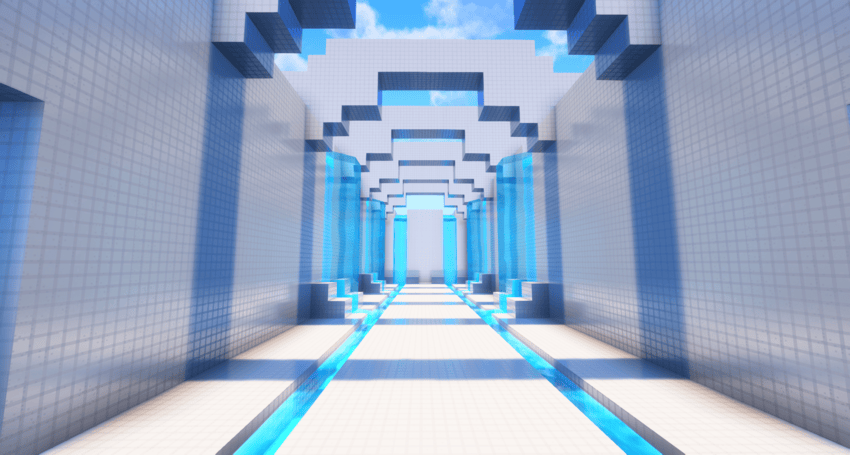
So far there is blocks for Level 37: The Poolrooms and for Level 0: The Tutorial/OG Backrooms

This is vanilla, with nothing needed, as I want to make this as accessible as possible.

BLOCKS CHANGED:

  • Glow Berries
  • Azalea + Flowering Azalea
  • Quartz ore
  • All Quartz blocks
  • Prismarine Blocks
  • Oak blocks

(I DONT REMEMBER REALLY, I THINK THIS IS IT)

USED COMPLIMENTARY SHADERS FOR THE SHOTS:

Complimentary Unbound:https: www.curseforge.com/minecraft/shaders/complementary-unbound

Blocks remade so far:
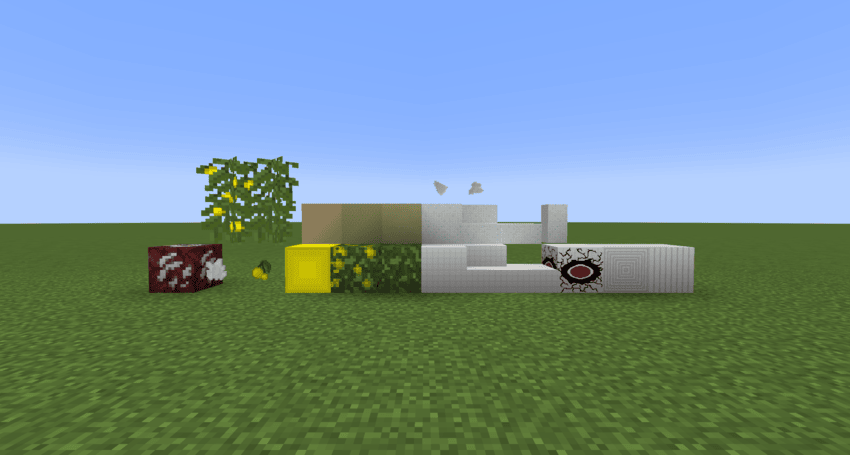
                                                                            Poolrooms:
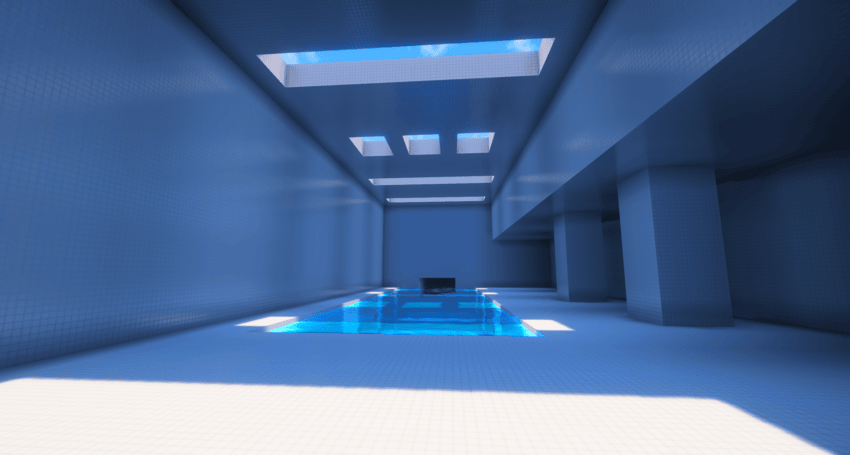
Backrooms 0.1.zip
MC 1.17.1, 1.19.3, 1.18.1, 1.19.4-Snapshot, 1.17, 1.19.4, 1.19-Snapshot, 1.18.2, 1.19.2, 1.20.1, 1.20, 1.19.1, 1.20-Snapshot, 1.17-Snapshot, 1.18, 1.18-Snapshot, 1.19
Release 2025-05-05 Get

Requirements & install

How to use this resource pack in Minecraft
Resolution
256x
Minecraft
1.19.1 – 1.20.1
Install folder
.minecraft/resourcepacks

How to install resource packs

  1. Download the resource pack .zip file (do not extract it).
  2. In Minecraft open Options → Resource Packs → Open Pack Folder.
  3. Drop the .zip into the resourcepacks folder (.minecraft/resourcepacks).
  4. Move the pack to the Selected column and click Done.

Packs from 128x upwards need more video memory: install a performance mod such as Sodium for smooth frame rates.

Browse more: 16x resource packs 32x resource packs 64x resource packs 128x resource packs 256x resource packs 512x+ resource packs Resource Packs for 1.20.1 All resource packs

More from Prex9000

Advertisement Remove ads with Premium →

You Might Also Like