Mineuniverse
Shaders
Vintage shader

Vintage shader

SHADER
Mimics the aesthetic limitations of vintage hardware, such as limited color palettes and analog signal interference.
by Bartus131313
Download Claim this project
93,354 downloads
0 likes
Updated Oct 14, 2026
0 hypes
Fantasy
Advertisement Remove ads with Premium →

Relive the Analog Era in Minecraft.

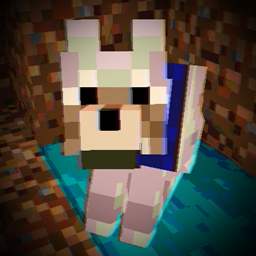
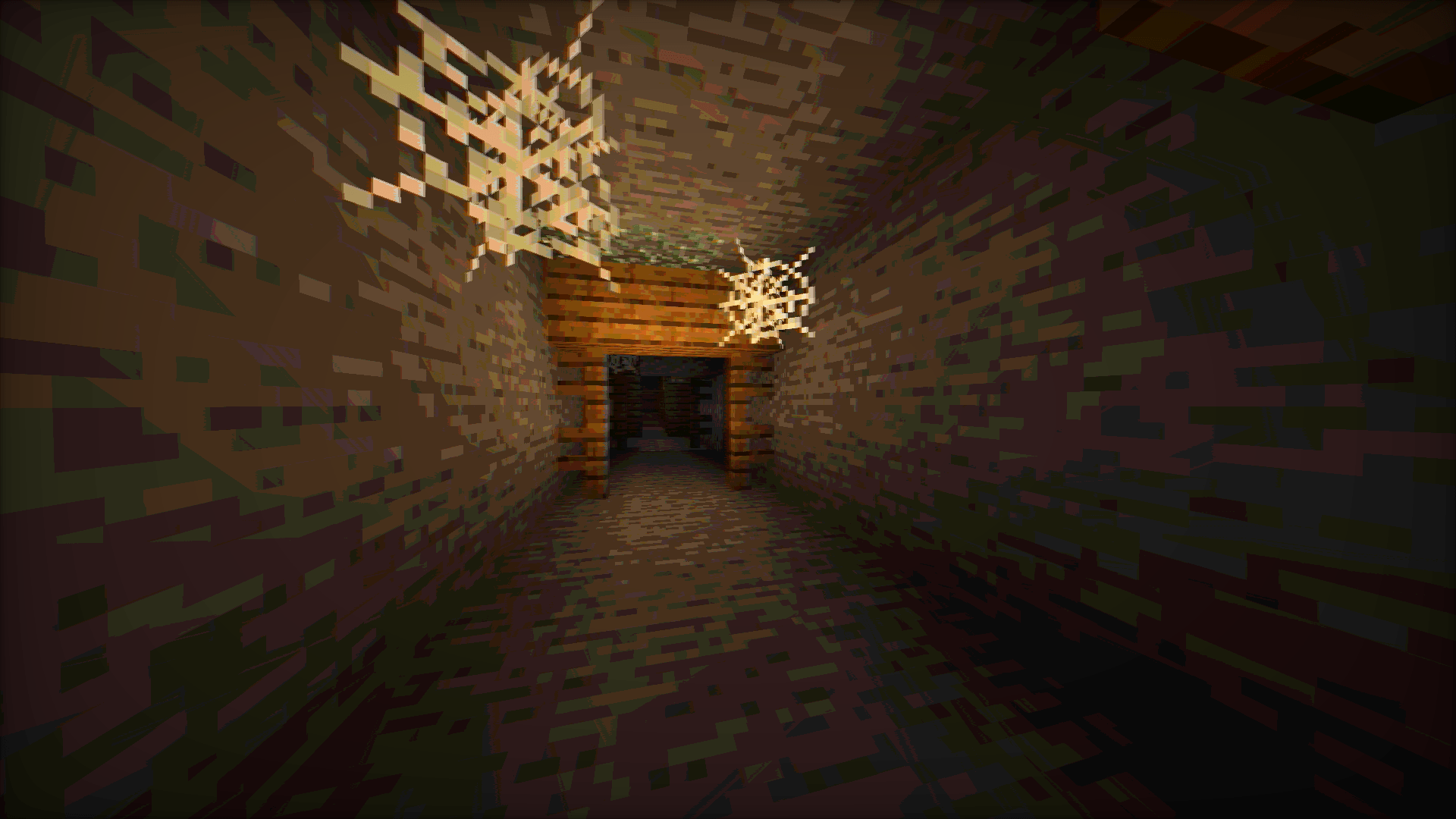
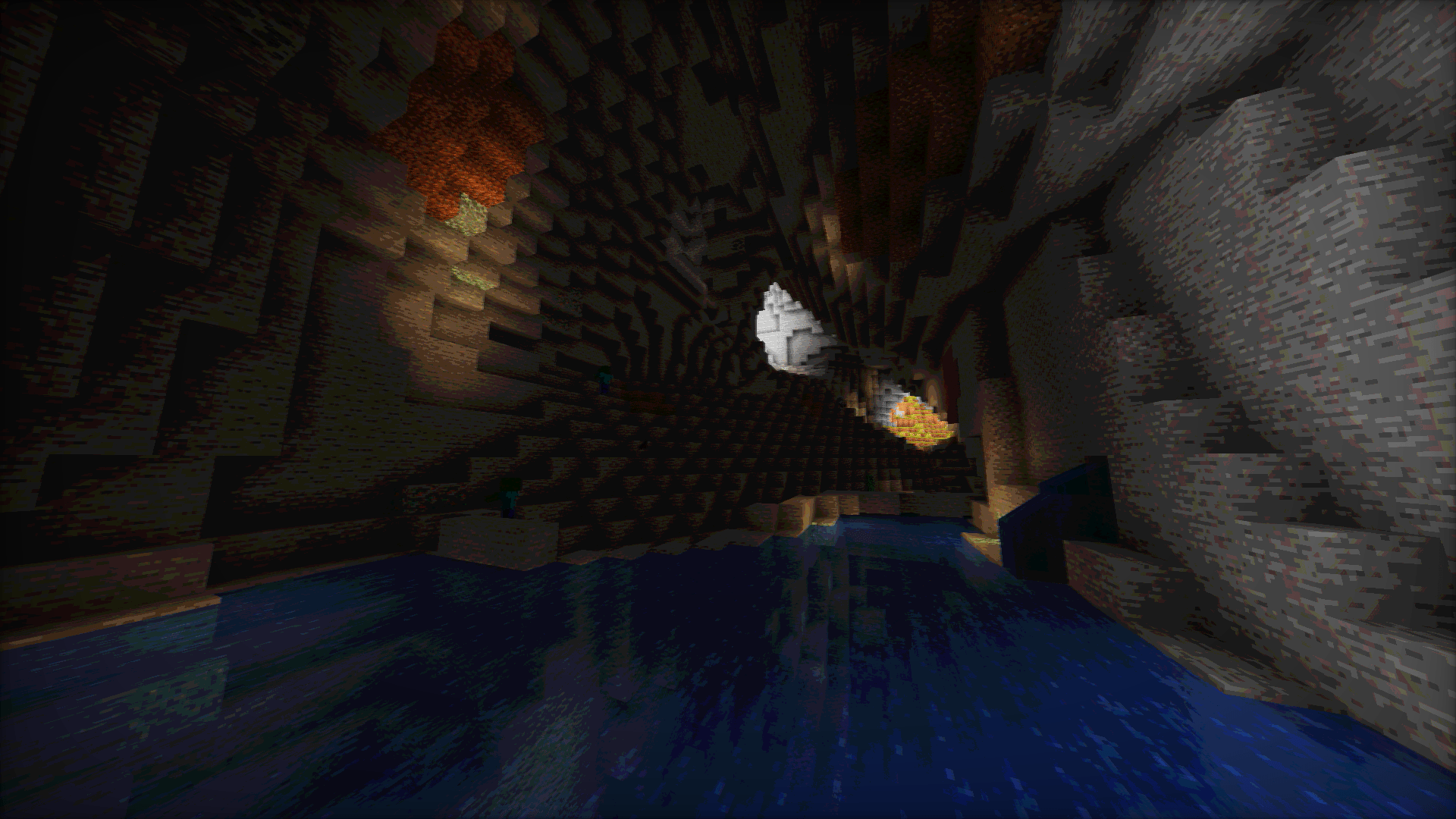
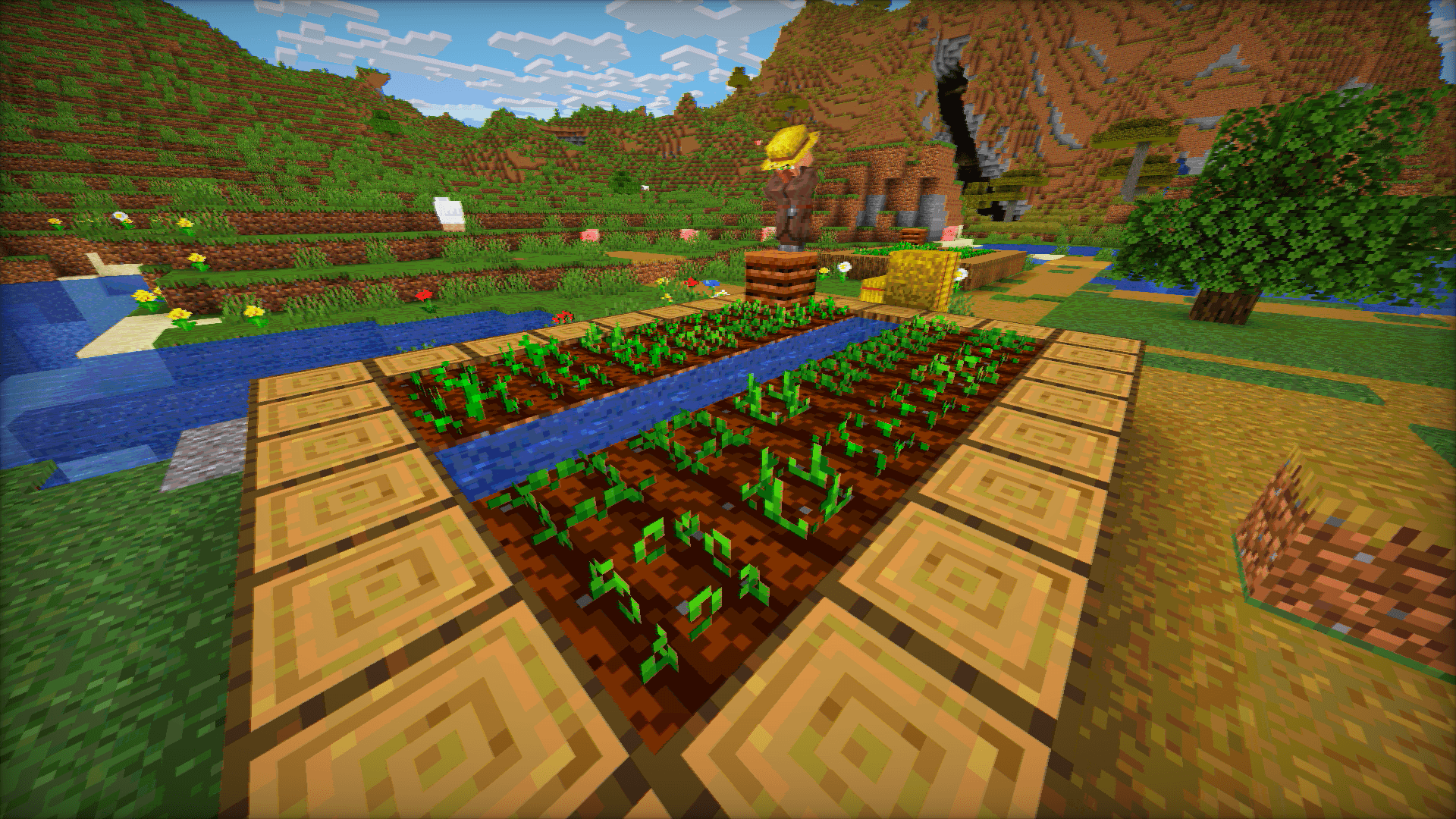
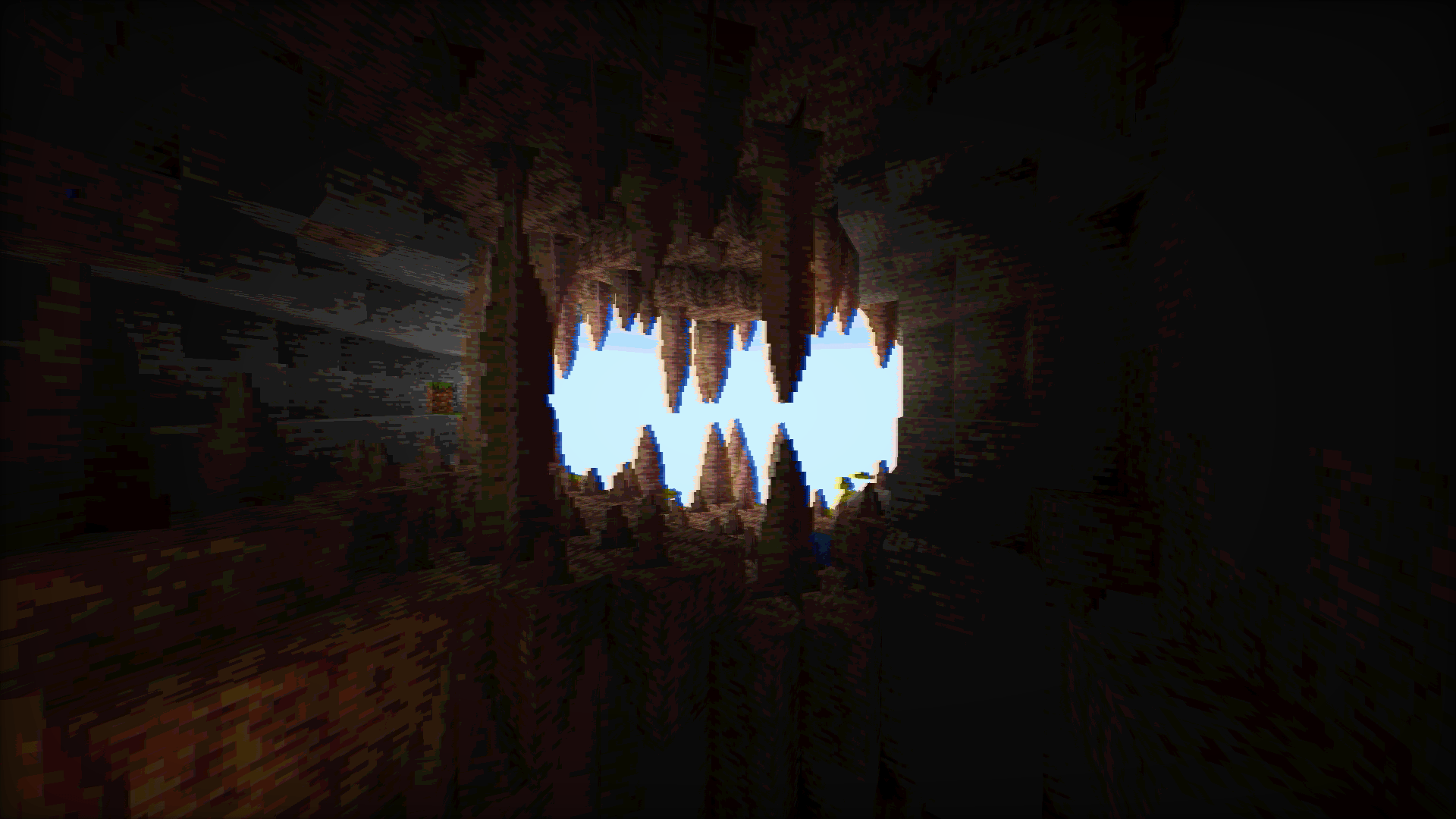
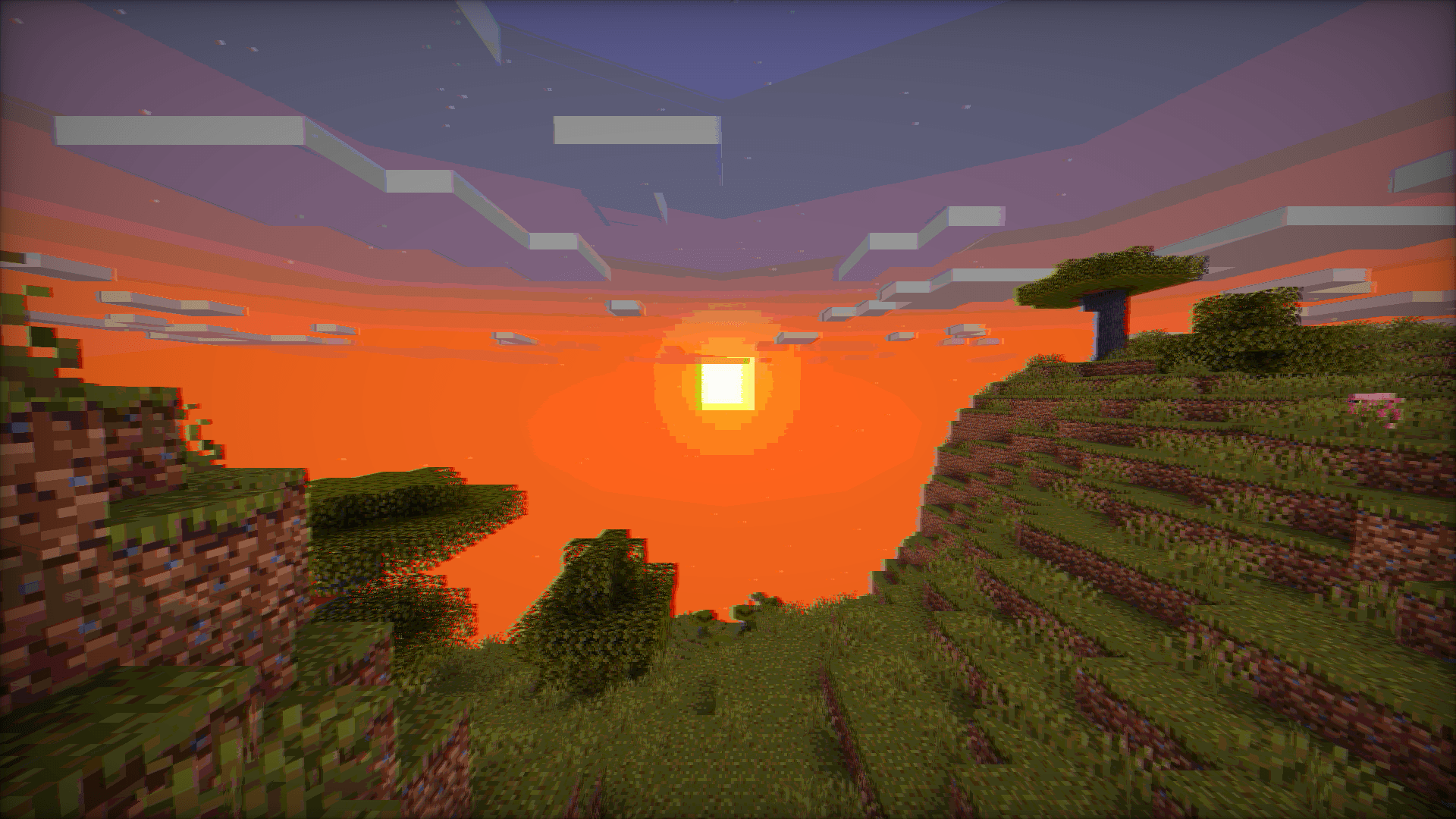
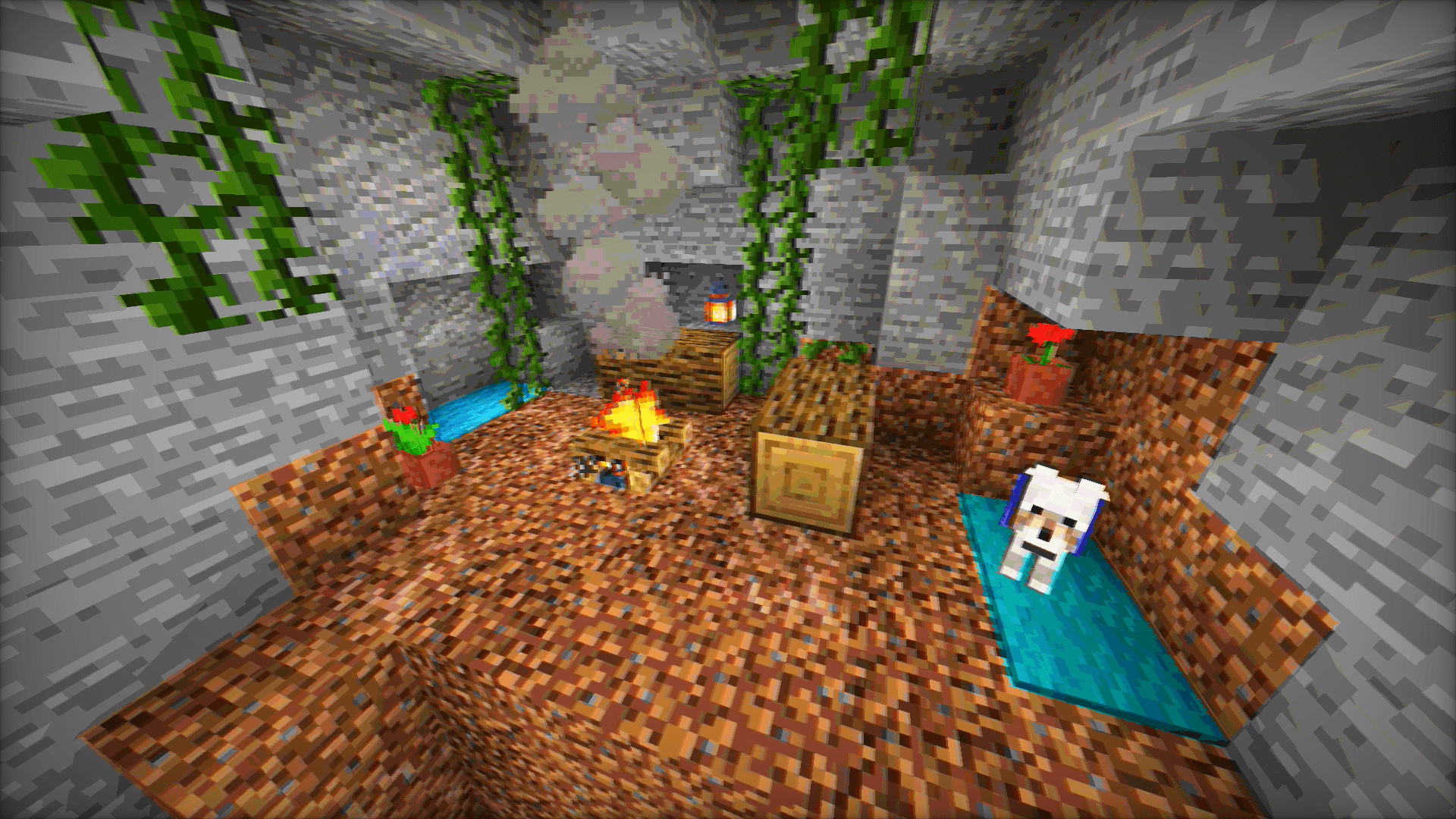
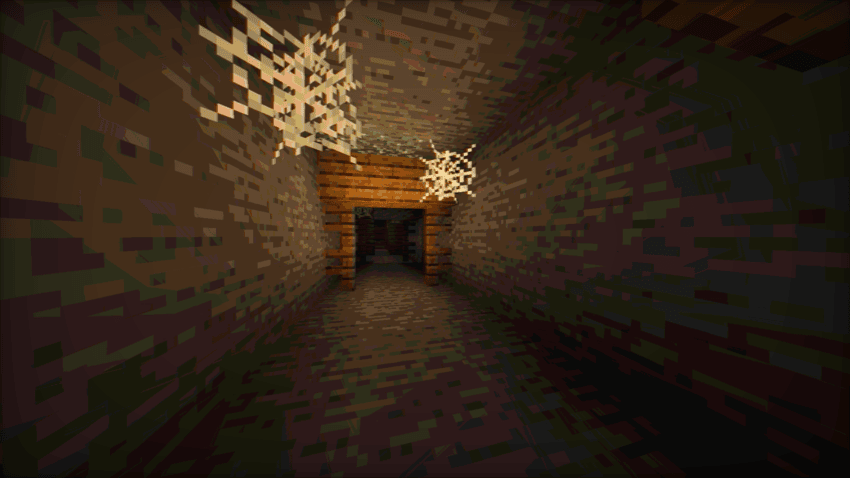
Vintage Shader is a lightweight aesthetic overhaul designed to strip away the "perfect" look of modern graphics. It replaces them with the nostalgic imperfections of 90s hardware, cathode-ray tubes (CRT), and analog signal interference.
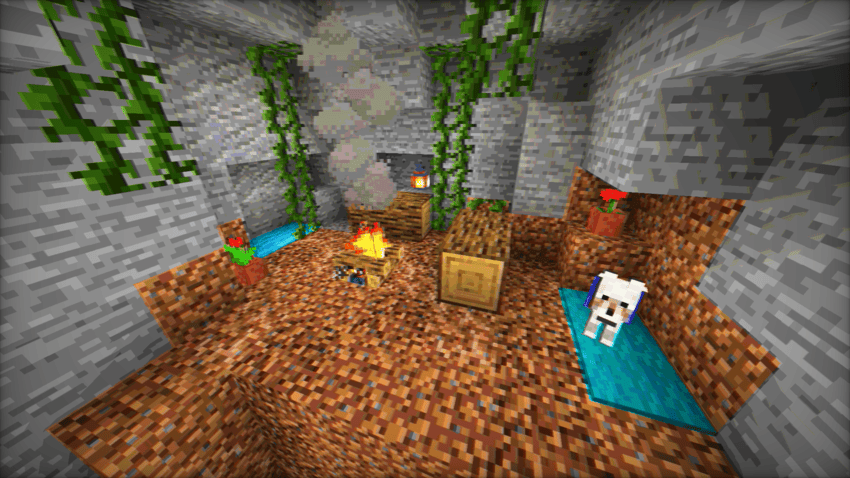
Whether you want to play in a crunchy 8-bit world or a "found footage" VHS style, Vintage Shader gives you the tools to travel back in time.

Key Features

  • Color Quantization: Limit the color palette to achieve that iconic "Posterized" look from the 8-bit and 16-bit console eras.
  • Analog Artifacts: Dial in Chromatic Aberration and Color Offsets to simulate lens distortion and misaligned RGB signals.
  • Lo-Fi Visuals: Use the Blur and Saturation sliders to soften the image and create a warm, retro atmosphere.
  • High Performance: Optimized to run on almost anything without sacrificing the vibe.


Loader Compatibility

  • OptiFine: Fully compatible (All versions supporting shaders).
  • Iris / Oculus: Fully compatible (v1.0+).
  • Hardware: Runs on any GPU supporting OpenGL 3.0 / GLSL 1.30 or higher. This includes older Intel HD Graphics, AMD Integrated chips, and legacy Nvidia cards.

Requirements

I believe everyone should be able to customize their game, regardless of their rig.

  • Minimum Requirement: Hardware supporting OpenGL shader version 130 or higher.
  • Performance: Extremely lightweight. Ideal for integrated graphics, older laptops, and "potato" PCs.
Vintage Shader v1.0.1
MC 1.17.1, 1.21, 1.18.1, 1.16.5, 1.19.3, 1.20.2, 1.19.4, 1.21.8, 1.17, 1.20.5, 1.21.5, 1.18, 1.21.4, 1.20.1, 1.20, OptiFine, 1.20.6, 1.21.1, 1.21.6, 1.21.3, 1.21.7, 1.19.1
Release 2026-07-27 Get

Requirements & install

How to use this shader in Minecraft
Shader loader
OptiFine
Minecraft
1.21 – 1.21.8
Install folder
.minecraft/shaderpacks

Install with OptiFine

  1. Install OptiFine for your Minecraft version (optifine.net) and start it once.
  2. Download the shader pack .zip (do not extract it).
  3. Put the .zip into .minecraft/shaderpacks.
  4. In game open Options → Video Settings → Shaders and select the pack.
Browse more: Iris shaders OptiFine shaders Shaders for 1.21.8 All shaders

More from Bartus131313

Advertisement Remove ads with Premium →

You Might Also Like