Mineuniverse
Shaders
Quanta Shader

Quanta Shader

SHADER
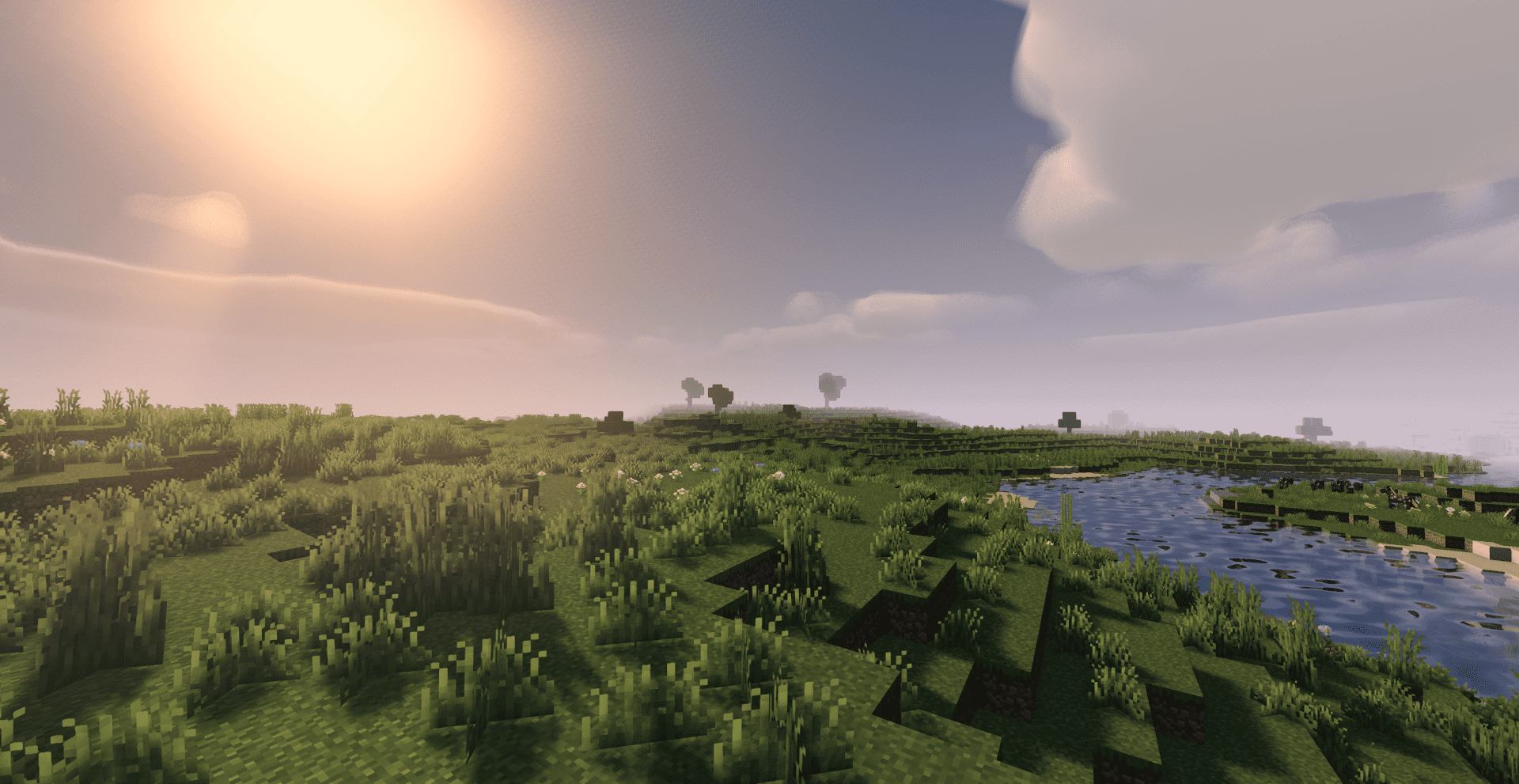
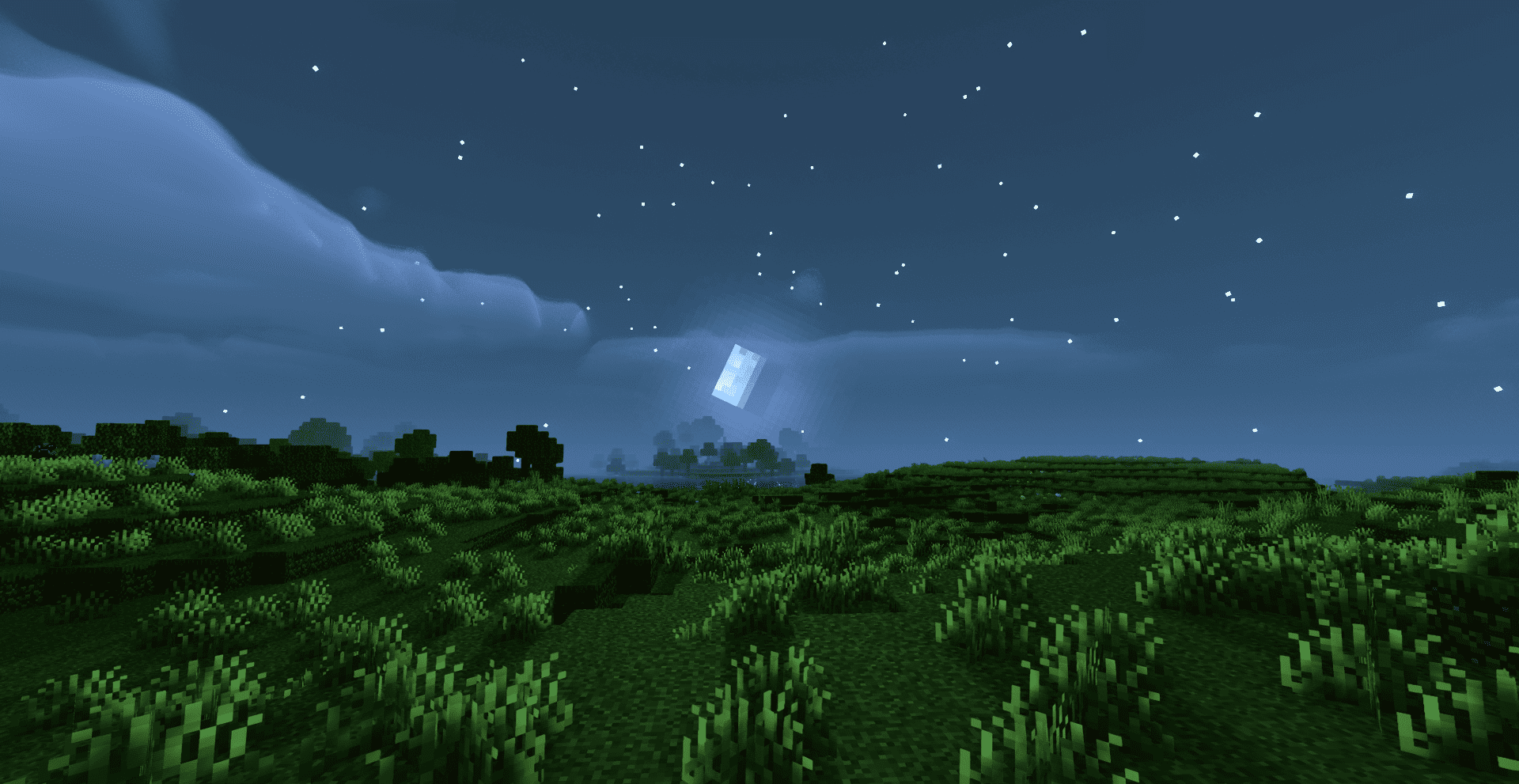
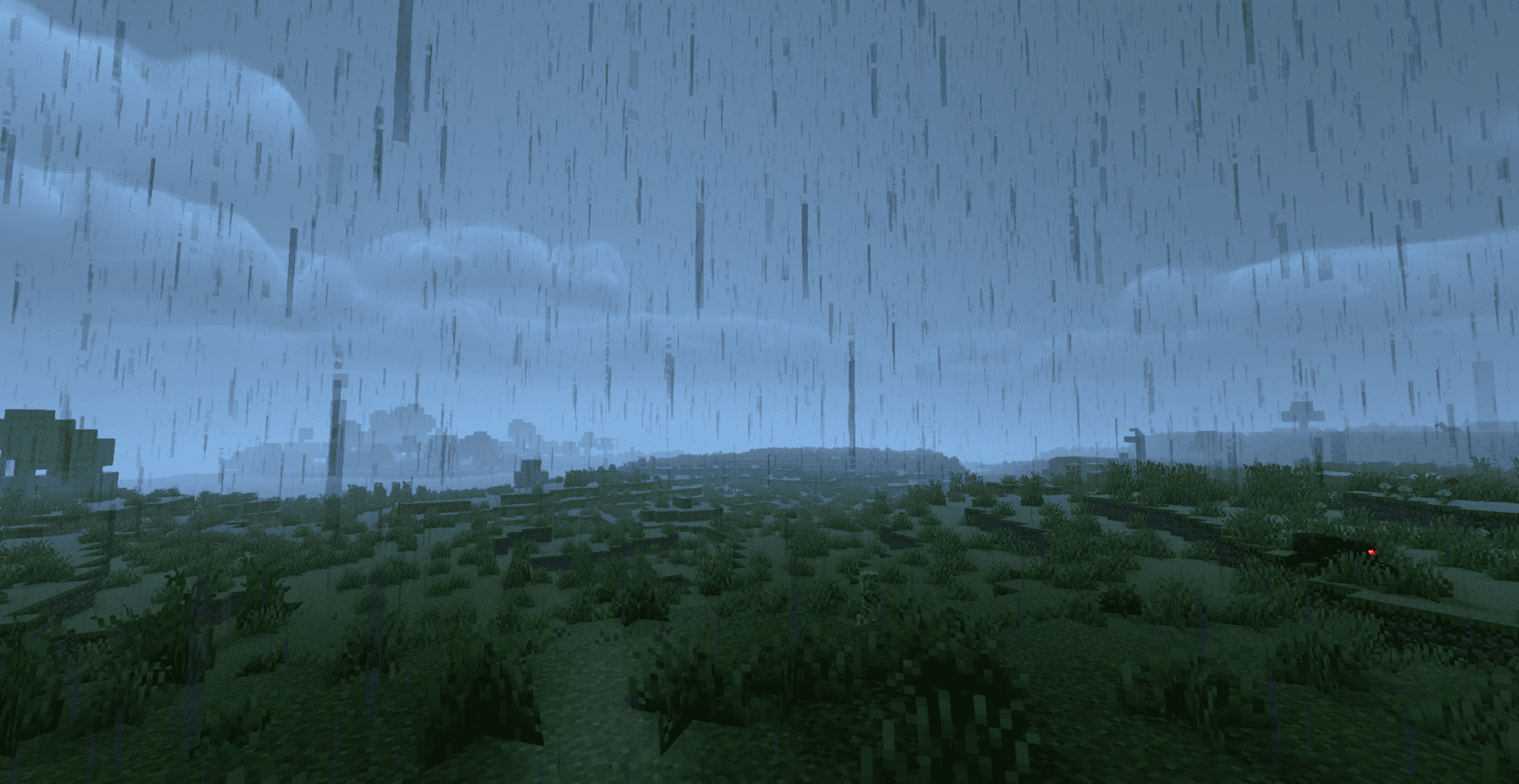
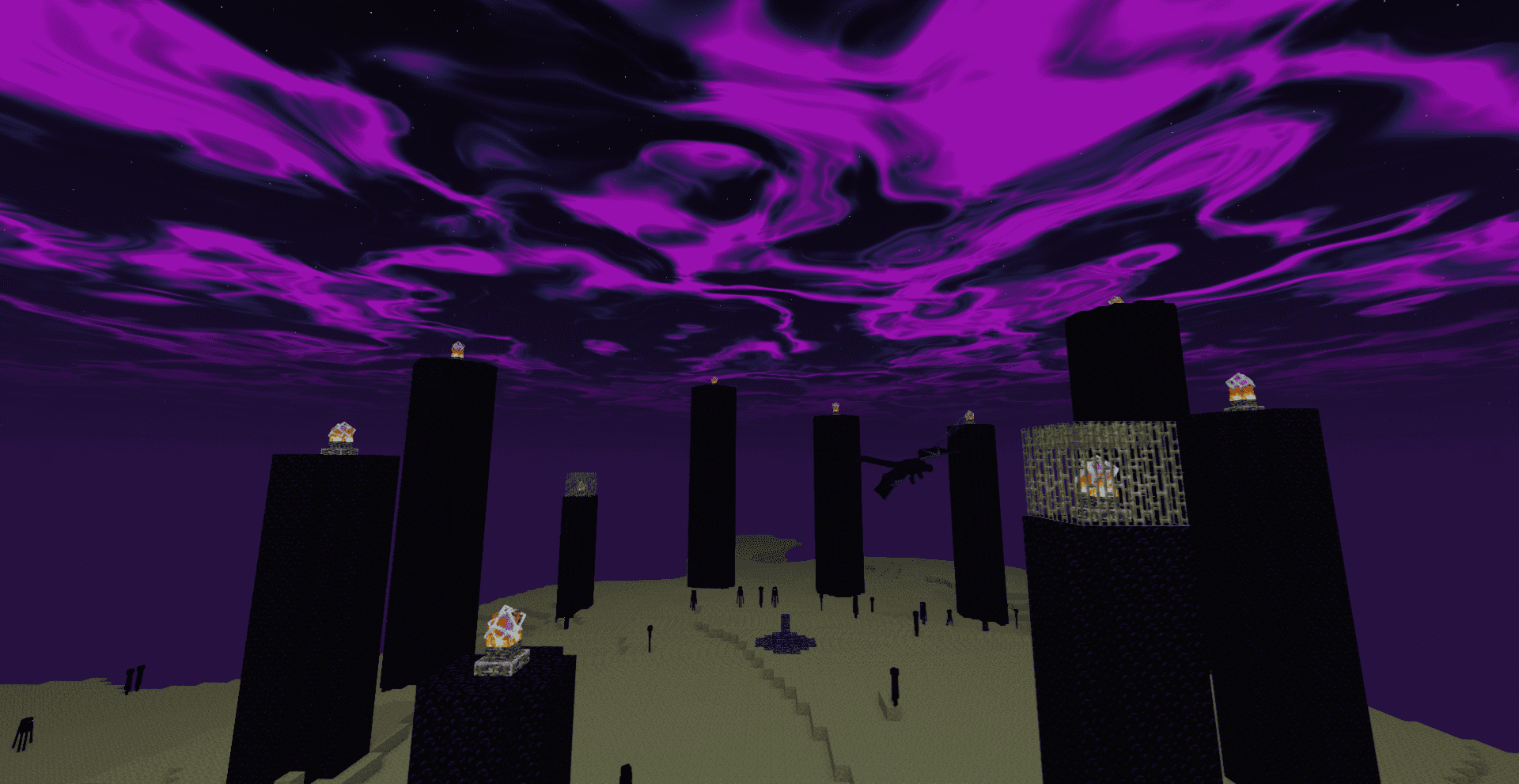
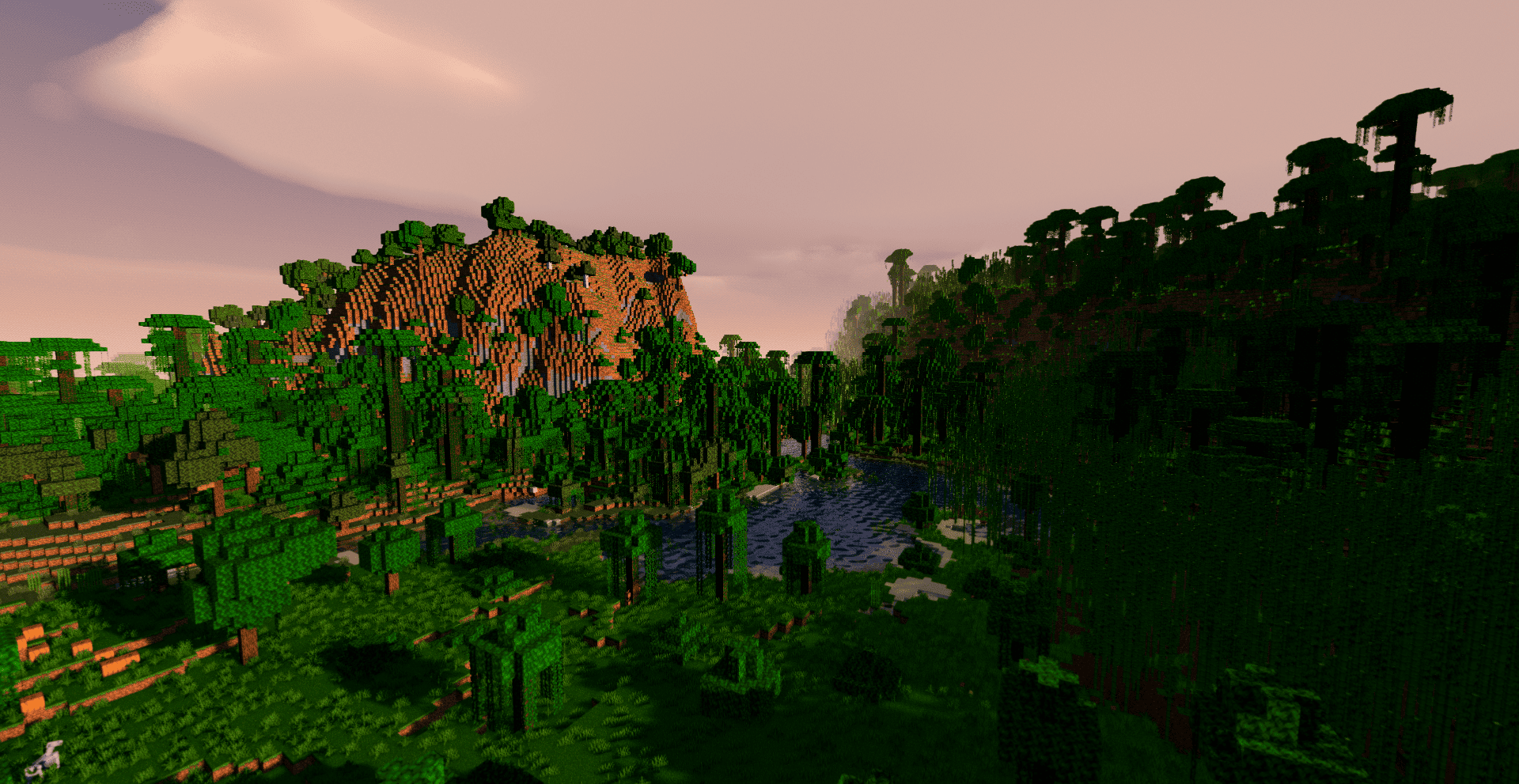
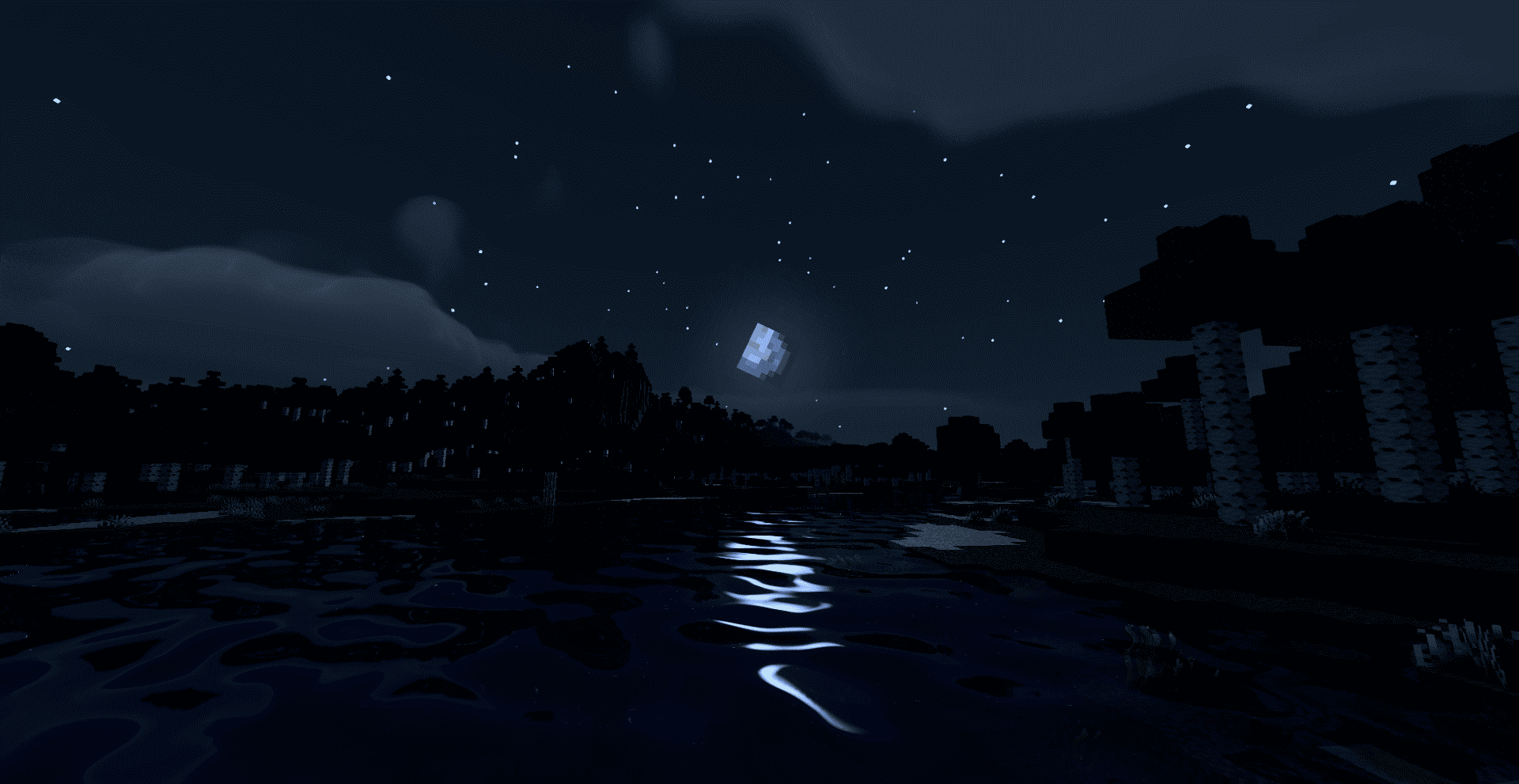
Fast, beautiful Minecraft visuals. Soft shadows, dynamic clouds, reflective water and rich skies, optimized for high FPS gameplay.
by Haider_x
Download Claim this project
87,040 downloads
0 likes
Updated Oct 14, 2026
0 hypes
Fantasy Realistic Vanilla
Advertisement Remove ads with Premium →
# Quanta Shader

> A simple, fast and beautiful Minecraft shader for Iris/OptiFine.
> Soft sunlight, gentle bloom, real shadows, dynamic clouds and lively
> water — tuned to look great while staying smooth on modest hardware.

---

A huge thank you 🙏

Quanta Shader exists only thanks to **Javier G. Cimarras (`javiergcim`)**
and his amazing project **[MakeUp Ultra Fast]**.

All the heavy lifting — the lighting model, the shadows, the water,
the sky, the clouds, every clever optimization that makes this shader
fast — is his work. This project is just a small, respectful fork:
renamed, cleaned up, and slightly tweaked.

If you like Quanta Shader, please go and support the original author
first. He deserves all the credit. ❤️

* Original author: **javiergcim**

Quanta Shader.zip
MC 1.21, 1.19.3, 1.20.2, 1.19.4, 1.21.8, 1.20.5, 1.21.5, 1.21.4, 1.20.1, 1.20, OptiFine, 1.20.6, 1.21.1, 1.21.6, 1.21.3, 1.21.7, 1.19.1, 1.20.4, 1.19.2, 1.20.3, Iris, 1.19
Release 2026-04-30 Get

Requirements & install

How to use this shader in Minecraft
Shader loader
Iris OptiFine
Minecraft
1.21 – 1.21.8
Install folder
.minecraft/shaderpacks

How to install shaders

  1. Install a shader loader for your Minecraft version: Iris (with Sodium) or OptiFine.
  2. Download the shader pack .zip file (do not extract it).
  3. Put the .zip into the shaderpacks folder (.minecraft/shaderpacks).
  4. In game open Options → Video Settings → Shader Packs, select the pack and apply it.
Browse more: Iris shaders OptiFine shaders Shaders for 1.21.8 All shaders

More from Haider_x

Advertisement Remove ads with Premium →

You Might Also Like